A new game was released this week called Home Street, I am going to explain the basics of the game and what I think of it so far. 
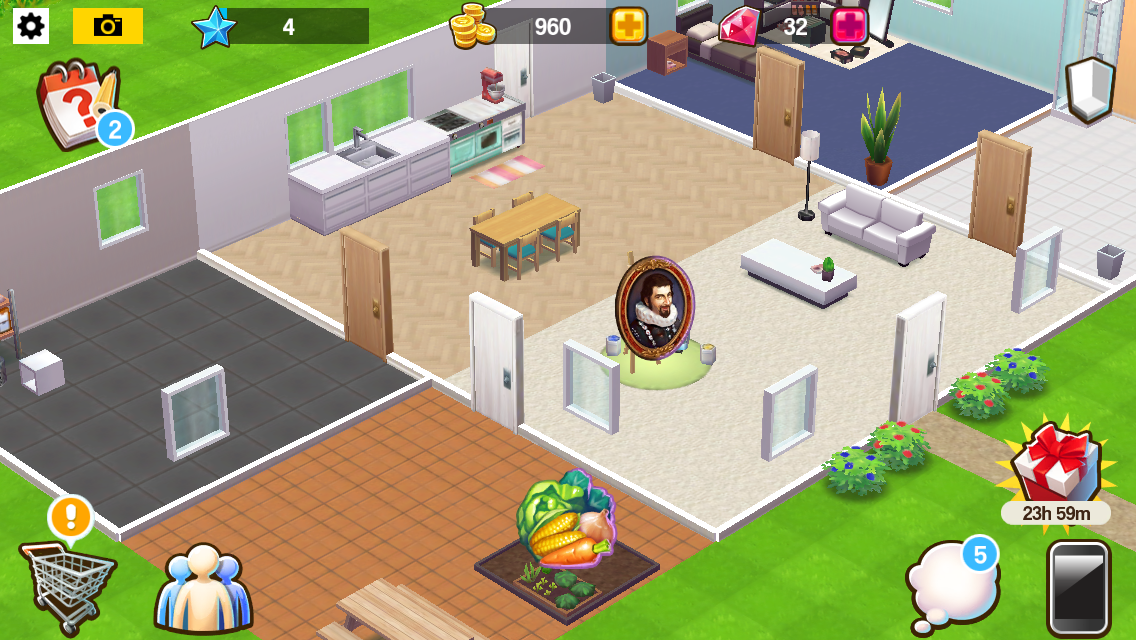
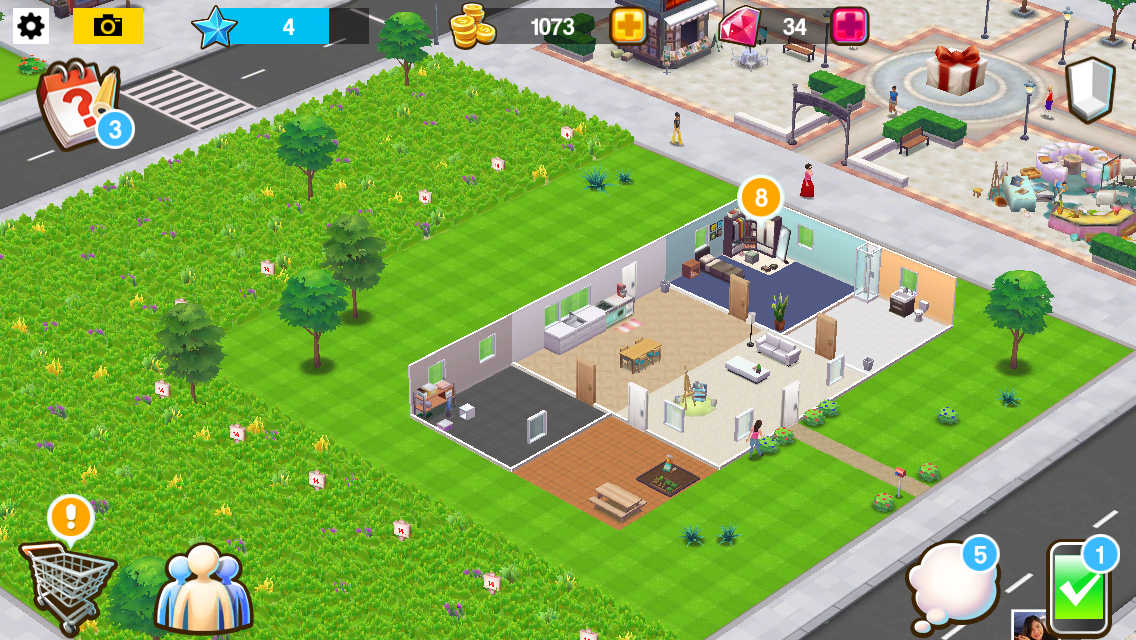
When you first begin the game you customise your character and then they move into a house that you can also customise as you progress through the game:
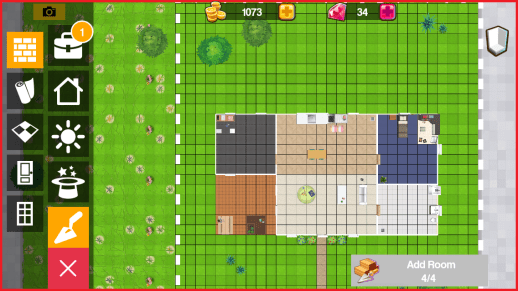
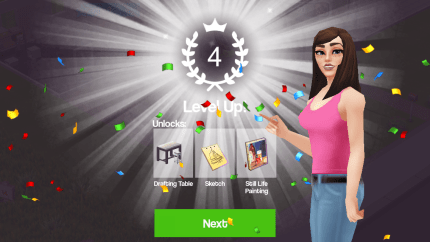
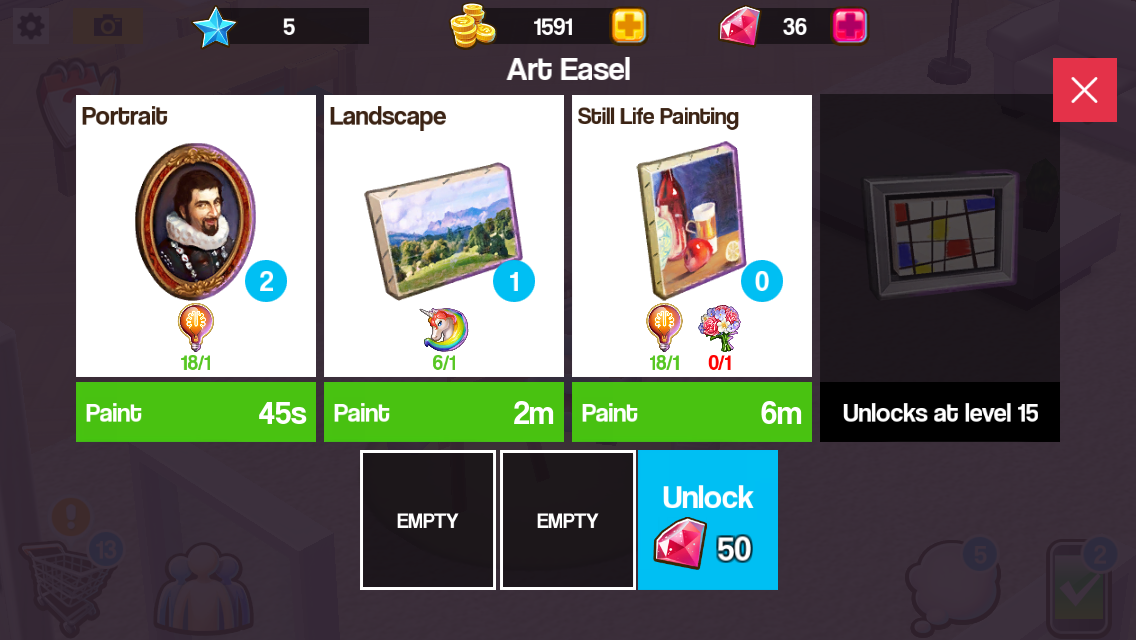
The aim of the game is to produce materials on workstations to complete jobs and tasks. You start with the easel workstation to produce paintings and new workstations can be brought from the shopping cart when you level up and unlock them:

Once a material has been produced a pop up of that item will appear, click on it to collect it:

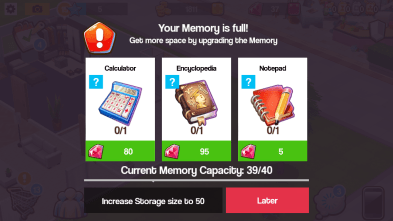
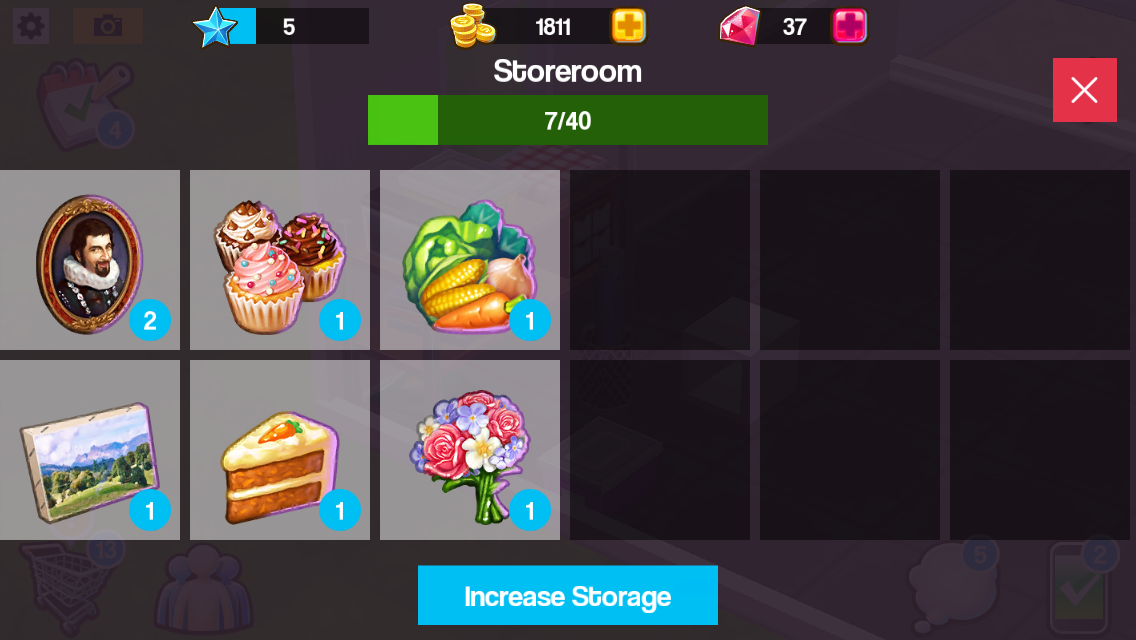
Materials will go into the storeroom which has a capacity of 40 items to start with:
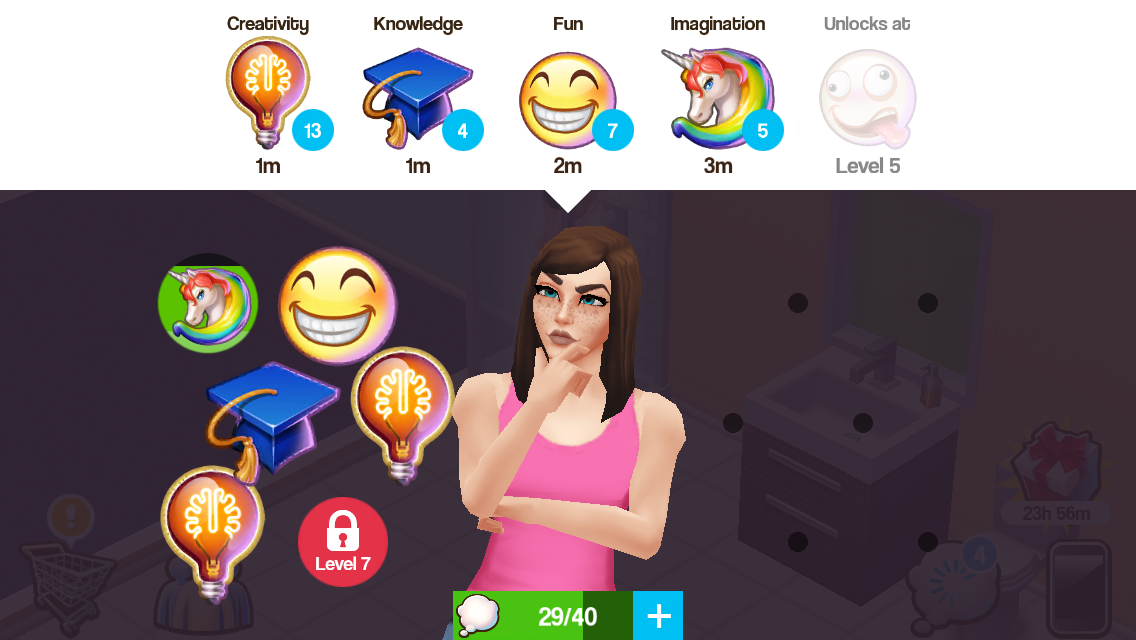
 To produce materials you need to use thoughts, you produce these in the thought bubble icon by clicking on the thoughts at the top of the screen, underneath them it tells you how long it takes to produce them. I think they could change this to make it easier to see when an item has been produced:
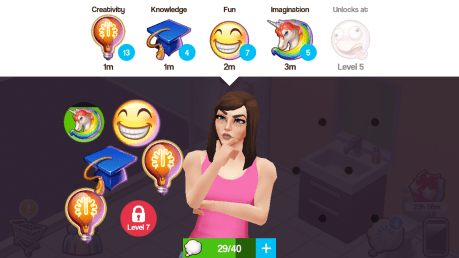
You do only have space for 40 thoughts which fills up quickly, I hope this won’t be another one of those games where the items you need to upgrade are hard to find!
How do you know what thoughts and materials you need?
Underneath the picture of the item you are making there is a picture or several pictures of the items you need to make that item, for example, cupcakes require 1 fun thought and carrot cake requires 1 fun thought and 1 vegetables. Vegetables aren’t a thought, they are an item you make using the garden bed:

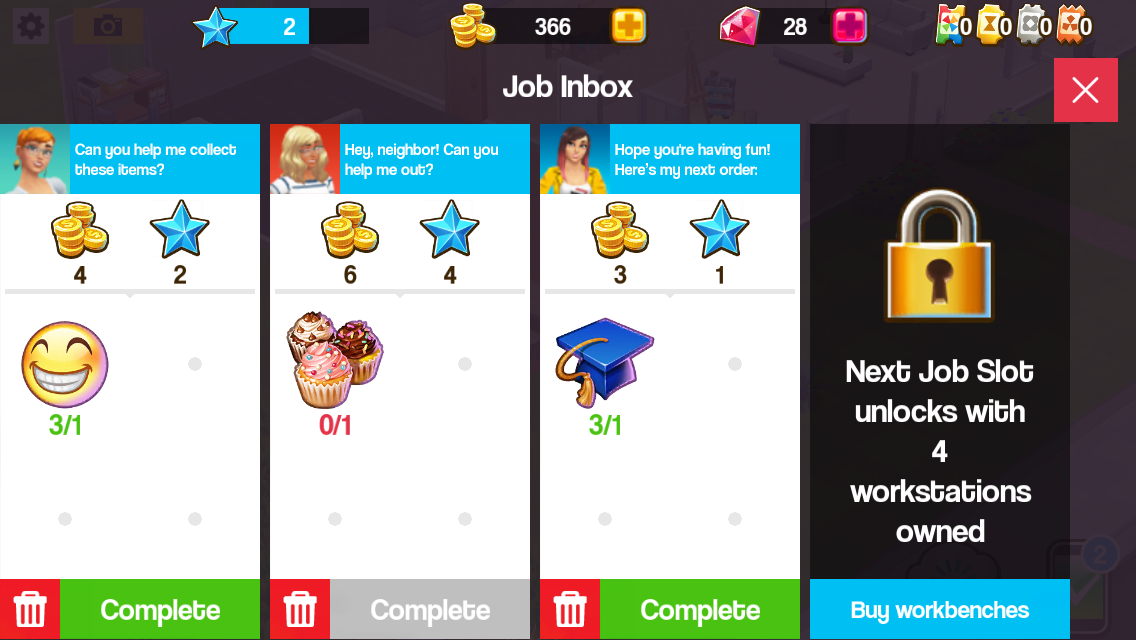
Once you have created materials you can complete jobs (phone symbol) if you have the materials you need click complete to earn your reward, some jobs require thoughts instead of materials:

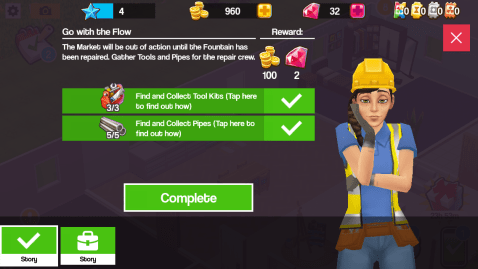
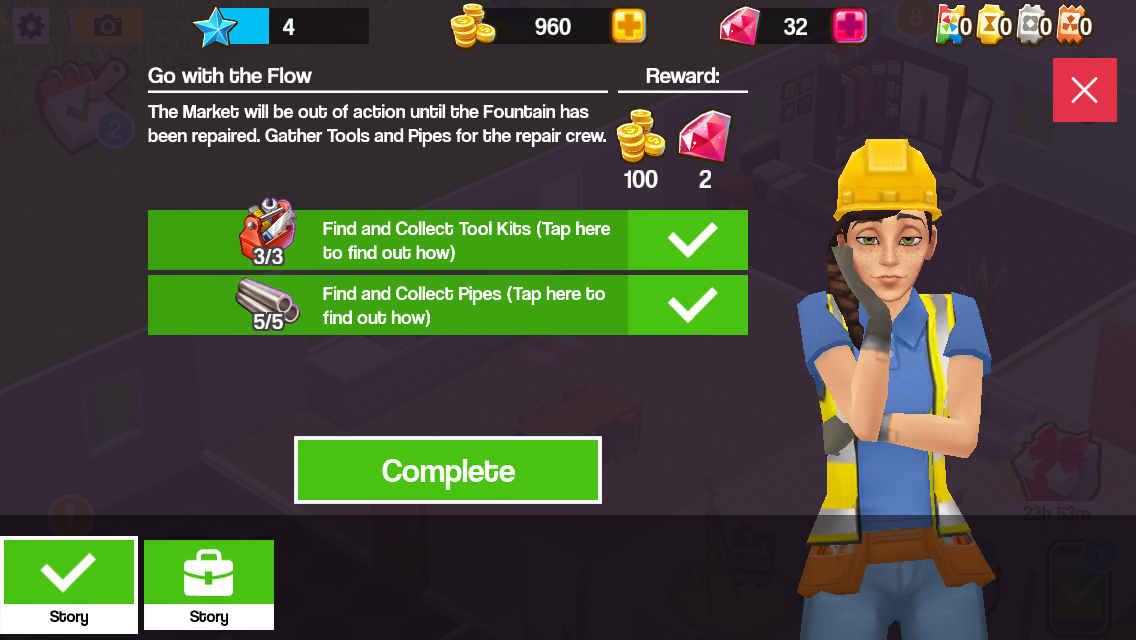
Producing materials and completing jobs helps you to complete tasks, completing these unlocks places around the town:
Where are these icons located?

- Tasks (top left corner)
- Shopping Cart-buy items and decorate your house (bottom left corner)
- Friends- connect to facebook to add friends and save your progress (next to Shopping Cart)
- Jobs (bottom right corner)
- Thoughts (next to Jobs icon)
- Walls icon- changes the walls in the house to half wall, full wall and no wall (top right corner)
So far I like this game, it does remind me of SimCity Build It with the material producing and also the new The Sims Mobile game although I think the controls and graphics are more basic than those games. This game does crash a lot on my poor old iPod so I haven’t been able to play it for long however that’s due to the age of my device and not the game itself but I will definitely be playing it more once I get a new iPad and I will actually be able to play The Sims Mobile when it is released (which disappointingly isn’t compatible with older devices, just so you know!) as well as many other new exciting games!
Have you tried Home Street yet? What do you think?
Unsure where to find the storage or how to upgrade your storage? Check out this post!





 The Girl Who Games