
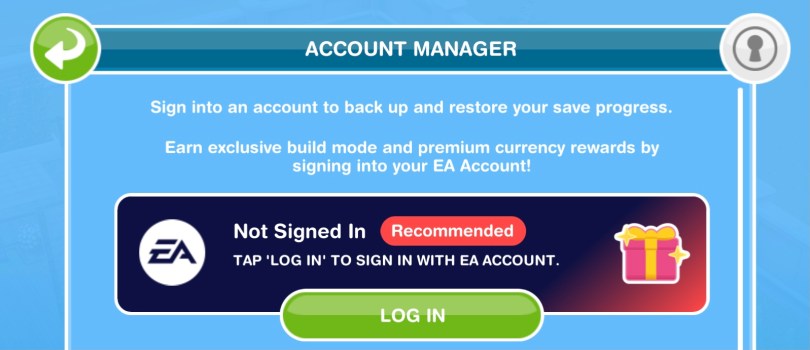
In this post I am going to show you how to connect your Sims Freeplay game to your EA Account and the prizes you unlock for doing so.
1.Go to settings (the green icon with 3 dots):
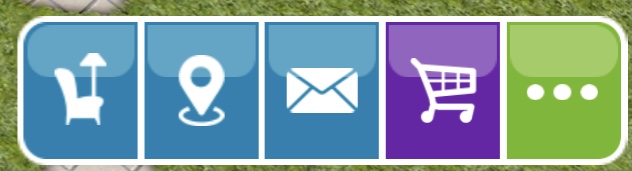
2.Click on account manager:

3.The first option is EA Account, click log in:
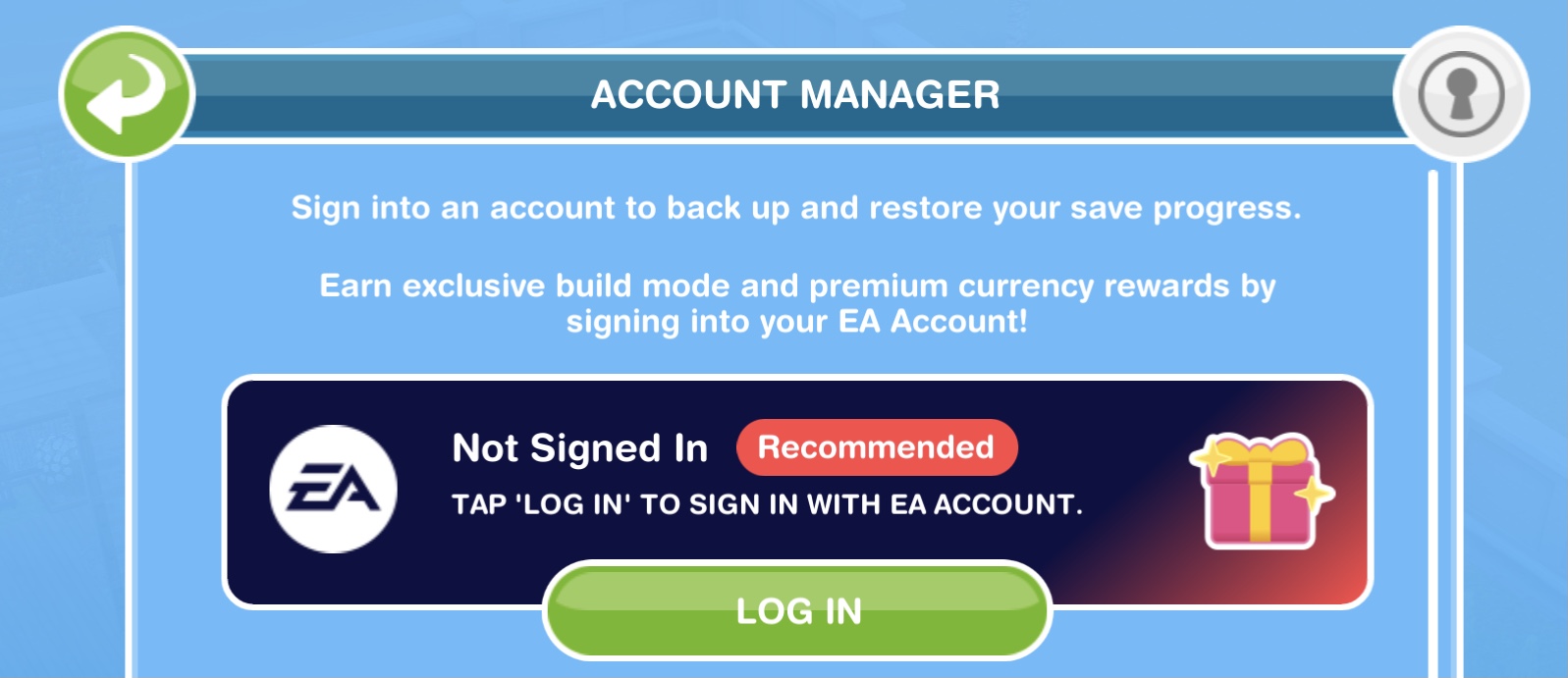
4.The log in screen will appear, enter your email associated with your EA Account to receive a code or create an account (if you play The Sims 4 you probably have an EA Account):

Once successfully logged in it will say ‘EA Account signed in’:

You can log out from here too.
Once you connect your game to an EA Account you will earn 25LP, 20SP and new items (the first one of each is free):
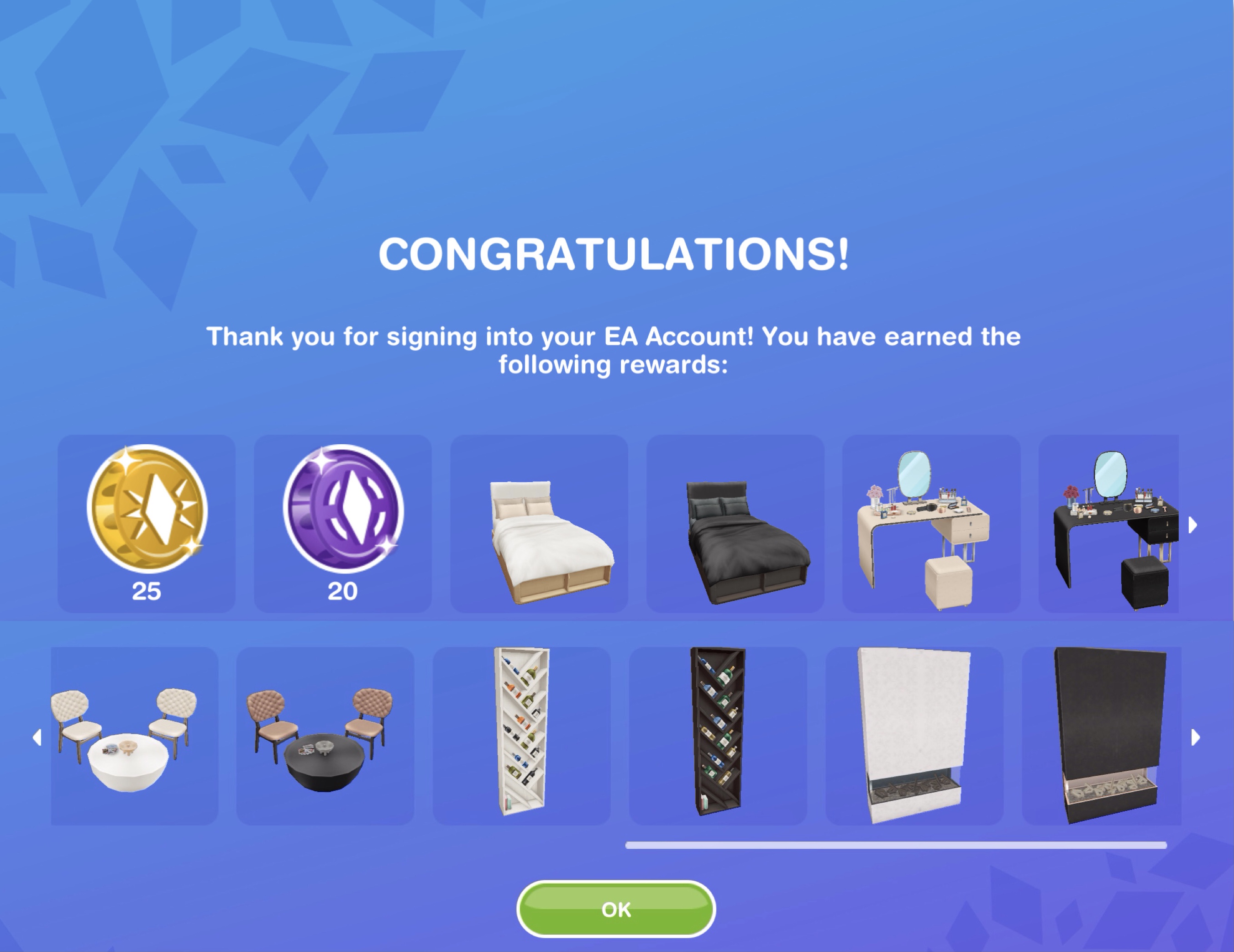
Bedroom:
- Mod Neutral (S198,700) and Dark (17LP) Vanities
- Mod Neutral (S168,500) and Dark (10LP) Double Beds
Living Room:
- Mod Light (13LP) and Dark (13SP) Studio Seatings
Living Room and Chimneys & Fireplaces:
- Mod Light (S192,700) and Dark (15LP) Fireplaces
Decorations:
- Mod Light (S70,500) and Dark (8LP) Juice Shelves
NOTE: connecting to an EA Account will not allow you to visit your EA friends via the party boat, this is just another way to save your game, you need to connect to Facebook or Game Center to visit friends
Talking of EA Accounts, if you do play The Sims 4 you can support me at no extra cost when you purchase a pack through the EA App or ea.com using my creator code ‘thegirlwhogames’:


FIND THIS POST HELPFUL?

 The Girl Who Games