The Sims Freeplay- Careers: Scientist

Scientist is one of 8 careers your adult sims can have (not including profession careers) and this post explains all you need to know about this career.

How do I start this career?

You firstly need to build the science lab and then you will be able to select scientist from the list of careers.

Once your sim is a scientist you can click on the pulsing suitcase on the simtracker to send them to work once a day. During this time you won’t see them at work and you cannot go to the science lab, on the simtracker it will just say they are at work, once the time is up they will arrive back at home and be rewarded with the simoleons and XP they earned for that shift. The more they work, the higher level they will reach in that career and the more money they will earn.

You can then send your sims to work again at/after 12am as it is the start of a new day.

Still unsure? This post explains how to get a job, send your sims to work and how to quit

What hours do they work?

You can send your sims to work anytime of the day for 8 hours, once they finish their shift you will receive the simoleons and XP they have earned. When they reach a new level in that career a pop up will appear to show you how much they will earn for the next shift.

What are the levels and how much money and XP do you earn for a day at work?

 Title Simoleons Experience Points (XP)
1 Test Subject 1,060 420
2 Lab Assistant 1,160 854
3 Science Teacher 1,260 1,025
4 Inventor 1,380 1,320
5 Mad Scientist 1,440 1,560

How do I find out what level my sim is on?

You can see this information in the occupations (career) tab. This tab is where you give your sims careers to begin with. Here you can see your sims career and the level they are on and if you click on the symbol of the career you will be able to see how much your sims earn and you can quit jobs from here too.

Which career earns the most money? Find out here


Can I increase my sims career level from home?
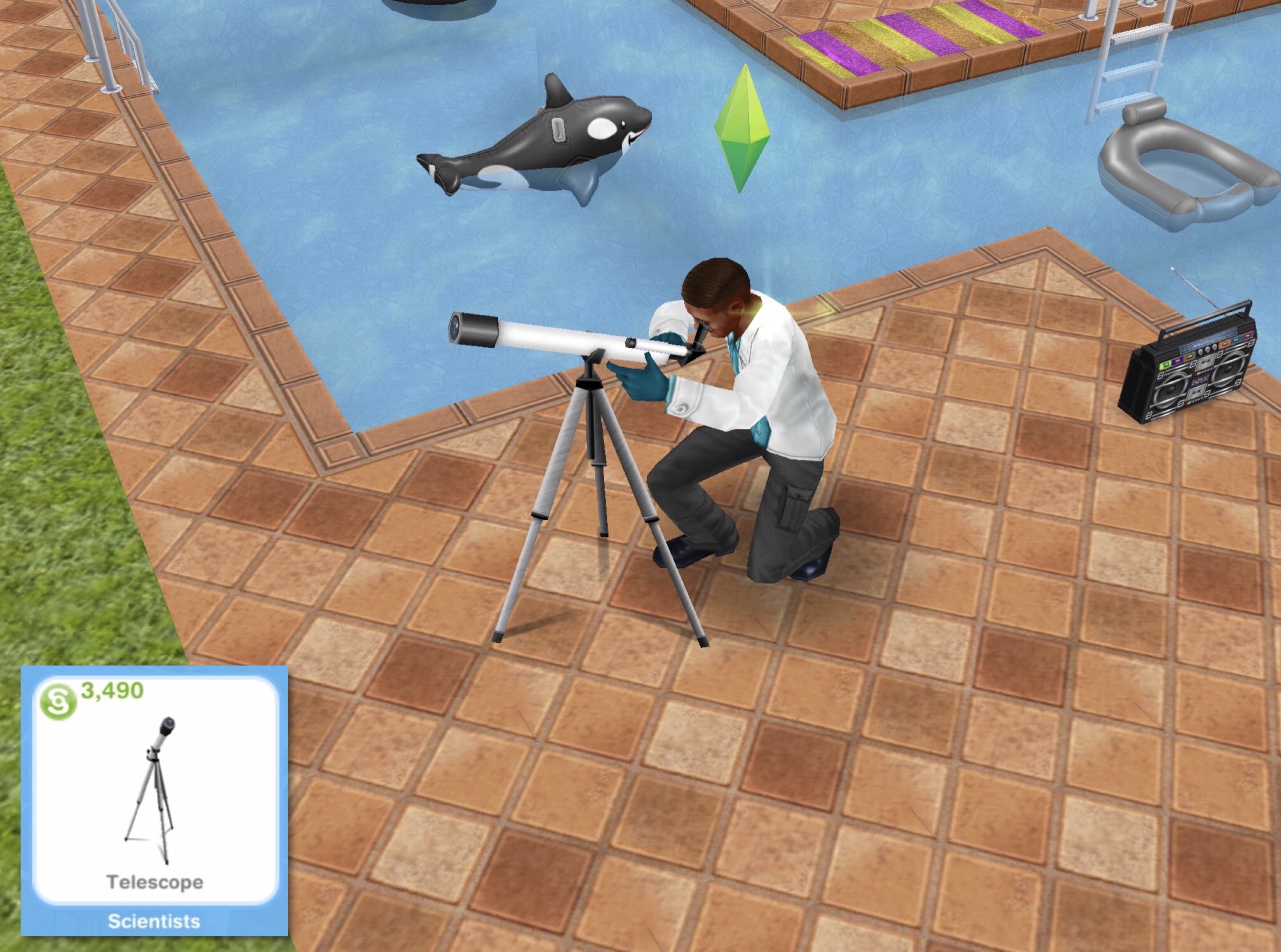
Yes you can buy the telescope from the promotions r us store or hobby and career items tab of the home store. It costs S3,490 and once placed in your sims garden you can cloud watch (during the day) or stargaze (at night) for 3 hours. During this time your career bar will increase like it does when they go to work (but slower) If you don’t want to buy the telescope you can also use the chess board in the park to play chess for 10 minutes, this will increase it too!

Related: All Career Posts


FIND THIS POST HELPFUL?

Buy Me a Coffee at ko-fi.com

THE SIMS FREEPLAY
©THEGIRLWHOGAMES.BLOG

The Sims Freeplay- Careers: Athlete

Athlete is one of 8 careers your adult sims can have (not including profession careers) and this post explains all you need to know about this career.

How do I start this career?

You firstly need to build the stadium and then you will be able to select athlete from the list of careers.

Once your sim is an athlete you can click on the pulsing suitcase on the simtracker to send them to work once a day. During this time you won’t see them at work and you cannot go to the stadium, on the simtracker it will just say they are at work, once the time is up they will arrive back at home and be rewarded with the simoleons and XP they earned for that shift. The more they work, the higher level they will reach in that career and the more money they will earn.

You can then send your sims to work again at/after 12am as it is the start of a new day.

Still unsure? This post explains how to get a job, send your sims to work and how to quit

What hours do they work?

You can send your sims to work anytime of the day for 6 hours, once they finish their shift you will receive the simoleons and XP they have earned. When they reach a new level in that career a pop up will appear to show you how much they will earn for the next shift.

What are the levels and how much money and XP do you earn for a day at work?

 Title Simoleons Experience Points (XP)
1 Jogger 1,310 350
2 Front Runner 1,450 650
3 Personal Trainer 1,580 920
4 Athlete 1,680 1,020
5 Olympian 1,800 1,200

How do I find out what level my sim is on?

You can see this information in the occupations (career) tab. This tab is where you give your sims careers to begin with. Here you can see your sims career and the level they are on and if you click on the symbol of the career you will be able to see how much your sims earn and you can quit jobs from here too.

Which career earns the most money? Find out here


Can I increase my sims career level from home?

Yes you can buy the soccer ball from the promotions r us store or hobby and career items tab of the home store. It costs S950 and once placed in your sims house you can play soccer for 3 hours. During this time your career bar will increase like it does when they go to work (but slower)

Related: All Career Posts


FIND THIS POST HELPFUL?

Buy Me a Coffee at ko-fi.com

THE SIMS FREEPLAY
©THEGIRLWHOGAMES.BLOG

The Sims Freeplay- Careers: Teacher

Teacher is one of 8 careers your adult sims can have (not including profession careers) and this post explains all you need to know about this career.

How do I start this career?

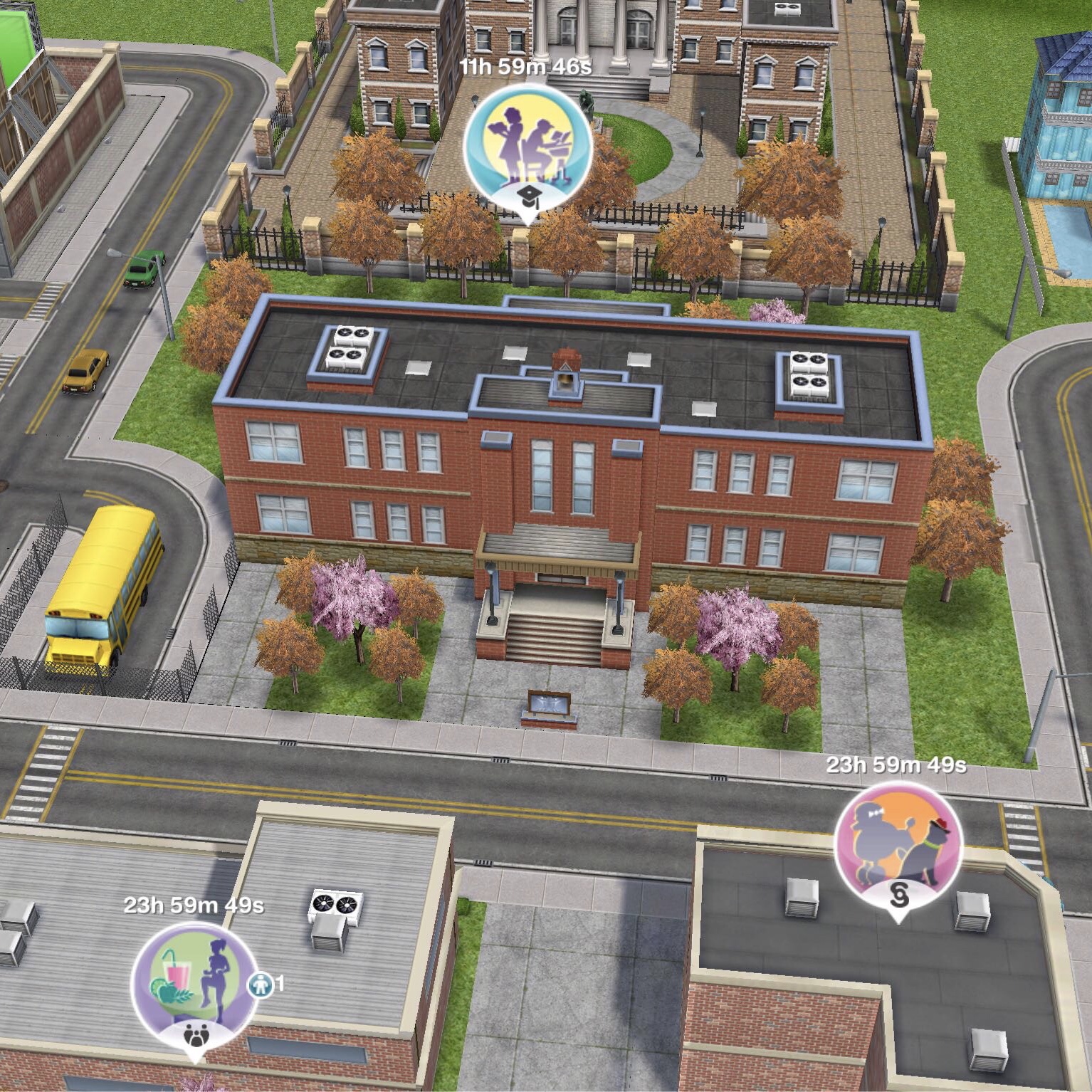
You firstly need to build the elementary school which is one of the goals in the Preparing for Preteens Quest. Then you will be able to select teacher from the list of careers.

Once your sim is a teacher you can click on the pulsing suitcase on the simtracker to send them to work once a day. During this time you won’t see them at work and you cannot go to the school, on the simtracker it will just say they are at work, once the time is up they will arrive back at home and be rewarded with the simoleons and XP they earned for that shift. The more they work, the higher level they will reach in that career and the more money they will earn.

You can then send your sims to work again at/after 12am as it is the start of a new day.

Still unsure? This post explains how to get a job, send your sims to work and how to quit

What hours do they work?

You can send your sims to work anytime of the day for 7 hours for levels 1-3 and 5 hours for levels 4 and 5, once they finish their shift you will receive the simoleons and XP they have earned. When they reach a new level in that career a pop up will appear to show you how much they will earn for the next shift.

What are the levels and how much money and XP do you earn for a day at work?

 Title Simoleons Experience Points (XP)
1 Dunce (7 hour shift) 650 592
2 Class Clown (7 hour shift) 700 900
3 Teaching Student (7 hour shift) 800 1,345
4 Teachers Aide (5 hour shift) 895 1,708
5 Preschool Teacher (5 hour shift) 1,045 1,955

How do I find out what level my sim is on?

You can see this information in the occupations (career) tab. This tab is where you give your sims careers to begin with. Here you can see your sims career and the level they are on and if you click on the symbol of the career you will be able to see how much your sims earn and you can quit jobs from here too.

Which career earns the most money? Find out here


Can I increase my sims career level from home?

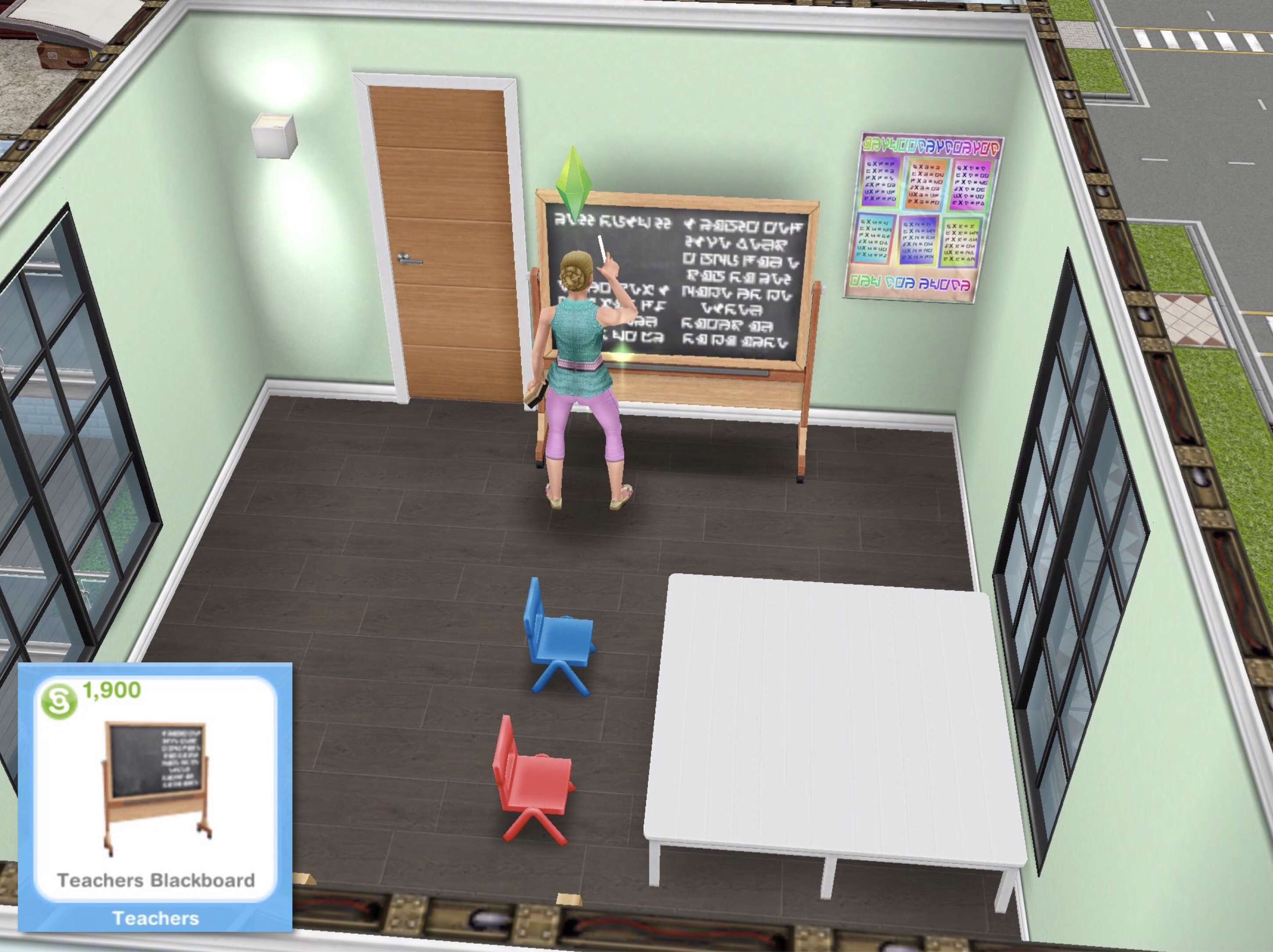
Yes you can buy the teachers blackboard from the promotions r us store or hobby and career items tab of the home store. It costs S1,900 and once placed in your sims house you can practice teaching for 3 hours. During this time your career bar will increase like it does when they go to work (but slower)

Related: All Career Posts


FIND THIS POST HELPFUL?

Buy Me a Coffee at ko-fi.com

THE SIMS FREEPLAY
©THEGIRLWHOGAMES.BLOG

The Sims Freeplay- Careers: Musician

Musician is one of 8 careers your adult sims can have (not including profession careers) and this post explains all you need to know about this career.

How do I start this career?

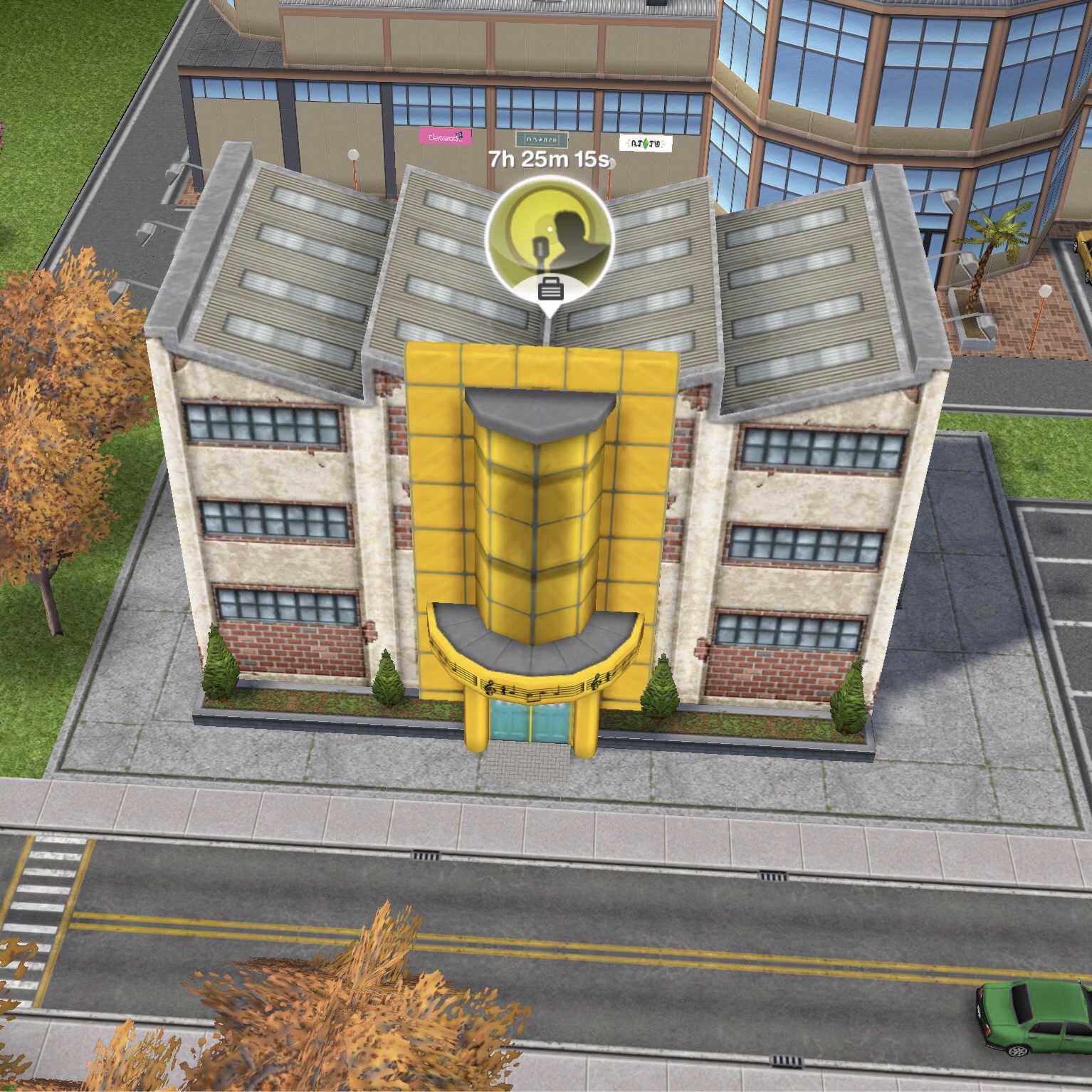
You firstly need to build the recording studio and then you will be able to select musician from the list of careers.

Once your sim is a musician you can click on the pulsing suitcase on the simtracker to send them to work once a day. During this time you won’t see them at work and you cannot go to the recording studio, on the simtracker it will just say they are at work, once the time is up they will arrive back at home and be rewarded with the simoleons and XP they earned for that shift. The more they work, the higher level they will reach in that career and the more money they will earn.

You can then send your sims to work again at/after 12am as it is the start of a new day.

Still unsure? This post explains how to get a job, send your sims to work and how to quit

What hours do they work?

You can send your sims to work anytime of the day for 7 hours, once they finish their shift you will receive the simoleons and XP they have earned. When they reach a new level in that career a pop up will appear to show you how much they will earn for the next shift.

What are the levels and how much money and XP do you earn for a day at work?

 Title Simoleons Experience Points (XP)
1 Roadie 1,350 350
2 Busker 1,435 570
3 Local Artist 1,590 865
4 Musician 1,660 1,040
5 Hit Machine 1,750 1,250

How do I find out what level my sim is on?

You can see this information in the occupations (career) tab. This tab is where you give your sims careers to begin with. Here you can see your sims career and the level they are on and if you click on the symbol of the career you will be able to see how much your sims earn and you can quit jobs from here too.

Which career earns the most money? Find out here


Can I increase my sims career level from home?

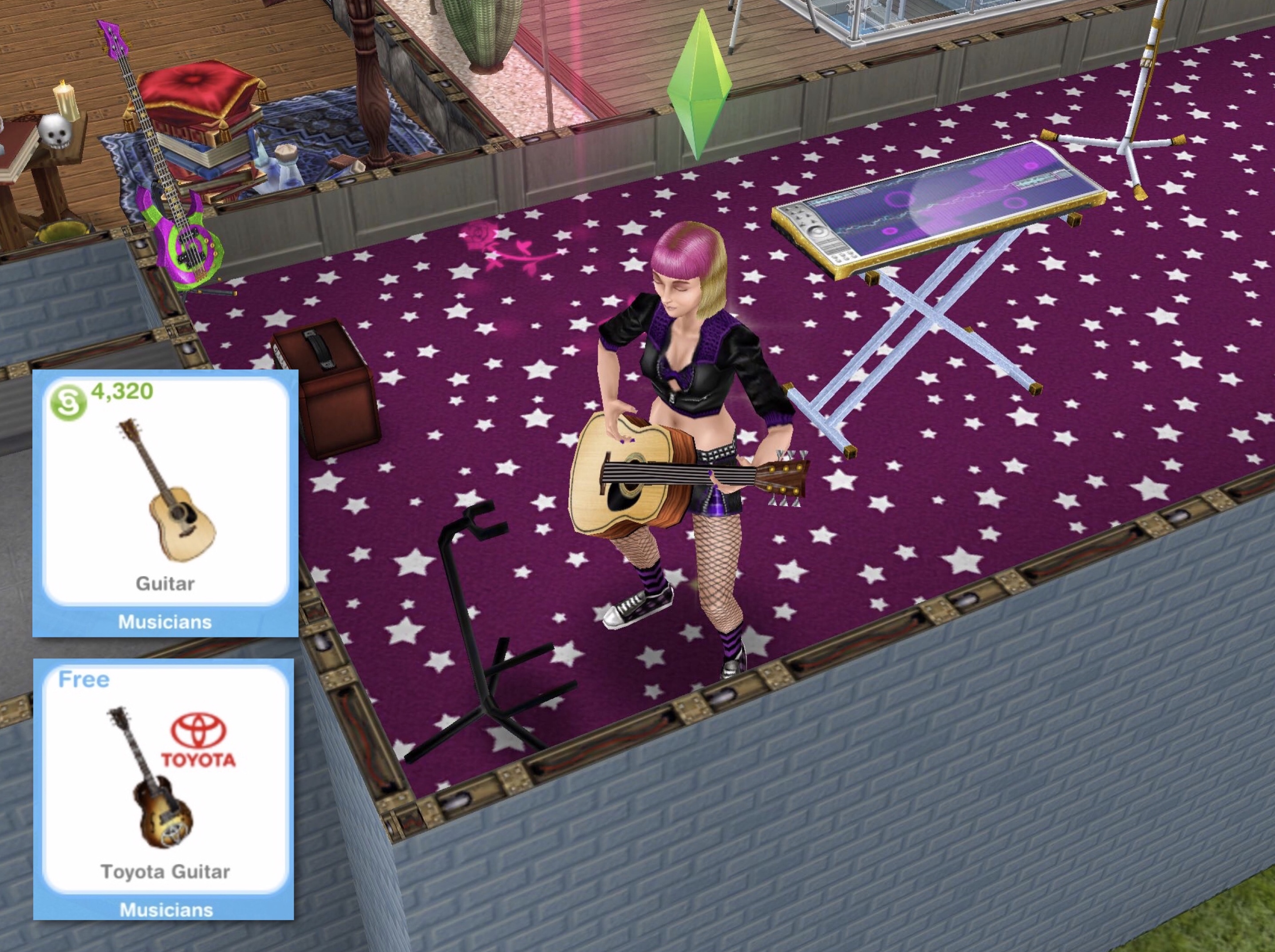
Yes you can buy two guitars from the promotions r us store or hobby and career items tab of the home store. One is free, the other costs S4,320 and once placed in your sims house you can practice guitar for 3 hours. During this time your career bar will increase like it does when they go to work (but slower)

Related: All Career Posts


FIND THIS POST HELPFUL?

Buy Me a Coffee at ko-fi.com

THE SIMS FREEPLAY
©THEGIRLWHOGAMES.BLOG

The Sims Freeplay- Careers: Artist

Artist is one of 8 careers your adult sims can have (not including profession careers) and this post explains all you need to know about this career.

How do I start this career?

You firstly need to build the art gallery and then you will be able to select artist from the list of careers.

Once your sim is an artist you can click on the pulsing suitcase on the simtracker to send them to work once a day. During this time you won’t see them at work and you cannot go to the art gallery, on the simtracker it will just say they are at work, once the time is up they will arrive back at home and be rewarded with the simoleons and XP they earned for that shift. The more they work, the higher level they will reach in that career and the more money they will earn.

You can then send your sims to work again at/after 12am as it is the start of a new day.

Still unsure? This post explains how to get a job, send your sims to work and how to quit

What hours do they work?

You can send your sims to work anytime of the day for 7 hours, once they finish their shift you will receive the simoleons and XP they have earned. When they reach a new level in that career a pop up will appear to show you how much they will earn for the next shift.

What are the levels and how much money and XP do you earn for a day at work?

 Title Simoleons Experience Points (XP)
1 Finger Painter 890 590
2 Art Student 990 905
3 Painting Restorer 1,100 1,300
4 Art Critic 1,180 1,520
5 Art Dealer 1,260 1,740

How do I find out what level my sim is on?

You can see this information in the occupations (career) tab. This tab is where you give your sims careers to begin with. Here you can see your sims career and the level they are on and if you click on the symbol of the career you will be able to see how much your sims earn and you can quit jobs from here too.

Which career earns the most money? Find out here

Can I increase my sims career level from home?

Yes you can buy the easel from the promotions r us store or hobby and career items tab of the home store. It costs S700 and once placed in your sims house you can paint for 3 hours. During this time your career bar will increase like it does when they go to work (but slower)


Did you know? You can make 6 paintings using the easel. Once your sim has finished painting click on the easel and select place painting in inventory, you can then find it in the decorations section of your inventory and then place it on your sims walls. Paintings can also be sold for S10:

Related: All Career Posts


FIND THIS POST HELPFUL?

Buy Me a Coffee at ko-fi.com

THE SIMS FREEPLAY
©THEGIRLWHOGAMES.BLOG