Once you have completed The Pirate and His Goddess Quest you will have unlocked the pirate ship, the pirate ship is used for trading to be able to build the ancient goddess monument.
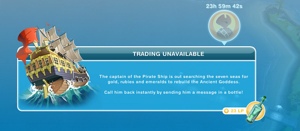
Click on the pirate ship to see the trade being offered.
What do you pay?
You trade materials that you use to build the other monuments, such as wind, as well as LPs, SPs and simoleons!
What do you receive?
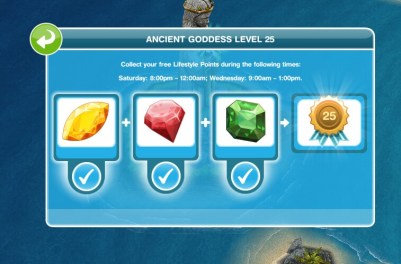
You will receive a piece needed to upgrade the ancient goddess monument
After you have traded you cannot trade again for 24 hours unless you use the message in the bottle which will call the pirate back straight away with another trade, but this will cost you LPs.
Continue trading to level up the monument
Thank you cdgamer10 for this image!
How many levels are there to fully upgrade the monument?
There are 25 levels
Why does it need to be built?
Once fully upgraded to level 25 you will earn bonus hobby skills points after any hobby interaction! Which means your sims will level up in hobbies faster
Also once built you will earn a 1LP reward twice a week:
Saturday between 8pm and 12am
Wednesday between 9am and 1pm
click on the monument to collect your rewards during these times
My opinion?
I am a little disappointed in the pirate ship, I thought it was going to be a public area that could be explored but instead its just for another boring monument! But the bonus hobby skill points and free LPs you earn once you completely build the monument are worth the time taken to build it!
Why does the pirate ship remain once you have finished building the ancient goddess monument?
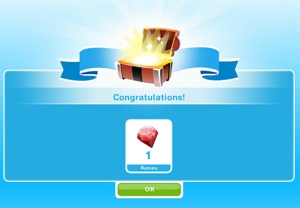
The ship stays because once you earn the gems the pirate will trade resources for a treasure chest which ‘gives you the chance to earn useful items such as furniture or rare artefacts’
Polina said ‘I managed to open a few treasure chests after the goddess was complete, and it’s just furniture from the store, mostly neo tokyo. Sometimes, it gives you 1LP’
If anyone else has traded for a treasure chest I would love to know what you got in it!
LEVEL UNLOCKS: 19 UNLOCKS: pirate ship TIME LIMIT: 4 days PRIZE: pirate fashion pack
YOU NEED TO COMPLETE THE HIGHER EDUCATION QUEST BEFORE YOU CAN BEGIN THIS QUEST
Completing this quest unlocks the pirate ship so you can trade resources with the pirate! If you complete this quest in the time limit you will unlock the pirate fashion pack. You can still complete this quest to unlock the pirate ship once the time is up but you won’t get the pirate fashion pack
NOTE: you need a teenager to be able to complete this quest
Some times may vary depending on the star rating an item has.
Visit the island (mysterious island)
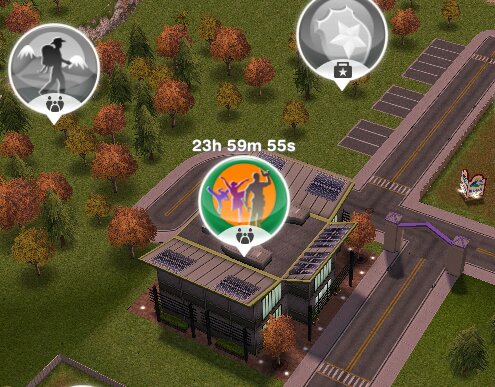
Call 5 sims to the community center
Call a teen to the community center
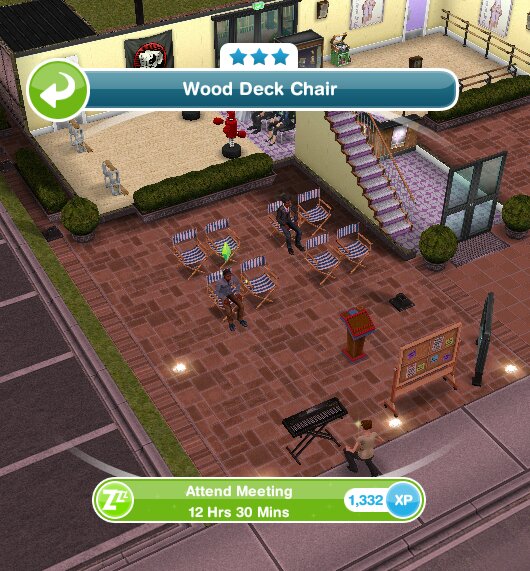
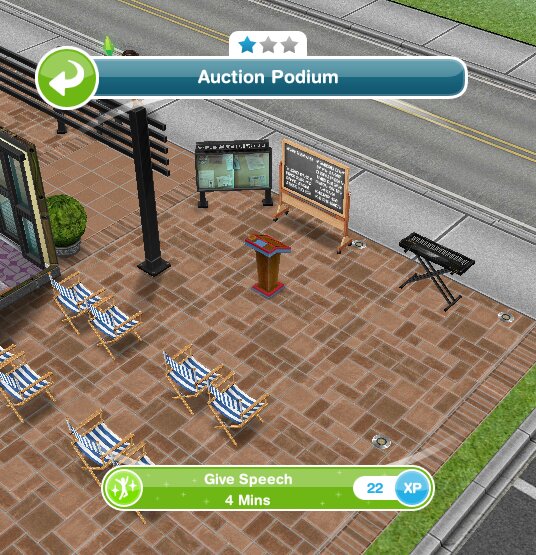
the area at the community center where the keyboard, podium, seating and blackboard can be found!
Have a teen play a sea shanty on piano- 5 minutes 36 seconds [inspired: 5 mins 19 secs] (keyboard at community center)
Have 5 sims sitting in front of the podium (click on chairs and select attend meeting- works with teens, adults and senior sims- can be cancelled after task is complete)
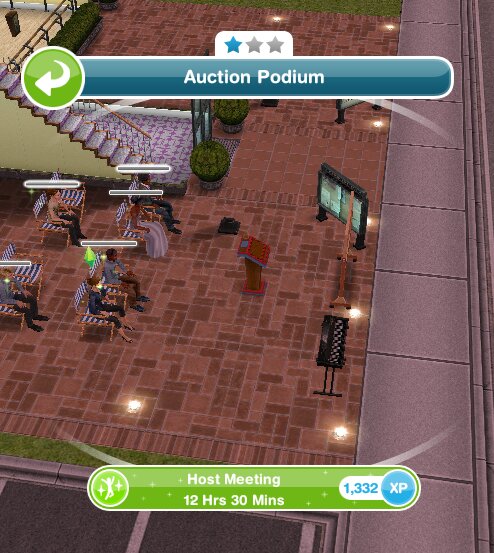
Host the town meeting- 12 hours 30 minutes [inspired: 11 hrs 53 mins] (auction podium)
Make an espresso- 20 seconds (using coffee machine at community center) [click blue skip button to complete instantly]
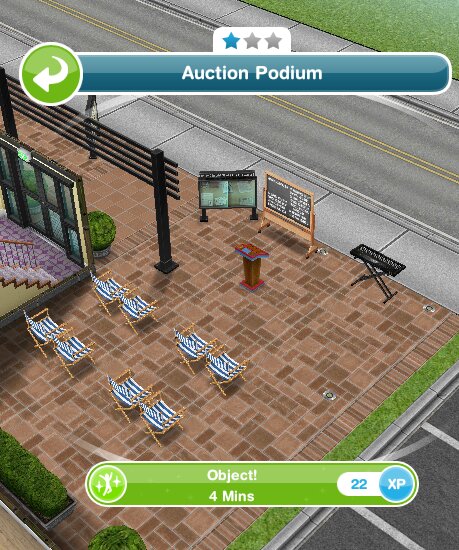
‘Object!’ at the podium- 4 minutes [click blue skip button to complete instantly]
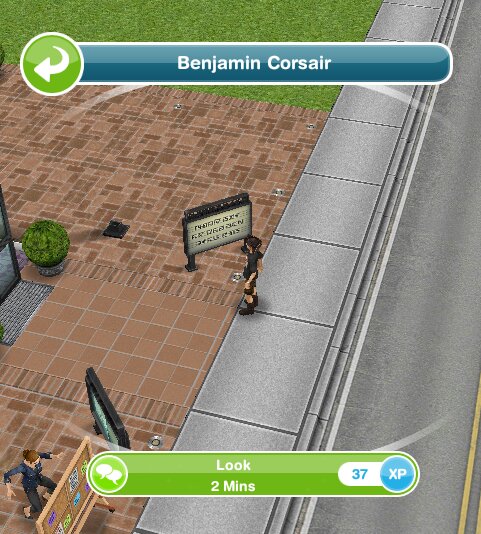
Have a teen look at the pirate- 2 minutes [click blue skip button to complete instantly]
Have a teen talk to the pirate- 7 seconds [click blue skip button to complete instantly]
Talk to the pirate (again)- 2 minutes [click blue skip button to complete instantly]
Have a teen give a speech at the podium- 4 minutes [click blue skip button to complete instantly]
Search sim town and find the pirate (maybe look at the park?)
Call a teen to the park
Hide in the public toilet- 14 hours 48 minutes [inspired: 14 hrs 15 mins]
Ask about Journal- 3 minutes [click blue skip button to complete instantly]
Look at pirates Journal- 10 seconds [click blue skip button to complete instantly]
Solve the first riddle:
A man with a heart of stone, ponders upon his stony throne. Surrounded by knights and kings alike, the clue is the colour he most likes.
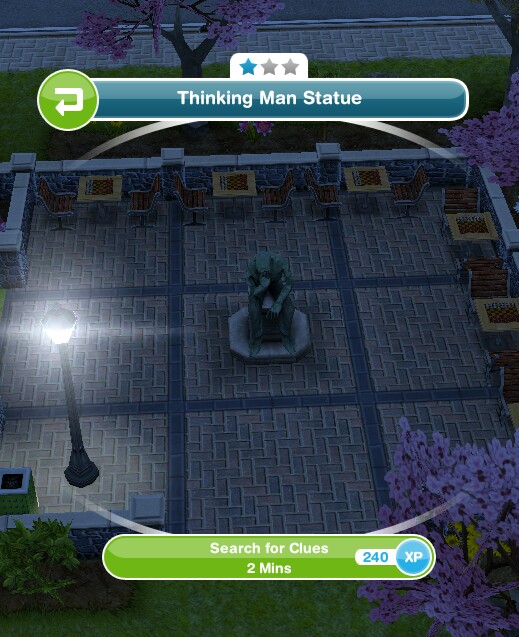
Search for clues- 1 minute 36 seconds [inspired: 1 min 31 secs] (the statue in the park)
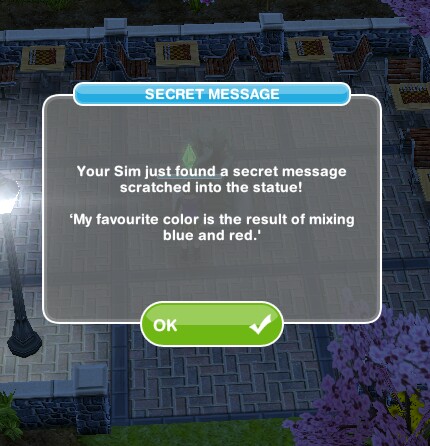
You don’t have to search for clues, keep reading for the answer to the riddle
Answer- 8 hours [inspired: 7 hrs 36 mins] (click on the pirate to select an option, it’s multiple choice so just guess if you don’t know but searching for the clue may help!)
The image below is the clue, work out this simple clue to get the answer:
If you still don’t know the answer is Purple
Joke around with the pirate- 12 seconds [click blue skip button to complete instantly]
Have a teen talk to a friend about pirates- 9 hours 30 minutes [inspired: 9 hrs 1 min]
Find the pirate (maybe look at the stables?)
Say ‘hi!’ to the pirate- 1 minute [click blue skip button to complete instantly]
Solve the second riddle:
In a place of everlasting winter, kindling lies dormant. As a fire ignites and the room fills with light, the lost page shall appear where the elephant’s trunk is raised day and night. Upon this page, the most ancient password will allow the goddess to finally rise.
HINT: there are two parts to this, you need to go to the snow park to do something (IF YOU HAVE THE SNOW PARK YOU CAN DO THIS YOURSELF BUT AS THE ANSWER IS IN THE PICTURE BELOW YOU DON’T NEED TO BUILD THE SNOW PARK) then in the second place you will find a parcel (the bold words may help):
You then need to: Open clue- 12 seconds (this clue actually tells you the answer)
Tell password- 12 hours [inspired: 11 hrs 24 mins] (click on the pirate to select an option, it’s multiple choice so just guess if you don’t know!)
I’m going to post the answer below, if you want to work it out yourself don’t look at the image below)
Have a teen dance with the pirate- 2 minutes [click blue skip button to complete instantly]
Ask the pirate why he’s upset- 1 minute [click blue skip button to complete instantly]
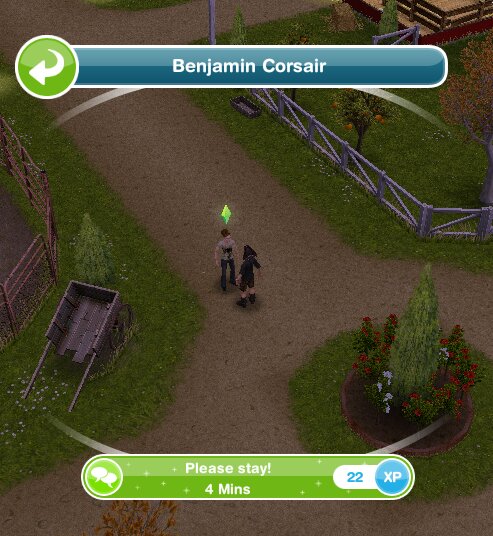
Convince the pirate- 4 minutes (Please stay!) [click blue skip button to complete instantly]
Tap the Ancient Goddess on the island (near the beach)
Send your teen to the park
Say goodbye to pirate- 2 minutes (talk) [click blue skip button to complete instantly]
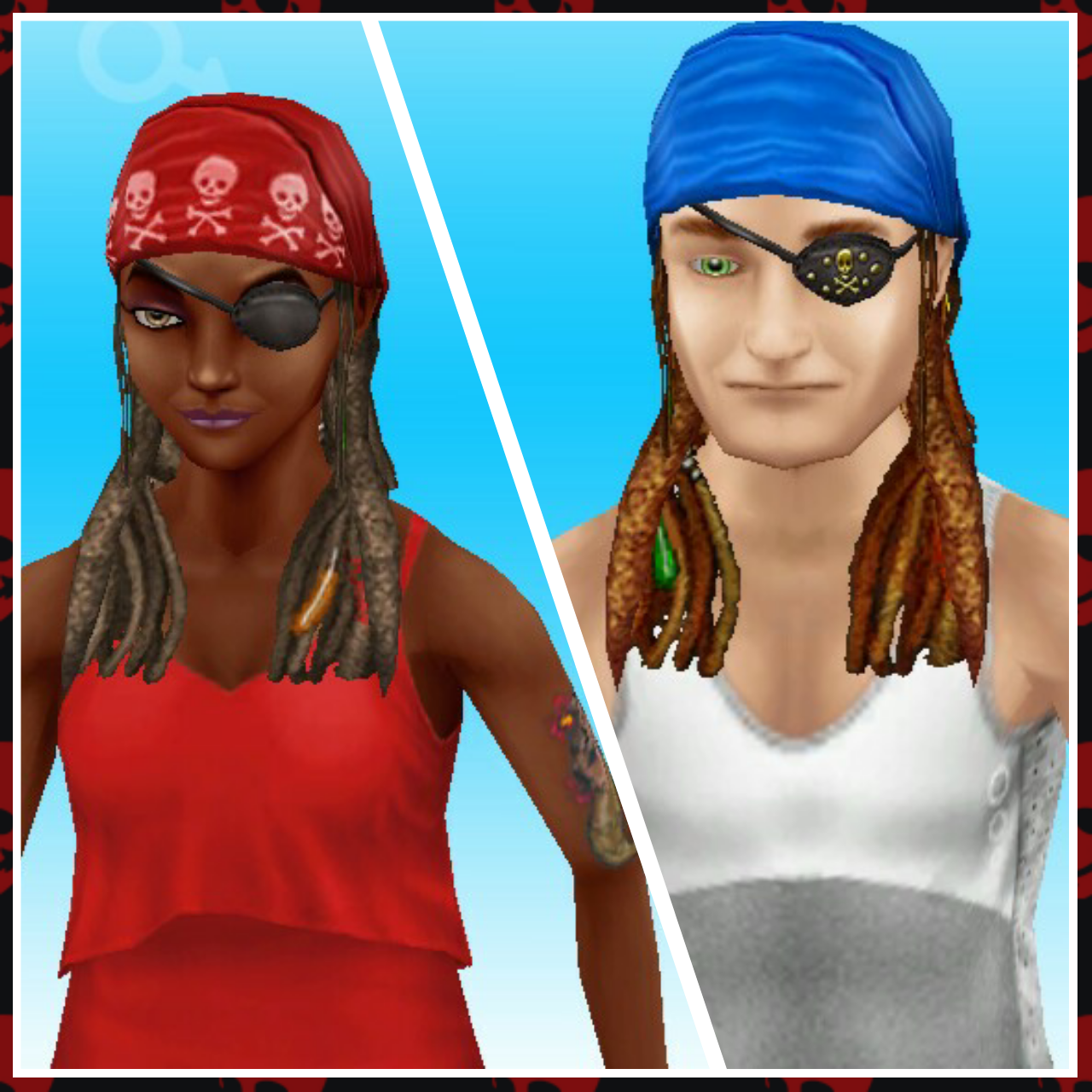
Is the prize worth it? Yes! It is different! But it would have been nice if we could have some pirate clothes as well!
Where can I find them? In the wardrobe, hair and eye patch is in the hair section and the tattoos are in the tattoos and makeup section
Cost? Free
Watch my step by step video of this quest here:
The next quest is The Road To Famewhich unlocks the teen idol hobby
FREQUENTLY ASKED QUESTIONS ABOUT THIS QUEST
please read before asking
I have missed this quest! Why can’t I start it yet?
You cannot miss main quests they have to be completed in order. You need to complete all previous quests (list can be found here) and reach level 19 before you can start this quest
Can I complete this quest even though I have passed level 19?
Yes, you just need to complete all previous quests then this quest will start automatically
How do I visit the island?
Click on the mysterious island bridge, this will take you to the island
How do I call my sims to the community center?
Go to the community center and click on the whistle next to a sim who isn’t busy on the simtracker, this post explains more about the simtracker
Do I need a teen to complete this quest?
Yes, your teen has to complete most of the goals in this quest, you will not be able to complete these goals with an adult
I cannot complete the goal to call a teen to the community center, I have done this but it won’t complete, why?
Are you sure you sent a teen and not a preteen, teenager is the stage after preteen
I can’t find the piano/podium/blackboard that I need to use, where are they?
They are at the community center, look at the picture in the post to see their location
I can’t find the option for powercord presentation, why?
You need to use the blackboard at the community center
Is the pirate always a male teen?
Yes
How do I send my teen to the park?
Go to the park and click on the whistle next to a teen who isn’t busy on the simtracker
What is the answer to the first riddle?
Purple
I can’t find the pirate, where is he?
At the stables
What is the answer to the second riddle?
Admin
Where is the ancient goddess I need to click on?
It is on the island, look at the picture in the post to see what it looks like
Does the pirate ever return?
He hasn’t so far but maybe he will one day!
What do I get if I complete this quest in the time limit?
The pirate fashion pack
What happens if I don’t complete in the time limit, can I still finish this quest?
Yes you have to finish it to unlock pirate ship trading before you can move onto the next quest
I didn’t complete in the time limit, can I restart the quest?
No, you cannot redo quests
Can I still get the prize if I don’t complete in the time limit?
No, the only way to get the limited time prizes is by completing the quest in the time limit
I don’t like this quest! Can I just skip it?
No, you have to complete this quest before you can move onto the next one
Some times are slightly different on my game, why is this?
Times may vary depending on the star rating of the item you are using, as the higher star rating an item has the quicker you will complete a goal
Some times are really off/ different goals show for me, why is this? This will be because the quest has been updated recently, I try my best to keep these posts up to date but it is difficult as I cannot redo every quest each time the game is updated. If you notice any changes please let me know so I can update the post
The next quest is The Road To Famewhich unlocks the teen idol hobby
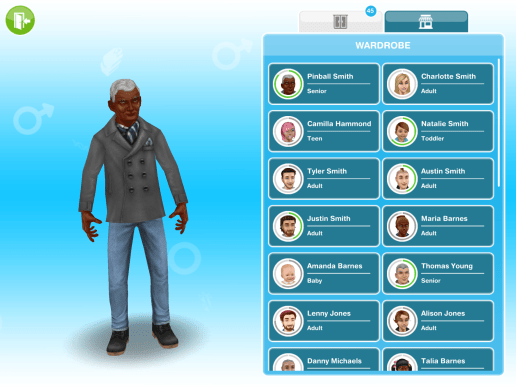
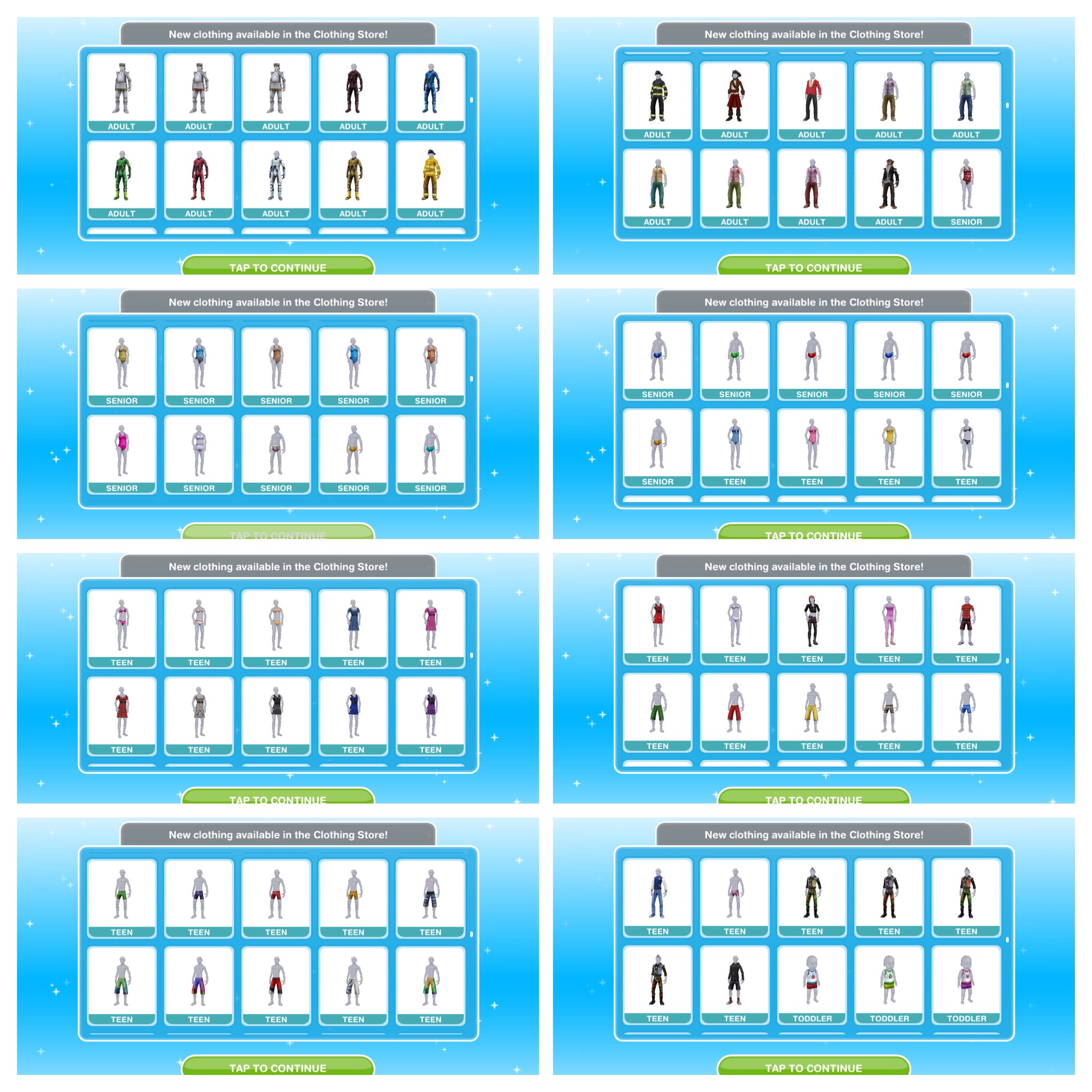
The picture below shows how the store looks when it has been built in your town: Once the store is built and you have completed the It’s All Going Swimmingly Quest you will be able to find swimwear in your wardrobe
How do you use the store?
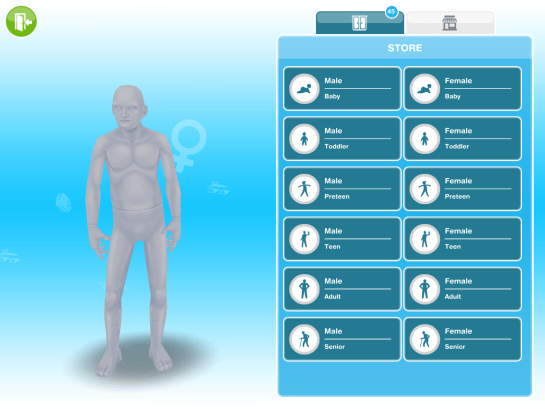
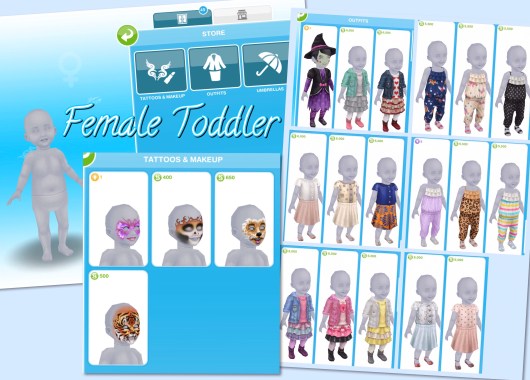
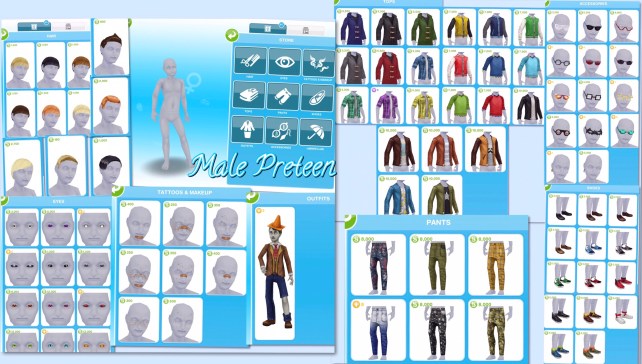
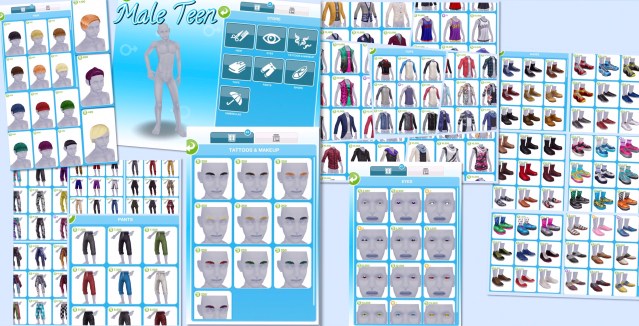
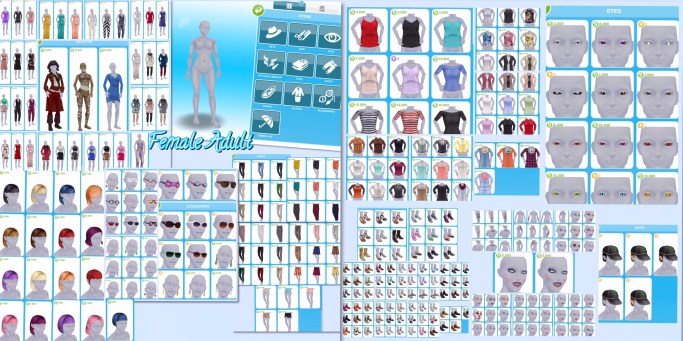
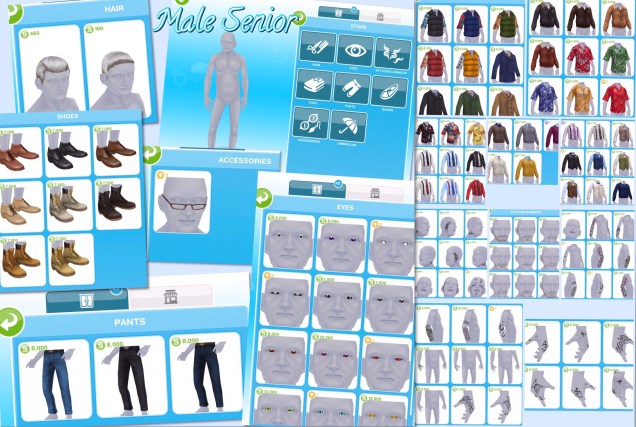
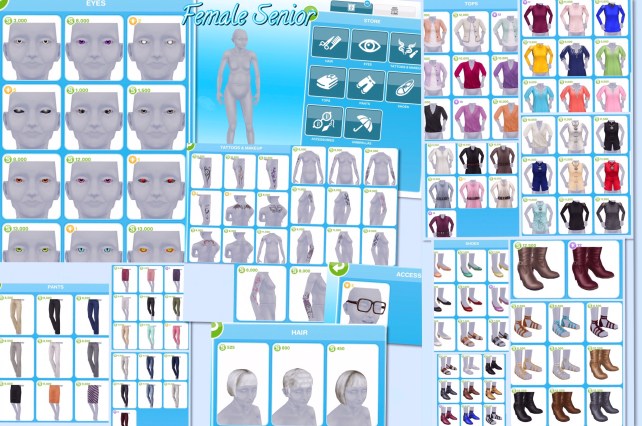
When you click on the store you will see the page below, it will show all of the sim life stages, there you can select the clothes, hair and makeup you want to buy for each life stage:
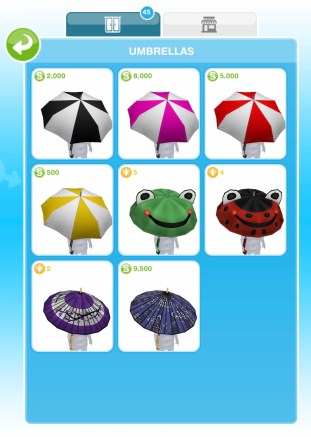
Once you complete the An Alien Concept: Weather Machines Quest you unlock umbrellas for all life stages except babies, the umbrellas are the same for all life stages:
The rest of the items available differ for each life stage, below you can see what is available for each life stage
The pictures below don’t contain all the items available to buy as I have already brought some of them
The life stages with lots of different colours of hair I have shown all the colours available in one style and one of each other hairstyle
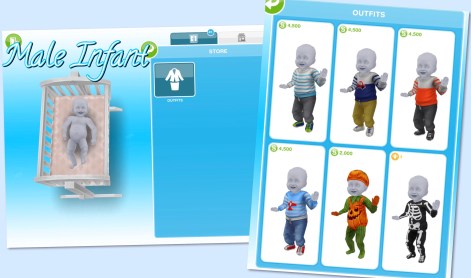
Infants
Outfits section only, clothes vary by gender:
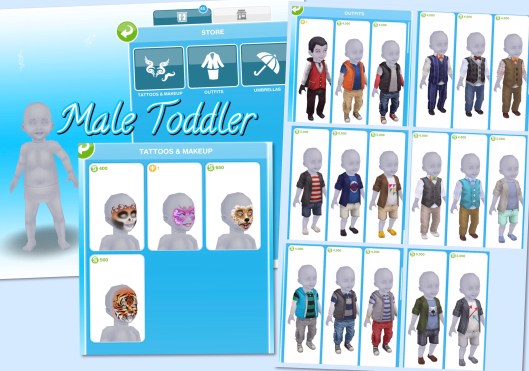
Toddlers
Tattoos and Makeup- face paint, same for both genders
The pictures above don’t contain all the items available to buy as I have already brought some of them
How do you buy items from the store?
Click on the item you want to buy, it will then no longer appear in your store, it will move to the wardrobe and can be worn by as many sims as you want in that life stage:
Once you have built the store you will also be able to find these clothes in your wardrobe:
In this post I am going to cover both Deleting a Sim and Adoption as they are related, keep reading for more information.
Deleting a sim is really quick and easy, all you need to do is click on the sim you want to delete from the game (when they aren’t completing an action) and you will see a few options. On the right hand side of your sims name you will see their picture and a red circle with a cross through it, this is the delete button:
Click on this and it will ask you if you are sure you want to move this sim out of town (which means you will remove them from the game):
If a sim is working towards upgrading a life orb when you delete them they will leave behind the orb they started with, for example, if you give a sim a bronze life orb to turn into a silver but you delete them before they have a chance to upgrade the orb they will leave behind the bronze life orb. If they were working towards a bronze life orb they won’t leave behind any orb.
Infants, toddlers and preteens can all be adopted if both their parents are deleted from the game. Once both parents have been deleted, the adult or senior sim you want to adopt them needs to be nice (or for an infant cuddle them) until they become good friends, then you will get the adopt option appear.
Once you click adopt the child will be moved to their new home and take the surname of the sim who adopted them so you won’t get the adopt option if there are already 4 sims living in the house you want to move them to.
If you have just built your restaurant and have no idea how to serve food to customers then this is the post for you! If you are struggling to build your restaurant still then read this post for guidance
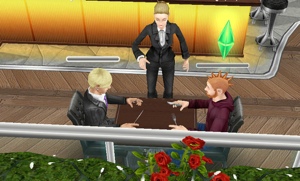
So you need three people:
1. Someone to cook something
2. Someone to wait tables- 10 hours (click on the booth infront of the kitchen)
3. Someone to have meal- 1 hour (click on table)
The pictures below show each step:
GLITCH: currently only one sim can sit at a 4 seat table at a time
When a meal is made and someone is sitting at the table the waiter will serve the food and they will eat the meal for 10 minutes
“Who ordered the bacon and eggs?”
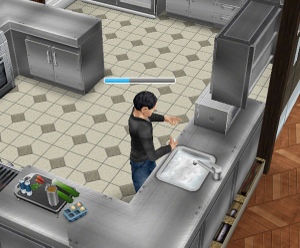
Cleaning the dishes
To tidy up you need to click on the sink in the kitchen and select keep cleaning dishes- 10 hours, this sim will then collect and wash up all dishes. Once all dishes have been cleared away they will stop the action. What else can you do at the restaurant?
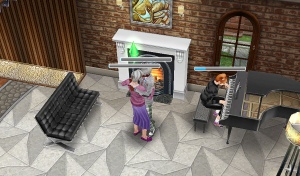
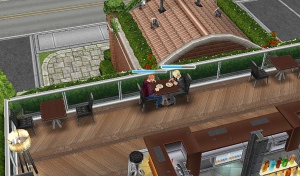
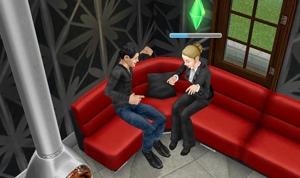
You can order a drink from the rooftop bar, to do this you need a sim to tend the bar for 20 minutes and then a sim can order a cocktail, this will cost you 2500. Cocktails will inspire your sim (fulfil their needs) By the piano downstairs and upstairs near the sofa you can close dance for 10 minutes with another sim and the piano can be played at the same time!
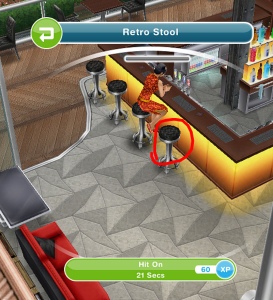
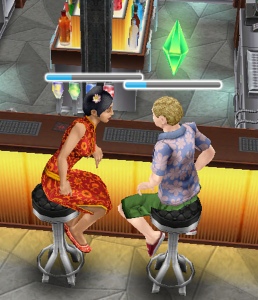
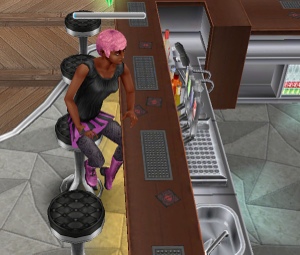
You can also build a romantic relationship up fast by clicking on the stools, one sim selects the option scope room and the other sim selects the other stool to hit on.