
THE EVENT IS NOW OVER
The Christmas update this year is very different because instead of a normal quest we have another community event!
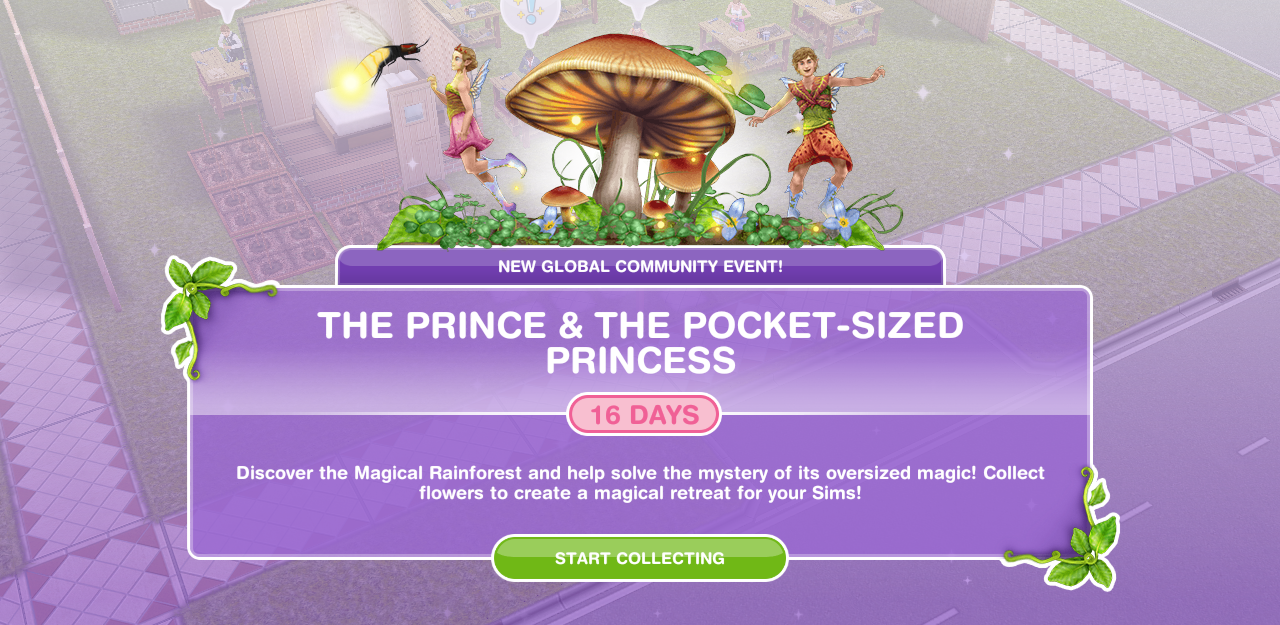
This event is available for 16 days (make sure you have the latest version of the game!) and the aim is to collect enough flowers from the new giant flower blooms (found in the event tab of buy mode) to unlock all the items in this event!
For the community part of this event, these are the flowers everyone collects- you do not need neighbours this is everyone who plays the games progress! The progress we all make is added together and we unlock new chapters and items when we have collected so much (the furniture we will unlock can be seen in my early access post)
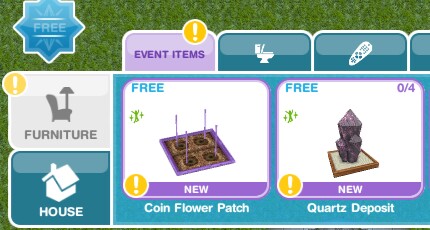
Place a flower bloom (find in the events tab of buy mode- you can only buy 4)

Collect some flowers (click on the giant daisies to collect)- 10 seconds

This takes you to the personal progress tab (you can get to it by clicking on the fairy event button in the corner of the screen)

Here you will see you have unlocked the rainforest ticket!
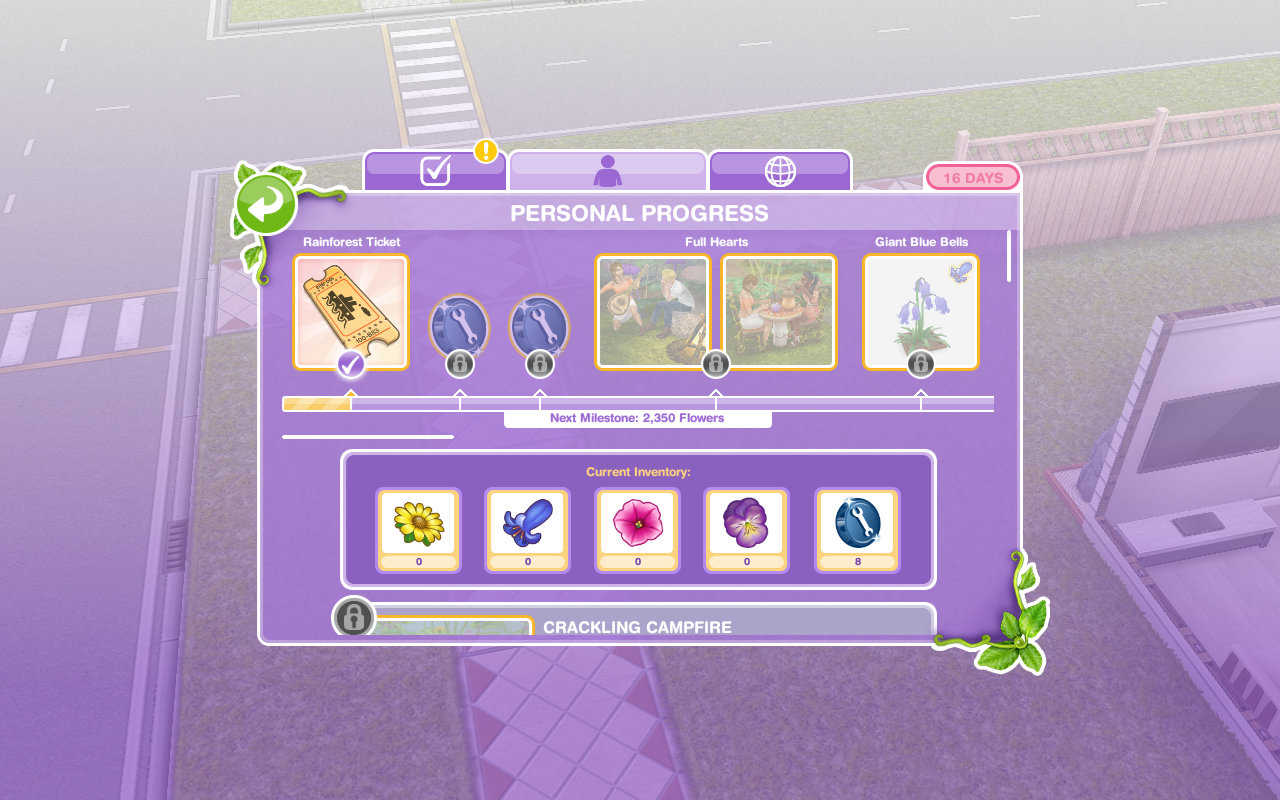 Buy the magical rainforest ticket (go back into the personal progress tab and click purchase)
 Visit the magical rainforest (go to the sea voyage boat in sim town)
 NOTE: you will see two destinations on the boat, if the Tropical Romance Island is locked then you will have to wait for them to bring that community event back again before you can go there but you can still access the Magical Rainforest for this event!
Use the event spin flower (buy the coin flower patch from the event tab and select the spin plant option)

Check the community progress (click on the fairy event button and find the community tab)

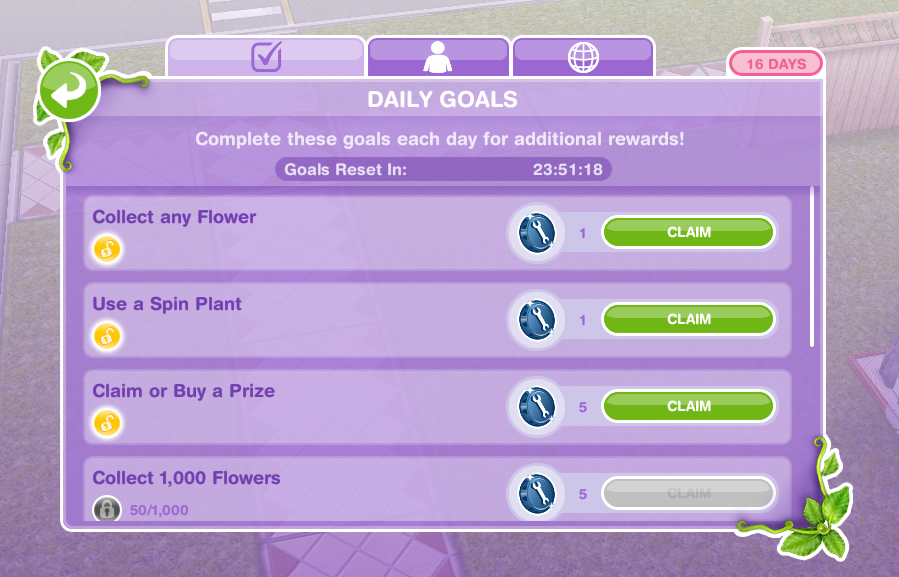
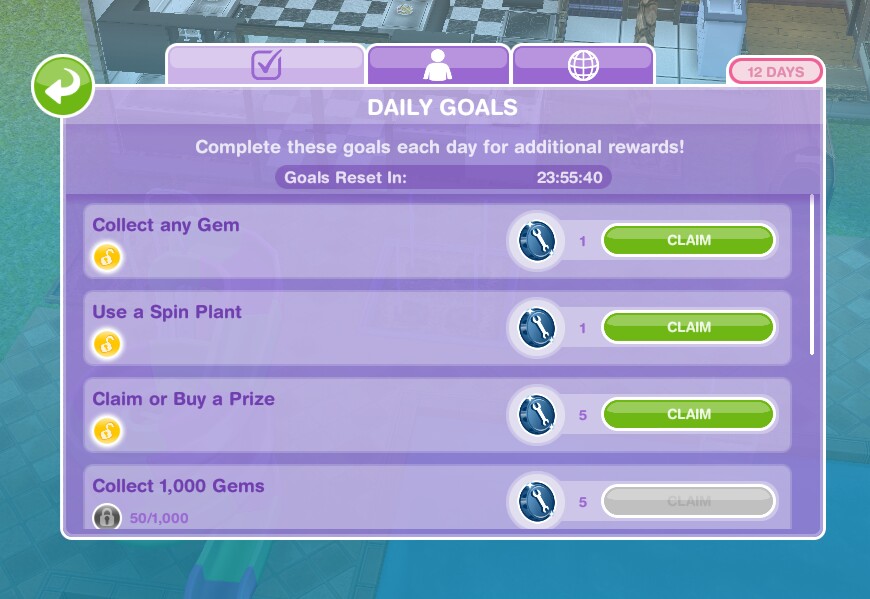
Check the daily goals (click on the fairy event button and find the daily goals tab- claim the ones you can!)
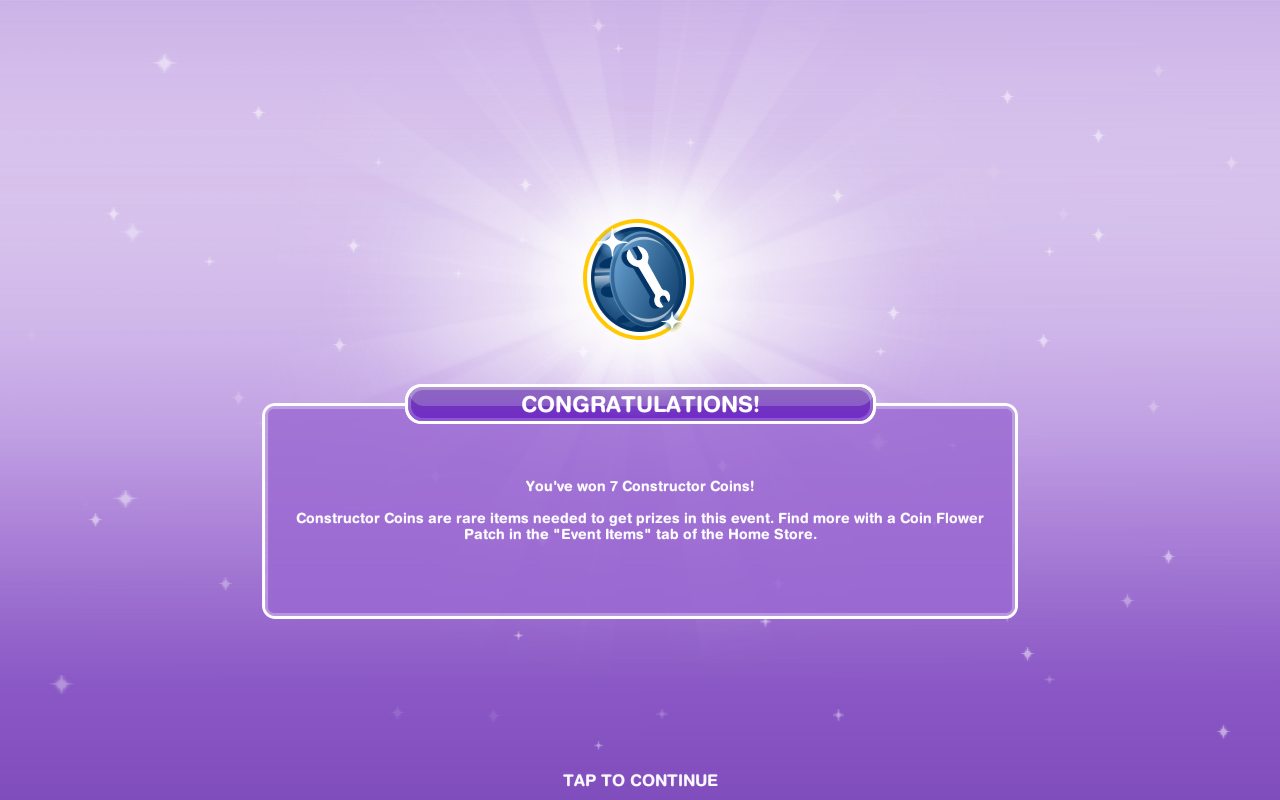
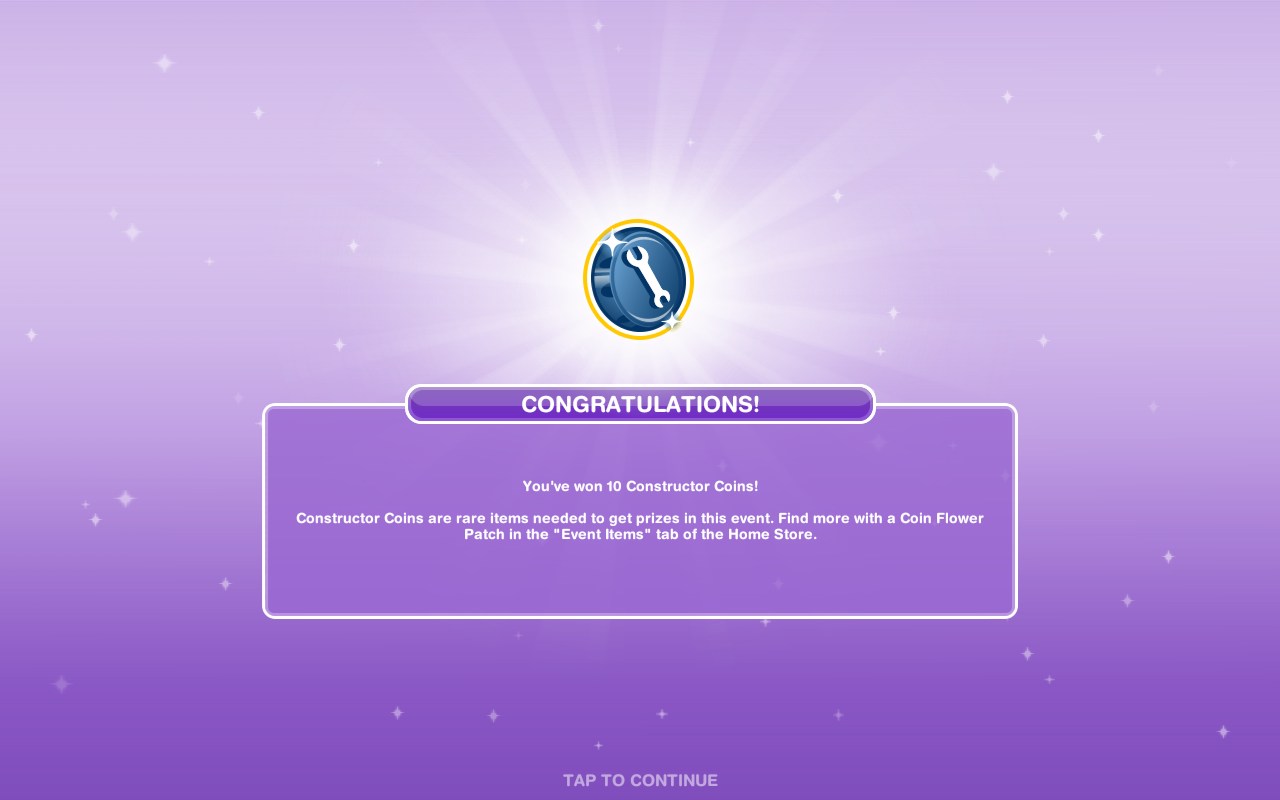
Remember to claim your rewards to earn constructor coins!
Collect bonuses (while collecting after a certain amount of time you will see a flower appear above that sims head, click to collect bonus flowers!)

Continue collecting flowers- this is the last step but the event is not over, keep collecting flowers to unlock everything before the time is up!
If you want to speed up a collect flowers action it will cost you SPs, you will get the bonus flowers as well if you speed it up!
Stuck on these tasks? Check out my video:
Flower Blooms
Giant Daisies cost:
1st- Free
2nd- S2,000
3rd- S4,000
4th- 5SPs
(maximum of 4)
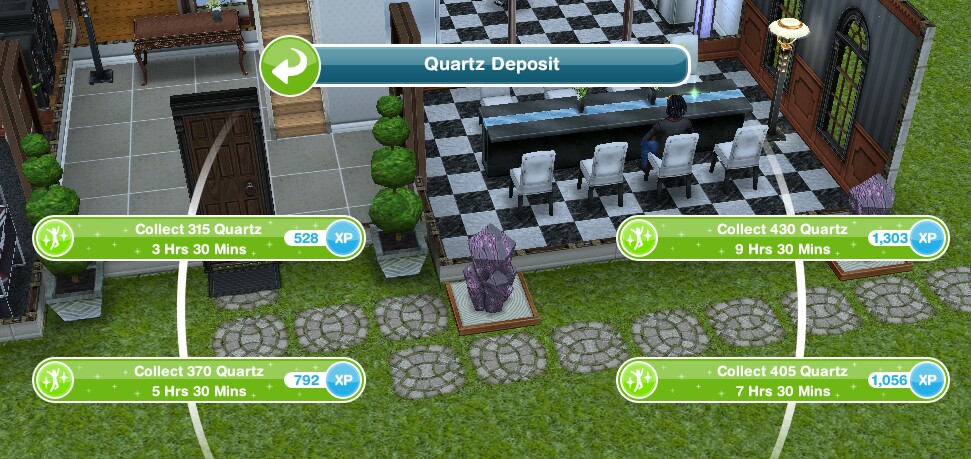
- Collect 315 Daisies- 3 hours 30 minutes
- Collect 370 Daisies- 5 hours 30 minutes
- Collect 405 Daisies- 7 hours 30 minutes
- Collect 430 Daisies- 9 hours 30 minutes
 Bonus for 3 hour 30 minute – the bonus seems to be 1 every 2 minutes (maximum bonus you can get in one go is 10)
Giant Blue Bells cost:
1st- S5,000
2nd- S7,500
3rd- S10,000
4th- 10SPs
(maximum of 4)
- Collect 475 Blue Bells- 3 hours 30 minutes
- Collect 550 Blue Bells- 5 hours 30 minutes
- Collect 600 Blue Bells- 7 hours 30 minutes
- Collect 650 Blue Bells- 9 hours 30 minutes

Bonus for 3 hour 30 minute option- the bonus seems to be 1 every 2 minutes (maximum bonus you can get in one go is 10)
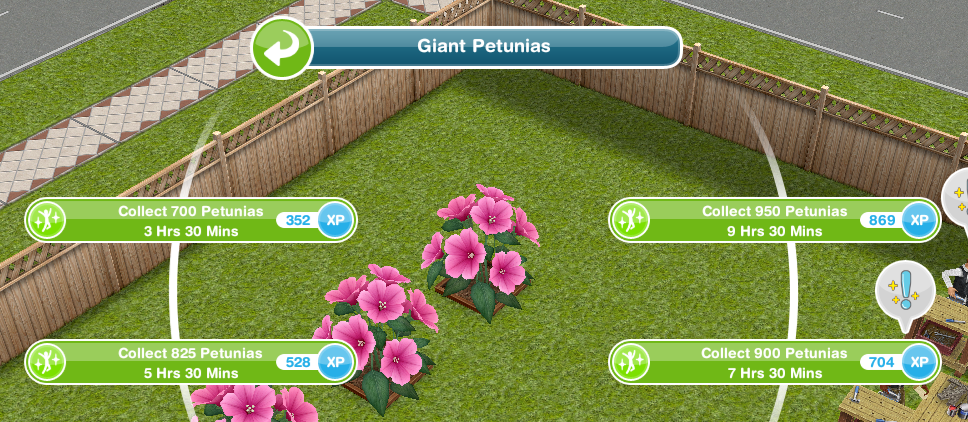
Giant Petunias cost:
1st- S7,500
2nd- S15,000
3rd- 15SPs
(maximum of 3)
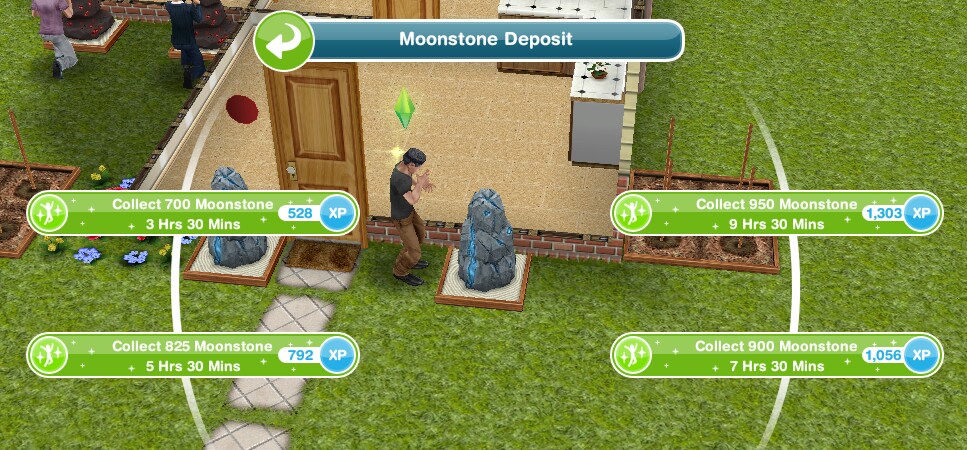
- Collect 700 Petunias- 3 hours 30 minutes
- Collect 825 Petunias- 5 hours 30 minutes
- Collect 900 Petunias- 7 hours 30 minutes
- Collect 950 Petunias- 9 hours 30 minutes
Giant Pansies cost:
1st- S7,500
2nd-30SPs
(maximum of 2)
- Collect 800 Pansies- 3 hours 30 minutes
- Collect 900 Pansies- 5 hours 30 minutes
- Collect 1000 Pansies- 7 hours 30 minutes
- Collect 1050 Pansies- 9 hours 30 minutes

Your Progress:

Click the fairy button in the top corner of your game to see your progress
Daily Goals
Check on the first tab every day because if you complete all the daily goals you will get additional rewards
NOTE: remember to click CLAIM once you have completed a daily goal to collect the reward and remember to claim your free constructor coin and free daisies each day!
 How do I claim or buy a prize to complete a daily goal?
You need to buy one of the personal progress items that you have unlocked (once you have all the flowers and constructor coins needed for it you can click purchase) or on a community prize you click claim to complete this
TIP: if you have already claimed or brought a prize that day maybe wait until the next just incase you don’t have enough flowers or coins to buy or there isn’t one to claim the next day, this way you will still be able to complete all the goals and earn your bonus constructor coins!
Personal Progress
The personal progress is how far you have got on this event, the more flowers you collect the more items you will unlock
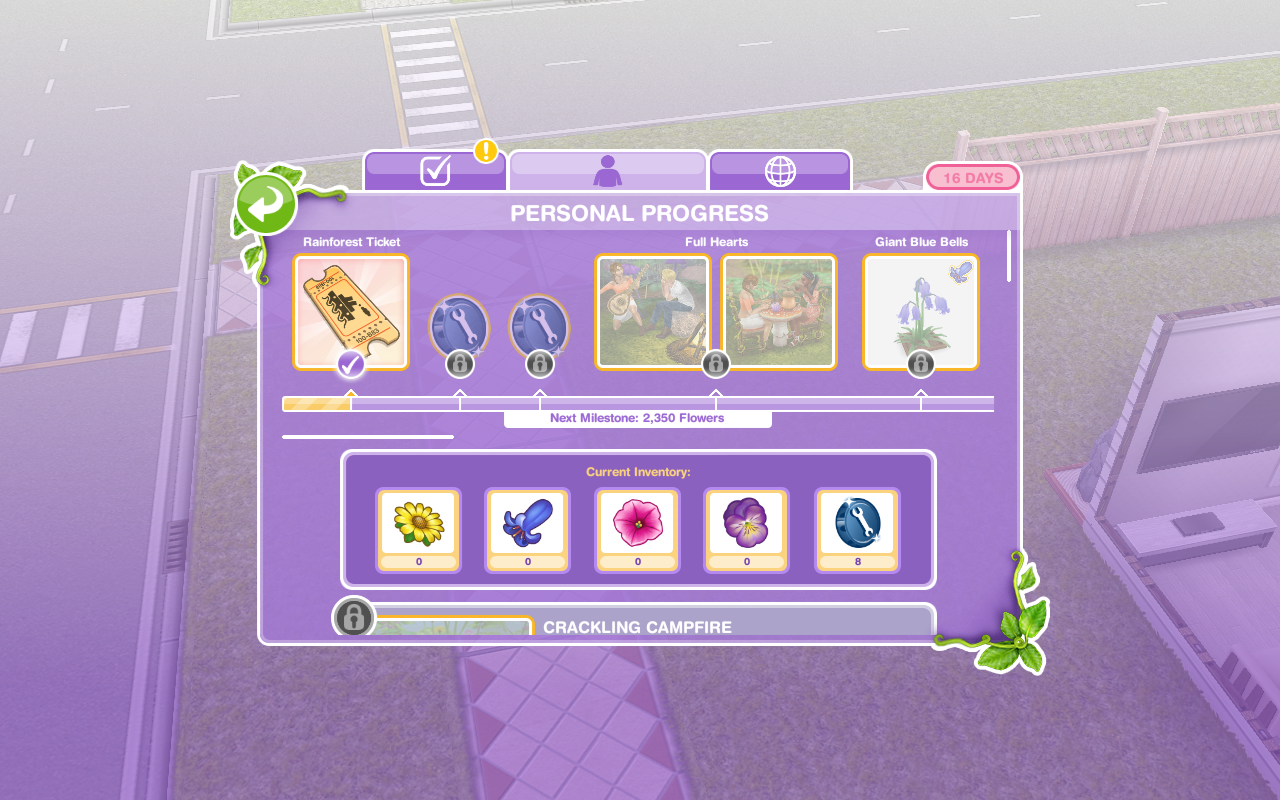
Personal Progress Items to unlock by collecting flowers
I will be added information and pictures of the prizes as I unlock them but you can see all the areas to unlock at the magical rainforest in my early access post
1.Rainforest Ticket
Requires- 50 daisies
This allows you to access the Magical Rainforest from the Sea Voyage Boat!

2.Constructor Coins

3.Constructor Coins

4.Full Hearts- unlocks Crackling Campfire and Tiny Tea Time
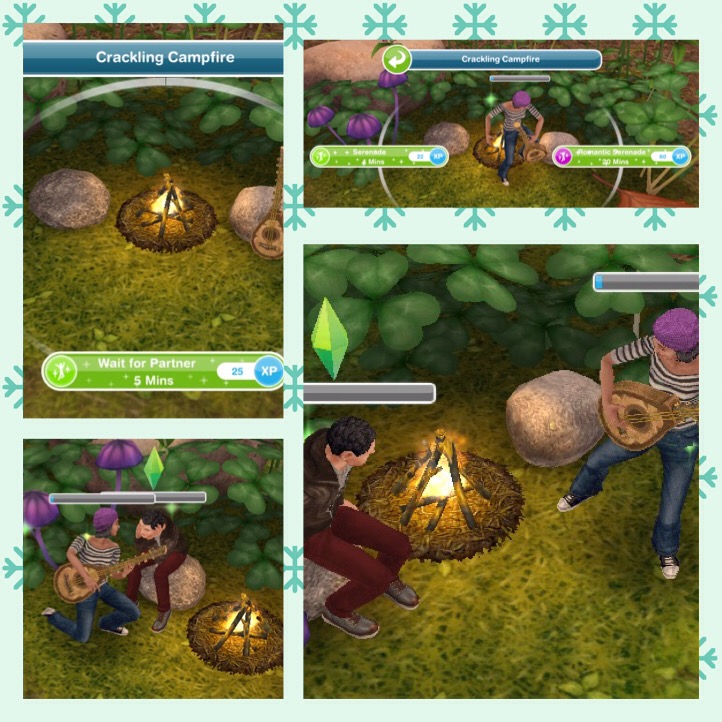
Crackling Campfire

Requires- 3,450 Daisies and 40 Constructor Coins
Takes 10 minutes to build
Once built you can have one sim serenade another!
Tiny Tea Time
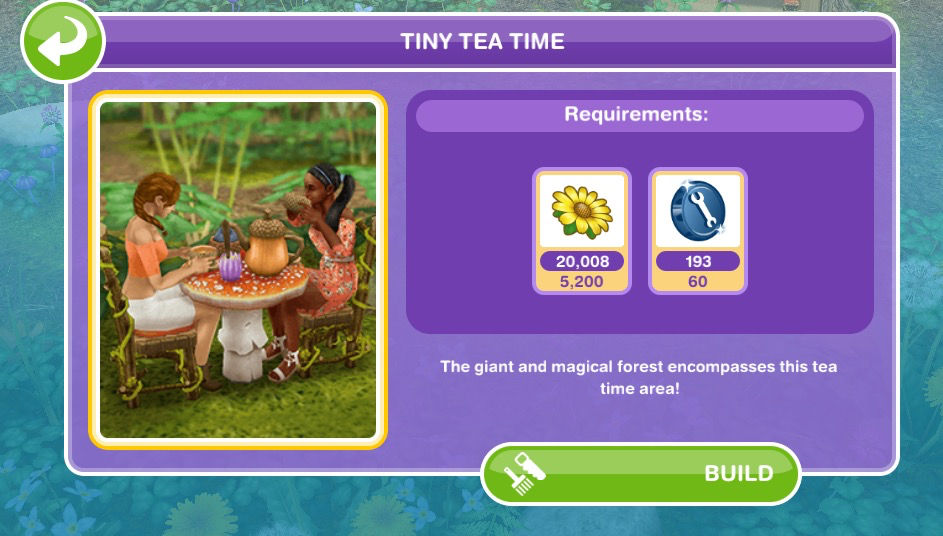
Requires- 5,200 Daisies and 60 Constructor Coins
Takes 1 hour to build
Once built two sims can have a tiny tea party!

5.Giant Blue Bells- this is another flower bloom you will need to be able to collect more flowers!

6.Constructor Coins
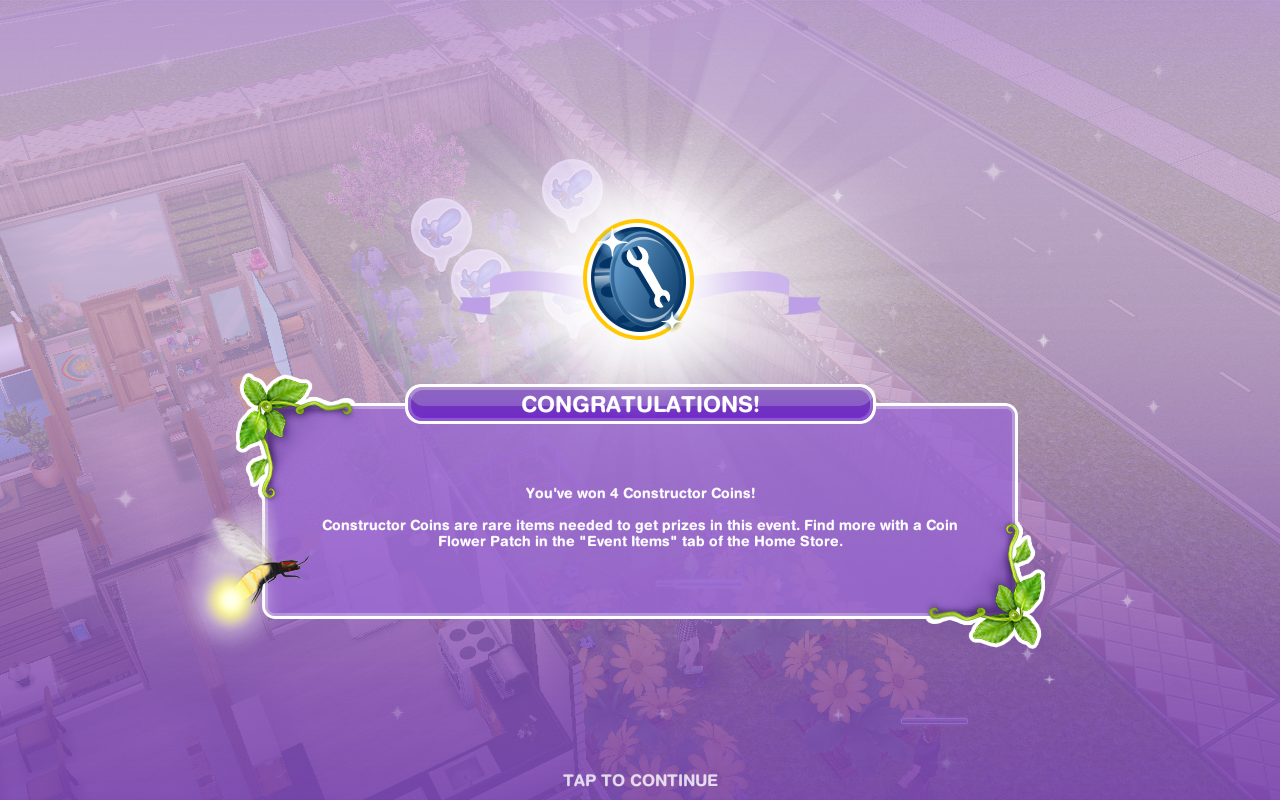
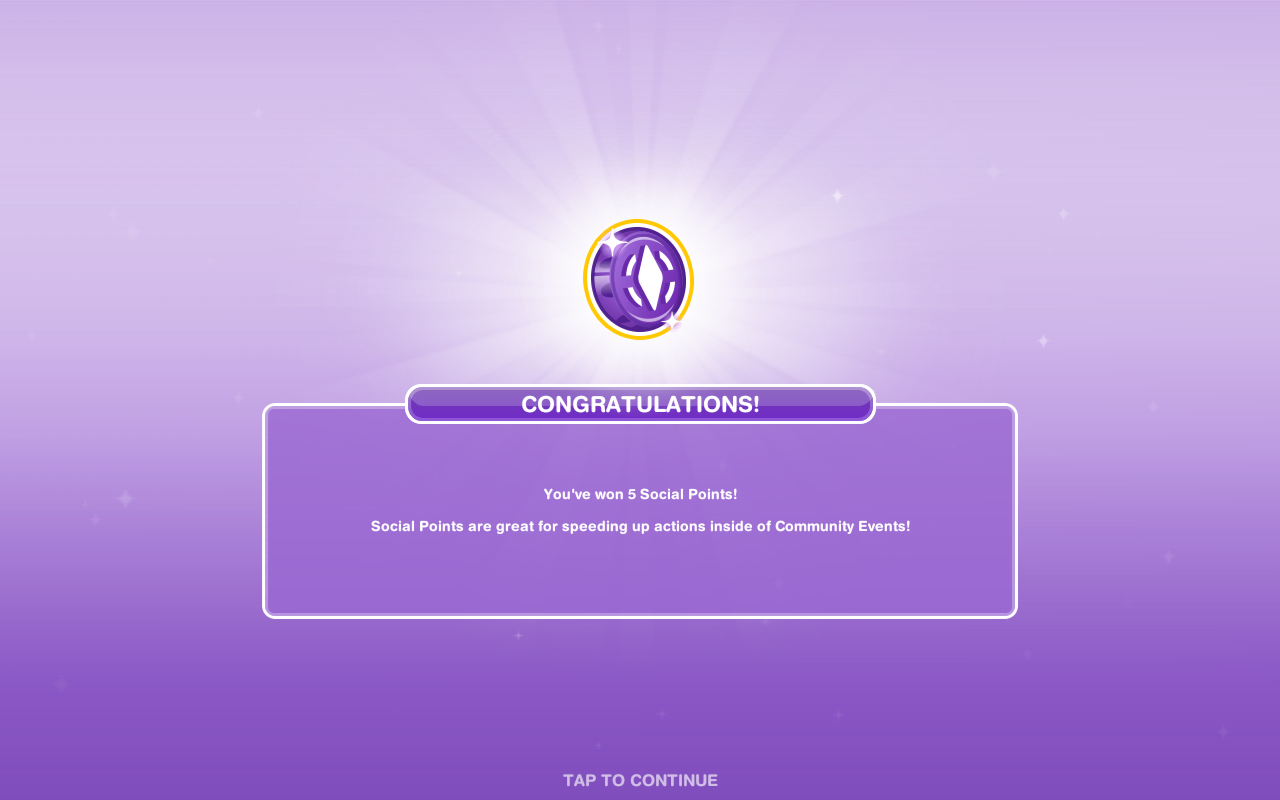
7.Social Points
 8.Constructor Coins
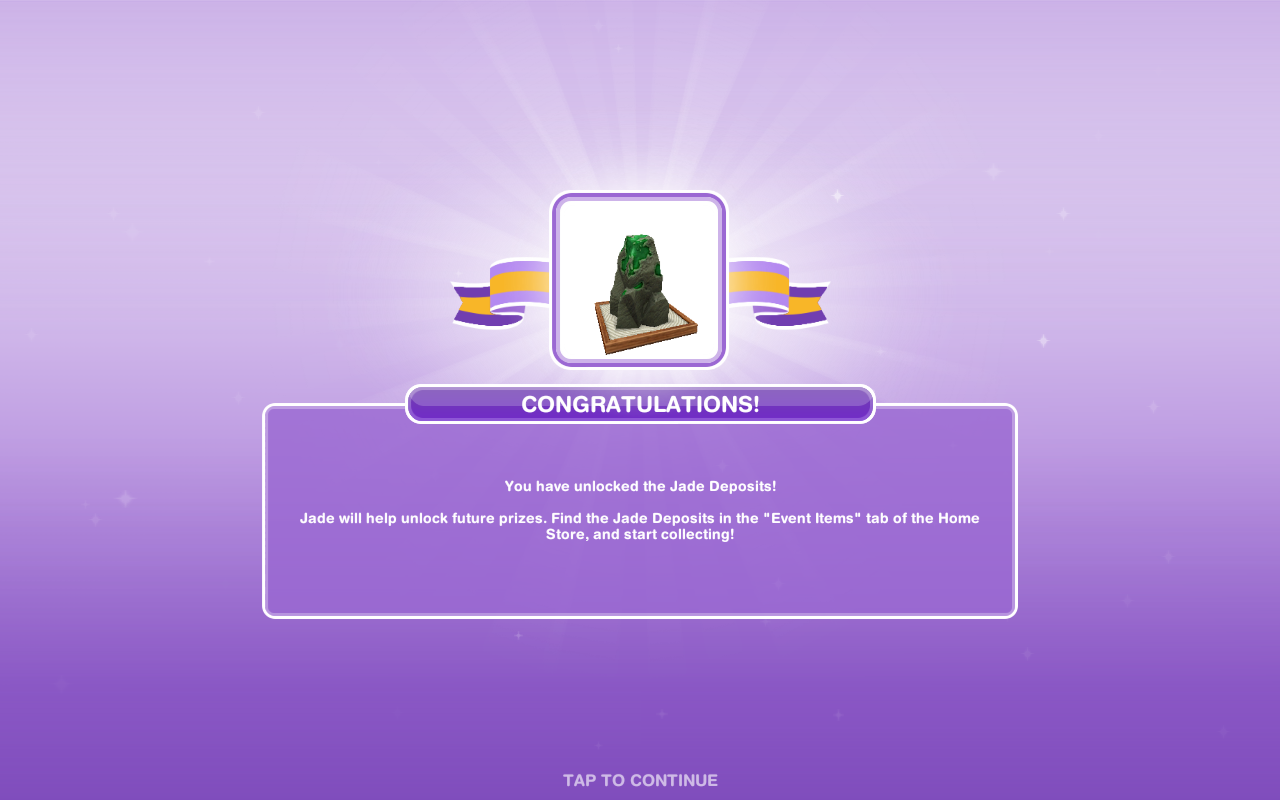
9.Giant Journeys- unlocks Leaky Leaf Canoe and Giant Forest Slide
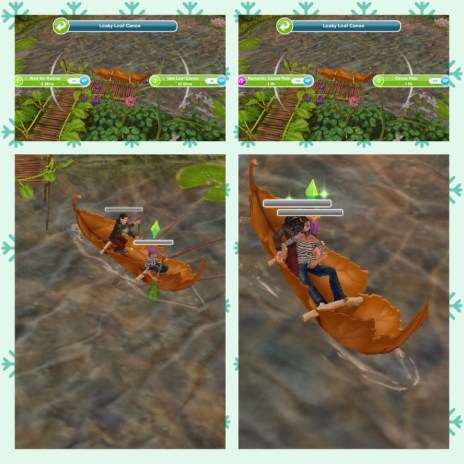
Leaky Leaf Canoe

Requires- 15,600 Daisies, 12,200 Blue Bells and 175 Constructor Coins
Takes 2 hours to build
Once built one or two sims can take a trip in the leaf canoe!
Giant Forest Slide

Requires- 20,800 Daisies, 16,300 Blue Bells and 235 Constructor Coins
Takes 4 hours to build
Once built a sim can slide into the lake!

10.Giant Petunias

11.Constructor Coins

12.Social Points
13.Constructor Coins

14.Sizeable Fun- unlocks Flower Petal Swing and Spider Web Bounce
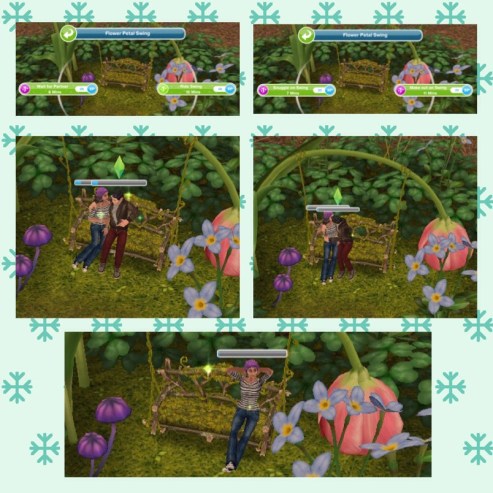
Flower Petal Swing
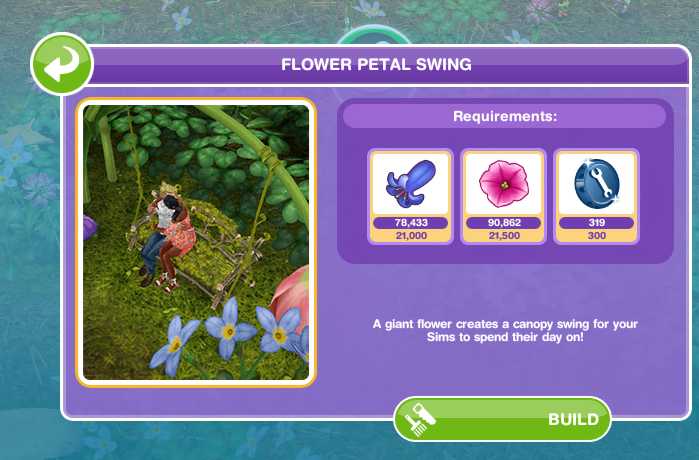
Requires- 21,000 Blue Bells, 21,500 Petunias and 300 Constructor Coins
Takes 6 hours to build
Once built your sims can swing or snuggle
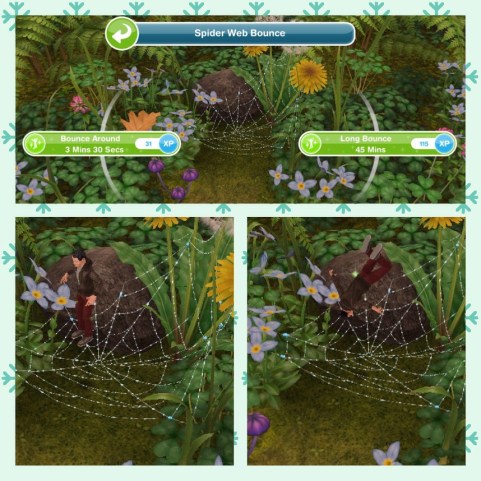
Spider Web Bounce

Requires- 22,500 Blue Bells, 23,000 Petunias and 320 Constructor Coins
Takes 8 hours to build
Once built a sim can enjoy a bounce!
15.Giant Pansies

16.Constructor Coins

17.Social Points
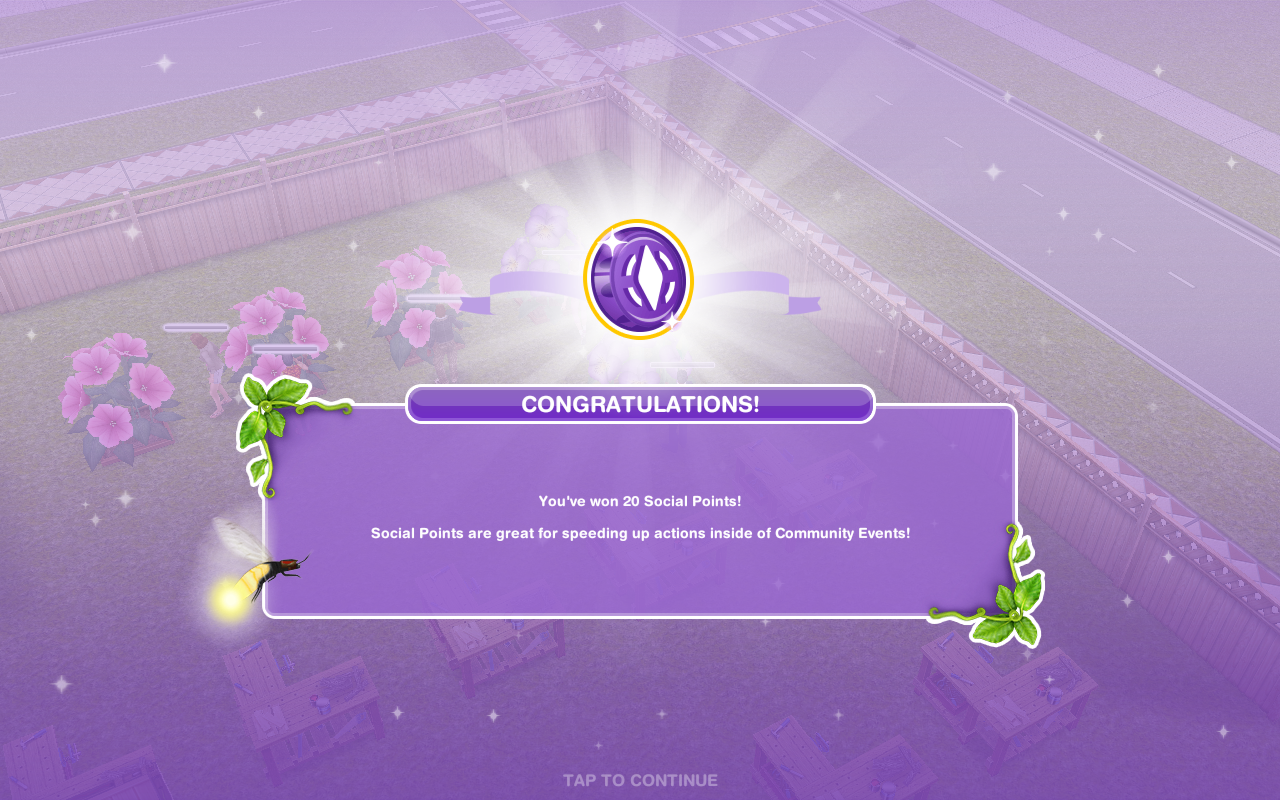
18.Constructor Coins

19.Enormous Activities- unlocks Ladybug Friends and Fairy Circle Field
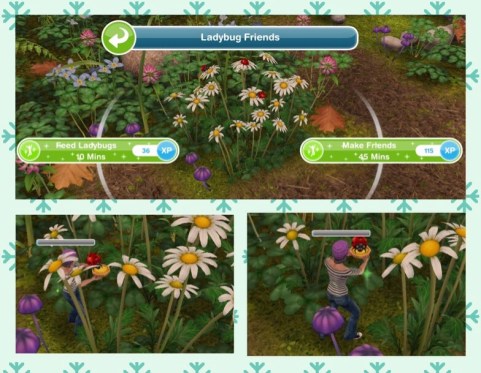
Ladybug Friends
Requires- 27,000 Blue Bells, 28,000 Petunias, 32,000 Pansies and 390 Constructor Coins
Takes 9 hours to build
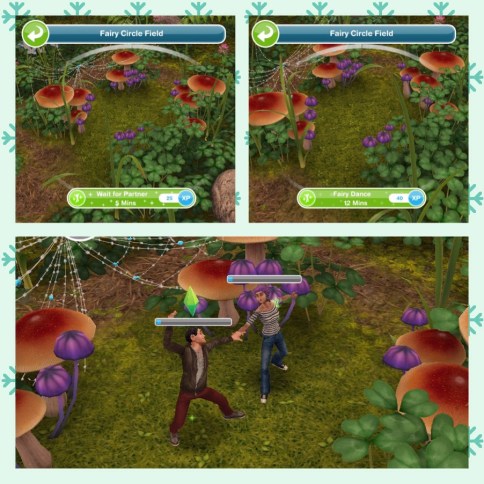
Fairy Circle Field

Requires- 30,000 Blue Bells, 30,500 Petunias, 36,000 Pansies and 425 Constructor Coins
Takes 9 hours to build
Once built two sims can have a fairy dance!
20.Constructor Coins

21.Social Points
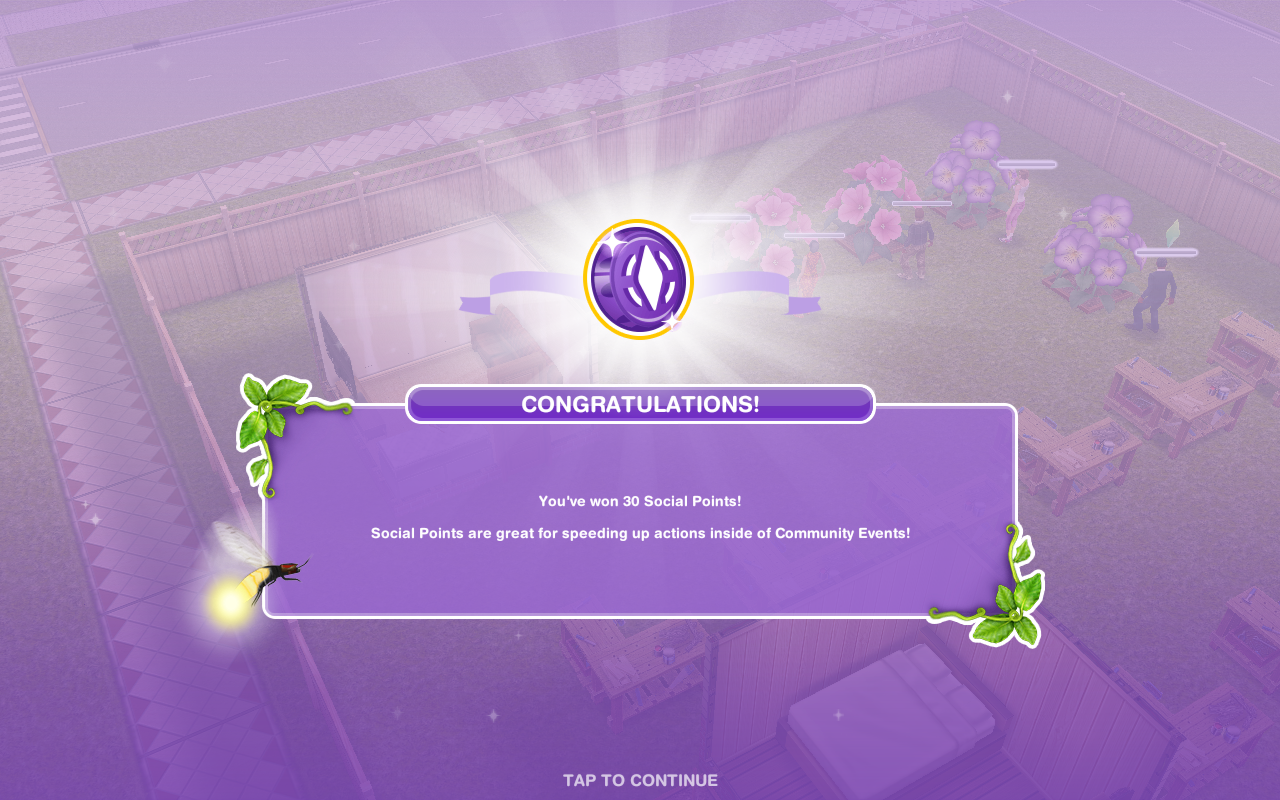
22.Constructor Coins
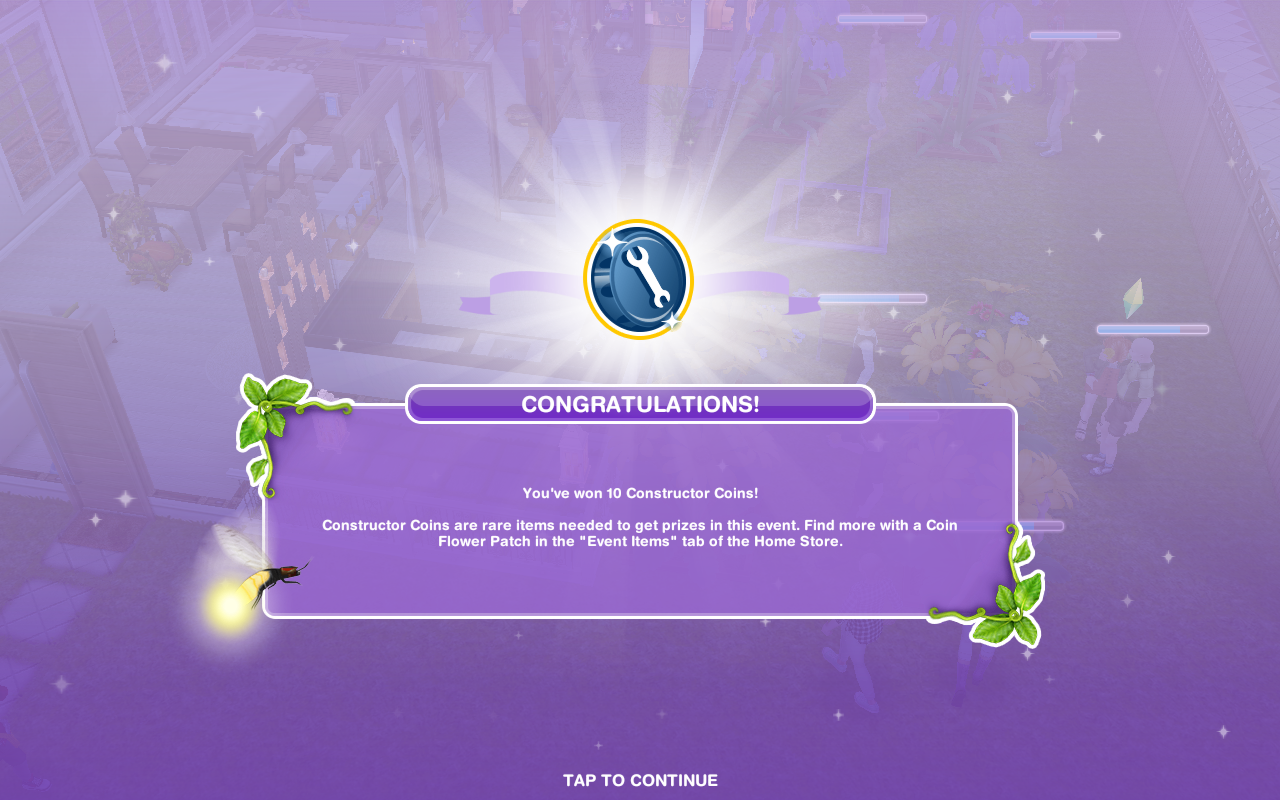
That is all the personal progress prizes!
I can’t believe the last constructor coin reward is only 10!
If you manage to build everything you will unlock the Magical Wings area at the rainforest (This is free! I didn’t manage to build everything as I couldn’t get enough constructor coins and I’m not wasting all my social points on it!)
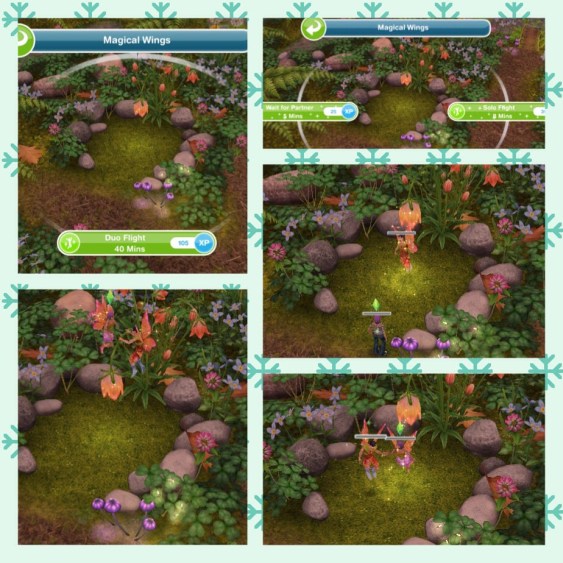
ONCE THE EVENT IS OVER YOU CAN STILL ACCESS THE MAGICAL RAINFOREST EVEN IF YOU DO NOT UNLOCK OR BUILD ALL THE AREAS
Earning Construtor Coins? Previously I have used social points on the Mega Spin Plant to win constructor points. I earn social points by completing the cooking hobby and earning LPs, I can then turn the LPs into SPs using the social point plant on a normal garden patch- this was when it cost 5LPs- the social point plant now costs 20LPs so you may want to try the option below first instead:
Or you can use 450 Daisies for the Spin Plant (a good way to use up any spare Daisies) which will also earn you constructor coins but the amount you earn is less than from the Mega Spin Plant
Community Progress
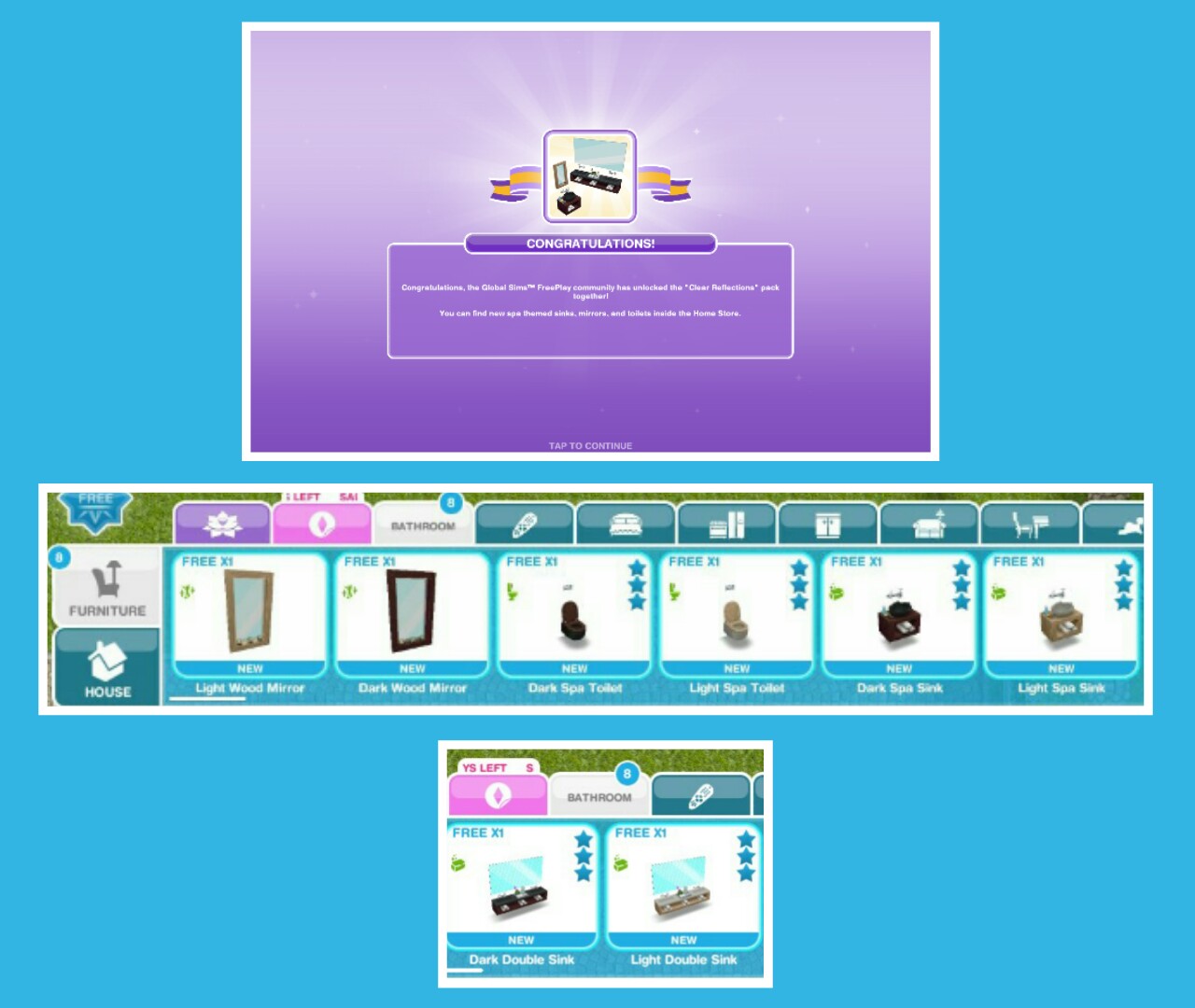
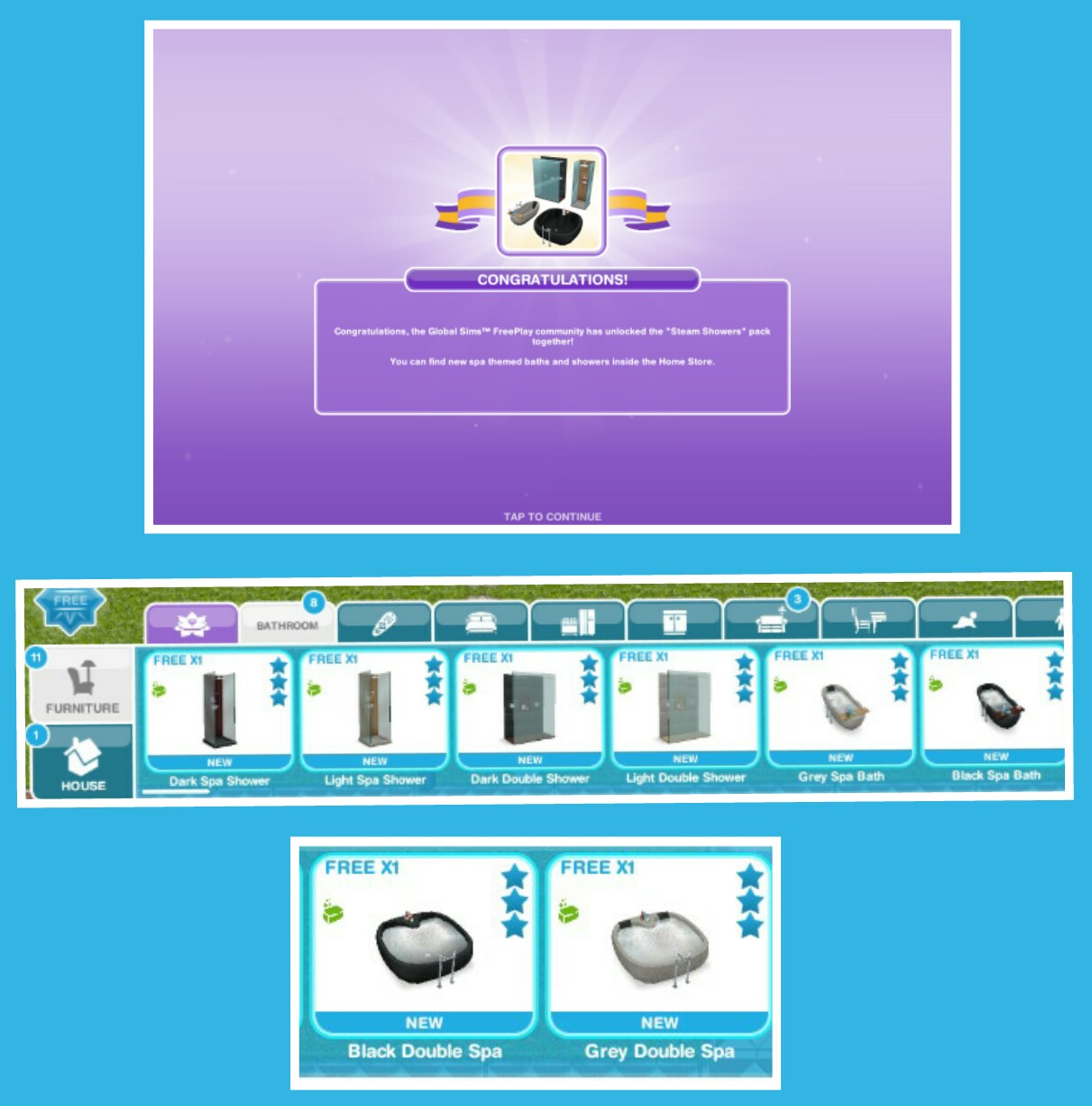
The community progress is the combined progress of all players flowers collected to unlock new chapters which unlock new items for all of us!
NOTE: You DO NOT need neighbours for this- this is everyone who plays the games progress NOT your neighbours progress

This community event is different because each chapter we unlock is part of a quest, once we finish that chapter we unlock the furniture you can see in my early access post. I will be added information and pictures of all the goals and the prizes as we unlock them.
NOTE: you will need to click claim in the community tab to be able to start a chapter:

1.Tiny Travels- complete these goals to unlock dining items

- Call a sim to the magical rainforest (use the sea voyage boat to get there then click on a whistle on the simtracker to bring a sim)
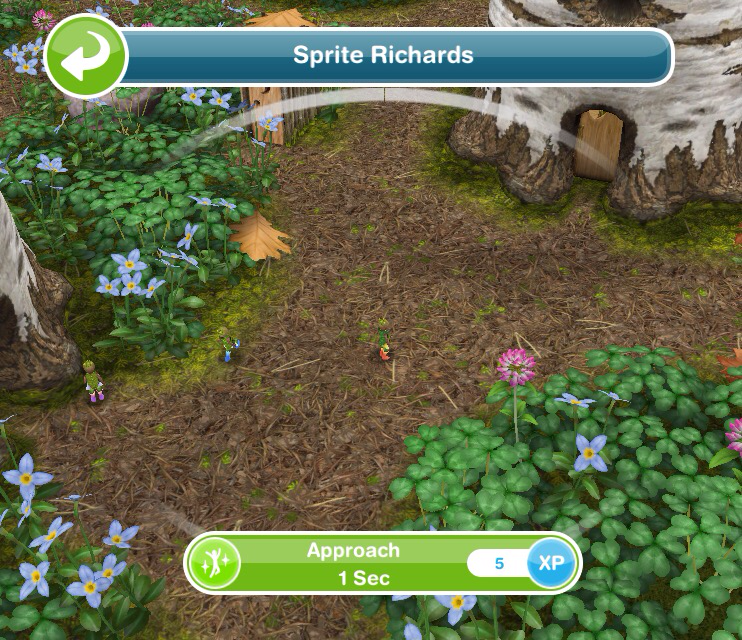
- Approach a forest sprite- 1 second
- Inspect the area (click on the x)- 3 minutes 5 seconds

- Place the bouquet (click on the x)- 4 seconds

- Unlock the next chapter- when we all unlock the next chapter you will be able to do the next set of goals!

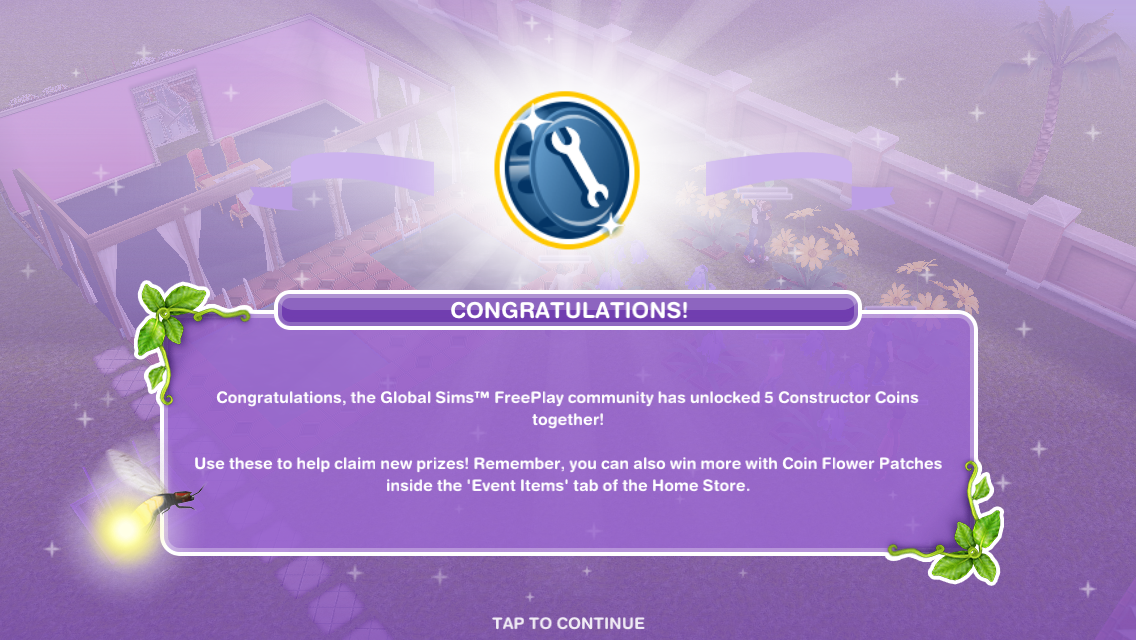
2.Constructor Coins

3.Constructor Coins
4.Stranger Times- complete these goals to unlock lighting items

- Politely meet the princess- 1 minute
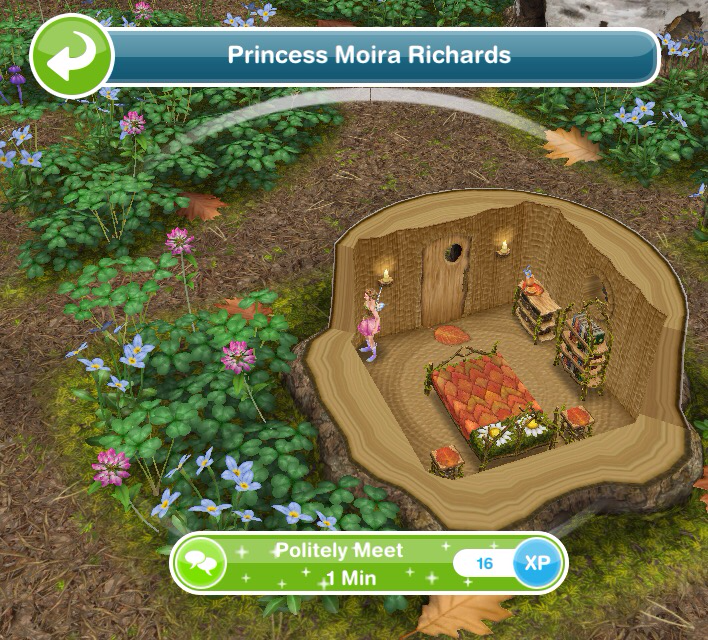
- Discuss with the princess- 1 minute
- Examine the door- 1 minute
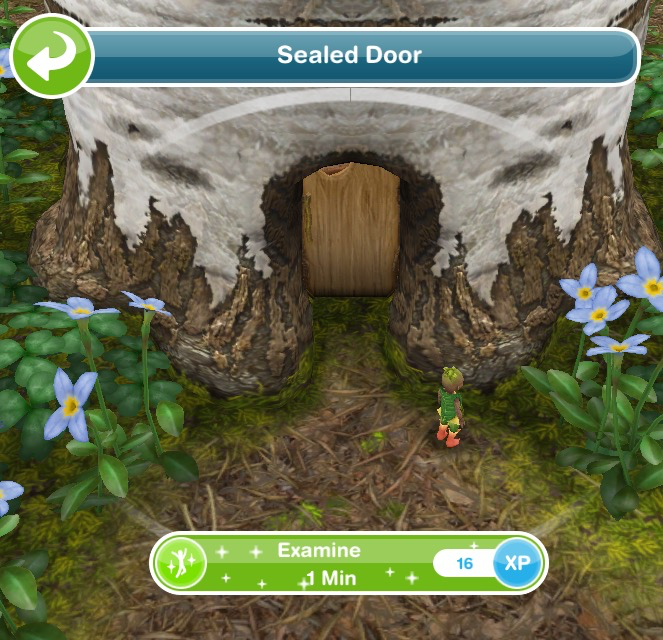
- Offer to help the princess- 1 minute
- Examine the book of spells- 1 minute (bookcase)
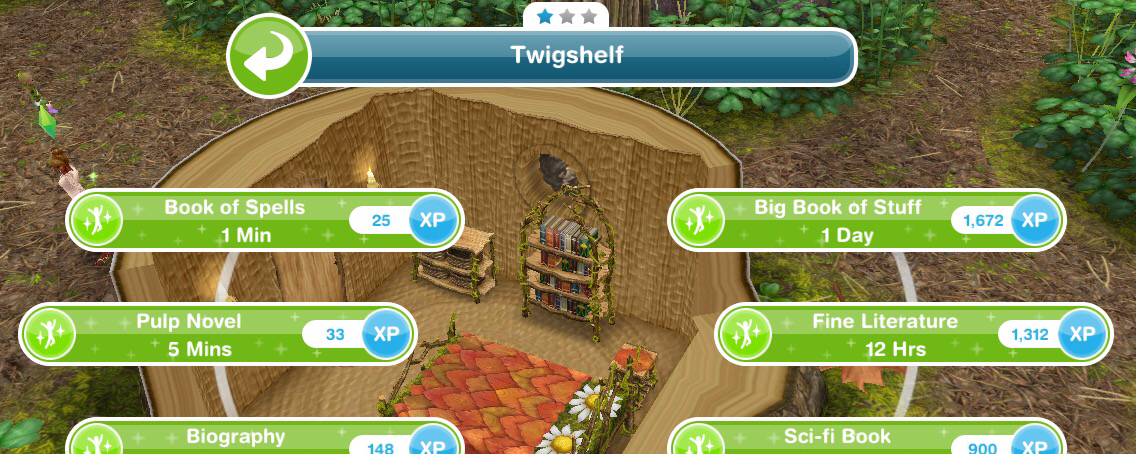
- Make a bloom potion- 48 seconds (stove at a sims house)

- Pour the bloom potion on the sealed door- 5 seconds
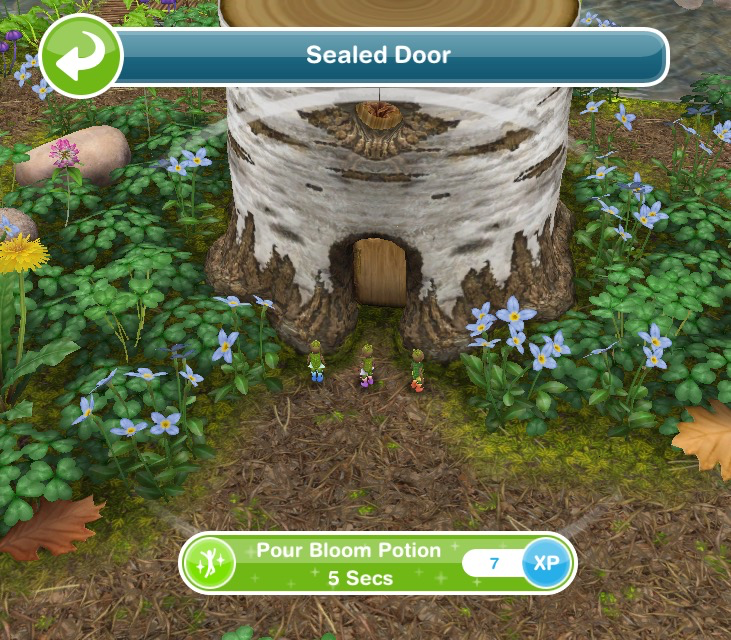
- Reassure a sprite- 1 minute

- Read the strange notes- 1 minutes

- Give the notes to the princess- 2 seconds
- Unlock the next chapter- when we all unlock the next chapter you will be able to do the next set of goals!
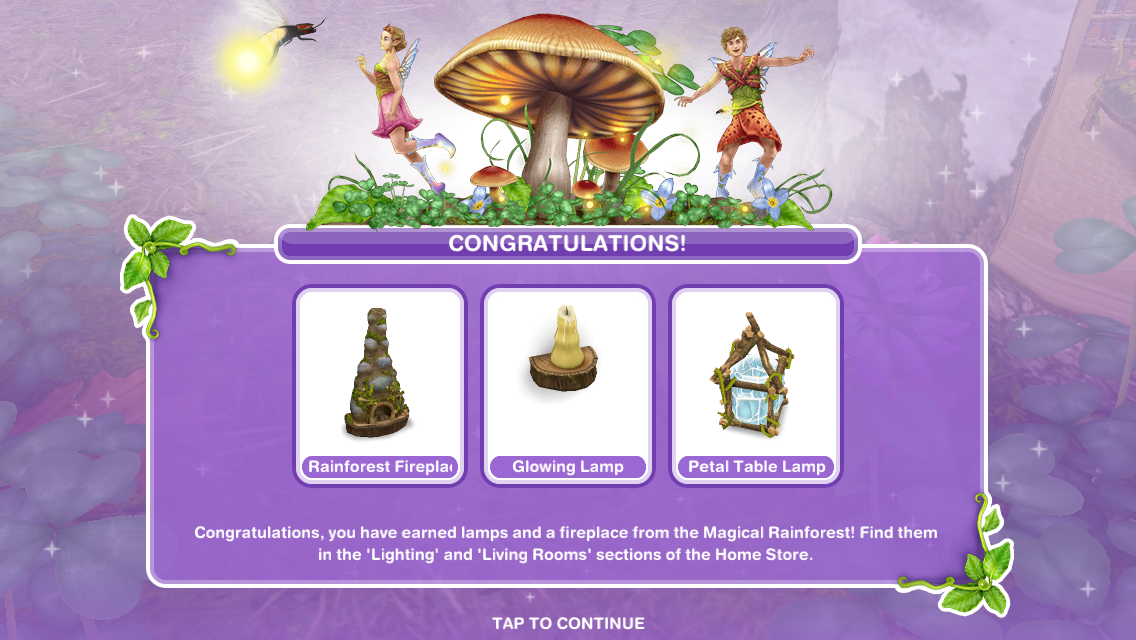
5.Constructor Coins

6.Constructor Coins

7.Missing Love- complete these goals to unlock reading area items

- Ask a sprite about the prince- 1 minute

- Solve the sprites riddle:
‘Prince Finn once said his favourite hobby is to sit down with a good adventure’ what was he doing when he disappeared?

If you don’t know the answer is: Reading!
- Examine the staircase- 14 seconds

- Make a bloom potion- 48 seconds (using a stove at home)
- Use bloom potion on the stairs- 5 seconds
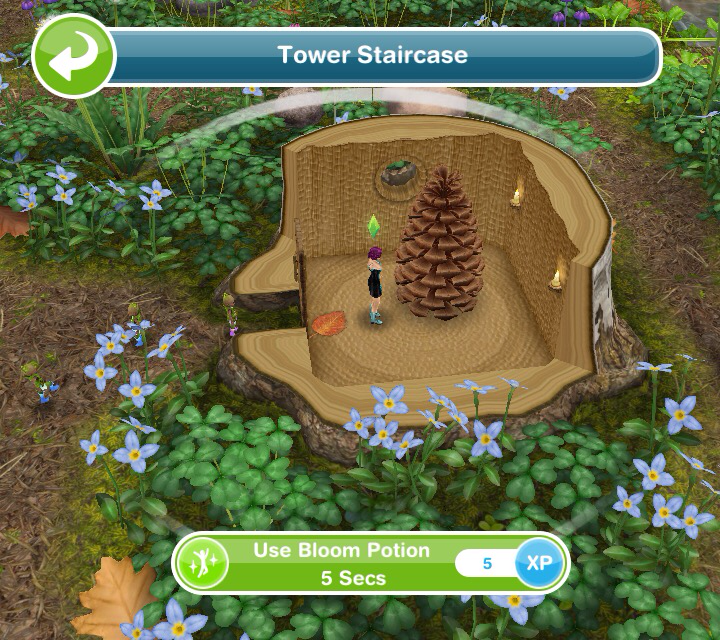
- Talk to the grumpy sprite- 30 seconds
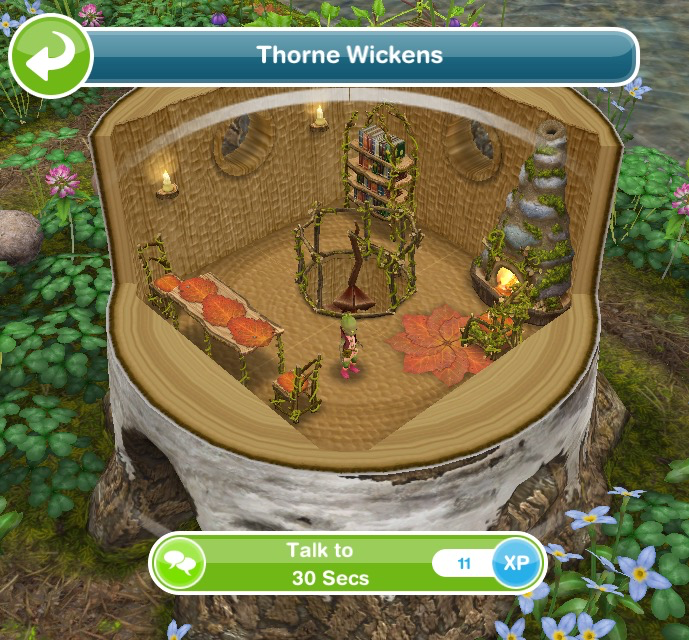
- Talk to the princess- 1 minute

- Ask the princess what to do- 1 minute
- Send a sim home
- Think about Prince Finn- 48 seconds (on a seat)

- Unlock the next chapter- when we all unlock the next chapter you will be able to do the next set of goals!

8.Constructor Coins

9.Constructor Coins

10.Fairy Fright- complete these goals to unlock bedroom set

- Call about the prince- 48 seconds (using a phone)

- Check under a bed- 48 seconds

- Call a sim to the magical rainforest
- Ask about the prince’s personality- 1 minute (ask princess)

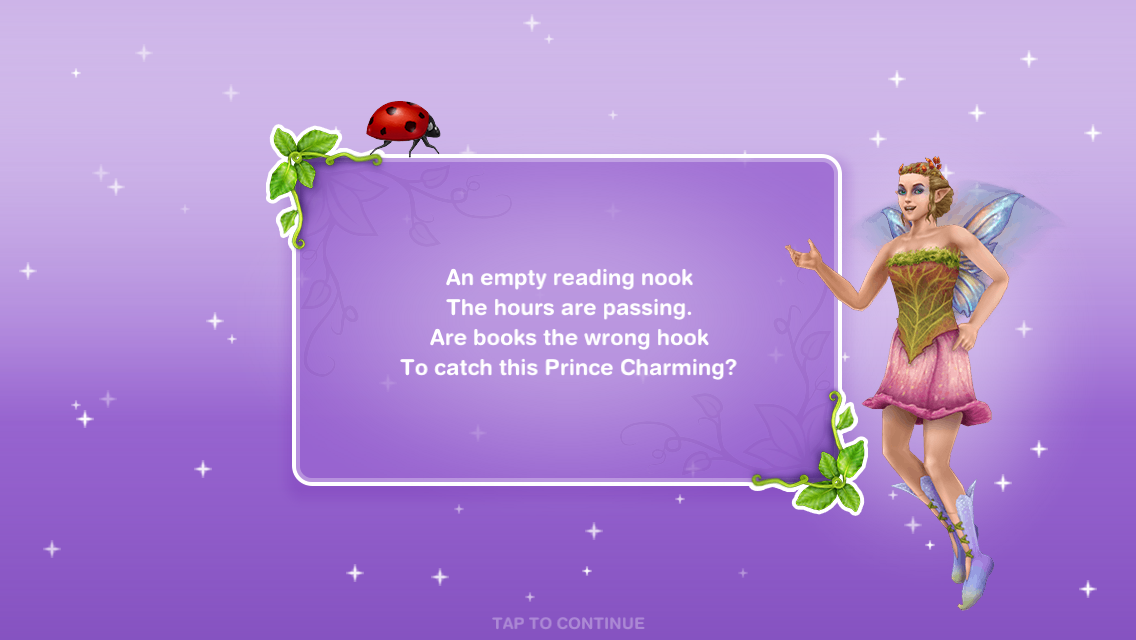
- Guess a comfortable place for the prince: ANSWER- reading area- 5 minutes

- Send a sim home
- Place a reading chair (buy a chair from the home store)
- Analyse the setup (click on the chair)- 48 seconds

- Unlock the next chapter- when we all unlock the next chapter you will be able to do the next set of goals!

11.Constructor Coins
12.Constructor Coins
13.Magic Fix- complete these goals to unlock seasonal decoration items
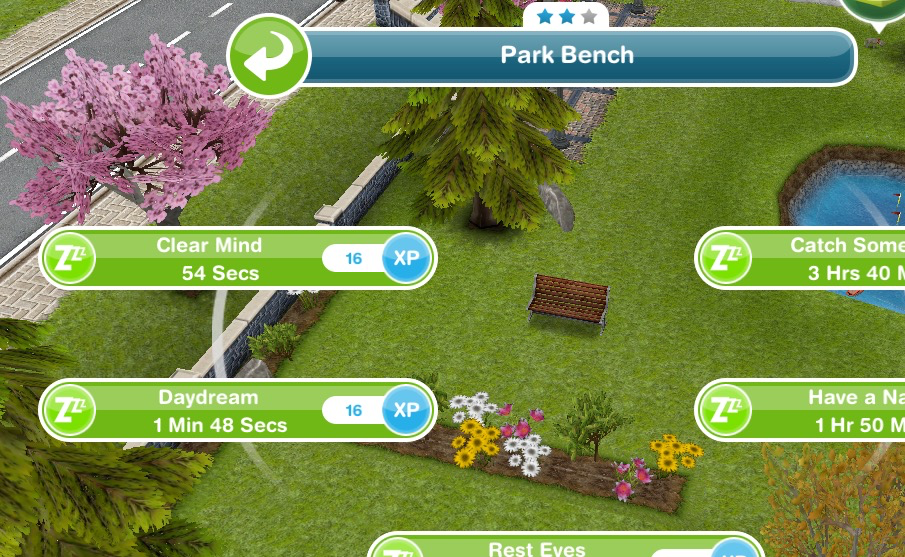
- Send a sim to the park
- Clear a sims mind- 54 seconds (on a park bench)
- Send a sim home
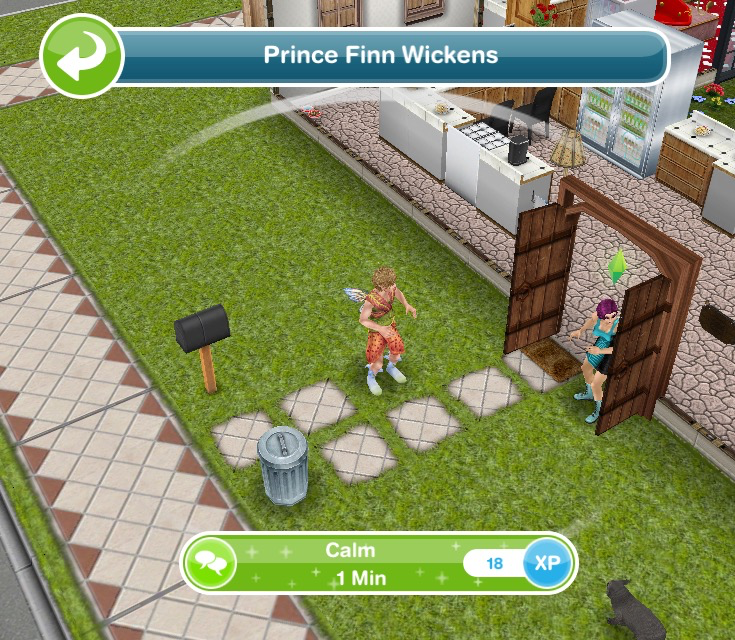
- Calm Prince Finn- 1 minute
- Return to the magical rainforest
- Share the news with the Princess- 1 minute
- Send a sim home
- Brew a shrink potion- 48 seconds (using a teapot)

- Give Prince Finn the potion- 6 seconds

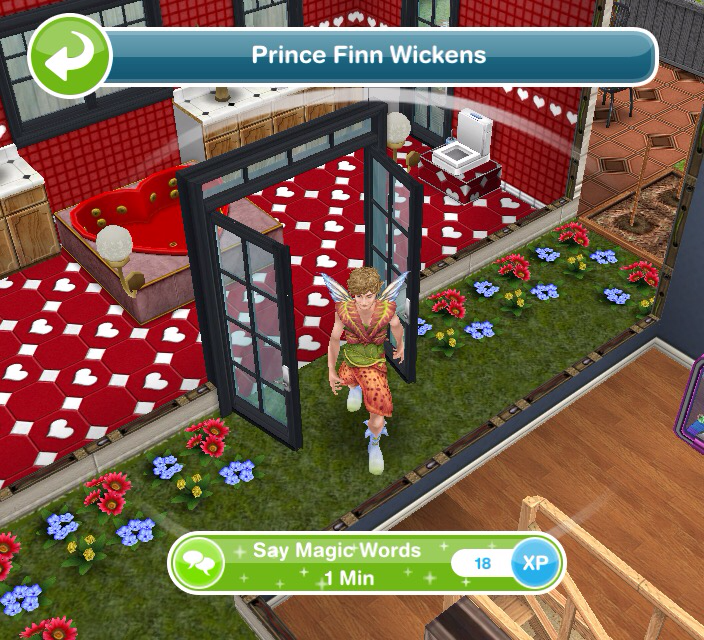
- Say the magic words- 1 minute (Finn)
- Return to the magical rainforest
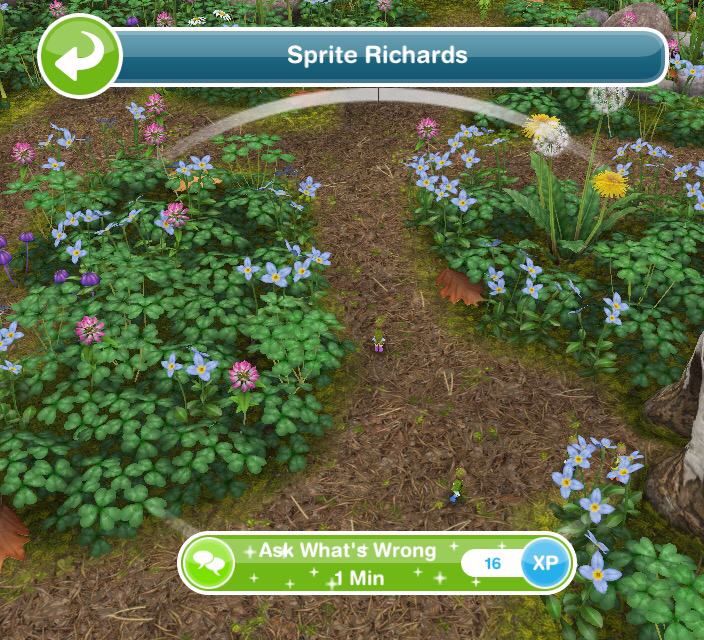
- Ask a sprite what is wrong- 1 minute
- Tell the Princess what happened- 1 minute
- Unlock the final chapter- when we all unlock the next chapter you will be able to do the final set of goals!

14.Constructor Coins

15.Constructor Coins
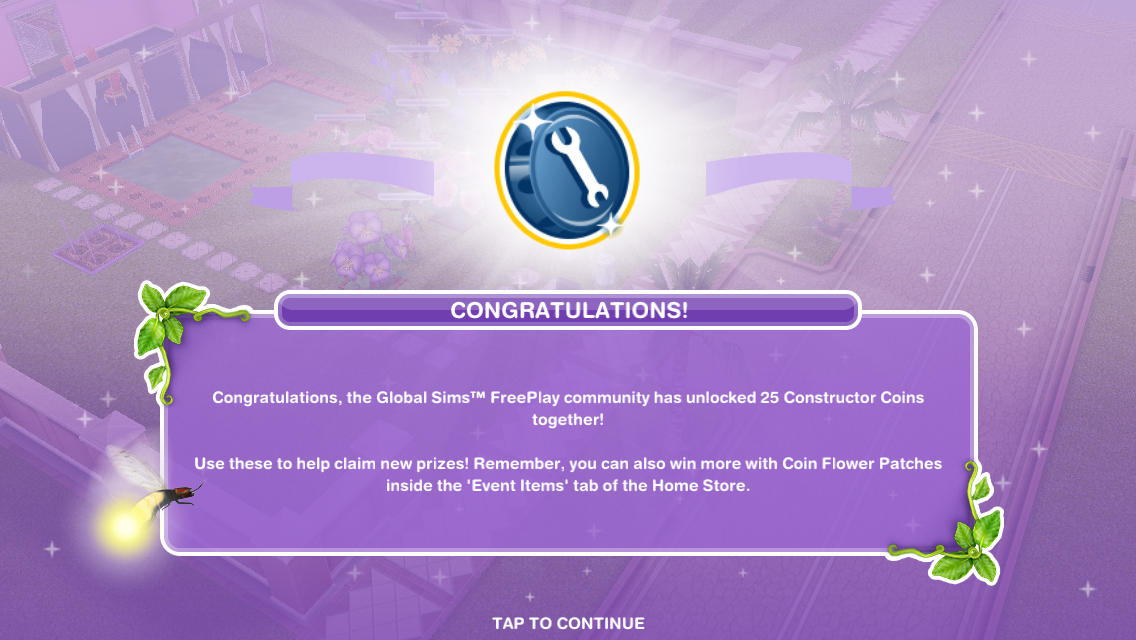
16.Harmony- complete these goals to unlock oversized plants! 
- Send a sim to a home lot
- Talk to Thorne- 30 seconds

- Comfort Thorne- 30 seconds
- Return to the magical rainforest
- Explain the situation to the Princess- 1 minute
- Tell Thorne about the party- 30 seconds

- Return to the magical rainforest
- Start dancing in the magical rainforest (click on the x)- 1 minute

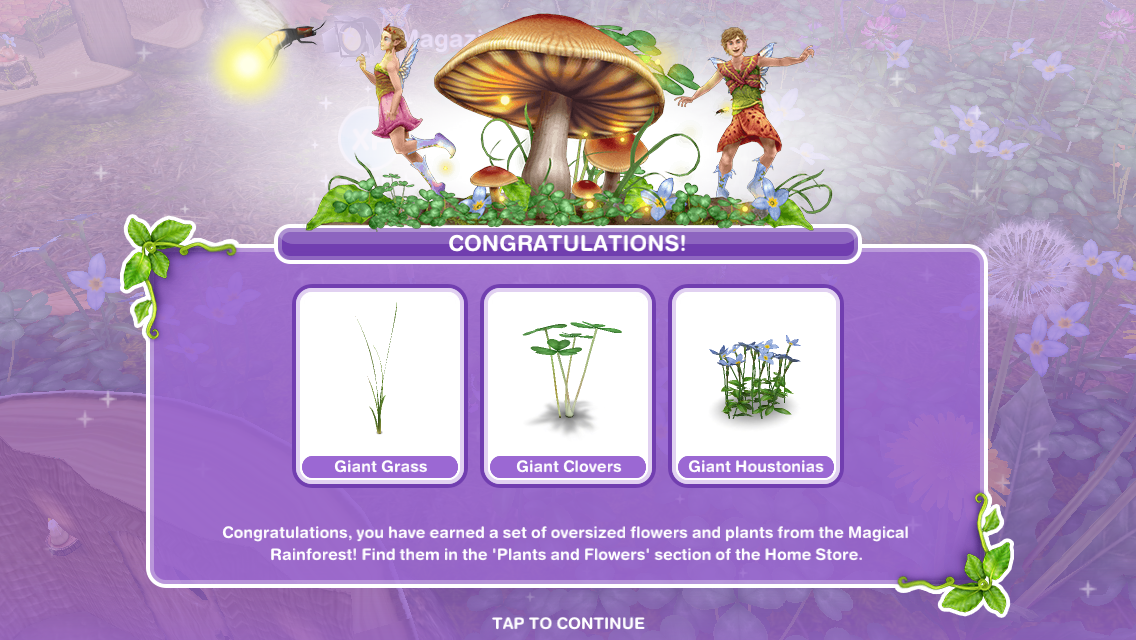
QUEST IS COMPLETE!
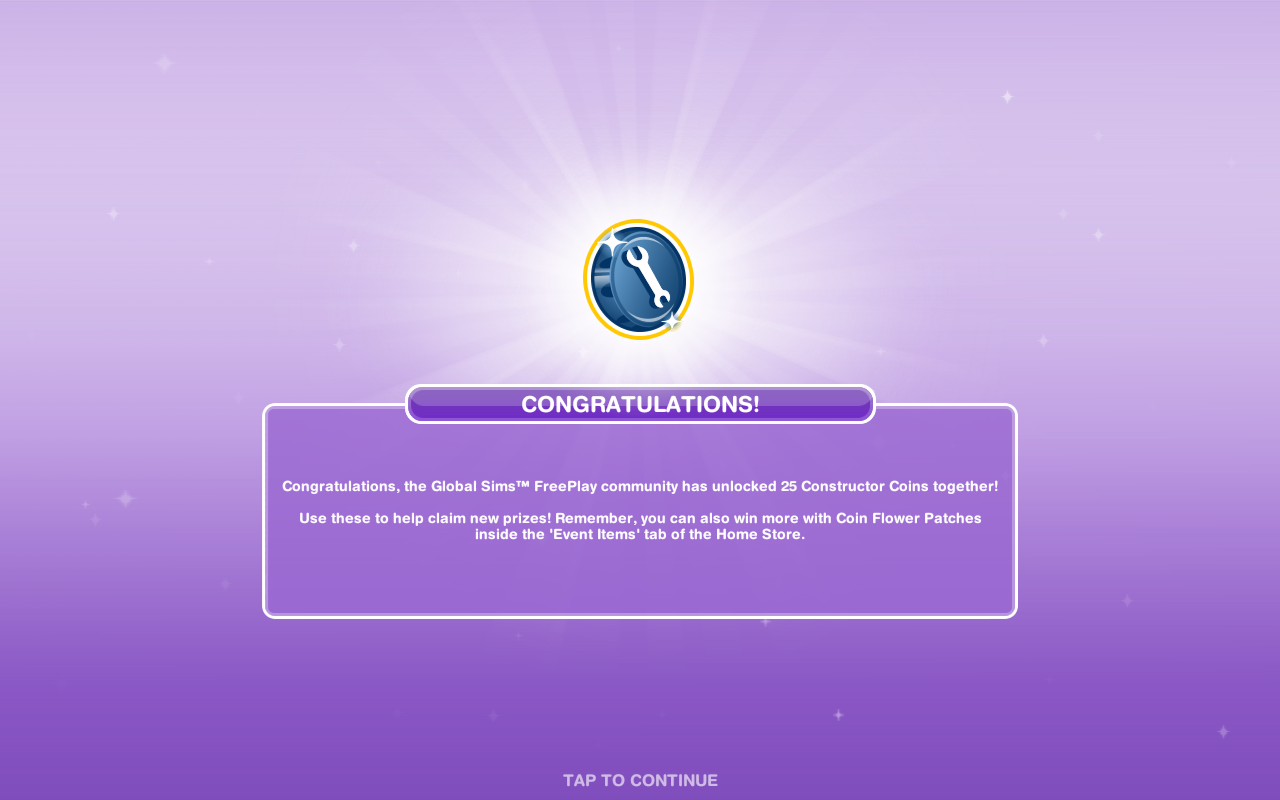
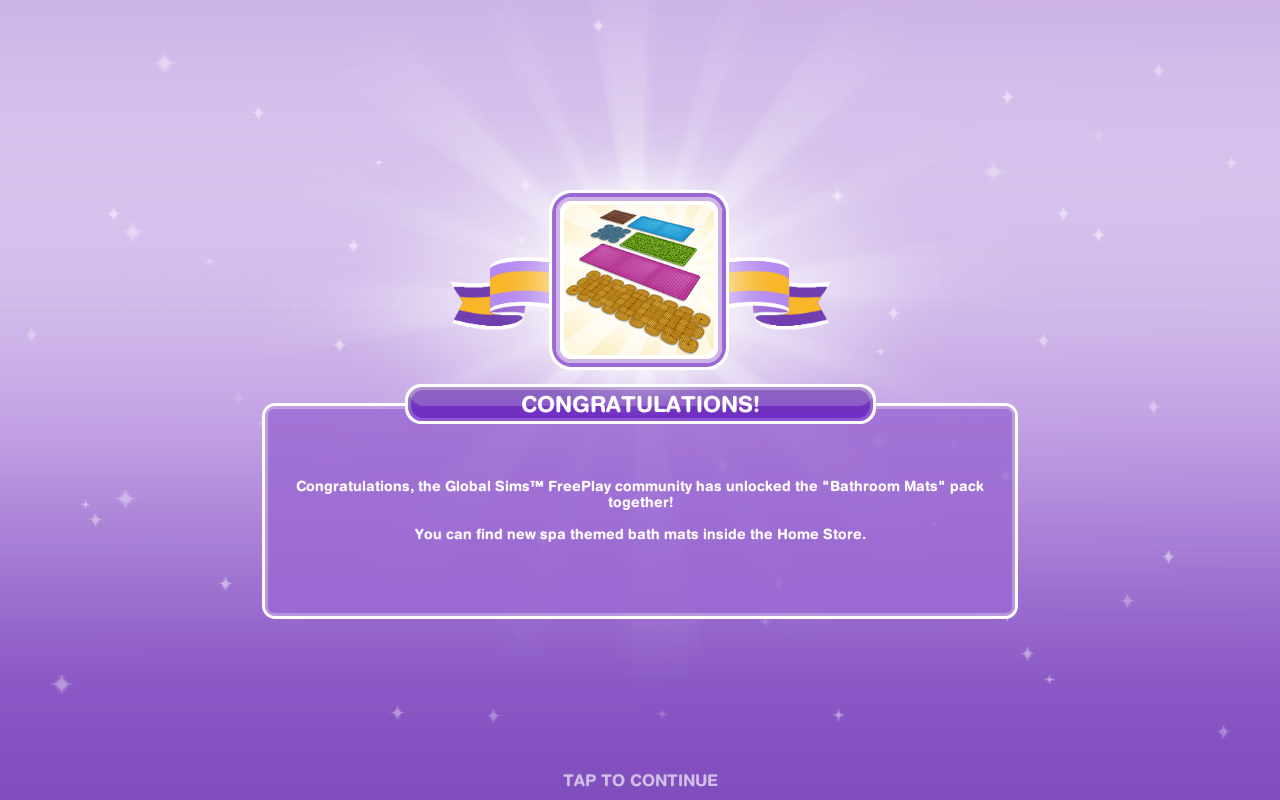
We have unlocked all the community prizes!


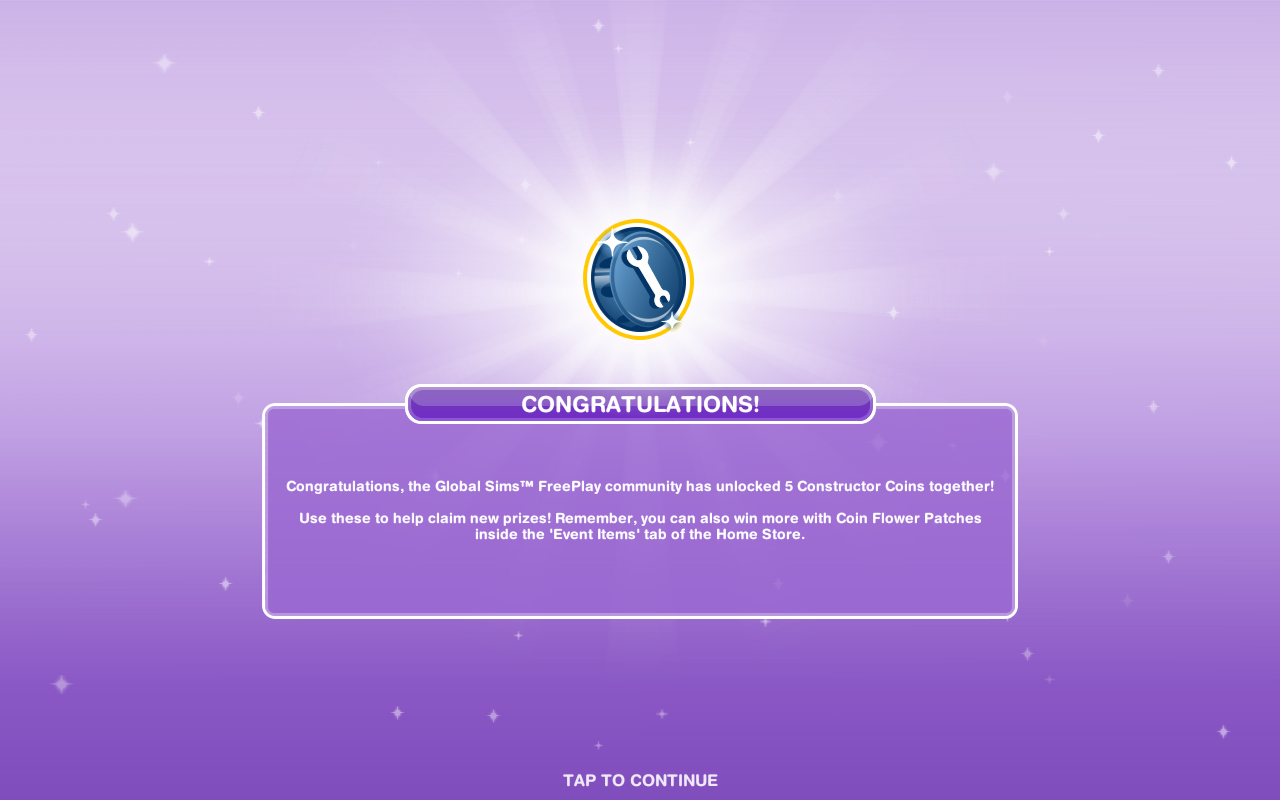
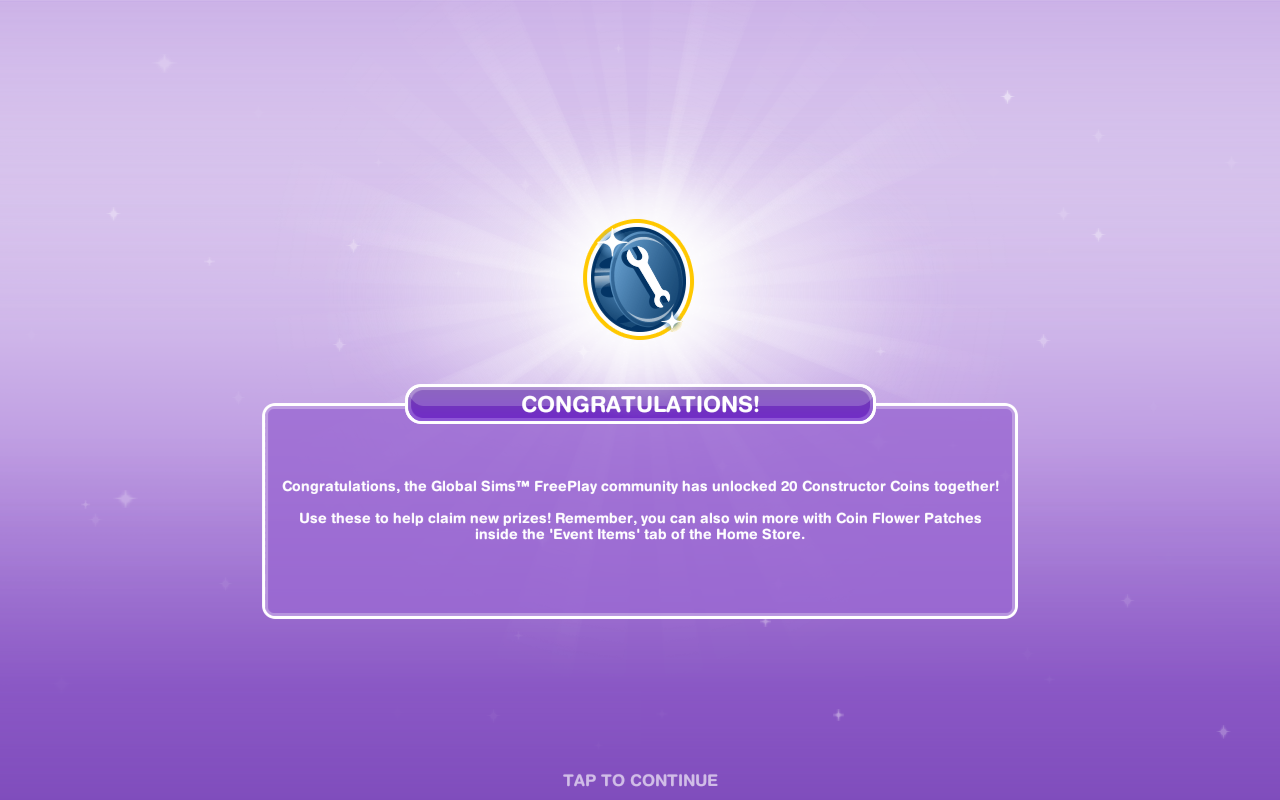
Constructor Coins
You earn constructor coins by:
Personal Progress prizes
Community Progress prizes
Completing Daily Goals
Coin Plant Patches
Rainbow Bouquet
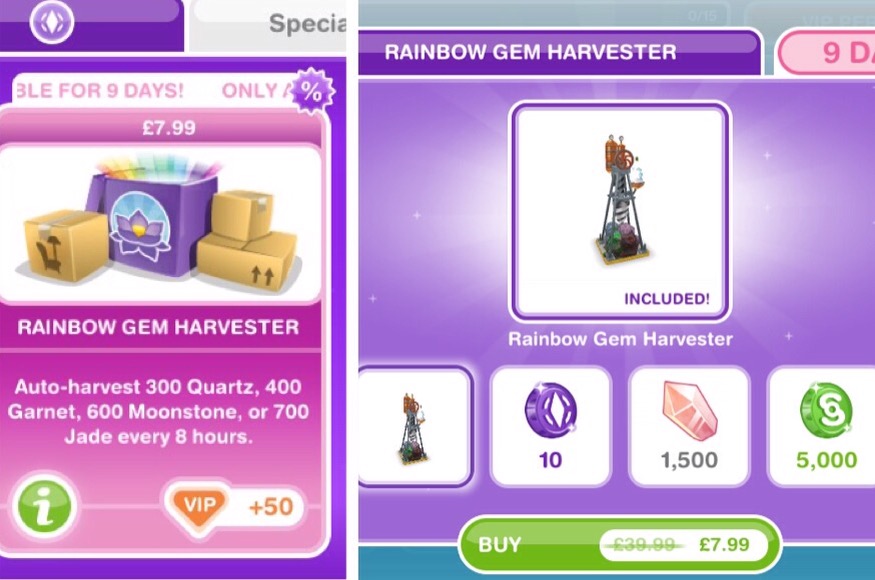
The Rainbow Bouquet can be purchased from the online store for real money- it auto gathers 300 Daisy, 400 Blue Bell, 600 Petunia OR 700 Pansy every 8 hours
You also get 10SPs and S20,000 for buying it

THE EVENT IS NOW OVER but you have 7 days to use the flowers and coins you have collected (you cannot collect anymore!) to build the places at the rainforest

<- Find this post helpful?
© COPYRIGHT PROTECTED










































 The Girl Who Games