The Sims Mobile- Countdown to Halloween 2018 Quest

THIS EVENT IS OVER

Get ready for Halloween with the Countdown to Halloween Quest, complete all 19 parts of this quest in the time limit (6 days) to unlock 3 Halloween decorations which when placed in your house allow you to get a head start in the Halloween Haunt Event which is coming next week!

I am assuming that it means you can complete events quicker as the bar will partly fill before you start so it is worth completing in the time limit if you want to complete the Halloween Haunt Event quickly!

1.Complete browse for costumes at a dresser- costs 2 energy (select the blue option on the dresser) Reward: 25 coins

2.Start a friendly story (select the begin a friendship on a sim and then choose the story once asked at the end of the event) Reward: 25 coins

3.Earn 3 stars at a party (go to a party and complete actions until you earn 3 stars) Reward: 25 coins

4.Ask 3 sims about costume ideas- 5 seconds, costs 2 energy each time (select the interaction on another sim, can only be completed every 2 minutes with the same sim, use different sims to complete this quicker) Reward: 25 coins

5.Complete the Home for Halloween event (click on a sofa to begin) Reward: Pumpkin Helper (place in your house to get a head start in Halloween 2018 events)

6.Earn 650 simoleons Reward: 25 coins

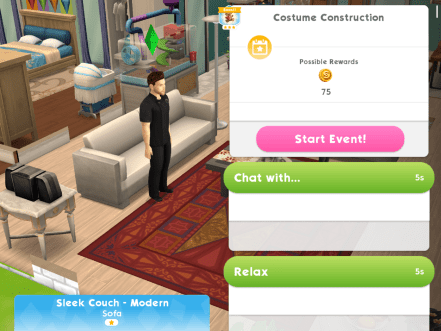
7.Complete the Costume Construction event (click on a sofa to begin) Reward: 25 coins

8.Complete all LlamaZoom tasks and collect rewards Reward: 25 coins

9.Ask 3 sims about Halloween treats- 5 seconds, costs 2 energy each time (select the interaction on another sim, can only be completed every 2 minutes with the same sim, use different sims to complete this quicker) Reward: 25 coins

10.Complete the Home for Halloween event (click on a sofa to begin) Reward: 25 coins

11.Complete all LlamaZoom tasks and collect rewards Reward: Worthy Pumpkin Tree (place in your house to get a head start in Halloween 2018 events)

12.Tap on a sim to begin a relationship 3 times (select begin a friendship event with 3 sims) Reward: 25 coins

13.Give 4 stickers (click on a sim with a blue plumbob to get the option to give them a sticker) Reward: 25 coins

14.Earn 650 simoleons Reward: 25 coins

15.Complete all LlamaZoom tasks and collect rewards Reward: 25 coins

16.Complete the Home for Halloween event (click on a sofa to begin) Reward: 25 coins

17.Complete all LlamaZoom tasks and collect rewards Reward: 25 coins

18.Complete the Costume Construction event (click on a sofa to begin) Reward: 25 coins

19.Complete all LlamaZoom tasks and collect rewards Reward: 25 coins

QUEST IS COMPLETE!

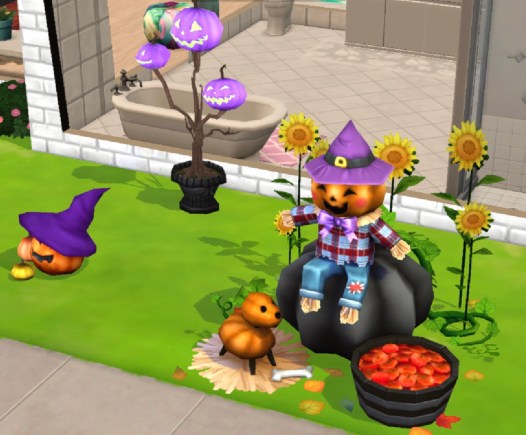
Completing this quest unlocks the Grand Pumpkin Display:

All 3 of these decorations will give you a head start in next weeks Halloween event (aw how cute is that pumpkin?!):


My Sims Mobile Posts 
©THEGIRLWHOGAMES.BLOG

The Sims Freeplay- Night of the Candy Monsters Quest

NOTE: these are the times from last time this quest was available, please let me know if anything has changed!


THIS EVENT IS OVER

Once you update your game to the Brilliant Backyard Update you can complete this Player Favourite Event* in the 9 day time limit to unlock the Halloween costume packs, each set of goals unlocks a new costume pack

*What are Player Favourite Events? These are events or quests you opt in to complete for a second chance to complete them, you will be able to start these within an open period date if you haven’t completed it already. These are optional so you will need to click on the green play button next to the title of the event in the active tasks tab to start:

If you completed this quest before you won’t be able to complete it again, if you started it but didn’t finish it last time you will have to start from the beginning again unfortunately


Click on these links to get straight to that part of the post:

First SetSecond SetThird Set Fourth SetFifth SetPrizes


Times may vary depending on the star rating an item has.

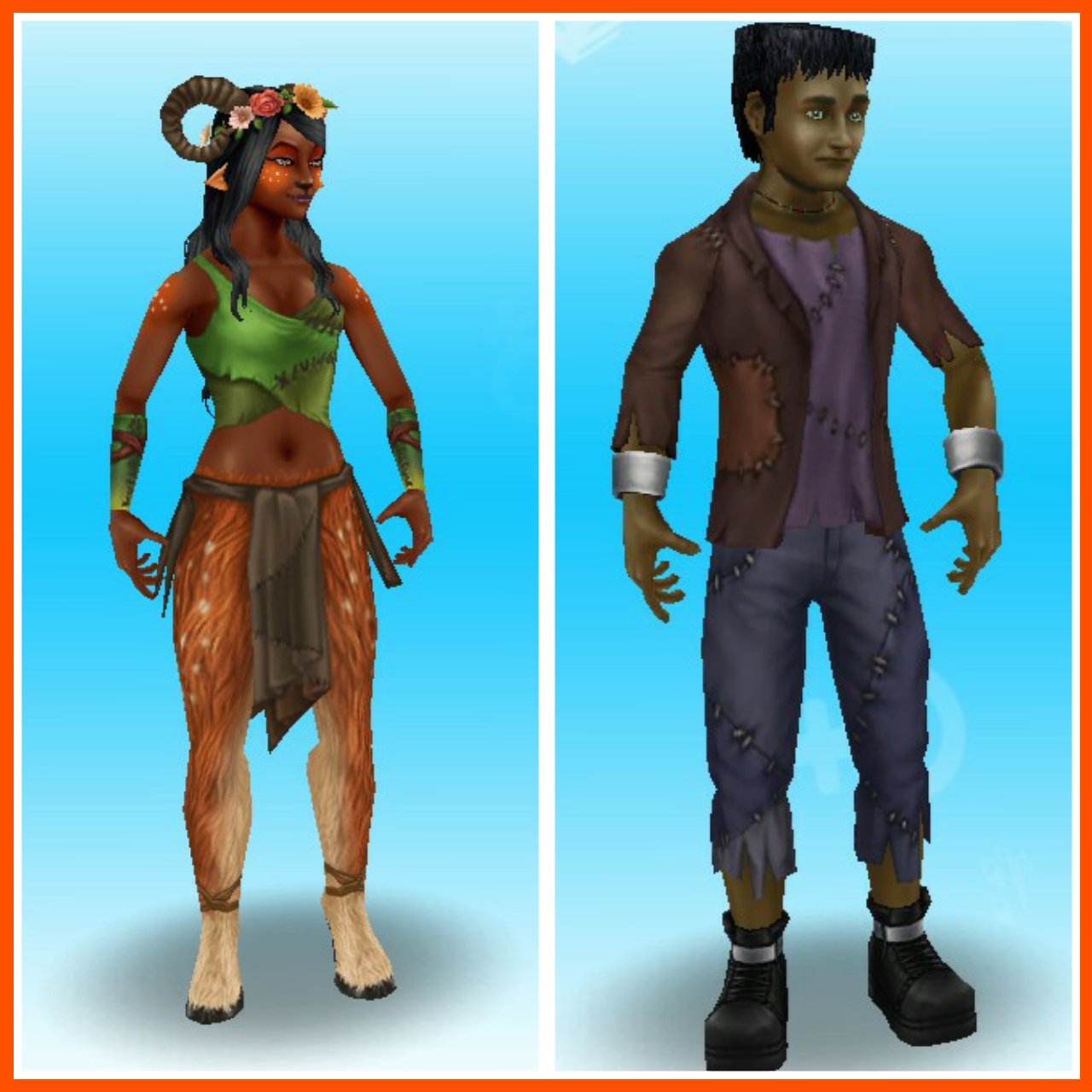
First set: Complete the first set of goals to unlock the Fawn and Reanimated costume set for adults

  • Browse for a costume- 48 seconds (computer)

image

  • Call a costume store- 4 minutes (phone)
  • Go to the park
  • Approach the purple monster- 3 seconds

image

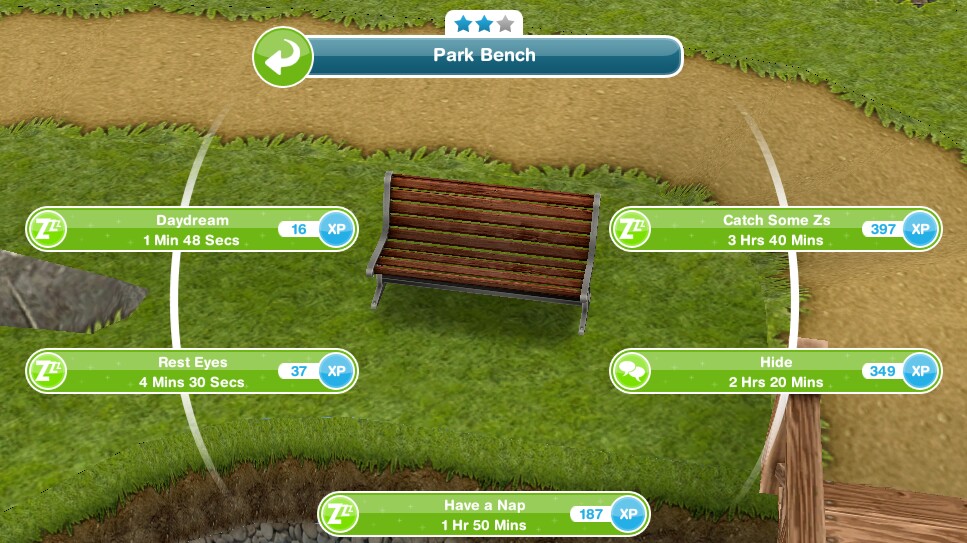
  • Hide at the park- 2 hours 20 minutes (bench)

image

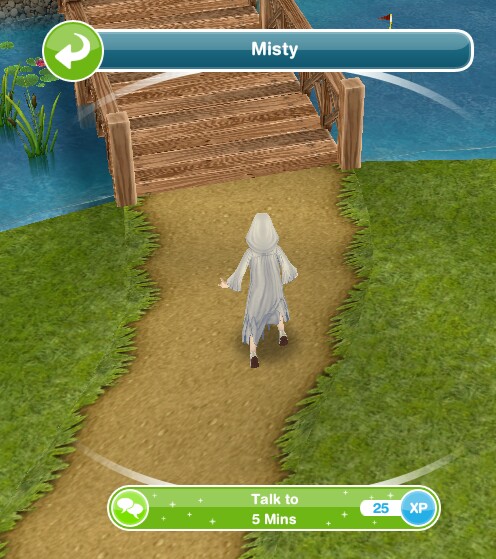
  • Talk to Misty in the park- 5 minutes

image

  • Watch the Halloween news- 10 hours (TV)
  • Talk to Misty again- 25 minutes
  • Practice scaring a sim- 1 second (select interaction between two sims)

image

  • Build courage- 7 hours 30 minutes (chair)

image

  • Collect candy pieces (5 pieces)- 5 hours 30 minutes (click on purple candy monster, you can get more than one candy piece each time you do this and more than one sim can do this at once- I had to close the game and open it again for the other 4 monsters to appear)

image

  • Wait for Xhours Xminutes (time depends on when you completed the first set) NOTE: you can skip this for 10LP to start on the next set of goals early. You will not get this goal if you are behind in completing the goals, it will go straight to the next goal.

image


Second set: Complete the second set of goals to unlock the Astronaut costume set for toddlers

  • Form a party plan- 5 minutes (interaction between two sims)

image

  • Send Halloween invitations- 12 minutes (computer)
  • Ask Misty for advice- 7 hours 30 minutes
  • Practice scaring- 1 second
  • Show off scaring skills- 7 hours 30 minutes (Misty)

image

  • Scare the orange candy monster- 1 second

image

  • Pout on a seat- 7 hours 30 minutes
  • Ask Misty what happened- 25 minutes
  • Collect candy pieces- 4 hours 30 minutes each (you need to collect 30 pieces- you find 2 each time so you need to scare 15 purple monsters to complete this goal- I had to do this in 3 sets because only so many appeared each time, if you can’t find enough close your game and open it again to see if more appear, if they still don’t you may have to wait a few minutes)

image

  • Wait for Xhours Xminutes (time depends on when you completed the first set) NOTE: you can skip this for 10LP to start on the next set of goals early. You will not get this goal if you are behind in completing the goals, it will go straight to the next goal.

Third set: Complete the third set of goals to unlock the wild Unicorn and Lion costume set for Preteens

  • Tell others about costumes- 4 minutes (computer)
  • Think of a solution- 6 hours (chair)
  • Take funny selfies- 1 hour 30 minutes (click on a sim)

image

  • Email selfies- 16 minutes (computer)
  • Joke with a sim- 5 minutes (select interaction between two sims)

image

  • Have nightmares- 7 hours 30 minutes (bed)

image

  • Collect candy pieces- 3 hours 30 minutes (110 candy pieces this time?!) TIP: You get up to 5 candy pieces each time but if you wait for the time to reach 1h 59m you can use 1LP to speed up each and get 5 candy pieces!
  • Wait for Xhours Xminutes (time depends on when you completed the first set) NOTE: you can skip this for 10LP to start on the next set of goals early. You will not get this goal if you are behind in completing the goals, it will go straight to the next goal.

Fourth set: Complete the fourth set of goals to unlock the Fairy and Scarecrow costume set for Teens

  • Ask about Halloween Party needs- 5 minutes (select interaction between two sims)
  • Check for food supplies-8 minutes (fridge)

image

  • Make something roasted pumpkin flavoured- 7 hours (BBQ)

image

  • Buy a stereo
  • Turn on the stereo
  • Listen to spooky music- 5 hours
  • Ask Misty what to do-8 hours 30 minutes
  • Collect candy pieces- 2 hours 30 minutes (225!) TIP: You get 2 or 3 candy pieces each time but if you wait for the time to reach 1h 59m you can use 1LP to speed up each and get 6 candy pieces!
  • Wait for Xhours Xminutes (time depends on when you completed the first set) NOTE: you can skip this for 10LP to start on the next set of goals early. You will not get this goal if you are behind in completing the goals, it will go straight to the next goal.

Fifth set: Final set- unlocks the rest of the costumes (two more for each life stage except babies and seniors)

  • Show Misty scaring skills- 5 minutes
  • Send a sim to the park
  • Scare the orange monster- 2 hours 30 minutes
  • Hide behind a park bench- 2 hours
  • Talk to Misty- 9 hours 30 minutes (at park)
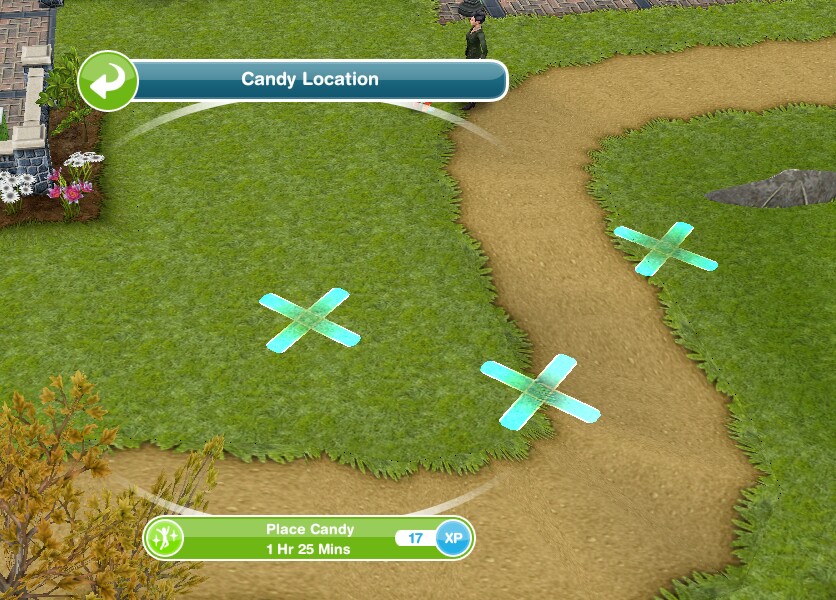
  • Place candy on the ground- 4 hours 30 minutes (X at a house)

image

  • Send a sim to the park
  • Distract the orange candy monster- 6 hours 30 minutes
  • Place candy around the orange monster- 1 hour 30 minutes (on an x, only one sim needs to do this)

image

  • Scare the orange monster- 2 seconds
  • Hug the orange monster- 6 seconds
  • Have 4 sims in a home
  • Dance to spooky party music- 12 minutes (stereo)

QUEST IS COMPLETE!

You cannot complete this quest or earn the prizes once the quest is over


Prizes– costumes once unlocked can be found in the wardrobe

First set: Fawn and Reanimated costumes for Adults

image
Second set: Astronaut costumes for Toddlers (same costumes for both genders)image

Third set: Unicorn (female) and Lion (male) costume set for Preteens
image

Fourth set: Fairy (female) and Scarecrow (male) costume set for Teens
image

Fifth set:

  • Toddlers- purple and orange candy monsters (both genders)
  • Preteen- Ghost (female) and Pirate Skeleton (male)
  • Teen- Zombie Cheerleader (female) and Viking (male)
  • Adult- Witch (female) and Dracula (male)

image


Brilliant Backyard Update

FIND THIS POST HELPFUL?

Buy Me a Coffee at ko-fi.com

THE SIMS FREEPLAY
©THEGIRLWHOGAMES.BLOG

The Sims Freeplay- Guide to Augmented Reality Feature

Early Access to Beta Provided by EA/ Firemonkeys (Presented by EA GameChangers)


NOTE: This feature is only available on Apple devices that have iOS12 and an A9 processor


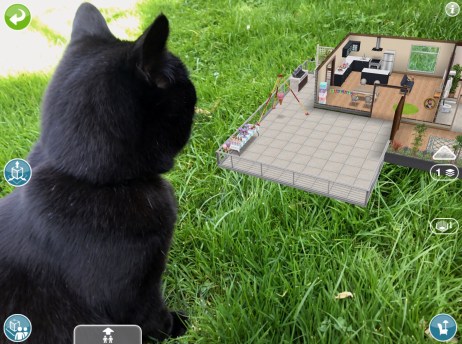
The Sims Freeplay team have worked closely with Apple to create this amazing feature, Augmented Reality (AR) which means you can build houses and place them in real life situations! I was lucky enough to get access to this feature a few days early to try it out and it is absolutely amazing!!

Before you rush of to start there are a few things that you need to know first:

  • This feature is only available on Apple devices that have iOS12 and a device running an A9 Processor
  • Sims cannot live in these houses but you can bring them to an AR lot to interact with objects
  • If they have a pet you can also bring the pet there by clicking on that sim once it has arrived and select bring pet, to send them home click on the pet and select send home
  • Interactions completed in AR can be skipped for free so it won’t cost you LP
  • You cannot complete goals in AR, send your sims home using the simtracker to complete a task
  • You cannot delete an AR space if there are pets or sims there, send them home first, they will stay in AR until you send them home
  • You can visit a friend (if they are nearby, via bluetooth) to edit one of their AR lots
  • You can completely edit the AR lot like a normal house but all items are free to place in AR!

What devices is this compatible with?

  • iPhone 6s and 6s Plus
  • iPhone 7 and 7 Plus
  • iPhone SE
  • iPad Pro (9.7, 10.5 and 12.9) both first and second gen
  • iPad (2017)
  • iPhone 8 and 8 Plus
  • iPhone X
  • And the latest models

How do I get started?

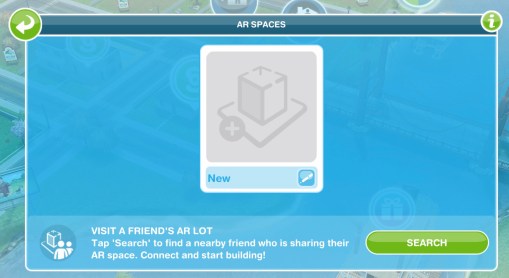
1.You need the latest update and then head to the town map to find the green cube button under the camera button on the top right hand side of the screen. Click on this:

2.A pop up will then appear saying ‘new’. Also on this page it says ‘visit a friends AR lot’ tap search to find a nearby friend (via bluetooth so they have to be in close proximity) and you will be able to edit one of their AR lots. Friends can edit your house but they cannot interact with any of your sims. The changes your friend makes will be permanent.

3.Click new and then name your AR lot:

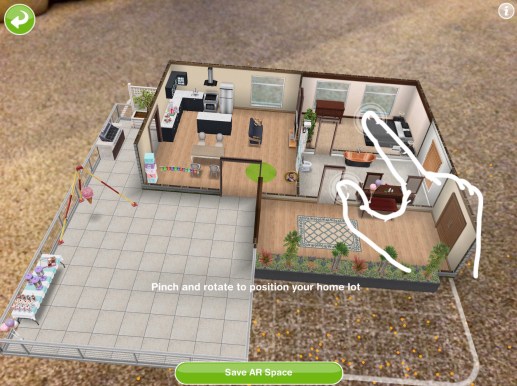
4.Hold your device over the surface you want to place the house.

NOTE: it works best on textured surfaces e.g carpets, it has trouble staying still on glossy or flat coloured surfaces- the house tends to slide! You also need to use a place you have access to as your game will need to find that location again to place the house there in future (although it can be relocated)

5.When it has recognised the surface the default house will appear, pinch and rotate to position your home!

TIP: the more orange dots that appear the better that surface is going to be!

6.Click save AR space when you are happy with the positioning

To zoom in you need to move your device closer to the surface the house is on, you can also tilt the screen to see the house from different angles!

Bringing sims to the AR lot

Use the simtracker button to bring sims to this house.

Sims can interact with objects like they would in a normal house but if you want to speed up an action you can do this for free in AR

Bringing pets to the house

Bring a sim who owns a pet to this house and then click on them and select bring pet

Click on the pet and select send home to send the pet back to their own house

Redecorating

The default house (the unfurnished studio) can be deleted completely and redecorated, all items are free to place in this house so you can build the most amazing AR house!

If you want to remove an item from the house click the red cross to delete it, there is no inventory in AR so you cannot store items:

Relocating

If you want to move the house to a different location click on the button down the left side of the screen or when viewing all the AR spaces click on the settings button in the top corner and select relocate:

Watch my video here to see how this works:


FIND THIS POST HELPFUL?

Buy Me a Coffee at ko-fi.com

THE SIMS FREEPLAY
©THEGIRLWHOGAMES.BLOG

The Sims Freeplay- Chocolate Lover’s Carnival Event

THIS EVENT IS OVER

The limited time hobby event to unlock carnival outfits for your adult sims is back but it is only available for 7 days. There are 6 packs to unlock so you will need to complete the chocolatier hobby collection 6 times in the time limit to unlock all the outfits:

The Chocolatier Hobby post can be found here if you have never done this hobby before!

If you completed this event last time you will not get it again, if you started it last time you will start from where you got to this time, for example, if you unlocked 3 outfit packs last time you will only have to complete the collection 3 times this time to complete the event

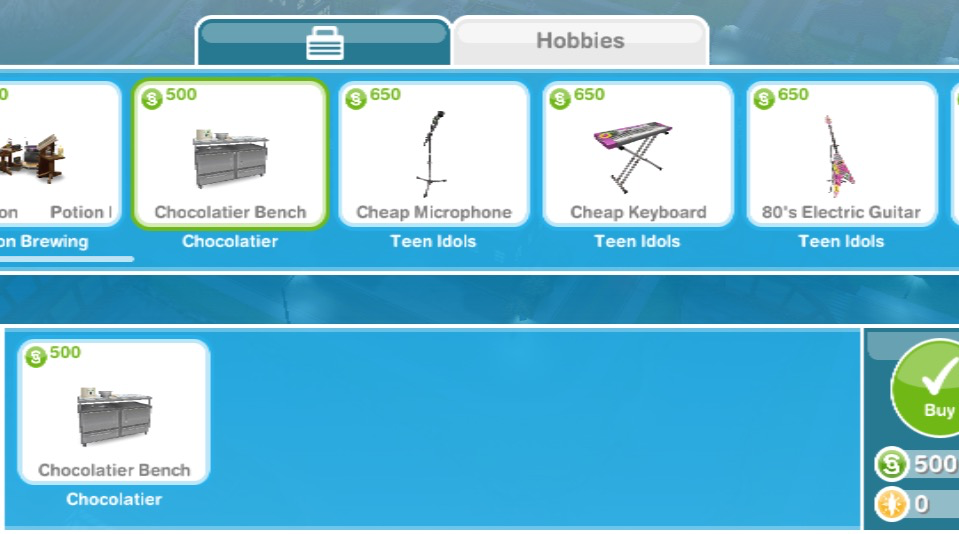
You need to firstly accept this event, click yes then you can buy a chocolatier bench from the promotions r us store (you can buy 4 for 500 then the price increases each time, you can have a maximum of 15 or 19 if you already brought 4 previously)

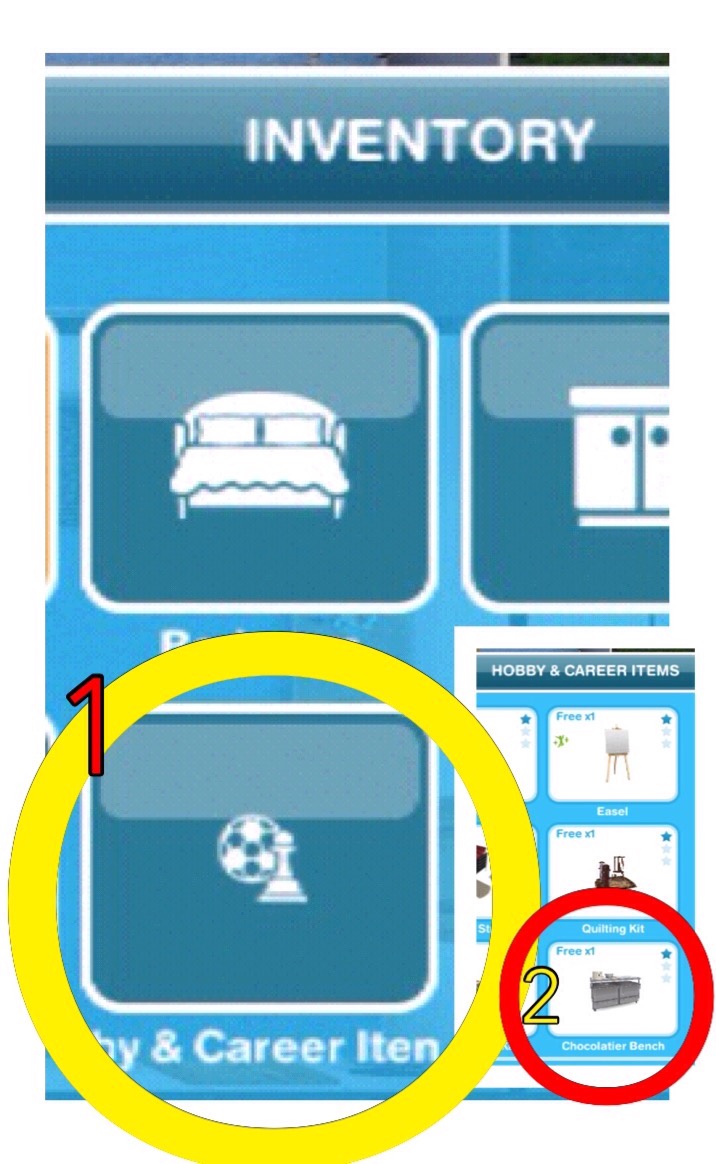
Then it can be found in your inventory under hobby and career items so you can place it in your house:


12 CHOCOLATES= 1 CARNIVAL OUTFIT PACK


TIPS FOR FINDING THEM ALL IN THE TIME LIMIT:

-buy as many chocolatier benches as possible to have as many sims as you can working on it

-you can have a sim in a neighbours town working on it too if you don’t want to buy anymore benches!

-have at least one sim working on getting to level 6 so all chocolates are unlocked (you only need one sim to reach level 6) you may need to use LPs to speed your way through the levels- I waited until the time was 1 hour 59 minutes and used 1 LP to speed up one sim so they reached level 6

-if you do want to speed it up, wait at least 15 minutes until the timer is 2 hours 59 minutes or below then it will only cost you 2LPs instead of 3! This post may help if you want a quick way to earn LPs.

-remember to click start new collection on the top of the hobby collection list once you have got all the pieces otherwise you won’t find any new items, this post explains how to do that.

-most importantly: just keep going! I know it’s annoying when you get the same one constantly but you will eventually get the ones you need- and remember these events always come back so don’t worry if you don’t complete it this time!


PRIZES

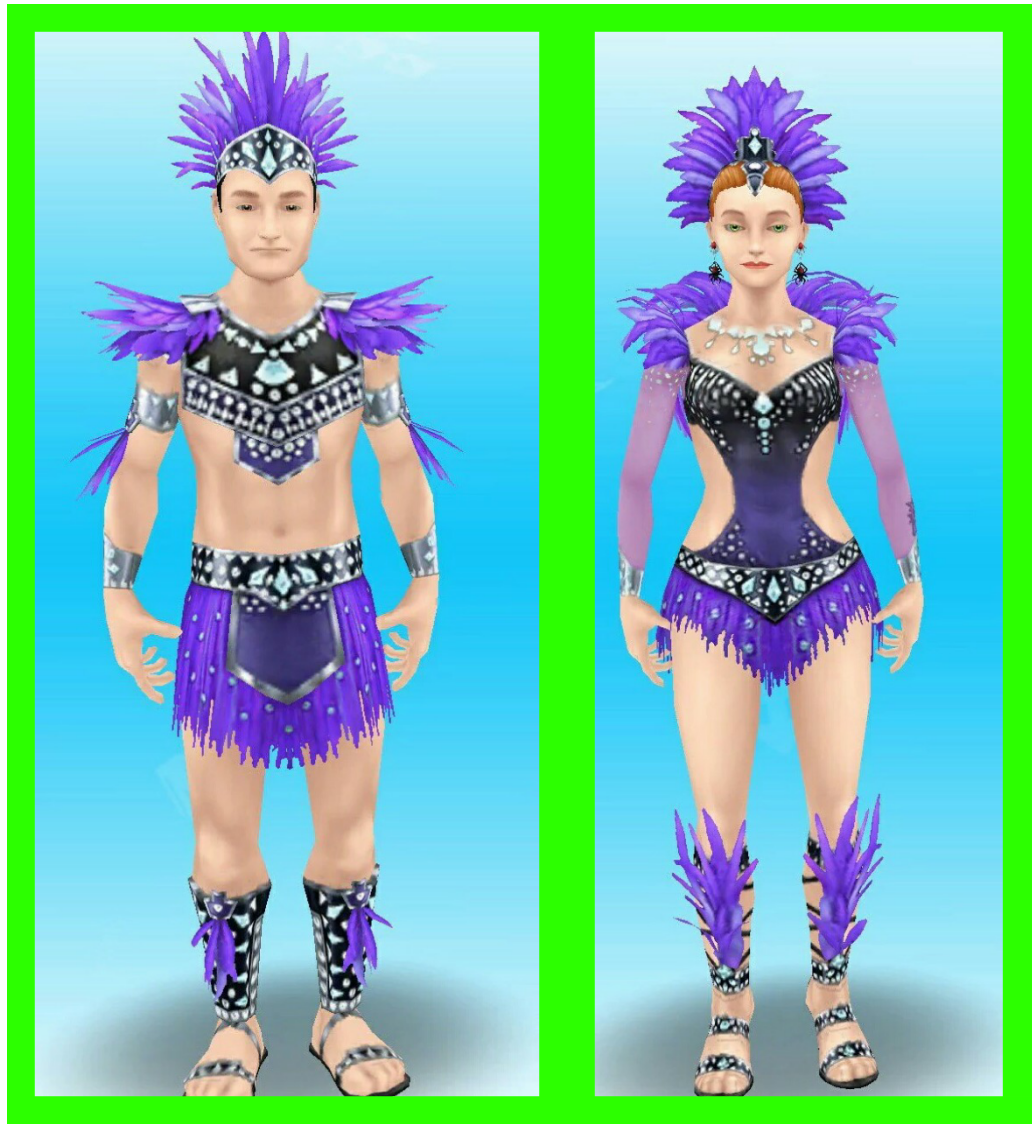
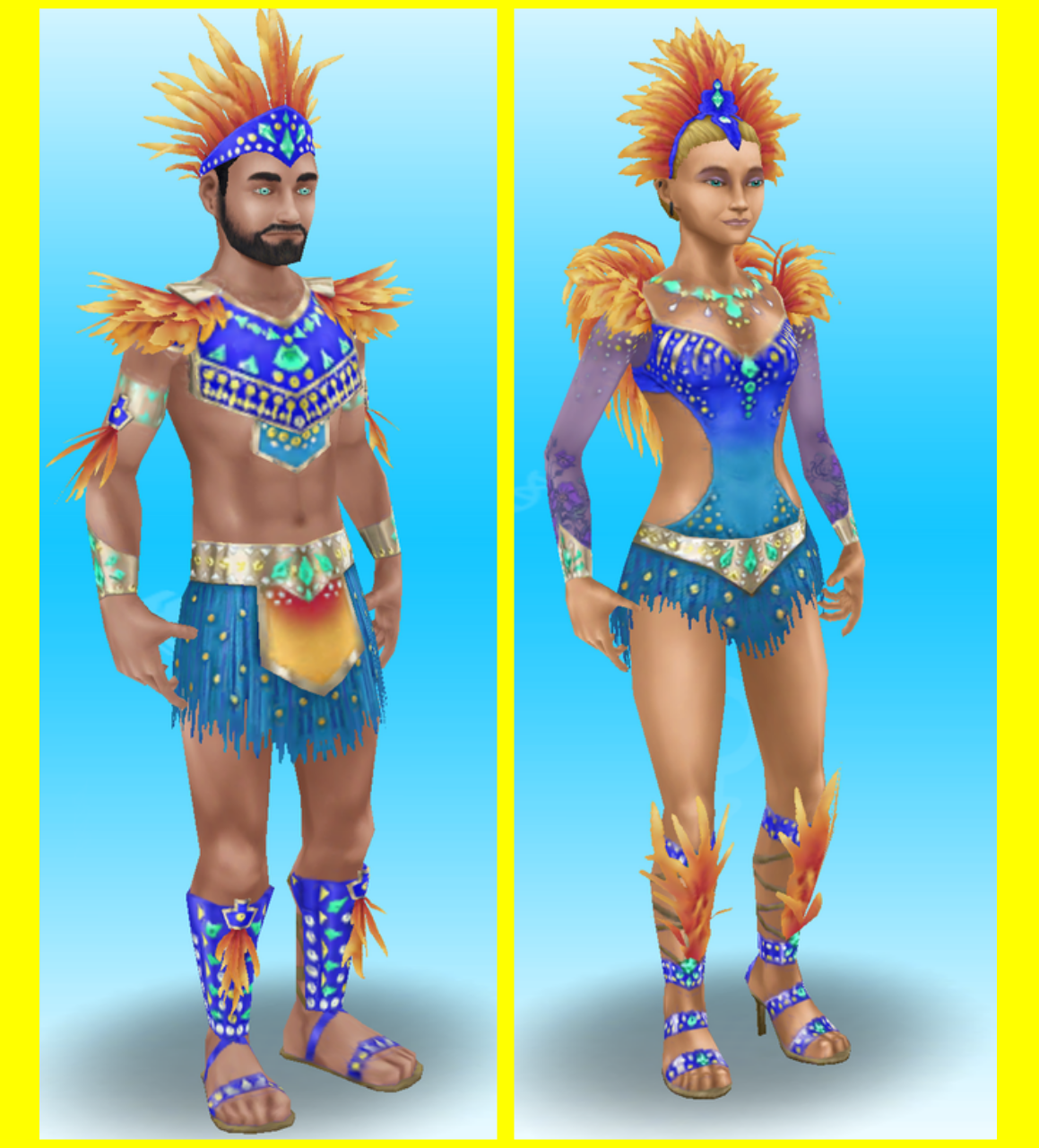
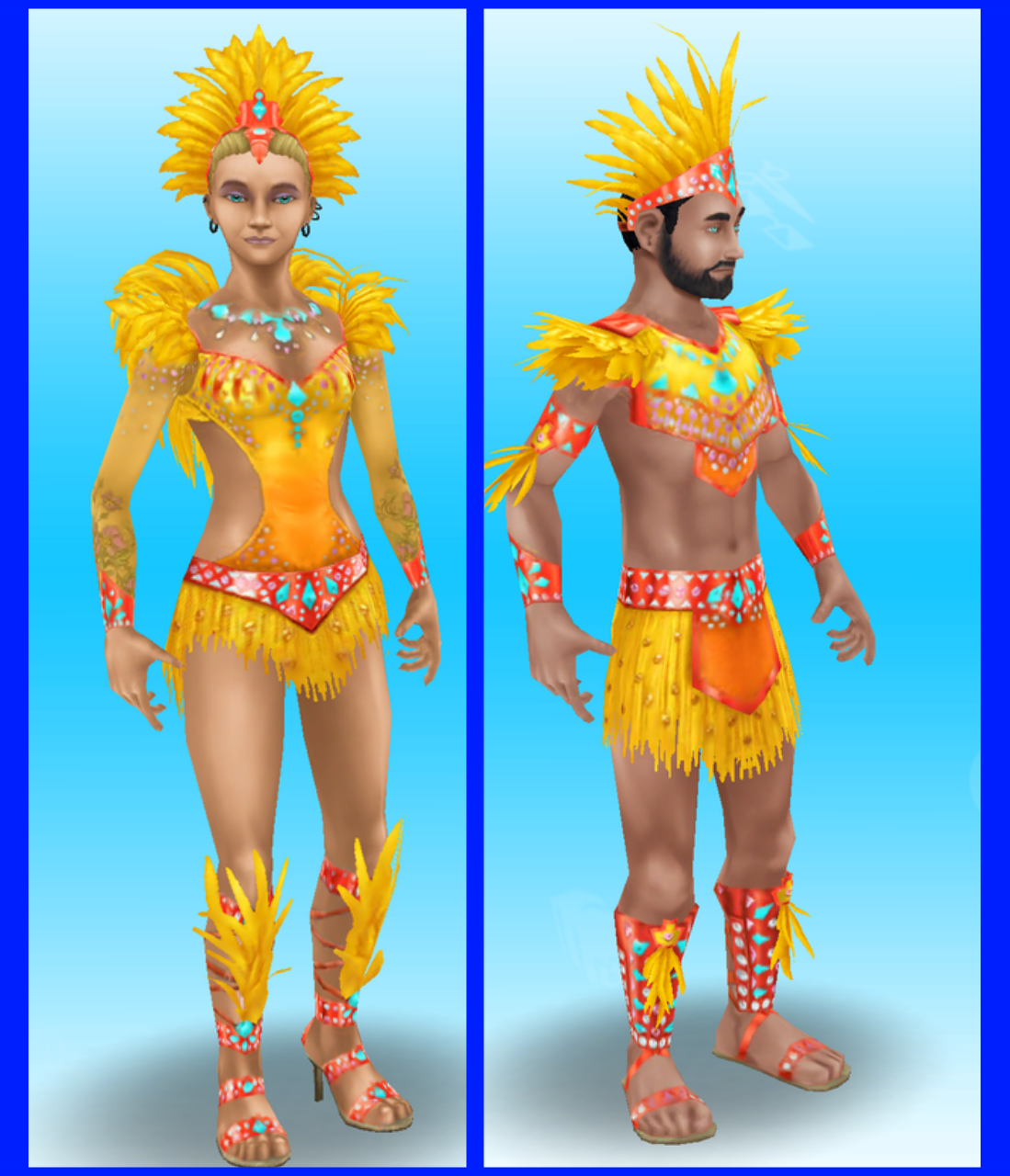
You can find the outfits for free in the wardrobe for adult sims, each pack contains one outfit for a female adult and one outfit for a male adult

1.

Thanks Izzy for this picture!

2.

Thanks Nicole for this picture!

3.

Thanks Nicole for this picture!

4.

Thanks Johnny for this picture!

5.

Thanks Johnny for this picture!

6.

Thanks Nicole for this picture!

These are all the outfits you can unlock!

I didn’t complete this event last time as I was too busy but also because I didn’t see the point of having carnival outfits, I will be completing it this time but I still don’t really want the outfits

Thanks for reading!


© COPYRIGHT PROTECTED

http://smarturl.it/sfpggwg

The Sims Mobile- Back to School Event

THIS EVENT IS OVER

A new time limited event has started in The Sims Mobile! The aim of this event is to earn enough apples to buy the lunch bags to unlock all the back to school items in the 7 day time limit! There is also a quest to complete that unlocks new relationship stories!
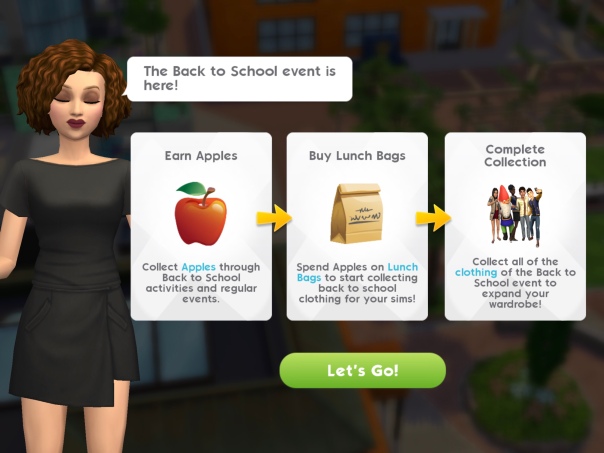
How do you earn apples?

  • Completing the Homeschool Event (click on a sofa at home)- every 14 hours
  • Completing the Study at the Cafe Event (at the cafe)- every 14 hours
  • Complete the Marine Biology Field Trip (at the science center)
  • Complete the Going Study Crazy Quest, there are 29 parts to complete:

1.Complete any career, hobby or relationship event Reward: 50 apples

2.Ask 5 others about local universities- 5 seconds, costs 3 energy each time (select the interaction on another sim, can only be completed every 5 minutes with the same sim, use different sims to complete this quicker) Reward: 175 apples and 100 simoleons 
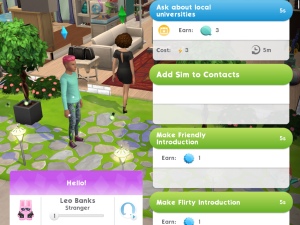
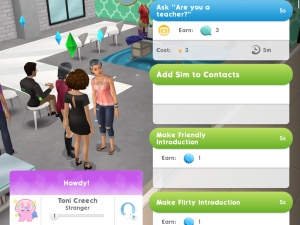
3.Ask 5 others ‘are you a teacher?’- 5 seconds, costs 3 energy each time (select the interaction on another sim, can only be completed every 5 minutes with the same sim, use different sims to complete this quicker) Reward: 175 apples
4.Look up online education from a sofa- 5 seconds, costs 3 energy (click on a sofa) Reward: 115 apples
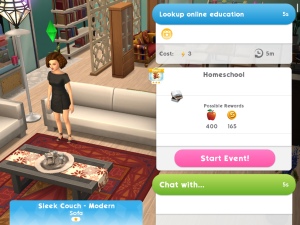
5.Complete Homeschool event at home. Tap on the pink book bubble on a sofa at home to start this event. You can complete this event every 14 hours Reward: 112 apples
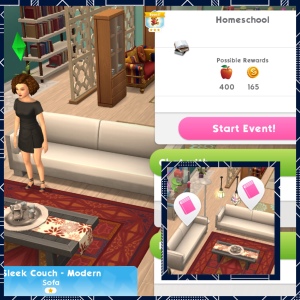
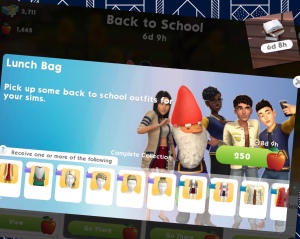
6.Spend 250 Apples on Lunch Bags (click on the stack of books picture in the top right corner of the screen to be able to spend your apples on lunch bags, each bag costs 250 apples) Reward: 70 apples
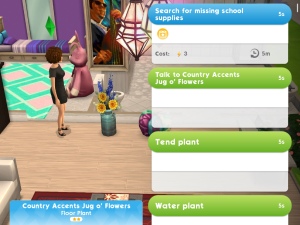
7.Search in 5 Plants for missing school supplies- 5 seconds, costs 3 energy each time (can only be completed every 5 minutes with the same plant, have multiple plants to complete this quicker) Reward: 70 apples
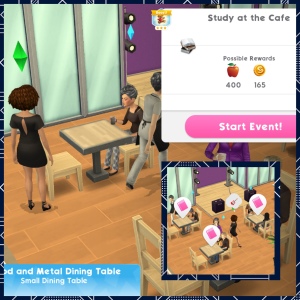
8.Complete study at the Cafe event. Tap on a pink book bubble at the cafe to start this event. You can complete this event every 14 hours Reward: 55 apples
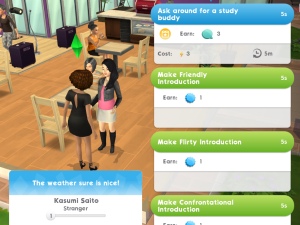
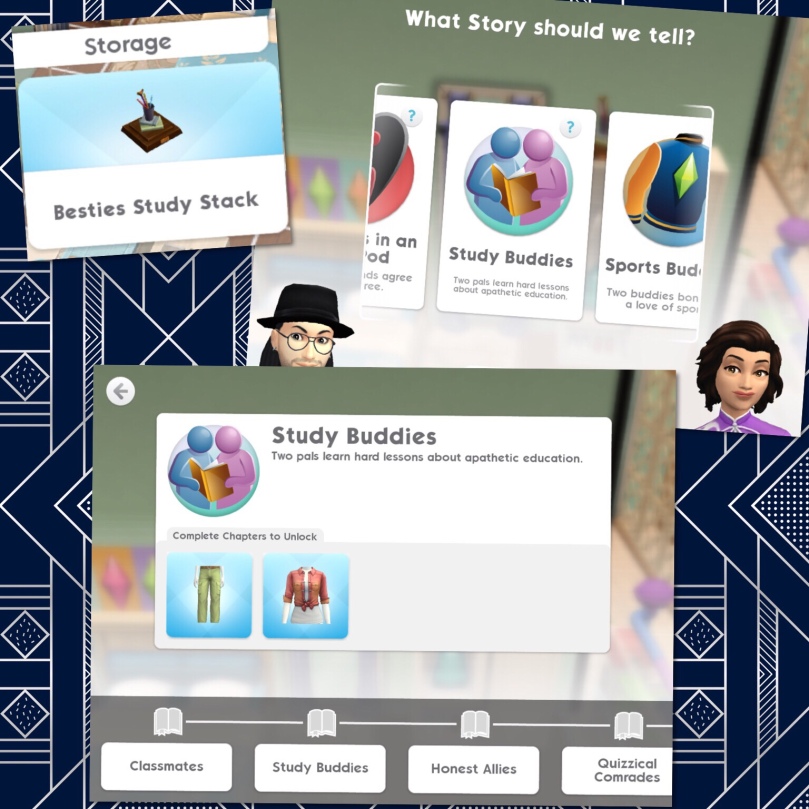
9.Ask around for a study buddy 5 times- 5 seconds, costs 3 energy each time (select the interaction on another sim, can only be completed every 5 minutes with the same sim, use different sims to complete this quicker) Reward: 35 apples and Besties Study Stack (heirloom)
Place the Besties Study Stack to unlock the Study Buddies Relationship Story (be friendly to get this option)
10.Spend 250 Apples on Lunch Bags Reward: 35 apples

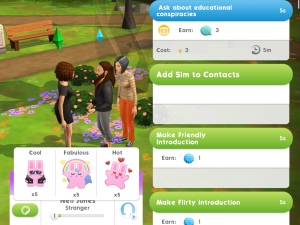
11.Ask 3 others about Educational conspiracy theories- 5 seconds, costs 3 energy each time (select the interaction on another sim, can only be completed every 5 minutes with the same sim, use different sims to complete this quicker) Reward: 35 apples
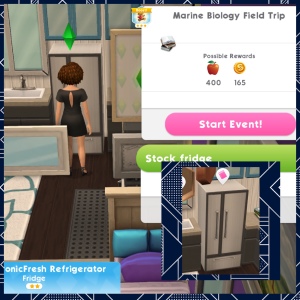
12.Complete Marine Biology Field Trip. Tap on a pink book bubble on a fridge at home to start this event. You can complete this event every 14 hours Reward: 35 apples
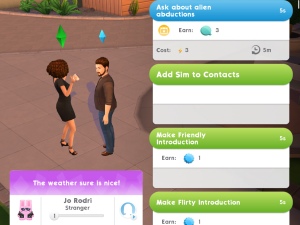
13.Ask 3 others about alien abductions- 5 seconds, costs 3 energy each time (select the interaction on another sim, can only be completed every 5 minutes with the same sim, use different sims to complete this quicker) Reward: 35 apples
14.Complete all LlamaZoom tasks and collect rewards Reward: 45 apples

15.Spend Apples on Lunch Bags Reward: 45 apples

16.Use a chair or sofa to slack off from studying- 5 seconds, costs 3 energy (click on a sofa) Reward: 45 apples
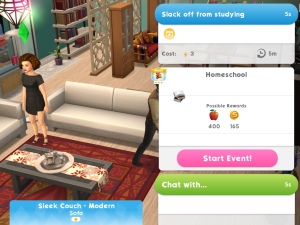
17.Complete Homeschool event at home. Tap on the pink book bubble on a sofa at home to start this event. You can complete this event every 14 hours Reward: 45 apples

18.Ask 6 others about UFOs- 5 seconds, costs 3 energy each time (select the interaction on another sim, can only be completed every 5 minutes with the same sim, use different sims to complete this quicker) Reward: 70 apples
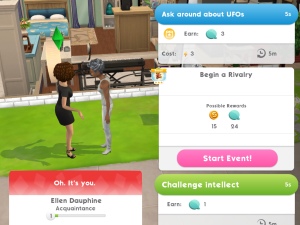
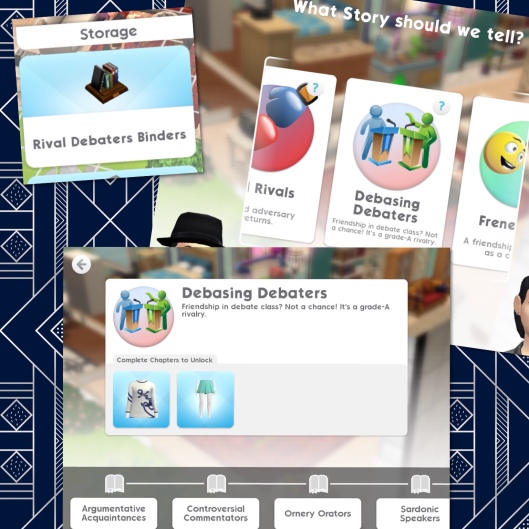
19.Complete all LlamaZoom tasks and collect rewards Reward: 45 apples and Rival Debaters Binders (heirloom)

Place the Rival Debaters Binders to unlock the Debasing Debaters Relationship Story (be confrontational to get this option)!
20.Spend Apples on Lunch Bags Reward: 70 apples

21.Debate the existence of aliens with 4 another sim- 5 seconds, costs 3 energy each time (select the interaction on another sim, can only be completed every 5 minutes with the same sim, use different sims to complete this quicker) Reward: 70 apples
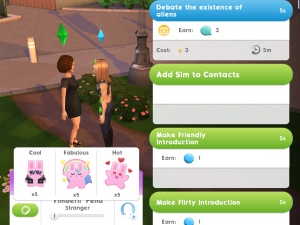
22.Complete study at the Cafe event. Tap on a pink book bubble at the cafe to start this event. You can complete this event every 14 hours Reward: 70 apples

23.Complete all LlamaZoom tasks and collect rewards Reward: 70 apples

24.Spend Apples on Lunch Bags Reward: 70 apples

25.Complete Marine Biology Field Trip. Tap on a pink book bubble on a fridge at home to start this event. You can complete this event every 14 hours Reward: 70 apples

26.Complete all LlamaZoom tasks and collect rewards Reward: 70 apples

27.Ask 5 others about Landgraab Inc. Learning Annex- 5 seconds, costs 3 energy each time (select the interaction on another sim, can only be completed every 5 minutes with the same sim, use different sims to complete this quicker) Reward: 70 apples
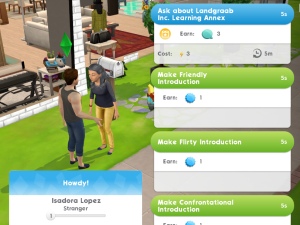
28.Spend Apples on Lunch Bags Reward: 70 apples

29.Complete Homeschool event at home. Tap on the pink book bubble on a sofa at home to start this event. You can complete this event every 14 hours Reward: 70 apples

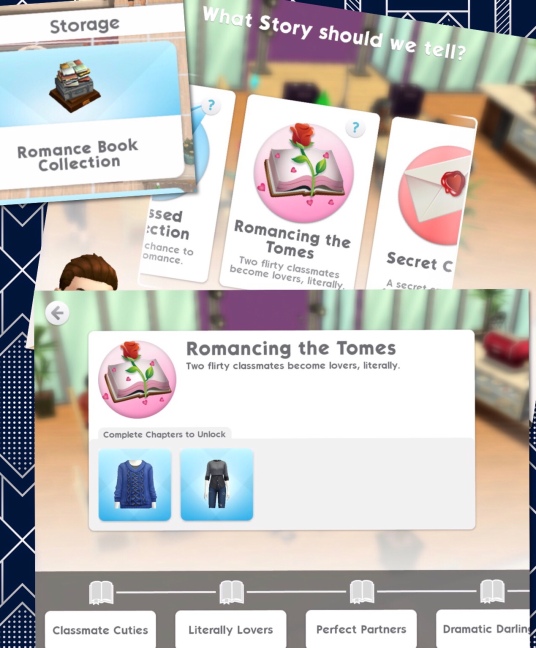
Completing this final part unlocks the Romance Book Collection heirloom, place this to unlock the Romancing the Tomes Relationship Story (be flirty to get this option)
QUEST IS COMPLETE!


Buying Lunch Bags and Boxes

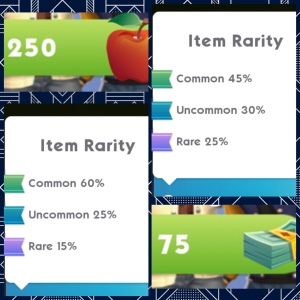
You can either buy a lunch bag for 250 apples or a collector’s lunch box for 75 simcash. You will get an item at random each time, most of the items for this event are clothes or hairstyles so if you get one that you have already won before the second time that prize will be converted into something else for example simoleons.
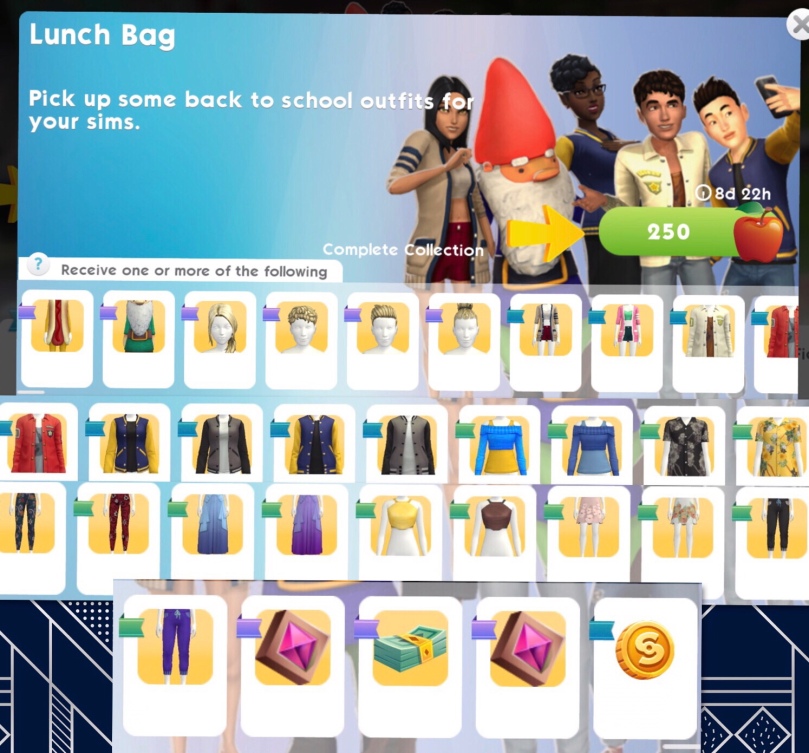
Each item pictured has a ribbon next to it which shows you the rarity of that item, this shows you how likely it is you will earn that item. You are more likely to earn rare items by buying the collector’s lunch box with simcash:
Once you have unlocked an item there will be a tick on that item, the aim is to unlock all the items before the time limit is up!

I am so glad they have removed all the different kinds of tickets so they are no longer a common prize we get in these events- I ended up with more of those tickets than anything else in the past so I am really hoping I will be able to get more of the prizes this time! I do find it odd that this is called ‘Back to School’ when you can’t even play as a child or teen in this game!

Thanks for reading!


My Sims Mobile Posts 

© COPYRIGHT PROTECTED