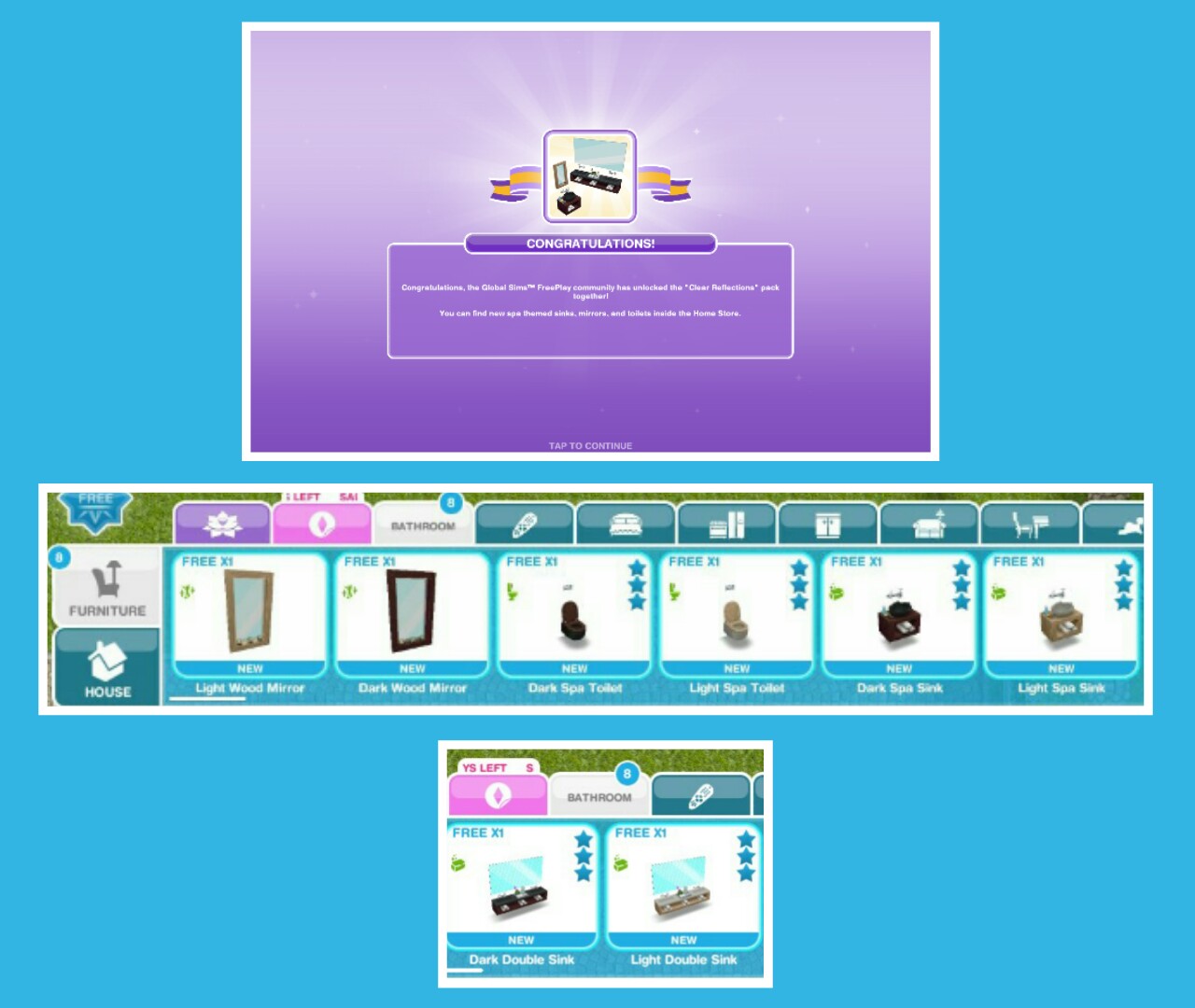
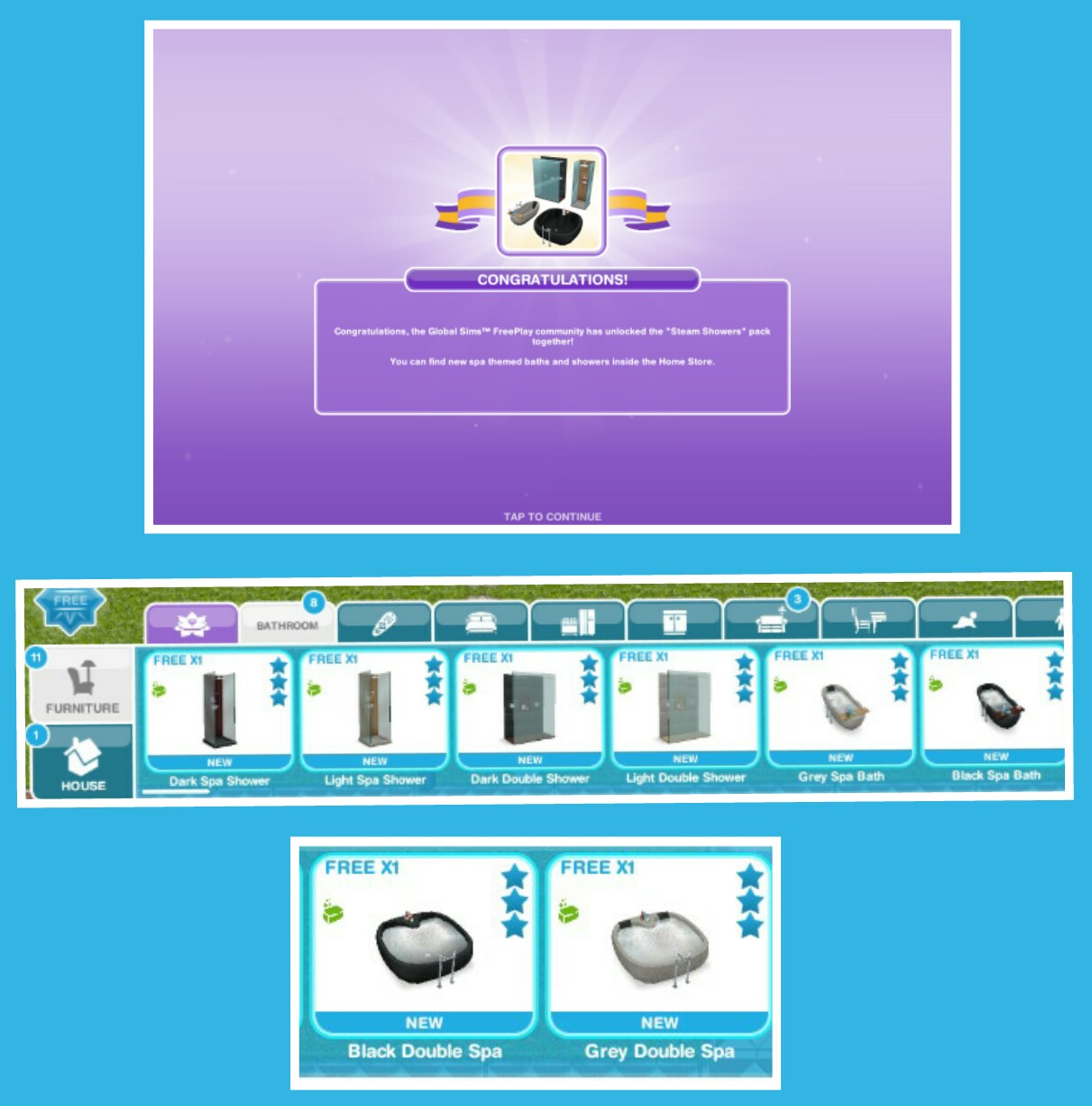
Which means today on your game you will find a gift at the front of one of your houses. This will be a limited time prize that you missed out on or 20LPs if you already have all the prizes!
What did you get?
On one game I got the Unicorn Painting and on my other game I got 20LPs!
Check out my special fun fact video to celebrate their birthday here:
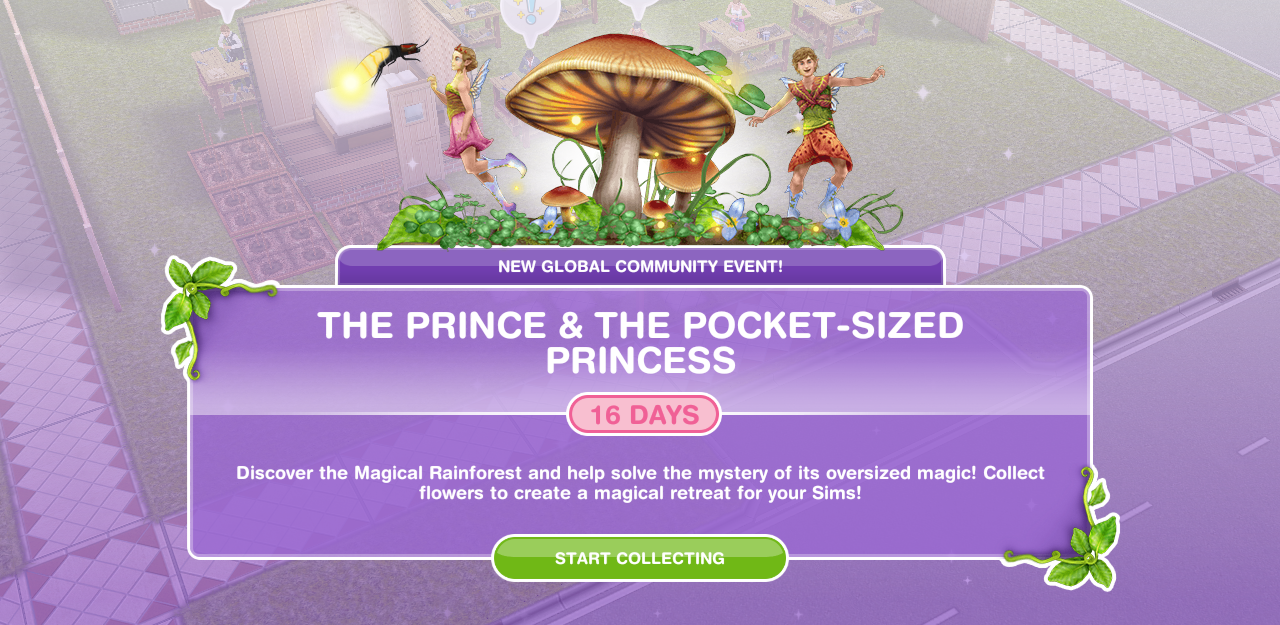
The Christmas update this year is very different because instead of a normal quest we have another community event!
This event is available for 16 days (make sure you have the latest version of the game!) and the aim is to collect enough flowers from the new giant flower blooms (found in the event tab of buy mode) to unlock all the items in this event!
For the community part of this event, these are the flowers everyone collects- you do not need neighbours this is everyone who plays the games progress! The progress we all make is added together and we unlock new chapters and items when we have collected so much (the furniture we will unlock can be seen in my early access post)
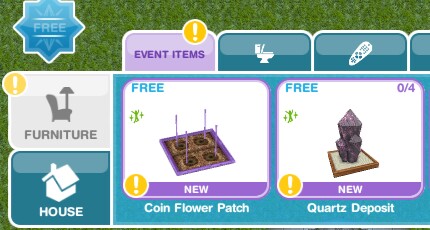
Place a flower bloom (find in the events tab of buy mode- you can only buy 4)
Collect some flowers (click on the giant daisies to collect)- 10 seconds
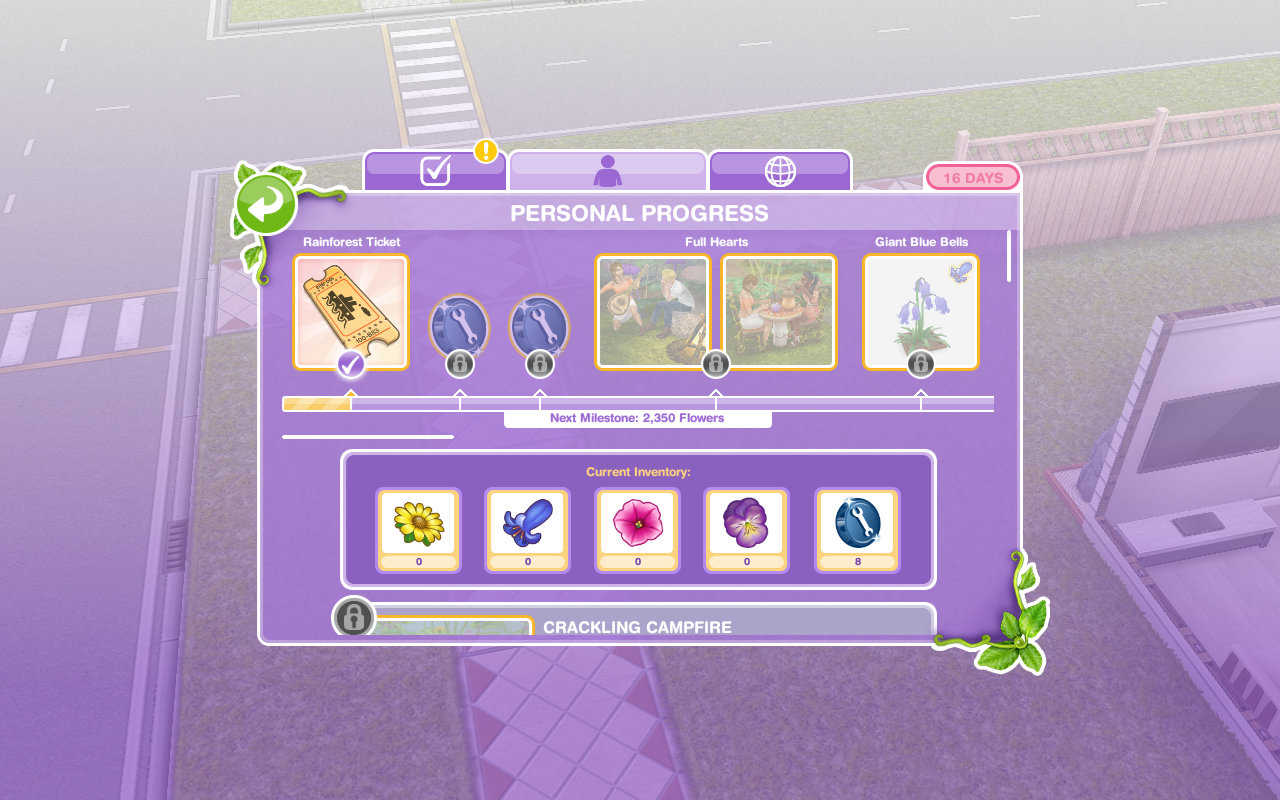
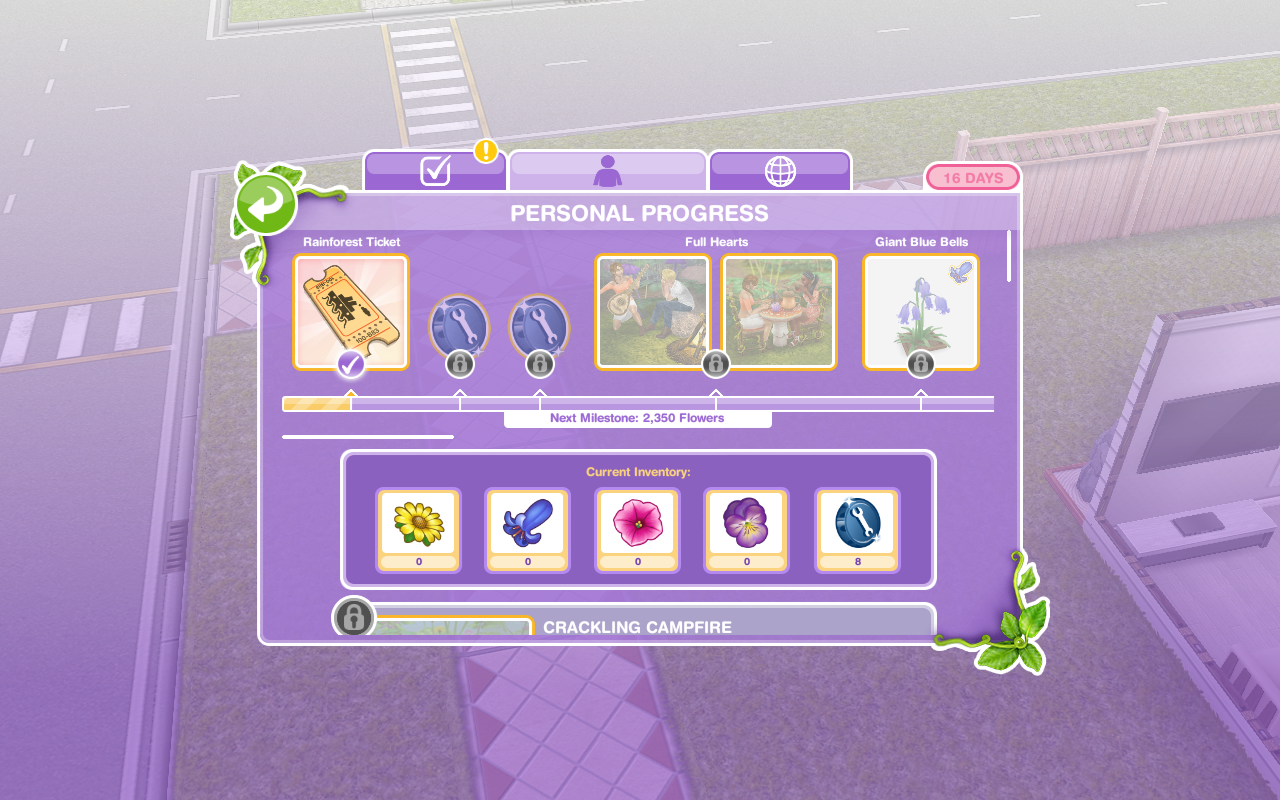
This takes you to the personal progress tab (you can get to it by clicking on the fairy event button in the corner of the screen)
Here you will see you have unlocked the rainforest ticket!
Buy the magical rainforest ticket (go back into the personal progress tab and click purchase)
Visit the magical rainforest (go to the sea voyage boat in sim town)
NOTE: you will see two destinations on the boat, if the Tropical Romance Island is locked then you will have to wait for them to bring that community event back again before you can go there but you can still access the Magical Rainforest for this event!
Use the event spin flower (buy the coin flower patch from the event tab and select the spin plant option)
Check the community progress (click on the fairy event button and find the community tab)
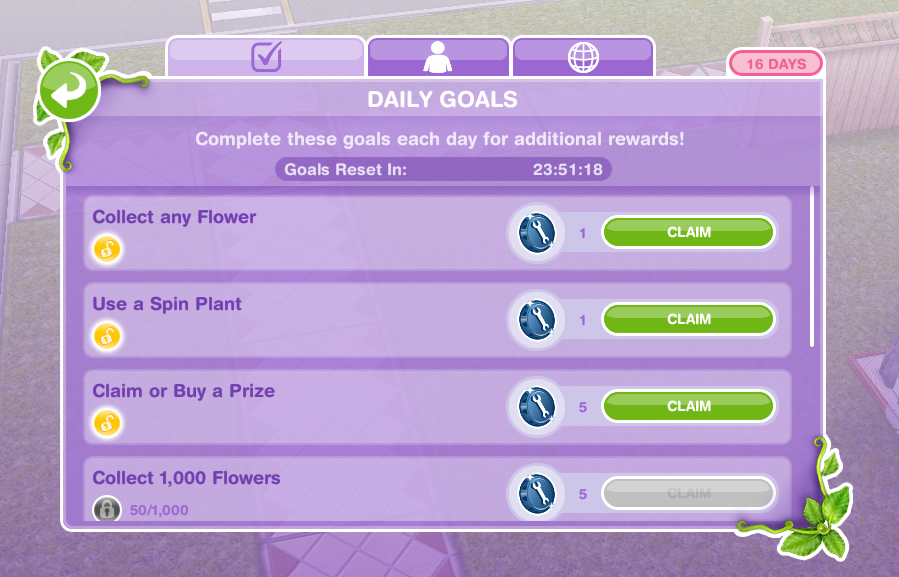
Check the daily goals (click on the fairy event button and find the daily goals tab- claim the ones you can!)
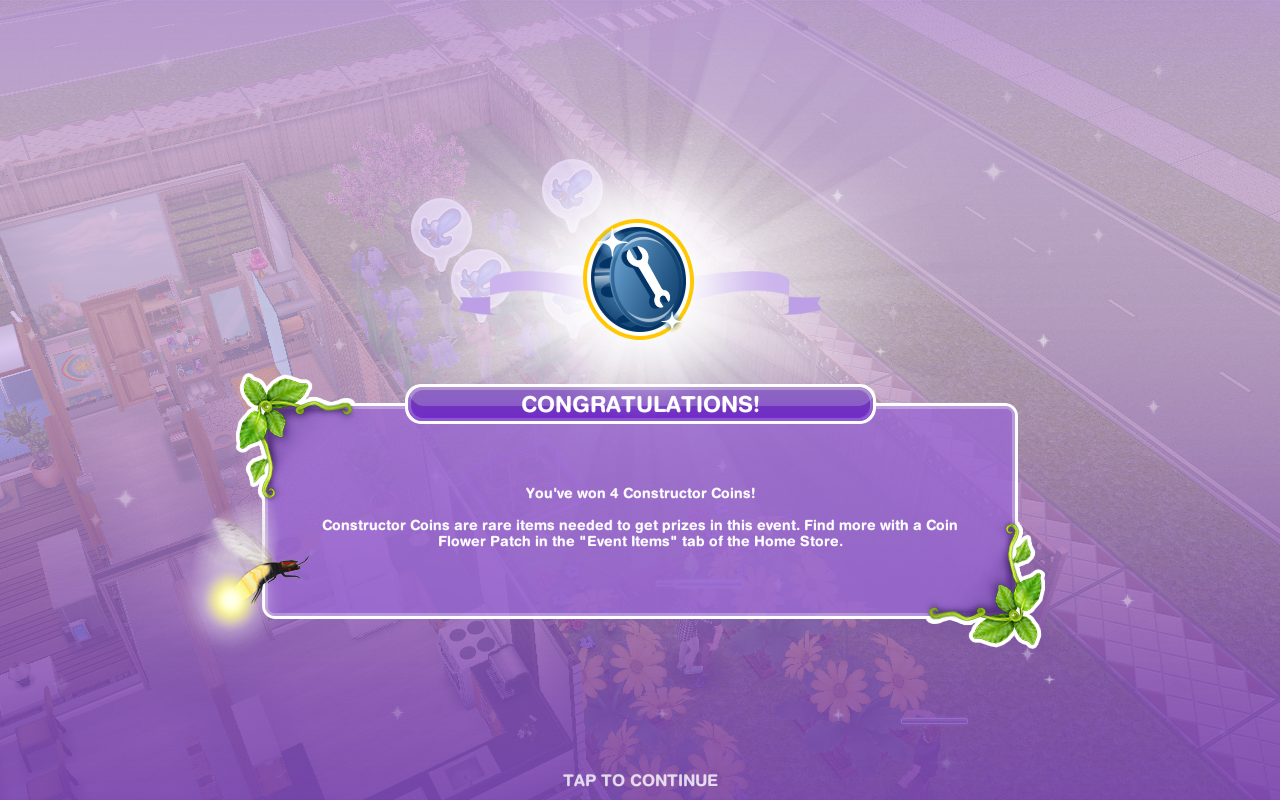
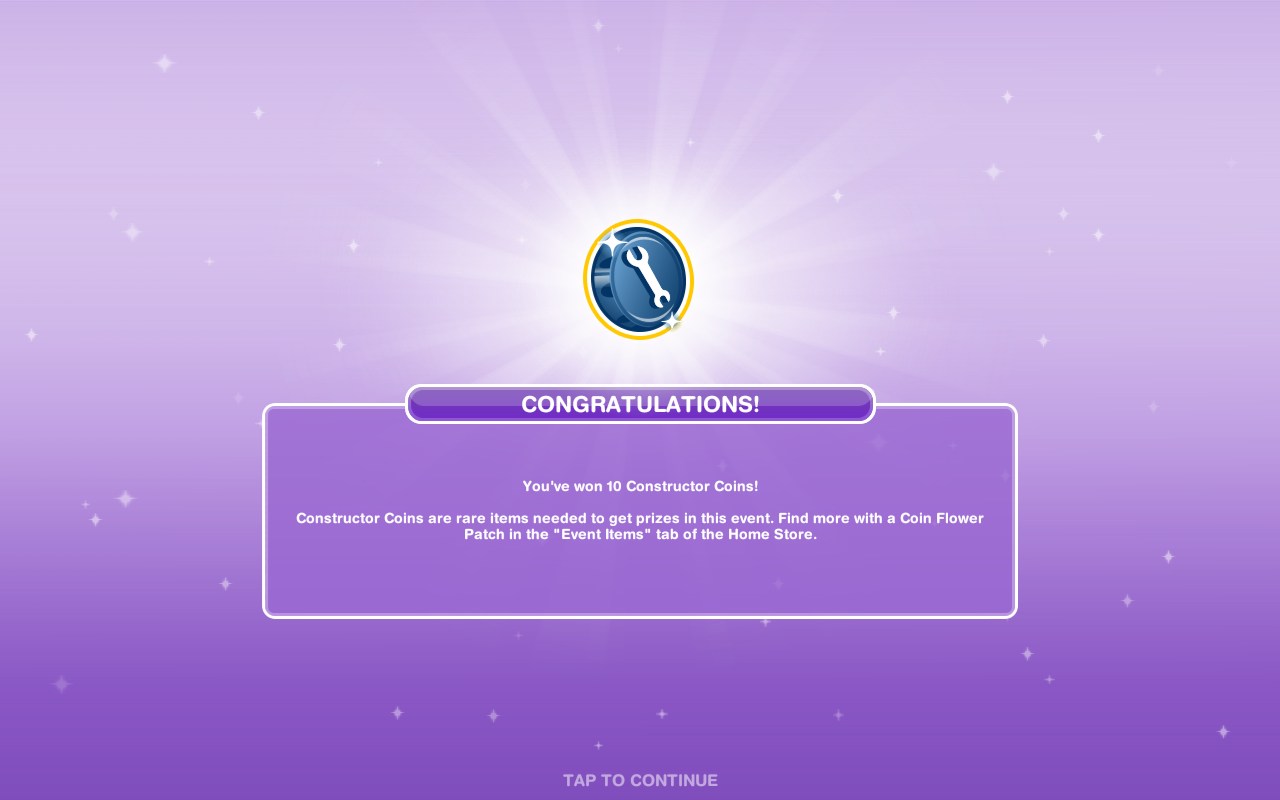
Remember to claim your rewards to earn constructor coins!
Collect bonuses (while collecting after a certain amount of time you will see a flower appear above that sims head, click to collect bonus flowers!)
Continue collecting flowers- this is the last step but the event is not over, keep collecting flowers to unlock everything before the time is up!
If you want to speed up a collect flowers action it will cost you SPs, you will get the bonus flowers as well if you speed it up!
Stuck on these tasks?Check out my video:
Flower Blooms
Giant Daisies cost:
1st- Free
2nd- S2,000
3rd- S4,000
4th- 5SPs
(maximum of 4)
Collect 315 Daisies- 3 hours 30 minutes
Collect 370 Daisies- 5 hours 30 minutes
Collect 405 Daisies- 7 hours 30 minutes
Collect 430 Daisies- 9 hours 30 minutes
Bonus for 3 hour 30 minute – the bonus seems to be 1 every 2 minutes (maximum bonus you can get in one go is 10)
Giant Blue Bells cost:
1st- S5,000
2nd- S7,500
3rd- S10,000
4th- 10SPs
(maximum of 4)
Collect 475 Blue Bells- 3 hours 30 minutes
Collect 550 Blue Bells- 5 hours 30 minutes
Collect 600 Blue Bells- 7 hours 30 minutes
Collect 650 Blue Bells- 9 hours 30 minutes
Bonus for 3 hour 30 minute option- the bonus seems to be 1 every 2 minutes (maximum bonus you can get in one go is 10)
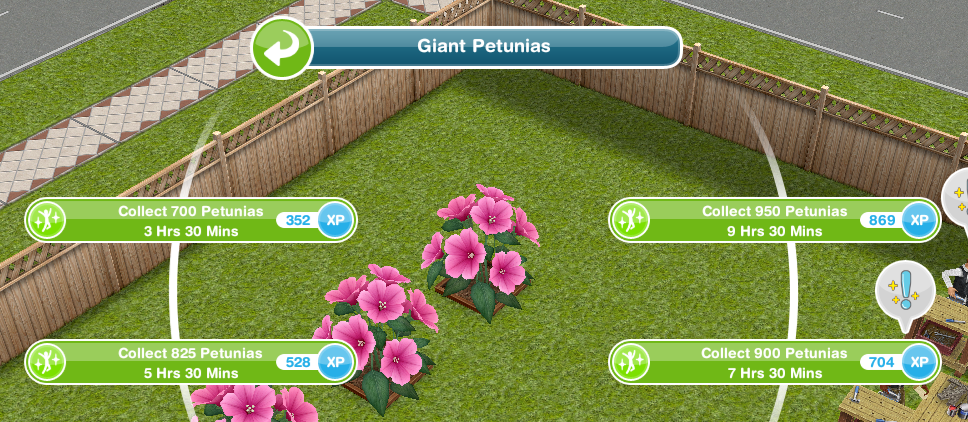
Giant Petunias cost:
1st- S7,500
2nd- S15,000
3rd- 15SPs
(maximum of 3)
Collect 700 Petunias- 3 hours 30 minutes
Collect 825 Petunias- 5 hours 30 minutes
Collect 900 Petunias- 7 hours 30 minutes
Collect 950 Petunias- 9 hours 30 minutes
Giant Pansies cost:
1st- S7,500
2nd-30SPs
(maximum of 2)
Collect 800 Pansies- 3 hours 30 minutes
Collect 900 Pansies- 5 hours 30 minutes
Collect 1000 Pansies- 7 hours 30 minutes
Collect 1050 Pansies- 9 hours 30 minutes
Your Progress:
Click the fairy button in the top corner of your game to see your progress
Daily Goals
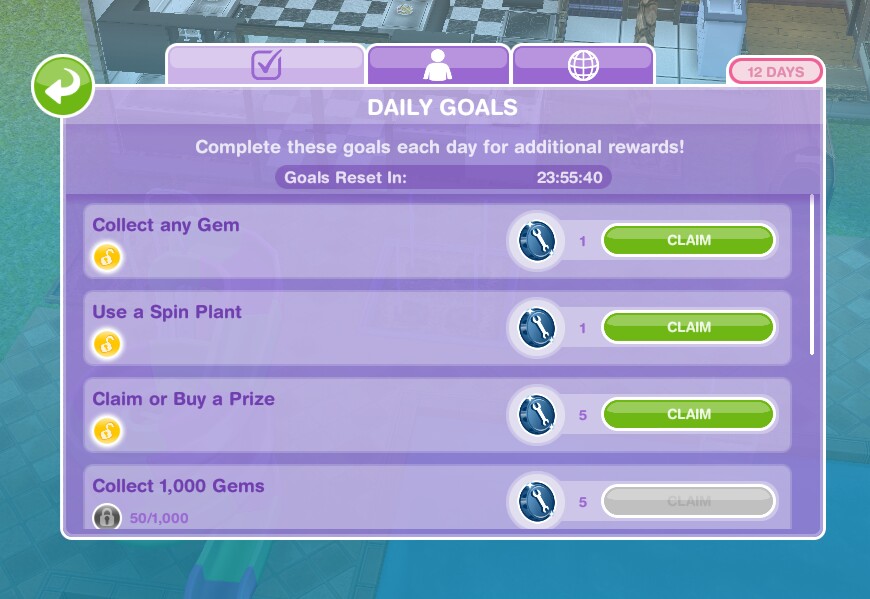
Check on the first tab every day because if you complete all the daily goals you will get additional rewards
NOTE: remember to click CLAIM once you have completed a daily goal to collect the reward and remember to claim your free constructor coin and free daisies each day!
How do I claim or buy a prize to complete a daily goal?
You need to buy one of the personal progress items that you have unlocked (once you have all the flowers and constructor coins needed for it you can click purchase) or on a community prize you click claim to complete this
TIP: if you have already claimed or brought a prize that day maybe wait until the next just incase you don’t have enough flowers or coins to buy or there isn’t one to claim the next day, this way you will still be able to complete all the goals and earn your bonus constructor coins!
Personal Progress
The personal progress is how far you have got on this event, the more flowers you collect the more items you will unlock
Personal Progress Items to unlock by collecting flowers
This allows you to access the Magical Rainforest from the Sea Voyage Boat!
2.Constructor Coins
3.Constructor Coins
4.Full Hearts- unlocks Crackling Campfire and Tiny Tea Time
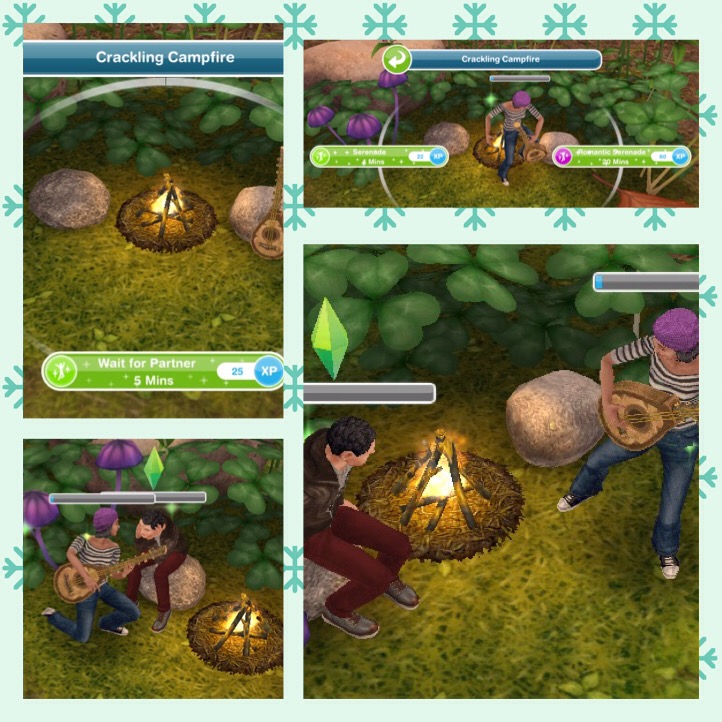
Crackling Campfire
Requires- 3,450 Daisies and 40 Constructor Coins
Takes 10 minutes to build
Once built you can have one sim serenade another!
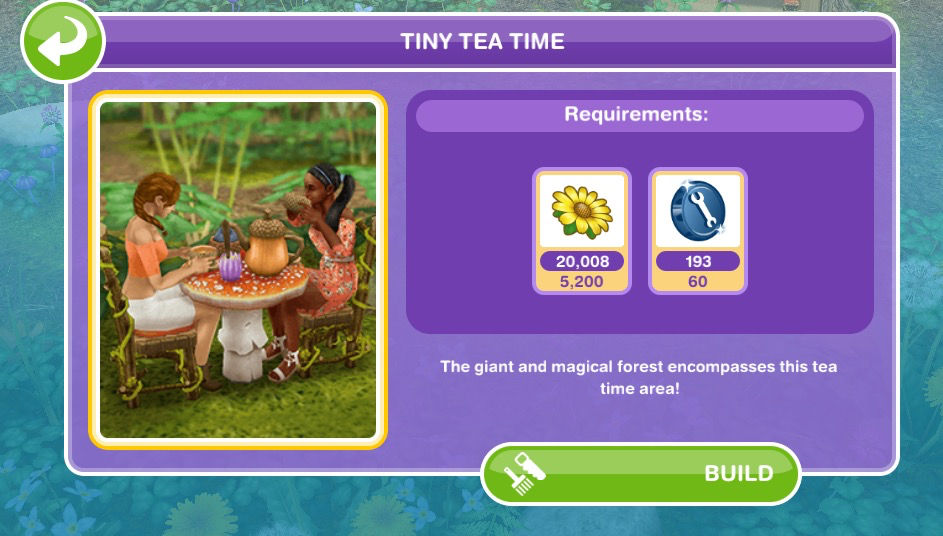
Tiny Tea Time
Requires- 5,200 Daisies and 60 Constructor Coins
Takes 1 hour to build
Once built two sims can have a tiny tea party!
5.Giant Blue Bells- this is another flower bloom you will need to be able to collect more flowers!
6.Constructor Coins
7.Social Points
8.Constructor Coins
9.Giant Journeys- unlocks Leaky Leaf Canoe and Giant Forest Slide
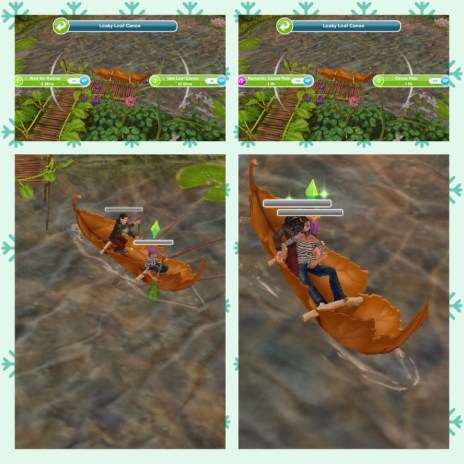
Leaky Leaf Canoe
Requires- 15,600 Daisies, 12,200 Blue Bells and 175 Constructor Coins
Takes 2 hours to build
Once built one or two sims can take a trip in the leaf canoe!
Giant Forest Slide
Requires- 20,800 Daisies, 16,300 Blue Bells and 235 Constructor Coins
Takes 4 hours to build
Once built a sim can slide into the lake!
10.Giant Petunias
11.Constructor Coins
12.Social Points
13.Constructor Coins
14.Sizeable Fun- unlocks Flower Petal Swing and Spider Web Bounce
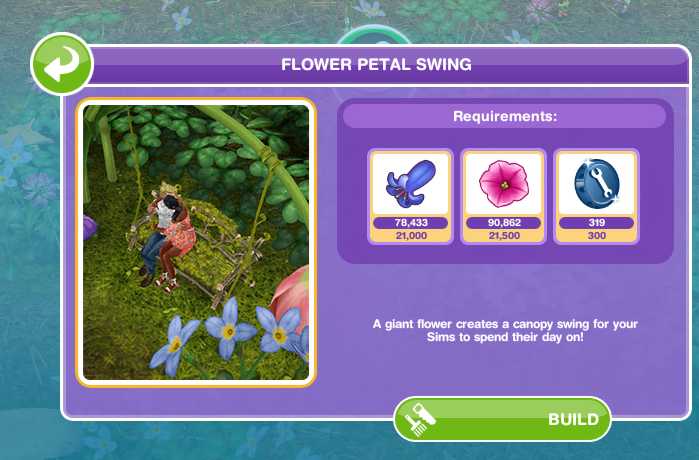
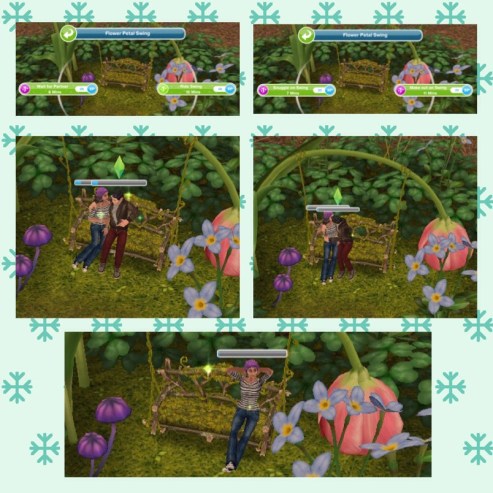
Flower Petal Swing
Requires- 21,000 Blue Bells, 21,500 Petunias and 300 Constructor Coins
Takes 6 hours to build
Once built your sims can swing or snuggle
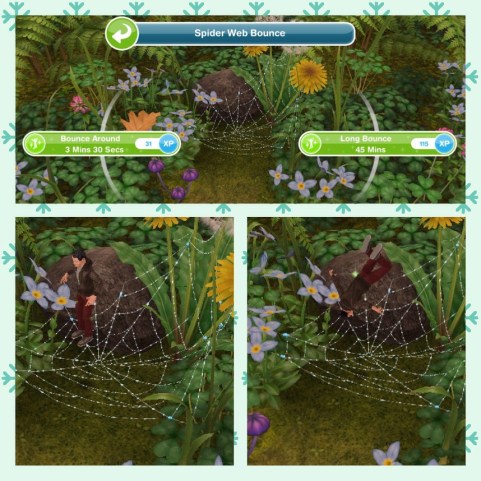
Spider Web Bounce
Requires- 22,500 Blue Bells, 23,000 Petunias and 320 Constructor Coins
Takes 8 hours to build
Once built a sim can enjoy a bounce!
15.Giant Pansies
16.Constructor Coins
17.Social Points
18.Constructor Coins
19.Enormous Activities- unlocks Ladybug Friends and Fairy Circle Field
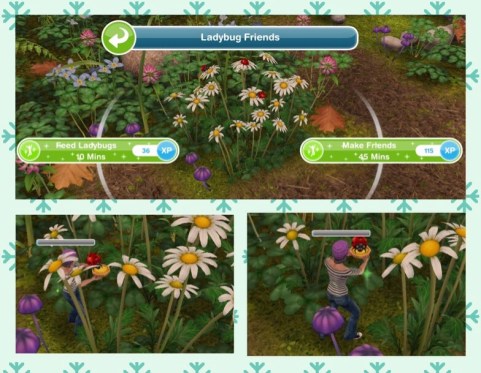
Ladybug Friends
Requires- 27,000 Blue Bells, 28,000 Petunias, 32,000 Pansies and 390 Constructor Coins
Takes 9 hours to build
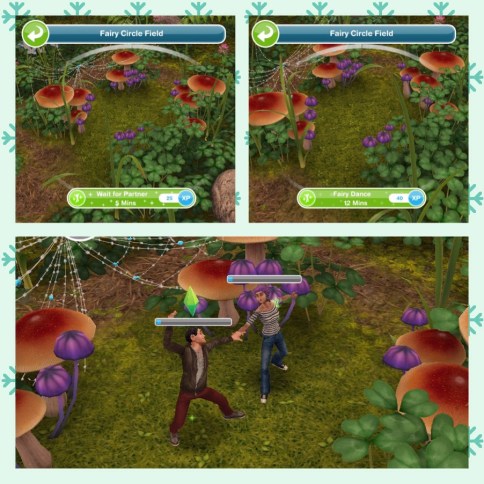
Fairy Circle Field
Requires- 30,000 Blue Bells, 30,500 Petunias, 36,000 Pansies and 425 Constructor Coins
Takes 9 hours to build
Once built two sims can have a fairy dance!
20.Constructor Coins
21.Social Points
22.Constructor Coins
That is all the personal progress prizes!
I can’t believe the last constructor coin reward is only 10!
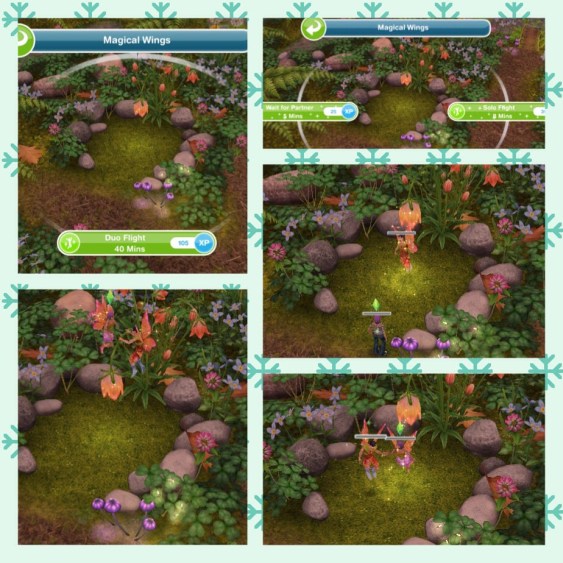
If you manage to build everything you will unlock the Magical Wings area at the rainforest (This is free! I didn’t manage to build everything as I couldn’t get enough constructor coins and I’m not wasting all my social points on it!)
ONCE THE EVENT IS OVER YOU CAN STILL ACCESS THE MAGICAL RAINFOREST EVEN IF YOU DO NOT UNLOCK OR BUILD ALL THE AREAS
Earning Construtor Coins? Previously I have used social points on the Mega Spin Plant to win constructor points. I earn social points by completing the cooking hobby and earning LPs, I can then turn the LPs into SPs using the social point plant on a normal garden patch- this was when it cost 5LPs- the social point plant now costs 20LPs so you may want to try the option below first instead:
Or you can use 450 Daisies for the Spin Plant (a good way to use up any spare Daisies) which will also earn you constructor coins but the amount you earn is less than from the Mega Spin Plant
Community Progress
The community progress is the combined progress of all players flowers collected to unlock new chapters which unlock new items for all of us!
NOTE: You DO NOT need neighbours for this- this is everyone who plays the games progress NOT your neighbours progress
This community event is different because each chapter we unlock is part of a quest, once we finish that chapter we unlock the furniture you can see in my early access post. I will be added information and pictures of all the goals and the prizes as we unlock them.
NOTE: you will need to click claim in the community tab to be able to start a chapter:
1.Tiny Travels- complete these goals to unlock dining items
Call a sim to the magical rainforest (use the sea voyage boat to get there then click on a whistle on the simtracker to bring a sim)
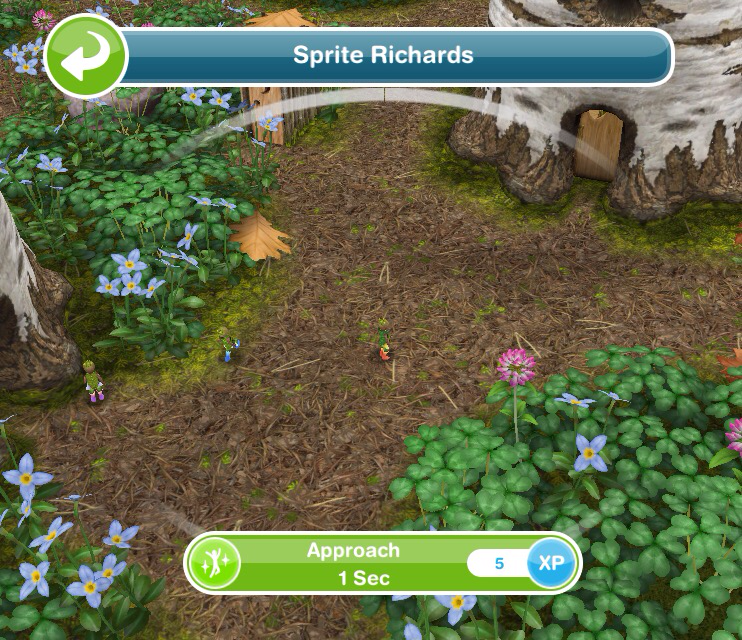
Approach a forest sprite- 1 second
Inspect the area (click on the x)- 3 minutes 5 seconds
Place the bouquet (click on the x)- 4 seconds
Unlock the next chapter- when we all unlock the next chapter you will be able to do the next set of goals!
2.Constructor Coins
3.Constructor Coins
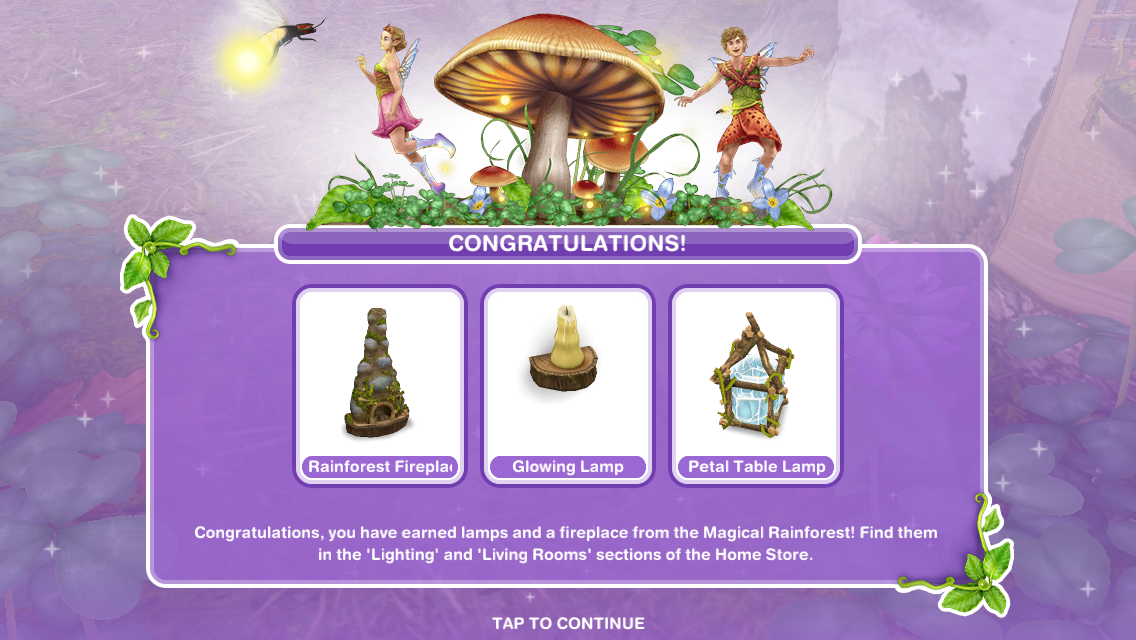
4.Stranger Times- complete these goals to unlock lighting items
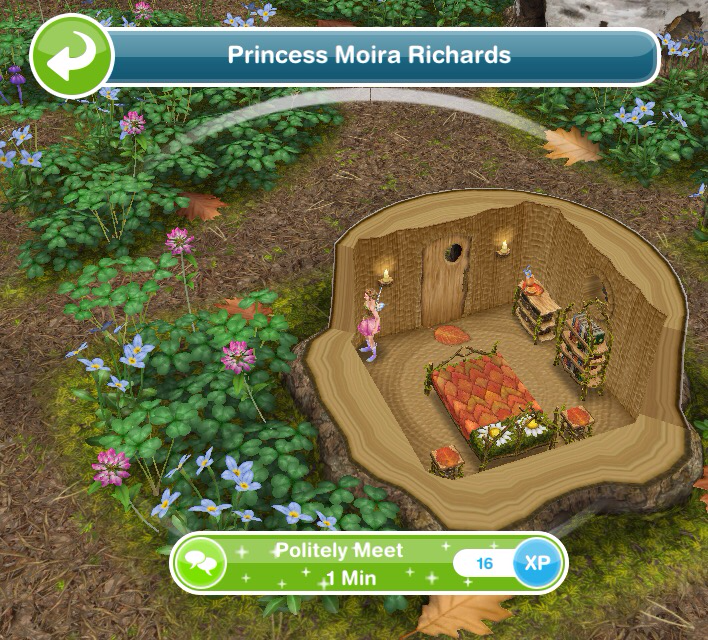
Politely meet the princess- 1 minute
Discuss with the princess- 1 minute
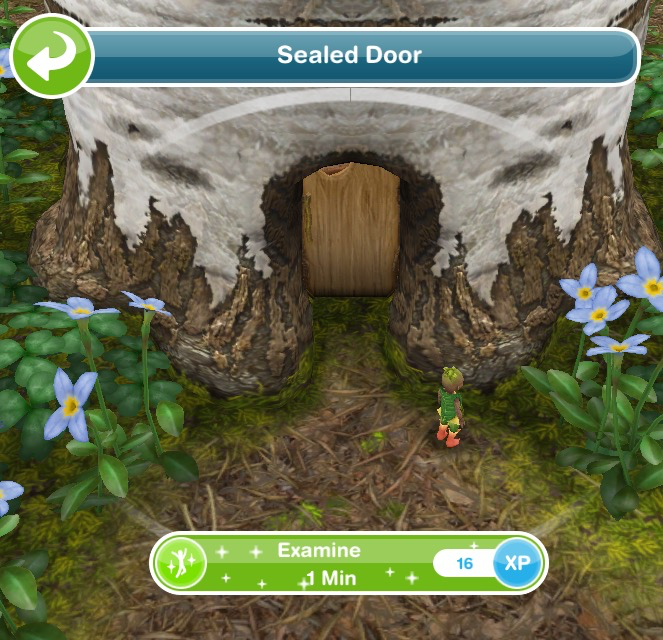
Examine the door- 1 minute
Offer to help the princess- 1 minute
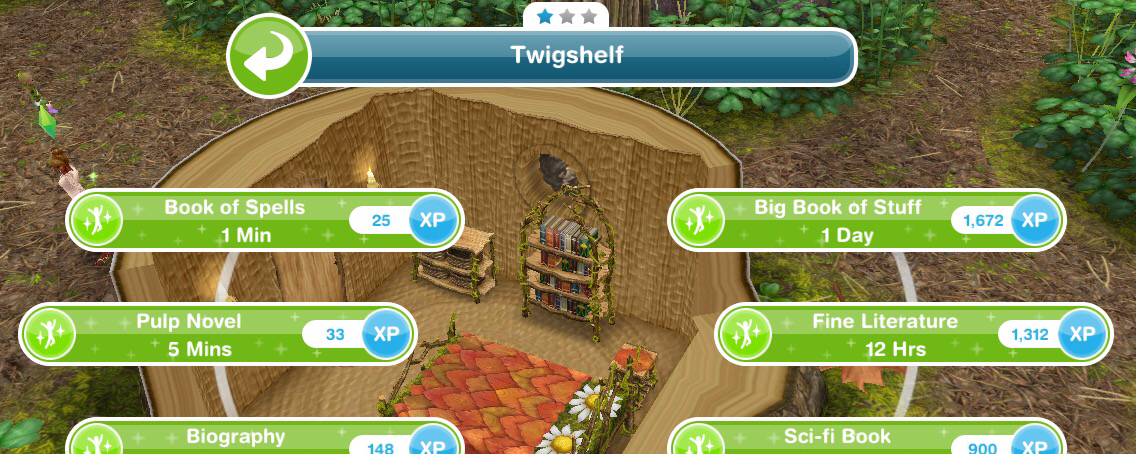
Examine the book of spells- 1 minute (bookcase)
Make a bloom potion- 48 seconds (stove at a sims house)
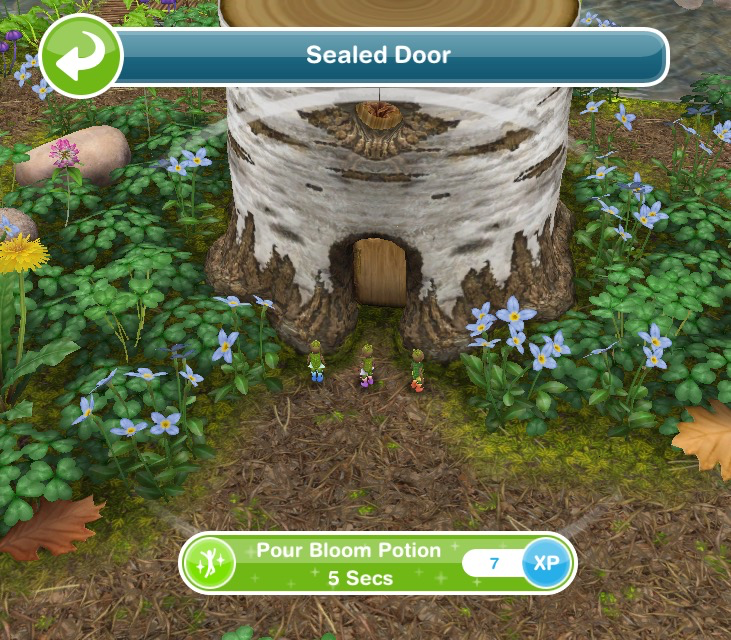
Pour the bloom potion on the sealed door- 5 seconds
Reassure a sprite- 1 minute
Read the strange notes- 1 minutes
Give the notes to the princess- 2 seconds
Unlock the next chapter- when we all unlock the next chapter you will be able to do the next set of goals!
5.Constructor Coins
6.Constructor Coins
7.Missing Love- complete these goals to unlock reading area items
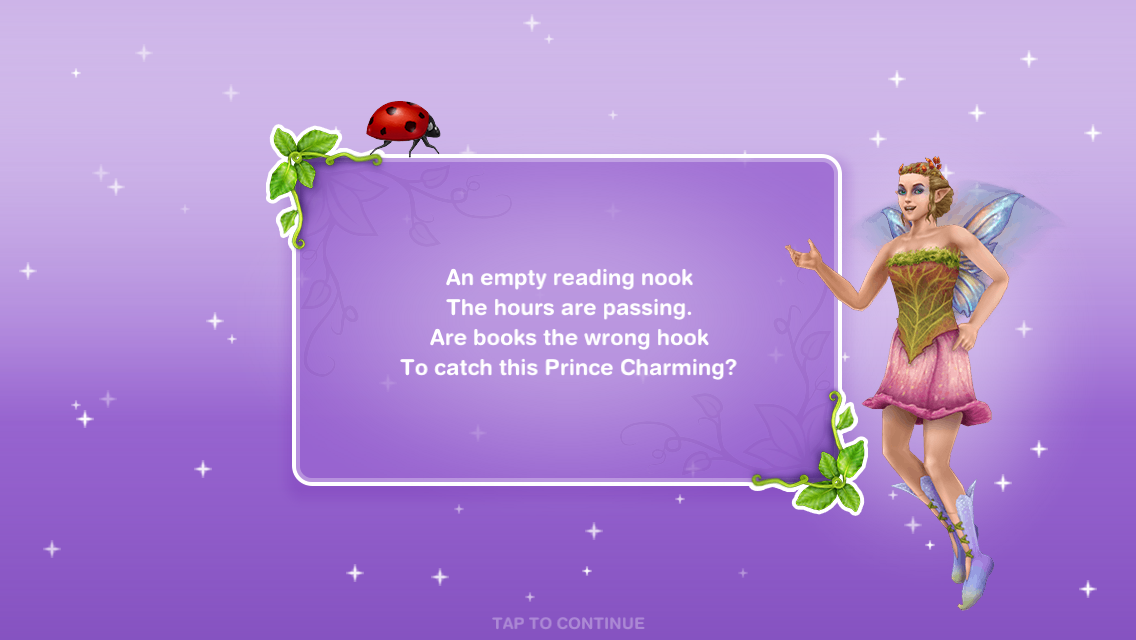
Ask a sprite about the prince- 1 minute
Solve the sprites riddle:
‘Prince Finn once said his favourite hobby is to sit down with a good adventure’ what was he doing when he disappeared?
If you don’t know the answer is: Reading!
Examine the staircase- 14 seconds
Make a bloom potion- 48 seconds (using a stove at home)
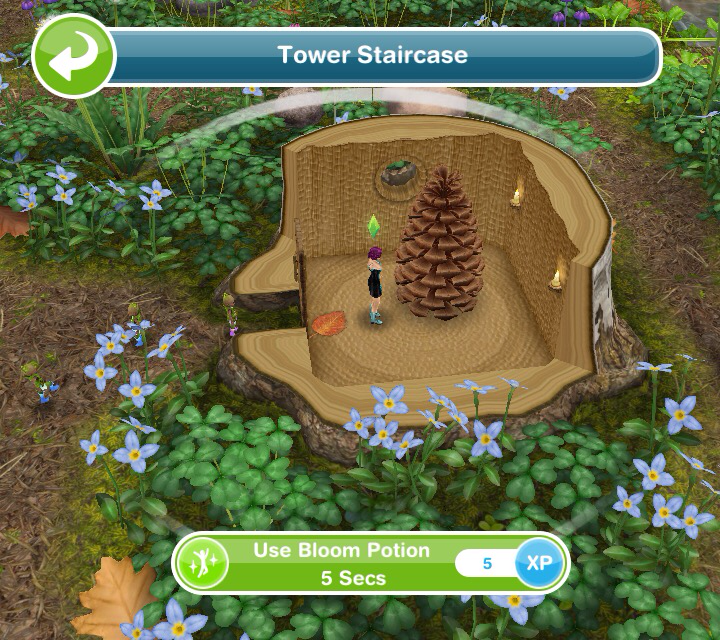
Use bloom potion on the stairs- 5 seconds
Talk to the grumpy sprite- 30 seconds
Talk to the princess- 1 minute
Ask the princess what to do- 1 minute
Send a sim home
Think about Prince Finn- 48 seconds (on a seat)
Unlock the next chapter- when we all unlock the next chapter you will be able to do the next set of goals!
8.Constructor Coins
9.Constructor Coins
10.Fairy Fright- complete these goals to unlock bedroom set
Call about the prince- 48 seconds (using a phone)
Check under a bed- 48 seconds
Call a sim to the magical rainforest
Ask about the prince’s personality- 1 minute (ask princess)
Guess a comfortable place for the prince: ANSWER- reading area- 5 minutes
Send a sim home
Place a reading chair (buy a chair from the home store)
Analyse the setup (click on the chair)- 48 seconds
Unlock the next chapter- when we all unlock the next chapter you will be able to do the next set of goals!
11.Constructor Coins
12.Constructor Coins
13.Magic Fix- complete these goals to unlock seasonal decoration items
Send a sim to the park
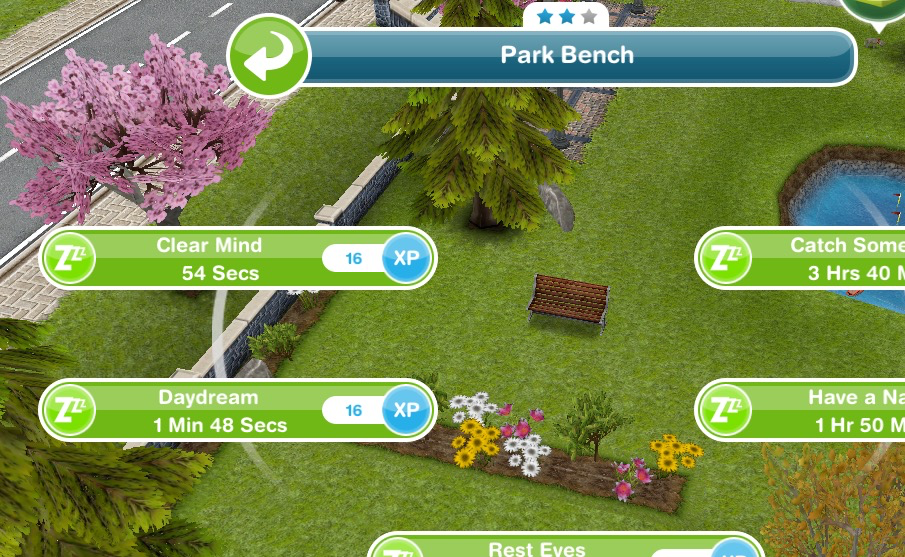
Clear a sims mind- 54 seconds (on a park bench)
Send a sim home
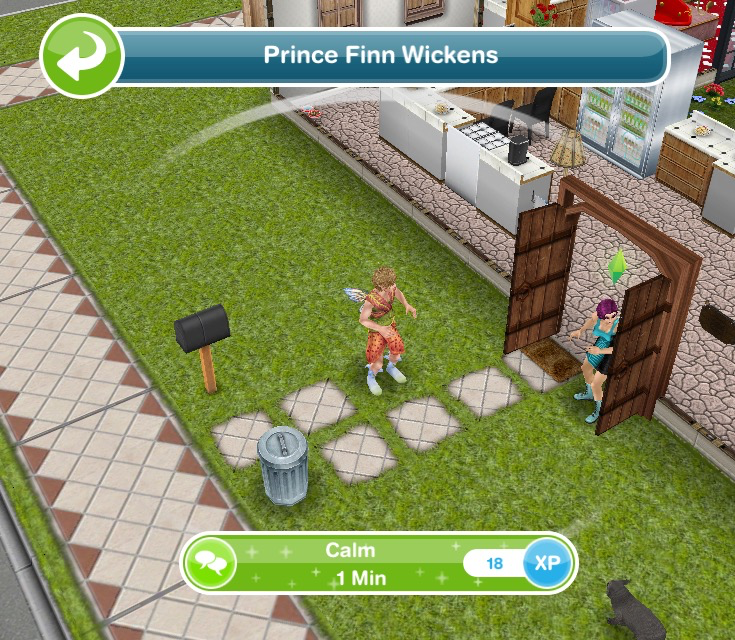
Calm Prince Finn- 1 minute
Return to the magical rainforest
Share the news with the Princess- 1 minute
Send a sim home
Brew a shrink potion- 48 seconds (using a teapot)
Give Prince Finn the potion- 6 seconds
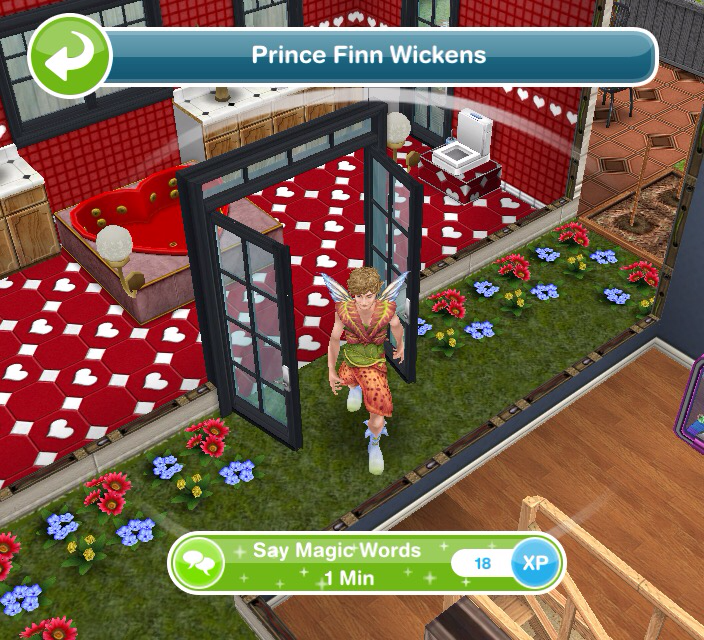
Say the magic words- 1 minute (Finn)
Return to the magical rainforest
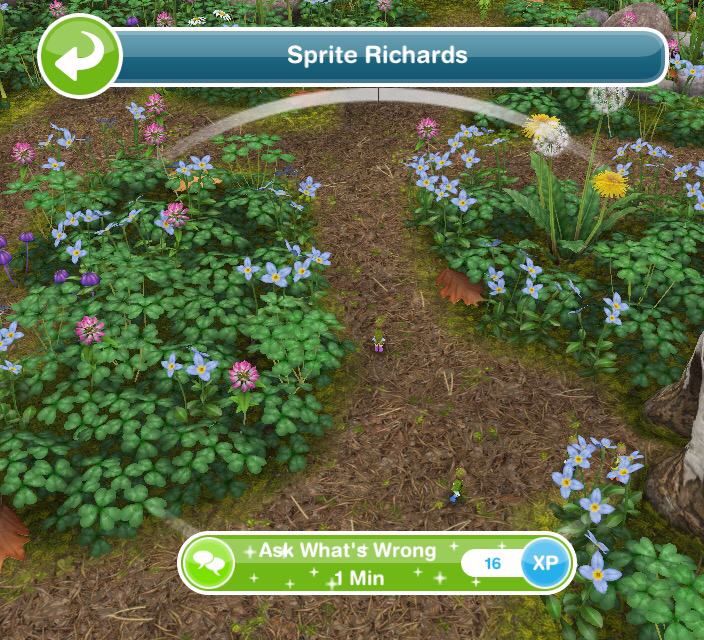
Ask a sprite what is wrong- 1 minute
Tell the Princess what happened- 1 minute
Unlock the final chapter- when we all unlock the next chapter you will be able to do the final set of goals!
14.Constructor Coins
15.Constructor Coins
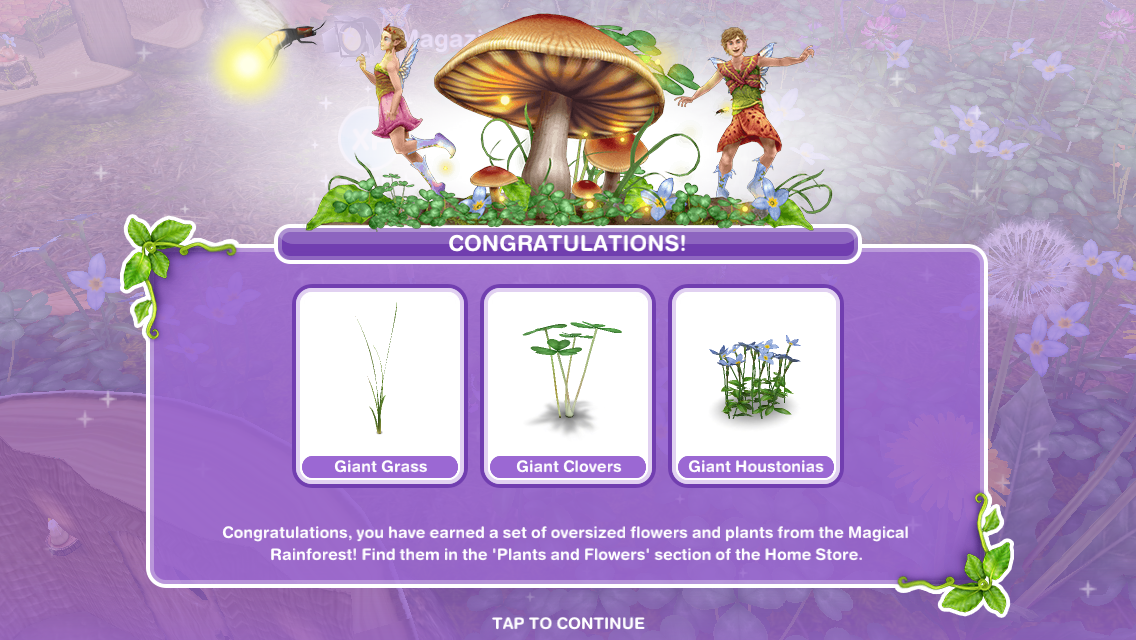
16.Harmony- complete these goals to unlock oversized plants!
Send a sim to a home lot
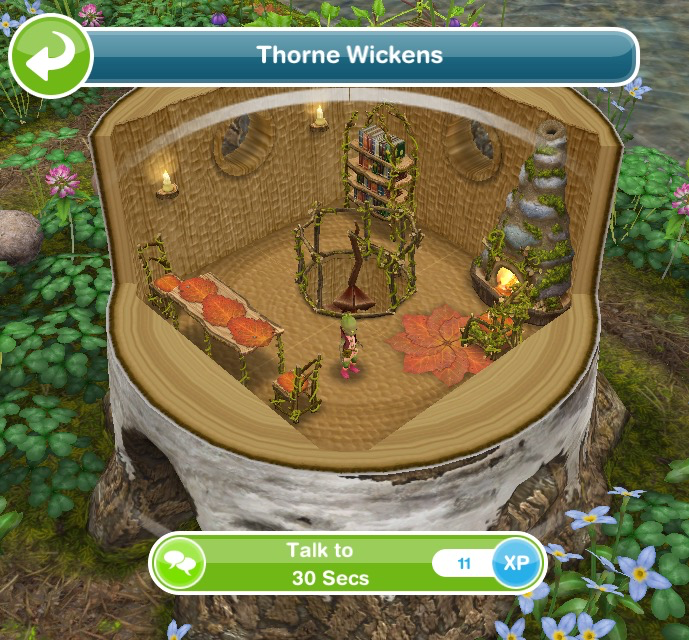
Talk to Thorne- 30 seconds
Comfort Thorne- 30 seconds
Return to the magical rainforest
Explain the situation to the Princess- 1 minute
Tell Thorne about the party- 30 seconds
Return to the magical rainforest
Start dancing in the magical rainforest (click on the x)- 1 minute
QUEST IS COMPLETE!
We have unlocked all the community prizes!
Constructor Coins
You earn constructor coins by:
Personal Progress prizes
Community Progress prizes
Completing Daily Goals
Coin Plant Patches
Rainbow Bouquet
The Rainbow Bouquet can be purchased from the online store for real money- it auto gathers 300 Daisy, 400 Blue Bell, 600 Petunia OR 700 Pansy every 8 hours
You also get 10SPs and S20,000 for buying it
THE EVENT IS NOW OVER but you have 7 days to use the flowers and coins you have collected (you cannot collect anymore!) to build the places at the rainforest
The Simtown Health Spa event has ended. You now have 7 days from the 14th November to buy any of the prizes you didn’t purchase during the time limit but you will not be able to collect anymore gems or coins towards them so if you don’t have all the requirements you will either have to use SPs or not get the prize.
This community event started on the 2nd November- this is the second time this event has appeared on the game.
If you started it last time you will start from where you got to, if you completed it last time you won’t have to complete it again but you can still collect gems to help the community progress!
This event is only here for 12 days and the aim of it is to collect enough gems from special gem deposits (found in the event tab of buy mode) to unlock all the items in this event
For the community part of this event (yes those prizes are the same as last time) the gems everyone collects (you do not need neighbours this is everyone who plays the games progress) is added together and we unlock new items when we have collected so much
NOTE: All the information in this post is from the event last time- I am completing it again so if anything has changed I will update as I progress
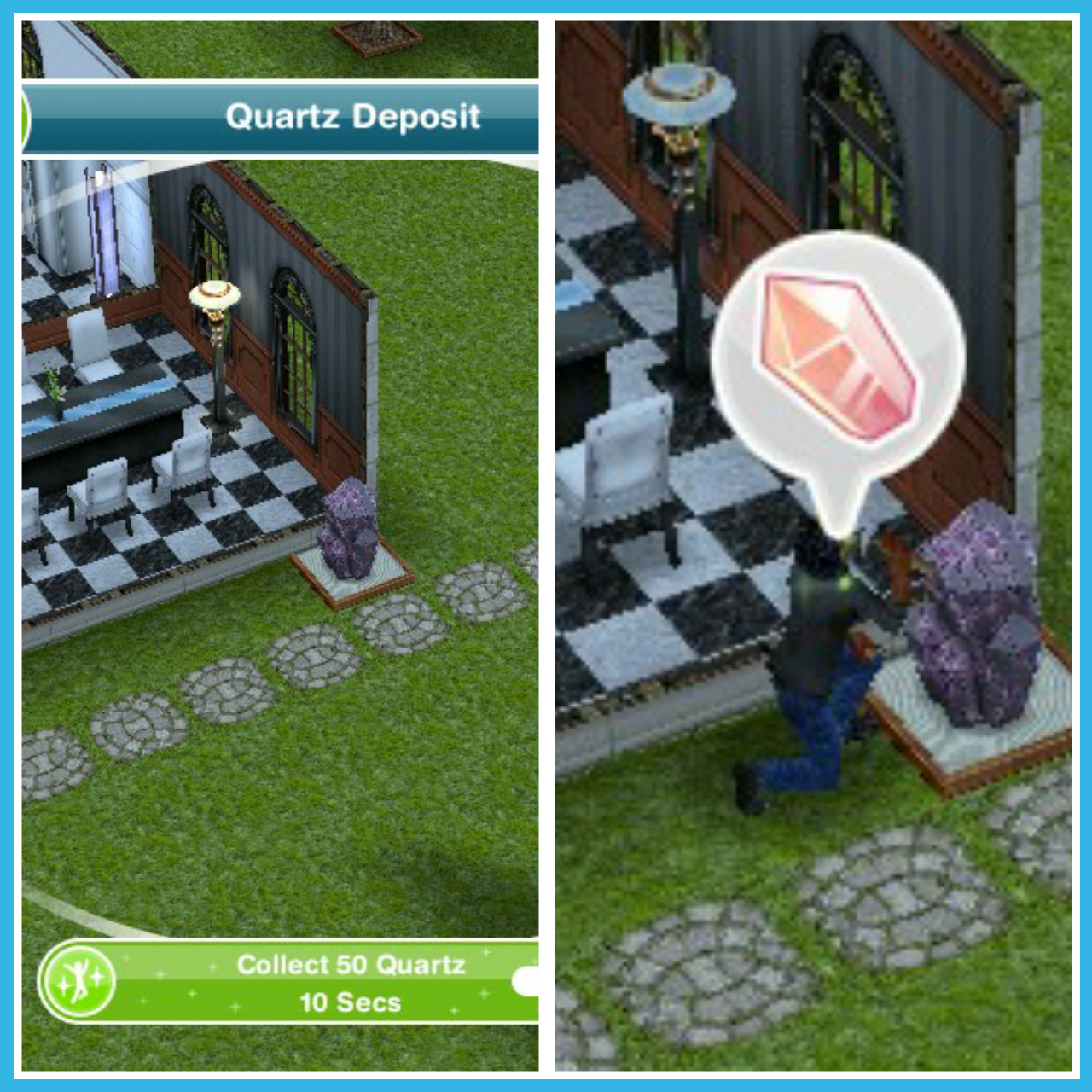
Place a quartz deposit (find in the events tab of buy mode- you can only buy 4)
Collect some gems (click on the quartz deposit to collect)- 10 seconds
This takes you to the personal progress tab (you can get to it by clicking on the flower event button in the corner of the screen)
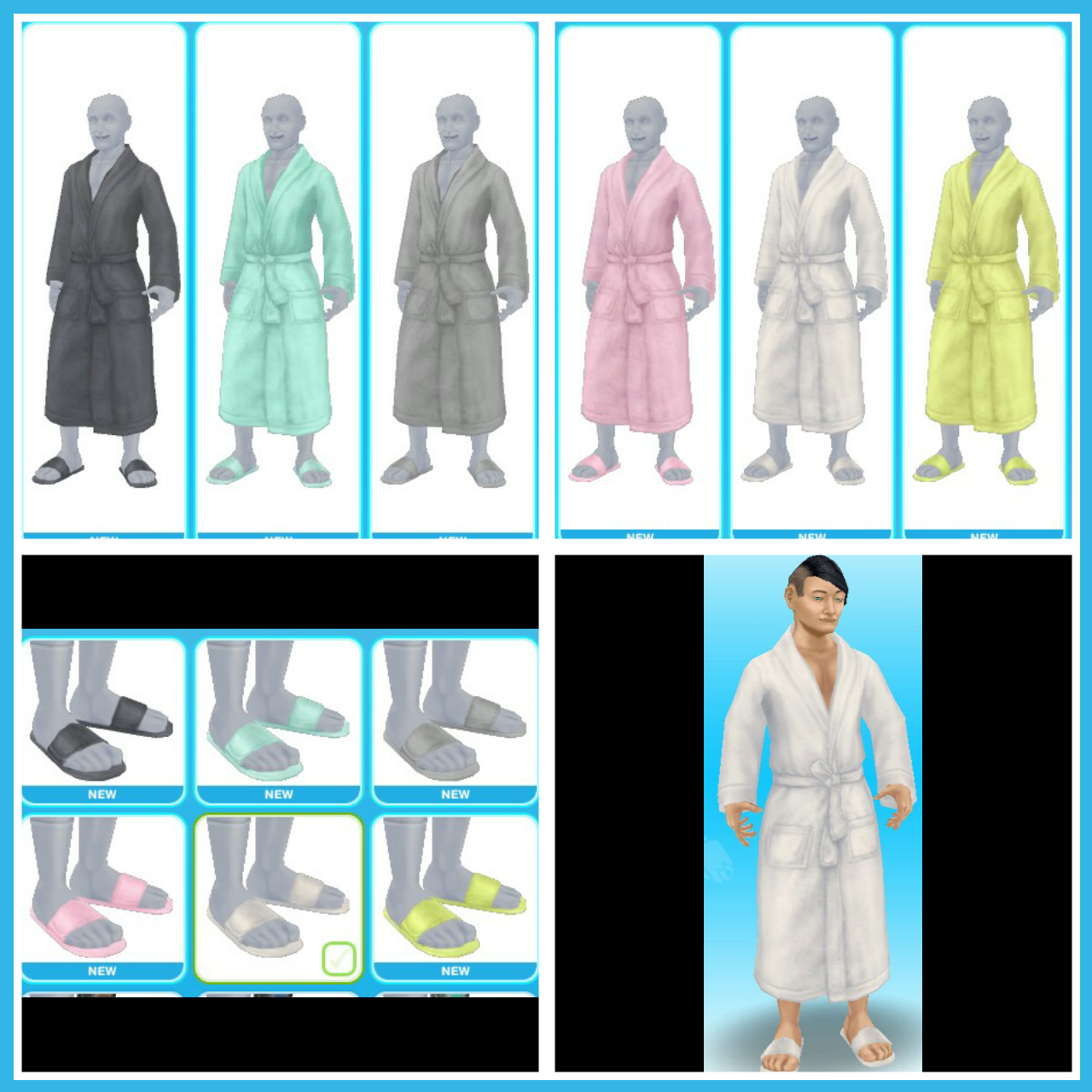
Here you will see you have unlocked the spa robes! (keep reading for information on all prizes!)
Use a coin flower patch (buy the coin flower patch from the event tab and select the spin plant option)
Check the community progress (click on the flower event button and find the community tab)
Check the daily goals (click on the flower event button and find the daily goals tab- claim the ones you can!
Remember to claim your rewards!
Collect bonuses (while collecting after a certain amount of time you will see the gem appear above that sims head, click to collect bonus gems!)
Continue collecting gems- this is the last step but the event is not over, keep collecting gems to unlock everything!
If you want to speed up a collecting gems action it will cost you SPs, you will get the bonus gems as well if you speed it up!
Stuck on these tasks?Watch my video here:
Gem Deposits
Quartz Deposit costs:
1st- Free
2nd- S2,000
3rd- S4,000
4th- 5SPs
(maximum of 4)
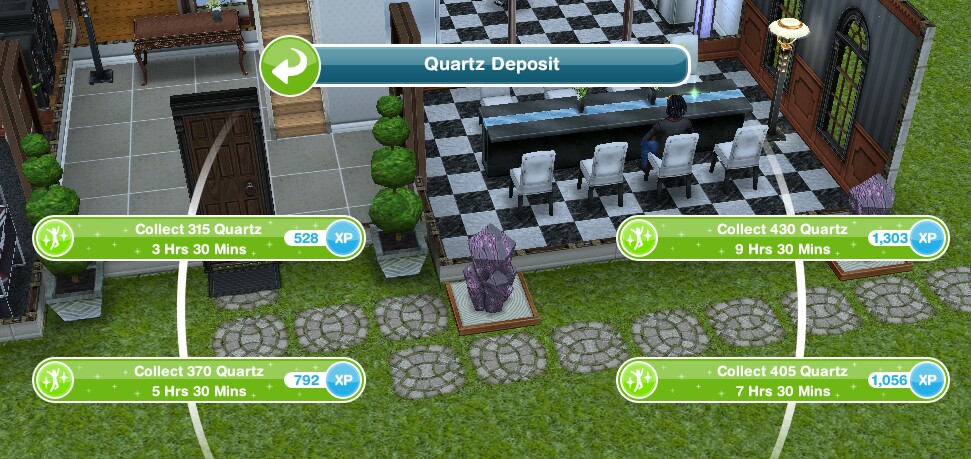
Collect 315 Quartz- 3 hours 30 minutes
Collect 370 Quartz- 5 hours 30 minutes
Collect 405 Quartz- 7 hours 30 minutes
Collect 430 Quartz- 9 hours 30 minutes
Bonus- roughly 1 every 80 seconds (maximum bonus you can get in one go is 15)
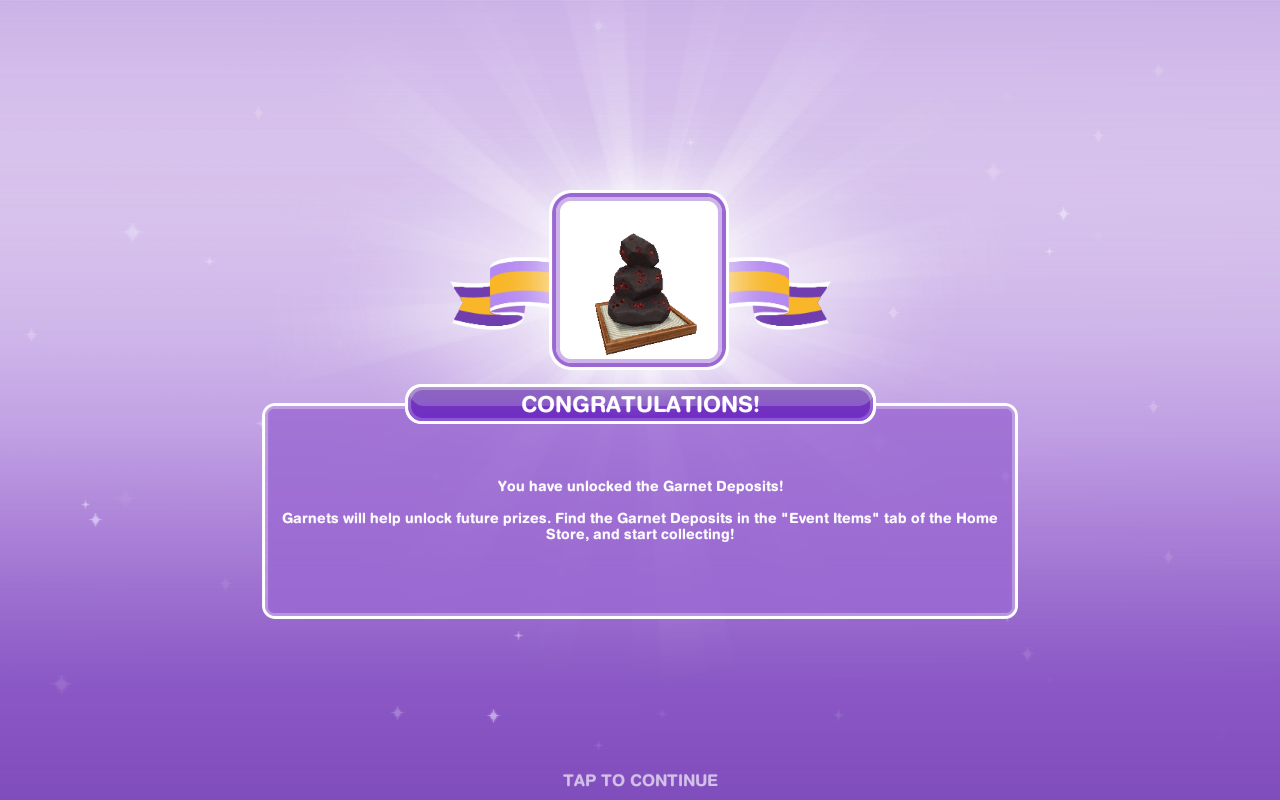
Garnet Deposit costs:
1st- S5,000
2nd- S7,500
3rd- S10,000
4th- 10SPs
(maximum of 4)
Collect 475 Garnets- 3 hours 30 minutes
Collect 550 Garnets- 5 hours 30 minutes
Collect 600 Garnets- 7 hours 30 minutes
Collect 650 Garnets- 9 hours 30 minutes
Bonus- roughly 1 every 65 seconds (maximum bonus you can get in one go is 20)
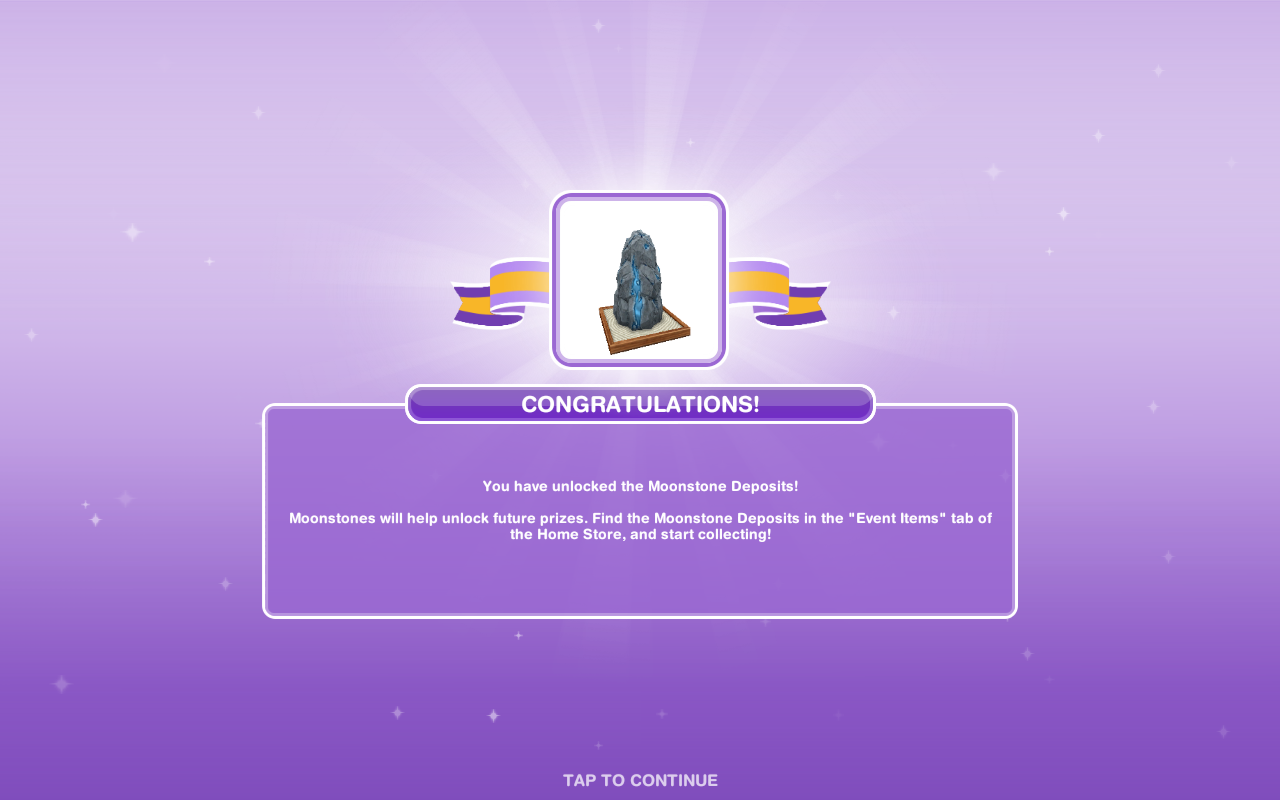
Moonstone Deposit costs:
1st- S7,500
2nd- S15,000
3rd- 15SPs
(maximum of 3)
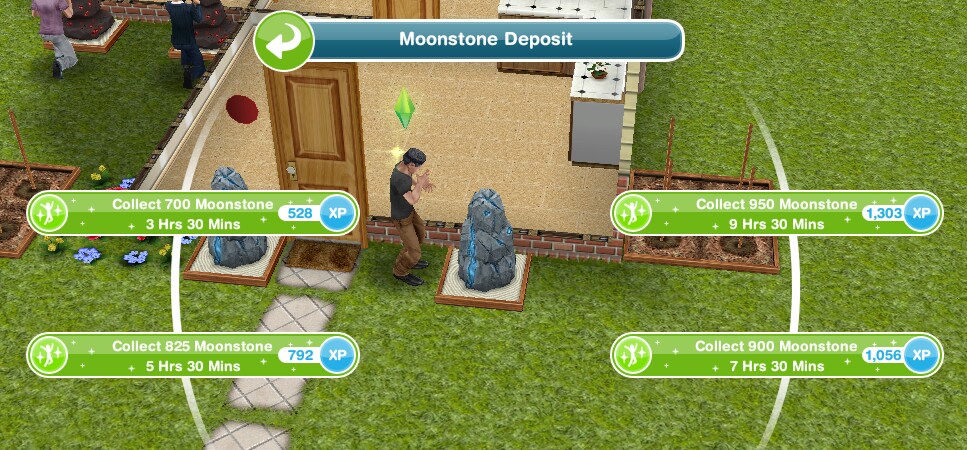
Collect 700 Moonstone- 3 hours 30 minutes
Collect 825 Moonstone- 5 hours 30 minutes
Collect 900 Moonstone- 7 hours 30 minutes
Collect 950 Moonstone- 9 hours 30 minutes
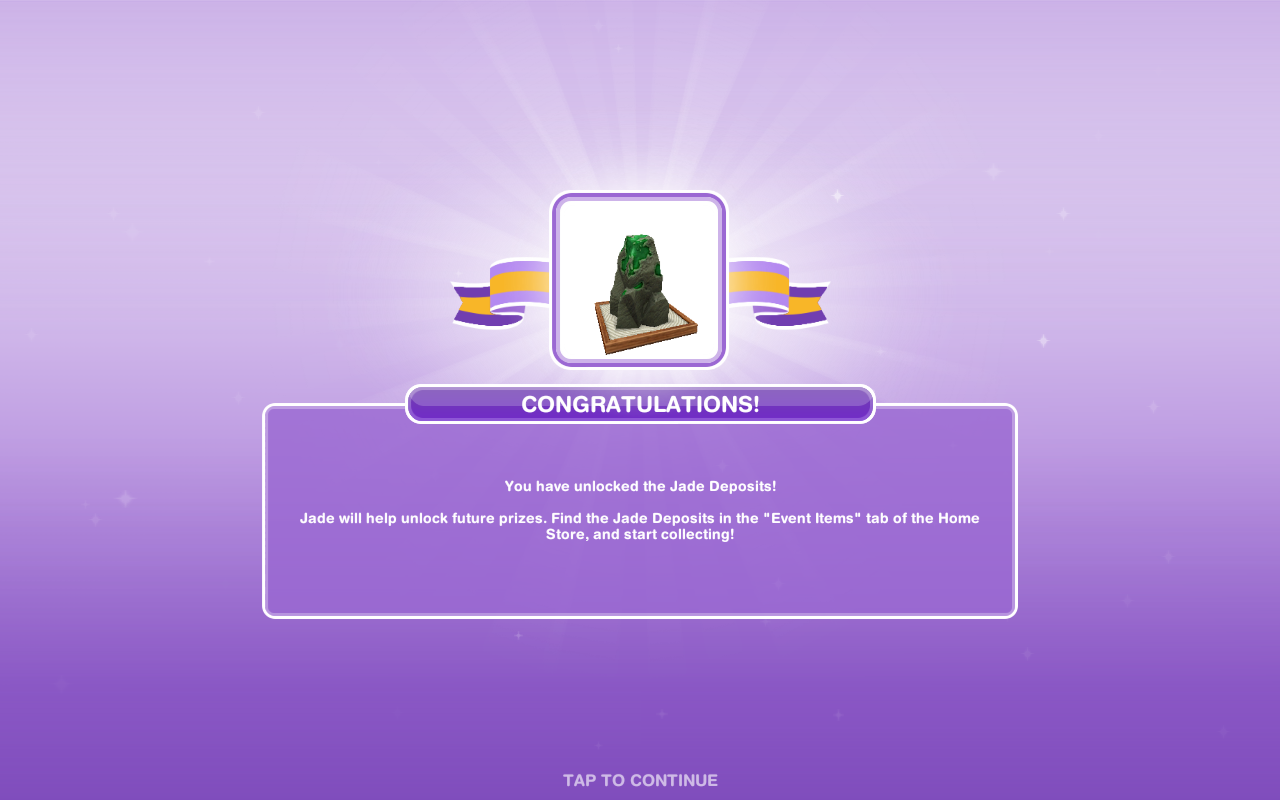
Jade Deposit costs:
1st- S7,500
2nd- 30SPs
(maximum of 2)
Collect 800 Jade- 3 hours 30 minutes
Collect 900 Jade- 5 hours 30 minutes
Collect 1000 Jade- 7 hours 30 minutes
Collect 1050 Jade- 9 hours 30 minutes
Your Progress:
Click the flower button in the top corner of your game to see your progress
Daily Goals
Check on the first tab every day because if you complete all the daily goals you will get additional rewards
NOTE: remember to click CLAIM once you have completed a daily goal to collect the reward and remember to claim your free constructor coins and free gems each day!
How do I claim or buy a prize to complete a daily goal?
You need to buy one of the personal progress items that you have unlocked (once you have all the gems and constructor coins needed for it you can click purchase) or on a community prize you click claim to complete this so its a good idea not to claim or purchase all items as soon as you unlock them so you can earn the 25 coins for completing the daily goals each day
Personal Progress
The personal progress is how far you have got on this event, the more gems you collect the more items you will unlock
Personal Progress Items to unlock by collecting gems
1.Spa Robes
Find in the wardrobe under outfits and shoes for preteen, teen, adult and senior sims
2.Constructor Coins
3.Constructor Coins
4.Interior Decorations
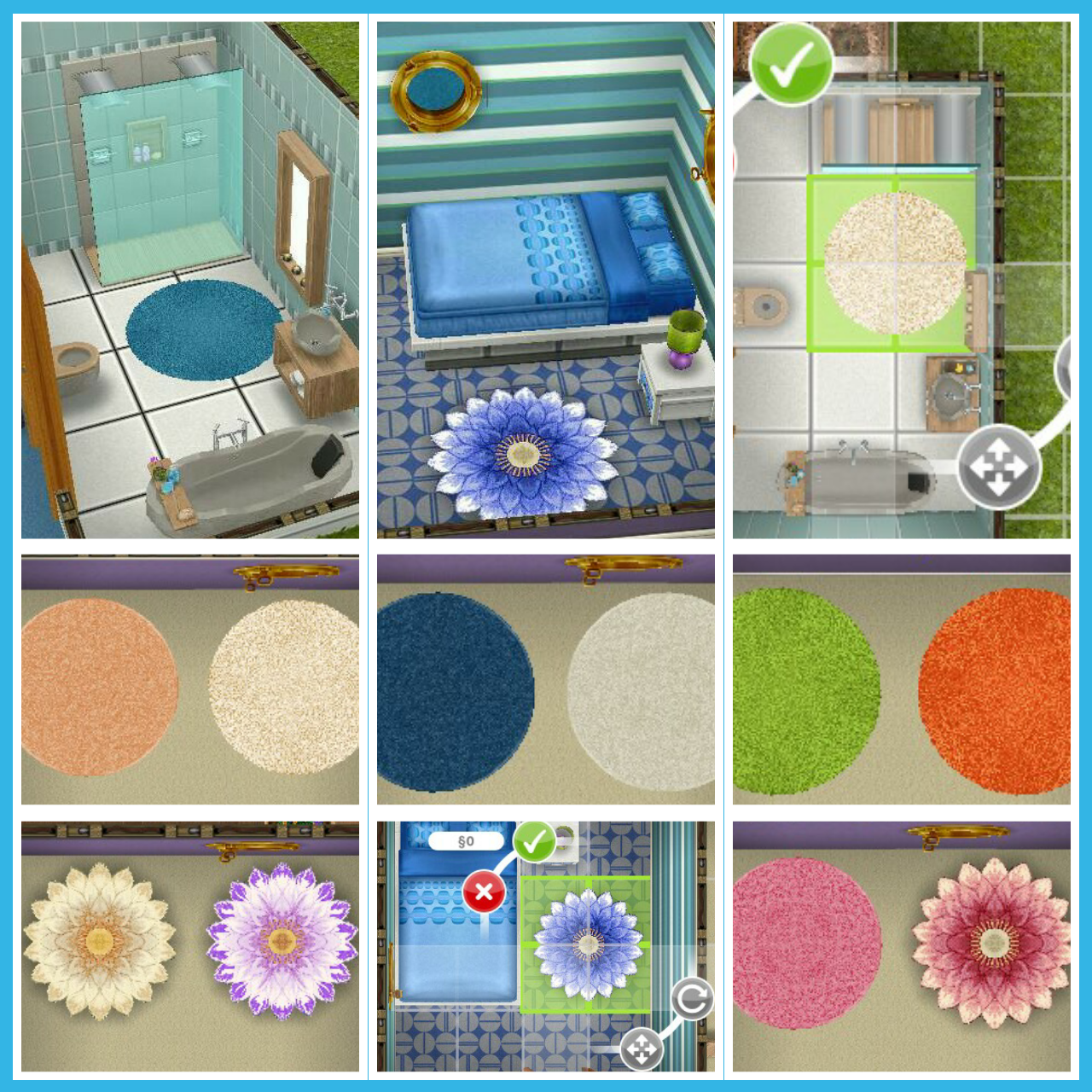
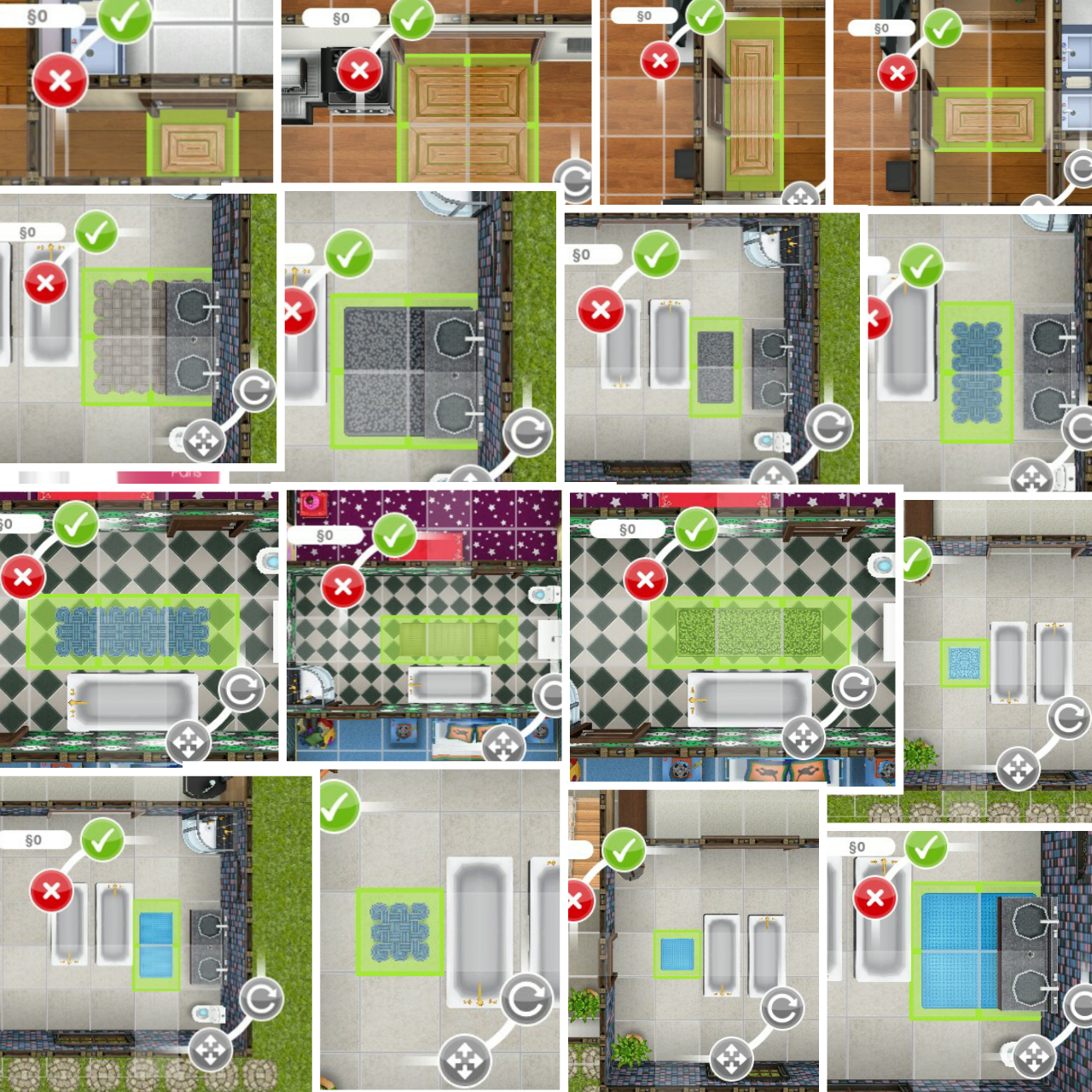
Spa Rugs
Requires- 1215 Quartz and 15 Constructor Coins
Can be found in the rugs section, the first one of each is free, after that the round rugs cost S1,500 each and the lotus rugs cost S2,000 each, they are all 2×2
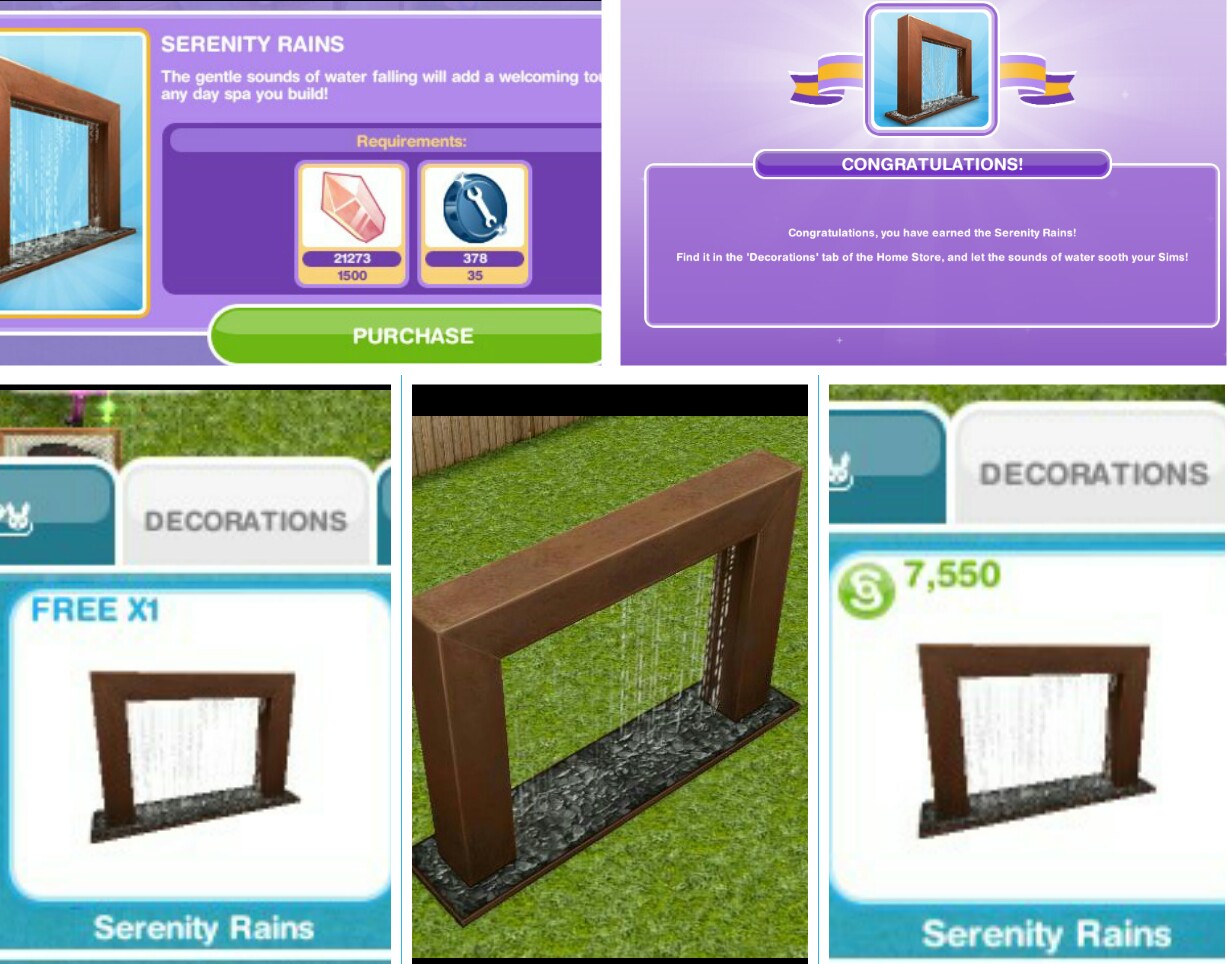
Serenity Rains
Requires- 1500 Quartz and 35 Constructor Coins
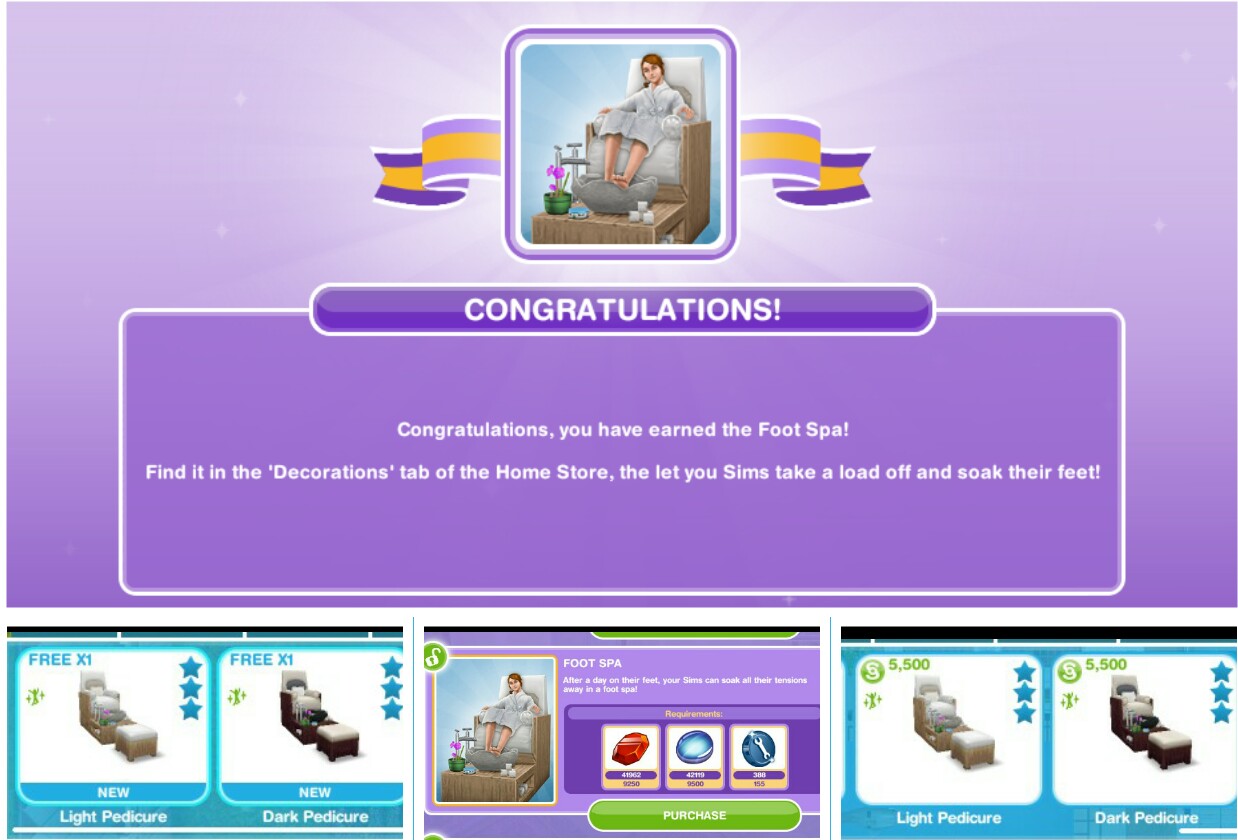
Can be found in the decorations section, the first one is free, after that they cost S7,550
Can be found in the decorations section, the first one is free, after that they cost S4,000 each
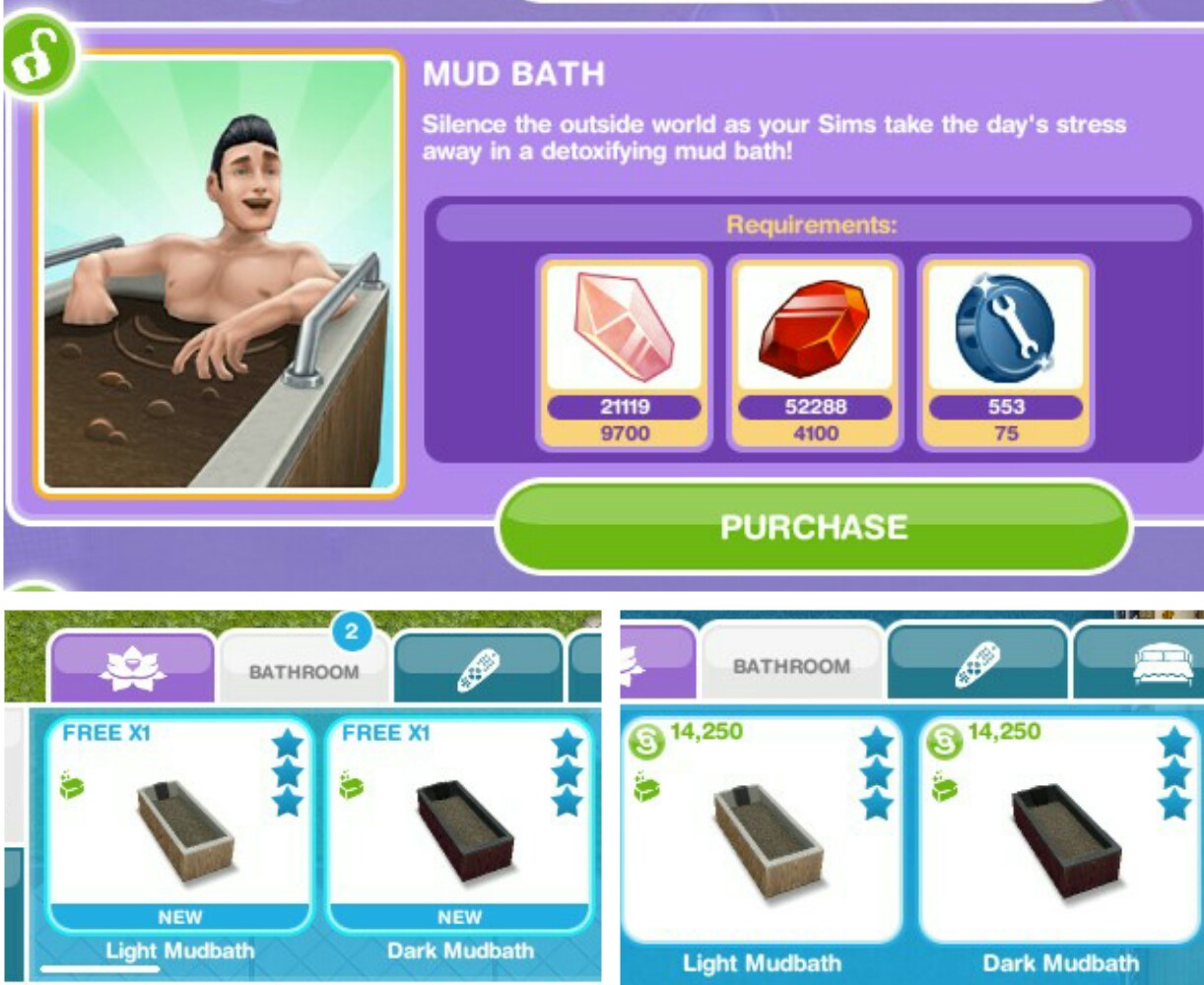
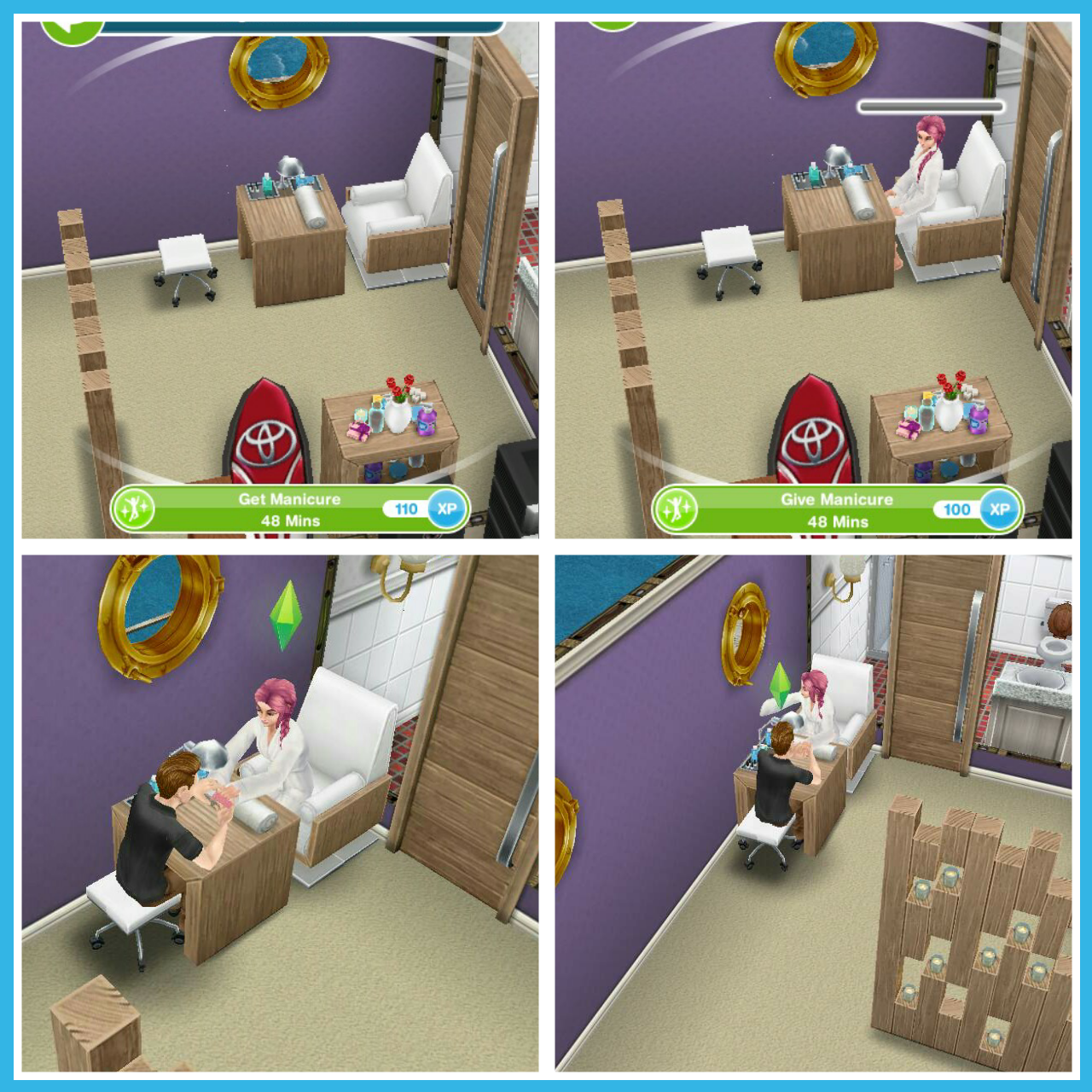
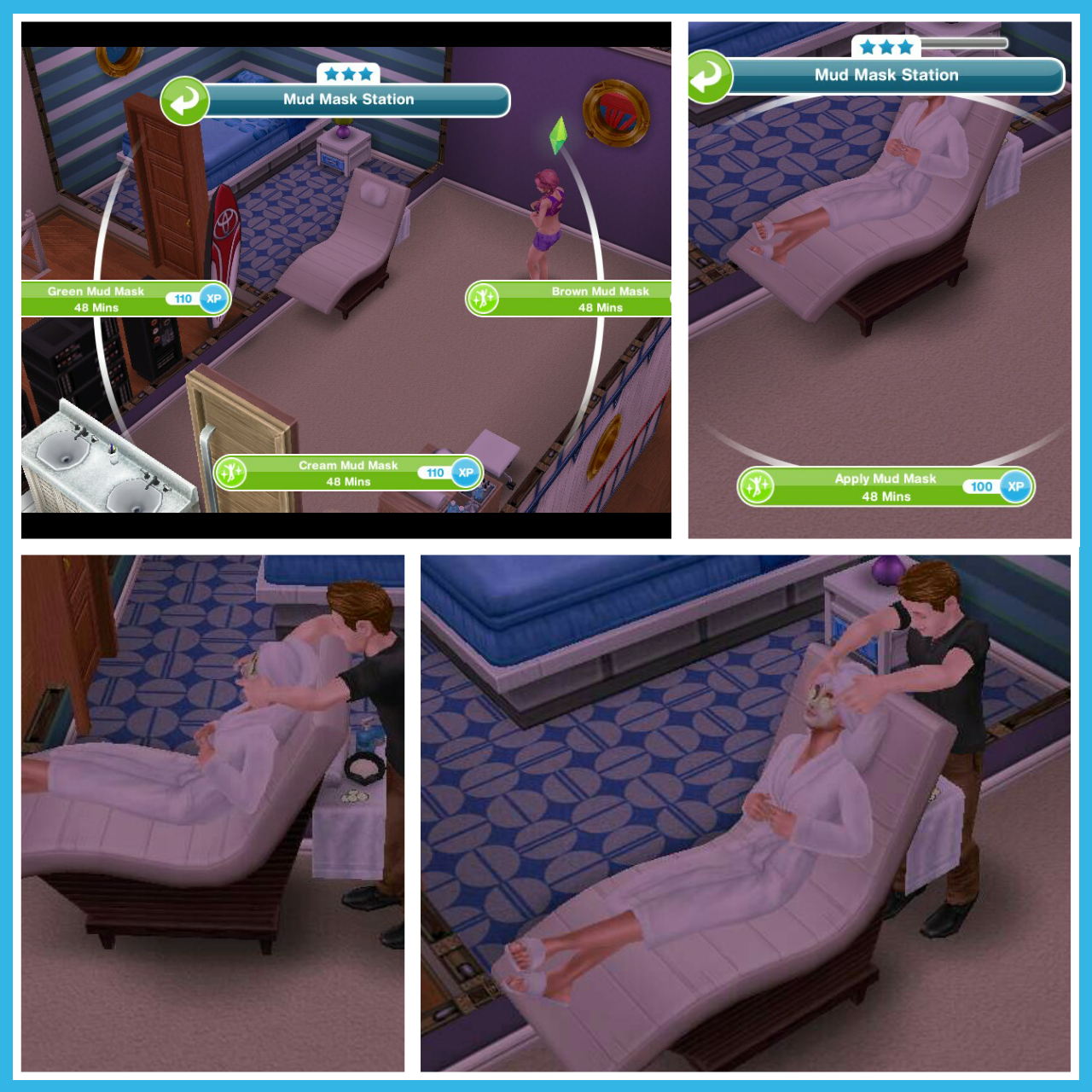
This requires two sims to use, the first sim selects the colour mud mask they want and a second sim selects apply mud mask for 48 minutes
Meditation Area
Requires- 18,500 Garnet, 19,000 Moonstone, 22,000 Jade, 305 Constructor Coins
Can be found in the decorations section, the first one is free, after that they cost S2,500 each
A sim can meditate using the mat for 24 minutes, 48 minutes or 2 hours 20 minutes
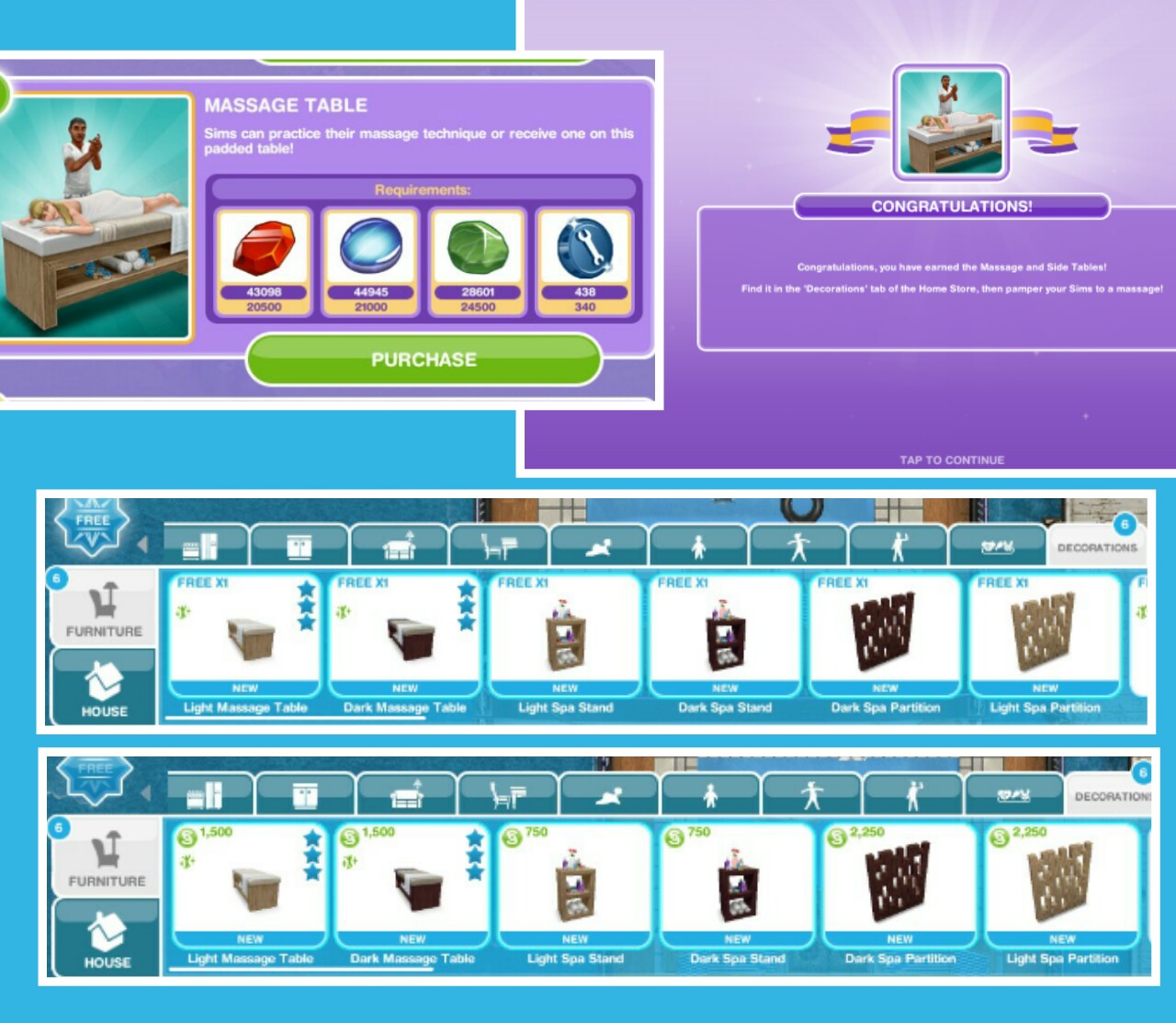
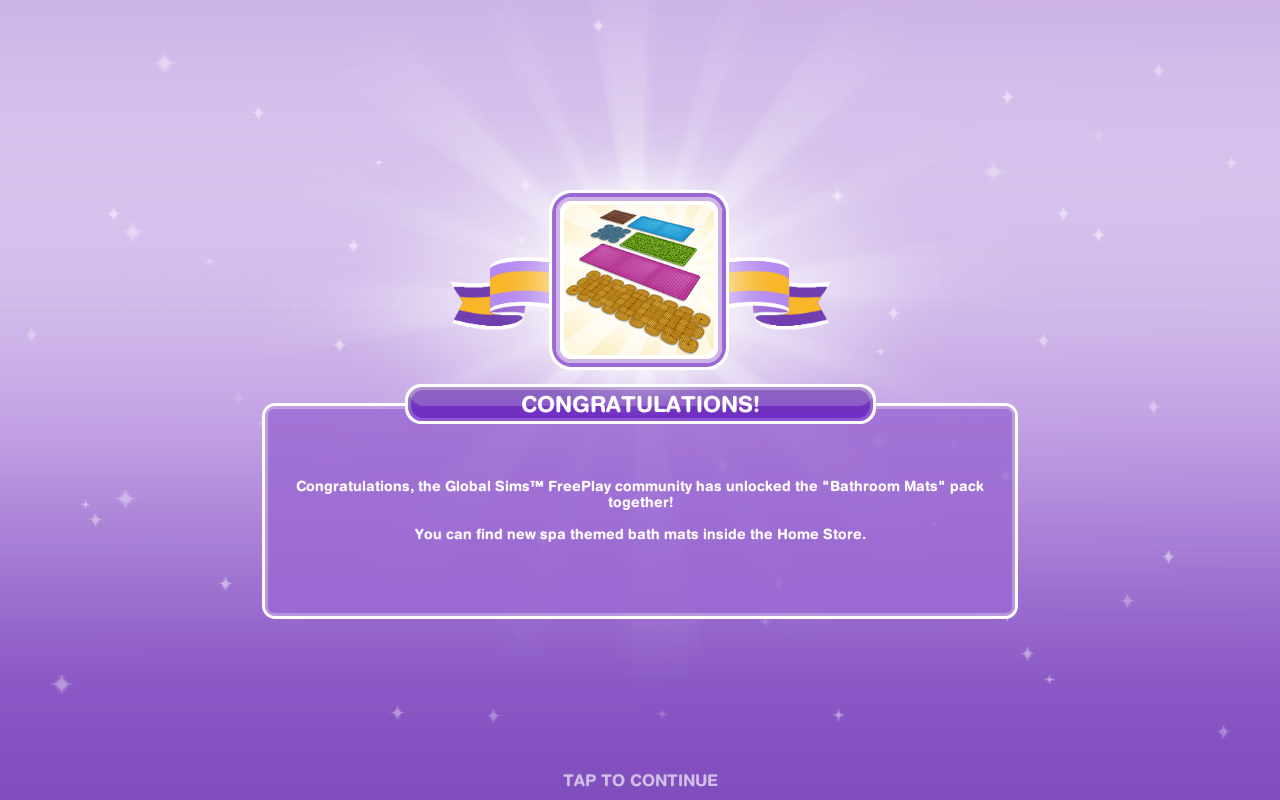
Includes Massage Tables, Spa Stands and Spa Partitions, these can be found in the decorations section and the first one of each is free after that they cost:
The stands and partitions are just decorations but the massage table requires two sims to use, one sim selects get massage for 48 minutes and the second sim selects give massage, again for 48 minutes
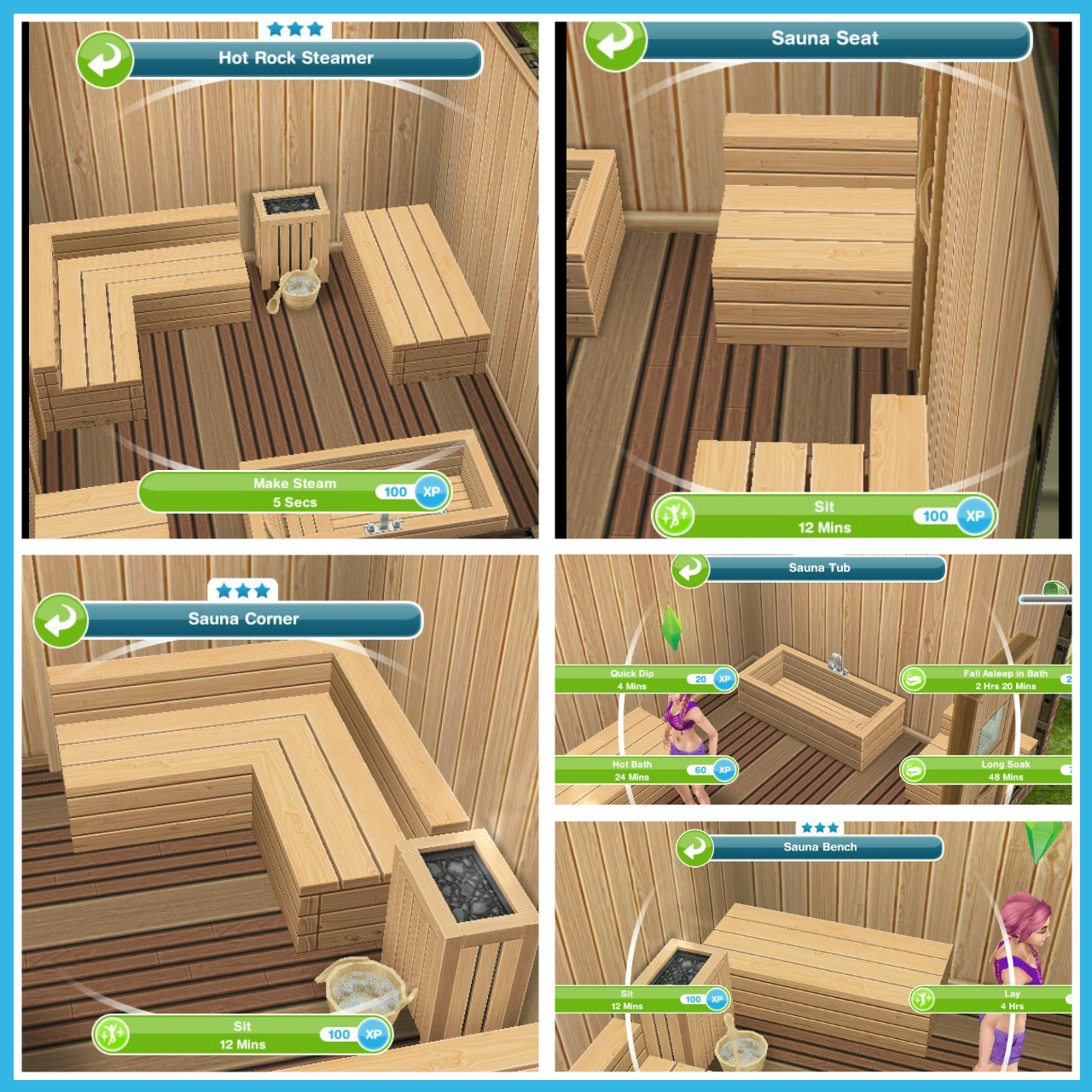
This pack contains spa wallpaper, spa flooring, sauna bench, corner and seat as well as a sauna tub and hot rock steamer to make your own sauna room!
The wallpaper can be found in the walls section, the flooring can be found in the floors section and the rest of the items can be found in the decorations section, the first of each is free after that they cost:
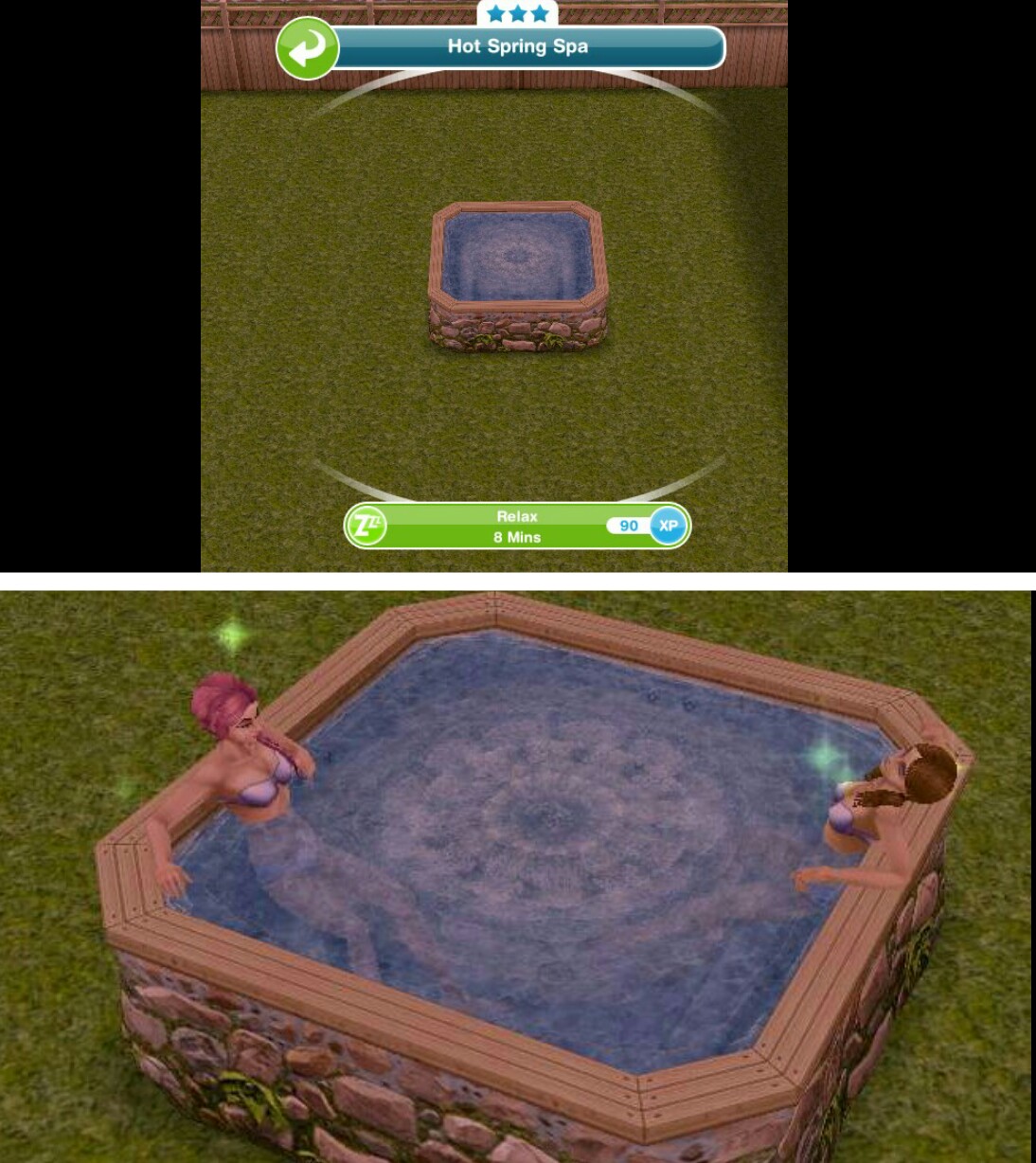
The hot rock steamer can be used to make steam and the seat and corner can be sat on, the bench can also be sat on and a sim can also lay on it. The tub has the same options as a normal bath but remember you will find it in the decorations section not bathroom section.
23.Constructor Coins
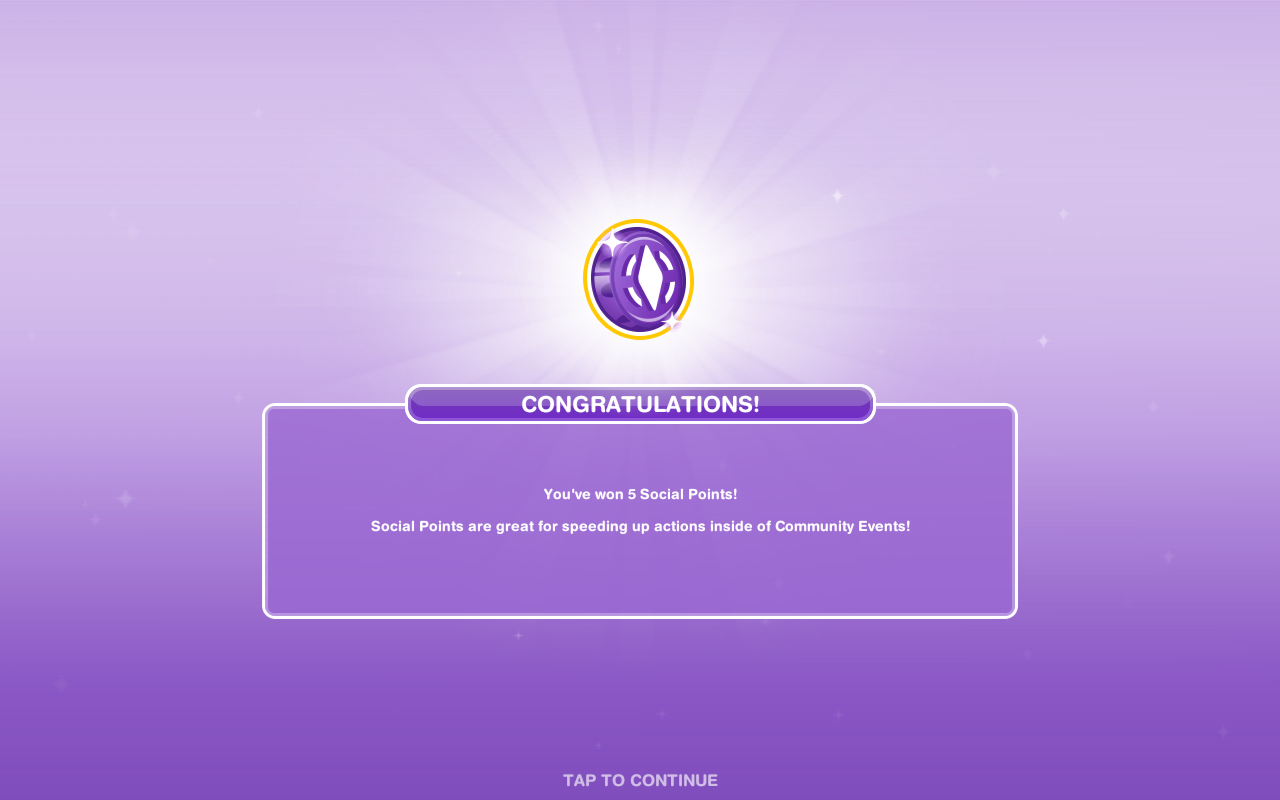
24.Social Points
25.Constructor Coins
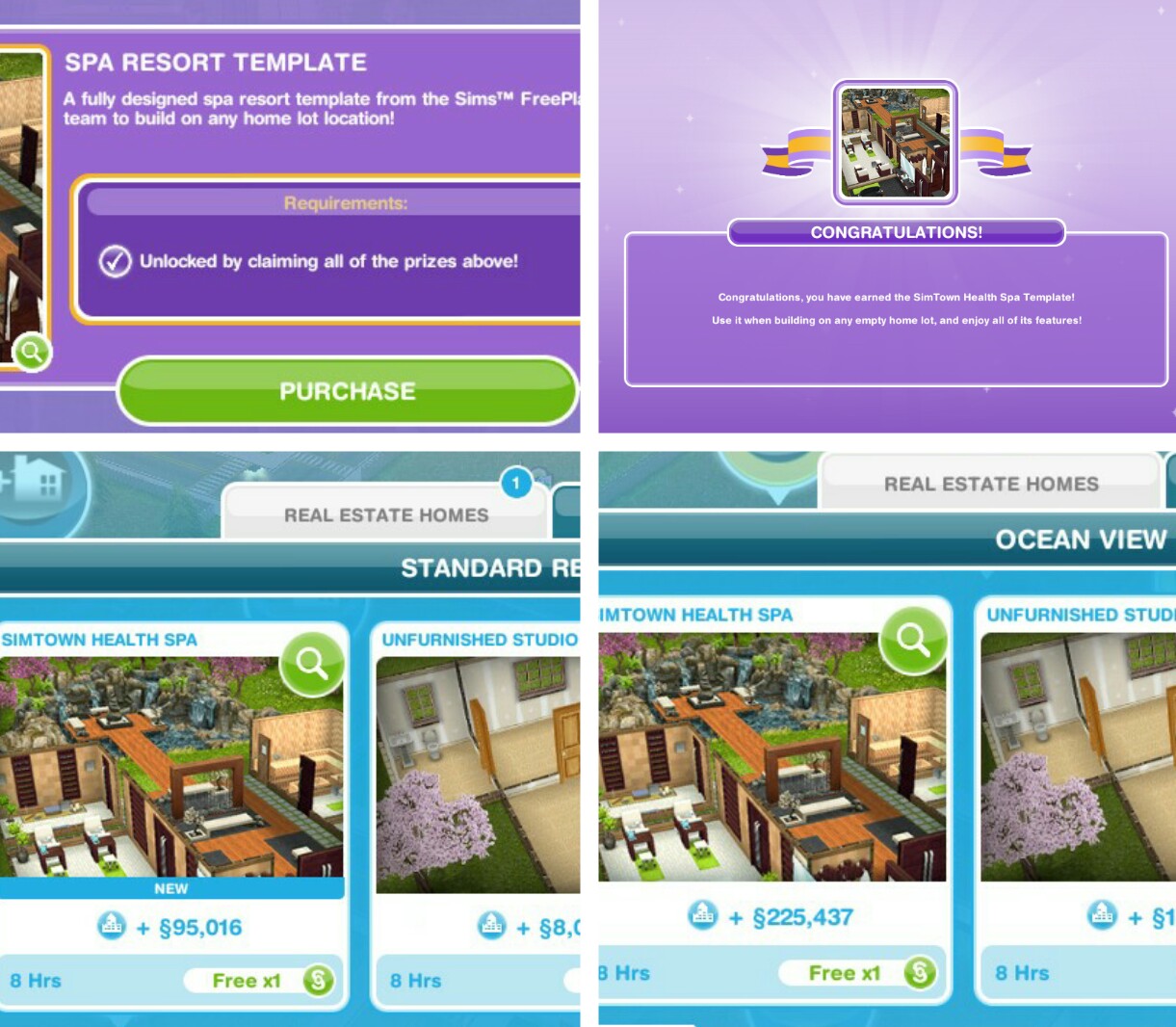
26.Spa Template- you will not be able to get the spa template if you do not purchase all the prizes during the time limit
Purchase all of the prizes above using gems and coins to unlock the spa template which can be built on a standard or premium house lot, the first one is free (the time taken to build varies depending on how many houses you have already built) after that they cost simoleons and again the cost and time depends on how many houses you have already built
I built the spa on a premium ocean view lot because I felt it was too compacted on the standard, on the premium the sauna and meditation rooms are separate, on the standard they are very close or attached to the main building and there is no room for the hot tub
The template already contains the prizes that you have unlocked during the event so you don’t have to buy any extras for this and you still have your free ones to use in a different house
Premium
Standard
Earning Construtor Coins? Last time I use social points on the Mega Spin Plant to win constructor points. I earn social points by completing the cooking hobby and earning LPs, I can then turn the LPs into SPs using the social point plant on a normal garden patch- this was when it cost 5LPs- the social point plant now costs 20LPs so you may want to try the option below first instead:
Or you can use 400 Quartz for the Spin Plant (a good way to use up any spare Quartz) which will also earn you constructor coins but the amounts are less than they are from the Mega Spin Plant
Community Progress
The community progress is the combined progress of all players gems collected to unlock new items for all of us!
NOTE: You DO NOT need neighbours for this- this is everyone who plays the games progress NOT your neighbours progress
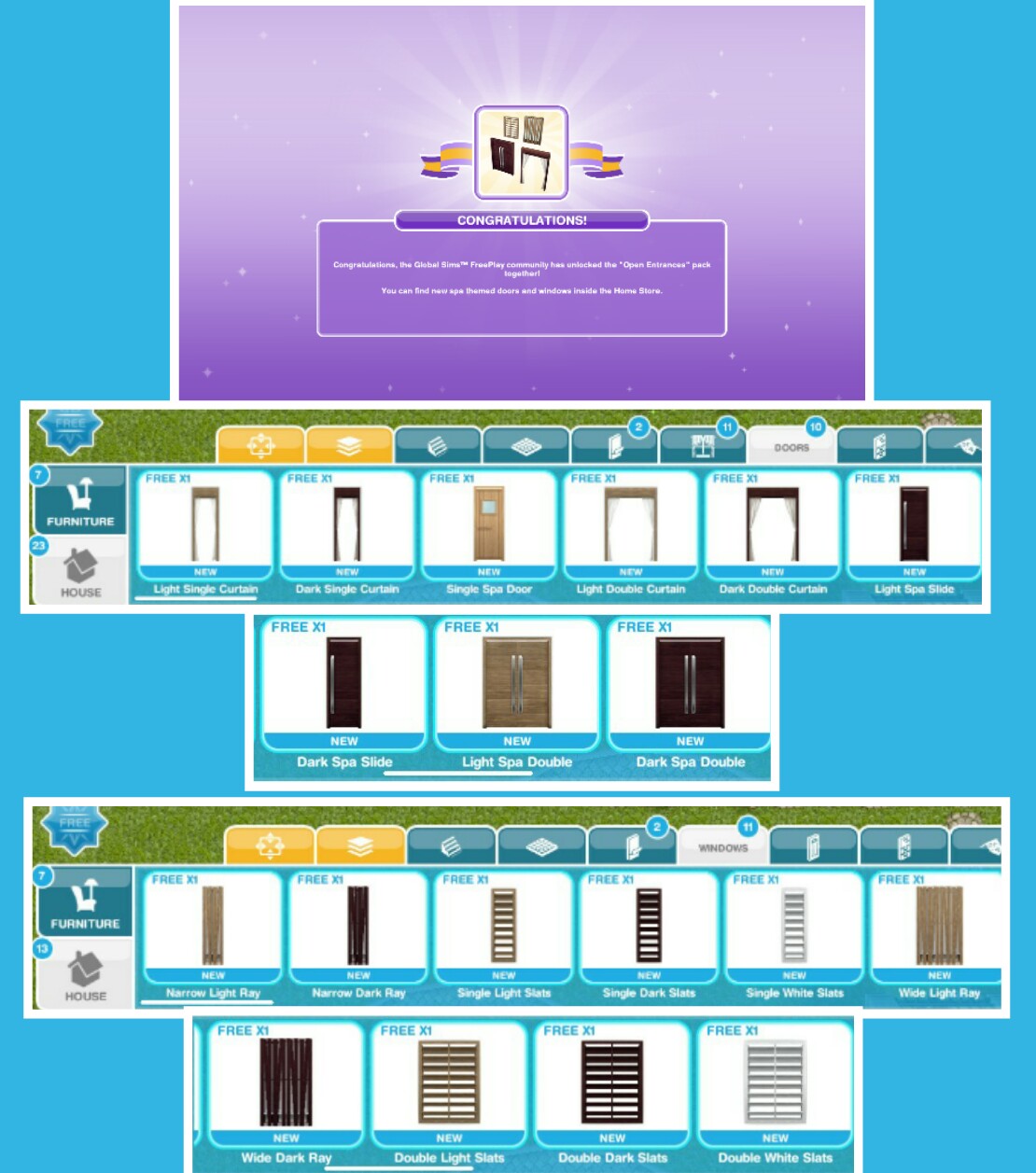
1.Open Entrances
These can be found in the doors and windows sections of the home store- the first one of each is free then they cost:
These can be found in the rugs section, there are lots of these so the picture below is just a few of the different styles and sizes
11.Constructor Coins
12.Constructor Coins
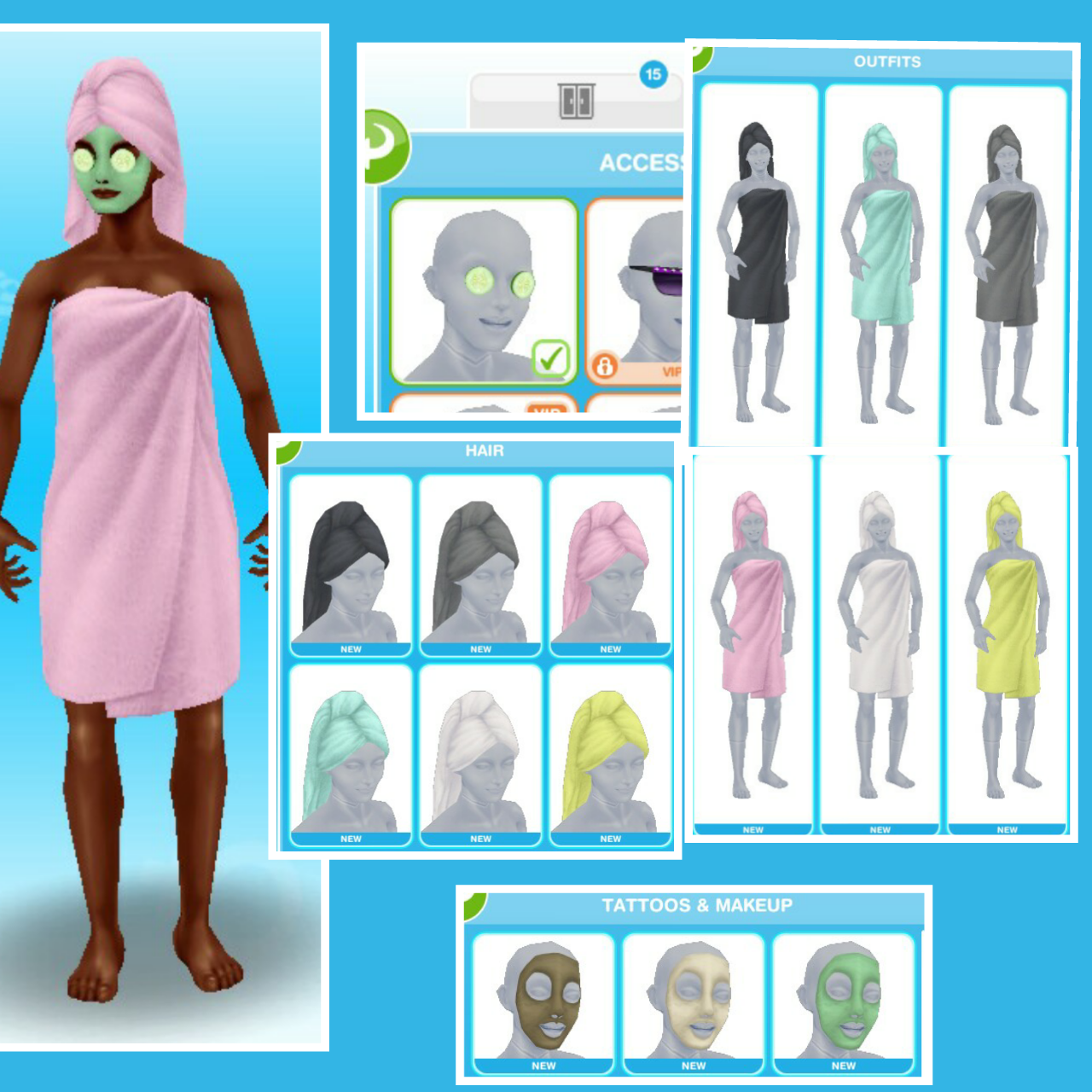
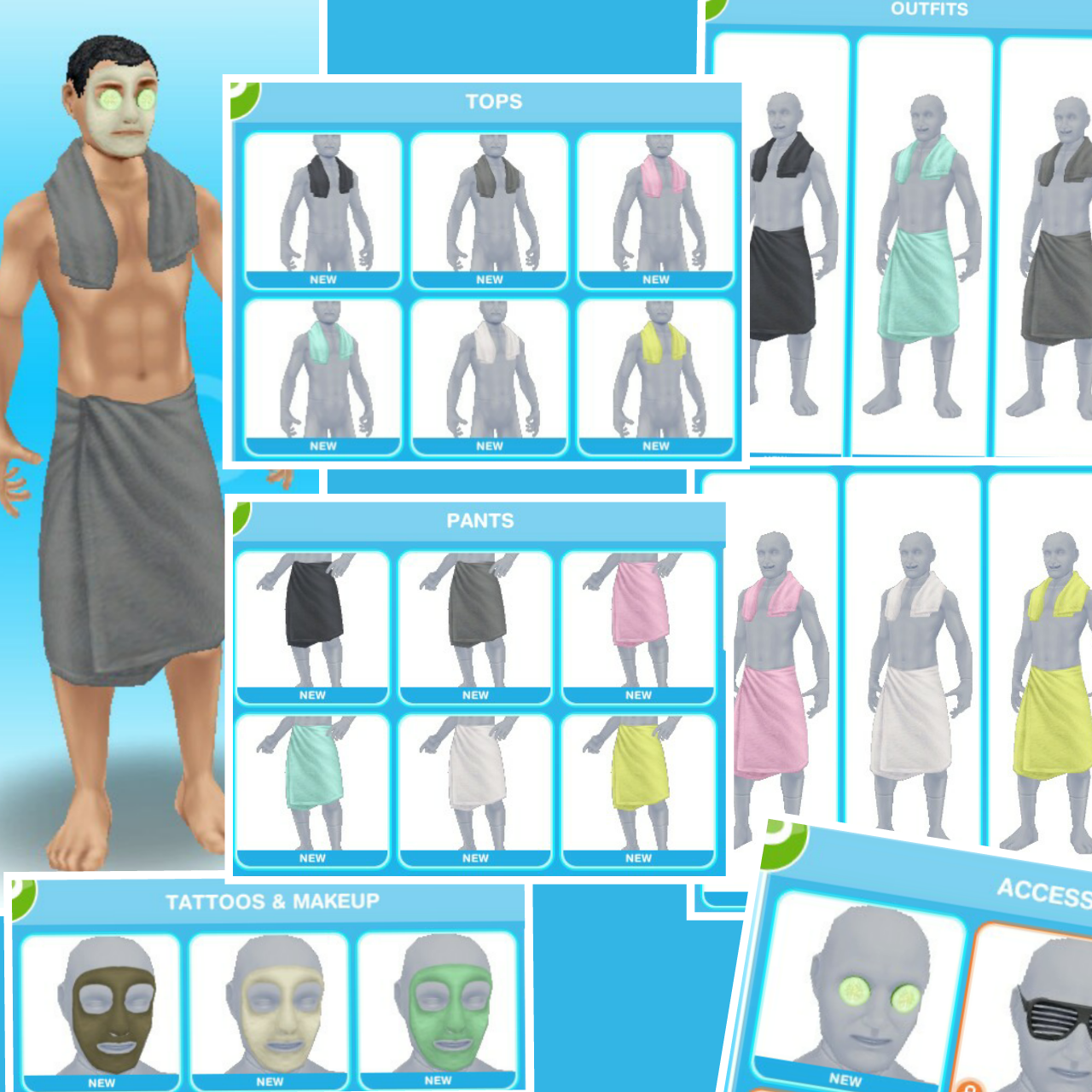
13.Towel Wraps
Find in the wardrobe under outfits, hair, accessories and tattoos and makeup for female sims and find in the wardrobe under outfits, accessories, tattoos and makeup, tops and pants for male sims
Constructor Coins
You earn constructor coins by:
Personal Progress prizes
Community Progress prizes
Completing Daily Goals
Coin Plant Patches
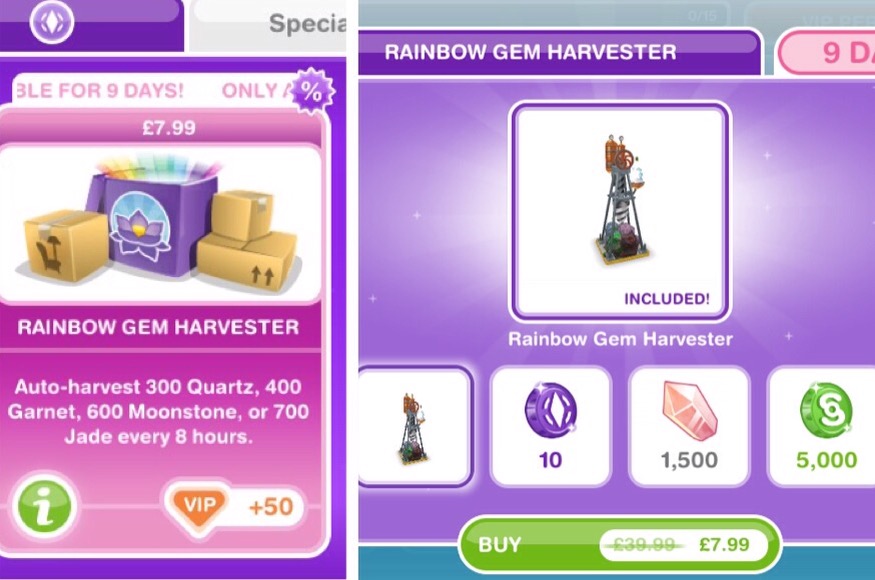
Rainbow Gem Harvester
The Rainbow Gem Harvester can be purchased from the online store for real money- it auto harvests 300 Quartz, 400 Garnet, 600 Moonstone or 700 Jade every 8 hours
You also get 10SPs, 1500 Quartz and S5,000 for buying it
THIS EVENT IS NOW OVER!
LAST CHANCE
The Simtown Health Spa event has ended. You now have 7 days from the 14th November to buy any of the prizes you didn’t purchase during the time limit but you will not be able to collect anymore gems or coins towards them so if you don’t have all the requirements you will either have to use SPs or not get the prize.
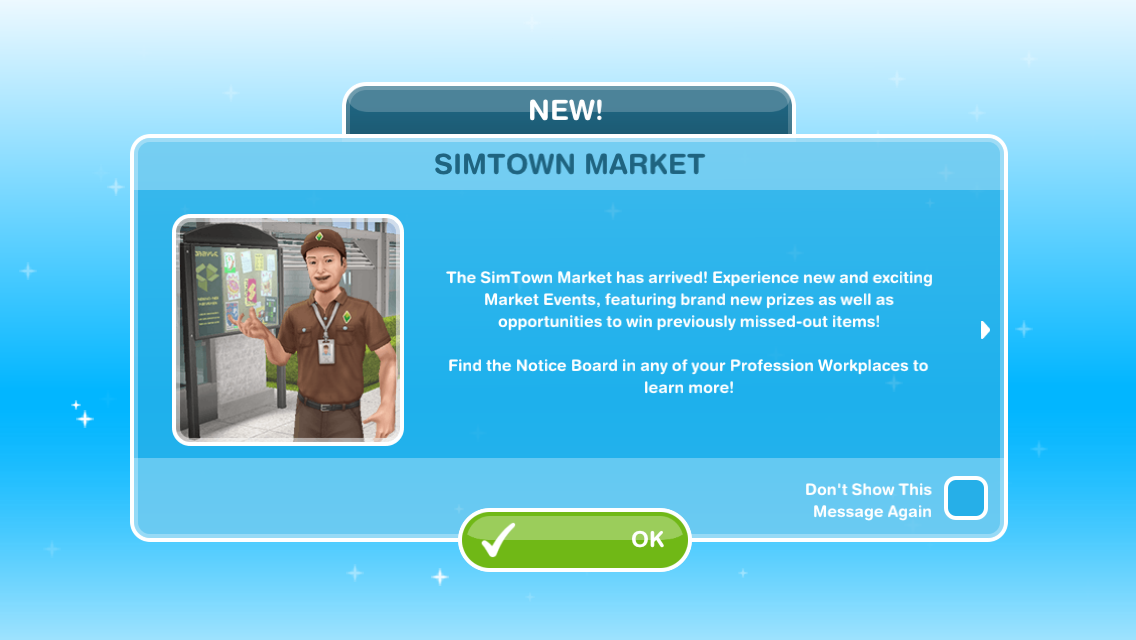
The simtown market has been added to the October 2016 update of the sims freeplay. If you have finished upgrading all the workstations at a profession workplace and have been wondering if there is any point in sending your sims to work to collect resources or if you have reached your limit on the resources you can store, and find it a waste just to sell them- then this update is for you!
The simtown market allows you to use these spare resources to earn prizes! You earn market points by shipping market orders (these orders are made from resources, for example, you may be asked to ship 1 coffee and 2 popcorns) The more orders you ship, the more market points you earn, meaning the more prizes you will unlock! The more developed your workplace is (the more workstations you have built/upgraded) the more market points you will earn as you will receive a bonus %
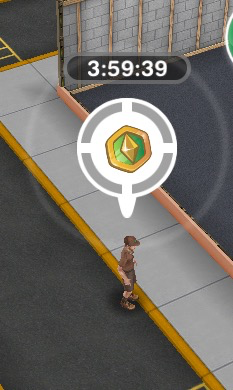
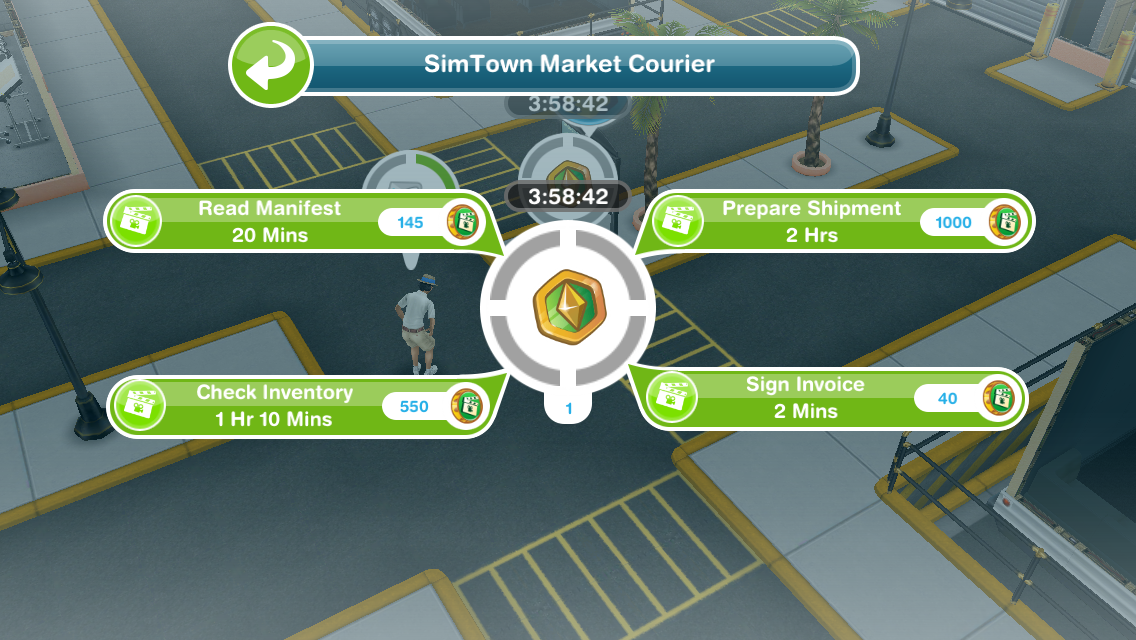
Couriers appear at the workplace and they need to be helped by a sim who works in that profession. Like helping a normal sim in this profession, when you complete all the tasks and help the courier you earn market tokens but there is a time limit in which you will need to help them in otherwise they will leave and you won’t receive the tokens.
NOTE: it costs SPs to speed up helping the courier- not LPs
Shipping tokens earns you a lot more points than shipping normal resources but you can only store 3 so you have to use them to collect more!
Simtown Market Tutorial– completing the tutorial unlocks access to regular special events, allowing you to earn prizes you previously missed out on or completely new prizes!
NOTE: you cannot start the tutorial until there is an event available- check in your goal tab to see if an event has started or is coming soon!
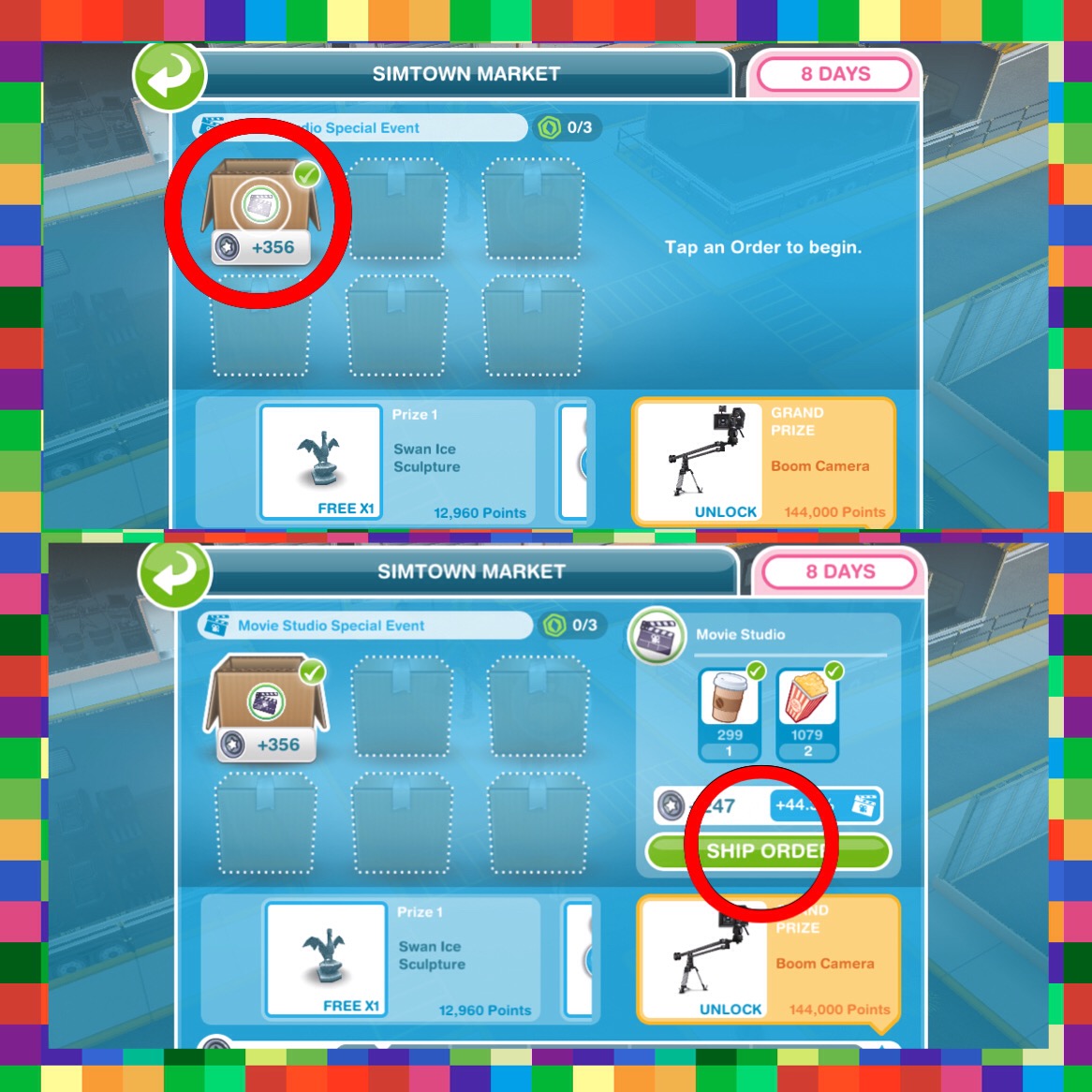
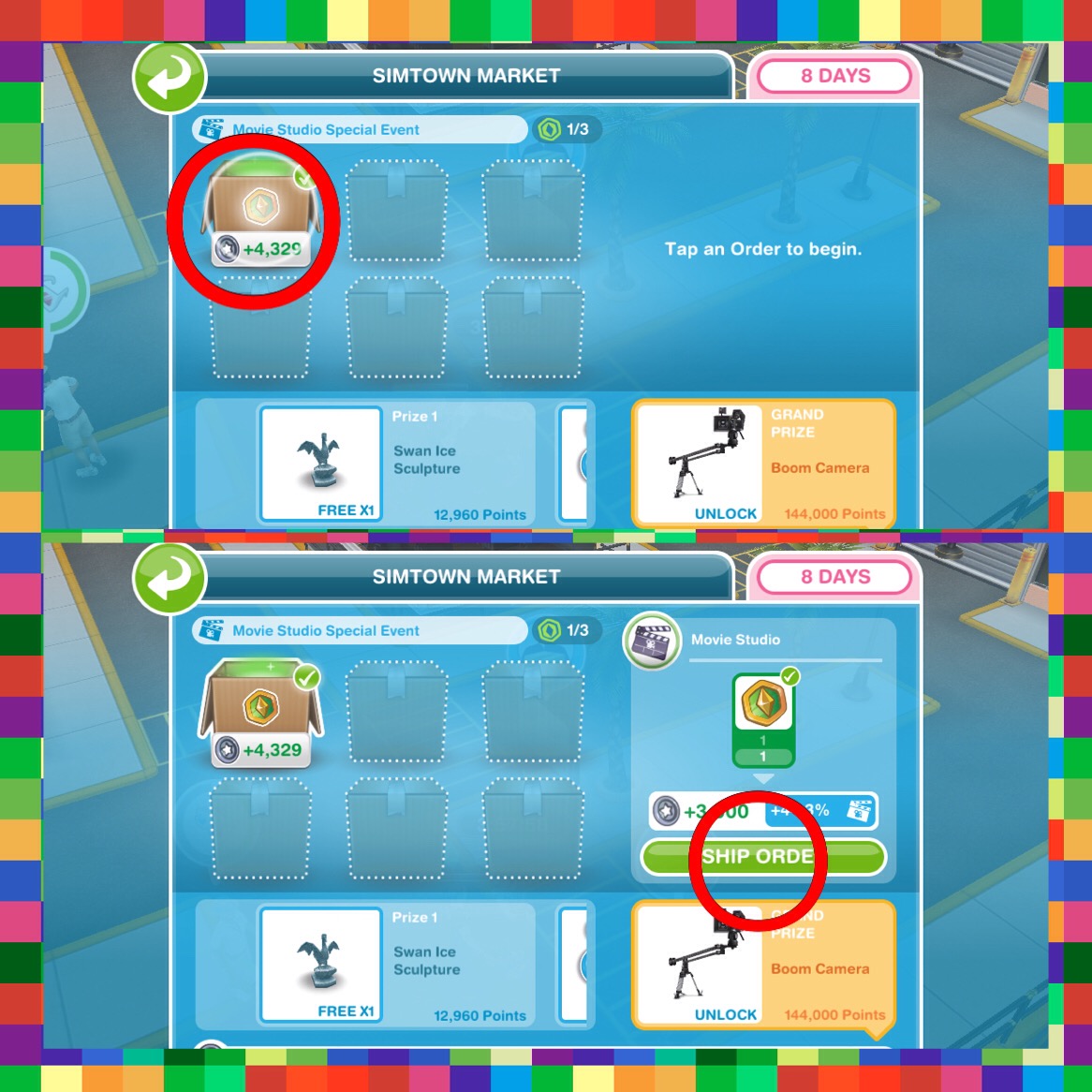
View the Simtown market (go to the Movie Studio (this may be a different profession workplace if you complete this tutorial during a different event) and click on the symbol of the person holding a parcel)
Complete a market order (again view the simtown market and click on a box and select ship order)
View the workplace overview (this is the button in the left hand corner of your screen while you are at the movie studio)
Start helping a courier- the courier will arrive at the movie studio:
(a sim needs to be working at the studio to be able to help the courier- the same way you help other sims at a profession workplace)
Spend a market token (go to the simtown market again, click on the box and select ship order)
TUTORIAL IS COMPLETE!
Special Events- I am not going to be creating a post each time a new one is released as I believe they will all work in the same way
All you need to do is ship market orders and earn market points to fill up the bar in the time limit. Each time you reach a line on the bar you will receive a prize! The green is your current progress towards the prizes.
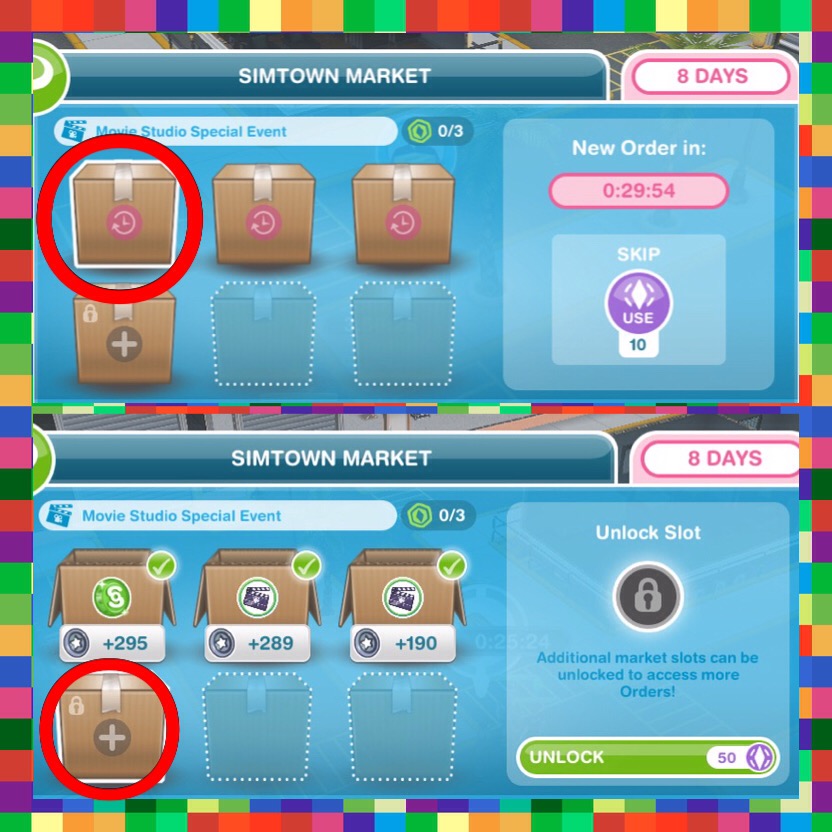
Most of the prizes are different for everyone as it depends what you have already unlocked but the grand prize is a new item so that is probably the same for everyone! If you have completed all the current orders you will need to wait 30 minutes for new ones to appear or skip waiting for 10SPs- you can also unlock new slots for SPs!
Currently I am still upgrading my workstations so I probably won’t be using this too much unless I cannot collect new items without selling my resources but I think it is a great idea!
Time Extension Event- this works the same as the other events but instead of just using resources from one profession you can ship resources from all professions and the grand prize for completing this is a time extension which can be used if you run out of time on a quest or hobby- previously only available as a VIP perk
If I’m on the last task helping a courier will he stay if the time runs out?
He doesn’t seem to stay anymore annoyingly! (let me know if this changes again!)
If you unlock an extra slot costing social points in the market event does it stay unlocked for future events?
Yes, they will stay unlocked
Can I save courier tokens for the next event?
Yes you can!
Does the courier arrive at a specific time?
The courier doesn’t seem to appear at a certain time, you need to have a sim working and the more customers you get through the more chance you have of seeing the courier
Hi everyone! I’m just wondering what you all think of these new profession careers (police and movie star), would you like the makers of the sims freeplay to add more to the game?
NOTE: I know I put ‘no they are boring!’ But even if you don’t think they are boring, they are time consuming or you have another reason for not liking them still vote no if you don’t want them to add anymore!
If you voted yes I would love to know why- I have heard a lot about why people have voted no but not much from the those who enjoy these new careers!