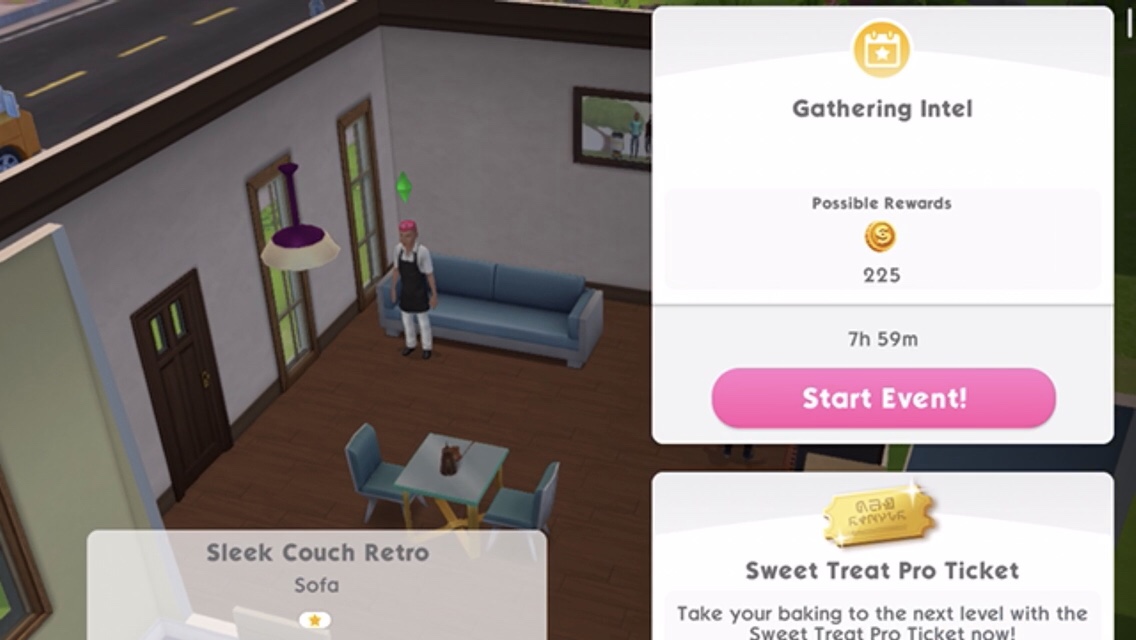
FEATURE QUESTS UNLOCK AND INTRODUCE A NEW FEATURE, THEY ARE SHORTER THAN MAIN OR DISCOVERY QUESTS AND THERE IS NO TIME LIMIT OR TIME LIMITED PRIZE AVAILABLE. IT COSTS SIMOLEONS OR SOCIAL POINTS* TO START THESE QUESTS (COST VARIES DEPENDING ON YOUR LEVEL)
You cannot complete a Feature Quest at the same time as a Discovery Quest or another Feature Quest
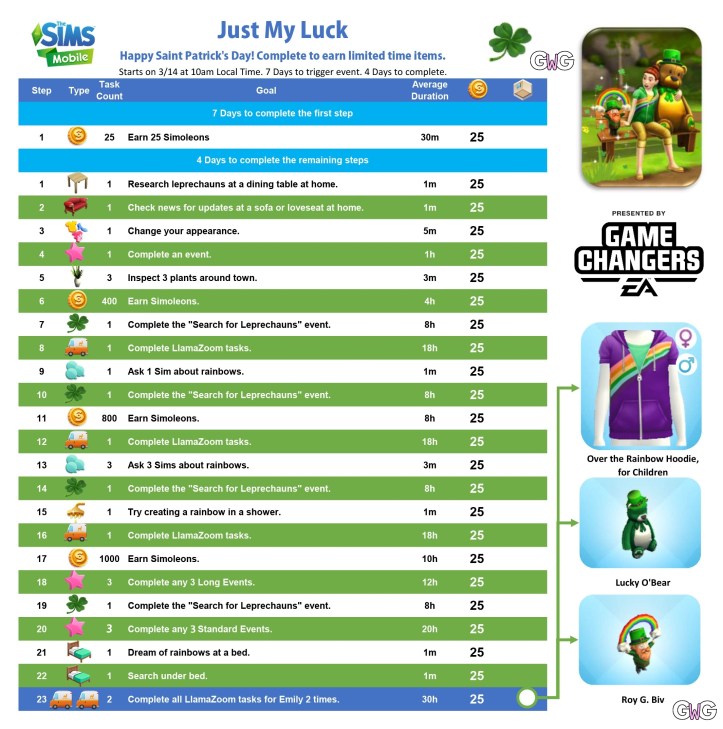
A time limited quest to celebrate St Patrick’s Day starts at 10am on Thursday 14th March, if you complete this quest in the 4 day time limit you unlock some cute rewards!
EA provided me with the steps for this quest early, I will add more pictures of the prizes once I complete it. If you are stuck on any of the tasks let me know and I will add more information on how to complete them
Early Access to Beta Provided by EA/ Firemonkeys (Presented by EA GameChangers)
LEVEL UNLOCKS: 7 (build the car dealership first) UNLOCKS: ability to add cars to house lots
Do you want to add cars to your house lots? Not just parked outside but actually inside the grid? Once you complete this feature quest you will be able to add cars anywhere on a house lot! To start this quest you need to have built the car dealership then find the mechanic at the nightclub. There is no time limit but it will cost you simoleons to begin this quest.
What is a feature quest?
A feature quest unlocks and introduces a new feature
The quest is shorter than a main or discovery quest
There is no time limit or time limited prize
Costs simoleons to start the quest (cost varies depending on your level)
You cannot start a feature quest at the same time as another feature or discovery quest
There are two feature quests currently in the game, this one and the L-Shaped Rooms Quest. You can select which feature quest you want to do when you click on Lee (if you haven’t completed the other one already)
Times may vary depending on the star rating the item has
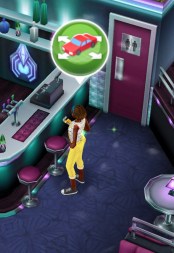
Click on the mechanic to get the pop up to begin this quest, it will cost simoleons to begin (the amount varies depending on your level):
Speak to the mechanic- 30 seconds
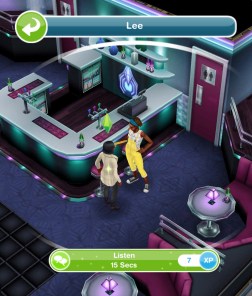
Listen to Lee’s idea- 15 seconds
Check junk mail- 48 seconds (on a computer)
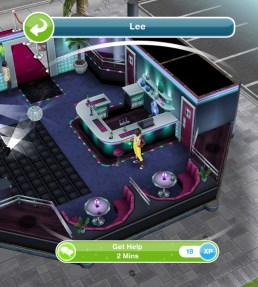
Get help from Lee- 2 minutes (go back to the nightclub to talk to her again)
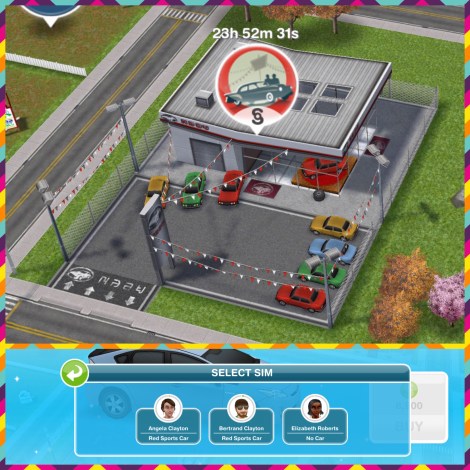
Buy a car from the car dealer (the red sedan is free but you can buy any car to complete this)
Visit a house with a car
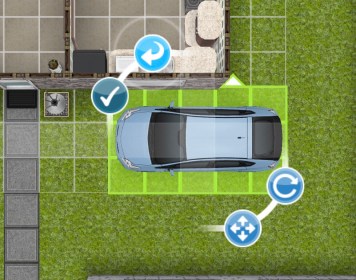
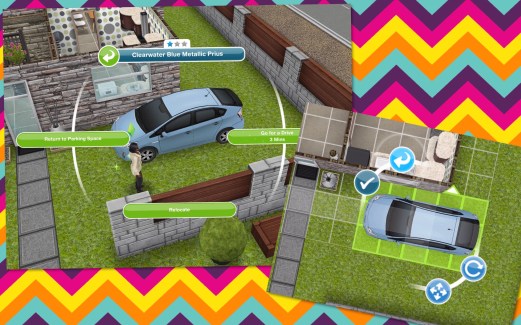
Move car onto a lot: open buy mode and click on the car, it will move to the grid and you can then place it like any object, click the green tick to place it
Return car to parking space: from buy mode click on the blue arrow and the car will go back to the parking space (you can also click on the car outside of buy mode and select ‘return to parking space’)
Move car to new location: go back into buy mode and move it back onto the grid and place it (you can place it on any floor and in any room that has a free space)
Take photo of the car- 15 seconds (select the option on the car with a sim)
View a car’s available actions (click on the car with a sim)
Show Lee photos- 1 minute (Lee is at the nightclub)
Celebrate- 1 minute (with Lee)
Say Goodbye to Lee- 30 seconds
QUEST IS COMPLETE!
You can now freely move cars around your house lots!
Early Access to Beta Provided by EA/ Firemonkeys (Presented by EA GameChangers)
Once you complete the Cars In Lots Feature Quest you will be able to add cars inside the house grid so they don’t have to be in the parking space any longer! In this post I will explain how this works and also explain how to add more than one car using the driveway home template from the Grand Garages Live Event.
Moving A Car Into The House Lot
To do this you need to be in buy mode and then click on the car in the parking space, it will automatically go to the grid so you can move it and place it like you would any object.
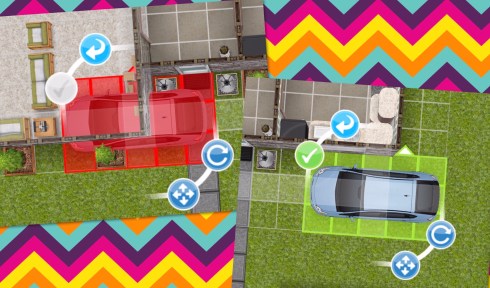
If it is shaded red you cannot place it there as something is in the way, if it is green you can click the green tick to place it.
You don’t have to place it outside, cars can be placed on any floor and in any room as long as there is space for it:
Moving A Car Back To The Parking Space
There are two ways to do this, in buy mode you can click on the light blue arrow that appears when you click on the car or outside of buy mode click on the car and select ‘return to parking space’
Driveway Homes
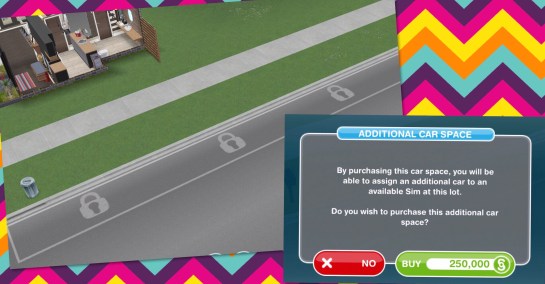
If you unlock the Family Garage Home in the Grand Garages Live Event you unlock a new house template that allows you to build the house up to the footpath and add 4 cars to this house lot:
The other three car parking spaces need to be unlocked by purchasing with simoleons:
Additional Space One: S250,000
Additional Space Two: S750,000
Additional Space Three: S1,500,000
Once you purchase an additional space you will be able to add another car but you need to have more than one adult/senior sim living in this house to add more than one car otherwise it will just switch their car to the new one you have just brought. For example if you wanted 3 cars in this house you need 3 adult or senior sims living in this house.
Celebrate the one year anniversary of The Sims Mobile with this time limited event that starts at 10am PST on Thursday 7th March. The aim of this event is to earn enough balloons to buy the anniversary boxes to unlock all the best items of the last year in the 7 day time limit. There is also a quest to complete that unlocks a karaoke machine!
How do you earn balloons?
You can earn them randomly by completing any event
Each time you complete all the LlamaZoom tasks you get 250 Balloons
Collect them from your Anniversary Decoration once unlocked and placed in your sims house:
Complete the Homebase Bash Event
Complete the Hit the Club Event
Complete the Treat Yourself Event
Complete the Anniversary Party Quest, there are 27 parts:
NOTE: if you don’t have the option to reflect using a mirror for part 2 restart your deviceand try again
If you are stuck on any of the tasks let me know and I will add more information on how to complete them
Once you complete the quest you will find the Karaoke machine in the storage section, you can then choose from 3 different colours and then perform a duet with another sim. I really love the karaoke machine and I definitely recommend trying it with the sound on!
Rewards:
Spend balloons on boxes to unlock items from the past year
What are in the boxes?
The boxes all contain items from the previous year so some of them you will probably already have. There are 5 boxes with different items in each box, you will get an item at random each time you spend your balloons on a box:
Wonderful Anniversary Box– costs 375 balloons each time
Marvellous Anniversary Box– costs 375 balloons each time
Fabulous Anniversary Box– costs 375 balloons each time
Mega Anniversary Box– costs 250 balloons each time (this box contains all the items from all the other boxes- I’m not really sure why you wouldn’t just buy this box each time seeing as it is cheaper than the rest and contains all the same items, this may become obvious when the event begins)
Deluxe Mega Anniversary Box– costs 75 simcash (this box also contains all the items but you have a better chance of getting rarer items with this box)
You can see the items in each box in the images below: