The Sims Mobile has just released a huge update, this one finally opens up the Waterfront area as well as loads of other exciting changes!
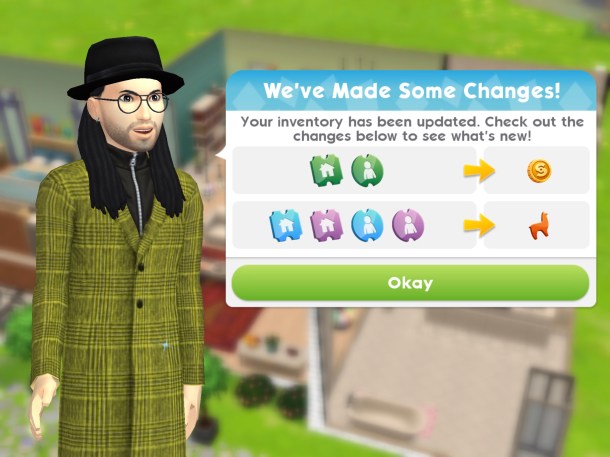
Tickets have been converted into Simoleons and LlamaZoom tokens:
It would be great if it said how many they were converted into as I only have 27 Tokens from all my tickets!
LlamaZoom is a new feature that replaces the daily to do list, there are tasks to complete throughout the day. You can start these by clicking on the truck at your house or at the button of the llama under the quests tab at the bottom of the screen:
Emily appears and asks for your help to complete tasks within a set amount of time to earn simoleons and XP, if you complete all the tasks in the time you will earn bonus rewards such as the LlamaZoom tokens which is the only way to earn these tokens
What can you do with LlamaZoom Tokens? You can buy items from the home store and clothing with these tokens
Watch my video on LlamaZoom here:
How do we earn cupcakes now? Once you complete the LlamaZoom tasks you will also complete a quest (complete Emily’s LlamaZoom tasks) which earns you a cupcake
How do we earn fashion gems now?The only way to earn fashion gems now is from the sticker contest so you have to receive stickers from other players and the more stickers you earn the more gems you receive. Although there is no incentive to give stickers now!
New Places!
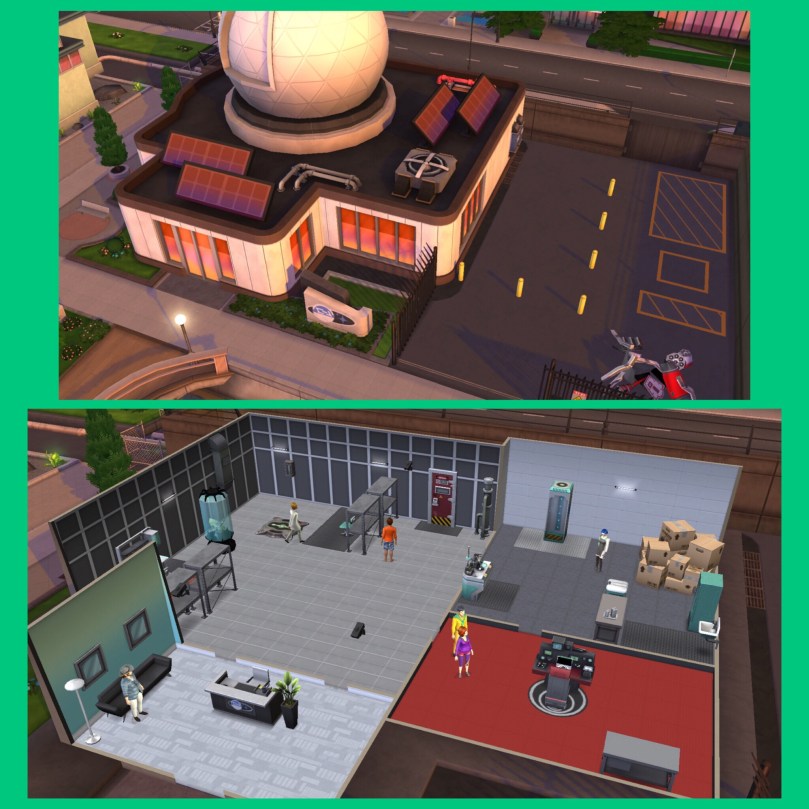
Waterfront- The Waterfront District is finally available! In the area you can find two new places to start career stories The Wellness Center and The Science Center
The Wellness Center unlocks the must be something in the water career story, your sims can become a wellness guru!
The Science Center unlocks the rumblings from the deep career story, your sims can become a marine biologist in the research lab!
I will create more posts and videos about these when I unlock them
What else has changed?
The maximum level is now 50 instead of 40
You can now choose the order you unlock areas and places on the map- not helpful for those of us who are already playing!
There are more collections in the home store:
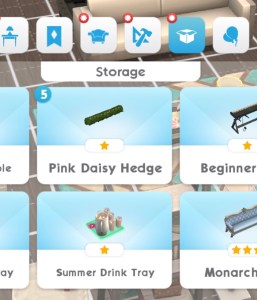
But there is still no increase on items you can have in your storage, no way to sell items and no organisation to the storage section! There are so many issues with this game I was hoping would be fixed in this update but unfortunately they have not been addressed but at least we now have the Waterfront which I cannot wait to start exploring!
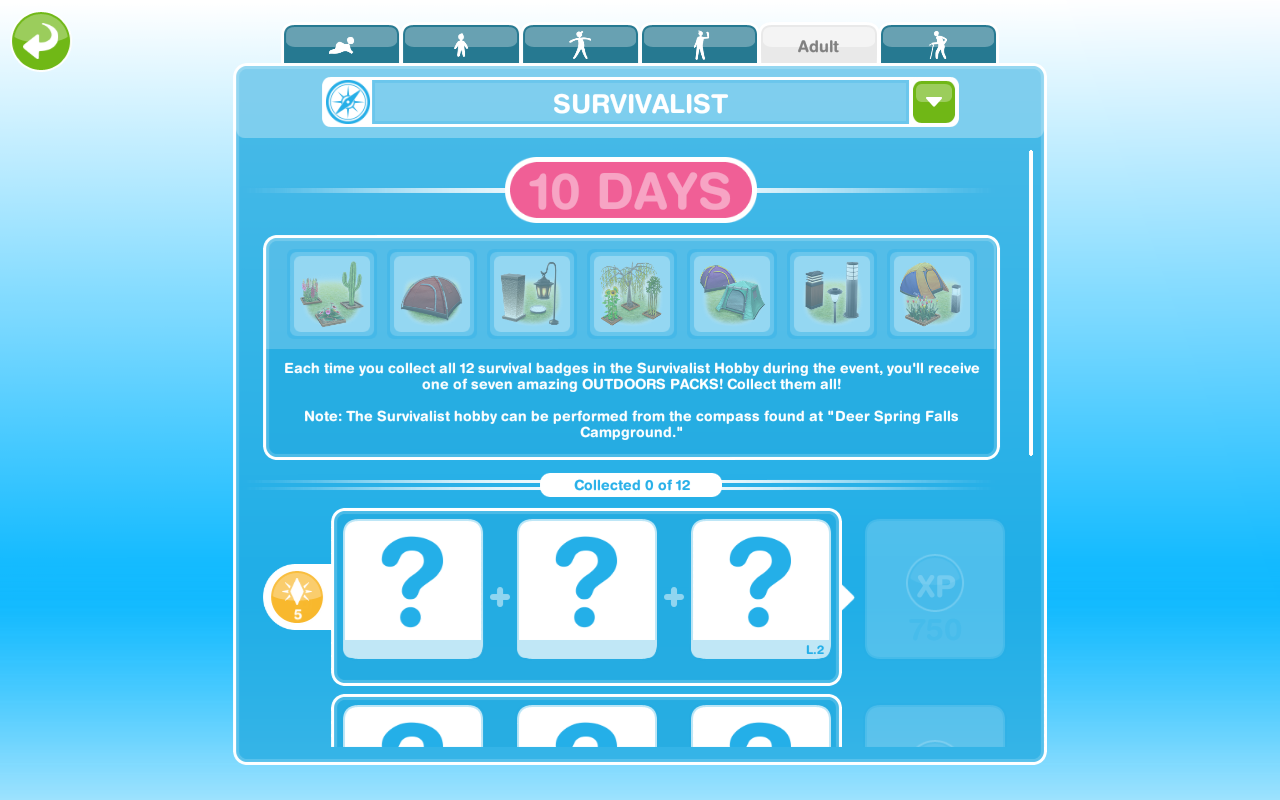
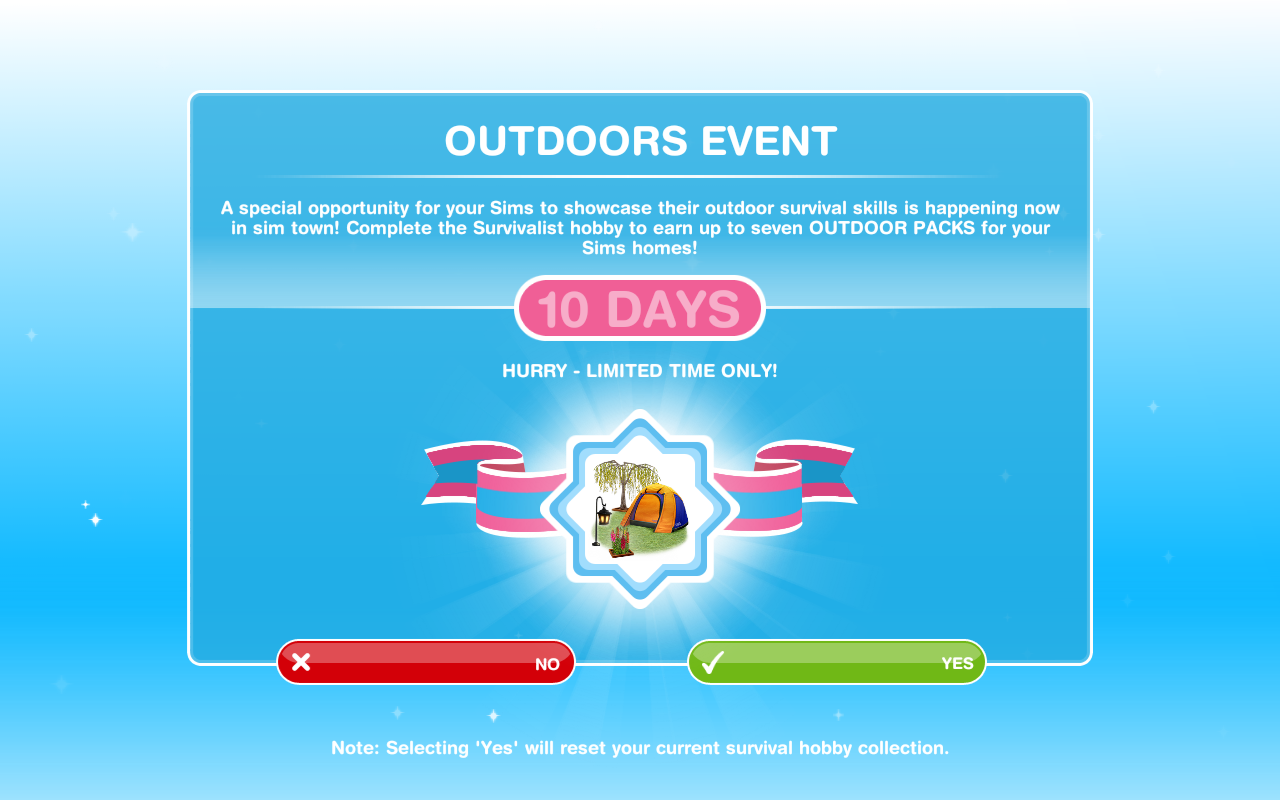
The outdoor event to unlock new outdoor items is back for 10 days! I am so glad this event is back! I have been waiting to be able to complete this one again for so long! You need to complete the survivalist hobby 7 times within the 10 days time limit to unlock all 7 outdoor packs. You get a new outdoor pack at random each time you complete it.
You need to have built the Campgrounds and completed the Vacationers Guide to the Outdoors Quest so you can do the survivalist hobby (I really wouldn’t bother trying to complete if you haven’t even built the campgrounds yet as the event time limit will be over before you can start)
If you completed this event before you will not get it again this time. If you got some of the packs last time, you will only need to find the ones you have left to unlock this time, for example, if you unlocked 5 packs last time you will have to complete the survivalist hobby collection 2 more times this time to complete this event.
You need to firstly accept this quest, it will remove the badges you have already created from the collection so you don’t get a head start.
If you say no you can start it from the active tasks tab but you won’t get extra time if you start this late!
12 SURVIVALIST ITEMS= 1 OUTDOOR PACK
TIPS FOR FINDING THEM ALL IN THE TIME LIMIT:
-have more than one sim working on it if you can! You can only have one sim completing the hobby at your campgrounds but you can send a sim to a neighbours to try and complete it faster
-if you are not at level 6 yet it may take you longer to find all badges, speed up with LP if possible (wait for the timer to reach 1 hour 59 minutes and you will only need to use 1LP instead of 2!)
-remember to click start new collection at the top of the survivalist hobby collections list once you have got all the badges to be able to complete the collection again, this post explains how to do that if you are unsure
-most importantly: just keep going! I know it’s annoying when you get the same one constantly but you will eventually get the ones you need.
The Packs
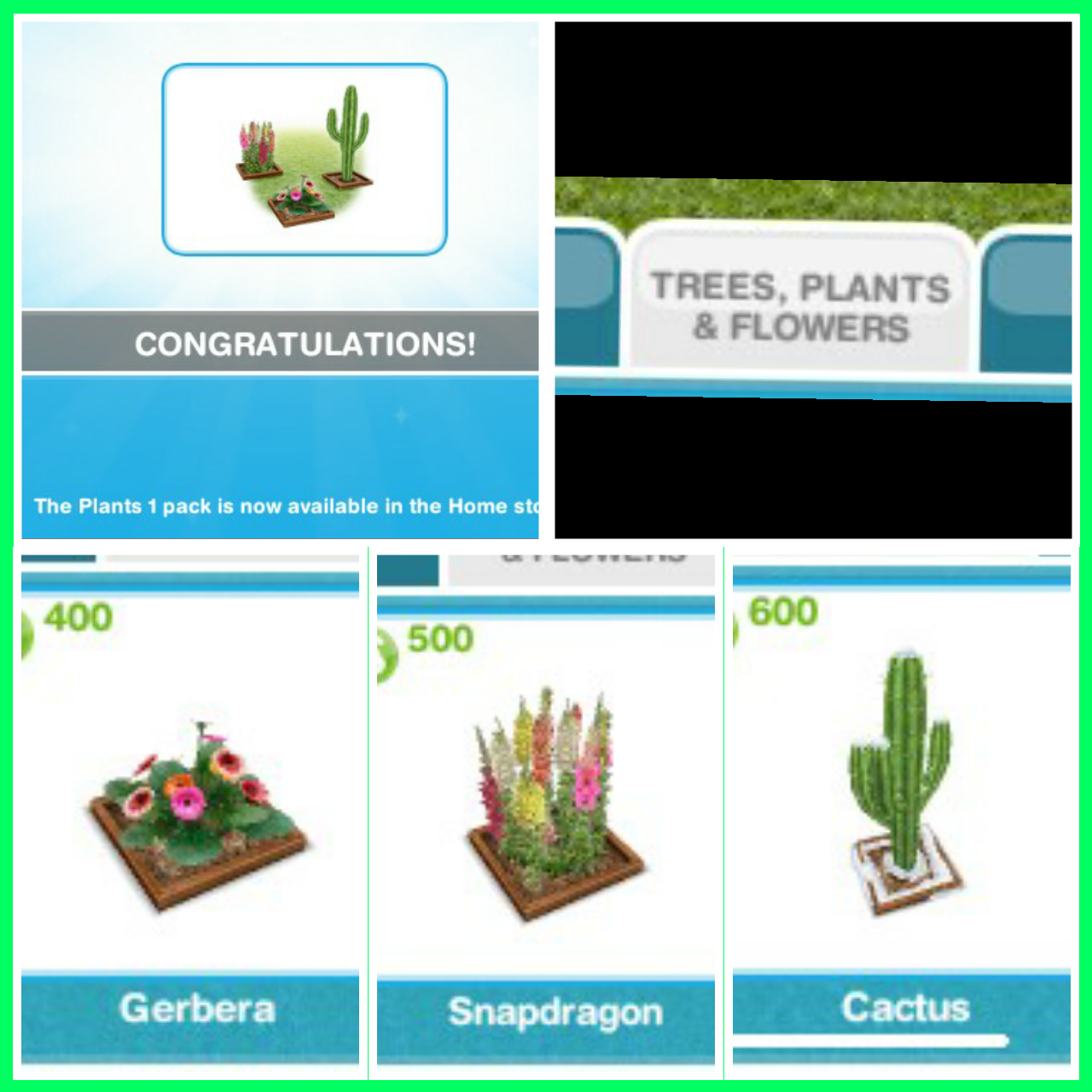
Pack 1: The Plants 1 Pack- found in the trees, plants and flowers section of buy mode
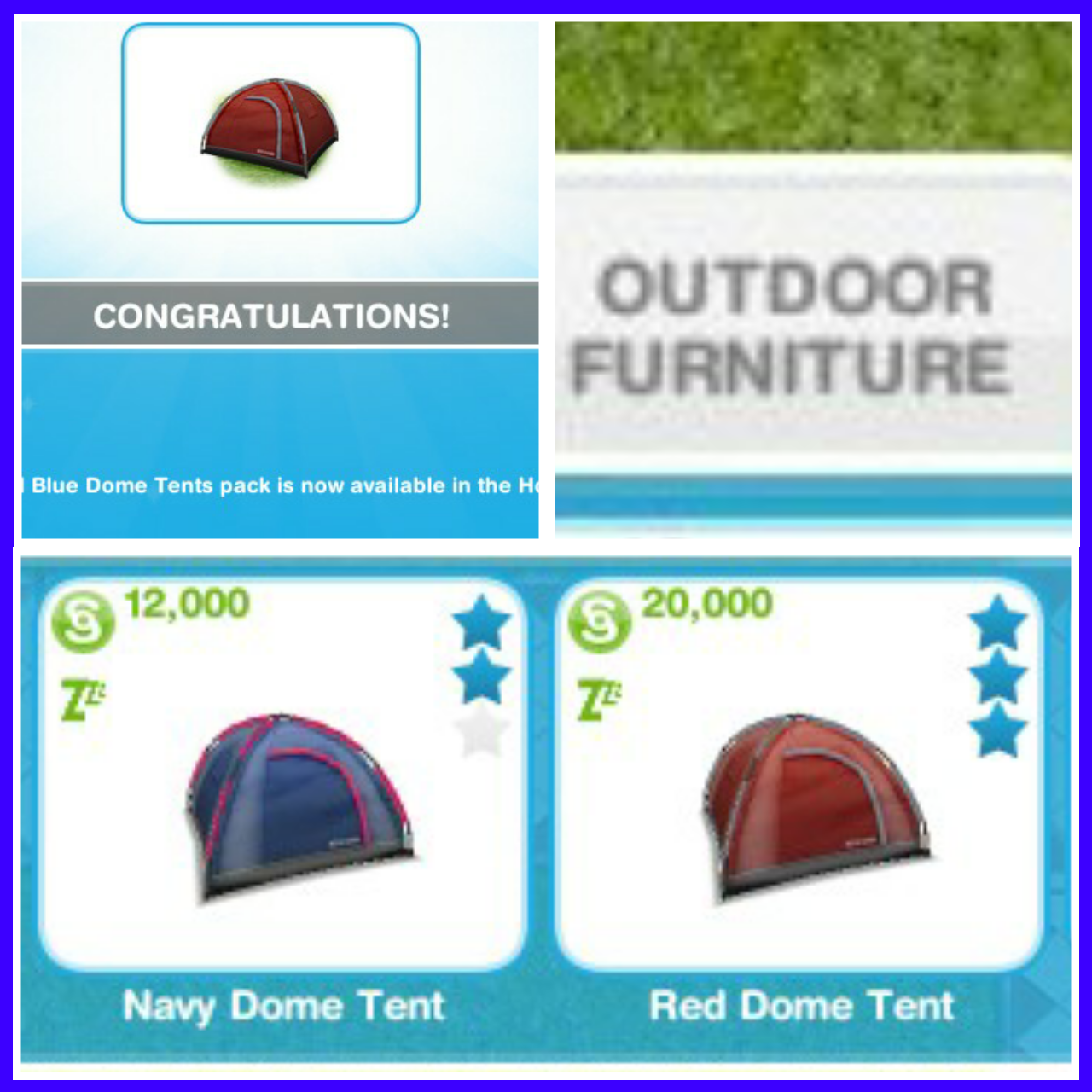
Pack 2: The Red and Blue Dome Tents Pack- found in outdoor furniture of buy mode
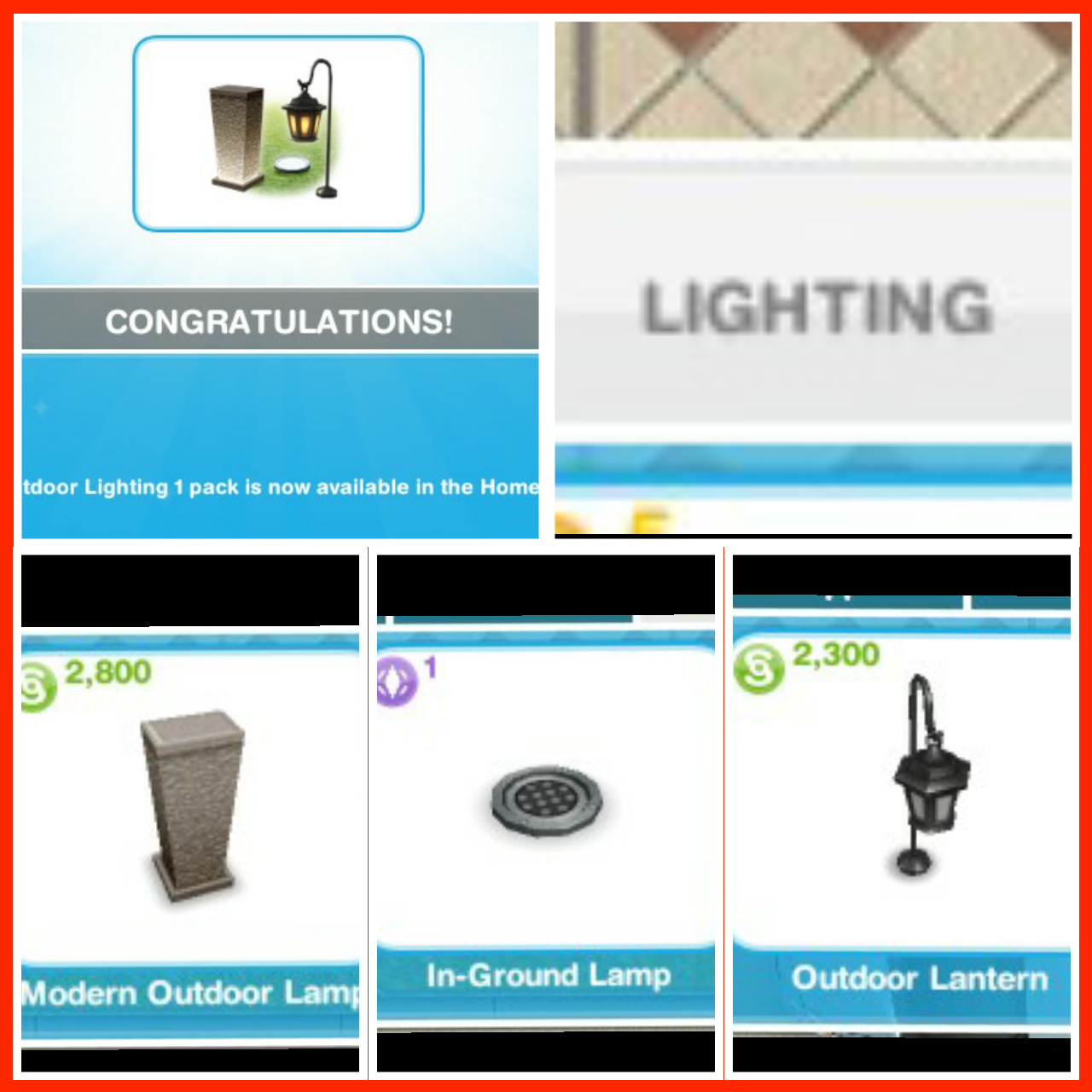
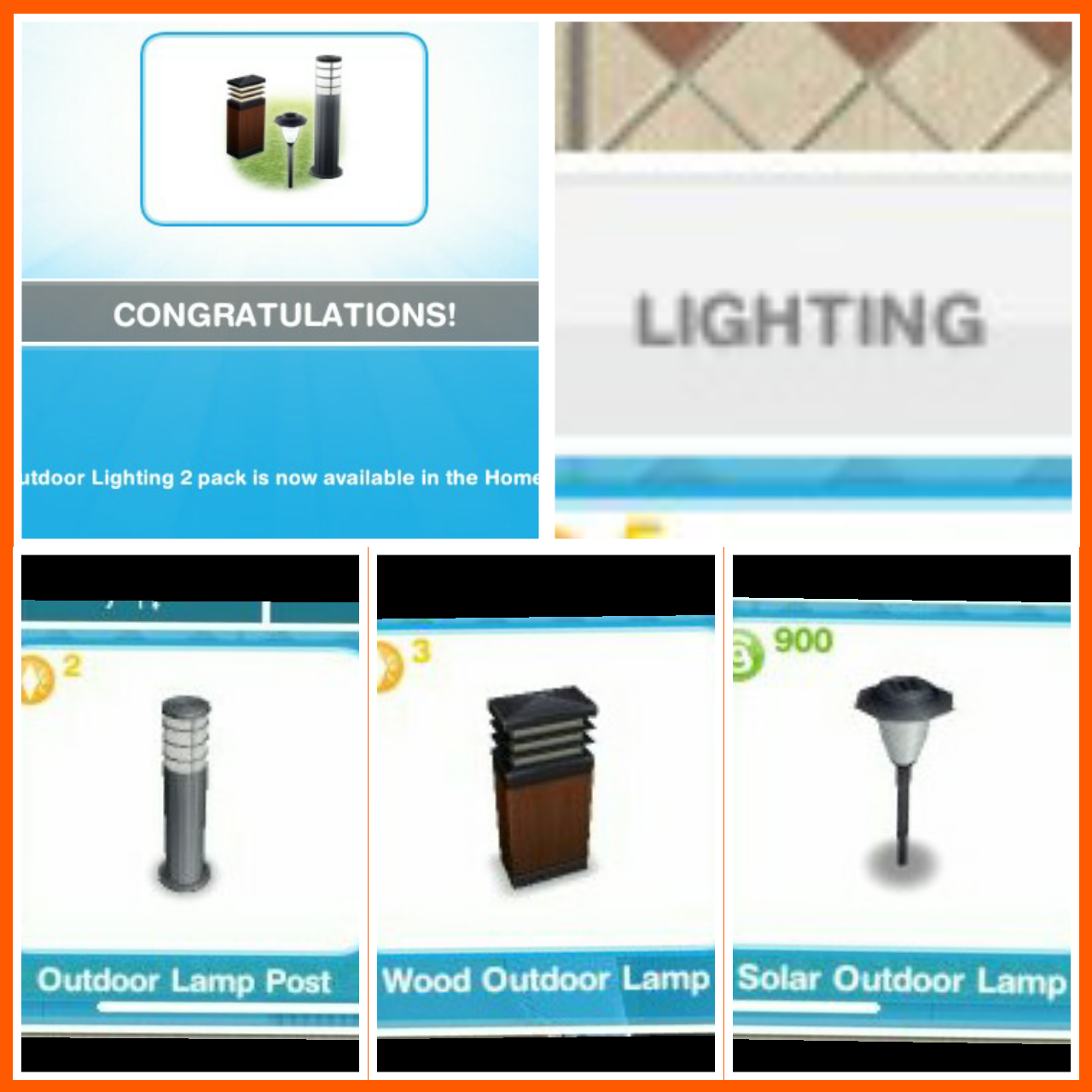
Pack 3: The Outdoor Lighting 1 Pack- found in the lighting section of buy mode
Pack 4: The Plants 2 Pack- found in the trees, plants and flowers section of buy mode
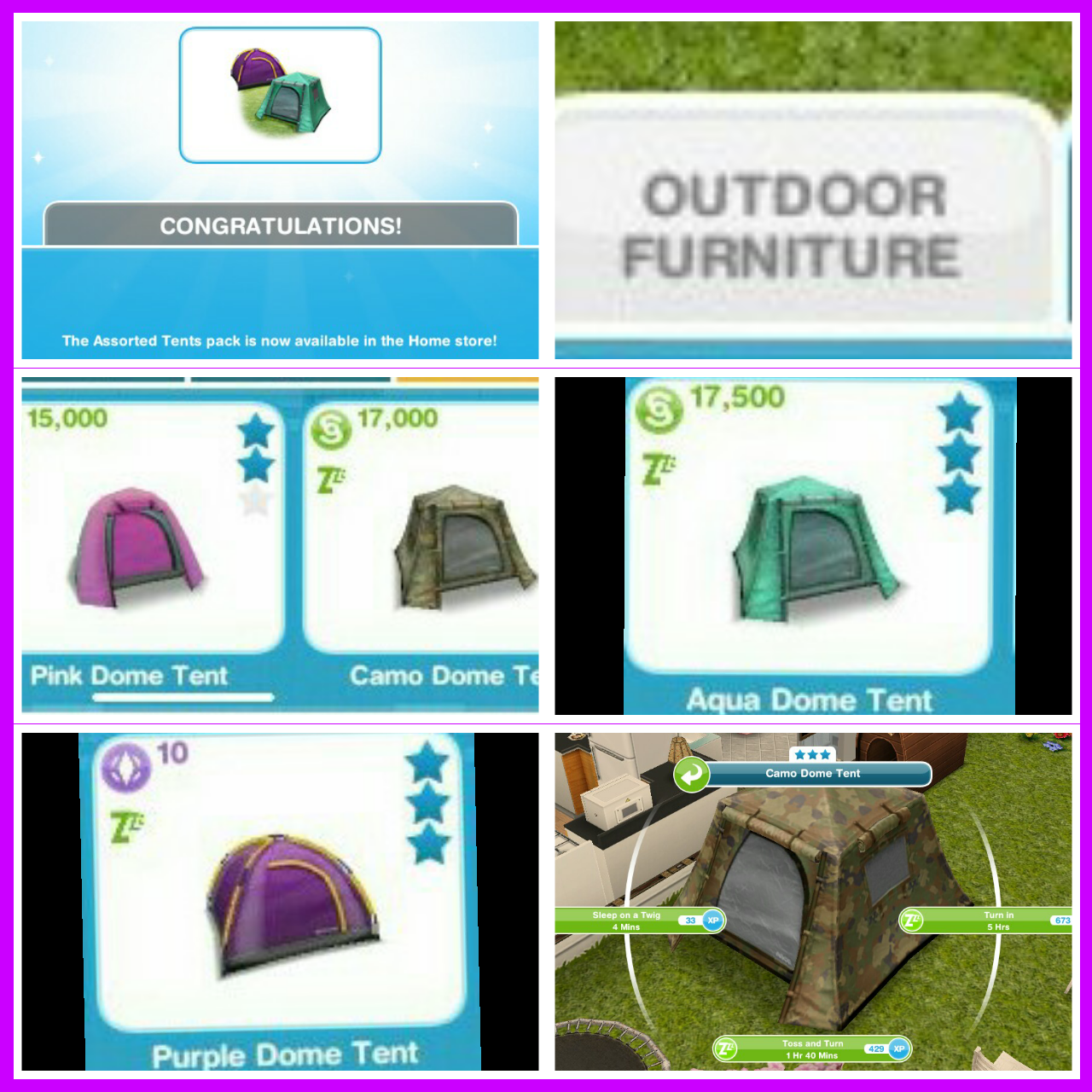
Pack 5: The Assorted Tents pack- found in outdoor furniture section of buy mode
Pack 6: The Outdoor Lighting 2 Pack- found in the lighting section of buy mode
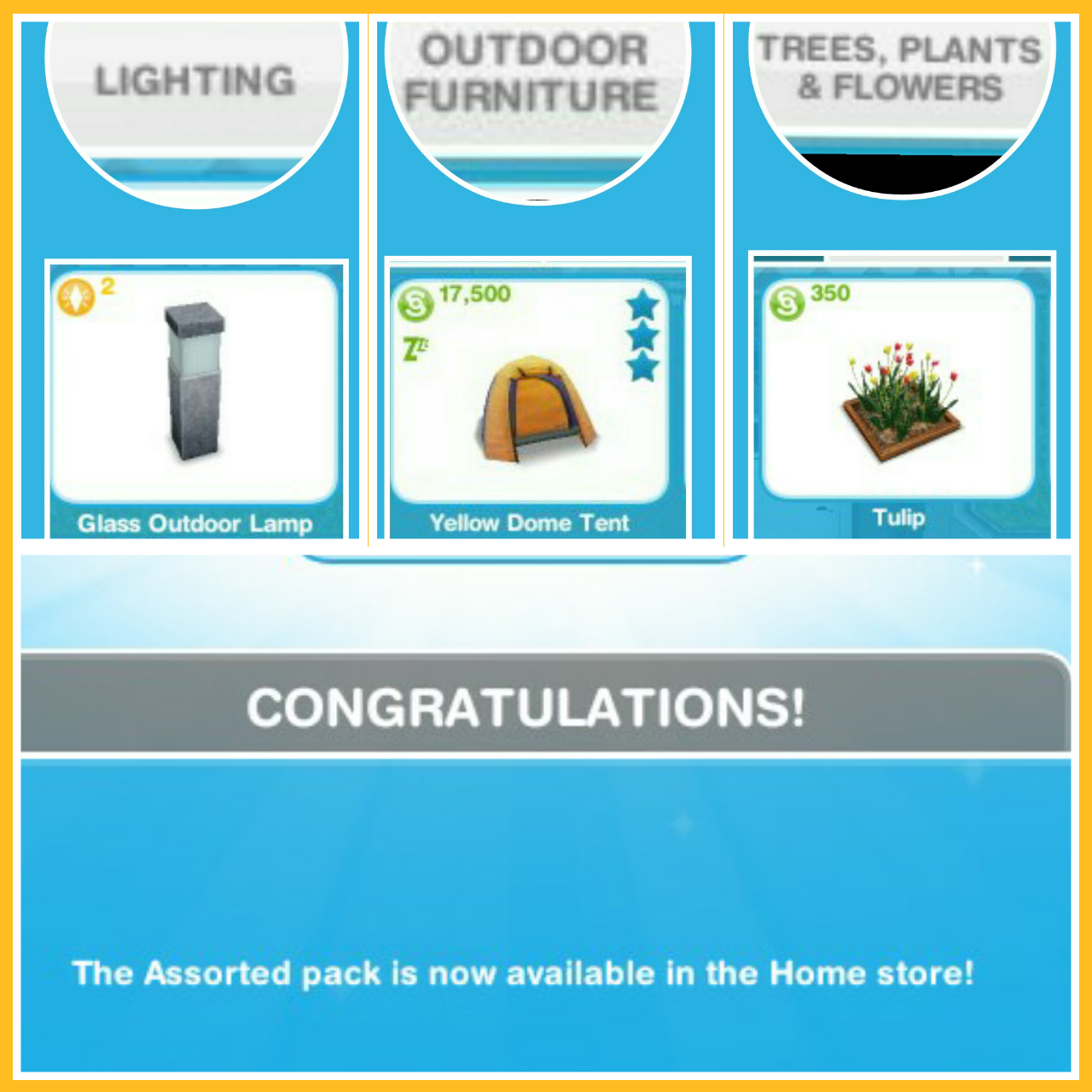
Pack 7: The Assorted Pack:
Glass Outdoor Light- found in lighting section
Yellow Dome Tent- found in outdoor furniture section
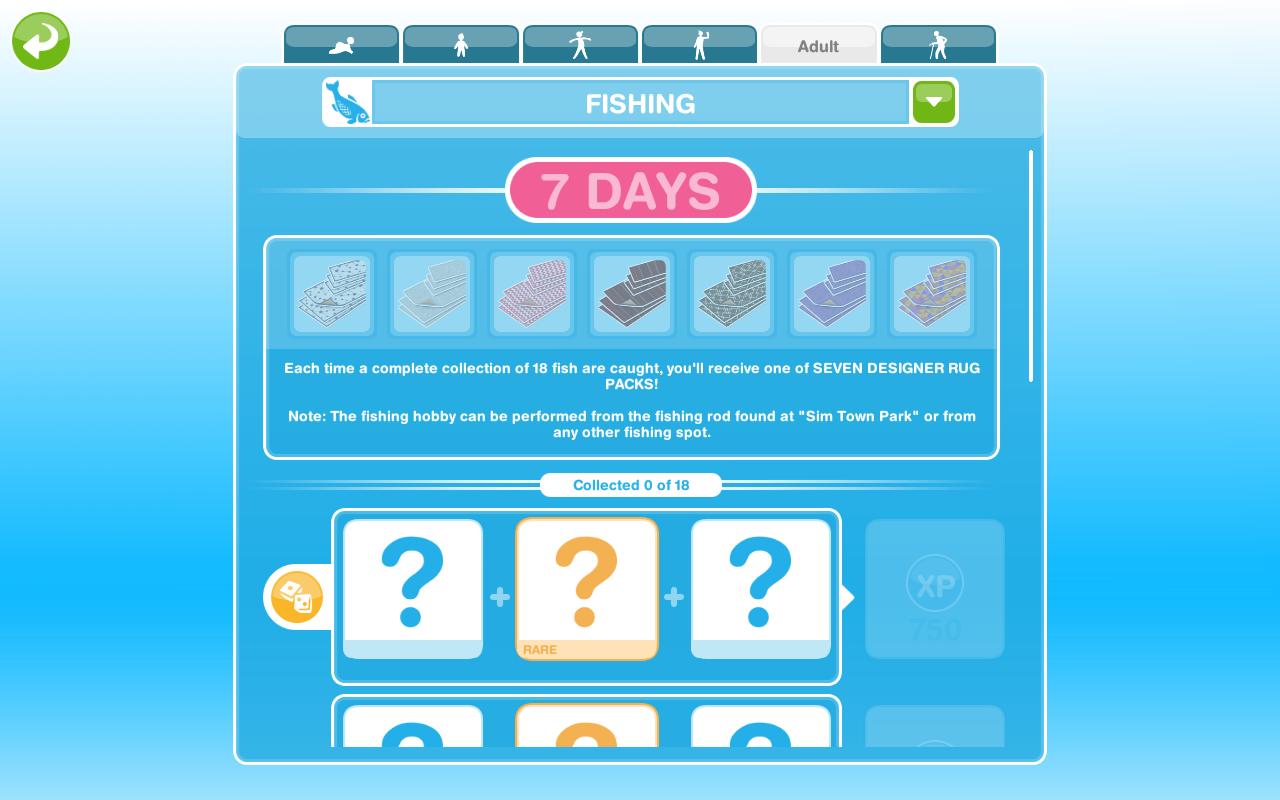
The designer rugs event is back for 7 days! To complete this event you need to complete the fishing hobby 7 times within the 7 days to unlock all the rugs- quite a challenge this one if you aren’t already on level 8. You get a new rug at random each time you complete it, once you unlock a rug you get to keep it even if you don’t find them all.
If you completed this event before you will not get it again this time. If you got some of the rugs last time, you will only need to find the ones you have left to unlock this time, for example, if you unlocked 5 rugs last time you will have to complete the fishing hobby 2 more times this time to complete this event.
You need to firstly accept this quest, it will remove the fish you have already found from the collection so you don’t get a head start.
If you say no you can start it from the active tasks tab but you won’t get extra time if you start this late!
TIPS FOR FINDING THEM ALL IN THE TIME LIMIT:
-have more than one sim working on it if you can! You can send a sim to a neighbours park and if you have build the beach or campgrounds you can also fish there!
-if you have completed the fishing hobby before do the 10 minute option over and over this will help you find them all quicker
-if you are not a level 8 yet do a longer option so your sim can level up as quickly as possible, you can find the level up % in this post
-remember to click start new collection at the top of the fishing hobby collections list once you have got all the fish, this post explains how to do that if you are unsure
-most importantly: just keep going! I know it’s annoying when you get the same one constantly but you will eventually get the ones you need.
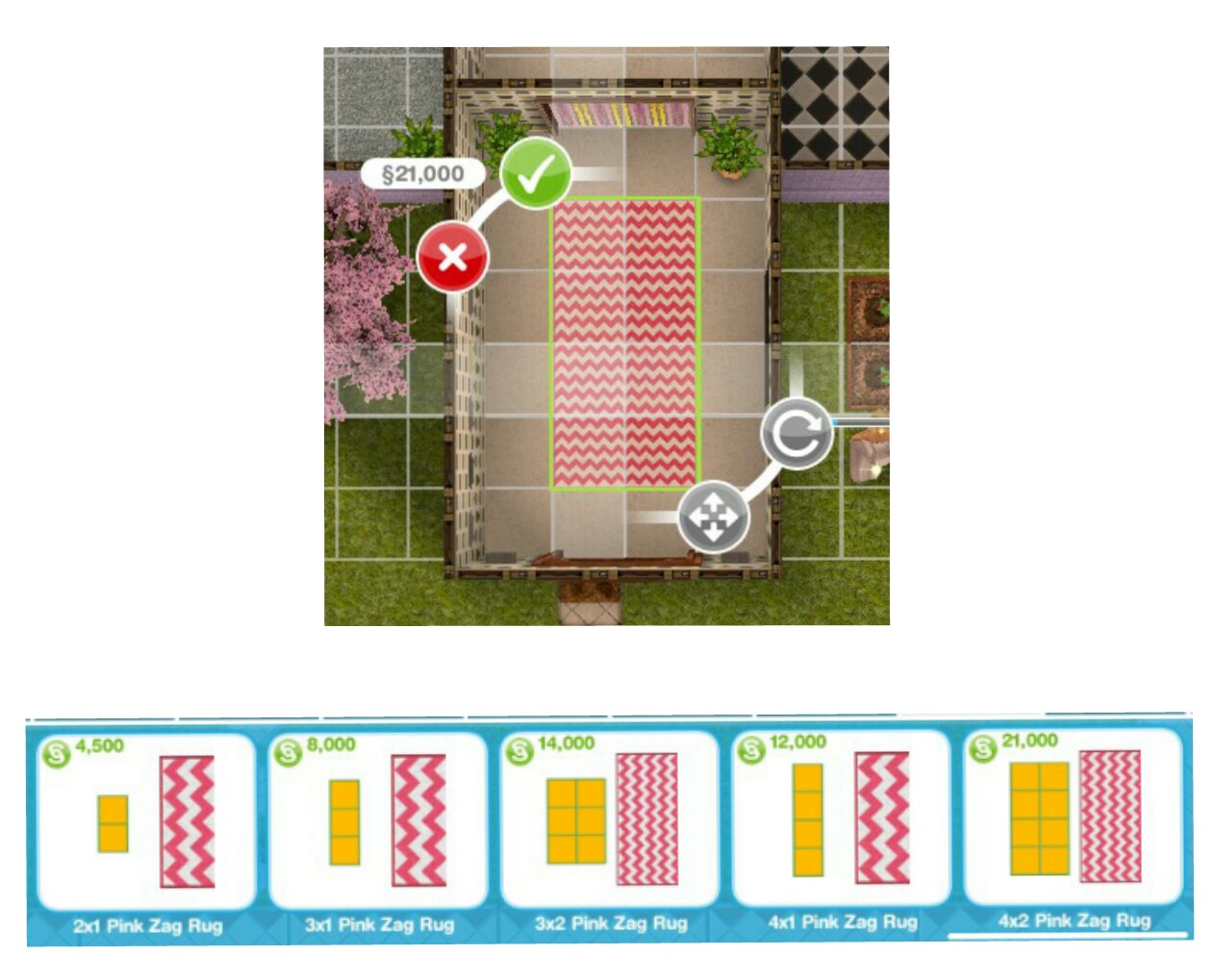
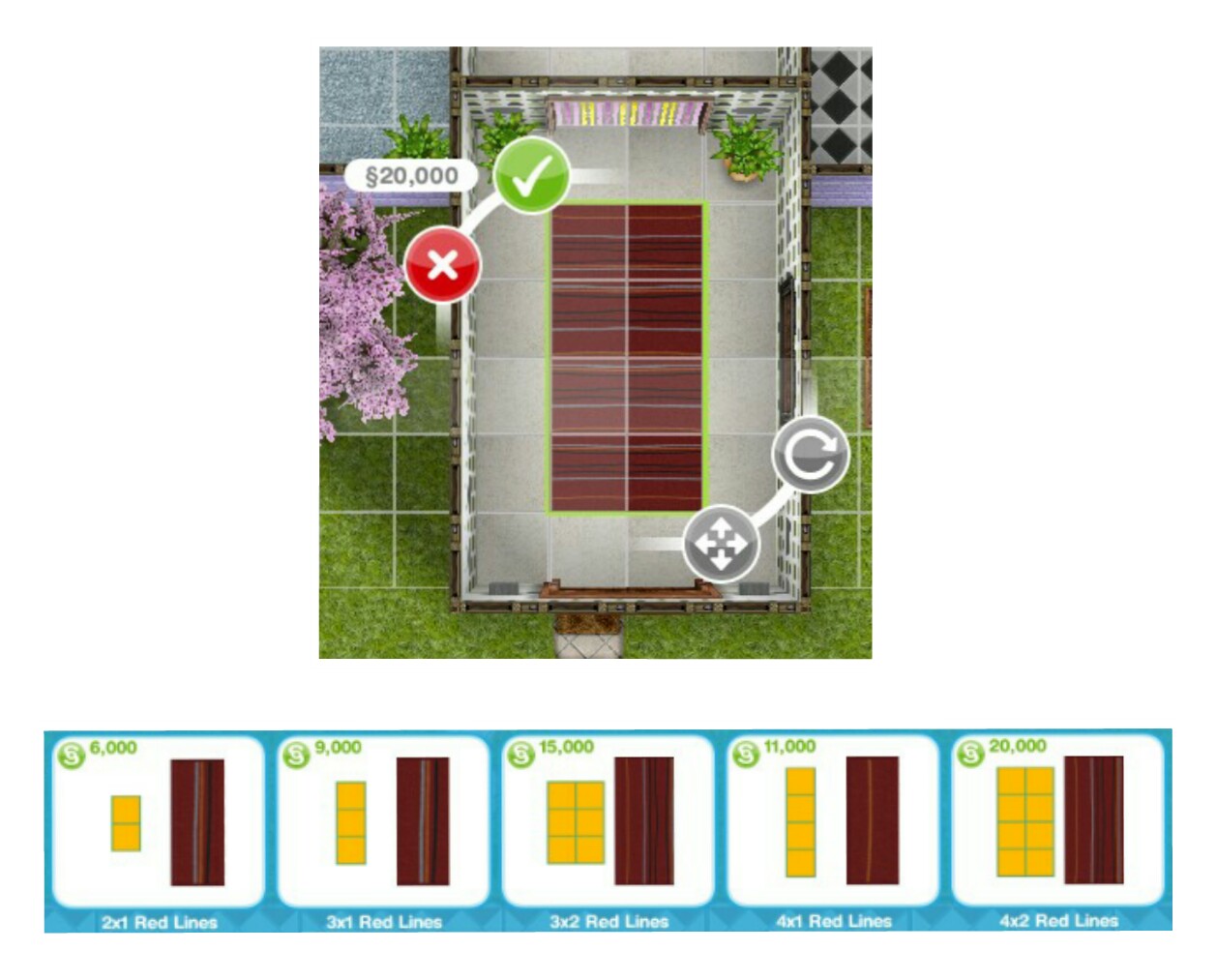
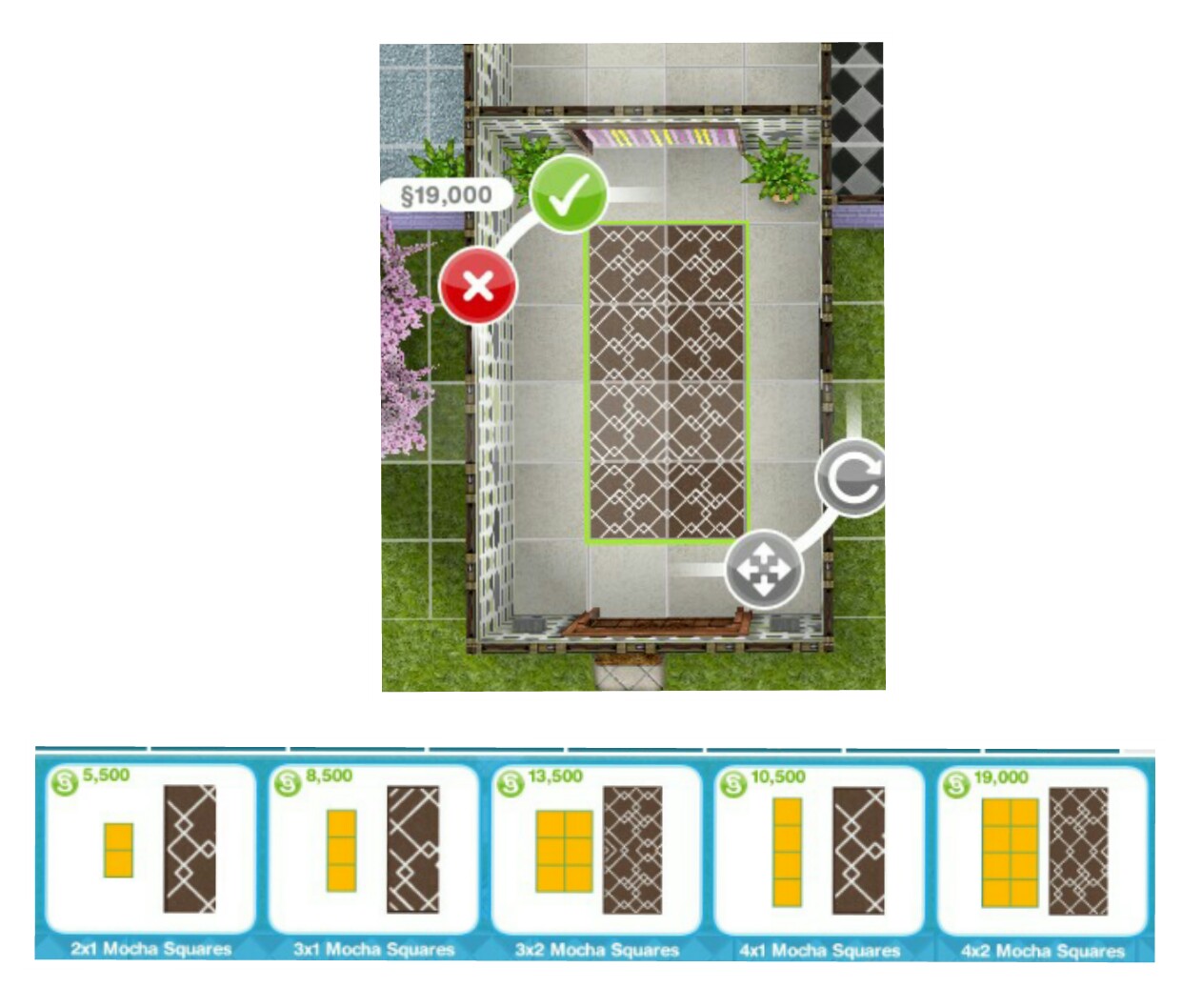
The Rugs
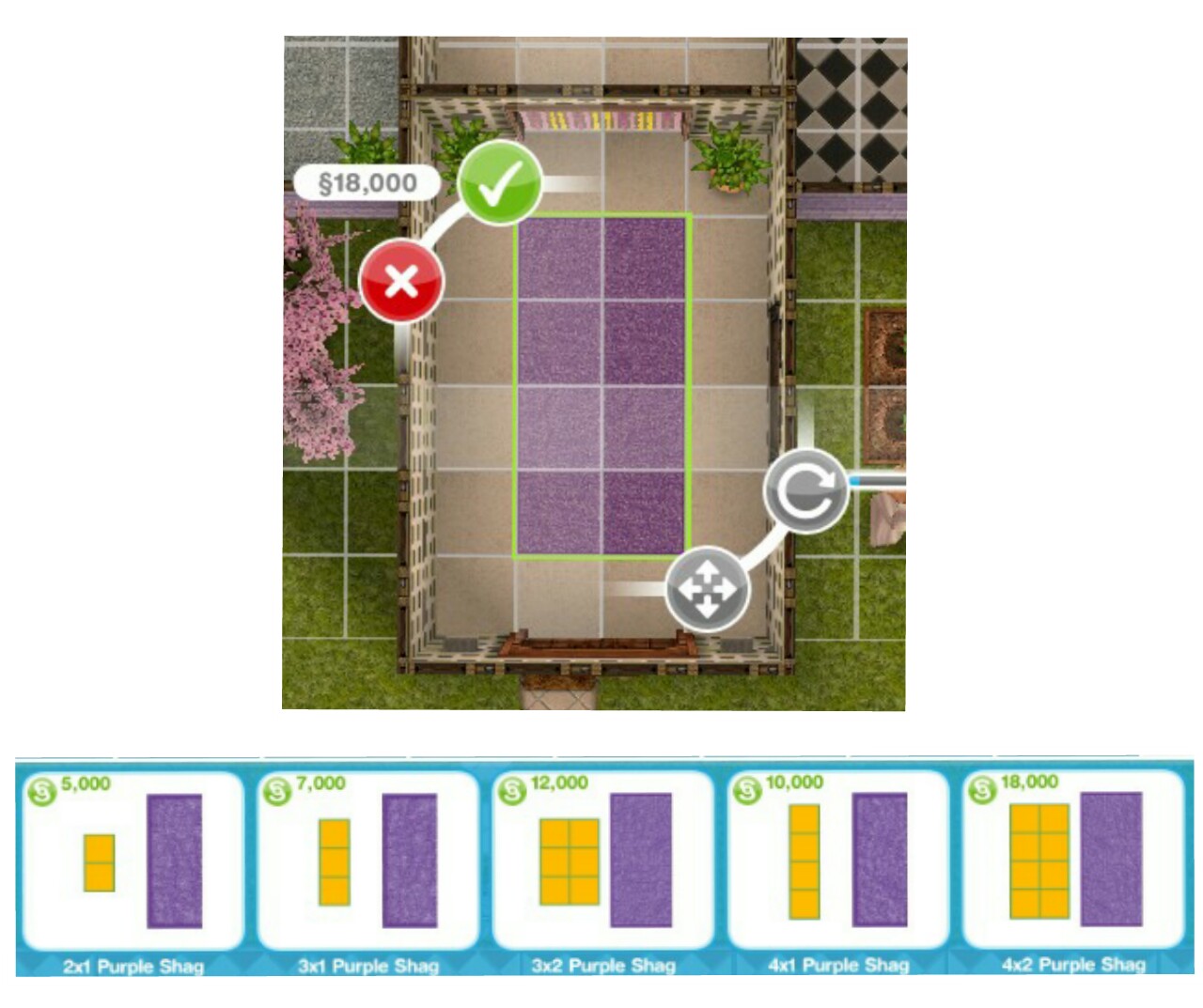
NOTE: The first picture shows you all the shapes each rug comes in, after that the other pictures just show you one rug so you can see the design and the prices for each
LEVEL UNLOCKS: 10 UNLOCKS: feature walls TIME LIMIT: 7 days PRIZE: wallpaper and flooring
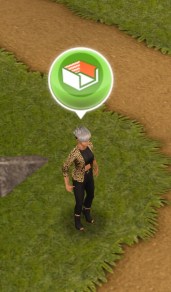
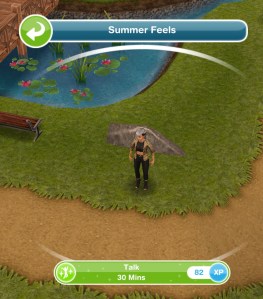
Do you want to add different wallpaper to each of your walls in your sims houses? Now you can! Once you complete this quest you will be able to add feature walls! To start this quest find Summer in the park (see the picture below to see what she looks like) If you complete this quest in the time limit you will unlock wallpaper and flooring, you can still complete this quest once the time limit is up to unlock the feature walls option but you won’t get the wallpaper or flooring
You cannot complete this quest at the same time as any other discovery quest
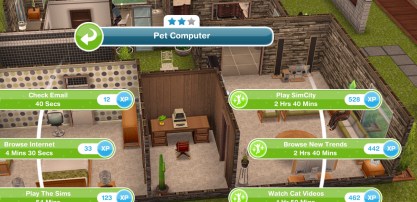
Browse new trends- 2 hours 40 minutes (using a computer)
Add new flooring
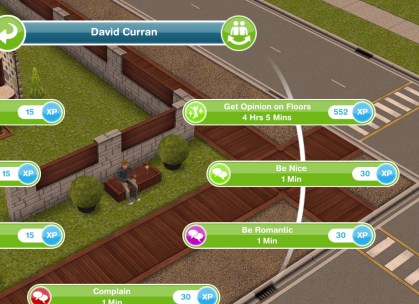
Get another sim’s opinion- 4 hours 5 minutes (select interaction between two sims)
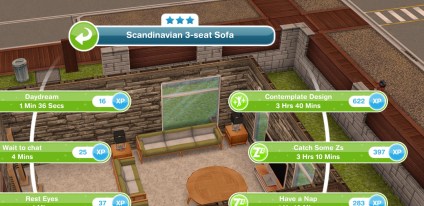
Contemplate design- 3 hours 40 minutes (on a couch)
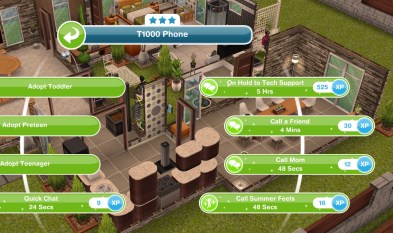
Call Summer Feels- 48 seconds (on a phone)
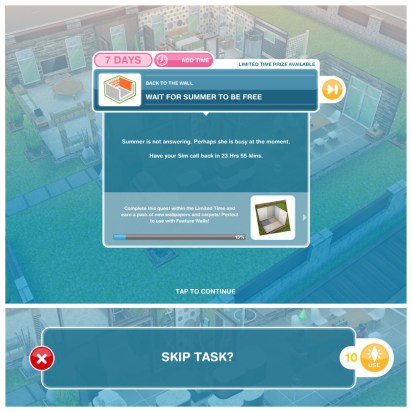
Wait for Summer to be free- If you take less than 24 hours to complete this set then you then have to wait the rest of the 24 hours until you can move onto the next set, for example if the first set takes you 20 hours to complete the wait time will be 4 hours but if you take longer than 24 hours to complete the first set you won’t get the goal to wait it will go straight onto the second set (so the exact time varies depending on how long it takes you to complete the previous tasks in this quest) OR click on the orange fast forward button to use 10 LP to skip the waiting time and move straight onto the next task
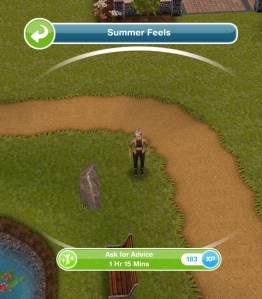
Ask for advice from Summer- 1 hour 15 minutes (you will find her in the park)
Eavesdrop on Summer- 2 hours 15 minutes (click on x)
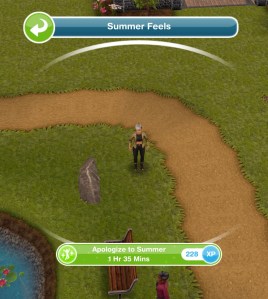
Apologise to Summer- 1 hour 35 minutes
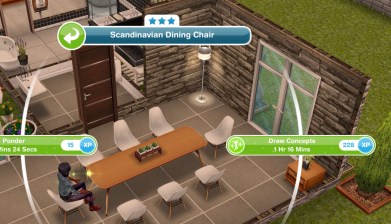
Draw up unique concepts- 1 hour 16 minutes (click on a dining chair)
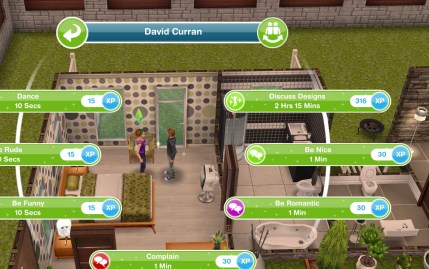
Discuss feature room designs 4 times- 2 hours 15 minutes each (you need to complete this 4 times so 4 pairs of sims can complete this at once)
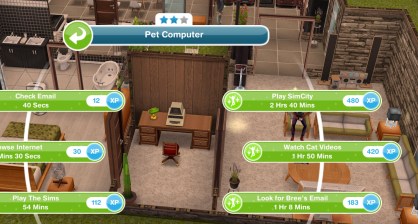
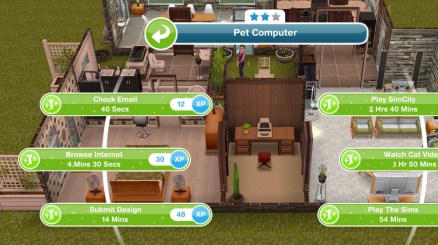
Research designs- 2 hours 20 minutes (on a computer)
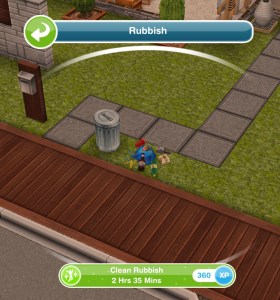
Have a tantrum- 45 minutes (click on trashcan at front of house lot)
Clean up rubbish- 2 hours 35 minutes
Phone Bree- 2 hours 40 minutes
Wait until Bree is available- if you take less than 24 hours to complete this set (if you skipped the other waiting task you will have to wait up to 2 days this time) then you then have to wait the rest of the 24 hours until you can move onto the next set, for example if this set takes you 20 hours to complete the wait time will be 4 hours but if you take longer than 24 hours to complete the second set you won’t get the goal to wait it will go straight onto the third set (so the exact time varies depending on how long it takes you to complete the previous tasks in this quest) OR click on the orange fast forward button to use 10 LP to skip the waiting time and move straight onto the next task
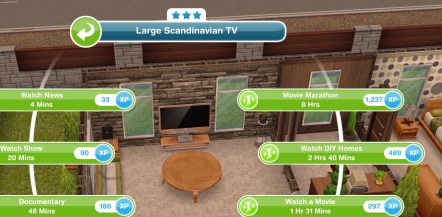
Watch DIY Homes 6 times- 2 hours 40 minutes each (using a TV, you need to do this 6 times so use 6 sims to complete at once)
Look for Bree’s email- 1 hour 15 minutes (stack of magazines)
Call 7 sims about DIY Homes magazine- 2 hours 50 minutes (using a phone, you need to do this 7 times so use 7 sims to complete this at once)
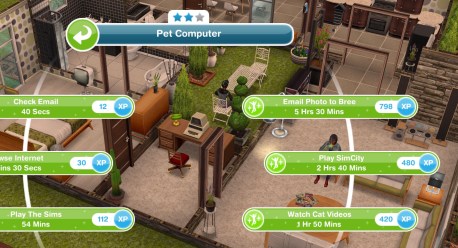
Look for Bree’s email- 1 hour 8 minutes (using a computer)
Take photo of design- 4 hours 55 minutes (click on sim with plumbob above their head to find this option)
Email Bree the photo- 5 hours 30 minutes (using a computer)
Wait for Bree’s reply- if you take less than 24 hours to complete this set (if you skipped the other two waiting task you will have to wait up to 3 days this time) then you then have to wait the rest of the 24 hours until you can move onto the next set, for example if this set takes you 20 hours to complete the wait time will be 4 hours but if you take longer than 24 hours to complete the third set you won’t get the goal to wait it will go straight onto the forth set (so the exact time varies depending on how long it takes you to complete the previous tasks in this quest) OR click on the orange fast forward button to use 10 LP to skip the waiting time and move straight onto the next task
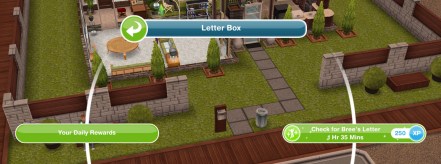
Check mail for Bree’s letter- 1 hour 35 minutes
Go to the park (send your sim back to the park)
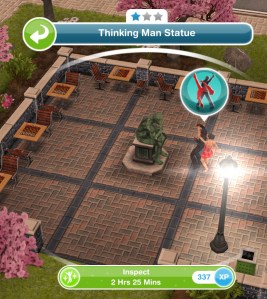
Inspect a thoughtful man- 2 hours (click on thinking man statue)
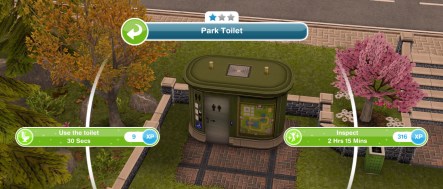
Inspect a cartographer’s conundrum- 1 hour 48 minutes (click on the park toilet)
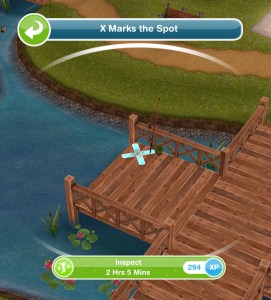
Inspect something fishy- 1 hour 40 minutes (click on x by the fishing rod on the pier)
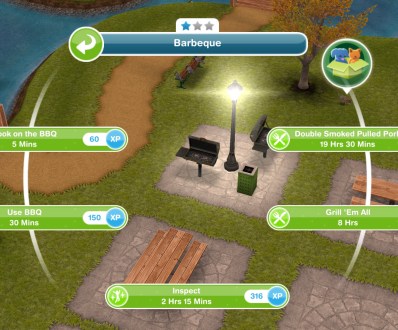
Find and inspect a griller in the mist- 2 hours 15 minutes (click on the barbecue in the park)
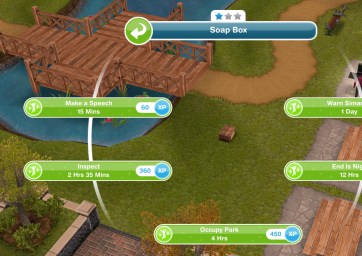
Inspect a box of soap- 2 hours (click on a soapbox)
Mark letter K on chessboard- 4 hours 55 minutes
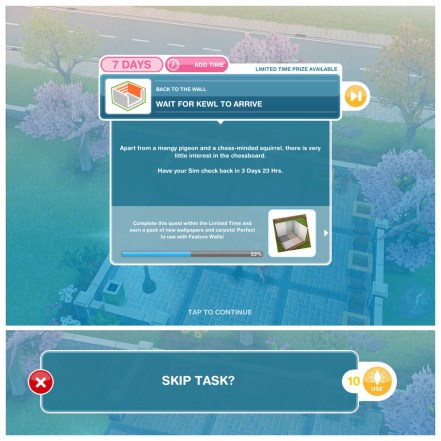
Wait for Kewl to arrive- if you take less than 24 hours to complete this set (if you skipped the other three waiting task you will have to wait up to 4 days this time) then you then have to wait the rest of the 24 hours until you can move onto the next set, for example if this set takes you 20 hours to complete the wait time will be 4 hours but if you take longer than 24 hours to complete the fourth set you won’t get the goal to wait it will go straight onto the fifth set (so the exact time varies depending on how long it takes you to complete the previous tasks in this quest) OR click on the orange fast forward button to use 10 LP to skip the waiting time and move straight onto the next task
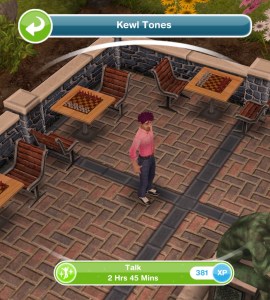
Talk to Kewl Tones- 2 hours 45 minutes (at the park)
Ponder about Kewl Tones- 4 hours (on a park bench)
Offer Kewl Tones redemption- 5 hours 45 minutes
Send sim home
Place a ‘beach coffee table’- costs S400 and can be found in the living room section
Place an ‘elegant dining table’- costs S600 and can be found in the dining room section
Place a ‘sleep around the clock bed’- costs S3,000 and can be found in the bedroom section
Go to the park (send your sim back to the park)
Try to wake Kewl Tones- 7 hours 15 minutes
Wait for Kewl Tones to wake up- if you take less than 24 hours to complete this set (if you skipped the other four waiting task you will have to wait up to 5 days this time) then you then have to wait the rest of the 24 hours until you can move onto the next set, for example if this set takes you 20 hours to complete the wait time will be 4 hours but if you take longer than 24 hours to complete the fifth set you won’t get the goal to wait it will go straight onto the sixth set (so the exact time varies depending on how long it takes you to complete the previous tasks in this quest) OR click on the orange fast forward button to use 10 LP to skip the waiting time and move straight onto the next task
Talk to Kewl Tones- 5 hours 35 minutes
Have two sims decipher the list- 7 hours 15 minutes (select the interaction between two sims)
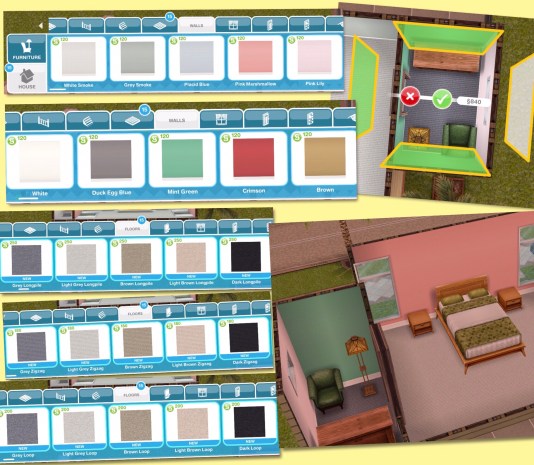
Place ‘beige carpet’ in a room- can be found in the floors section
Place some new wallpaper- buying any wallpaper from the walls section will complete this task
Place some more wallpaper
Discuss multiple wallpapers- 4 hours 55 minutes (select the interaction between two sims)
Ask Kewl about multiple wallpapers- 6 hours 8 minutes
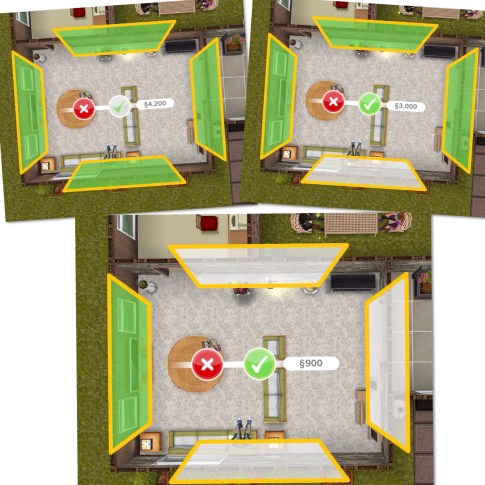
Now when you select wallpaper 4 yellow boxes will appear, one next to each wall (this represents the wall next to it)
The wallpaper will be placed on all the walls with the green shading in the yellow lines. If you don’t want the wallpaper on a wall click on the green shading and it will go white, this means the wallpaper isn’t being applied to that wall (the wall will remain unchanged)
The green shading needs to be on all the walls that you want that new wallpaper on, once you select or deselect the walls click the green tick to place the paper:
Wait until walls are dry- if you take less than 24 hours to complete this set (if you skipped the other five waiting task you will have to wait up to 6 days this time) then you then have to wait the rest of the 24 hours until you can move onto the next set, for example if this set takes you 20 hours to complete the wait time will be 4 hours but if you take longer than 24 hours to complete the sixth set you won’t get the goal to wait it will go straight onto the seventh set (so the exact time varies depending on how long it takes you to complete the previous tasks in this quest) OR click on the orange fast forward button to use 10 LP to skip the waiting time and move straight onto the next task
Photograph the house- 30 minutes (click on x at front of house lot)
Submit design to Summer- 14 minutes (using a computer)
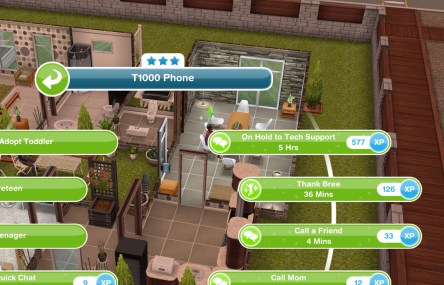
Thank Bree- 36 minutes (using a phone)
Go to the park
Debrief Kewl about interior design- 1 hour 45 minutes
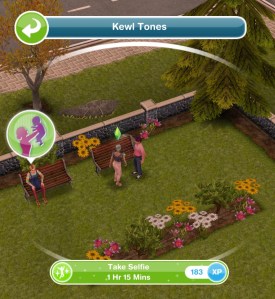
Take selfie with Kewl- 1 hour 15 minutes
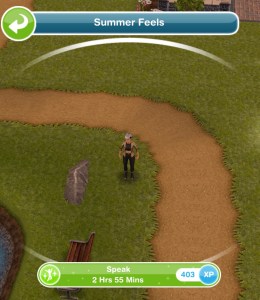
Speak to Summer Feels- 2 hours 55 minutes
Have interview with Summer- 3 hours 10 minutes
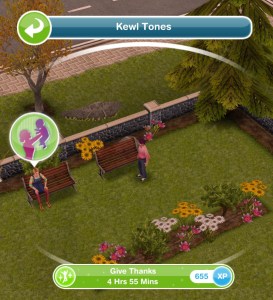
Thank Kewl Tones- 4 hours 55 minutes
Say goodbye to Kewl Tones- 8 hours 16 minutes
QUEST IS COMPLETE!
You can now add different wallpaper to every wall in your house!
How do I start this discovery quest? Find Summer in the park to start this quest
Can I do discovery quests at the same time as a main quest?
Yes you can
Why can’t I do this discovery quest yet?
You cannot do more than one discovery quest at the same time, if you are currently on another one (the list can be found here) you will not be able to do this one until that one is completed
Do I have to do this quest?
If you don’t start the quest you don’t have to do it at all but if you have already started it you need to complete it before you can move on to the next quest
I haven’t started this quest yet, will it still be available when I want to do it?
Yes it will be, you can choose to start it whenever you like
Is it possible to complete this quest in the time limit?
Yes it is
Why do blue footprints appear when I try to use an item?
Blue footprints appear when your sim cannot access an item you want them to use, you need to either rotate the item or move an item that has been placed in front of it so they can use it.
I don’t understand the waiting tasks, can you explain?
The waiting tasks will only appear if you are ahead of where you need to be at that time so it means you are on track for finishing this quest on time. The time you need to wait for varies for everyone depending on how far ahead you are, if you are only an hour ahead then you will need to wait an hour, if you sped up a lot of tasks then you will have to wait longer. Once the waiting time is up the task will complete and you will continue with the quest. If you don’t get the goal to wait or it completes straight away this means you are behind in the quest but not having to wait allows you the chance to catch up!
What do I get if I complete this quest in the time limit?
New wallpaper and flooring
What happens if I don’t complete in the time limit, can I still finish this quest?
Yes you have to finish it to unlock the feature wall option before you can move onto the next quest
I didn’t complete in the time limit, can I restart the quest?
No, you cannot redo quests
Can I still get the prize if I don’t complete in the time limit?
No, the only way to get the limited time prizes is by completing the quest in the time limit
I don’t like this quest! Can I just skip it?
No, you have to complete this quest before you can move onto the next one now that you have started it, if you don’t start it you don’t have to do it
Some times are slightly different on my game, why is this?
Times may vary depending on the star rating of the item you are using as the higher star rating an item has the quicker you will complete a goal
Some times are really off/ different goals show for me, why is this? This will be because the quest has been updated recently, I try my best to keep these posts up to date but it is difficult as I cannot redo every quest each time the game is updated. If you notice any changes please let me know so I can update the post
A new time limited event has started in The Sims Mobile! The aim of this event is to earn enough lemon slices to buy the summer ice chests to unlock all the summer barbecue items in the 7 day time limit!
How do you earn lemon slices?
Completing the Experiment with Summer Recipes Event (click on a fridge or sofa at home)- every 20 hours
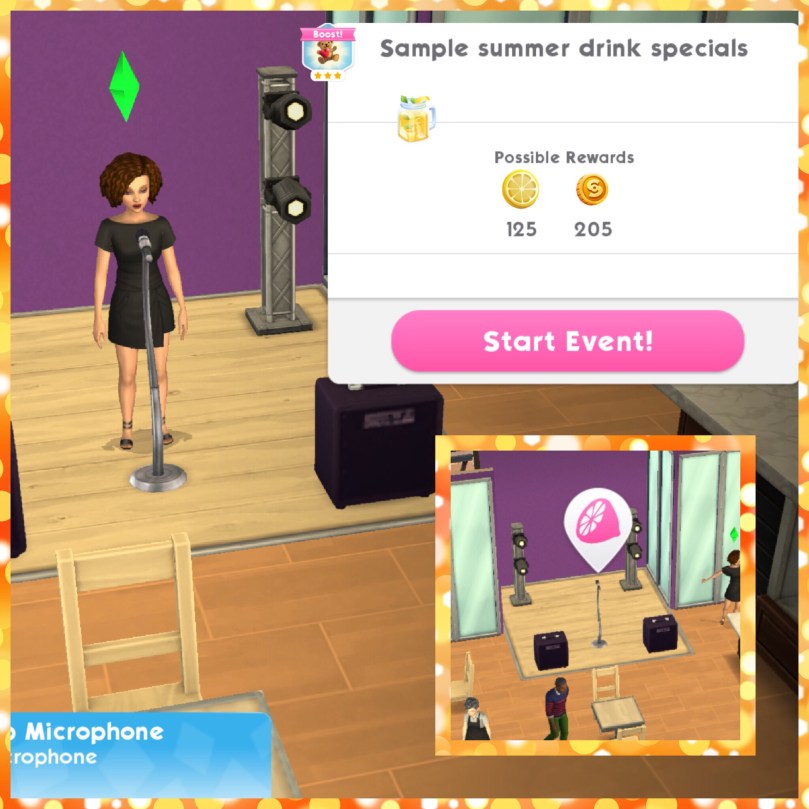
Completing the Sample Summer Drink Specials Event (at the cafe)- every 8 hours
Complete the Mysteries of the Garden Gnomes Quest, there are 9 parts to complete:
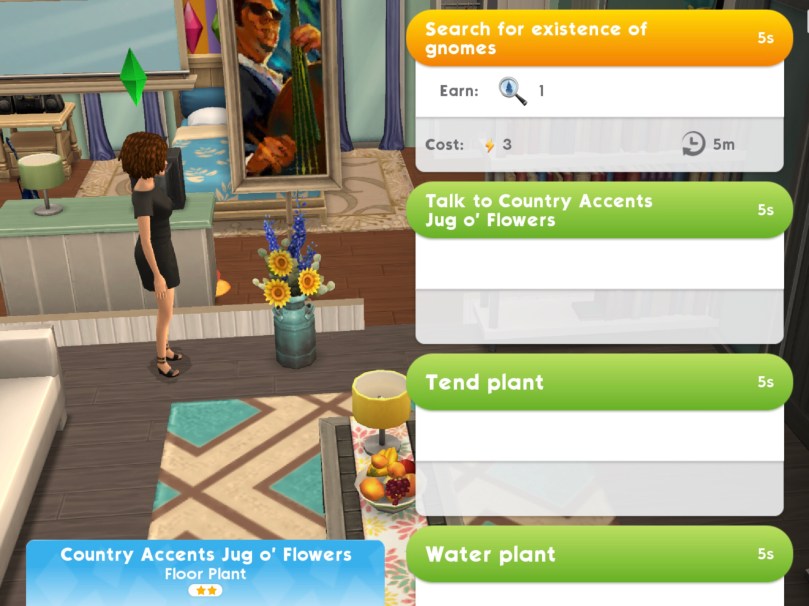
1.Search in potted plants for gnome clues 10 times- 5 seconds, cost 3 energy each (can only be completed every 5 minutes with the same plant, have multiple plants to complete this quicker) Reward: 220 lemon slices
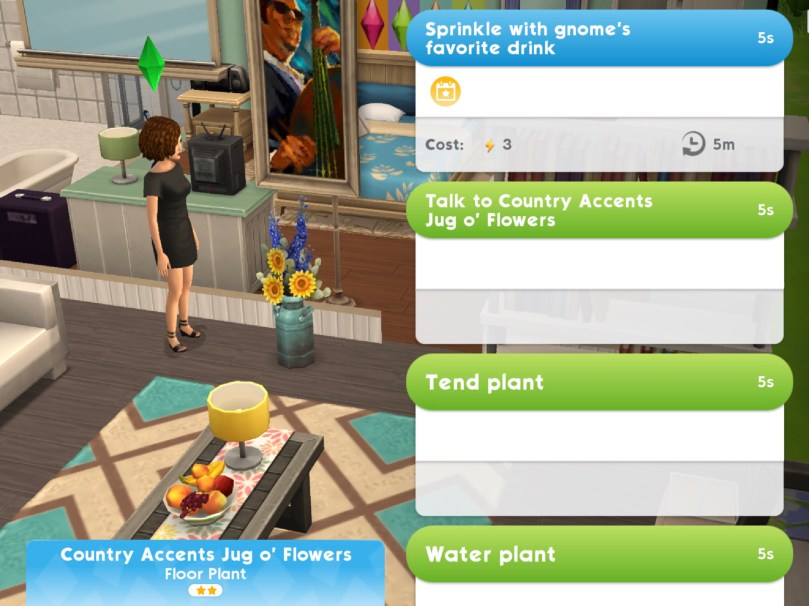
2.Sprinkle the gnomes favourite drink on 5 potted plants- 5 seconds, costs 3 energy each (can only be completed every 5 minutes with the same plant, have multiple plants to complete this quicker) Reward: Summer Drinks Tray
3.Place Summer Drinks Tray at home (you can find the summer drinks tray in your storage section) Reward: 220 lemon slices
4.Sample summer drink specials at the cafe. Tap on the pink lemon bubble at the cafe to start this event. You can complete this event every 7 hours Reward: 220 lemon slices
5.Experiment with summer recipes at home. Tap on the pink lemon bubble on a fridge or sofa at home to start this event. You can complete this event every 20 hours Reward: 220 lemon slices
6.Spend 925 lemon slices to open summer ice chests (click on the lemonade picture in the top right corner of the screen to be able to spend your lemon slices on the summer ice chest, each chest costs 250 lemon slices) Reward: 220 lemon slices
7.Sample summer drink specials at the cafe. Tap on the pink lemon bubble at the cafe to start this event. You can complete this event every 7 hours Reward: 220 lemon slices
8.Experiment with summer recipes at home. Tap on the pink lemon bubble on a fridge or sofa at home to start this event. You can complete this event every 20 hours Reward: 220 lemon slices
9.Spend 1,400 lemon slices to open summer ice chests (click on the lemonade picture in the top right corner of the screen to be able to spend your lemon slices on the summer ice chest, each chest costs 250 lemon slices) Reward: 220 lemon slices
If you complete the whole quest you unlock a Triptych of Garden Gnomes! These can be found in your storage section
Buying Summer Ice Chests
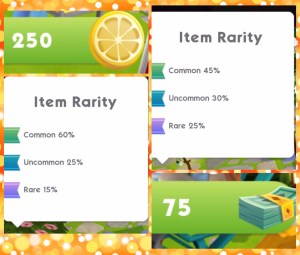
You can either buy a summer ice chest for 250 lemon slices or a sweet refreshment basket for 75 simcash. You will get an item at random each time, you can get some of them more than once, for example you could win up to 4 barbecues or 8 summer chill towers. Also some items you may get more of one when you have already won it for example, if you get the ultra posh glasses more than once the second time that prize will be converted into something else.
Each item pictured has a ribbon next to it which shows you the rarity of that item, this shows you how likely it is you will earn that item:
Once you have unlocked an item there will be a tick on that item, the aim is to unlock all the items before the time limit is up!
What do I think about this event?
The world of luxury event was better than the hot tub event, the odds were better and I was able to earn more prizes but I did get so many repeats (I got one CAS prize over 10 times!!) so I am really hoping they have tweaked this again to improve the odds this time. I don’t like that they still have tickets in this event, I don’t think they need to be there, when you have saved up all your lemon slices to then get a few sim tickets is just a huge let down. I also think it is strange that the chest costs 250 lemon slices this time when in the last event they cost 50 coins but at least we earn a bigger reward for completing the parts in this quest!


































 The Girl Who Games