
Early Access to Beta Provided by EA/ Firemonkeys- may differ from actual version
In this post I will explain how the two types of pregnancy work! The Add a Baby option is still available if you still want a baby without pregnancy

You firstly need to complete the Two and a Half Sims Quest and A Bump-y Ride Discovery Quest to unlock pregnancy, once you have you will find these three options when you click on a crib:
- Pregnancy Event
- Pregnancy
- Adding a Baby
Pregnancy Event:
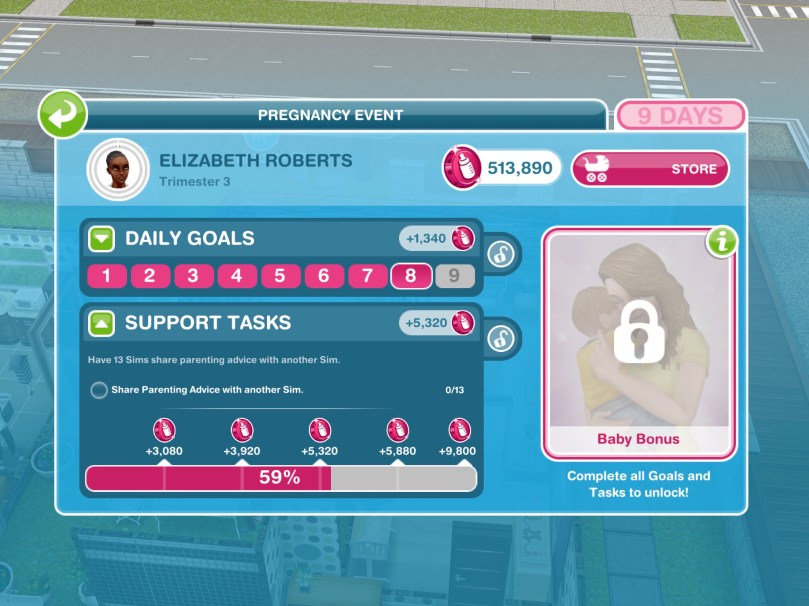
- Takes 9 days to complete, each day represents one month of pregnancy
- There are daily goals and support tasks to be completed
- Daily goals have to be completed by the pregnant sim, there are 9 days of goals to complete
- Support tasks can be completed by all other sims
- If you complete the daily goals every day and all the support tasks the new sim (baby) will earn baby bonuses- they will earn more experience points when they complete actions, complete actions faster, are not affected by low motives (low needs) and they will have these bonuses for life!
- You don’t have to finish a days goals on time, if you are behind you will start on the next day as soon as the previous days goals are complete BUT you cannot complete day 9 once the time is up, the baby will be born straight away once the time is up
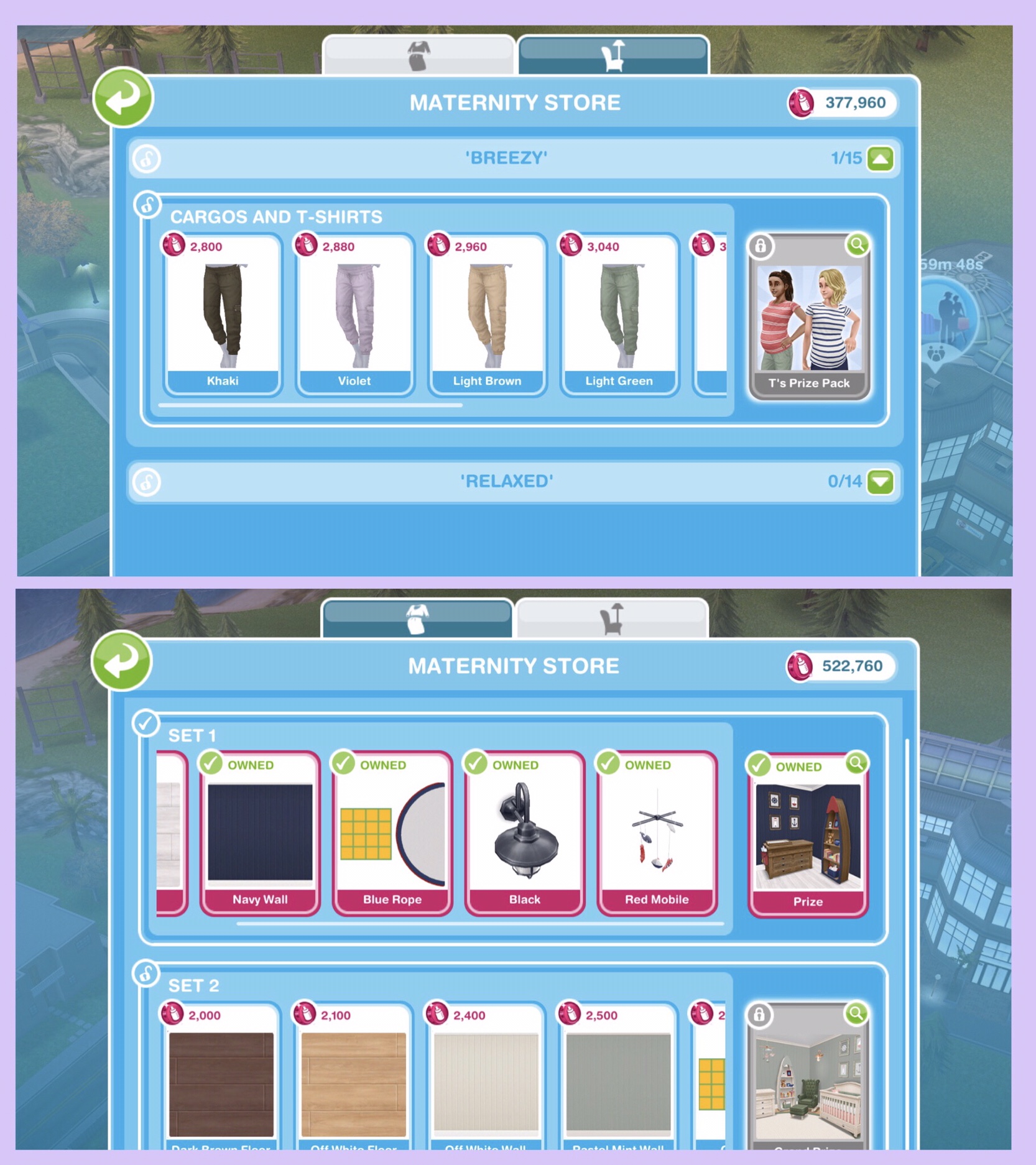
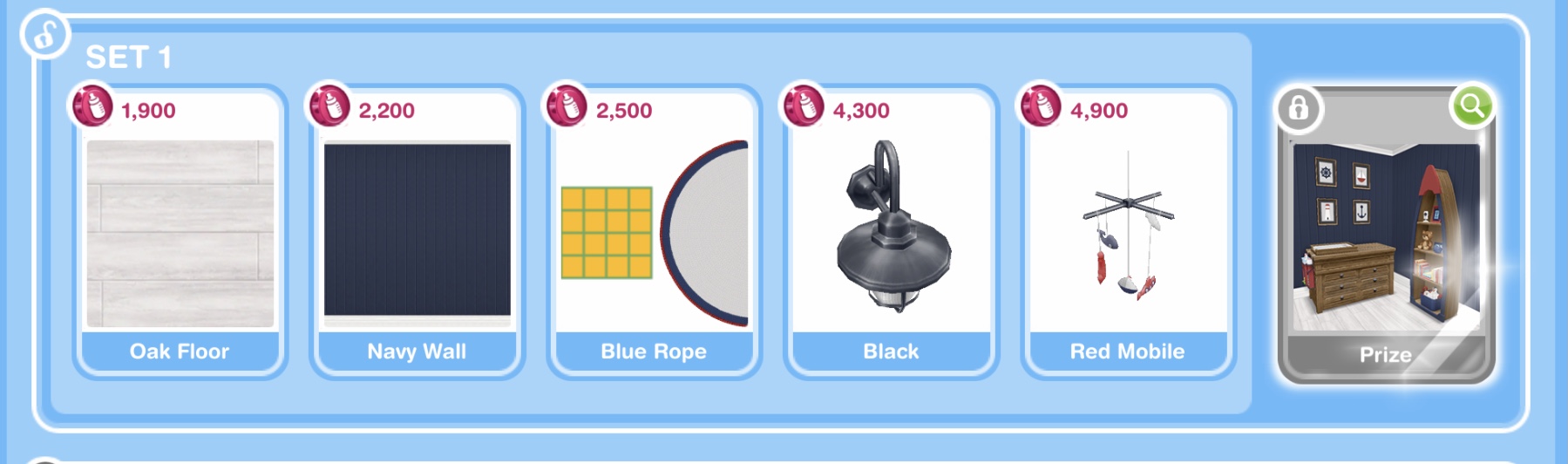
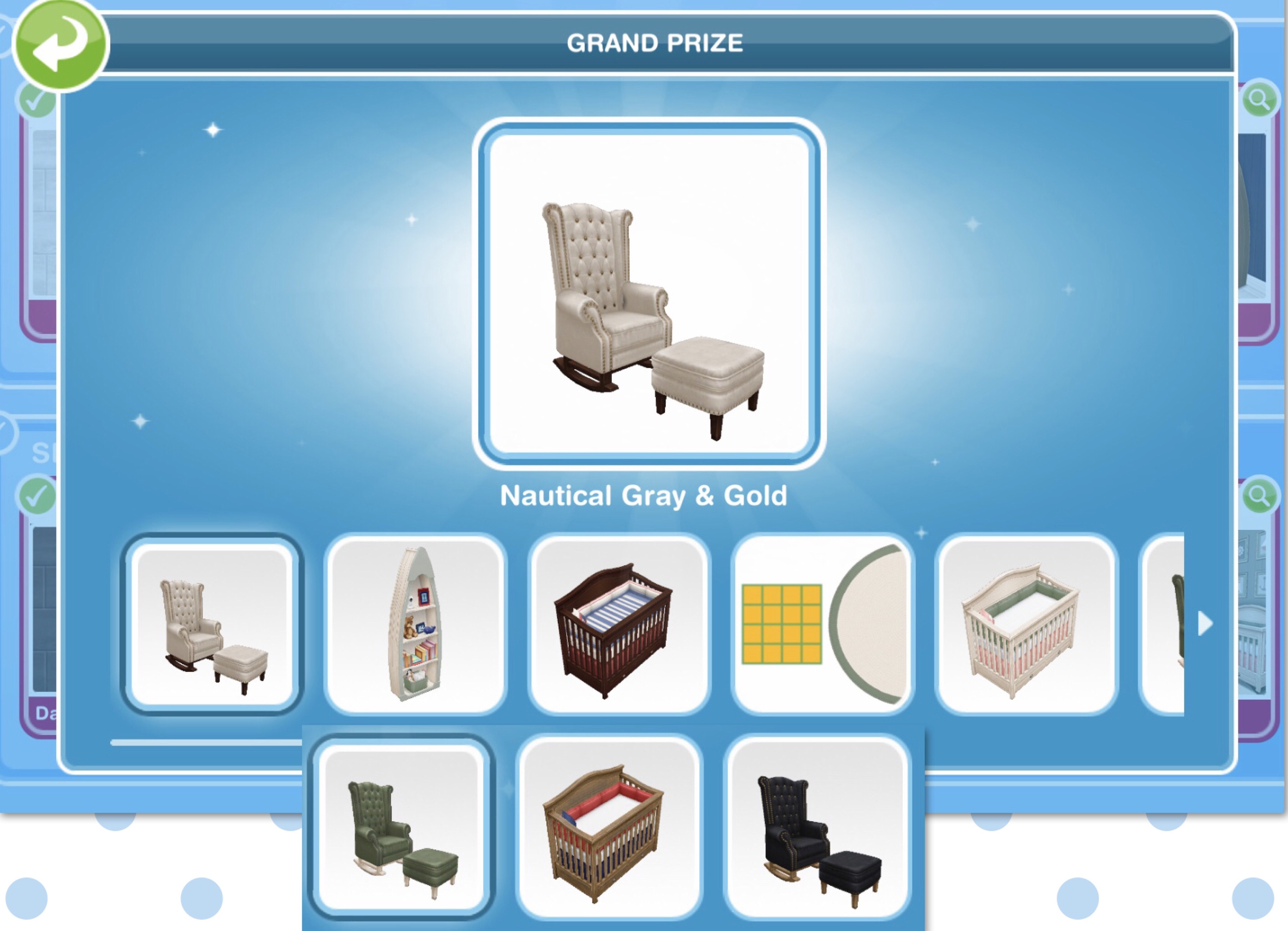
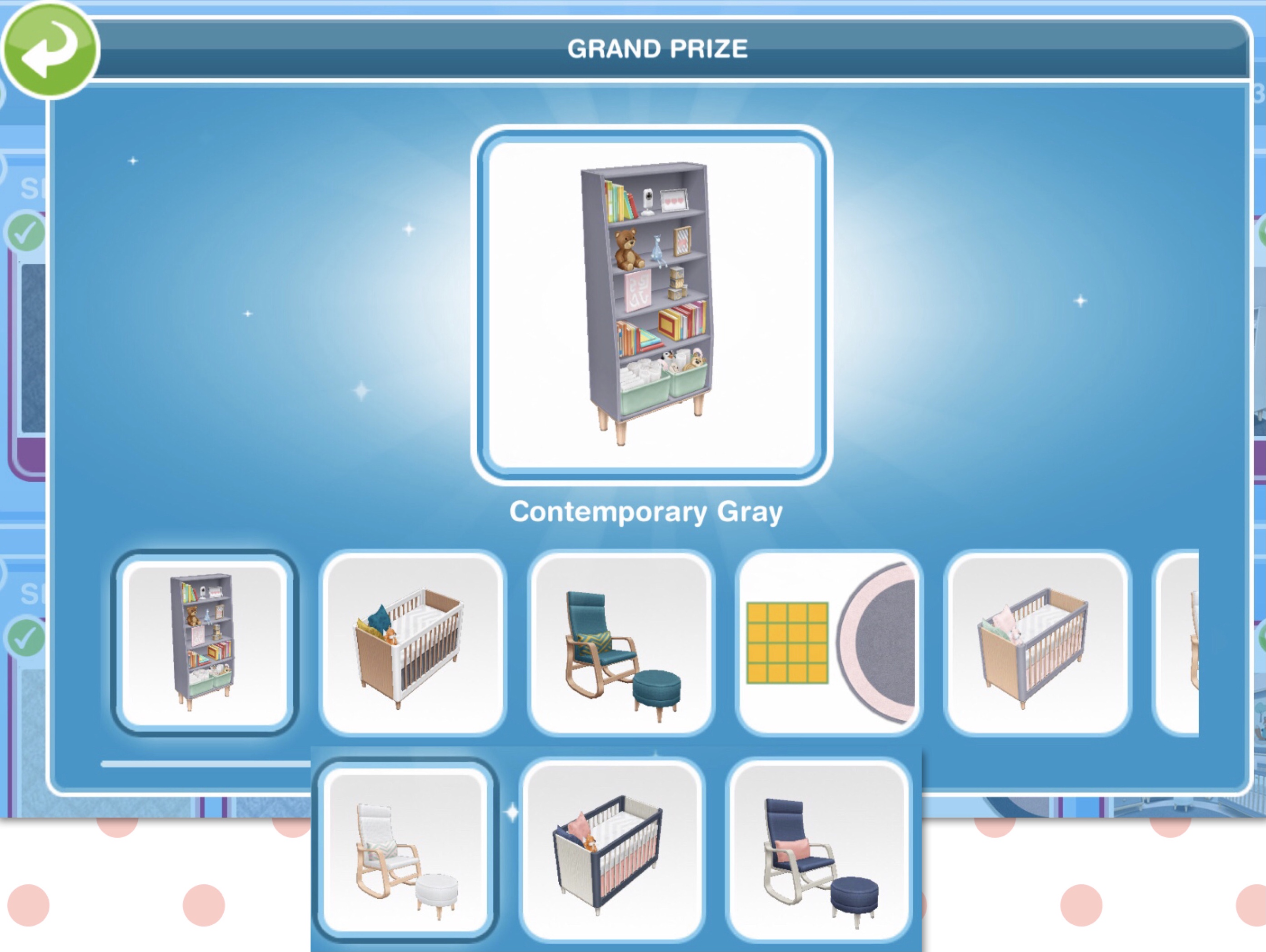
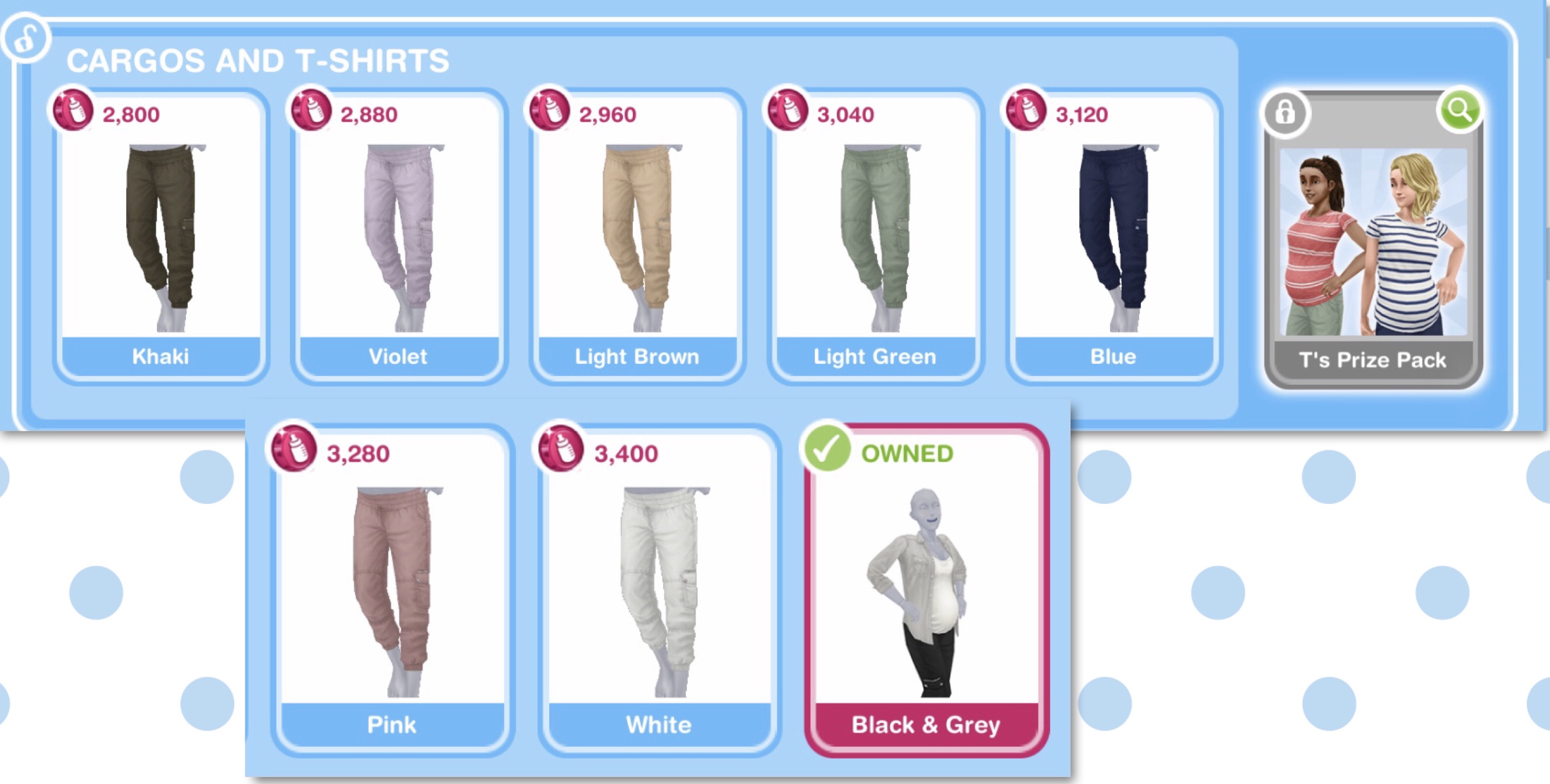
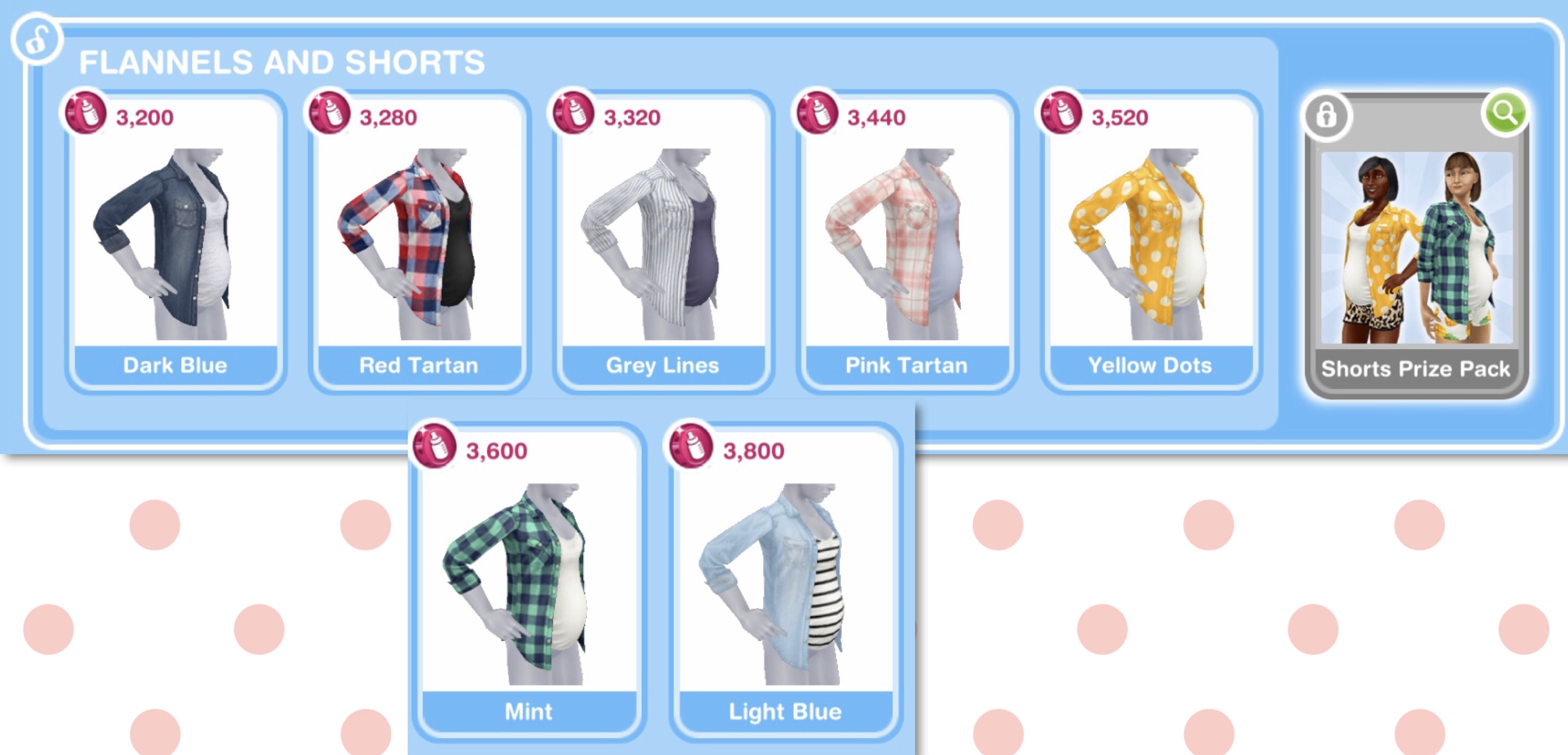
- Completing the goals and tasks earns you maternity tokens which are used to buy maternity clothes and nursery furniture from the maternity store
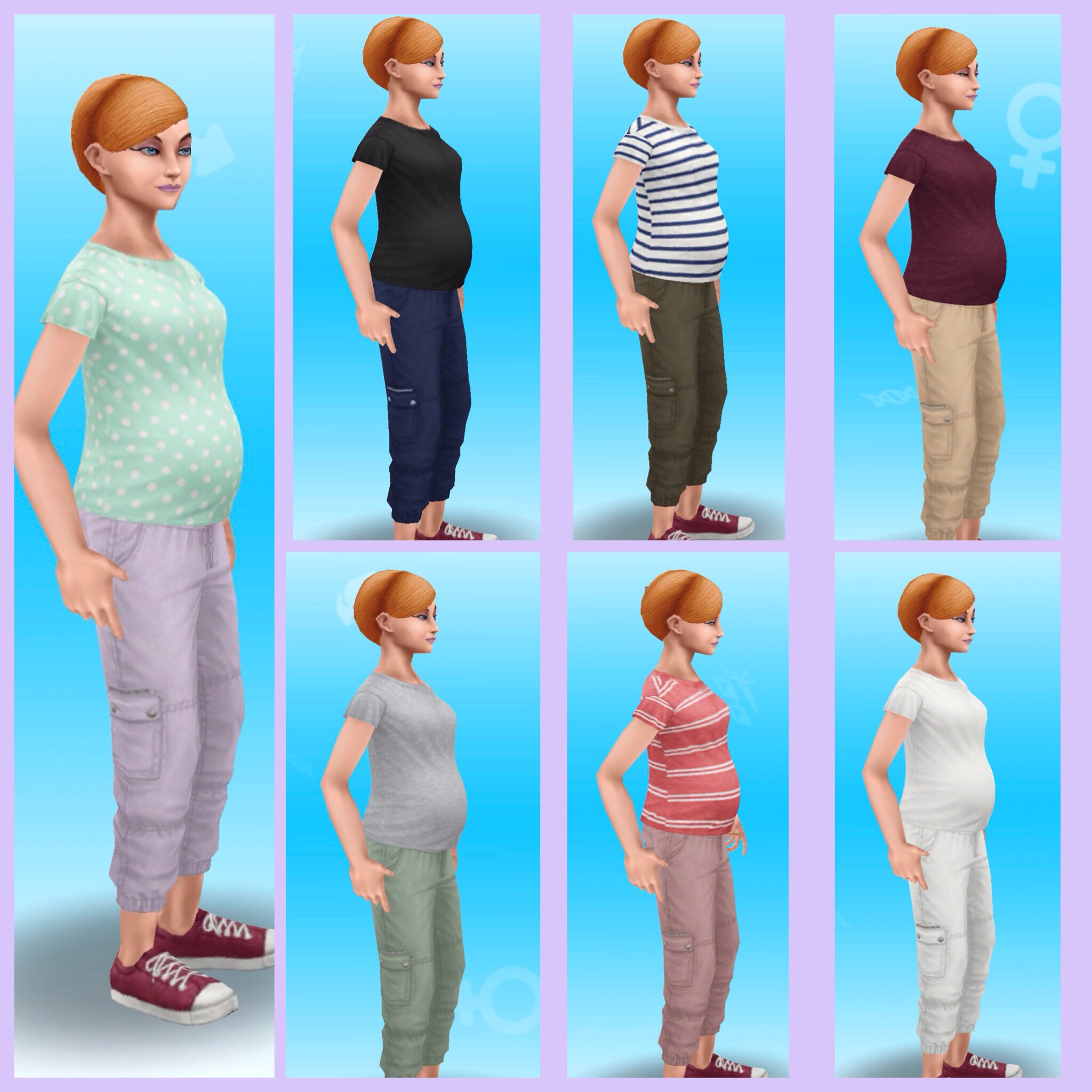
- Once you reach day 4 your sim will reach the second trimester and will grow a baby bump and change into their maternity clothes
- Once you reach day 7 your sim will reach the third trimester and the baby bump will get bigger!
- If you don’t manage to complete this event in the time limit you will miss out on the baby bonus but the baby will still be born
- If you can wait until a pregnancy event is offering a maternity prize pack for completing in time, there is usually one available each update. You can find all the prize packs available in this post
NOTE: You can only complete one Pregnancy Event at a time
Stuck on a daily goal or support task? Check out my list here that explains how to complete each goal!
Want to see an example of a full 9 day pregnancy event and tips to completing one? Click here to read my completing a pregnancy event post
TIP: If you cannot afford the simoleons for the appointments select the LP option instead, this post may help if you need to earn some LP quickly!
Pregnancy

- Takes 6 days
- There are no daily goals or tasks to complete so you cannot earn maternity tokens
- Pregnancy skips the first trimester so your sim starts with the baby bump and after 3 days the bump will get bigger
- The baby will be born once the 6 day time limit is up
NOTE: You can only have one Pregnancy Event but can have many pregnancies at one time
Remember:
- You need to complete the A Bump-y Ride Discovery Quest to unlock pregnancy, build the Maternity Store to start this quest
- Only adult female sims can become pregnant but they don’t have to be married!
- Pregnant sims have maternity leave so they cannot participate in professions, careers, hobbies or live events until they give birth
- Once the quest is over you can still earn maternity tokens to buy all the items from the maternity store by completing another pregnancy event (206,740 tokens are needed in total to buy everything from the maternity store)
- Find my TIPS to completing 9 day pregnancy events here
- TIP: If you cannot afford the simoleons for the appointments select the LP option instead, this post may help if you need to earn some LP quickly!
Check out my Guide to Pregnancy video here:









 The Girl Who Games