
When you start the game for the very first time you will get these goals to help you with the basics in the game. Complete the tutorial and simtown is yours to explore!
Need help with the basics? Check out my Sims Freeplay Beginners Guide
Tutorial Goals
Click on the green house icon:

This opens the create a sim menu so you can add your first sim:

- When you click the green tick you will be taken to your sims house where you are shown the controls (pan, rotate, zoom in and out)
- This is how the tutorial house looks in 2022 (the 2025 version includes a bookcase):
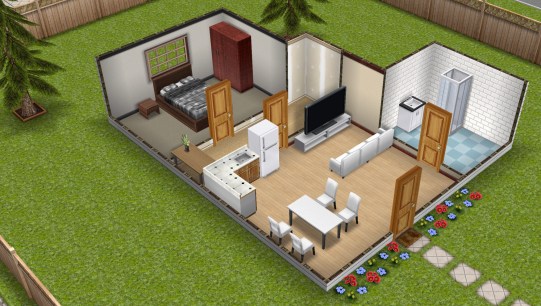
- Now the tutorial goals will appear, goals are a big part of the game and there are a lot of quests to complete once the tutorial is over. Each goal in the tutorial has to be completed before you can move onto the next one
- Furnishing homes: Place a free bathtub
Click on the chair with the lamp button to access the home store, find the bathroom section and click on the bath, click on the green tick to place in the house
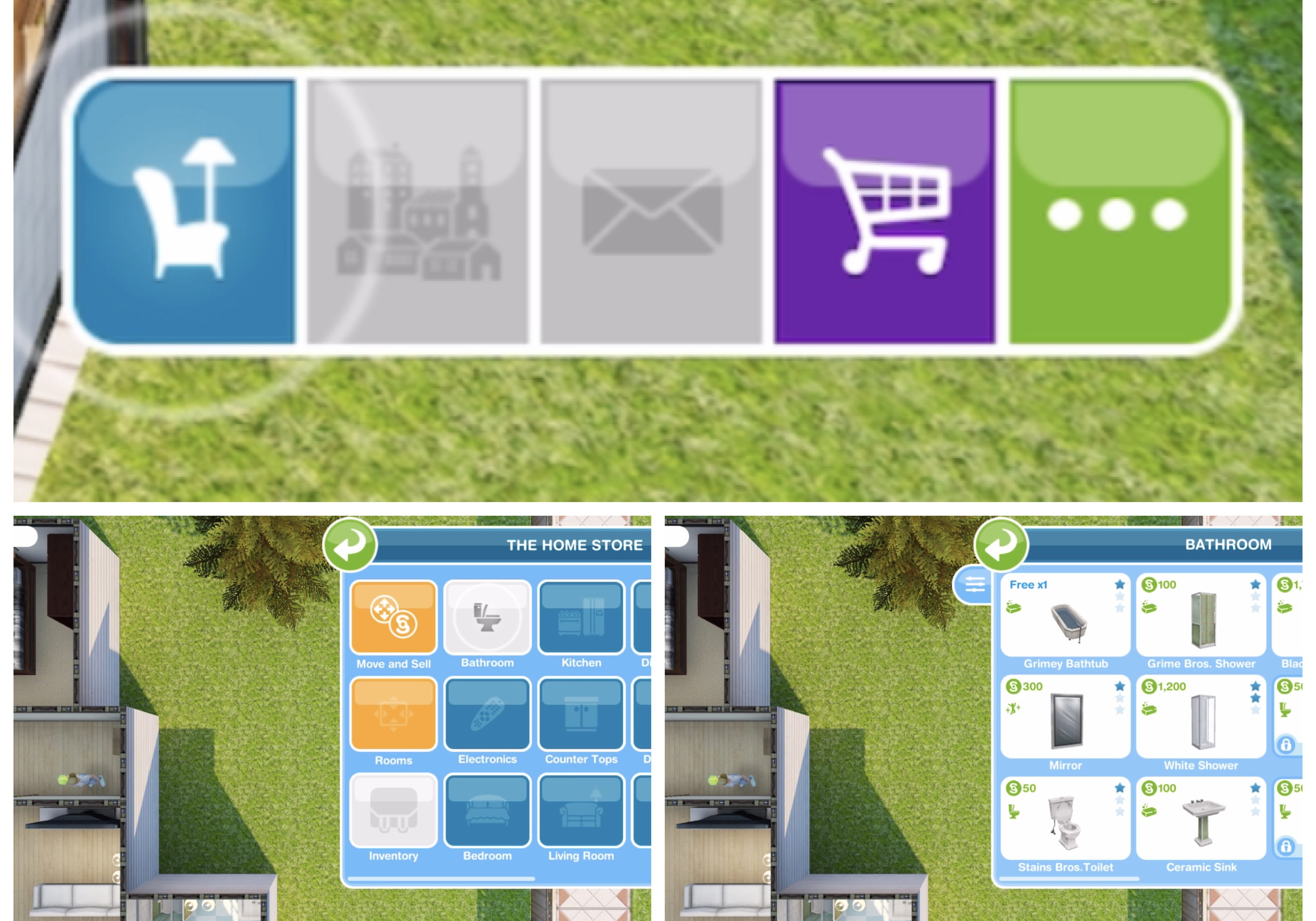
TIP: check out this post for more information on Buying, Selling and Storing Items
MOVING OBJECTS
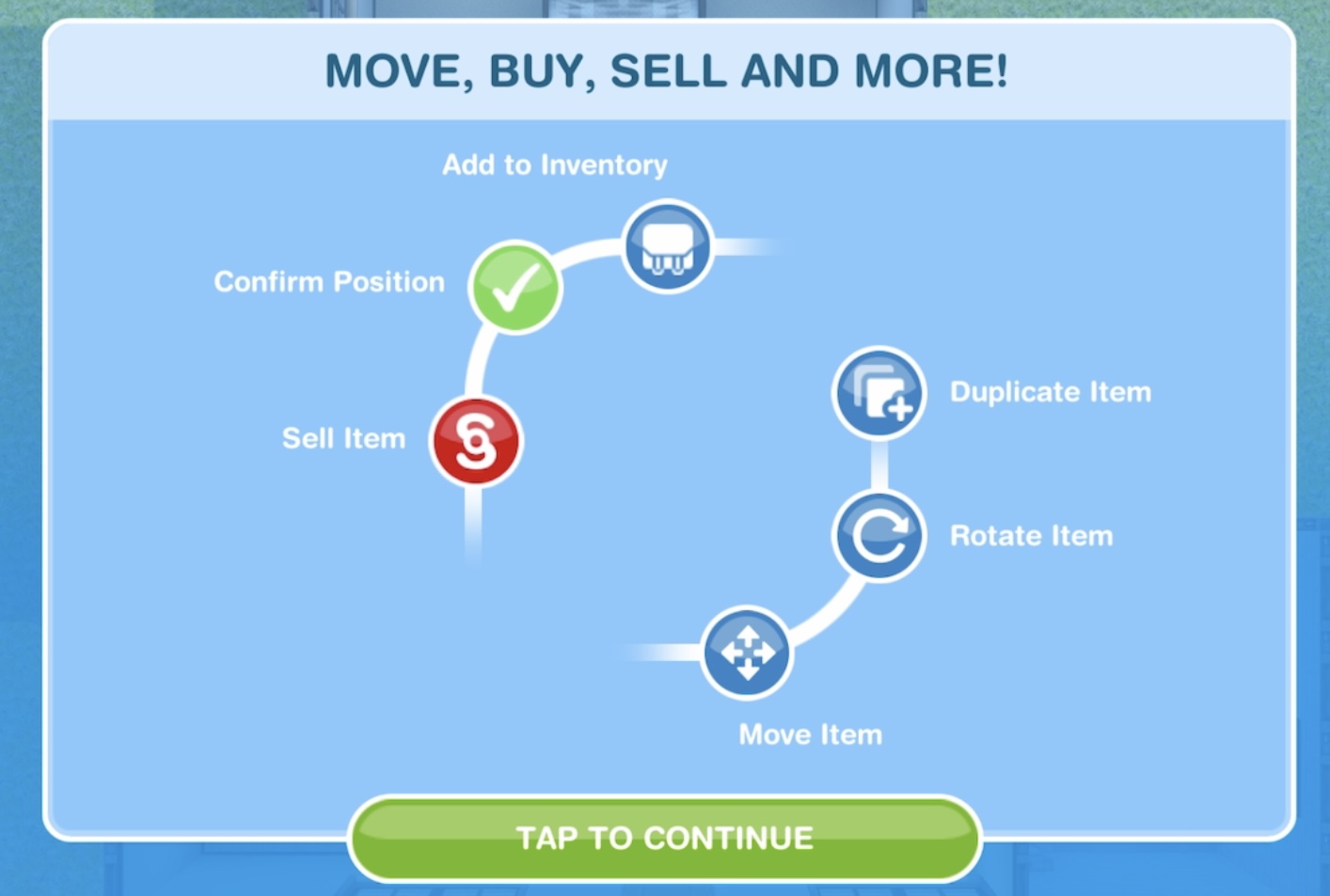
- Moving objects: Move the Bathtub
Select move and sell in the home store then click on the bath to move it, click green tick to place
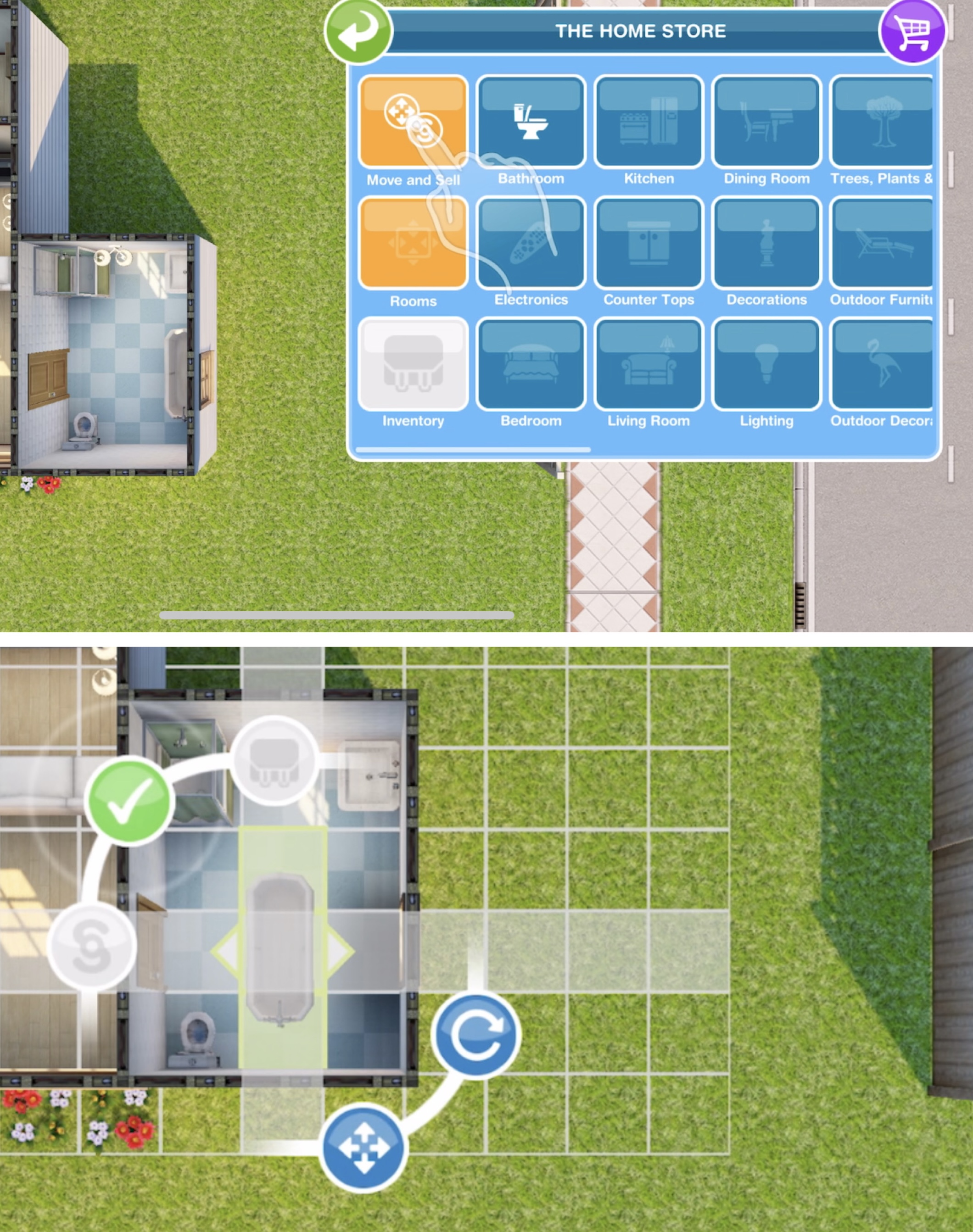
TIP: Check out my video on moving items here!
SIMS HAVE NEEDS

- Sim needs: Have a quick soak in the bath- 5 secs
Click on the bath and select the option

- Changing a sim’s clothes: Browse clothes on the wardrobe
Click on the wardrobe in this house and select browse clothes, click the green tick once you have finished changing your sims appearance or the back button if you don’t want to make any changes

- Room editing and creation: Drag to resize a room
Open the home store again and click on the rooms tab, drag on an arrow to resize a room, click green tick to confirm

- Using the inventory: place a free window
Open the home store, click on the inventory tab, click on the window section, click on the single tan and click the green tick to place in the house
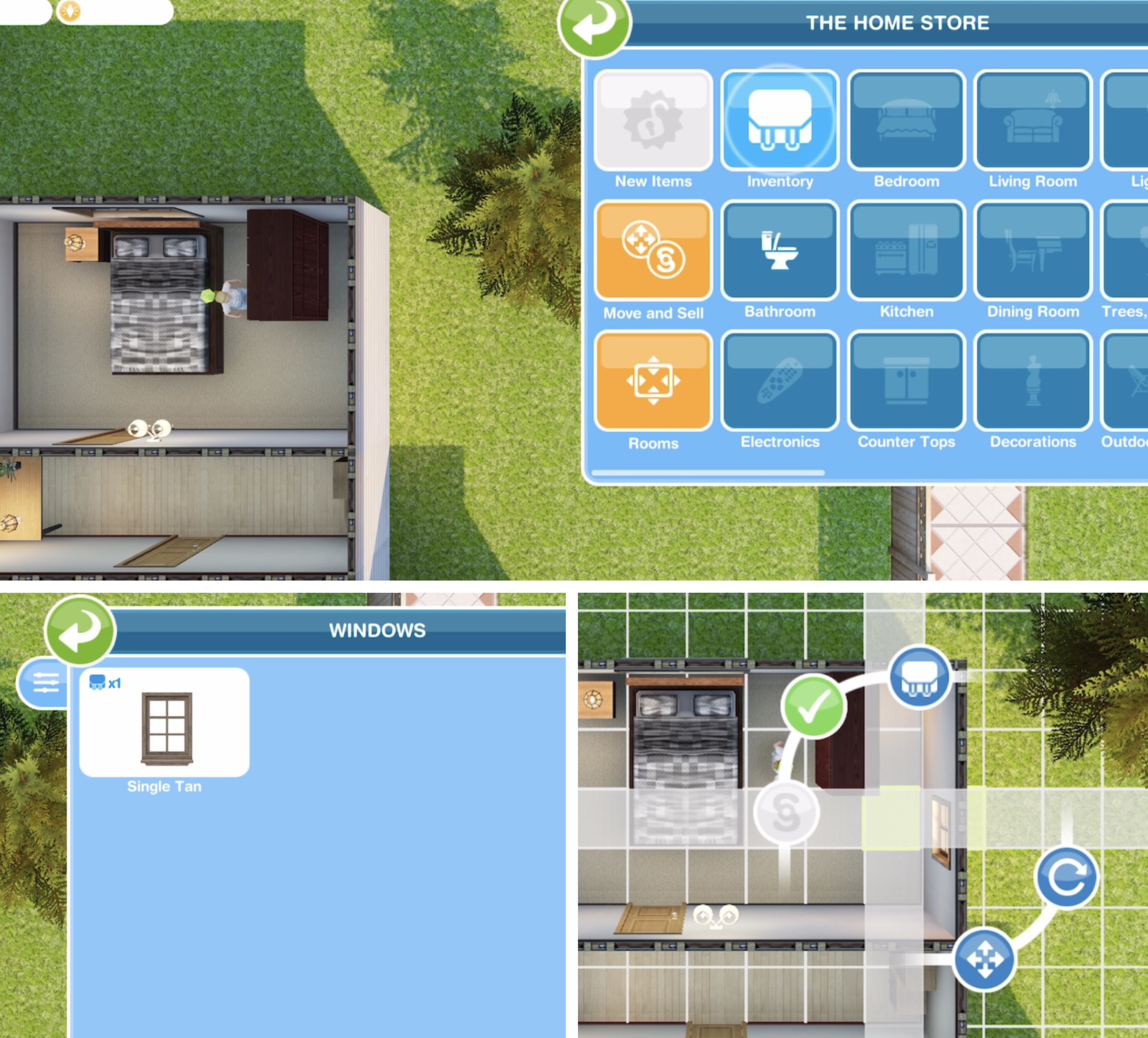
- Adding sims: building houses
Tap on the town map icon then on a blue add house symbol and build a house, the first one is free

Click on the building to quick complete using LP (this time it is free)
- Adding sims: Create a sim
Click on the new house and select add new sim. Customise and click the green tick to add them to the game

New adult sims can only be added to empty houses
- Inspire a sad sim
Tap the green inspire button and select a cupcake

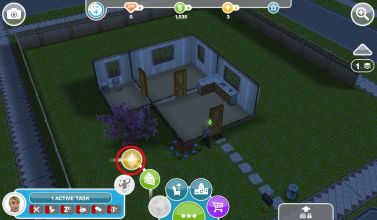
CUPCAKE

Cupcakes usually cost LP
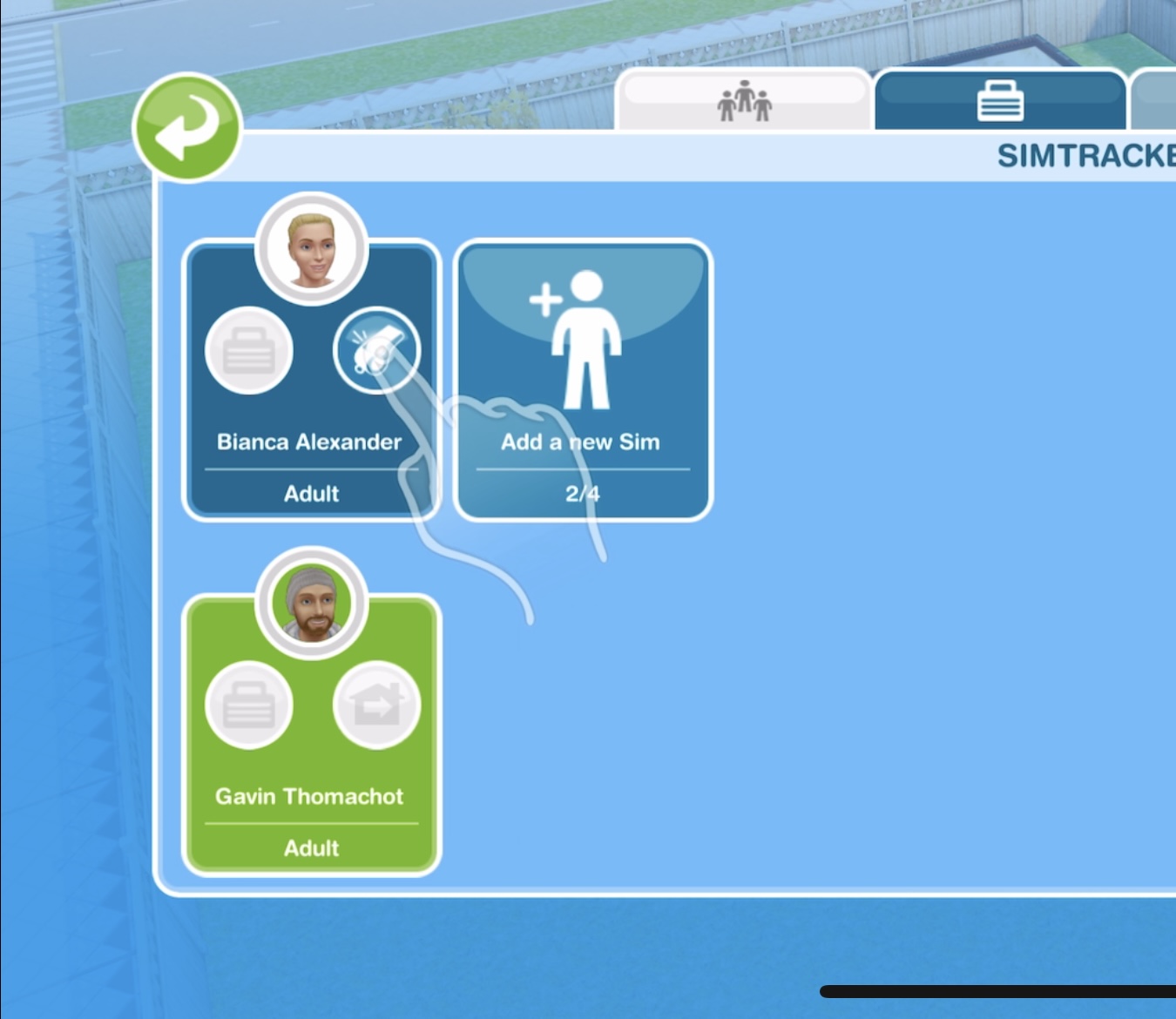
- Managing sims: Tap on the Simtracker (blue folder)

SIMTRACKER

TIP: Check out my video on using the simtracker here!
- Calling a sim: tap the whistle on the simtracker to bring a sim to your current location
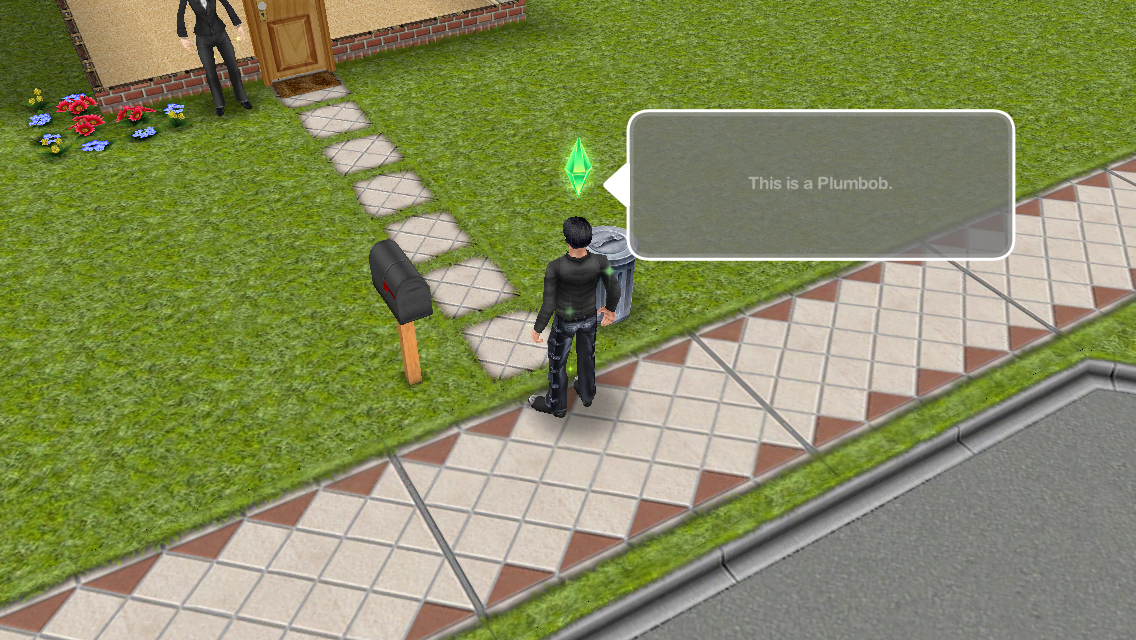
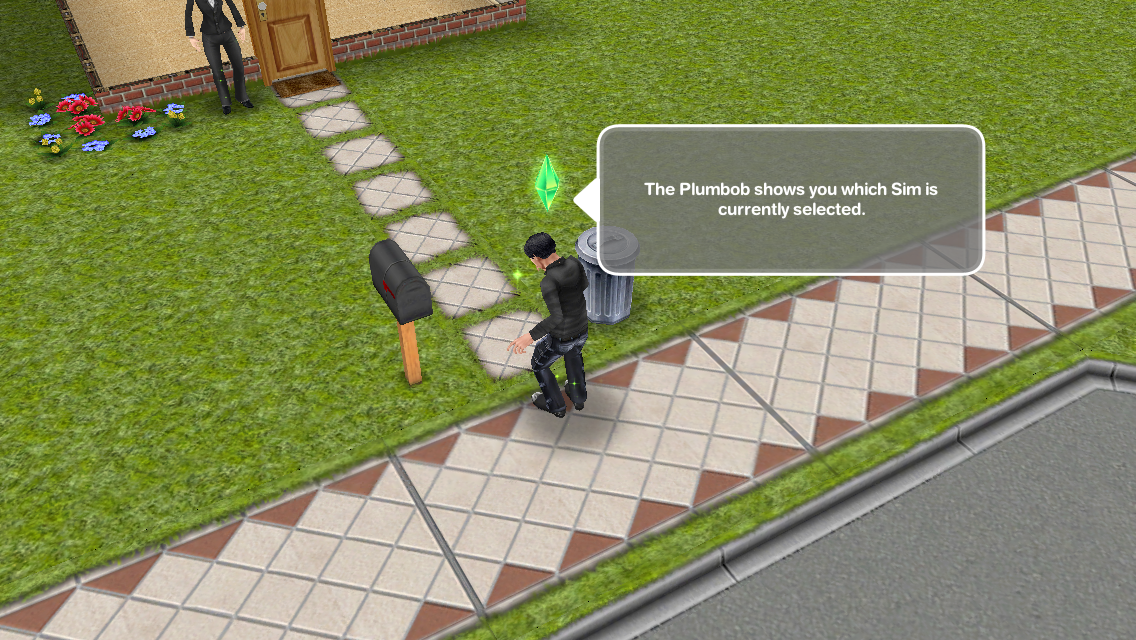
- Swapping sims: Switch sim selection
Click on the sim without the plumbob, click on the green symbol next to their name to switch to the other sim
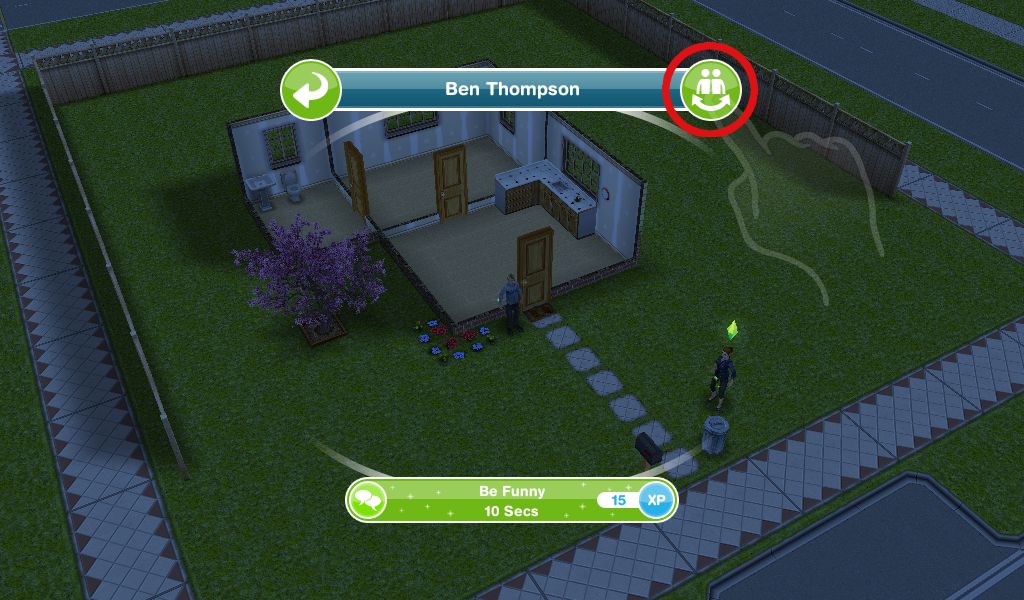
The sim with the plumbob above their head is the one you are controlling
- Developing relationships: Be funny to a sim- 10 seconds
This is an interaction with another sim, click on the other sim and select be funny under friendly

LEVELLING UP
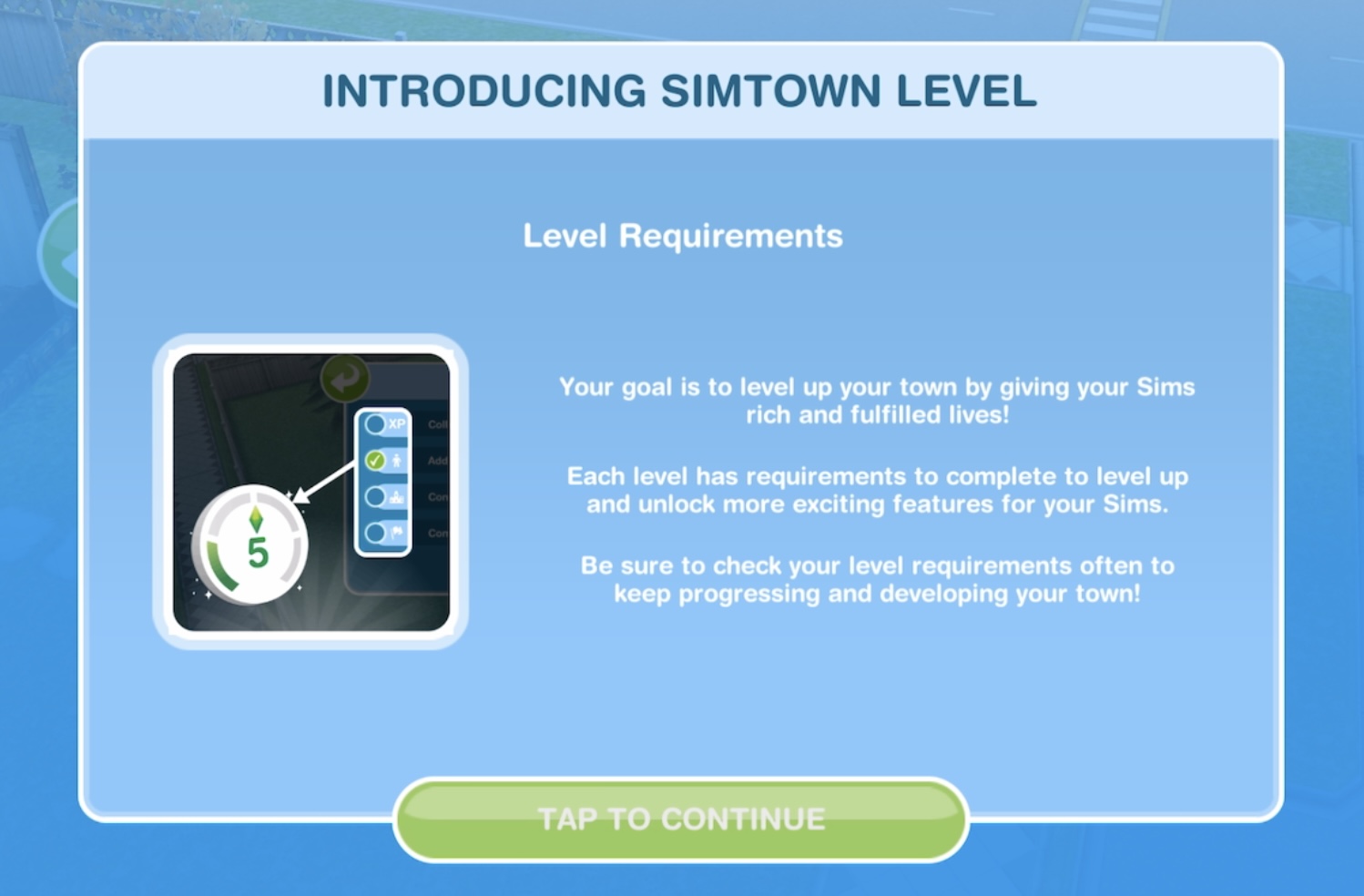
- How to level up: tap on level up icon at the top of the screen to view requirements

Once you earn 1,000 experience points and the park is built you will be able to reach level 5
- Growing your town: build the Park
Go back to the town map, click on the Park and build it for free

Click on the park to quick complete with LP (this time it is free)
TUTORIAL IS COMPLETE!
This next goal is a weekly task:
- Visit the mystery box shop
The mystery box shop is where you can buy items using keys, you earn keys by completing all the weekly tasks each week
TIP: Check out this post for more information on the mystery box shop!
No longer part of the quest but good to know how to:
- Claim your check in rewards (mailbox at front of house, first tab is check in rewards)


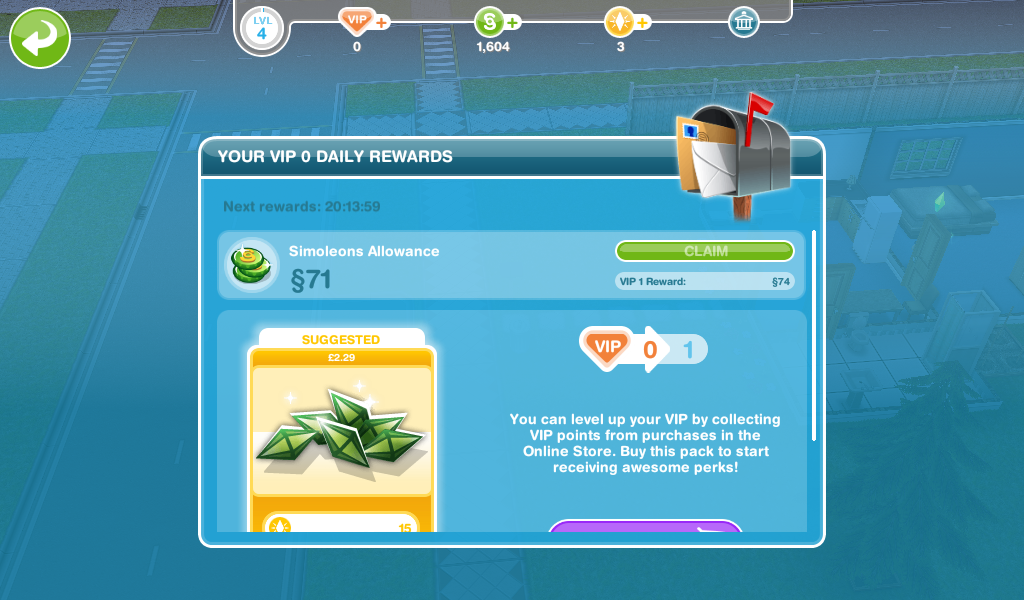
- Claim your daily rewards (mailbox at front of house, second tab is daily rewards)
- Collect revenue on the town map (click on the town button that is next to the buy mode button)

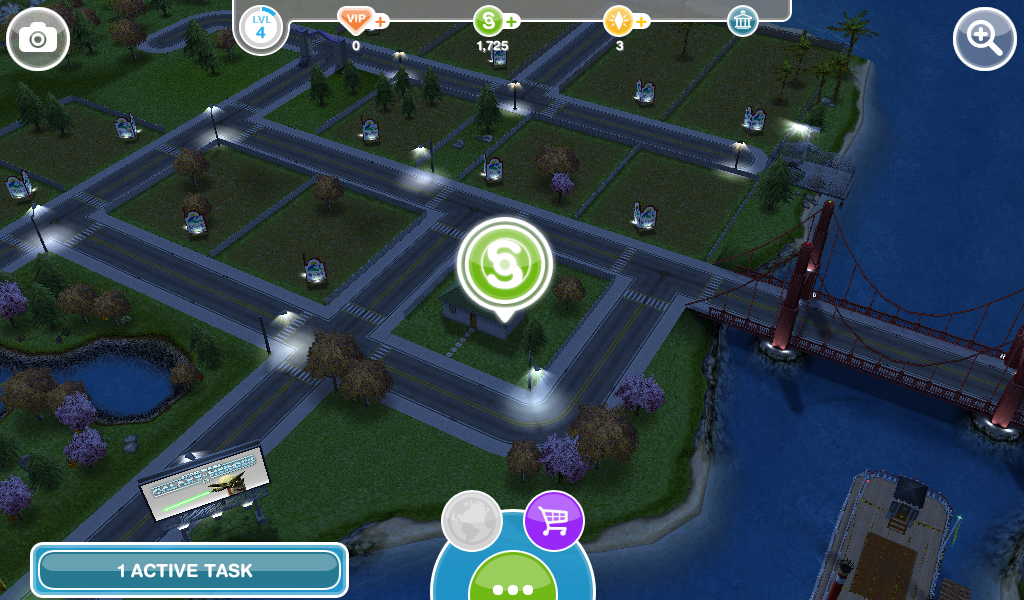
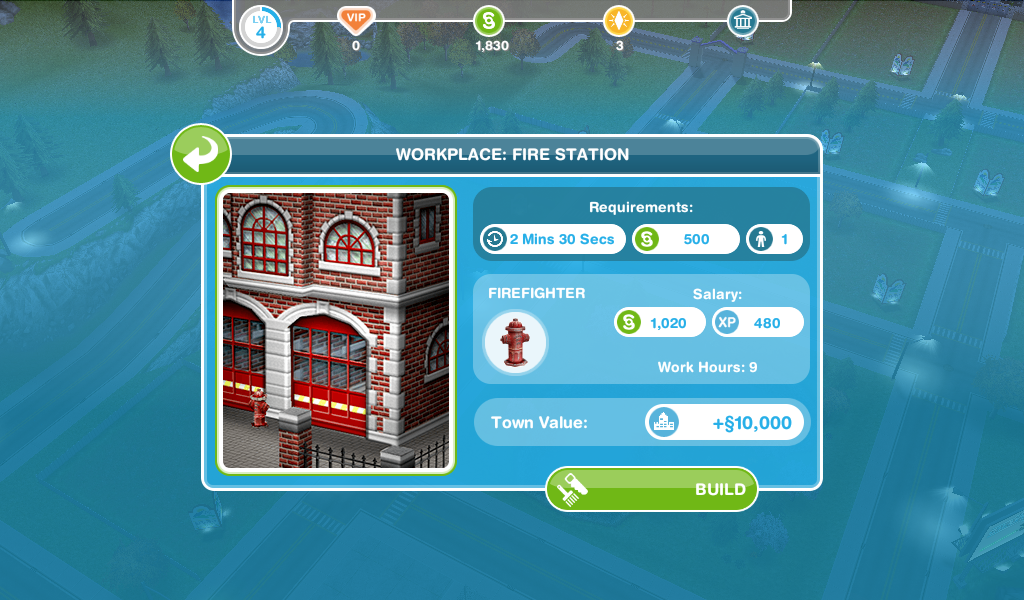
- Build a workplace (firestation) -2 minute 30 seconds

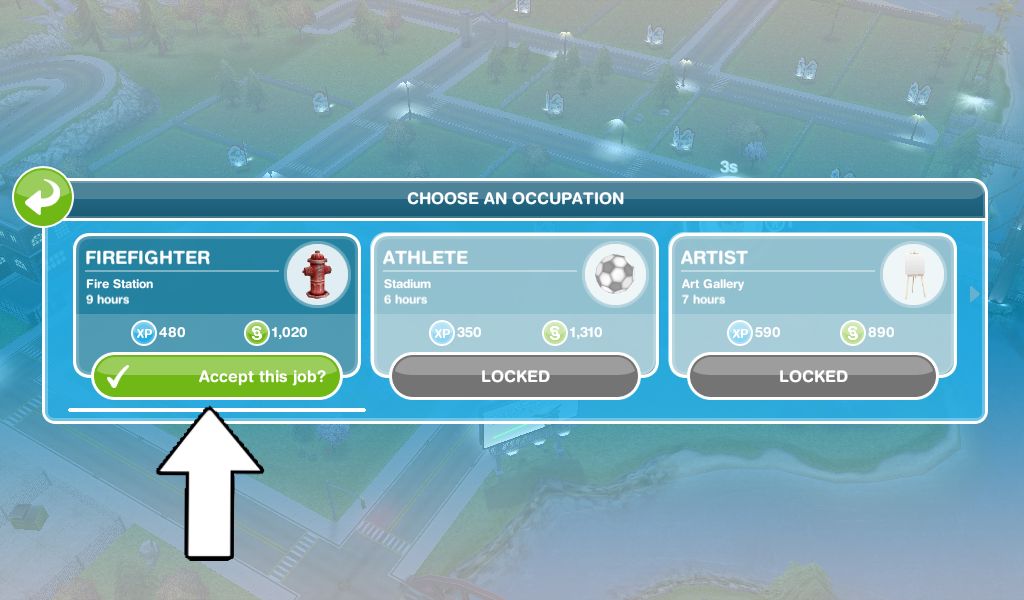
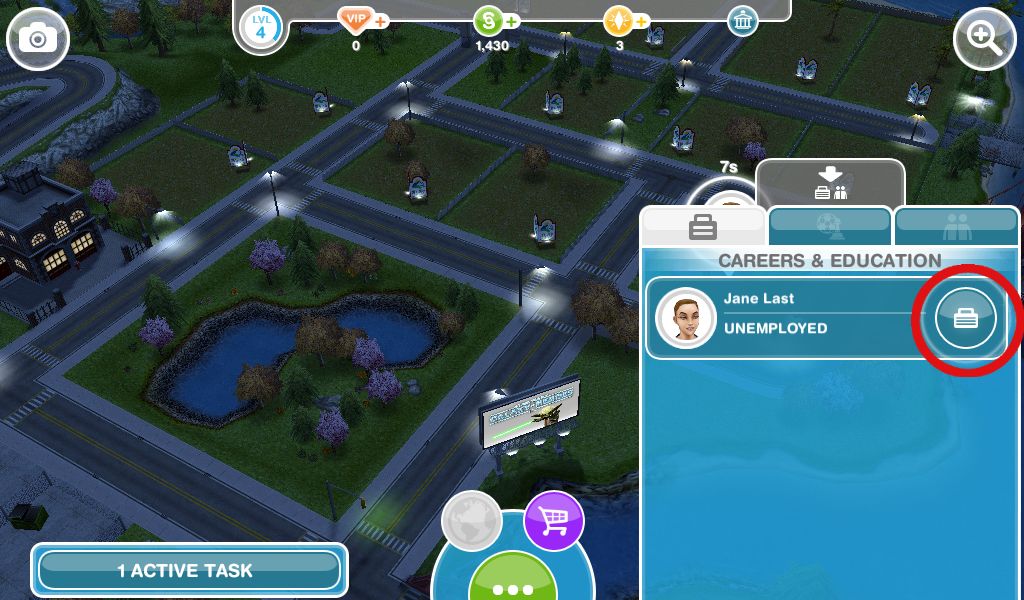
- Get a sim a job at the fire station
Check out my post on getting a job here

The first main quest is Bread Winner which unlocks the cooking hobby, this quest will start automatically from level 6
Community Market is the new location that unlocks at level 5, read my post here for more information
Watch my walkthrough of the tutorial [FROM 2018- NOT UP TO DATE] here:
Last updated April 2025
FIND THIS POST HELPFUL?
The Sims Freeplay
©THEGIRLWHOGAMES.BLOG

 The Girl Who Games