
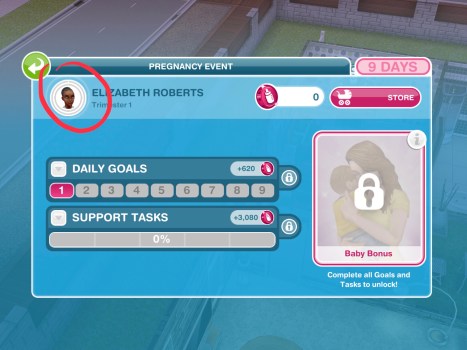
In this post I have listed the daily goals and support tasks that appear in Pregnancy Events and how to complete them, you won’t get all of these goals in each event and the times they take to complete do vary for everyone
If you are having trouble finding a pregnancy event action they can be easily found as they have the symbol of a pregnant sim with a heart in their bump, completing any of these actions will complete a daily goal or support task:

Want to see an example of a full 9 day pregnancy event and tips to completing one? Click here to read my completing a pregnancy event post
Daily Goals
These have to be completed by the pregnant sim, if the task is to communicate with another sim for example, discuss pregnancy with another sim then the pregnant sim has to select this interaction on the other sim
You will not be able to complete these goals if the plumbob is not above the pregnant sims head when you click on a sim or object
NOTE: I have put them roughly in order of the days they appear but some tasks can appear on many different days and I haven’t included the times as they vary a lot depending on the day they appear on for you as it is different for everyone
- Write letters announcing the pregnancy from a dining table (select announce pregnancy option on a dining chair)
- Talk to a sim to discuss home births (select discuss home births interaction on another sim)
- Throw up in a toilet. Thank you morning sickness! (select morning sickness option on a toilet)
- Sit on a couch and contemplate the upcoming pregnancy (select contemplate pregnancy option on a couch)
- Eat odd food combinations from a fridge (select eat odd food combinations option on a fridge)

- Call some friends on a phone and share the pregnancy news (select share pregnancy news option on a phone)
- Consider simvitation designs for the baby shower on a couch (select simvitation designs option on a couch)
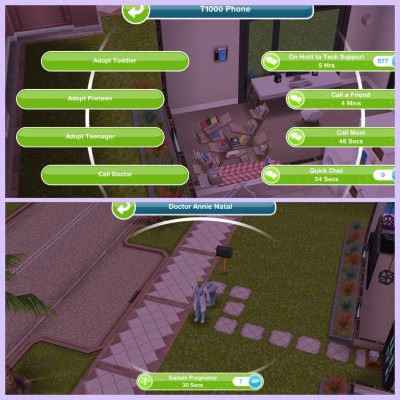
- Appointment: use a phone to call a doctor to your home to check on the baby’s progress (select call doctor option on a phone, the doctor will then arrive at the house, select have a checkup or thorough checkup) TIP: If you cannot afford the simoleons for the appointments select the LP option instead, this post may help if you need to earn some LP quickly!

- Watch home birthing videos from a tv (select watch home birthing videos option on a tv)
- Grab some carrots from a fridge and eat them (select eat carrots option on a fridge)
- Use a computer to send emails announcing the pregnancy (select announce pregnancy option on a computer)
- Hug another sim to celebrate pregnancy (select the hug interaction with the pregnancy event symbol on it, not the social symbol)
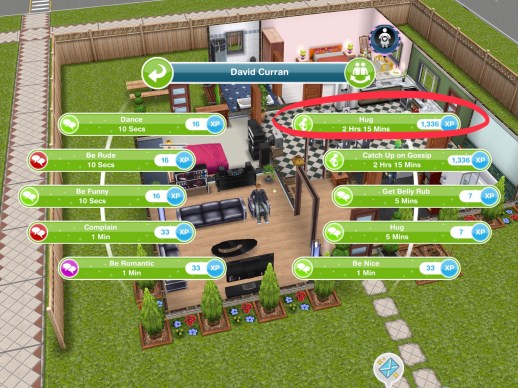
- Chat with another sim to catch up on all the latest gossip (select catch up on latest gossip interaction on another sim)
- Research superfoods on a computer (select research superfoods option on a computer)
- Gorge on some brownies from a fridge (select eat brownies option on a fridge)
- Discuss ways to ease morning sickness with another sim (select discuss morning sickness interaction on another sim)
- Discuss the pregnancy with another sim (select discuss pregnancy interaction on another sim)
- Create simvitations for the baby shower at a dining table (select create simvitations option on a dining chair)
- Phone a friend for some pregnancy advice (select ask for pregnancy advice option on a phone)
- Chill out on a couch and bond with the baby (select bond with baby option on a couch)
- Research pregnancy supplements on a computer (select research supplements on a computer)
- Appointment: use a phone to call the yoga instructor to your home to start meditative yoga session (select call yoga instructor option on a phone, the yoga instructor will then arrive at the house, select start yoga session or full body session) TIP: If you cannot afford the simoleons for the appointments select the LP option instead, this post may help if you need to earn some LP quickly!

- Eat some leftover fries from a fridge (select eat fries option on a fridge)
- Eat some cupcakes from a fridge (select eat cupcakes option on a fridge)
- Get creative on a computer and design simvitations for the baby shower (select create design simvitations option on a computer)
- Ask for a hug to help deal with mood swings (select ask for hug interaction on another sim)
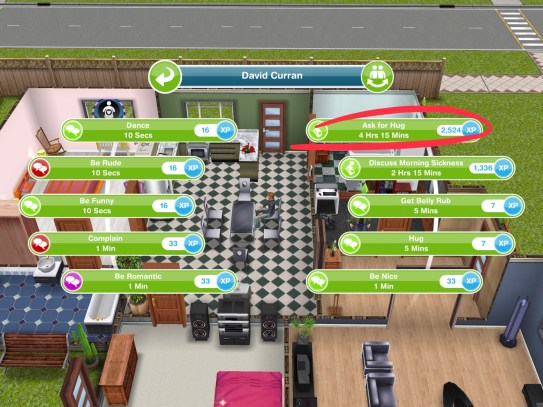
- Call a sim on a phone and brainstorm baby names (select brainstorm baby names option on a phone)
- Relax on a couch and consider baby names (select consider baby names option on a couch)
- Practice making baby formula on a stove (select practice making baby formula option on a stove)
- Create a snazzy Simterest board on a computer (select create simterest board on a computer)
- Practice burping a dummy baby on a couch (select practice burping option on a couch)
- Call a sim on a phone and discuss ways to ease morning sickness (select discuss morning sickness option on a phone)
- Phone a friend and discuss muffin recipes (select discuss muffin recipes option on a phone)
- Call a friend on a phone to discuss home births (select discuss home births option on a phone)
- Chat with another sim to catch up on the latest gossip (select catch up on gossip interaction on another sim)
- Get some apples from the fridge and eat them (select eat apples option on a fridge)
- Grab some cake from a fridge and eat it (select eat cake option on a fridge)
- Phone an order for healthy take away food (select order food in on a phone)

- Eat some superfoods from a fridge (select eat superfoods option on a fridge)
- Relax on a couch and sing to the baby bump (select sing to baby bump option on a couch)
- Eat some mini burgers from a fridge (select eat mini burgers option on a fridge)
- Lay on a couch and rest those tired feet (select rest feet option on a couch)
- Write a letter to the future baby from a dining table (select write baby letter option on a dining chair)
- Eat some corn from a fridge (select the eat corn option on a fridge)
- Show off the baby bump to another sim (select show off baby bump interaction on another sim)

- Practice heating baby bottles on a stove (select practice heating baby bottles on an oven)
- Discuss pregnancy with another sim (select discuss pregnancy interaction on another sim)
- Grab some tomatoes from a fridge and eat them (select eat tomatoes option on a fridge)
- Take a selfie in the bathroom from a sink (select take selfie option on a sink)

- Discuss nursery ideas with another sim (select discuss nursery ideas interaction on another sim)
- Phone a friend for some pregnancy advice (select pregnancy advice option on a phone)
- Take a relaxing walk around the lake in the park by tapping on the water near the fishing rod (select relaxing walk option on the lake in the park)

- Read ‘nice nurseries’ from a bookshelf (select nice nurseries option on a bookcase)
- Talk to another sim to help decide on nursery themes (select nursery themes interaction on another sim)
- Check a fridge to make sure it is baby proof (select check if baby proof option on a fridge)

- Discuss nursery plans/ideas with another sim (select nursery plans/ideas interaction on another sim)
- Relax in a bath to ease that aching back (select relax aching back on a bath)
- Ask a sim for a shoulder massage (select ask for shoulder massage interaction on another sim)
- Research some nursery ideas from a computer (select research nursery ideas on a computer)
- Sit at a dining table and start drawing up a nursery layout (select plan nursery layout option on a dining chair)

- Sit on a couch and practice feeding a dummy baby (select practice feeding option on a couch)
- Phone a friend and discuss nursery themes (select discuss nursery themes option on a phone)
- Ask a sim for a back massage (select ask for back massage interaction on another sim)
- Use a phone and call a friend to discuss cookie recipes (select discuss cookie recipes option on a phone)
- Set up a night light in the nursery (buy or place any light from the lighting section)
- Put up some new wallpaper in the nursery (pick some new wallpaper in the home store and place it in a room)
- Talk to a sim and ask them to help plan some meals (select ask for meal help interaction on another sim)
- Phone a friend and discuss belly casts (select discuss belly cast option on a phone)
- Look at babymoon holidays in a simsaway’ magazine (select babymoon holidays option on a magazine stack)

- Relax on a couch and practice nursing a dummy baby (select practice nursing option on a couch)
- Put down some new flooring in the nursery (select some new flooring in the home store and place it in a room)
- Use a phone and call a friend and discuss baby shower games (select discuss baby shower games option on a phone)
- Read ‘super baby foods’ from a bookshelf (select super baby foods option on a bookcase)

- Ask another sim for some baby advice (select ask for baby advice interaction on another sim)
- Use a phone to get a quote for dining supplies (select quote for supplies option on a phone)
- Ponder on a couch and try to remember what was planned for today (select remember what planned for today option on a couch)
- Read the ‘super foods’ magazine to learn about healthy pregnancies (select superfoods option on a magazine stack)
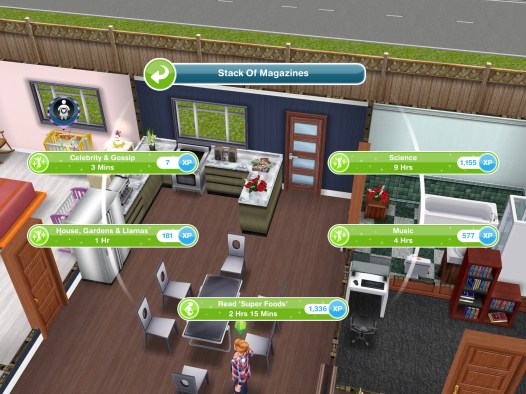
- Phone some friends to see who is coming to the baby shower (select check baby shower guests option on a phone)
- Brainstorm baby names with another sim (select brainstorm baby names interaction on another sim)
- Bake a ‘baby shower cake’ in an oven (select baby shower cake option on an oven)
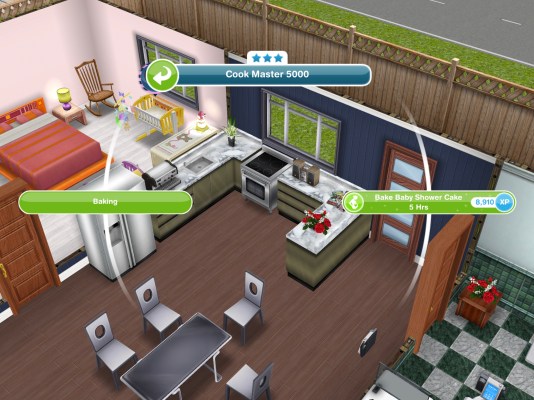
- Research superfoods on a computer (select research superfoods option on a computer)
- Phone a friend to see if they can help at the baby shower (select ask for help at baby shower option on a phone)
- Sit on a couch and consider decorations for the baby shower (select consider decorations option on a couch)
- Use a stereo and perform a ‘pregnancy dance’ (select pregnancy dance on a stereo)
- Write in a baby journal at a dining table (select write in baby journal option on a dining chair)
- Ask another sim to help check RSVPs for the baby shower (select ask for RSVP help interaction on another sim)
- Ponder about food for the baby shower on a couch (select ponder about food option on a couch)
- Discuss colours for the baby with a sim (select discuss baby colours interaction on another sim)

- Talk to another sim to help choose baby shower decorations (select discuss decorations interaction on another sim)
- Contemplate themes for the baby shower on a couch (select contemplate baby shower themes on a couch)
- Call a friend on a phone to discuss some nursery ideas (select discuss nursery ideas)
- Phone a sim to discuss baby shower themes (select discuss baby shower themes option on a phone)
- Discuss food plans for the baby shower with a sim (select discuss food plans interaction on another sim)
- Practice bathing a dummy baby in a bath (select practice bathing option on a bath)
- Practice lamaze breathing on a couch (select practice lamaze breathing on a couch)

- Ask another sim to photograph belly (select photograph belly interaction on another sim)
- Use a computer to email questions about pregnancy to another sim (select email questions option on a computer)
- Send 5 sims to your house (use the whistle on the simtracker to bring them to the house)
- Talk to a guest and open a present (select open present interaction on another sim)
- Play ‘is it a boy or girl?’ with one of the guests (select play is it a boy or girl? interaction on another sim)

- Talk to another sim and see if they can help bake a cake (select discuss help with cake interaction on another sim)
- Play ‘guess my belly size’ with another sim (select play guess my belly size interaction on another sim)
- Take a photo with one of the guests at the baby shower (select take photo interaction on another sim)
- Hug one of the guests at the baby shower (select the hug interaction with the pregnancy event symbol on it, not the social symbol)

- Accept a gift from another sim at the baby shower (select accept gift interaction on another sim)
- Dance with one of the guests at the baby shower (select dance with guest interaction on another sim)
If you have any goals that aren’t in the list let me know and I will add them to this post
Support Tasks
These tasks are completed by any sim, all these have to be completed a number of times so with the task ‘have 10 sims practice calming a tired sim on a phone’ you can complete this using 10 sims at the same time to complete it quicker but every pregnancy event is different so you may need more or less sims than listed below

Times may vary depending on the star rating of the item
- Sit on a couch and sew 15 clothes for the baby- 3 hours 20 minutes (select the option sew clothes on a couch)
- Have 16 sims practice calming a tired sim on a phone- 6 hours (select the option practice calming on a phone)
- Have 17 sims get a morning sickness snack from a fridge- 13 hours 30 minutes (select the option snack for morning sickness on a fridge)
- Have 17 sims plan a baby budget at a dining table- 6 hours (select the option plan baby budget on a dining chair)
- Have 18 sims phone a nurse for advice and tips- 2 hours (select the option phone nurse on a phone)
- Knit 15 baby items for the baby on a couch- 6 hours 30 minutes (select the option knit baby items on a couch)
- Have 18 sims help plan a girls night in using a phone- 2 hours 50 minutes (select the option plan girls night in on a phone)
- Practice preparing baby formula on a stove 15 times- 1 hour 50 minutes (select the option practice preparing formula on an oven)
- Have 15 sims generate nursery ideas at a dining table- 5 hours (select the option generate nursery ideas on a dining chair)
- Sit on a couch and knit 16 woollies for baby- 7 hours (select the option knit woollies for baby on a couch)
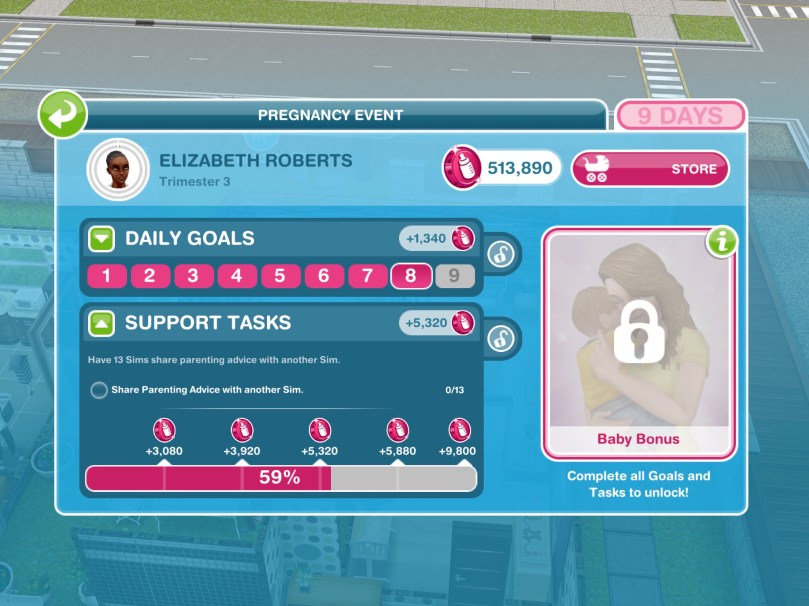
- Have 13 sims share parenting advice with another sim- 4 hours 35 minutes (select the interaction share parenting advice on another sim)
- Like sims simterest post 18 times on a computer- 3 hours (select the option like simterest post on a computer)
- Have 13 sims wash the dishes- 8 hours (select the option wash dishes on a sink)

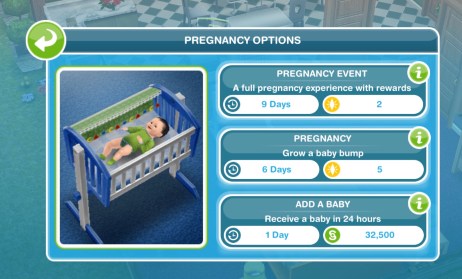
How do I get Pregnancy Events? You need to complete the A Bump-y Ride Discovery Quest to unlock pregnancy and events
Still confused about Pregnancy? Check out my Guide to Pregnancy here!
Want to see an example of a full 9 day pregnancy event and tips to completing one? Click here to read my completing a pregnancy event post
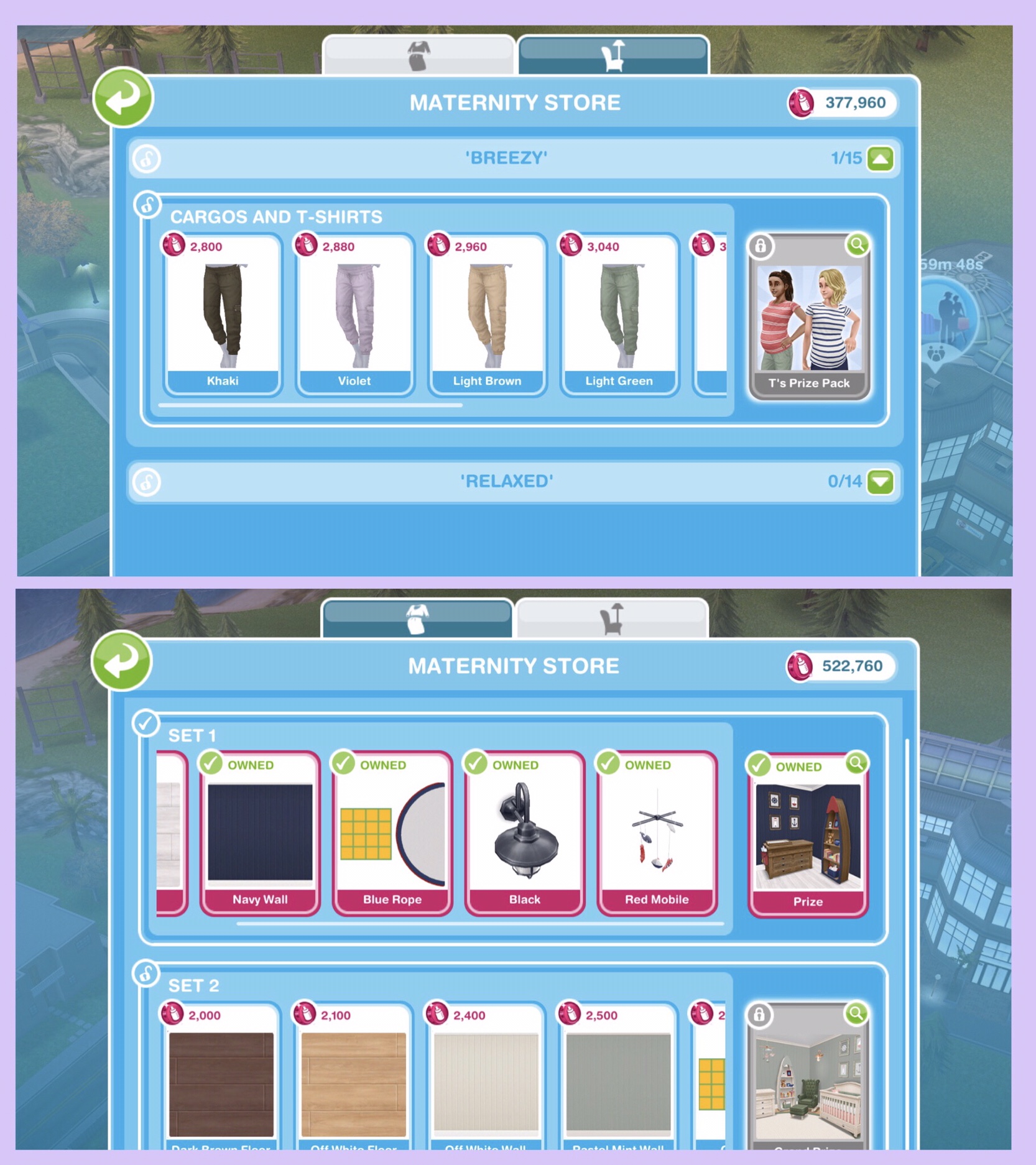
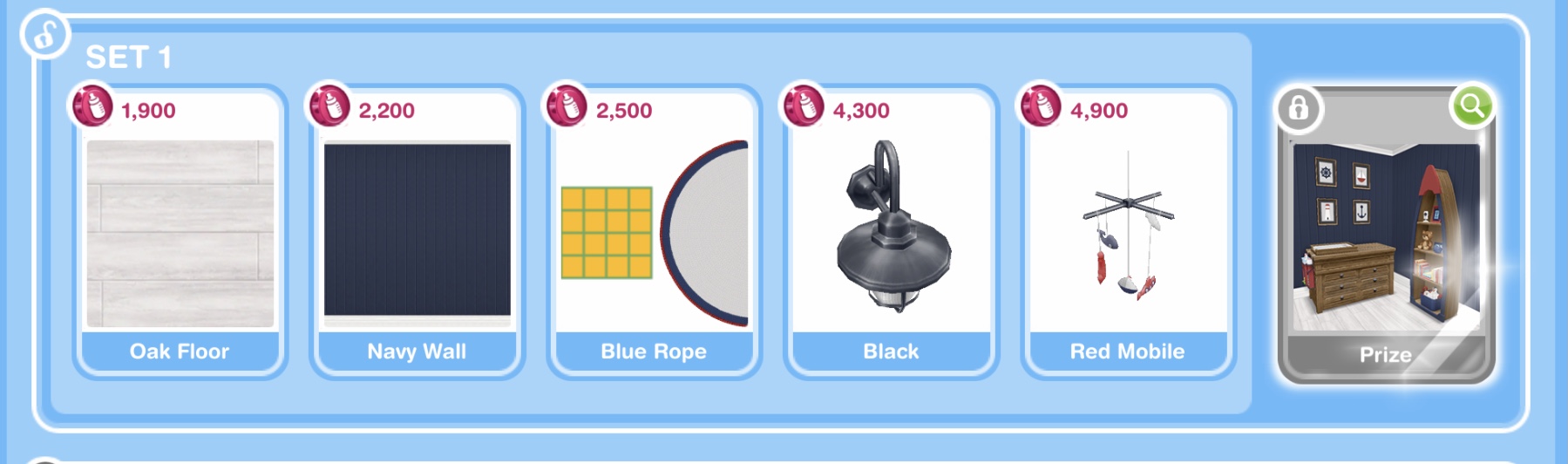
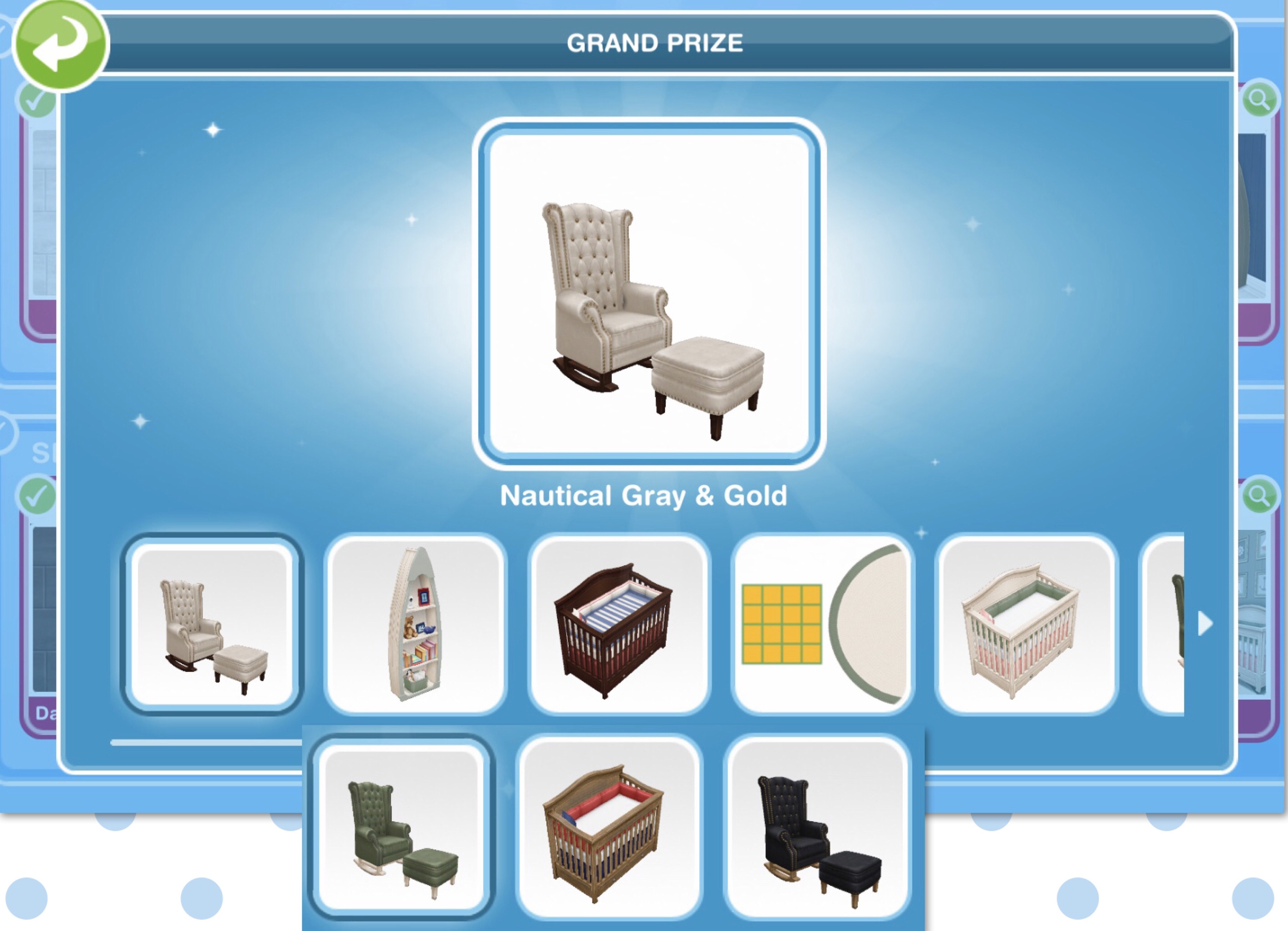
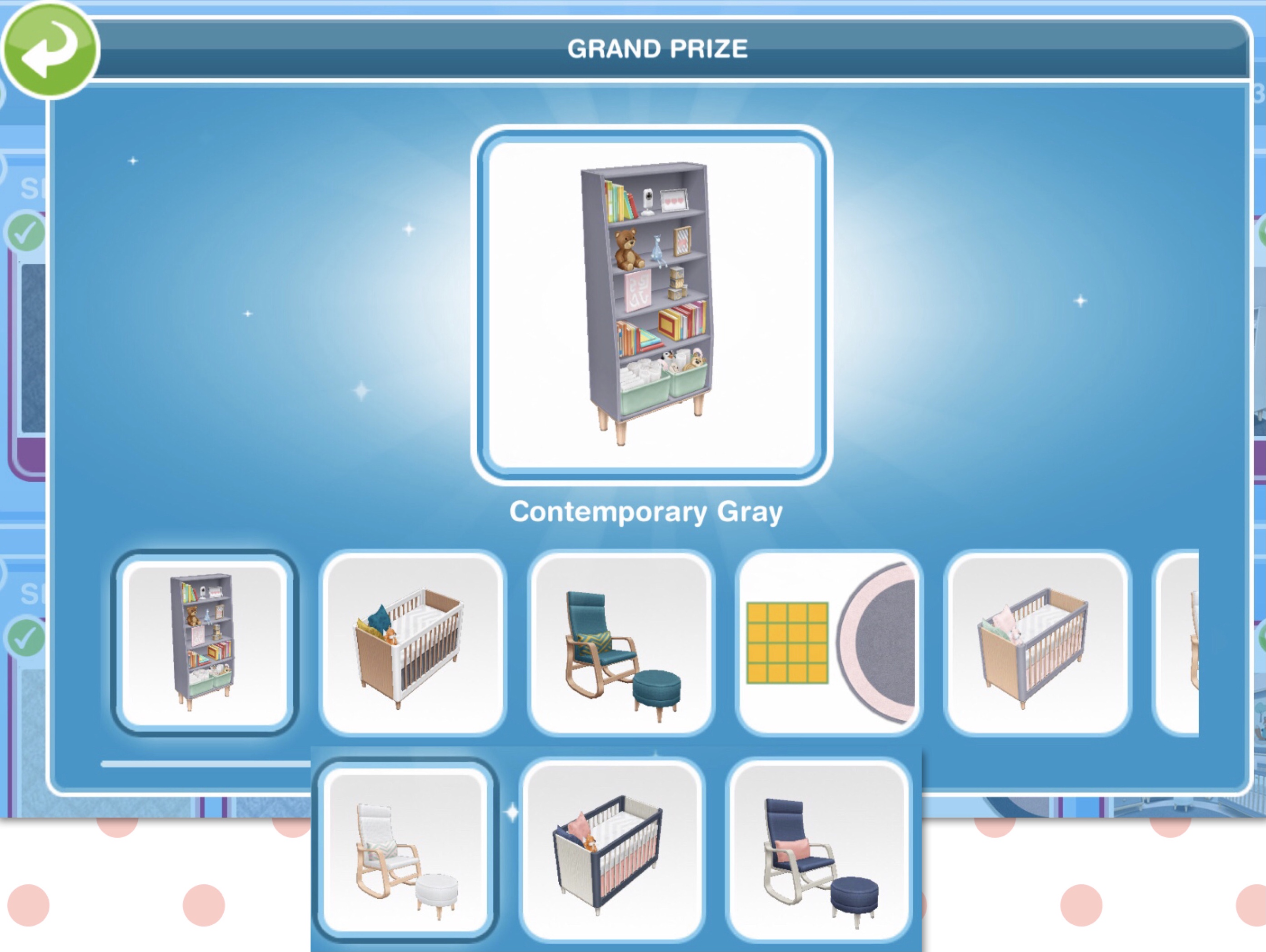
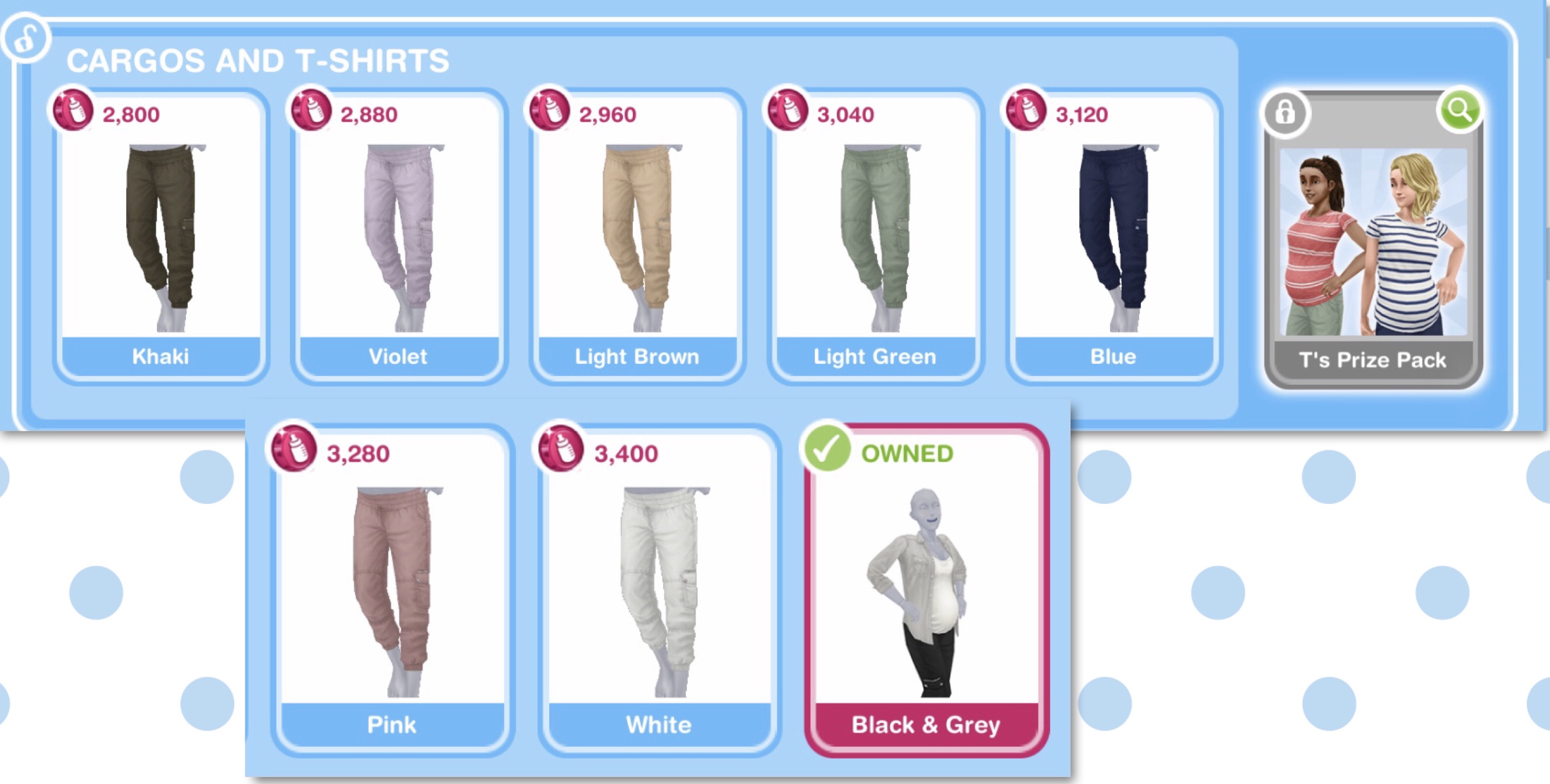
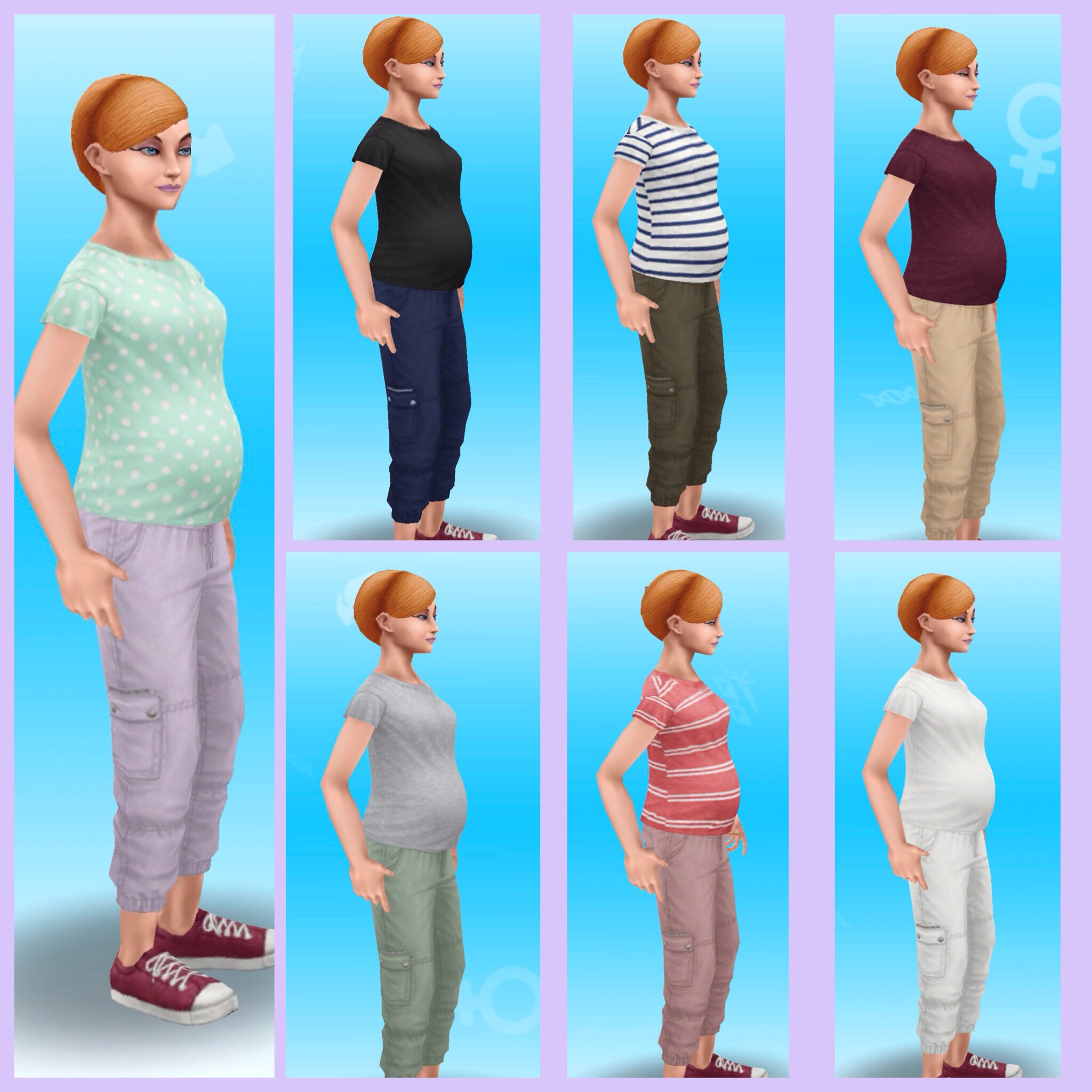
Want to see all the prizes for each maternity pack? Check out my post here
If you don’t manage to complete the event in the time limit you will miss out on the baby bonus but the baby will still be born!



















 The Girl Who Games