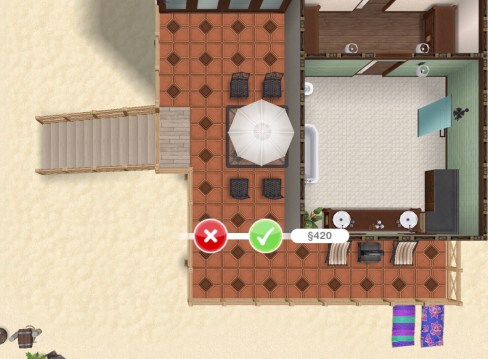
Once you complete the Love and Treasure Quest you can build a house on the private island and use the exterior balcony stairs we unlock, this post walks you through how to add the exterior balcony stairs and also how to change the stairs paving to be the same as the paving on your balcony
1.You firstly need a balcony, if you haven’t already built one this post may help
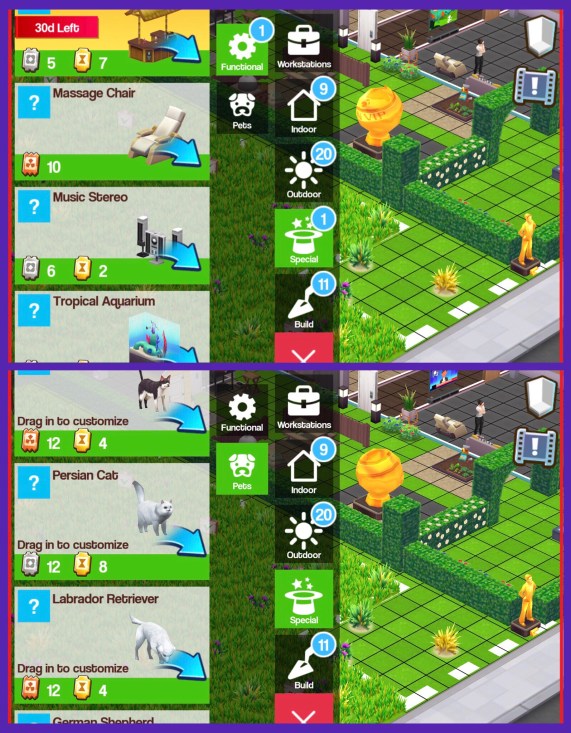
2.Once you have built a balcony you will be able to add the exterior balcony stairs, you can find them in the exterior stairs tab, the villa stairs are currently the only ones available:
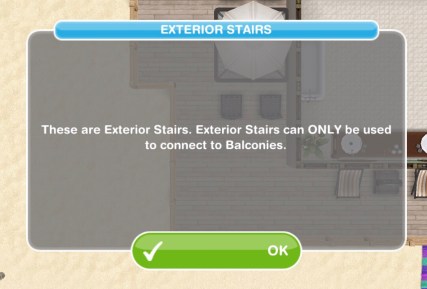
3.When you click on this tab a pop up will appear saying that exterior stairs can only be used to connect to balconies:
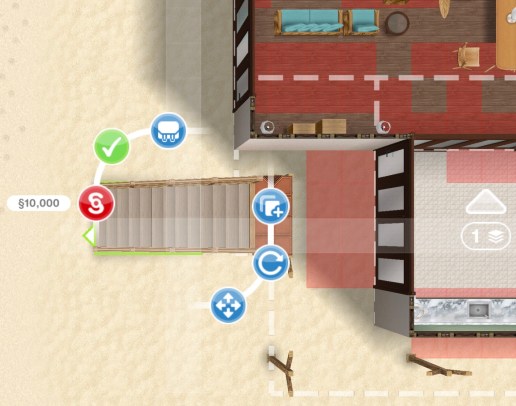
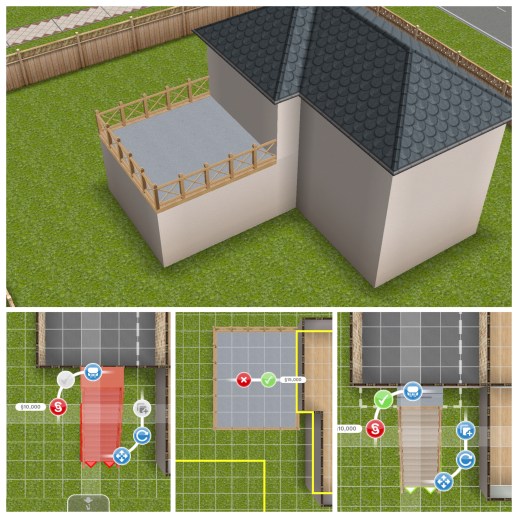
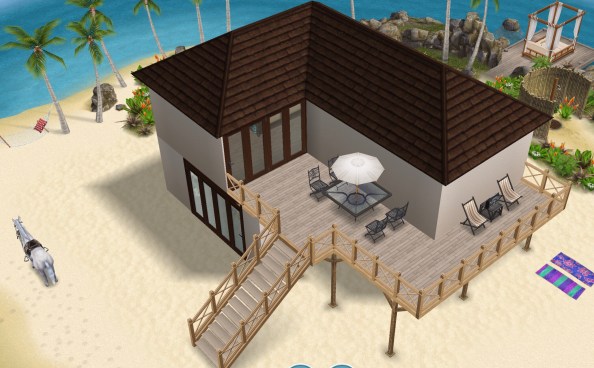
4.To place the exterior stairs you need to be on the ground floor and place them on the edge of the balcony, overhanging by one square width, if you try and place them on the same level the balcony is on it won’t let you:
5.Click the green tick to place the stairs
If you change the balcony paving after placing the exterior stairs you may notice that the paving part on the stairs hasn’t changed with the rest of the balcony, these simple steps fix this:
1.Once you have changed the balcony paving click on the stairs and move them one square away from the balcony, you will notice that the paving on the top of the stairs will change to the paving on your balcony
2.The stairs can then be put back into place (see the steps above if you are having trouble placing them)
Check out my video here:
I’m having trouble adding stairs to my balcony, what is the problem? If the balcony is flush with the room below you won’t be able to add stairs unless you extend the balcony so it is sticking out. The exterior stairs can then be connected to the balcony:
LEVEL UNLOCKS: 7 UNLOCKS: private island (house lot) and villa items TIME LIMIT: 8 days PRIZE: private island villa
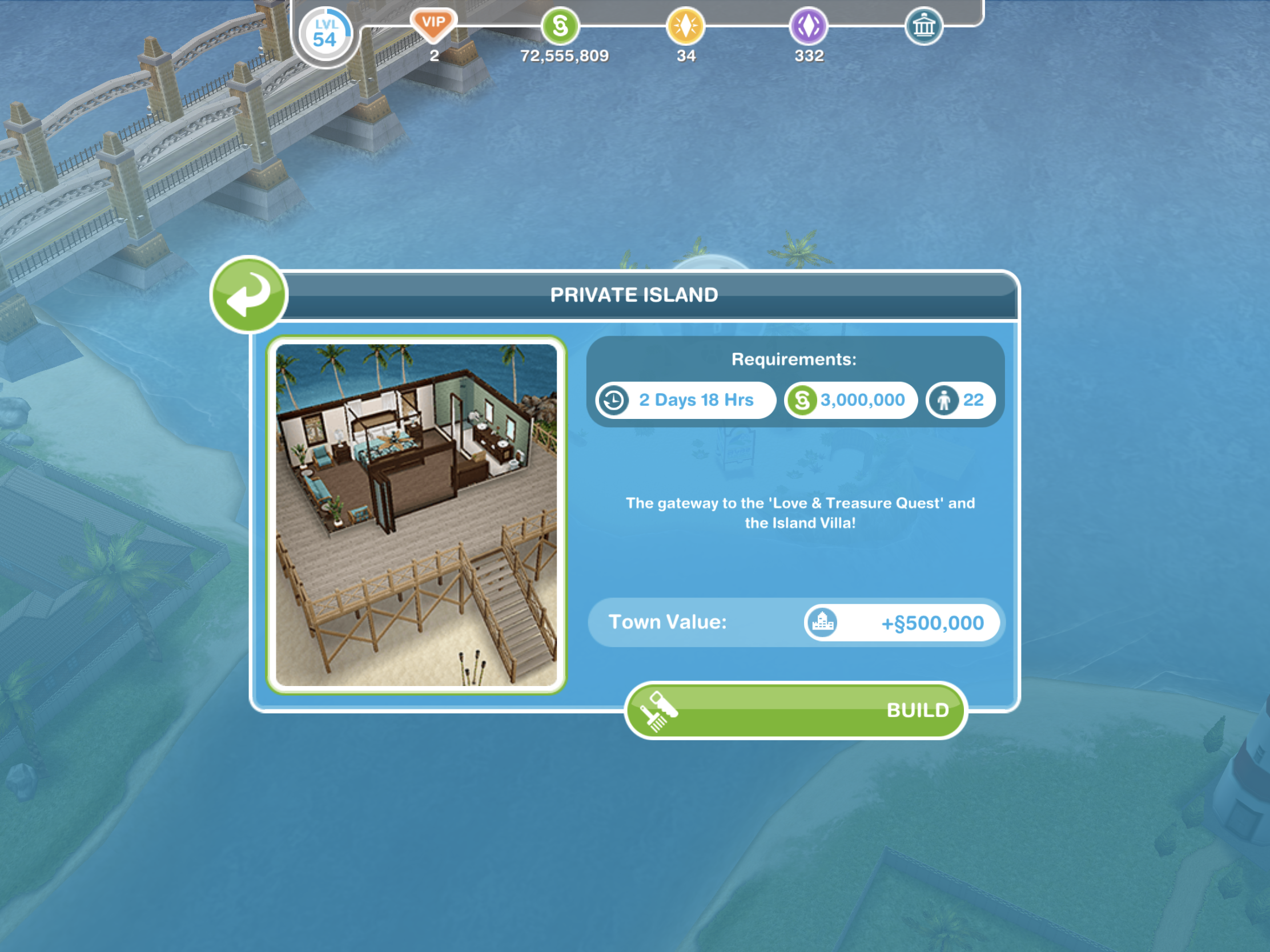
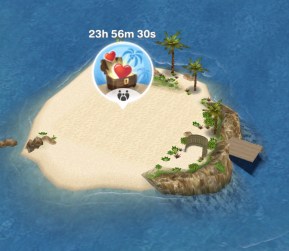
To begin this discovery quest you need to build the private island, you can find the island next to the bridge to the mysterious island. Completing this quest unlocks the private island which is a new house lot. If you complete this quest in the time limit you will unlock the private island villa lot to build on the island. You can still complete this quest once the time limit is up to unlock the island and build a house on it you just won’t unlock the villa
You cannot complete this quest at the same time as any other discovery quest
The cost of the private island varies depending on how many houses you have already built
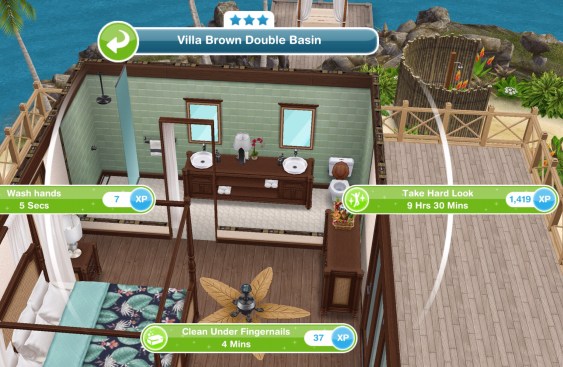
Take a hard look in mirror at the villa- 9 hours 30 minutes
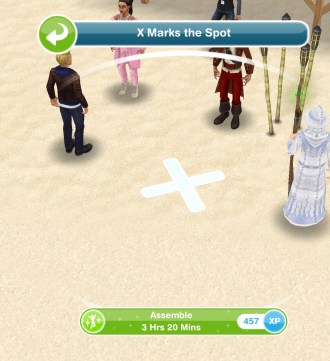
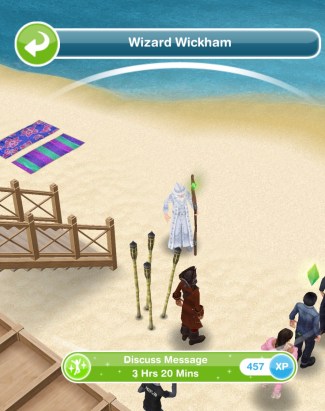
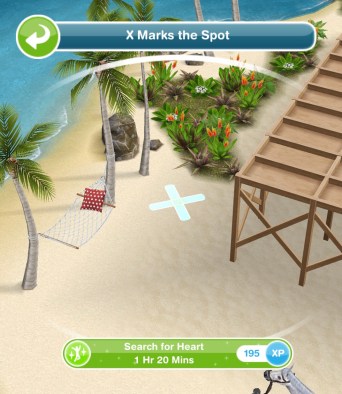
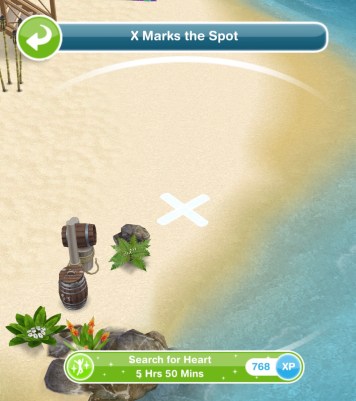
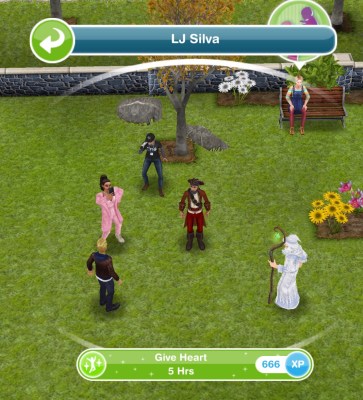
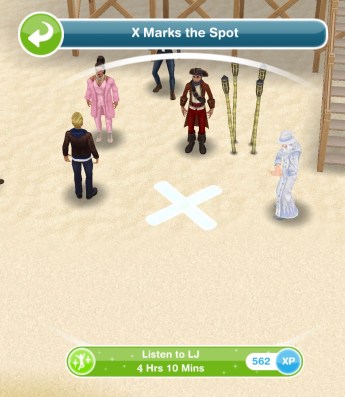
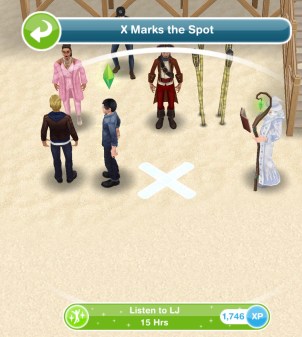
Listen to LJs announcement- 4 hours 10 minutes (click on x)
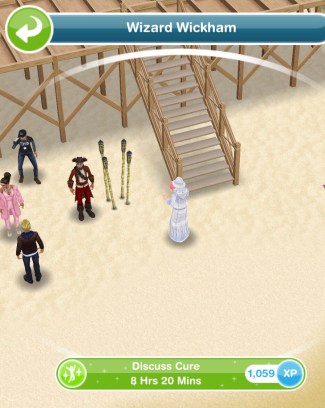
Approach Prim- 15 hours
Give rose cupcake to the Wizard- 1 hour
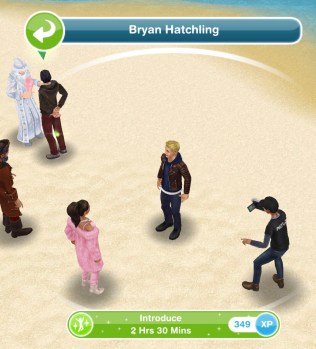
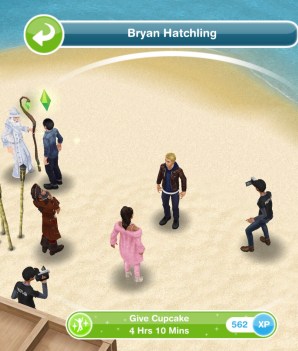
Give cupcake to Bryan- 4 hours 10 minutes
Listen to LJs announcement- 15 hours (click on x)
Listen to LJs offer- 21 hours 40 minutes (click on x)
Leave the island
QUEST IS COMPLETE!
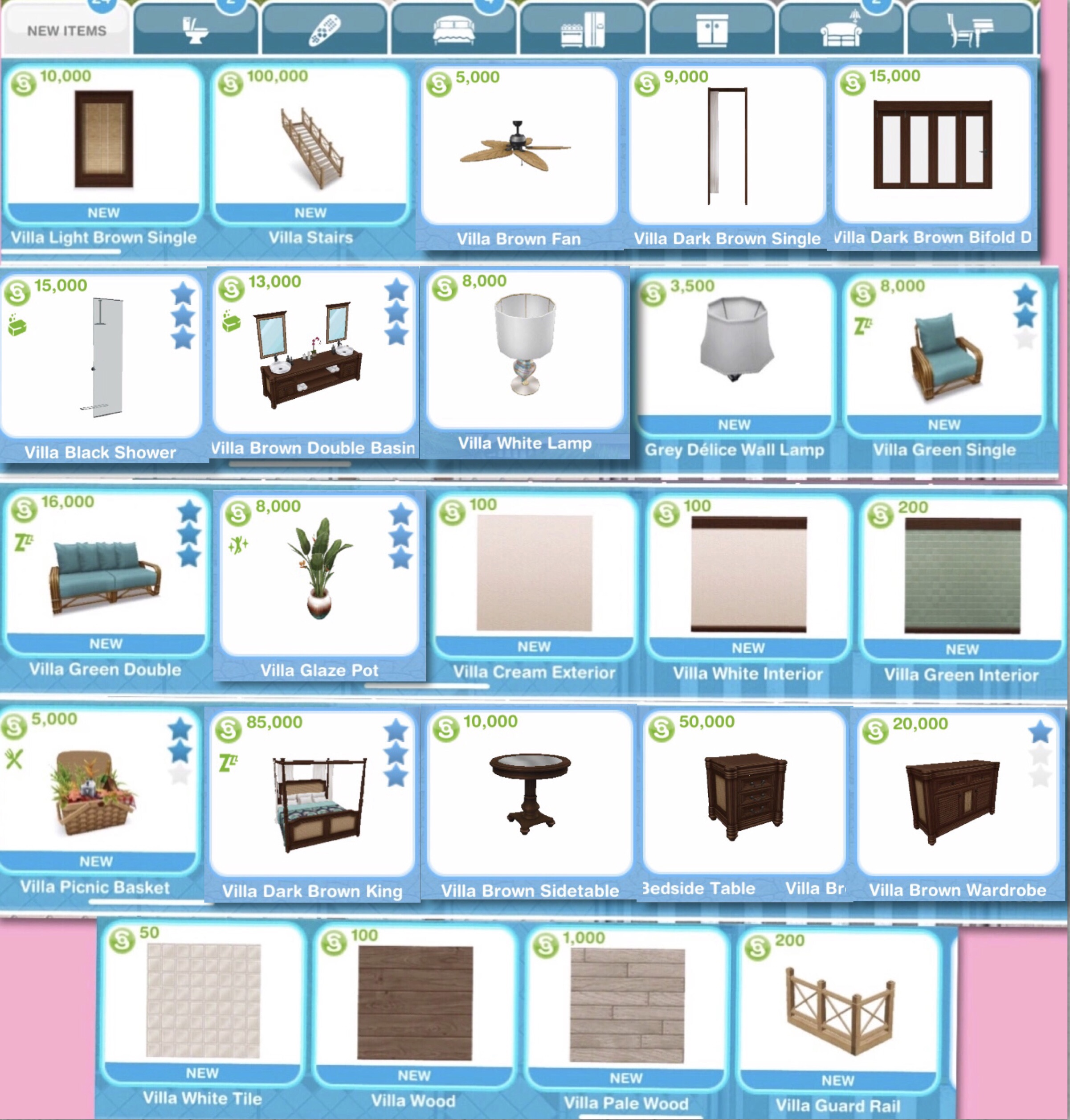
You can now build a house lot on the island, if you complete in the time limit you can build the island villa, if not you can build the empty private island and build your own villa using the new villa items you unlock:
Completing this quest unlocks Exterior Balcony Stairs, read this post if you are unsure how to add them
Prize: Island Villa
Where can I find it? Click on the private island and click on the Island Villa to build it
Is it worth it? The island villa has a platform that you cannot build yourself but if you don’t manage to complete in the time don’t worry as you can still build a house on the private island using the private island empty lot
TIP: if you want to build your own but finished in the time limit, build the island villa anyway and store all the furniture as most of the villa items cost SPs and LPs
Cost? The first one is free, you can only build one house on the private island!
How do I start this discovery quest? Build the private island to begin this quest
Does the time limit start when I click to build or once the building has complete?
Once it has finished building the quest and time limit will begin
Can I do discovery quests at the same time as a main quest?
Yes you can
Why can’t I do this discovery quest yet?
You cannot do more than one discovery quest at the same time, if you are currently on another one (the list can be found here) you will not be able to do this one until that one is completed
Do I have to do this quest?
If you don’t start building the private island you don’t have to do this quest at all but if you have already started building or started this quest you need to complete it before you can move on to the next quest
I haven’t started this quest yet, will it still be available when I want to do it?
Yes it will be, you can choose to start it whenever you like
What do I get if I complete this quest in the time limit?
The private island villa
What happens if I don’t complete in the time limit, can I still finish this quest?
Yes you have to finish it to unlock the private island before you can move onto the next quest
I didn’t complete in the time limit, can I restart the quest?
No, you cannot redo quests
Can I still get the prize if I don’t complete in the time limit?
No, the only way to get the limited time prizes is by completing the quest in the time limit
I don’t like this quest! Can I just skip it?
No, you have to complete this quest before you can move onto the next one now that you have started it, if you don’t start building the private island you don’t have to do this quest but once it is built the quest will begin
Some times are slightly different on my game, why is this?
Times may vary depending on the star rating of the item you are using as the higher star rating an item has the quicker you will complete a goal
Some times are really off/ different goals show for me, why is this? This will be because the quest has been updated recently, I try my best to keep these posts up to date but it is difficult as I cannot redo every quest each time the game is updated. If you notice any changes please let me know so I can update the post
Frequently Asked Questions about the Private Island Villa:
What can I build on the Private Island?You can only build the empty private island lot or private island villa
I want to move the platform underneath the house or extend it!The platform cannot be deleted, extended or put in the inventory, you also cannot move it. To be able to edit something similar build the empty private island and add a balcony instead- this can be edited as shown in my video here
Can I put different stairs on the platform?The stairs that come with the villa are the only ones that are compatible with the platform, they can be moved, placed in your inventory but cannot be sold.
Can my sims walk on the platform?To walk on the platform there must be a balcony connected to the stairs. If you have not completed the DIY Homes: Lovey-Dovey Balconies Quest you will not be able to edit or delete the existing balcony.
Can I edit the platform?No the platform cannot be edited.
In this post I am going to explain how to get sims married in The Sims Mobile.
Once you reach level 7 in the game and your sims reach level 4 in their romantic relationship you will get the option to complete the social event ‘Propose’ once you complete this you will be able to get your sims married!
Why am I not getting the option to propose?It depends what story you choose to where you will find this option, if you cannot find this option on the first screen when you click on that sim select more options at the bottom and click on the flirty tab, you should then be able to find it
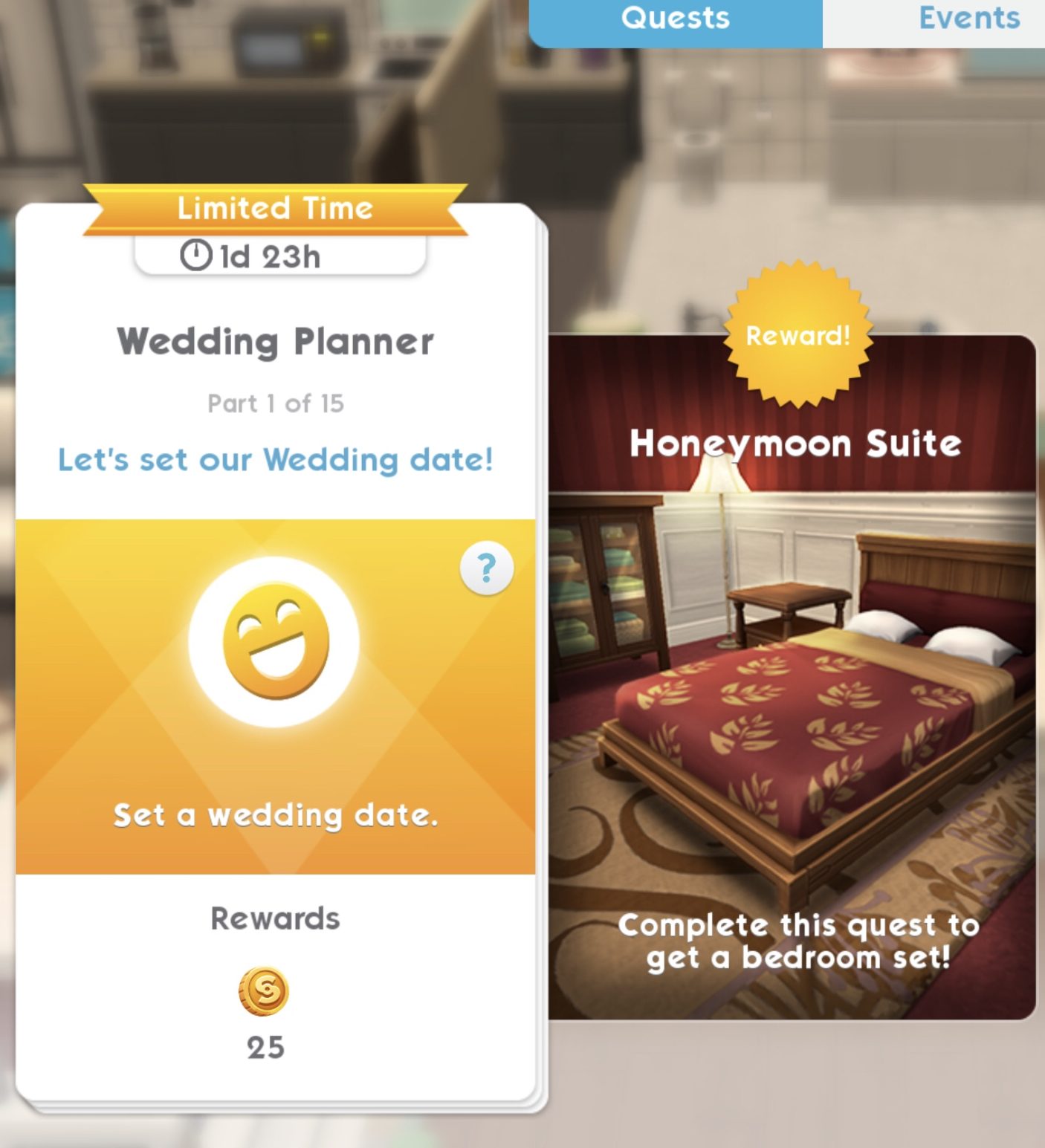
As soon as you complete the Propose event the first time you marry two sims in the game you will complete the wedding quest to unlock the Honeymoon Suite bedroom set, there are 15 parts to this quest and 2 days to complete it
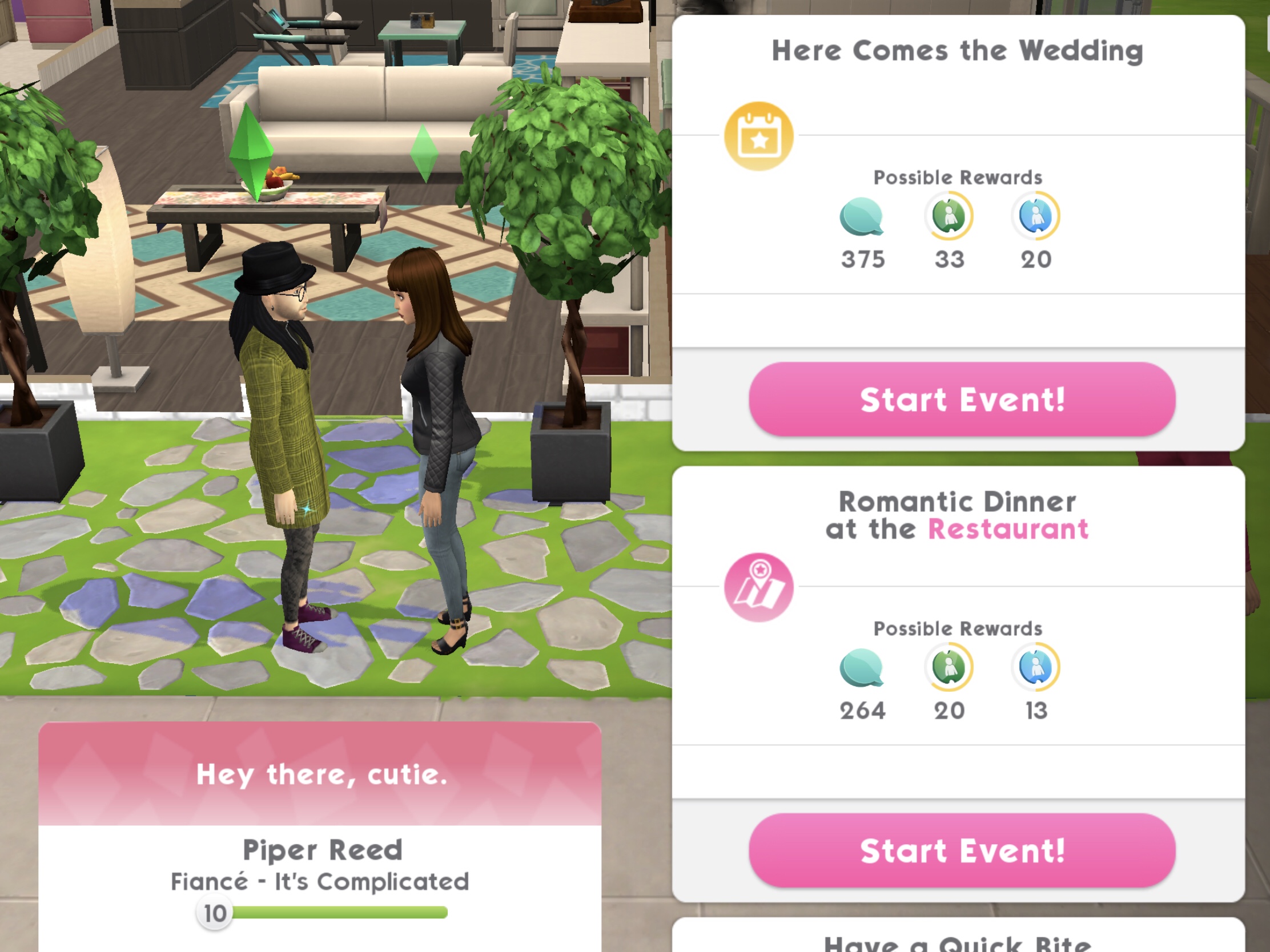
NOTE: if you do not complete it in time you can still get your sims married, place the wedding collection and then click on your sims partner and select the here comes the wedding event
1.Set a wedding date- 5 seconds, costs 2 energy (select the blue interaction on your sim’s partner) Reward: 25 coins
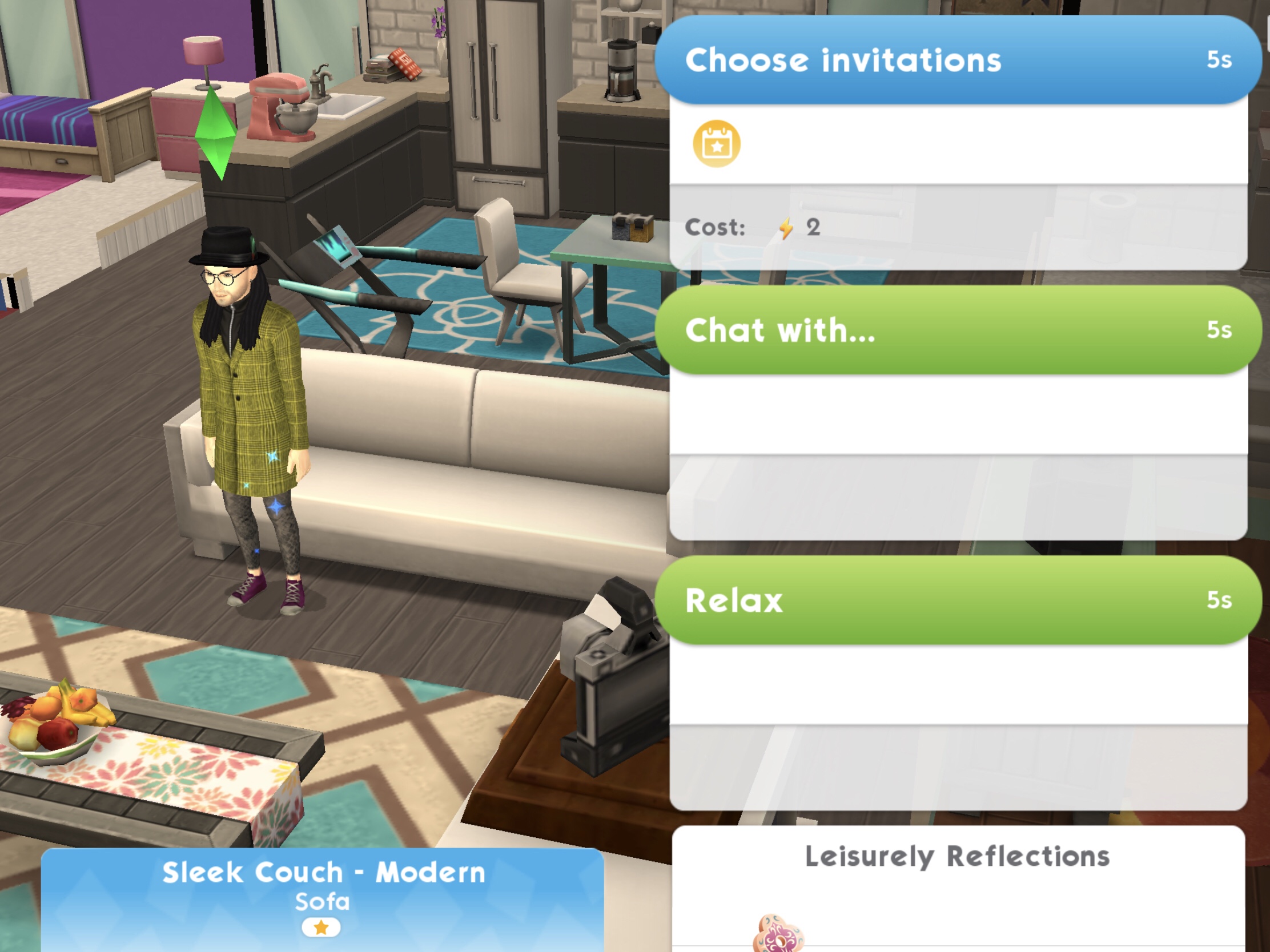
2.Choose wedding invitations- 5 seconds, costs 2 energy (select the blue interaction on a sofa) Reward: 25 coins
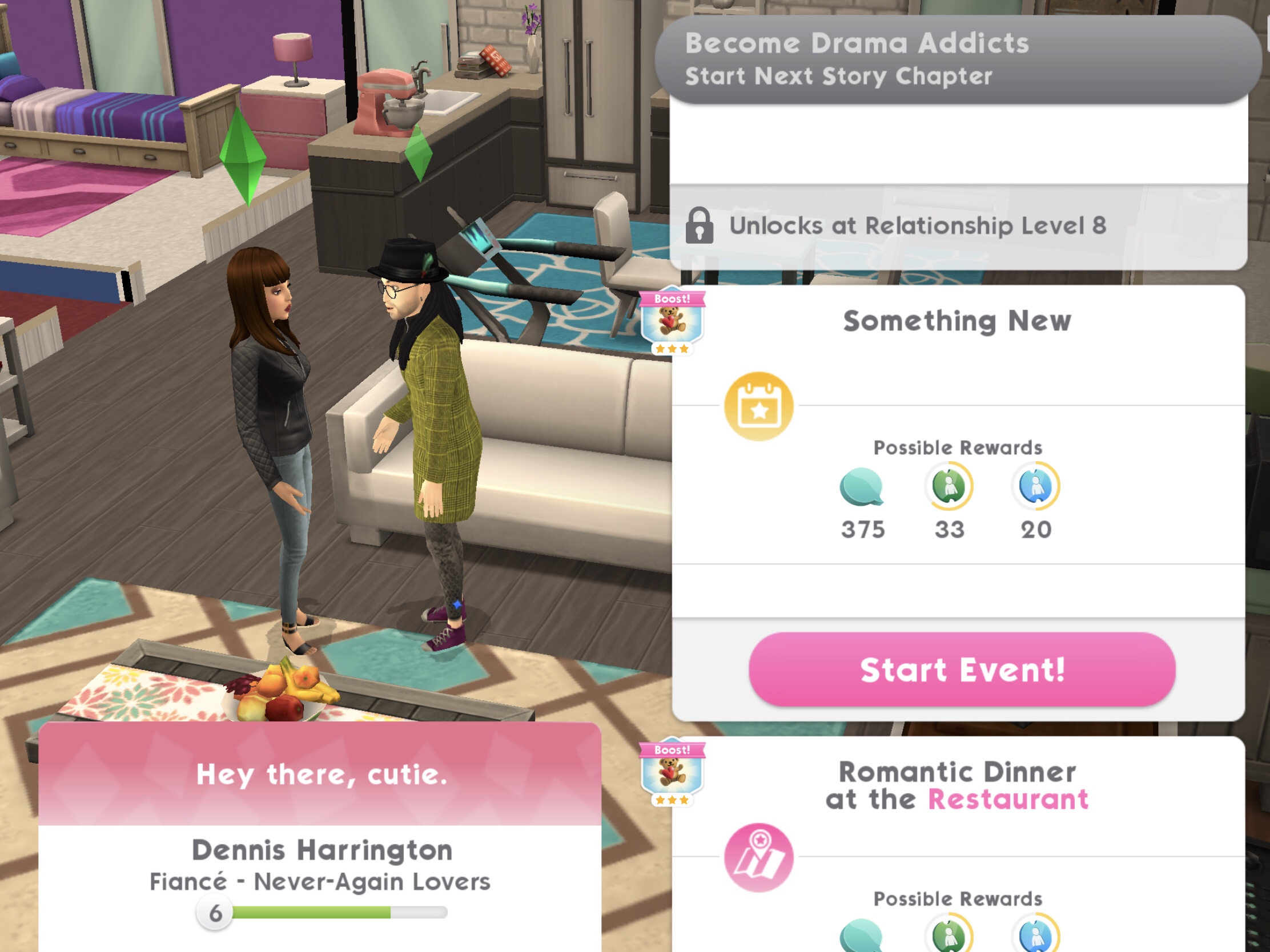
3.Complete the ‘Something New’ fashion event at the Studio- takes up to 8 hours to complete (will take up to 4 hours if you use two of your sims to complete this)* (select the event on your sim’s partner) Reward: 25 coins and 10XP
Can’t see the event?You may need to complete a story chapter event first
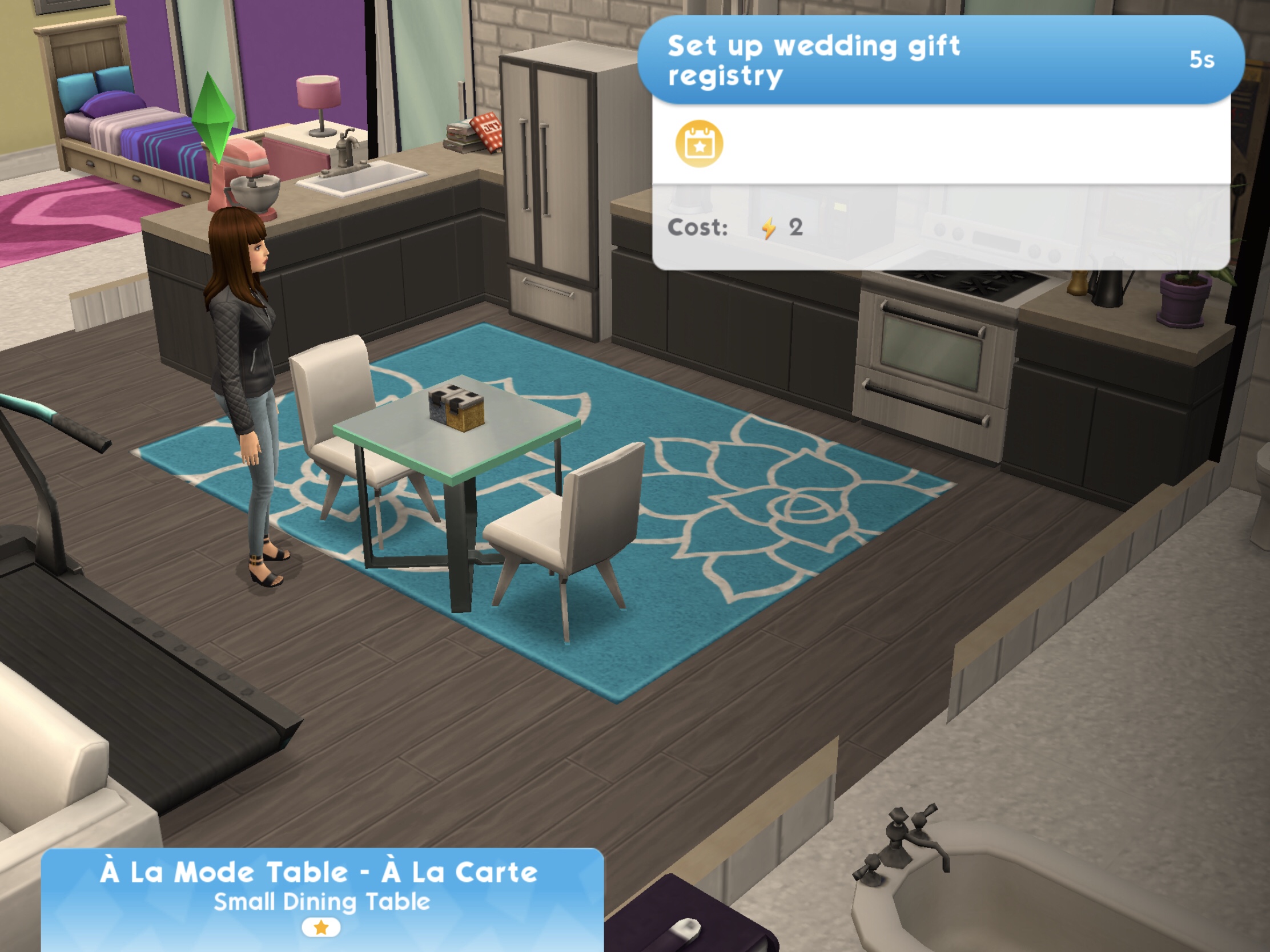
4.Set up wedding gift registry- 5 seconds, costs 2 energy (select the blue interaction on a table) Reward: 25 coins
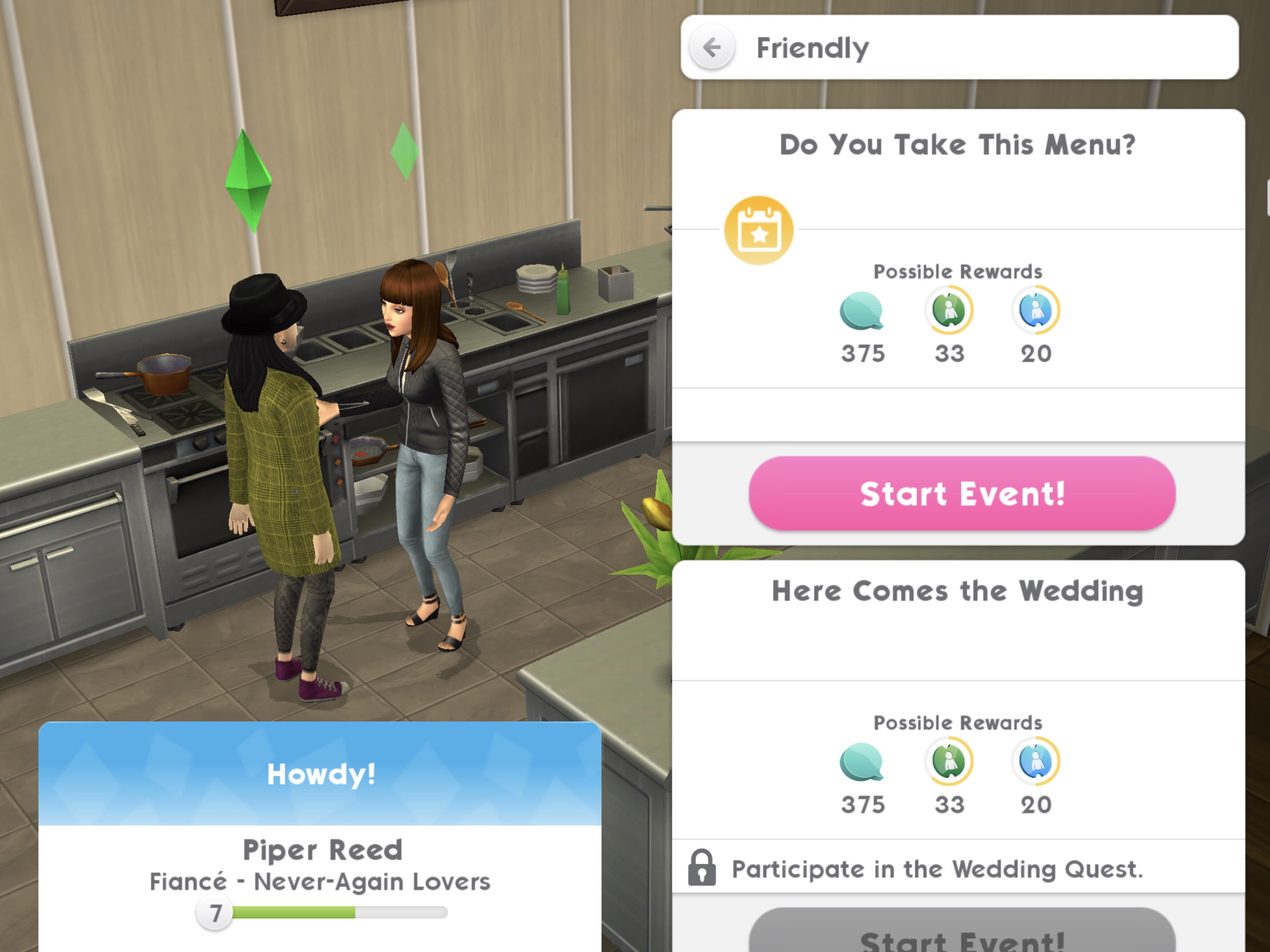
5.Complete the ‘Do You Take This Menu?’ culinary event at the Restaurant- takes up to 8 hours to complete (will take up to 4 hours if you use two of your sims to complete this)* (select the event on your sim’s partner) Reward: 25 coins and 10XP
Can’t see the event?You may need to complete a story chapter event first
6.Complete the ‘Something New’ fashion event at the Studio again- takes up to 8 hours to complete (will take up to 4 hours if you use two of your sims to complete this)* Reward: 25 coins and 10XP
Can’t see the event?You may need to complete a story chapter event first
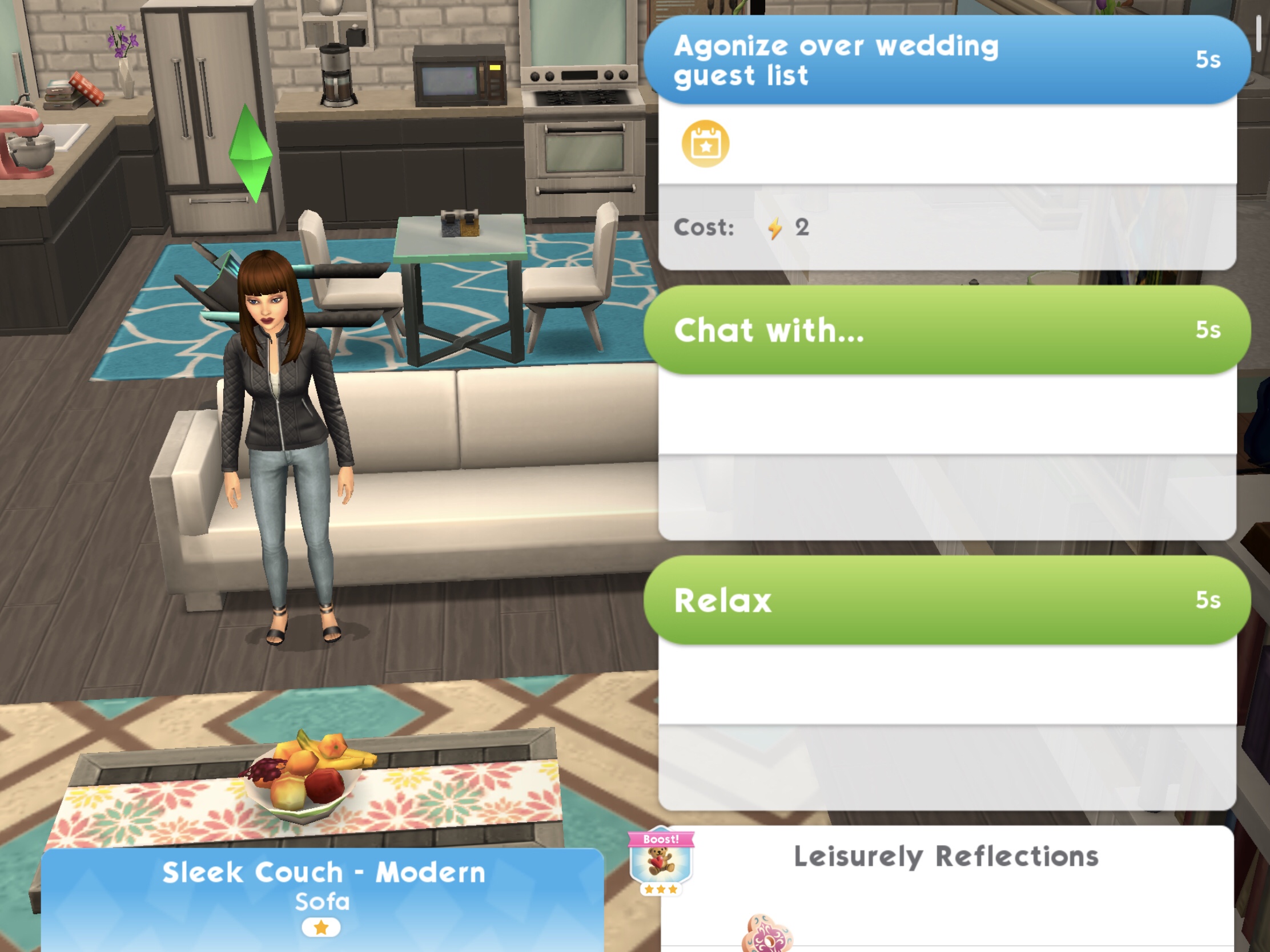
7.Create a wedding guest list- 5 seconds, costs 2 energy (select the blue interaction on a sofa) Reward: 25 coins
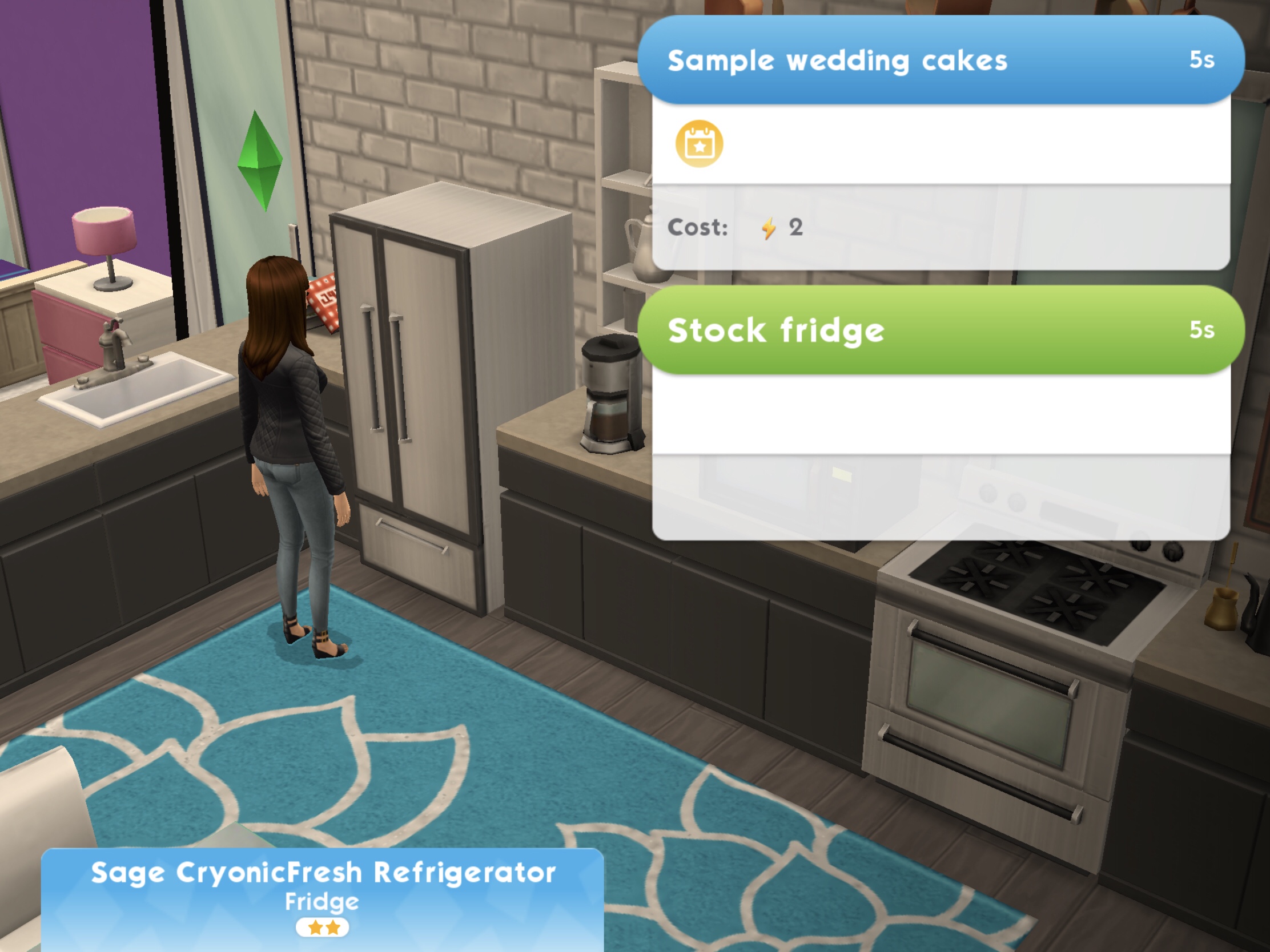
8.Taste cake samples in the fridge- 5 seconds, costs 2 energy (select the blue interaction on a fridge) Reward: 25 coins
9.Complete the ‘Do You Take This Menu?’ culinary event at the Restaurant again- takes up to 4 hours to complete* Reward: 25 coins and 10XP
Can’t see the event?You may need to complete a story chapter event first
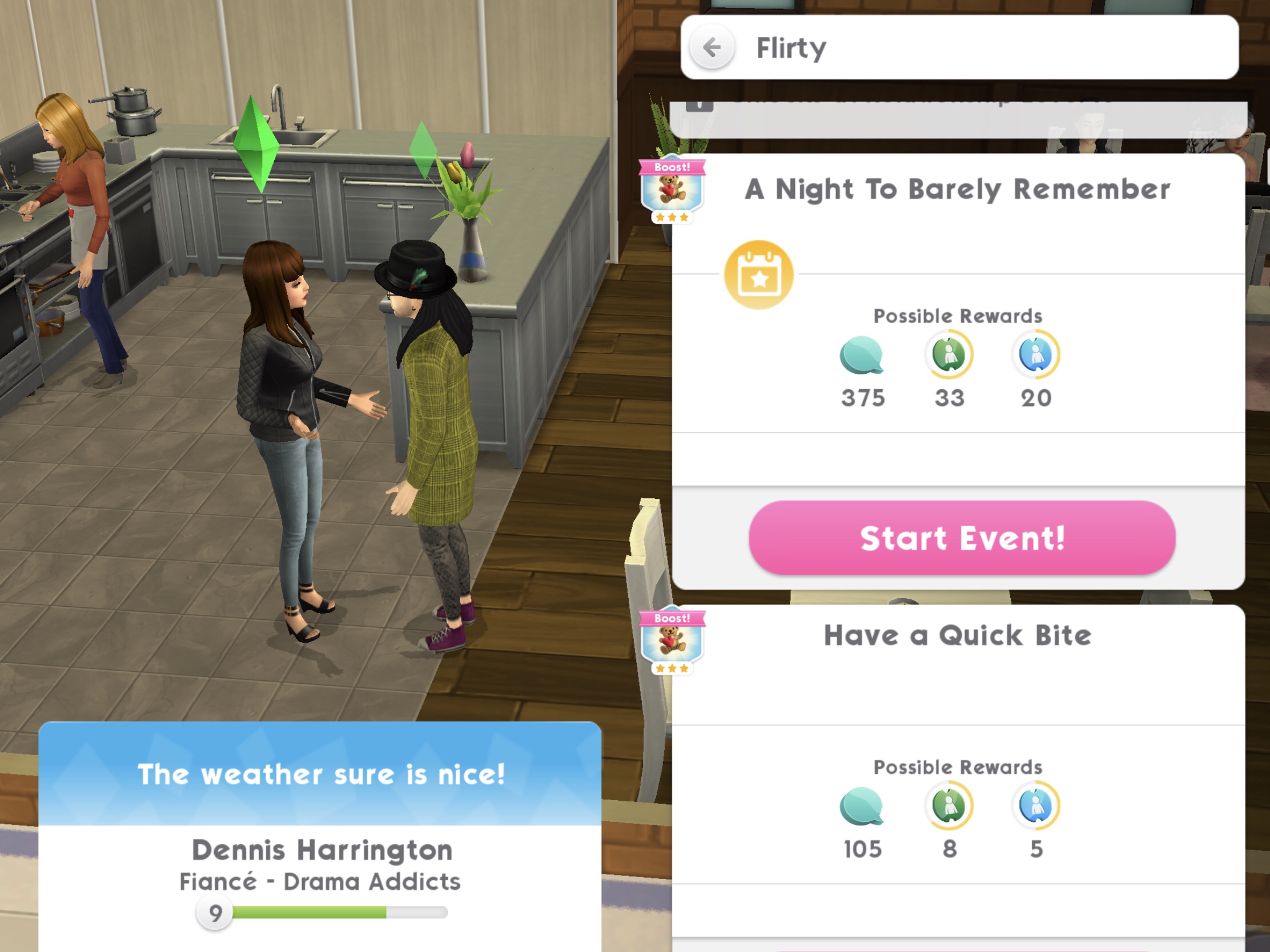
10.Complete ‘A Night To Barely Remember’ event at the Club- takes up to 8 hours to complete (will take up to 4 hours if you use two of your sims to complete this)* (select the event on your sim’s partner) Reward: 25 coins and 10XP
Can’t see the event?You may need to complete a story chapter event first
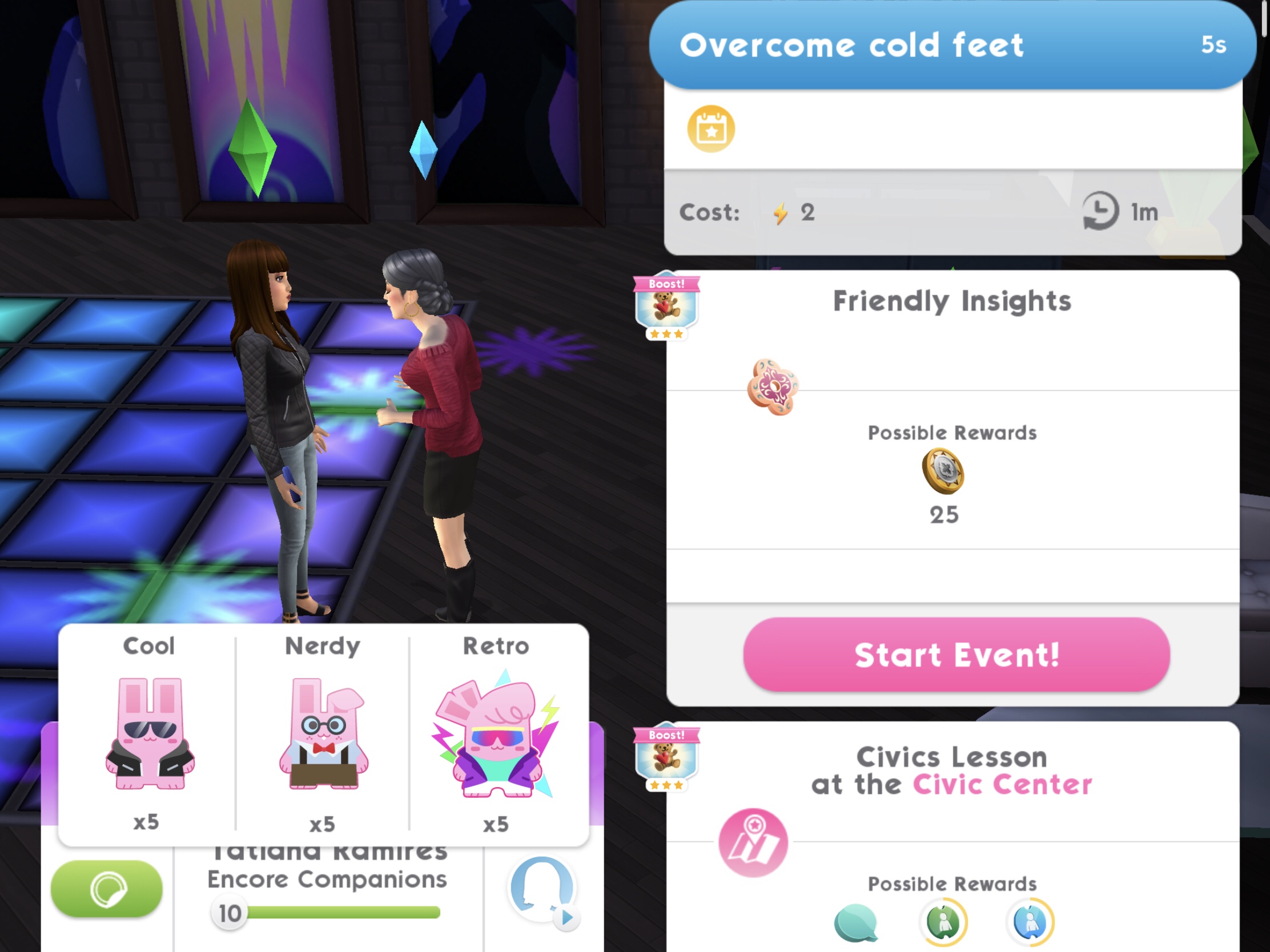
11.Overcome cold feet 3 times- 5 seconds, costs 2 energy each time (select the blue interaction on 3 sims) Reward: 25 coins
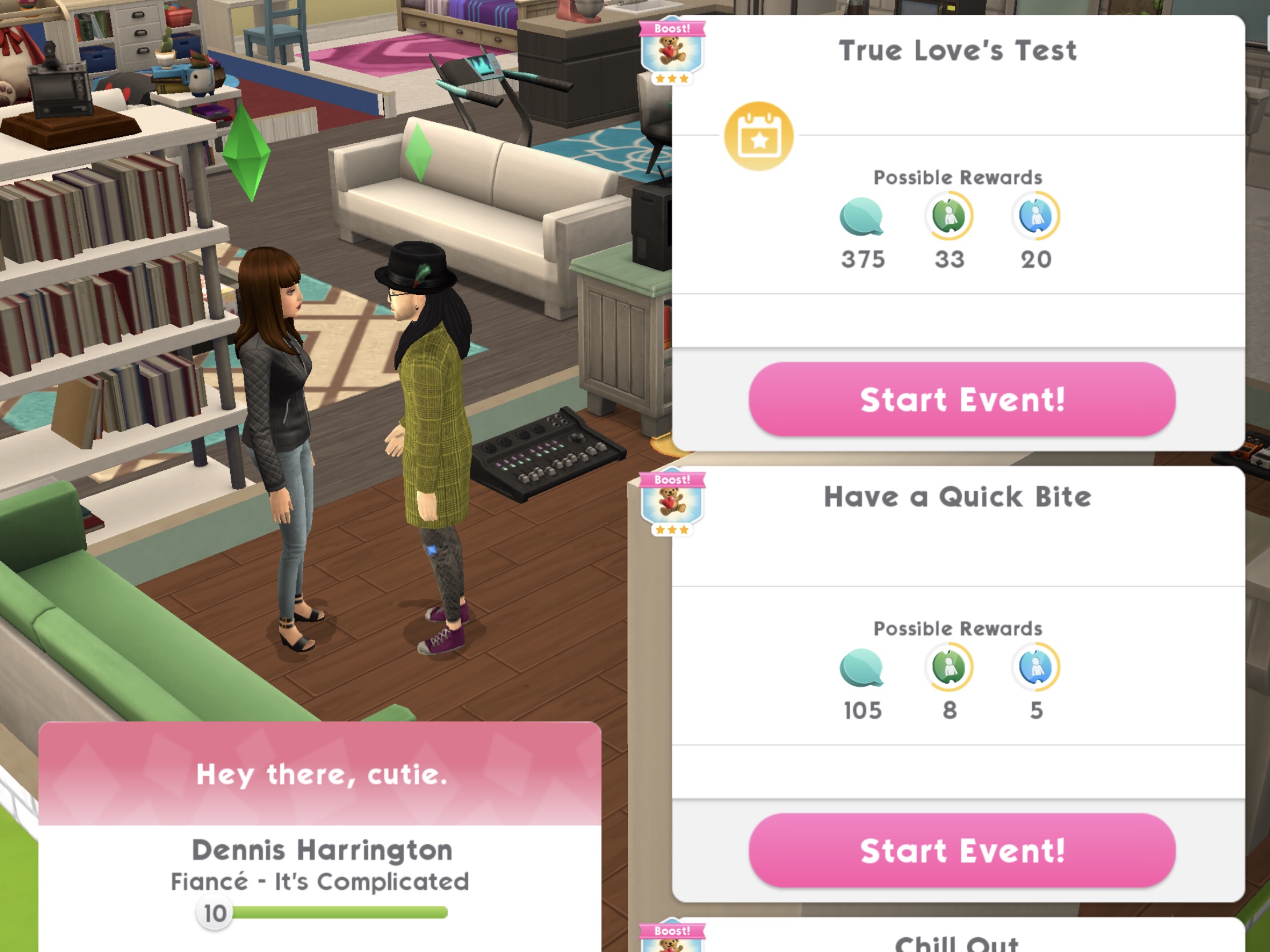
12.Complete the ‘True Love’s Test’ event at Civic Center- takes up to 8 hours to complete (will take up to 4 hours if you use two of your sims to complete this)* (select the event on your sim’s partner) Reward 25 coins and 10XP
Can’t see the event?You may need to complete a story chapter event first
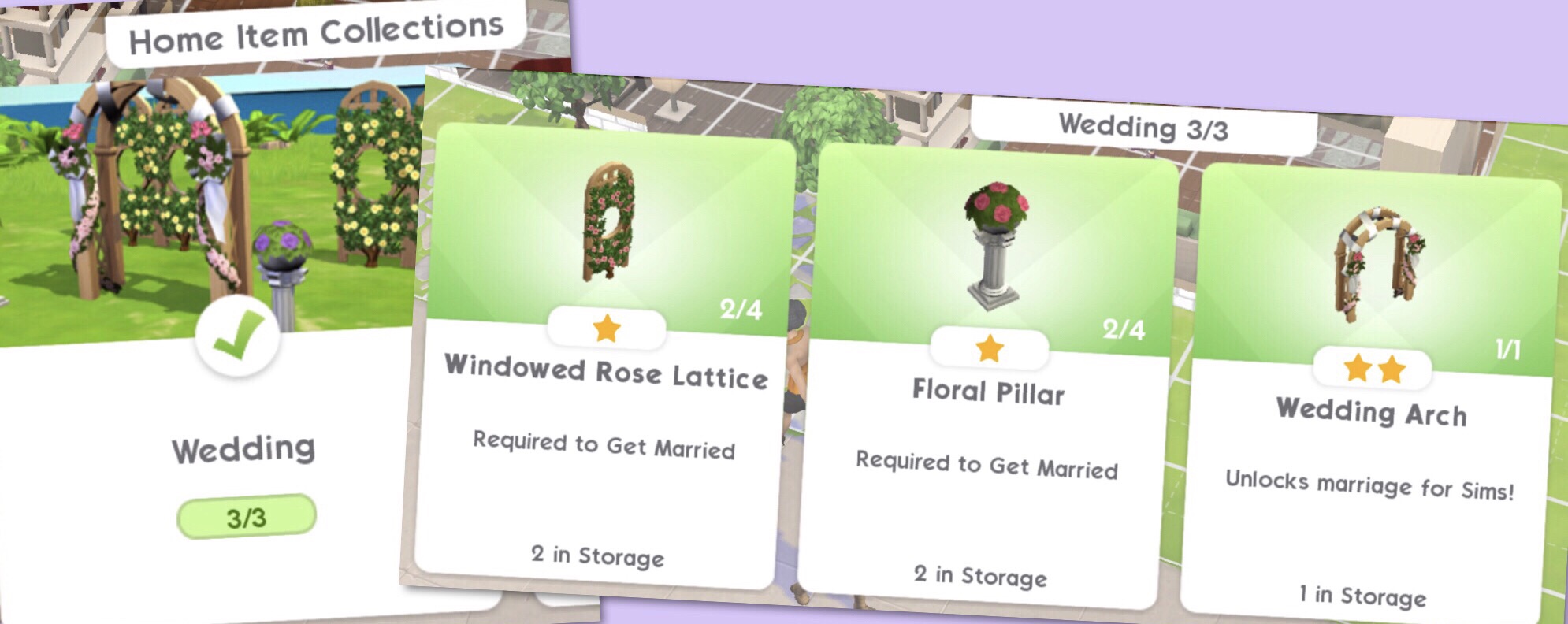
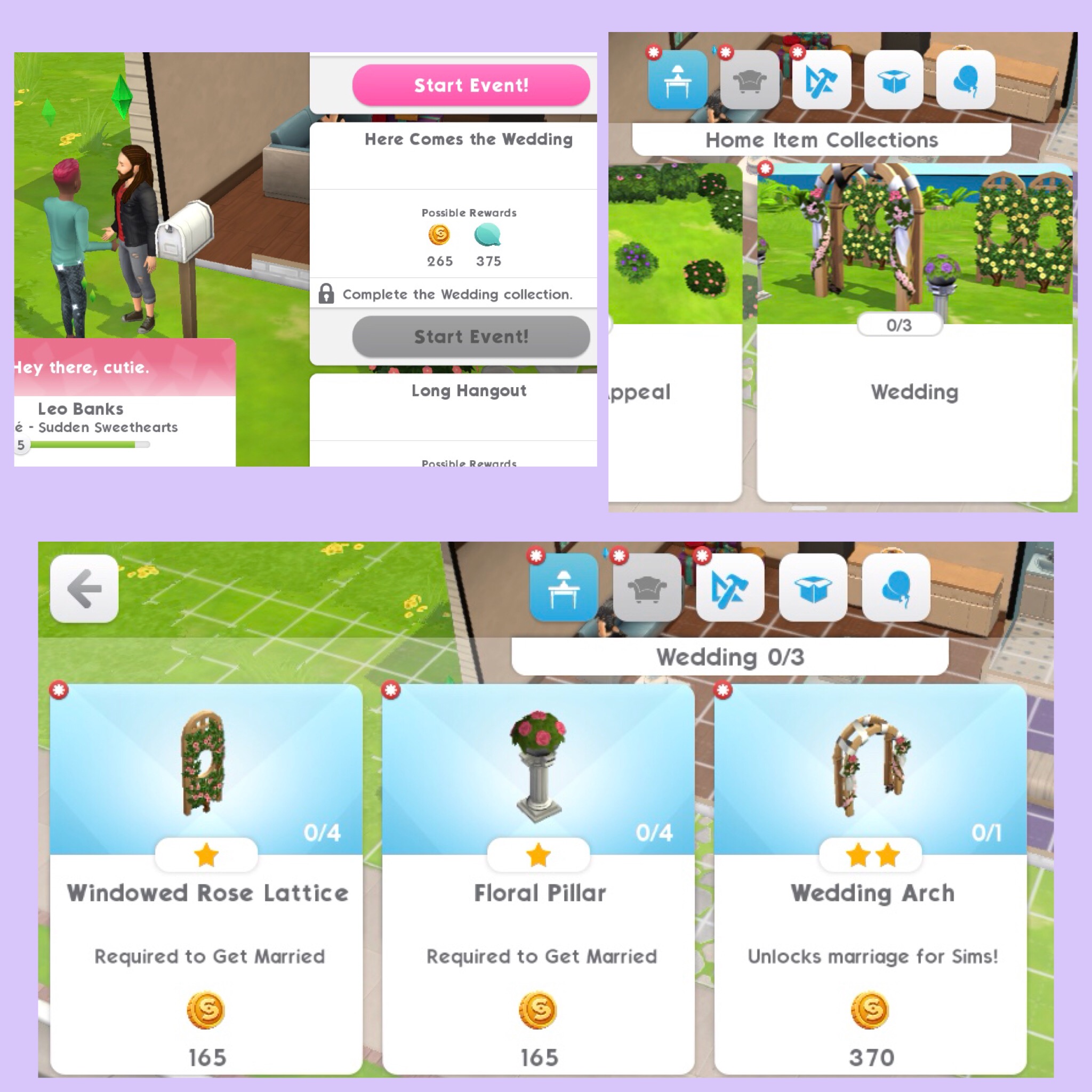
13.Purchase Wedding Decorations, the decorations are:
Wedding Arch
Floral Pillar
Rose Lattice
All of these can be found in Home Item Collections under Wedding Reward: 25 coins
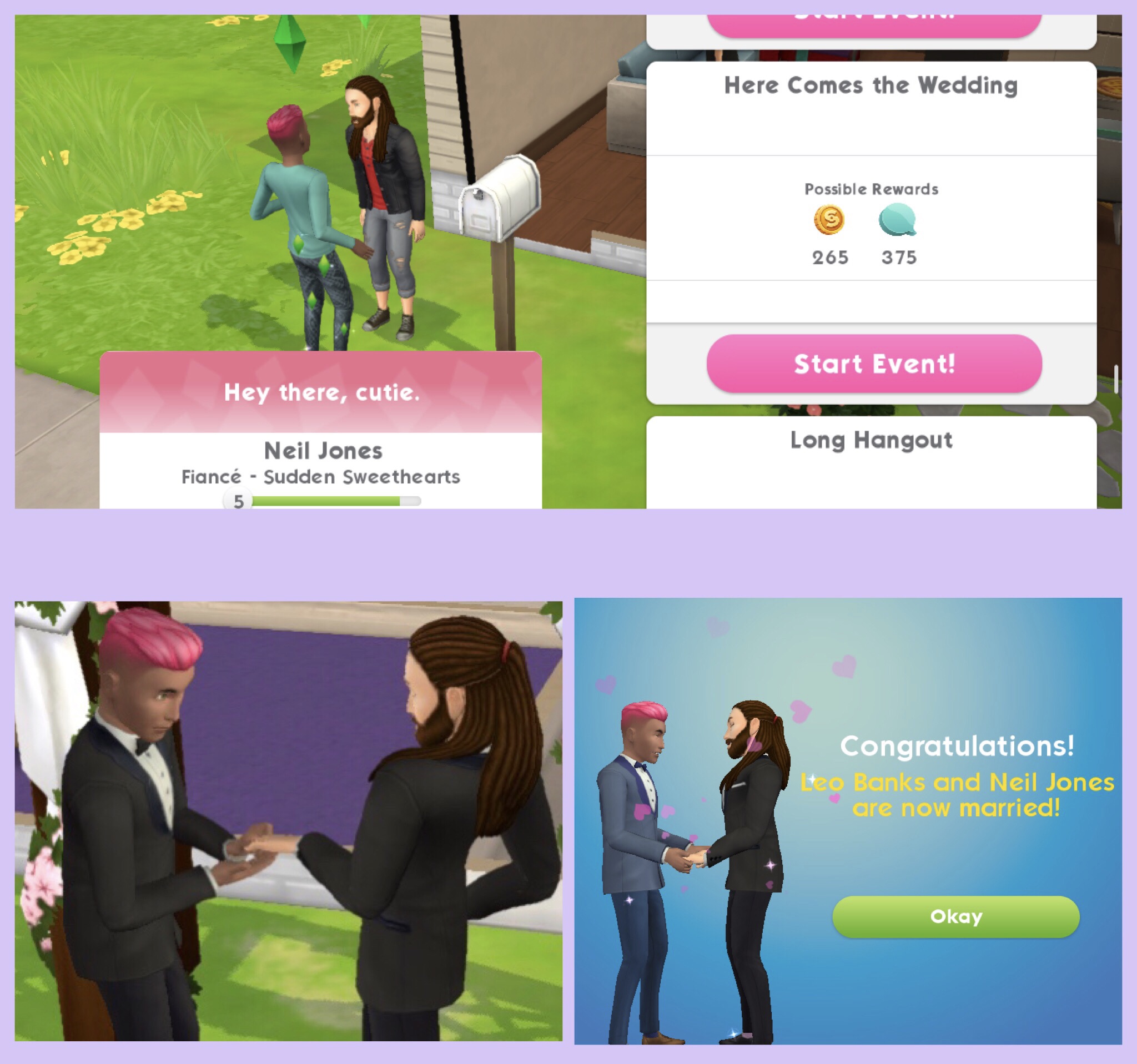
14.Complete the ‘Here Comes the Wedding’ event at Home- takes up to 8 hours to complete (will take up to 4 hours if you use two of your sims to complete this)* (select the event on your sim’s partner) Reward:5 simcash, 25 coins and 10XP
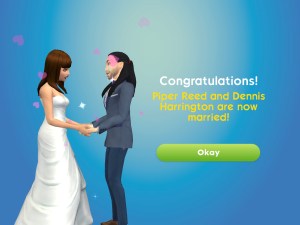
Once you complete this event your sims will be married!
15.Enjoy wedded Woohoo- 5 seconds, costs 2 energy (select the blue interaction on a double bed) Reward: 25 coins
QUEST IS COMPLETE!
*the event can be completed quicker than time shown if you complete the actions with your sims during the event
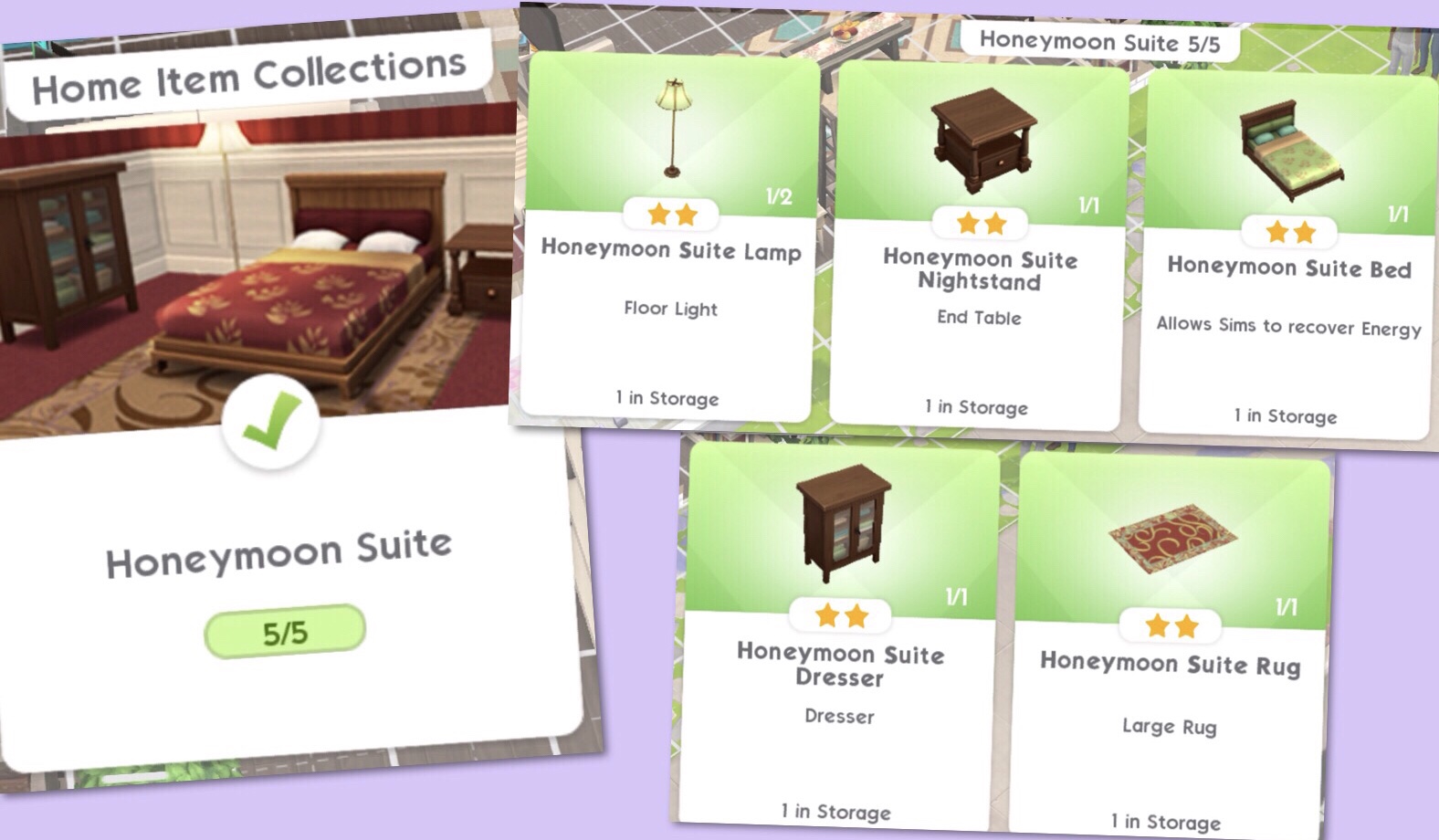
If you complete the quest in the time limit you unlock the Honeymoon Suite items which includes a bed, lamp, nightstand, dresser and rug. The first one of each is free and can be found in your storage section:
After the first time or if you don’t complete in the time limit..
Getting Married
Once you have placed the wedding arch, floral pillar and windowed rose lattice in your sims garden, your sim needs to click on the sim they want to get married to and select the ‘Here Comes the Wedding Event’ once the event is complete your sims will be married:
In this post I will be listing all the main stories and tasks to complete in Home Street, this post will be updated as I progress through the game.
How do I find the stories and tasks I need to complete?
Click on the notepad with the question mark on it and it will take you to the tasks:
Each story has tasks that you have to complete to be able to earn the reward, they may appear in a slightly different order for you than what I have listed below:
NOTE: seasonal events (that are only available for a limited time) are not in this post
The links on each story take you to the video I have created for it on youtube, if there isn’t a link then this video is coming soon!
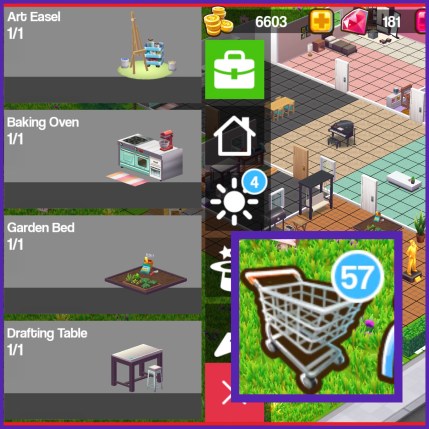
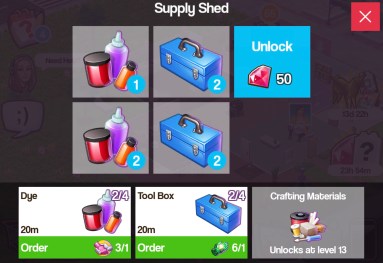
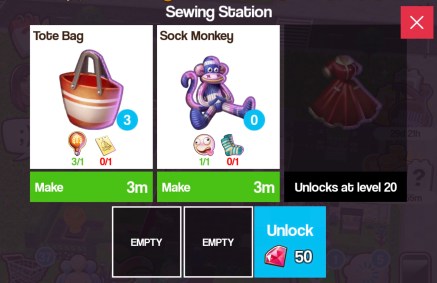
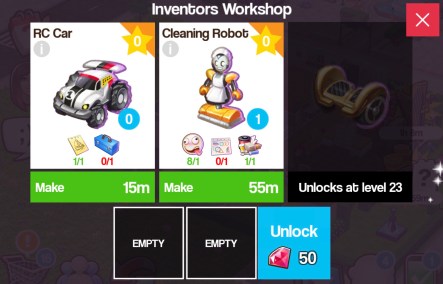
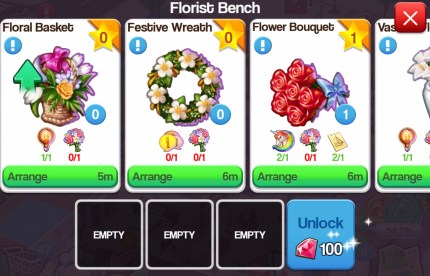
Own a Garden Bed (click on the shopping cart and buy one from the case symbol tab- shown in green on the image below, this tab is where you find all the workstations) Cost: 150 coins
Collect 5 Products from your Garden Bed (grow vegetables, flowers etc.)
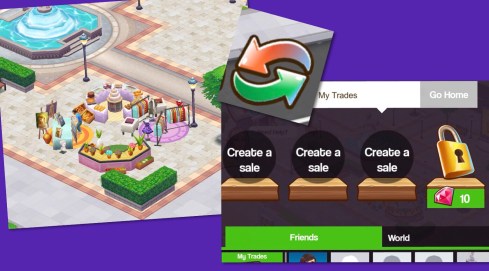
Earn 50 coins by selling items in the Market (click on the market or the refresh symbol to get to the market, click create a sale to sell your items)
Spend 75 coins buying Products or Thoughts in the Market (click on friends or world at the bottom of the same page to buy items from players) I find it really annoying you have to wait 10 minutes to refresh the sales or use gems to refresh early, the items get sold in seconds!
Collect 3 Friend Thoughts (by inviting other players over, to do this go to the friends tab and click on the image above a players head, the item is what you will get when they have finished visiting you, underneath that is how much it will cost for them to visit, this varies depending on what you will earn, click invite and they will appear at your house) I usually go for the one that will earn me either friendship or helping hand because this costs 50 coins rather than spending notebooks or energy to invite someone over
Bookmark 5 other players (in the same tab as above, scroll along to players who aren’t bookmarked and click on their picture twice to visit them, once there in the corner it says bookmark in blue, click this and a pop up will appear saying you can develop a relationship with this player if you bookmark them, click add to bookmark them, they will now appear in the first section of the friends tab so you can find them easily)
Buy and place a new room (click on the trowel symbol in the shopping cart and click on build room in the bottom right hand corner, click on the green button in the middle of the room so drag to the position you want it and click on the green dots on the walls to resize the room)
Collect 5 Friend Thoughts (invite players over, when they leave they will leave behind the friend thoughts)
Reach the relationship status ‘Acquaintances’ with 5 other players (when you collect the friend thought you will level up your relationship with that player, keep inviting the same 5 players over until you reach acquaintances with all of them)
Collect 15 Friend Thoughts (invite players over, when they leave they will leave behind the friend thoughts)
Reach relationship status ‘Friends’ with 1 other player (when you collect the friend thought you will level up your relationship with that player, keep inviting the same player over until you reach friends with them)
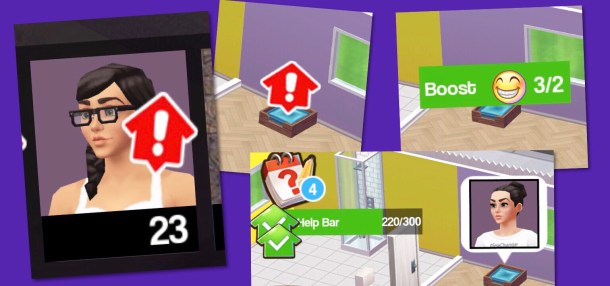
Help 5 other players’ Functional Items (in the friends tab if a player has a functional item that needs boosting you will see the red house symbol, go to their house, click on the functional item and boost it)
Collect 5 Friend Thoughts (invite players over, when they leave they will leave behind the friend thoughts)
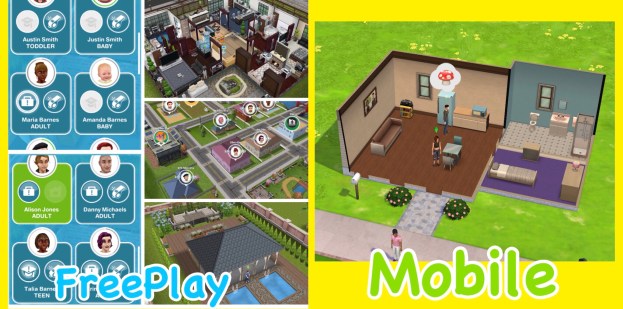
I have been asked a lot about how different The Sims Mobile will be from The Sims Freeplay, I think some people are worried that Mobile is replacing Freeplay and that isn’t the case! The two games are very different as explained below:
The Sims Freeplay is created by EA and Firemonkeys whereas The Sims Mobile is created by EA and Maxis
In the Sims Freeplay you can create loads of houses and families, building up your town but on the Sims Mobile you have one house and up to 4 playable sims:
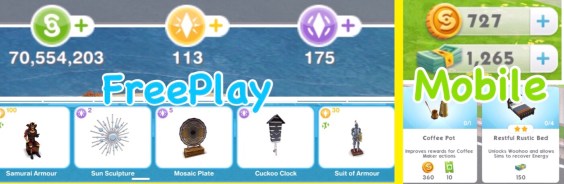
Although the main currency simoleons is the same the premium currency is different, in the Sims Freeplay you have lifestyle points and social points and on the Sims Mobile you have simcash:
On the Sims Mobile your sims have to retire to create legacies for future sims but they do not die, on the Sims Freeplay your sims will pass on once you complete the Life Dreams and Legacies Quest, but even then you can stop them from dying.
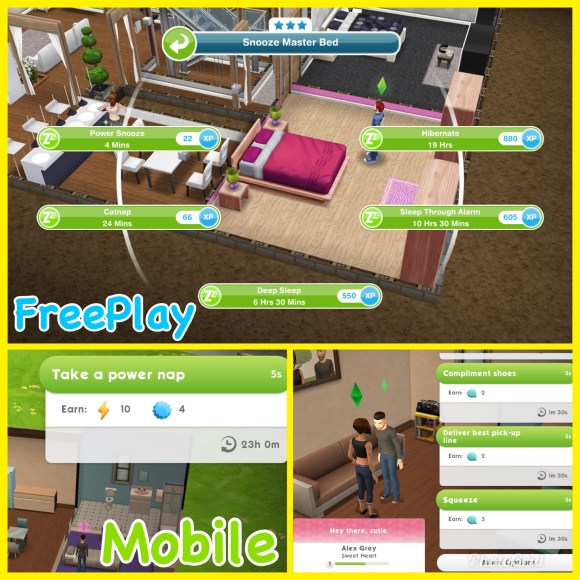
Both games are real time but a lot of tasks in the Sims Freeplay take a lot longer as most actions in the Sims Mobile take 5 seconds making it a fast paced game:
Both games are free to play but have in app purchases so you can buy more money or new items with real money.
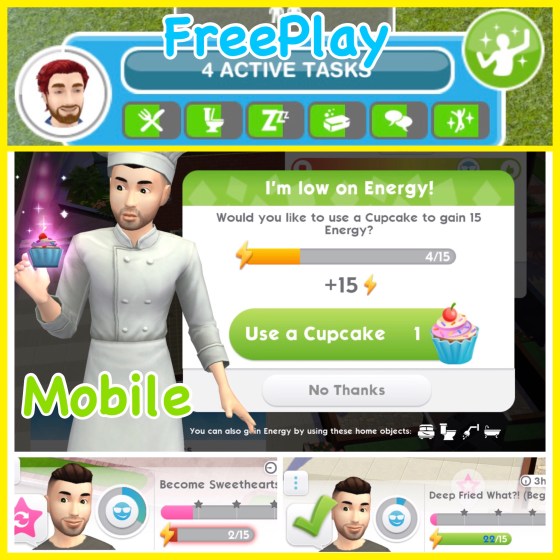
In the Sims Mobile the only need your sims have is energy, each action uses at least one energy, once you run out of energy you need to either wait for their bar to refill, have your sim sleep or use another item in the house or use a cupcake (if you have any) before you can do anything else. In the Sims Freeplay your sims have lots of needs that you fulfil using a related item, for example when your sims are hungry you can use the fridge to increase this need, if you don’t fulfil their needs they become unhappy but you can still complete actions using them:
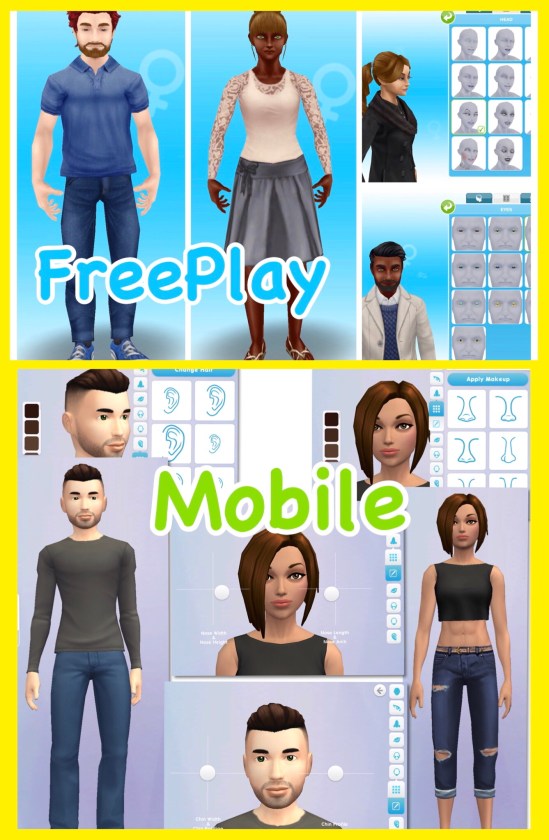
The create a sim on the Sims Freeplay isn’t as in-depth as the Sims Mobile, on the Sims Mobile you can move the sliders to make every feature completely unique. The sims on the Sims Mobile look more like the Sims 4 which you would expect, I really love how they look on both games but I personally think they look more realistic on the Sims Freeplay:
On the Sims Mobile they focus on legacies, so what your sim achieves in their life and the perks they unlock affects their relatives in the future when they have retired whereas the Sims Freeplay doesn’t really have legacies, apart from earning orbs and you can play without doing that but it is a major part of the Sims Mobile.
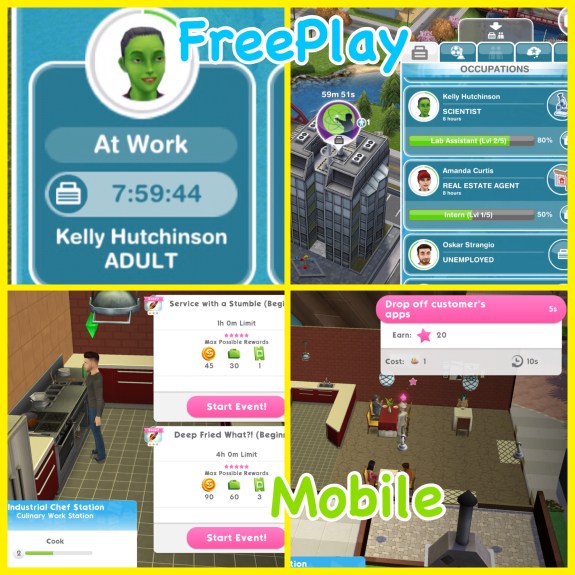
When you send your sims to work on the Sims Freeplay they will go on their own and you cannot see them during the day at most workplaces (unless it is a profession career) but on the Sims Mobile you complete career events so complete shifts with your sims to level up and unlock new career items to decorate your workplace and make it unique to your game!
I think its great that both games are so different, if they were very similar it would be boring, if you like one you might not like the other or you could be like me and just love everything The Sims!



 5.Click the green tick to place the stairs