The Sims Mobile- Hot Tub Dreams Event

THIS EVENT IS OVER


A time limited event has started in The Sims Mobile! The aim of this event is to earn enough ducky bucks to buy the hot tub goody bag to unlock all the hot tub items in the 7 day time limit!
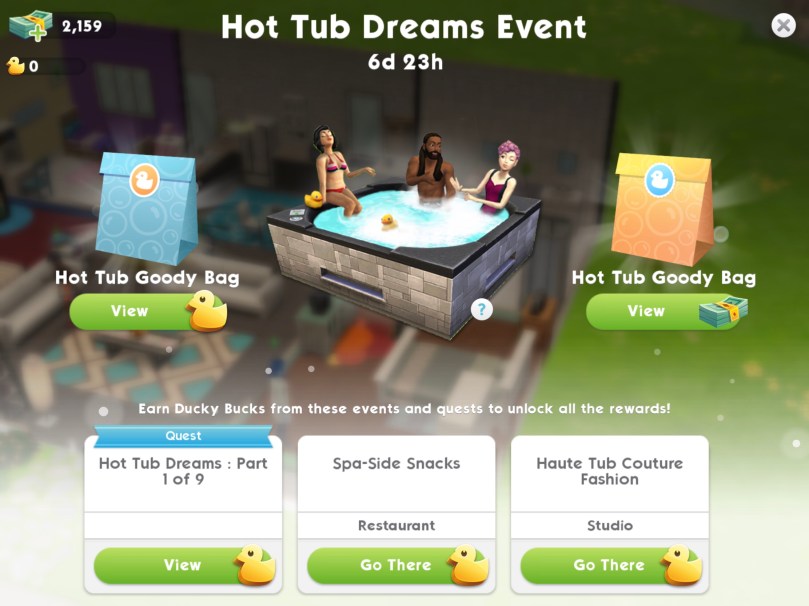
How do you earn ducky bucks?

  • Complete the Hot Tub Dreams Quest, there are 9 parts to complete:

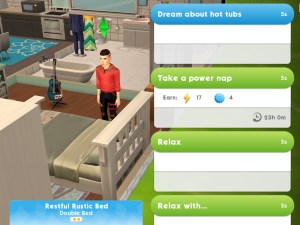
1.Dream of hot tubs- 5 seconds (select the blue option on a bed)
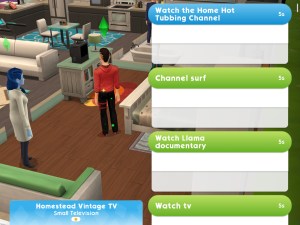
2.Watch the Home Hot Tubbing Channel- 5 seconds (select the blue option on a TV)
3.Complete the Haute Tub Couture Fashion Event- go to the fashion studio and click on the duck symbol and select start event (your sim doesn’t have to work at the fashion studio to do this) You can complete this event every 6 hours

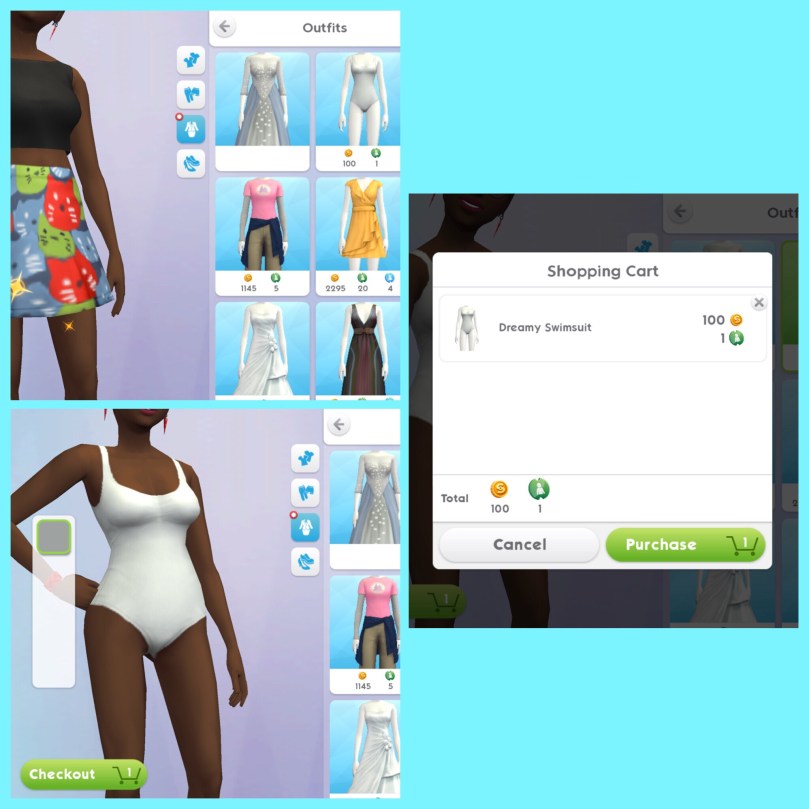
4.Buy and equip the Dreamy Swimsuit- click change appearance, click on style and then on the outfits sections and buy the swimsuit
5.Check out your dreamy new swimsuit- 5 seconds (select blue option on a mirror)

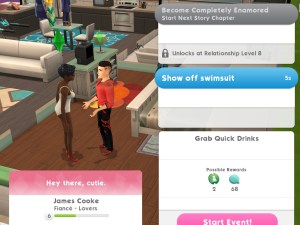
6.Show off your swimsuit to friends- 5 seconds (select blue interaction between two sims who are friends)
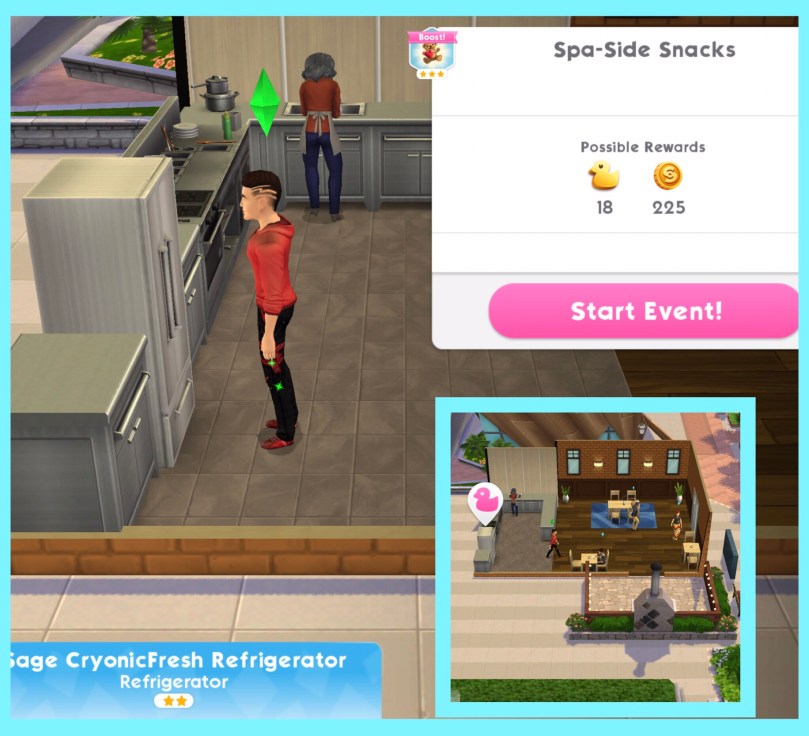
7.Complete the Spa-Side Snacks Culinary event- go to the restaurant and click on the duck symbol and select start event (your sim doesn’t have to work at the restaurant to do this) You can complete this event every 6 hours
8.Earn a tub-load of Ducky Bucks- earn 50 ducky bucks by completing the spa-side snacks event and haute tub couture fashion event and by completing your daily to do list

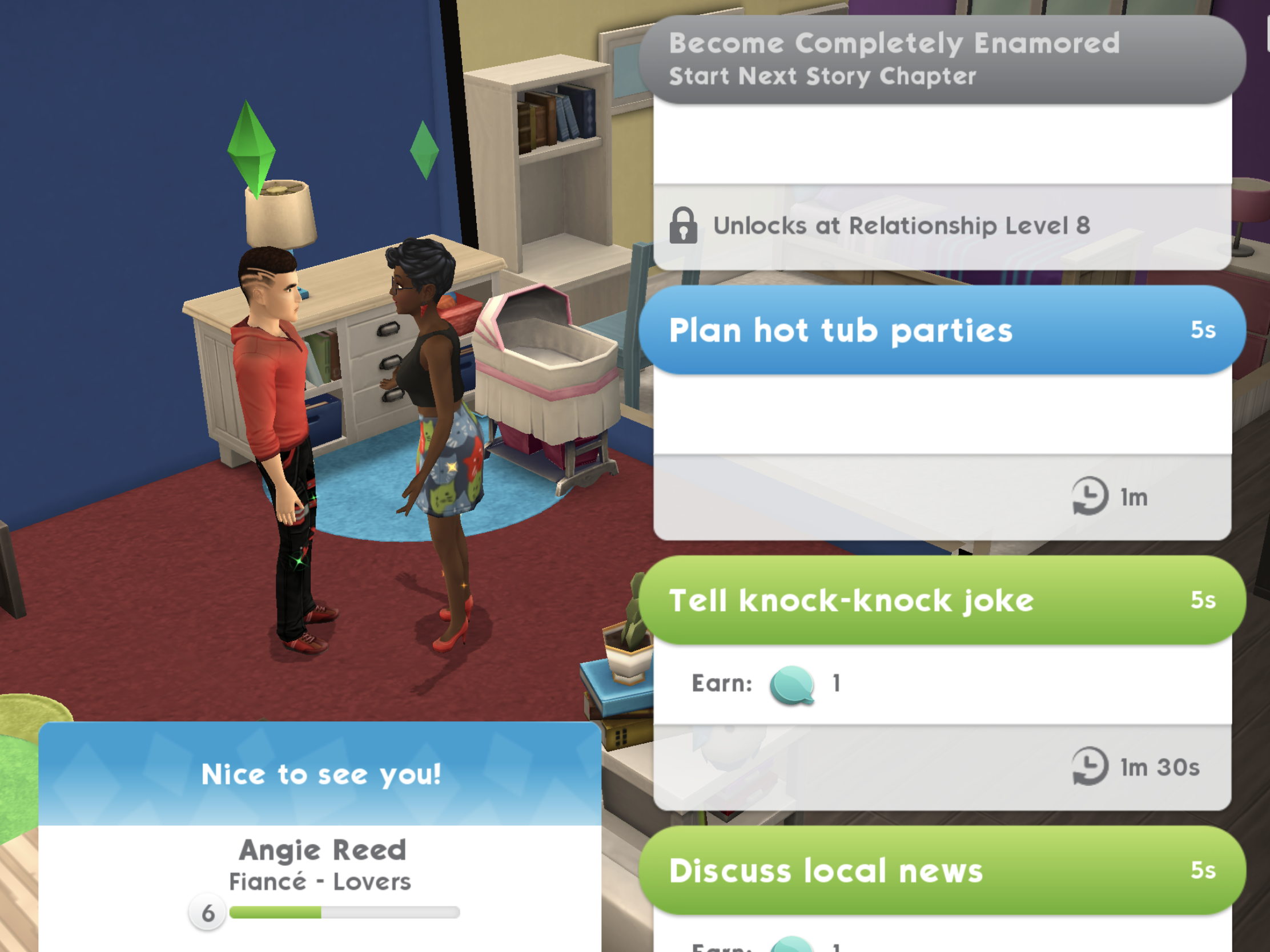
9.Plan future hot tub parties with friends- 5 seconds (you need to do this 3 times)
  • Complete the Spa-Side Snacks Event- can complete every 6 hours
  • Complete the Haute Tub Couture Fashion Event- can complete every 6 hours
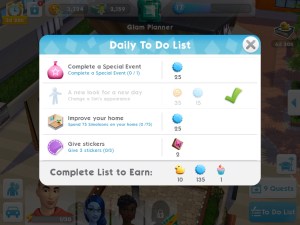
  • Complete your daily to do list each day to earn 10 ducky bucks
Buying Hot Tub Goody Bags

You can either buy a goody bag for 50 ducky bucks or 150 simcash. You will get an item at random each time,  you can get some of them more than once, for example you could win up to two hot tubs and up to 10 chairs:

Each item pictured has a ribbon next to it which shows you the rarity of that item, this shows you how likely it is you will earn that item so the main prize, the hot tub unsurprisingly is rare:
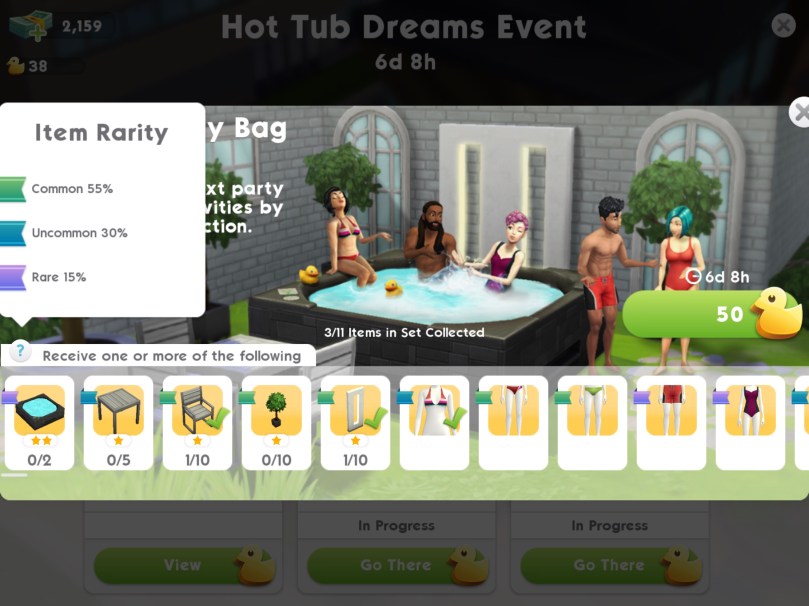
Once you have unlocked an item there will be a tick on that item, the aim is to unlock all the items before the time limit is up!

What can you do in the hot tub? Your sims can use it on their own or with other sims. Some of the other options require you to have items from this event placed before you can do them:

If you don’t managed to win the hot tub you won’t be able to buy it once the event is over

What did you think about this event?

I managed to get the hot tub but only after I had all but given up, I saw a few people post that they had just got a hot tub so I decided to give it one last go and I actually won it! Before that I got the same thing 3 times, a swimsuit so the second and third time it was converted to the smallest amount of ducky bucks ever!

Even using simcash didn’t help, I think if we use simcash on events like these we should be at least guaranteed an item that isn’t a repeat, I just really hope they change these events to make them fairer in the future!

Thanks for reading!


My Sims Mobile Posts

© COPYRIGHT PROTECTED

The Sims Mobile- Starting and Switching Careers

In this post I am going to explain how to start a career in the sims mobile and also how to change your sims career.

Starting a Career

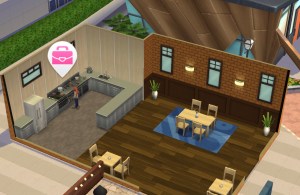
When you have built a workplace a pink suitcase will appear:

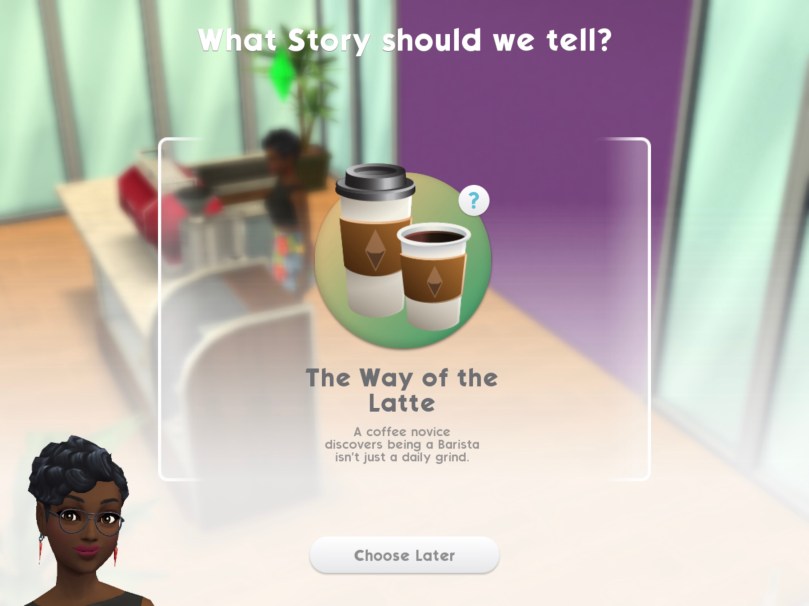
Click on this with the sim you want to work there and it will ask you what story should we tell? Click on the picture in the middle of this pop up to begin this story which starts this career:

Once you have started that career the pink suitcase will turn into a pink star, click on this to begin a career event:

Each career event your sim completes earns you career points to be able to level up in the career and unlock the career story chapter to unlock new items:

Changing Careers

If you would like to switch your sims career go to another workplace and click on the pink suitcase:

Again choose the story you want to tell:

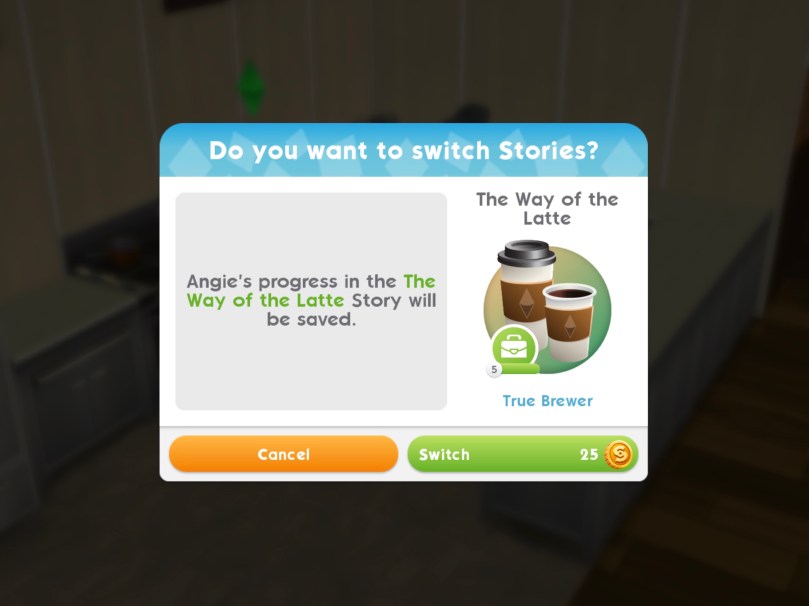
When you click on this story it will ask you if you want to switch stories? Click switch to change your sims career, this will cost simoleons:

You will then be able to start the new career story, you will not be able to complete the previous career anymore

NOTE: only one sim can be in each career at a time

Any questions about The Sims Mobile? Give my Frequently Asked Questions page a read!

Thanks for reading!


© COPYRIGHT PROTECTED

THE SIMS MOBILE IS OUT NOW!

Great news everyone! As of the 6th March 2018, after 10 months of waiting The Sims Mobile has been released worldwide!

Keep an eye on your Google Play Store or Apple App Store for the game, it may take some time for the game to appear in all app stores for all territories, it could take up to 24 hours in some cases so please be patient!

This link will take you straight to the download page!

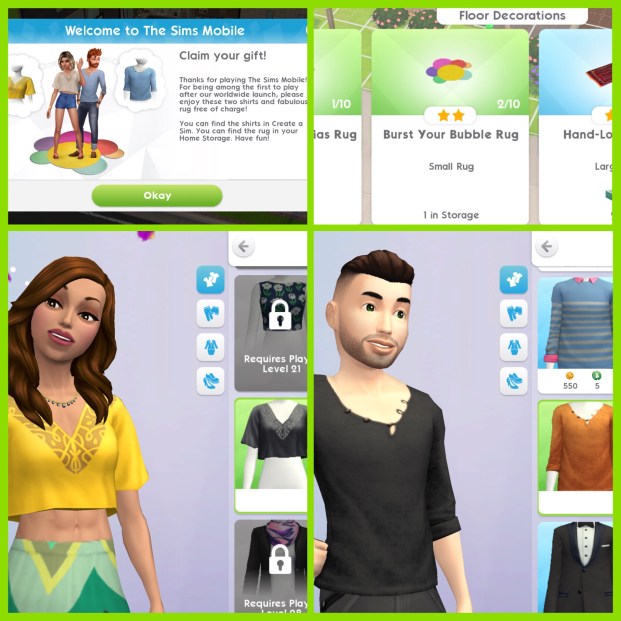
If you play the game within the first couple of weeks you will receive a free burst your bubble rug and a top for both male and female sims.

You can find the rug in the floor decorations section or storage

When you create your sim or customise your sim you can find the tops in the style section under apparel:

What to find out more about The Sims Mobile?

You can find all my Sims Mobile posts on this page

and

Click here to watch my Sims Mobile playlist on YouTube- new videos are added each week!

Thanks for reading!

The Sims Mobile- Guide to Stickers

Stickers are a new feature in The Sims Mobile as of the February 2018 update, this post explains all about them

How do I get stickers?

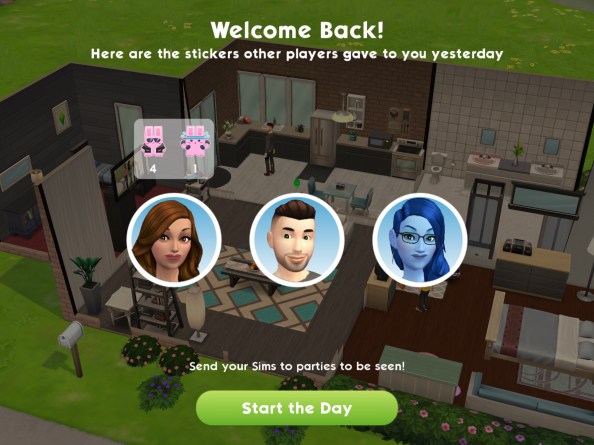
When you log in each day you will receive new stickers to give away, it will also tell you how many stickers your sims received yesterday:

How do I use stickers?

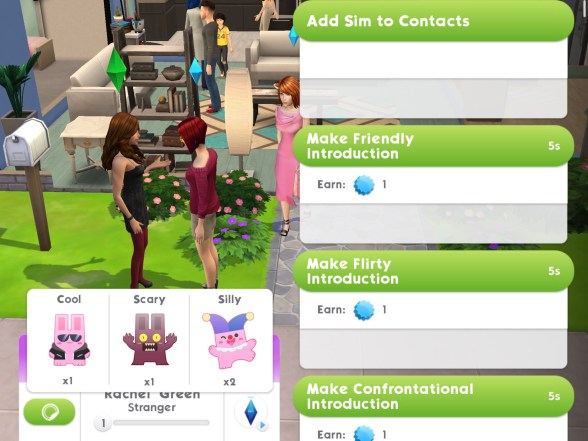
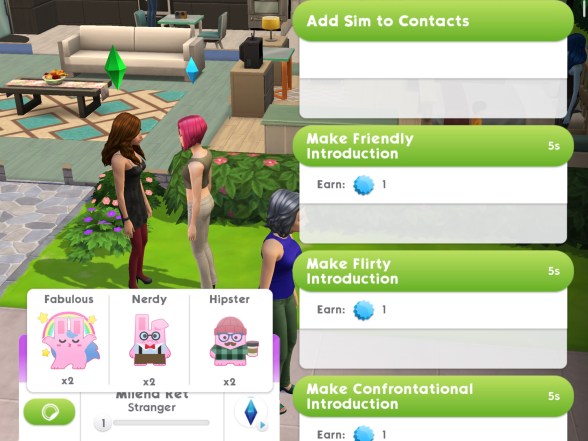
When you click on a sim with a blue plumbob above their head (these are other players sims), stickers will appear at the bottom of the screen where their name is. There will be 3 different types of stickers, click on the one you want to give that sim to spend it:

Sims with the blue plumbobs are other players sims

How many stickers can I give a sim?

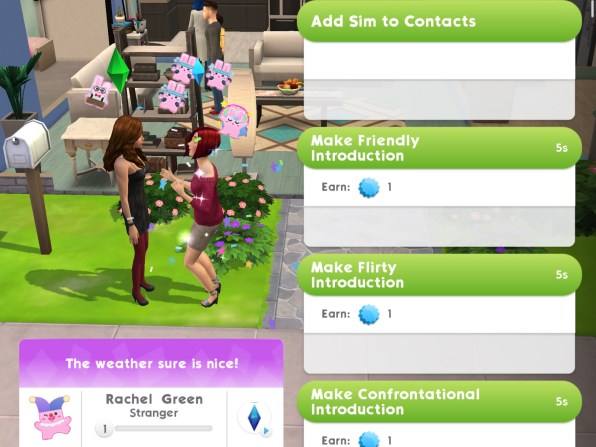
You can only give them one a day, it will appear next to their name which sticker you gave them:

Will they know it was me who sent it?

No, they won’t know who sent them the stickers (I still feel rude giving people scary stickers though!)

I’ve run out of stickers what do I do?

Once you use all your stickers in a day you will need to come back tomorrow to receive more

Why should I use the stickers?

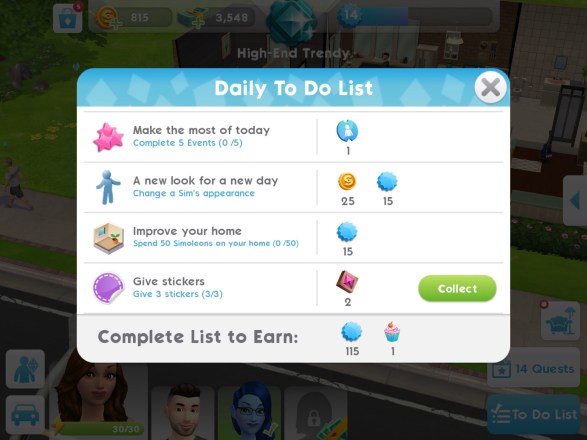
One of your daily tasks on your to do list is to give stickers, completing this will earn you 2 fashion gems which you can spend at Izzy’s Fashion Shop on unique outfits!

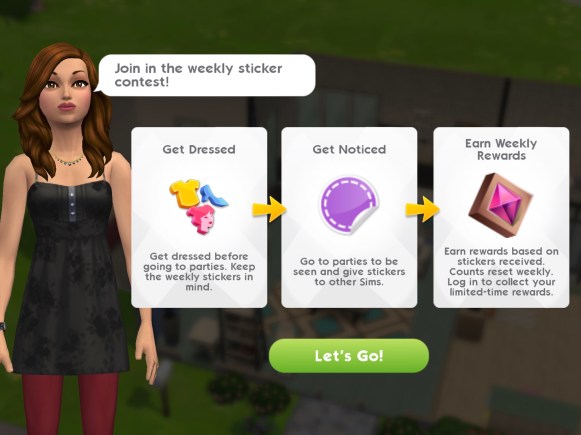
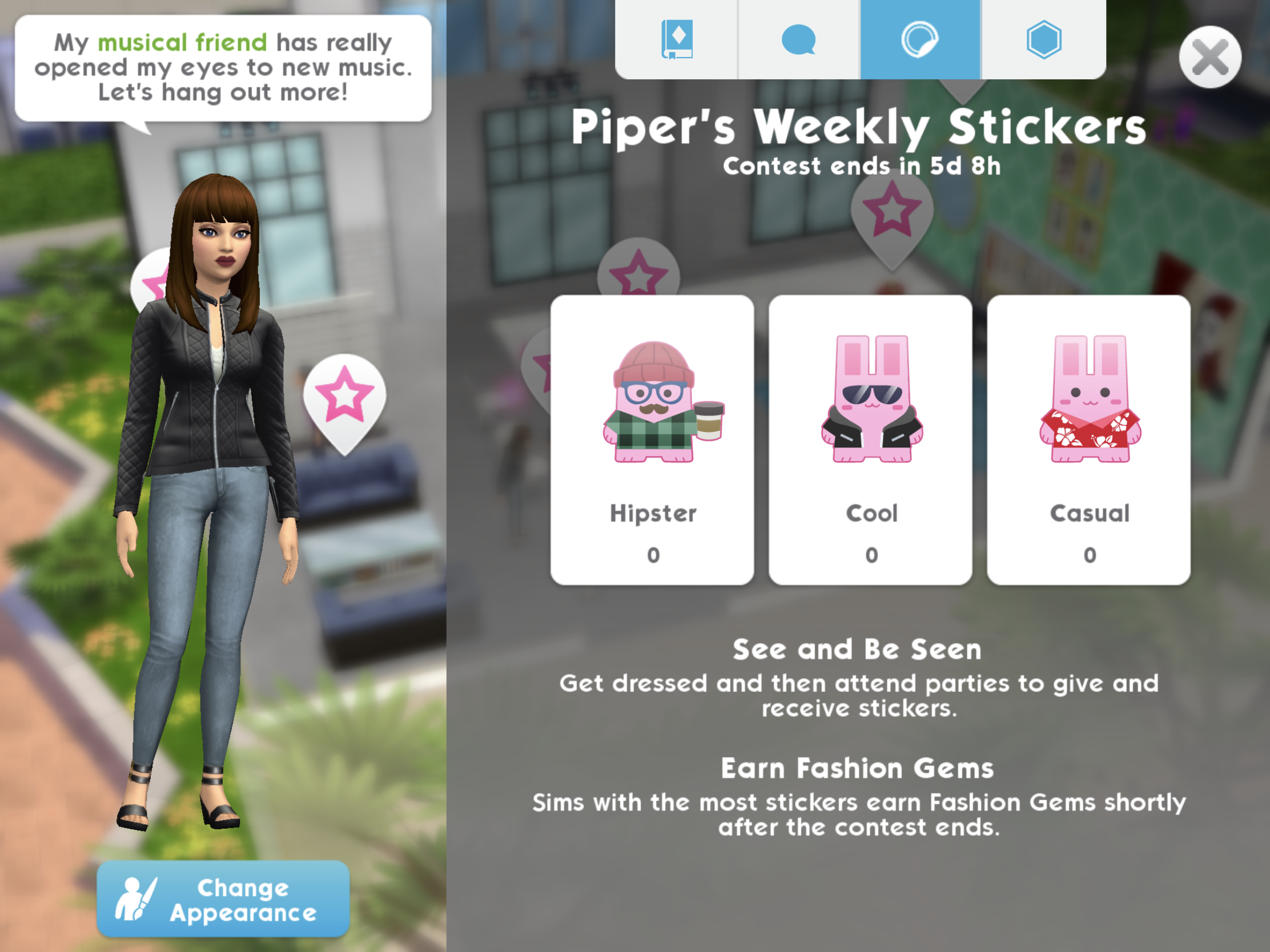
At the end of the week you will earn Fashion Gems based on how many stickers you received:

You can also keep track during the week of how many stickers you have received and how many days are left in this week’s contest:

Click here to watch my Sims Mobile playlist on YouTube- new videos are added each week!

Thanks for reading!


© COPYRIGHT PROTECTED
The Sims Mobile- Massive February 2018 Update

The latest update for the sims mobile is a big one! In this post I will show you what is new and what has changed, it is important to remember that as this game hasn’t been released worldwide yet there are still some big changes being made to the gameplay so my older sims mobile videos may play very differently to the version everyone eventually gets their hands on!

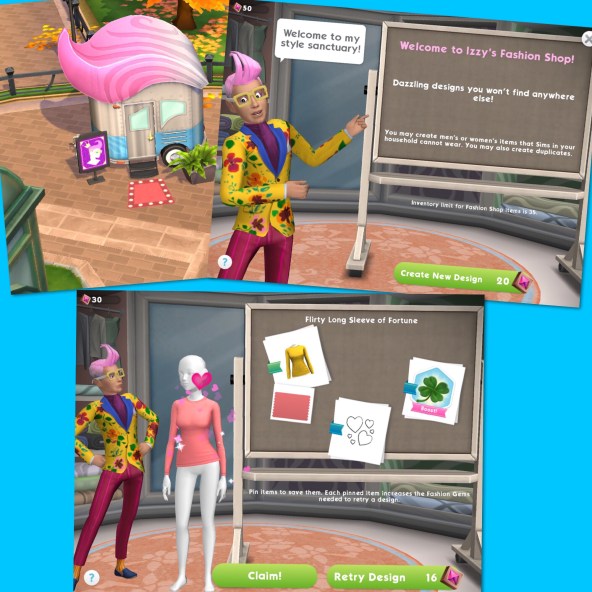
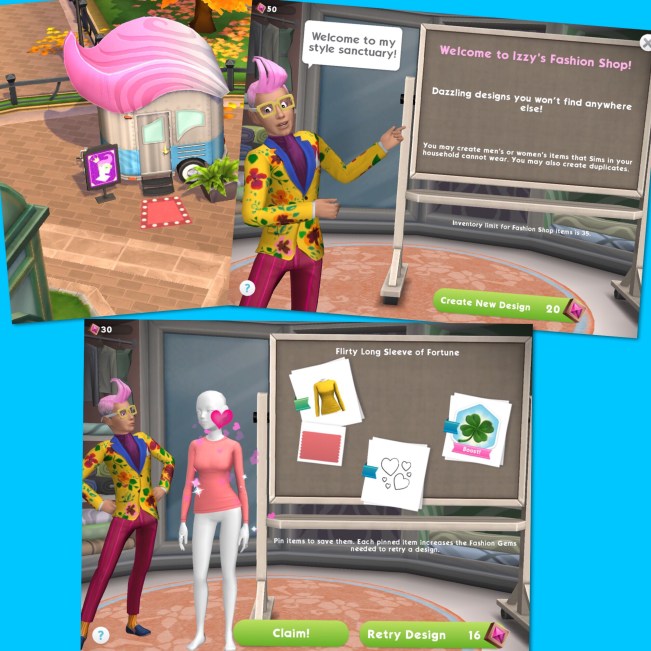
-Izzy Fabulous and his Fashion Shop have arrived in Parkside, visit the shop and Izzy will create some custom fashions with cool effects just for you. It costs 20 Fashion Gems to create a new design:

When you sim wears this fashion piece they will earn a bonus from the trait shown on the board, so the flirty long sleeve of fortune has the lucky trait

You earn Fashion Gems by completing the give stickers goal on the to do list:

You only seem to earn 2 a day though so it could take a while for you to be able to create new outfits!

-Sims can now complete events on their own and earn the maximum rewards instead of earning less which is great news if you run out of energy at the end of the day and cannot complete one!

-You can now see other players sims in your game and interact with them (look out for the blue plumbob sims!) You can also send these players stickers- the sticker tab is next to that sims name when you click on them:

You can also receive stickers, I personally don’t really see much point for the stickers other than to be able to complete the daily task to give stickers and earn the fashion gems

-You can now see other players houses too!

-There are now loads more stories so instead of just social event stories you can now complete hobby and career stories, you can find these in the sim info button (keep reading for more information):

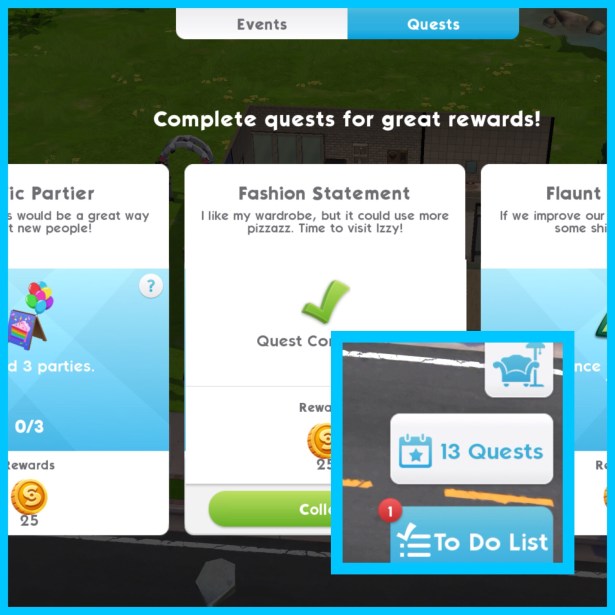
-Loads of new quests are now available, and the quest button location has changed, you can now find it just above the to do list (I am not sure yet if you still get the wedding quest and baby quests as well but when I find out I will update this post):

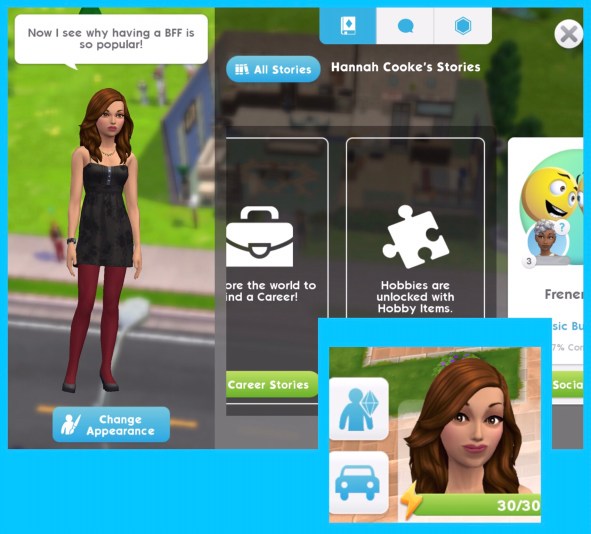
-The sim info button is now an image of a sim and the plumbob symbol rather than 3 dots and when you click on it it opens to your sims stories, relationships and traits and underneath the image of your sim you can click to change their appearance (I have no idea where the career tab is now to change your sims career, I am hoping you still can- again I will update this when I find out):

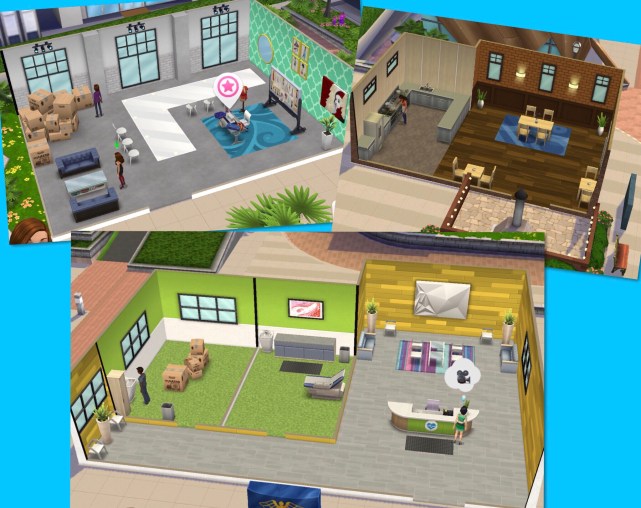
-Most of the workplaces have had a makeover- I love how much brighter they are now!

Click here to watch my Sims Mobile playlist on YouTube- new videos are added each week!

NOTE: The Sims Mobile is still not available worldwide yet but you can pre register to be informed when the game is officially released!

Thanks for reading!


© COPYRIGHT PROTECTED