Early Access to Beta Provided by EA/ Firemonkeys (Presented by EA GameChangers)
THIS QUEST IS NOW OVER
Your sims are just waiting to see what disaster will occur this Christmas, join them for this 13 day quest from the 12th December! There are 13 sets of goals to complete in the 13 day time limit so there is a set of goals to complete each day, if you complete the quest in the time limit you win the spectacular lakehouse template! Make sure you update your game to the 2019 lake house Christmas update to be able to start this quest
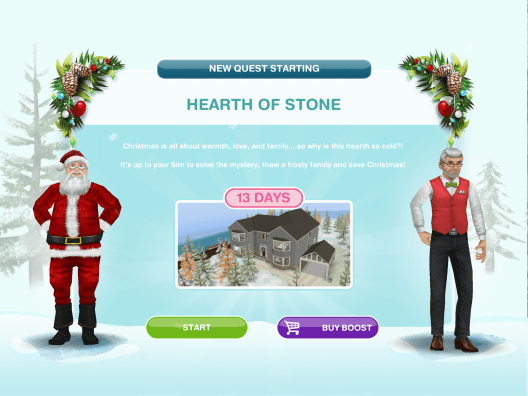
You have to wait between completing each set so you complete one set per day, after completing a set you have to wait for a certain amount of time before being able to continue with the quest (the time varies depending on how long you take) unless you are behind then you will move straight onto the next set once you have completed the previous.
Watch my step by step walkthrough video of this quest here

Click on these links to get straight to that part of the post:
First Set – Second Set – Third Set – Fourth Set – Fifth Set – Sixth Set – Seventh Set – Eighth Set – Ninth Set – Tenth Set – Eleventh Set – Twelfth Set – Thirteenth Set – Prizes – Lakehouse
NOTE: these are the times from the early access version, I will update the post as I complete the quest if anything has changed
Times may vary depending on the star rating an item has.
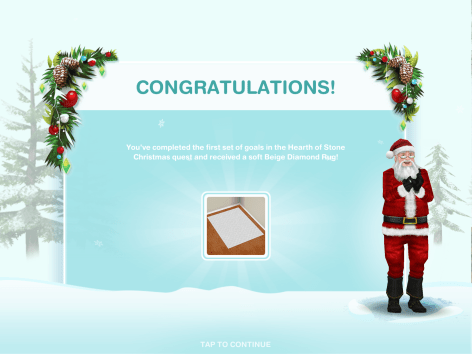
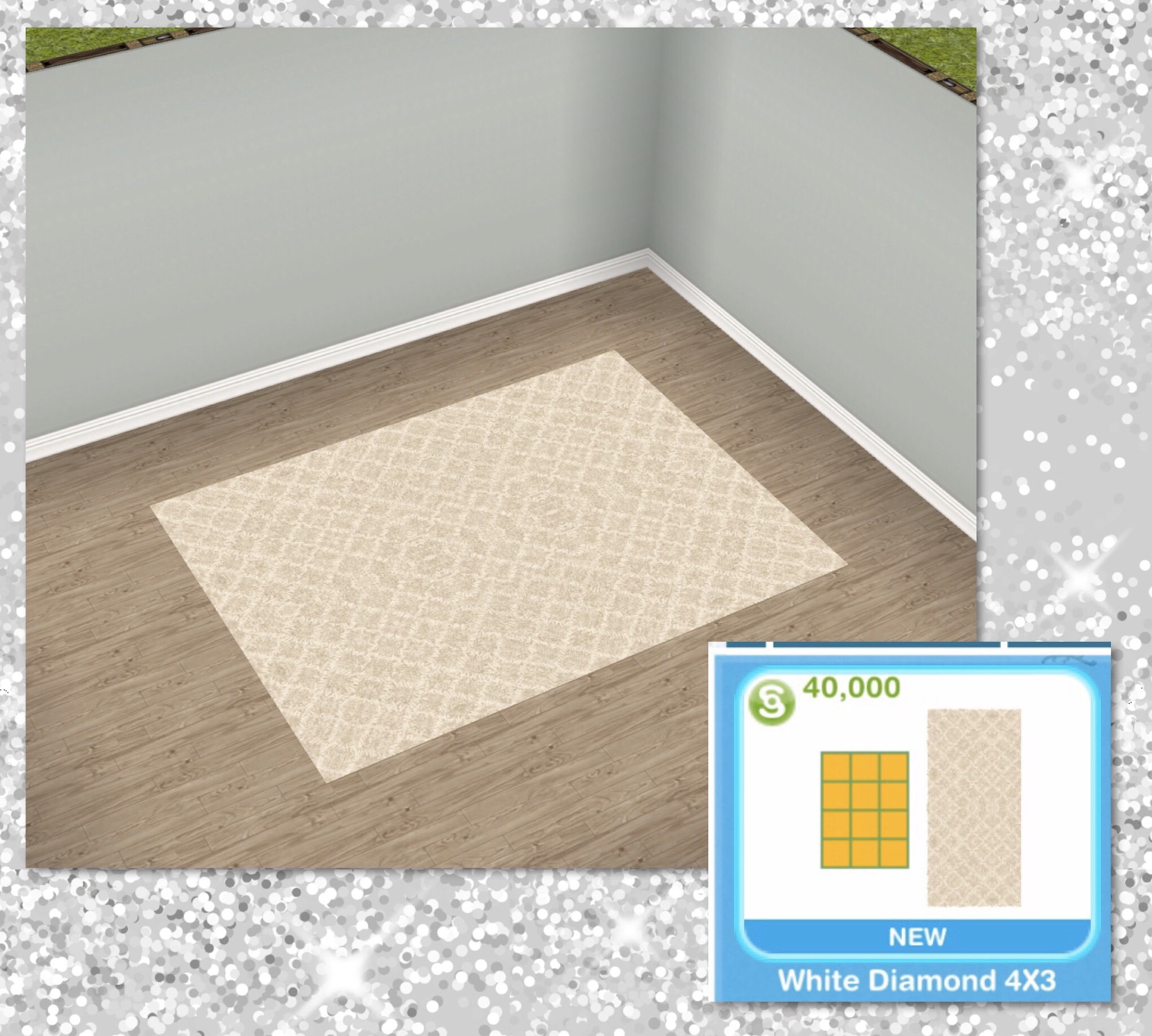
First set: Complete the first set of goals to unlock the Beige Diamond Rug (at the end of the post you can find all the information and pictures of all the prizes)
- Inspect surroundings from the X- 2 minutes

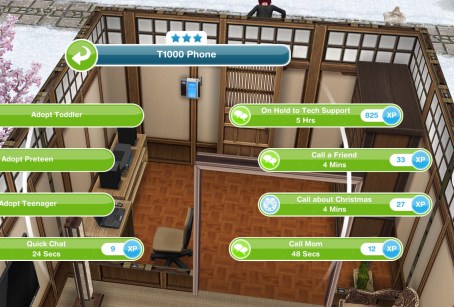
- Call another sim about Christmas- 4 minutes (on a phone)
- Have cinnamon tea- 8 minutes (you will need to buy a kettle first from the kitchen section if you don’t already have one)

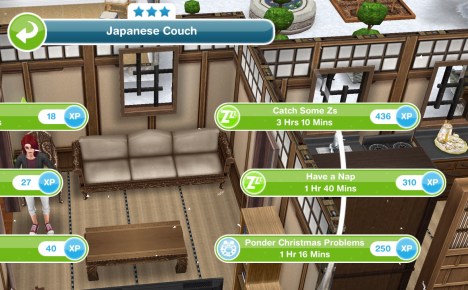
- Ponder Christmas problems- 1 hour 16 minutes (on a couch)
- Plan Christmas precautions on phone 8 times- 2 hours 40 minutes (can skip all for 14LP- need to earn LP quickly?)

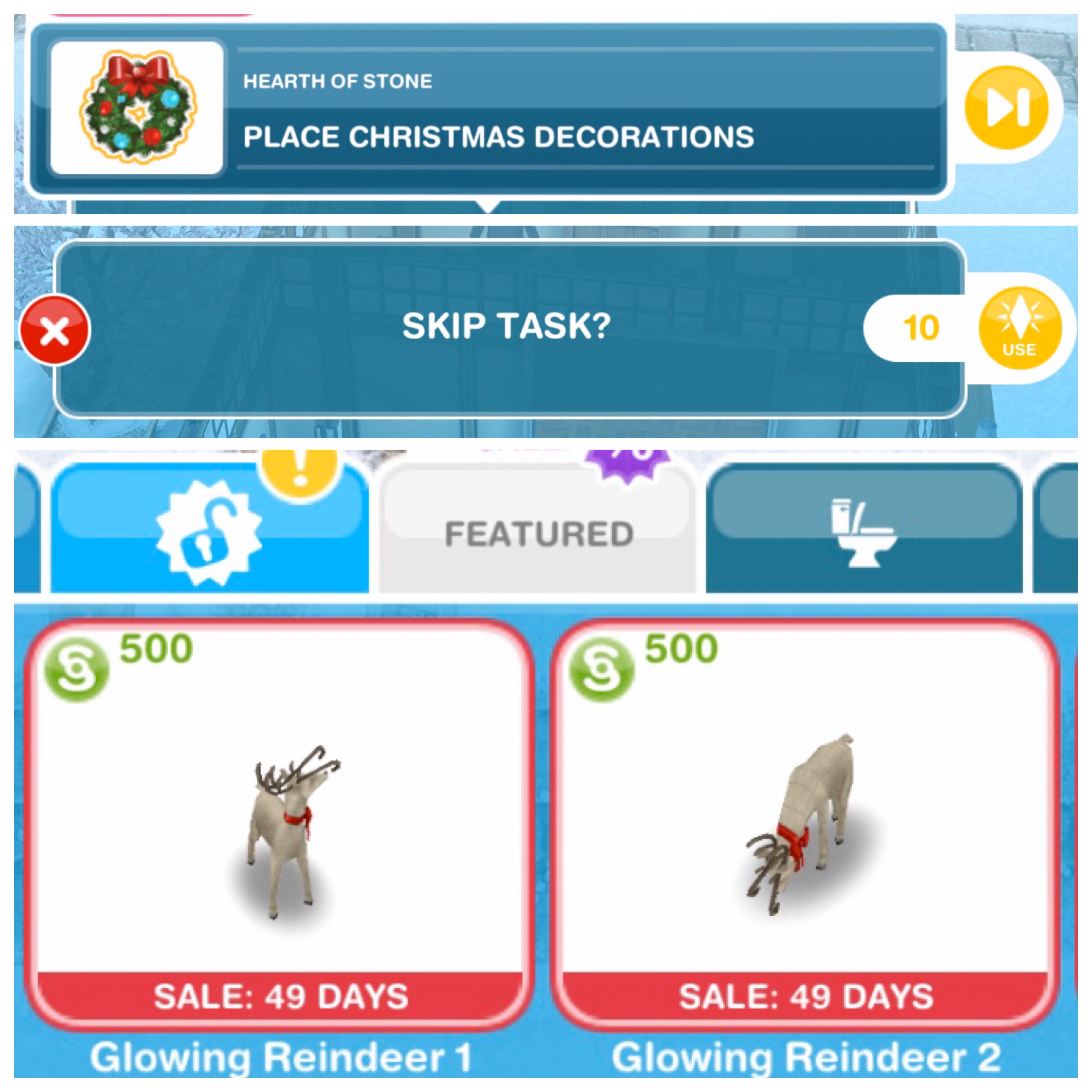
- Place 4 Christmas decorations (from featured tab of home store)(can skip all for 10LP but the glowing Reindeer can be brought for S500 each)
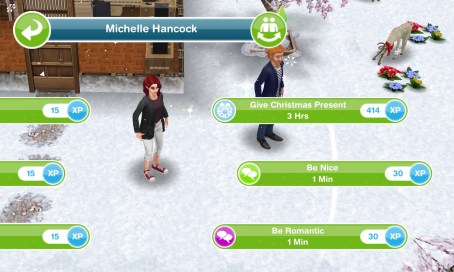
- Give Christmas present- 3 hours (select interaction on another sim)
- Build a snowman from the X- 2 hours 40 minutes

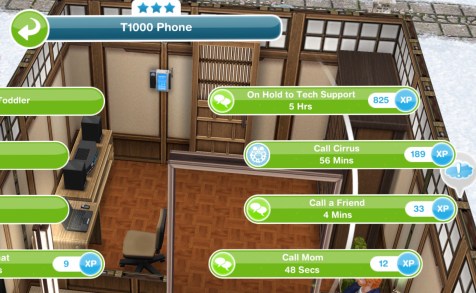
- Call Cirrus from a phone- 56 minutes
FIRST SET IS COMPLETE
- Wait for day 2 (come back tomorrow for the next set of goals, you need to wait a certain amount of time to start the next set, the time depends on when you completed the first set but you can start the next day early by skipping the day break for a large amount of social points) NOTE: you will not get this goal if you are behind in completing the goals, it will go straight to the next goal once you complete the first set)
Click here for information on this prize
Second set: Complete the second set of goals to unlock the Thin Black Chandelier
- Meet Cirrus in the park (send a sim to the park)
- Talk to Cirrus at the park- 20 minutes

- Ask Cirrus to crank up power- 50 minutes
- Crank weather machine up to 11- 1 hour 30 minutes

- Inspect the sky from the X- 3 hours

- Reassure Cirrus- 30 minutes

- Send your sim home
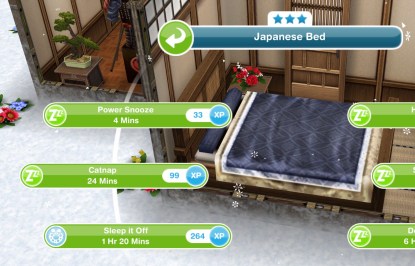
- Sleep it off- 1 hour 20 minutes (in a bed)
- Check phone for missed call- 8 minutes

- Research phone numbers on computer 9 times- 3 hours 10 minutes (can skip all for 5LP- need to earn LP quickly?)

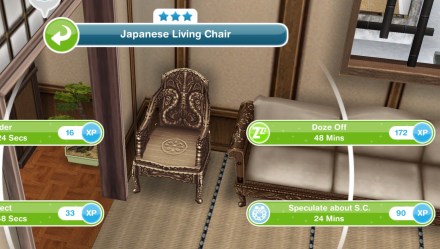
- Speculate about S.C.- 24 minutes (in a chair) (surely it has got to be Santa!)
SECOND SET IS COMPLETE
- Wait for day 3 (come back tomorrow for the next set of goals, you need to wait a certain amount of time to start the next set, the time depends on when you completed the second set but you can start the next day early by skipping the day break for a large amount of social points) NOTE: you will not get this goal if you are behind in completing the goals, it will go straight to the next goal once you complete the second set)

Click here for information on this prize
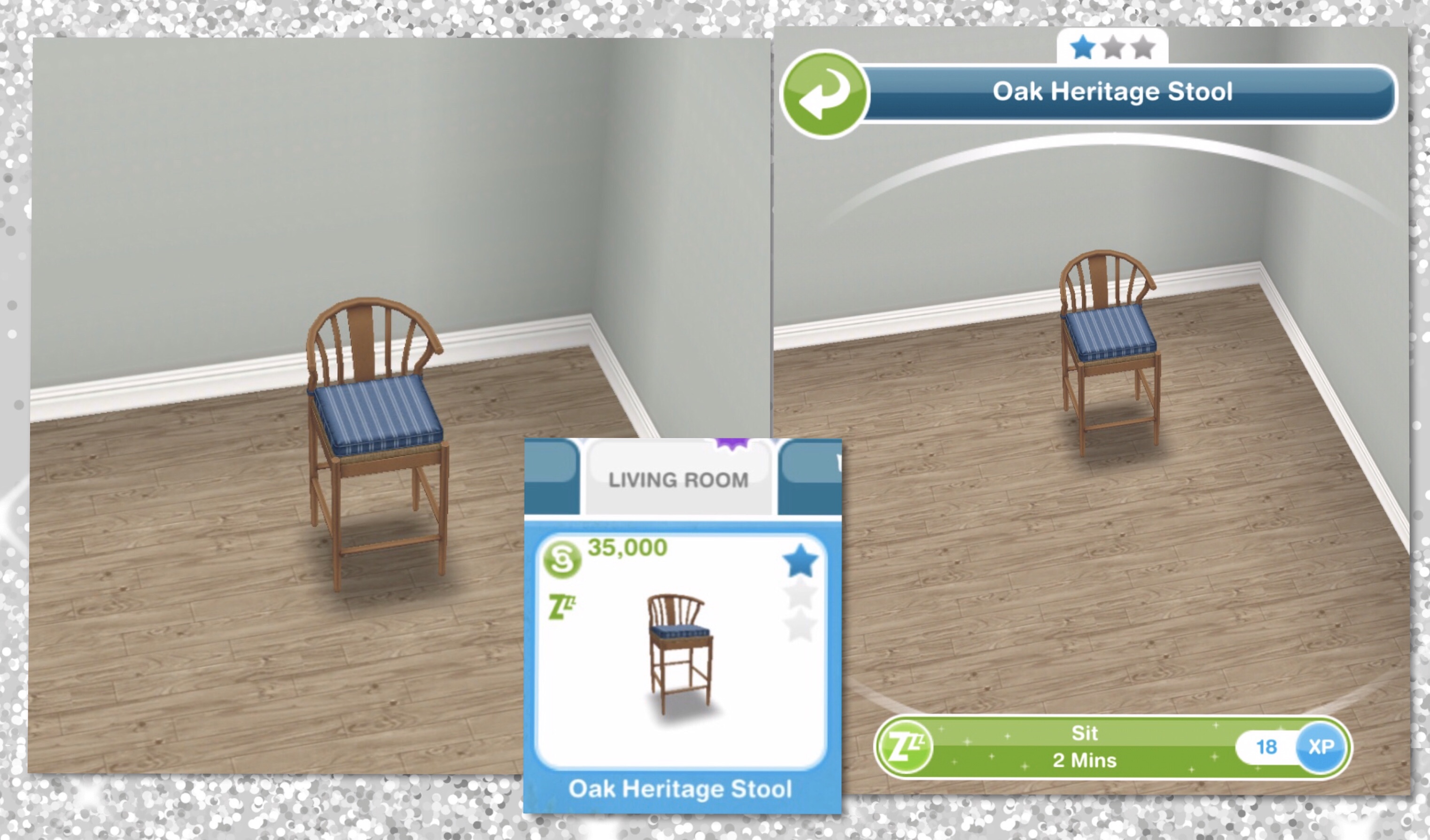
Third set– Complete the third set of goals to unlock the Oak Heritage Stool
- Call mysterious number- 8 minutes

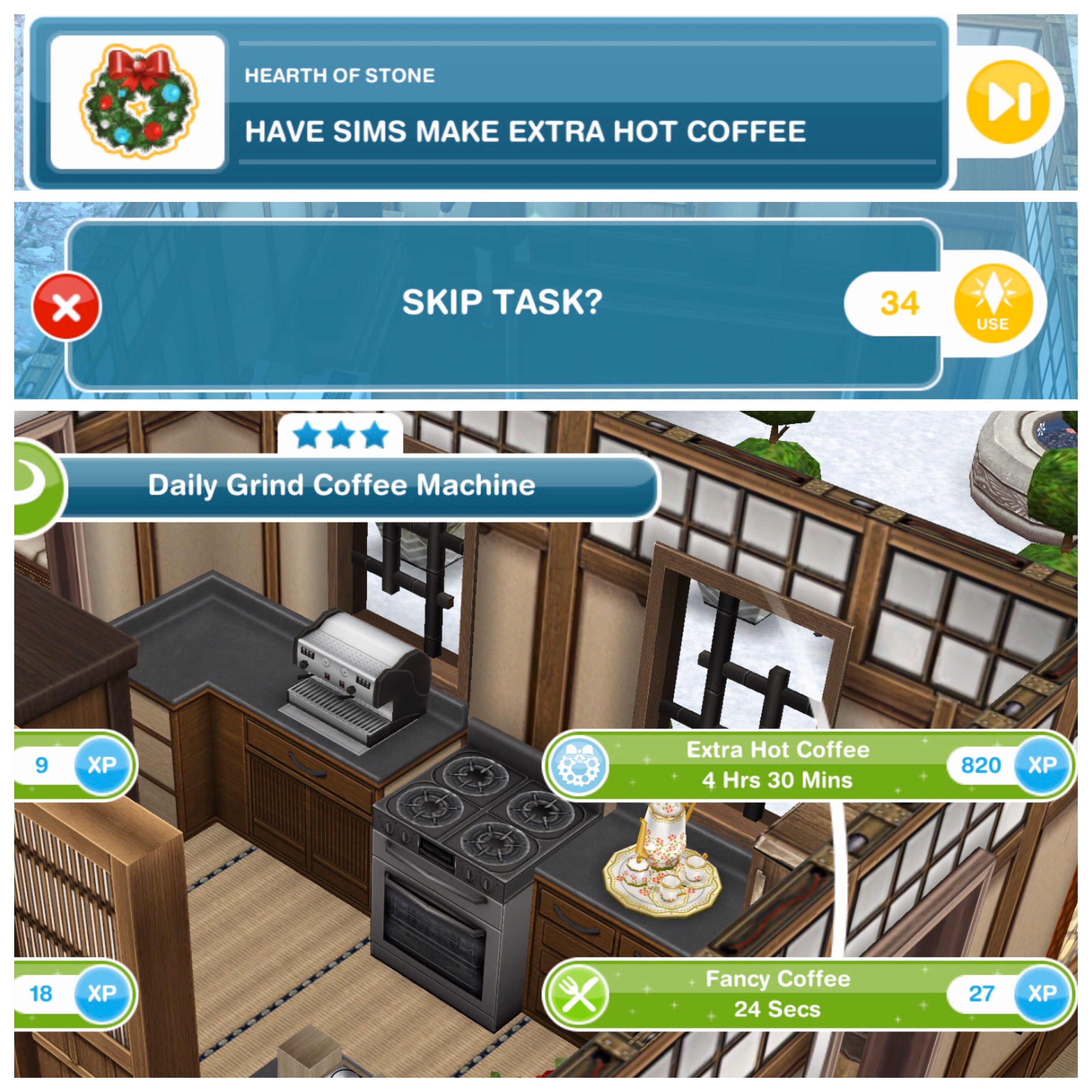
- Have 10 sims make extra hot coffee- 4 hours 30 minutes (using a coffee machine)(can skip all for 34LP- need to earn LP quickly?)
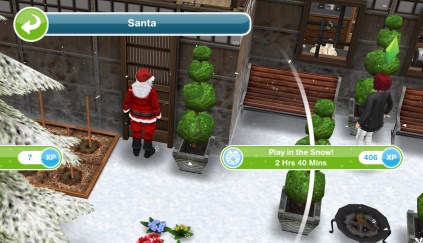
- Play in the snow with Santa- 2 hours 40 minutes (select interaction on Santa)
- Have a snowball fight with Santa- 1 hour 20 minutes (select interaction on Santa)

- Watch TV with Santa- 1 hour 20 minutes (select option on TV)
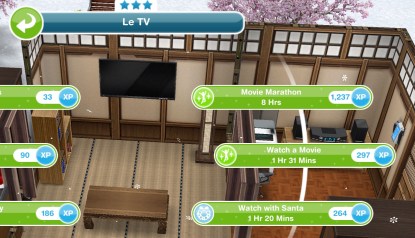
- Say goodbye to Santa- 2 minutes (select interaction on Santa)

- Watch next season with Santa- 3 hours 10 minutes (on TV)

- Prepare cottage pie- 24 minutes (on a stove)

- Give cottage pie to Santa- 30 minutes
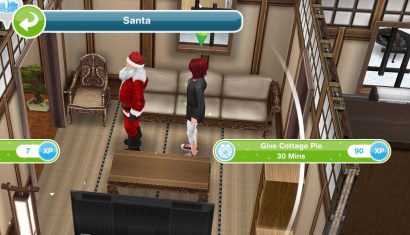
THIRD SET IS COMPLETE
- Wait for day 4 (come back tomorrow for the next set of goals, you need to wait a certain amount of time to start the next set, the time depends on when you completed the third set but you can start the next day early by skipping the day break for a large amount of social points) NOTE: you will not get this goal if you are behind in completing the goals, it will go straight to the next goal once you complete the third set)
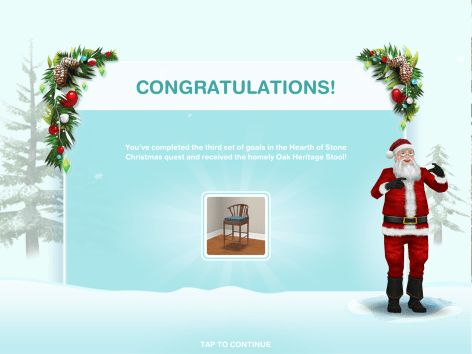
Click here for information on this prize
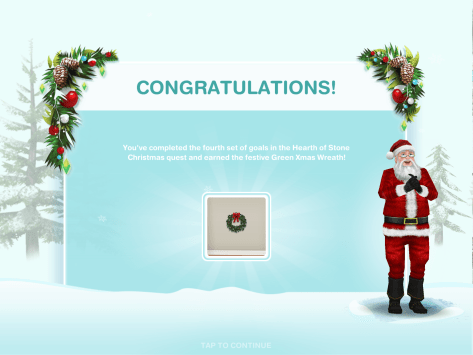
Fourth set: Complete the fourth set of goals to unlock the Green Xmas Wreath
- Demand Santa leaves- 15 seconds (select interaction on Santa)

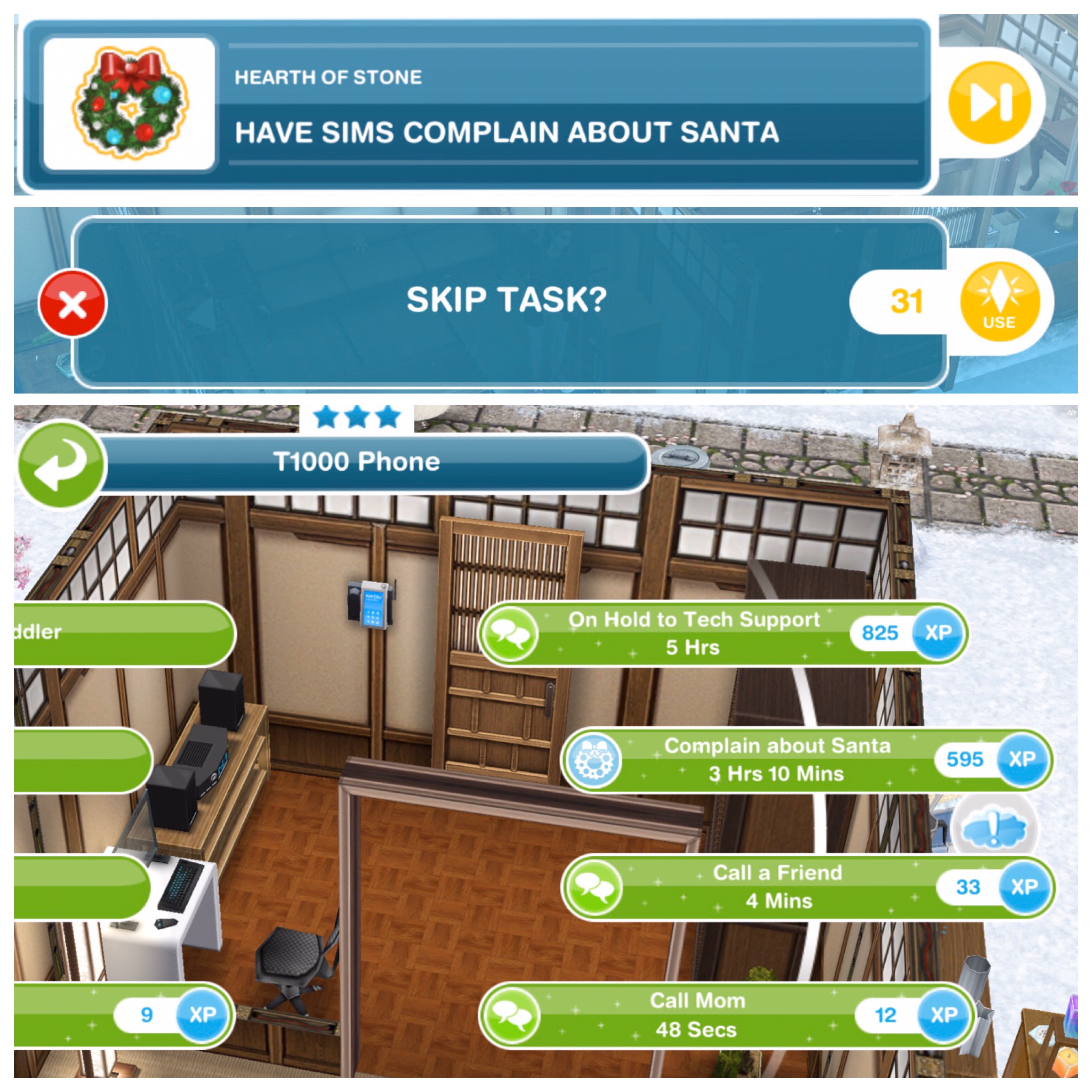
- Have 12 sims complain about Santa- 3 hours 10 minutes (on a phone)(can skip all for 31LP- need to earn LP quickly?)
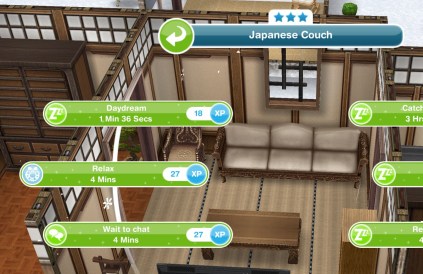
- Relax on a couch- 4 minutes
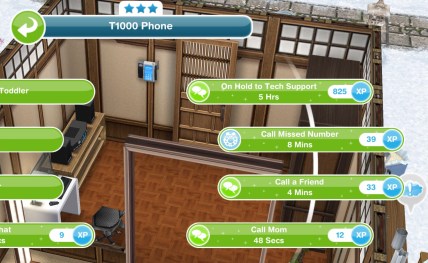
- Call missed number- 8 minutes
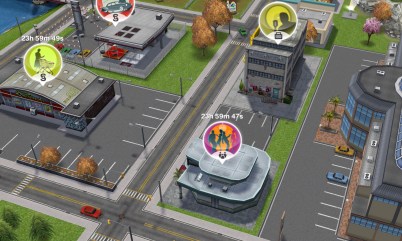
- Send your sim to the nightclub
- Convince Santa to leave- 1 hour (Santa has some moves!! I love the breakdancing Santa interaction!)

- Have 2 sims dance with Santa- 1 hour (select option on DJ Decks)(can skip all for 2LP- need to earn LP quickly?)

- Pull the plug on the music- 45 minutes (select option on DJ Decks)

- Send your sim home
- Contemplate Santa’s words- 15 minutes (select interaction on Santa)

FOURTH SET IS COMPLETE
- Wait for day 5 (come back tomorrow for the next set of goals, you need to wait a certain amount of time to start the next set, the time depends on when you completed the fourth set but you can start the next day early by skipping the day break for a large amount of social points) NOTE: you will not get this goal if you are behind in completing the goals, it will go straight to the next goal once you complete the fourth set)
Click here for information on this prize
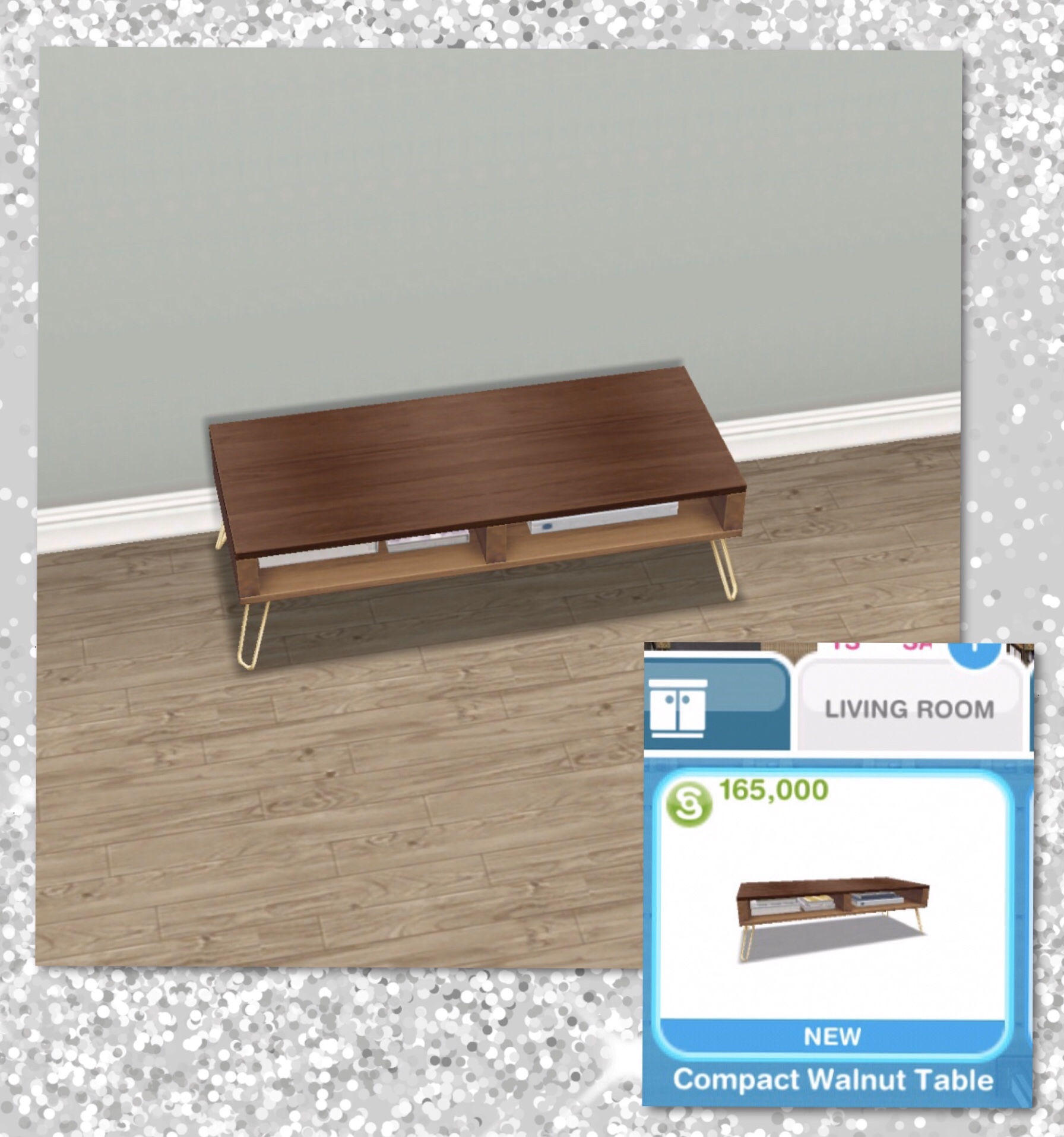
Fifth set: Complete the fifth set of goals to unlock the Compact Walnut Coffee Table
- Ask Santa about Santa Senior- 15 minutes

- Ask to borrow Santa’s phone- 20 minutes
- Pickpocket Santa’s phone- 3 hours 20 minutes

- Call Mrs Claus- 45 minutes (click on X at house)

- Meet Mrs Claus in the park
- Talk to Mrs Claus in the park- 1 hour

- Consult with Mrs Claus in the park- 55 minutes
- Prepare Christmas cookies 14 times- 4 hours (on a stove)(can skip all for 8LP- need to earn LP quickly?)
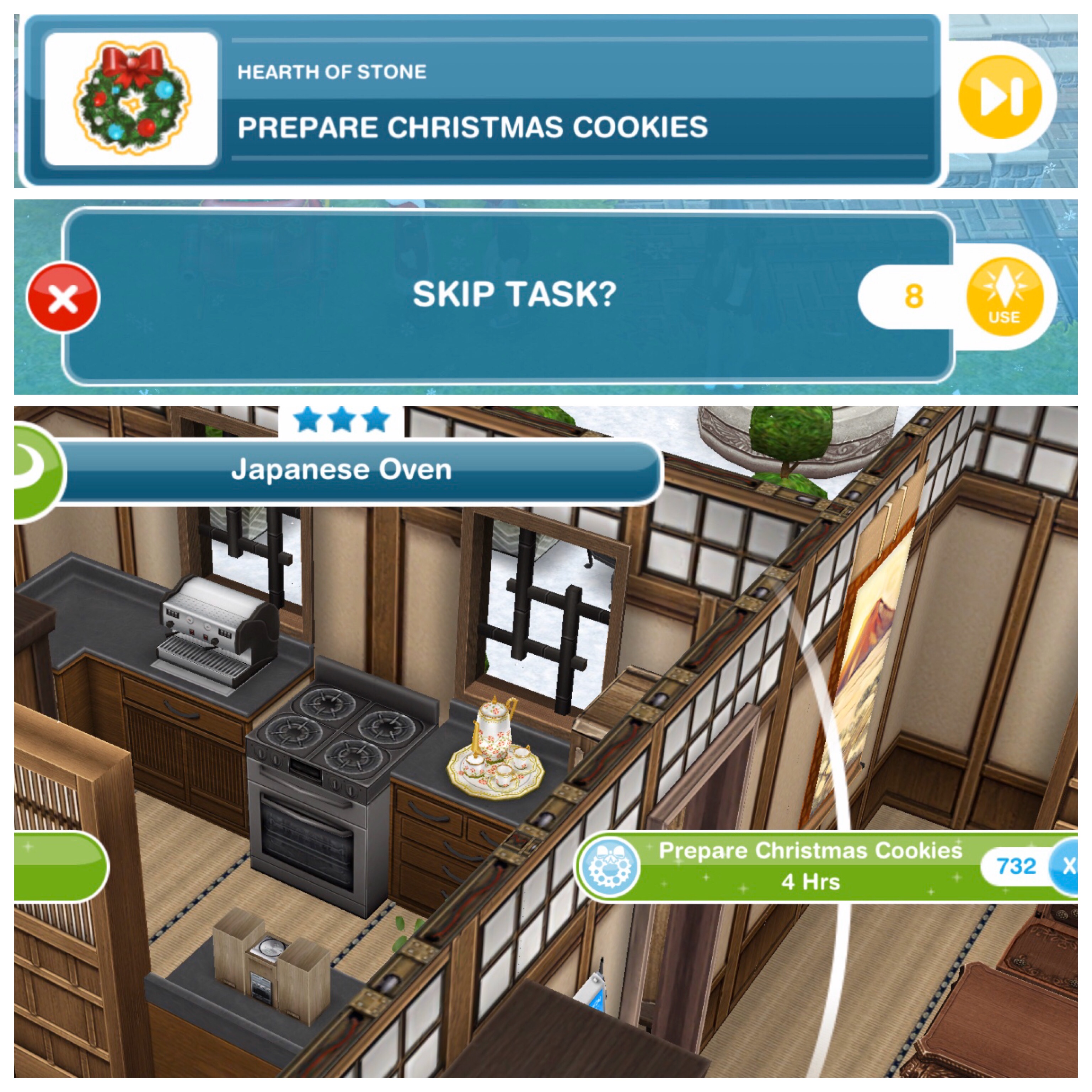
- Give Santa Christmas cookies- 45 minutes

- Ask Santa for favour- 2 hours
FIFTH SET IS COMPLETE
- Wait for day 6 (come back tomorrow for the next set of goals, you need to wait a certain amount of time to start the next set, the time depends on when you completed the fifth set but you can start the next day early by skipping the day break for a large amount of social points) NOTE: you will not get this goal if you are behind in completing the goals, it will go straight to the next goal once you complete the fifth set)

Click here for information on this prize
Sixth set: Complete the sixth set of goals to unlock the Lakehouse Hallway pack
- Meet Mrs Claus in the park
- Go to the Lake House (select the option on the sleigh in the park)

- Admire the area- 15 minutes (on the X) (this is the house you unlock if you complete the whole quest in the time limit)

- Introduce your sim to Santa Senior- 45 minutes
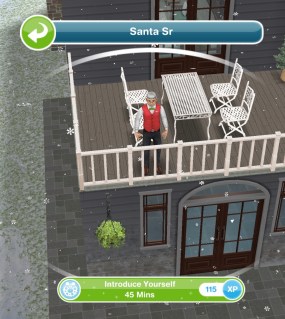
- Check on Santa- 1 hour (if you can’t find Santa at the Lake House click on him on the simtracker and he will return to the Lake House)

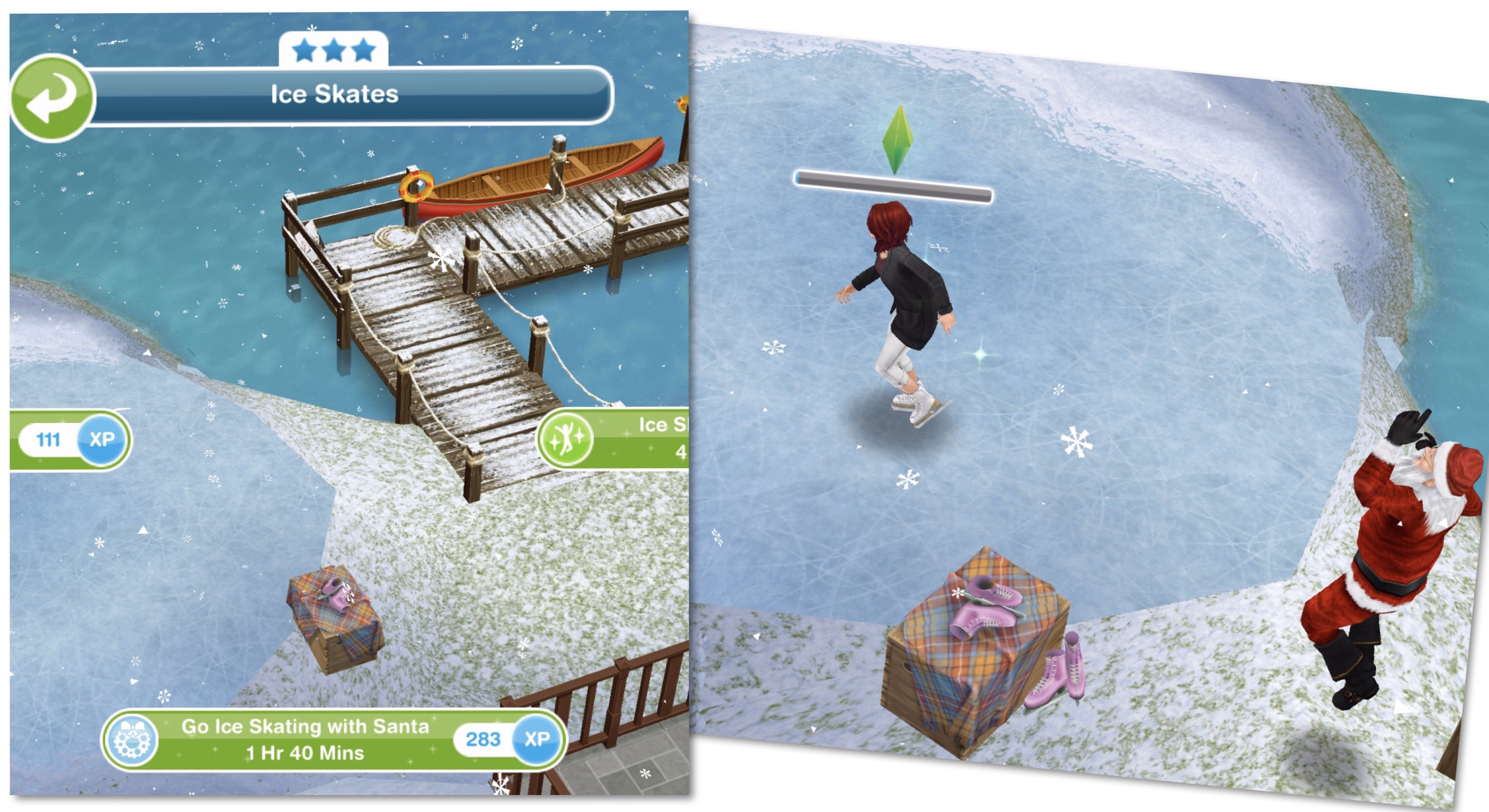
- Go ice skating on the frozen lake with Santa- 1 hour 40 minutes
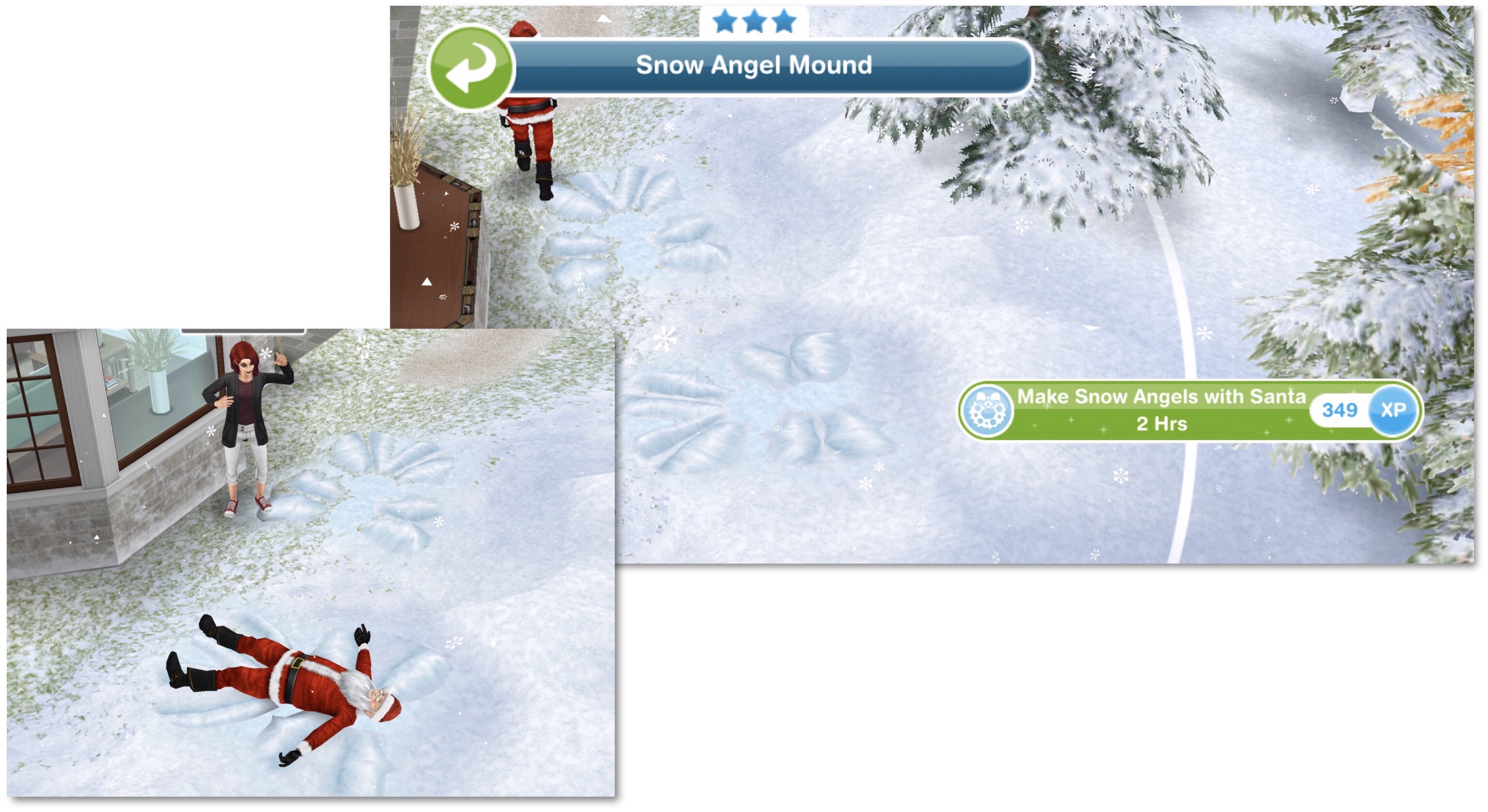
- Make snow angels with Santa- 2 hours
- Clear 4 branches at the Lake House- 4 hours (can skip all for 10LP, the task will complete but the branches won’t be removed- need to earn LP quickly?)

- Report progress to Santa Senior- 15 minutes
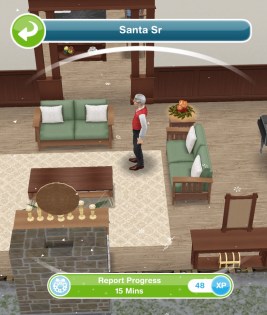
- Report back to Santa- 20 minutes
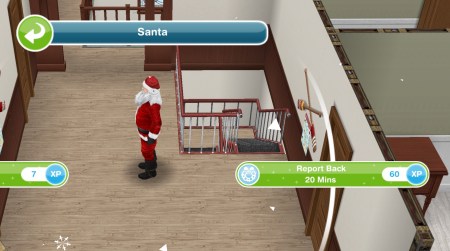
- Get motivated with Santa- 5 hours 30 minutes (select the interaction on Santa)
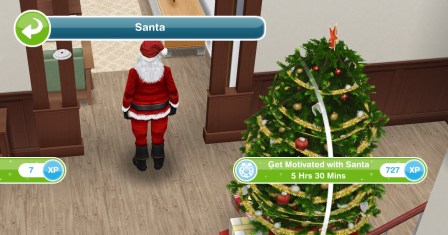
SIXTH SET IS COMPLETE
- Wait for day 7 (come back tomorrow for the next set of goals, you need to wait a certain amount of time to start the next set, the time depends on when you completed the sixth set but you can start the next day early by skipping the day break for a large amount of social points) NOTE: you will not get this goal if you are behind in completing the goals, it will go straight to the next goal once you complete the sixth set)

Click here for information on this prize
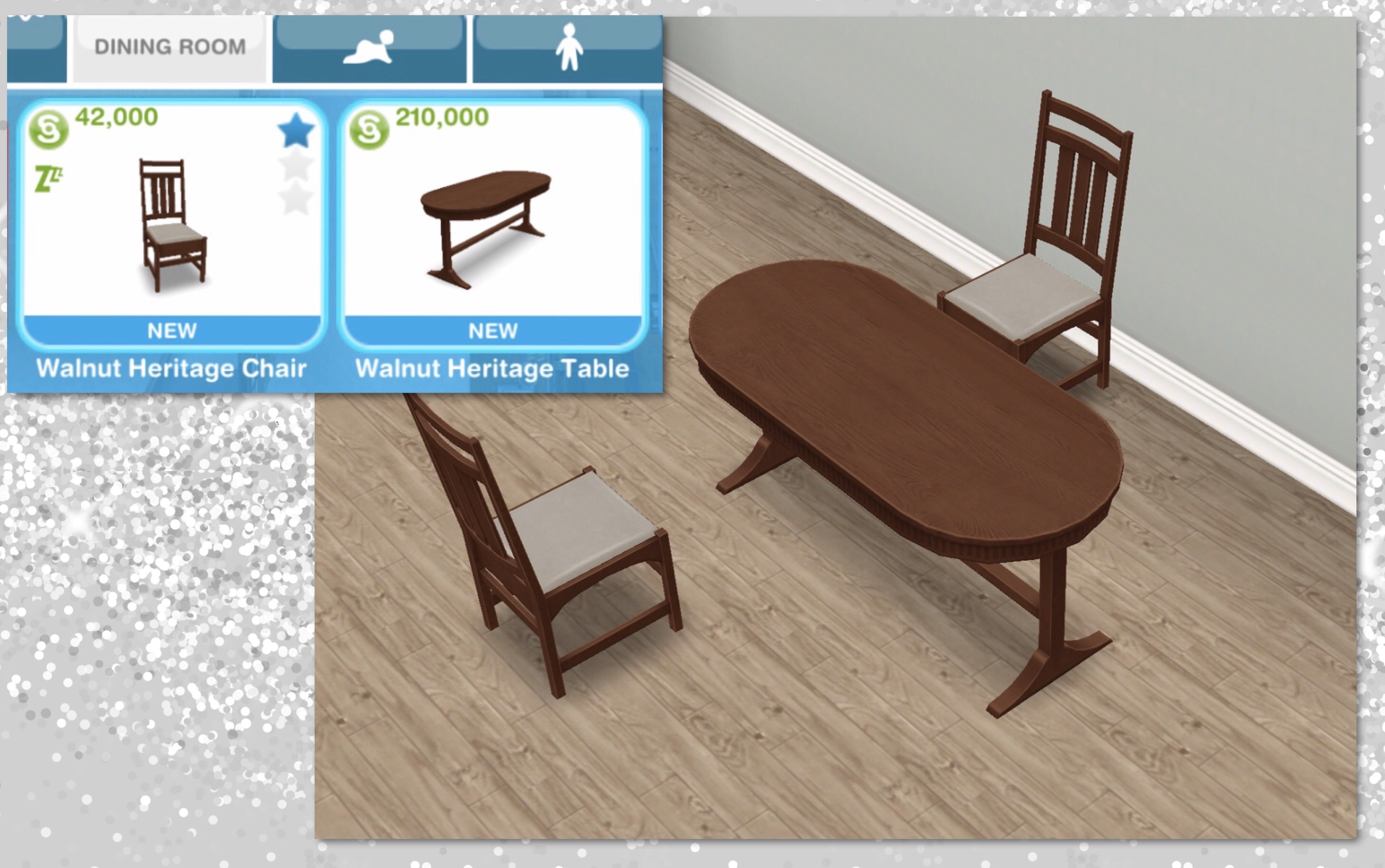
Seventh set: Complete the seventh set of goals to unlock the Pine (actually Walnut) Heritage Dining pack
- Make holiday eggnog- 1 hour 40 minutes (on a 3 star stove, takes 2 hours 10 minutes on the stove in the Lake House)

- Check on the Lake House roast- 25 minutes (can only be done using the stove in the Lake House)
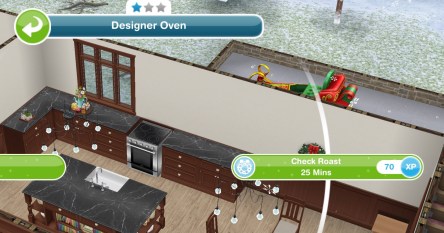
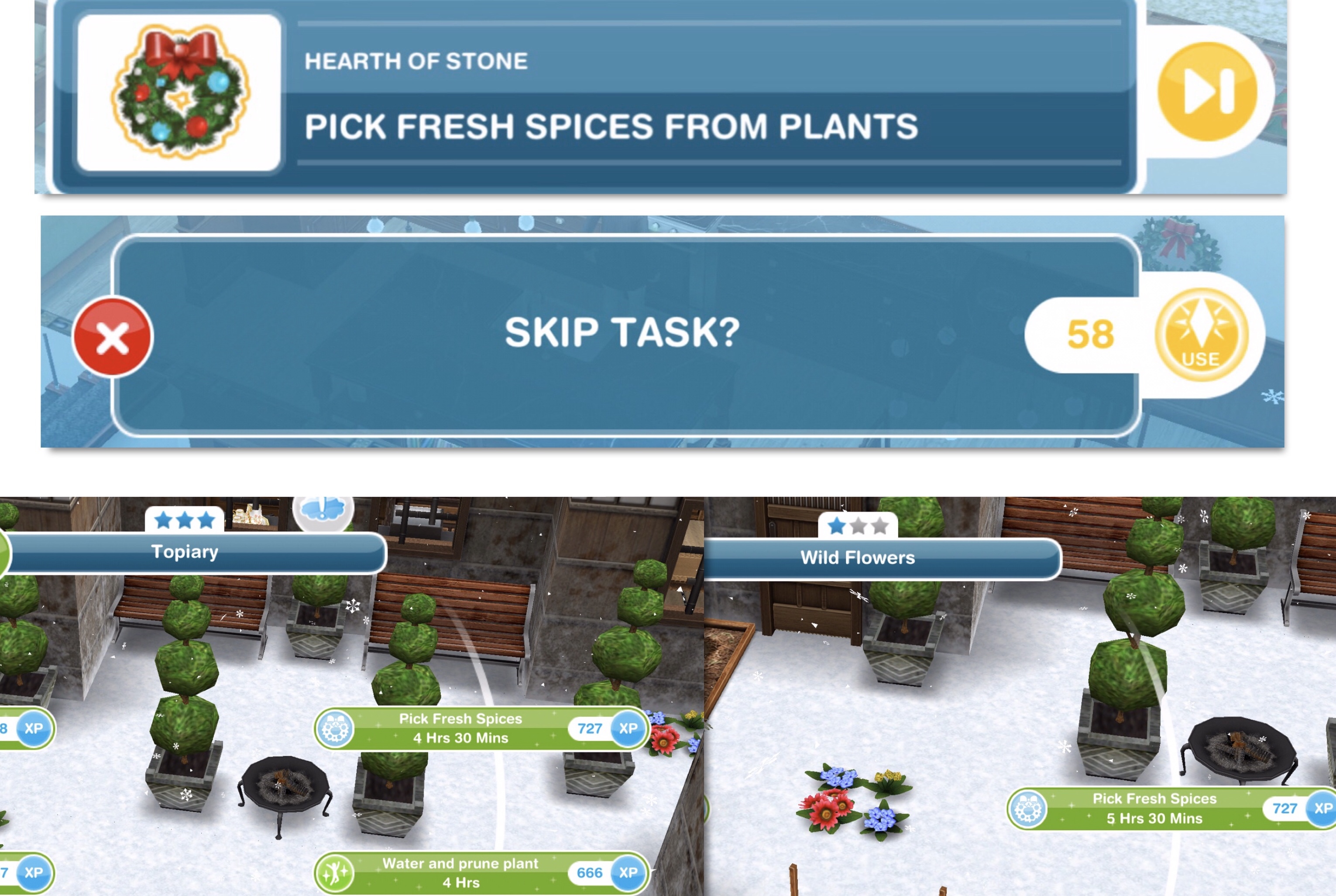
- Pick fresh spices from plants 17 times- 5 hours 30 minutes/4 hours 30 minutes (can skip all for 58LP- need to earn LP quickly?)
- Add spices to roast- 1 hour 50 minutes (on Lake House stove)

- Check in on Santa- 45 minutes
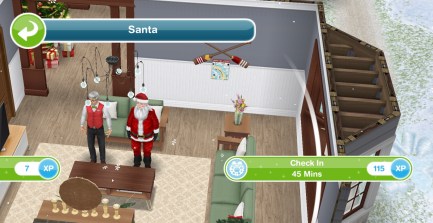
- Vacuum the Lake House- 10 minutes (using vacuum in corner)
- Wash the dishes- 2 hours 30 minutes (it is a shame that sink isn’t a prize in this quest!)

- Check on the Lake House roast- 2 hours

- Turn up the heat on the Lake House stove- 15 minutes (this isn’t going to end well!)
- Give Santa Senior an update- 30 minutes

- Give praise to Santa- 1 hour 10 minutes
SEVENTH SET IS COMPLETE
- Wait for day 8 (come back tomorrow for the next set of goals, you need to wait a certain amount of time to start the next set, the time depends on when you completed the seventh set but you can start the next day early by skipping the day break for a large amount of social points) NOTE: you will not get this goal if you are behind in completing the goals, it will go straight to the next goal once you complete the seventh set)
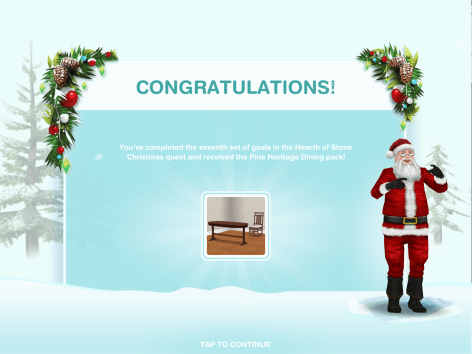
Click here for information on this prize
Eighth set: Complete the eighth set of goals to unlock the Oak (actually Walnut again) Heritage Sofa Pack
- Pace impatiently- 1 hour 5 minutes (select the interaction on Santa)

- Go to Santa’s workshop (using the sleigh)
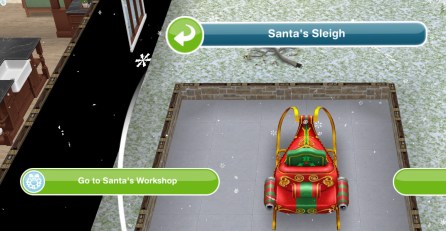
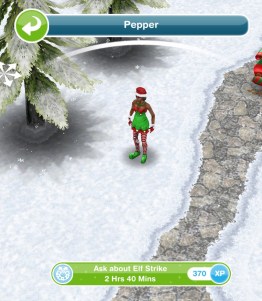
- Ask Pepper about the elf strike- 2 hours 40 minutes
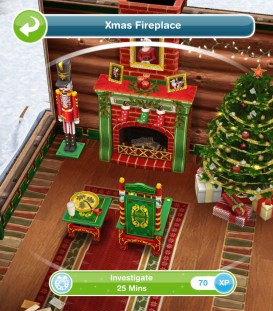
- Investigate the workshop fireplace- 25 minutes
- Find 19 pieces of firewood from trees- 3 hours 20 minutes (can skip all for 12LP- need to earn LP quickly?)

- Light the fireplace in Santa’s workshop- 1 hour 30 minutes

- Search letter pile for power bill- 2 hours 30 minutes
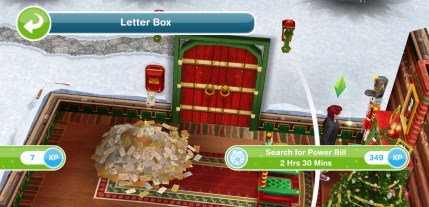
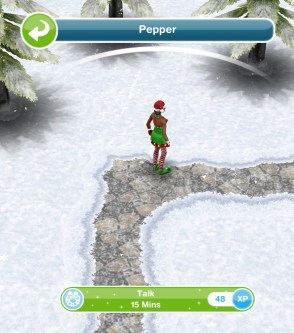
- Talk to Pepper- 15 minutes
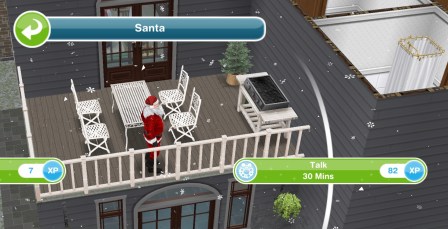
- Talk to Santa- 30 minutes (use the sleigh to go back to the Lake House)
- Search for Santa suit in wardrobe- 1 hour 20 minutes

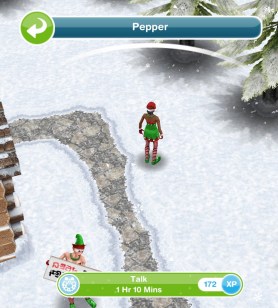
- Talk to Pepper- 1 hour 10 minutes (use the sleigh to go back to the workshop)
EIGHTH SET IS COMPLETE
- Wait for day 9 (come back tomorrow for the next set of goals, you need to wait a certain amount of time to start the next set, the time depends on when you completed the eighth set but you can start the next day early by skipping the day break for a large amount of social points) NOTE: you will not get this goal if you are behind in completing the goals, it will go straight to the next goal once you complete the eighth set)

Click here for information on this prize
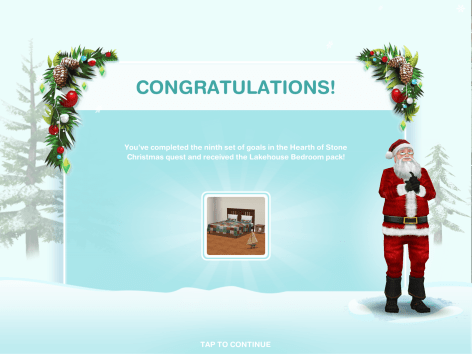
Ninth set: Complete the ninth set of goals to unlock the Lake House Bedroom pack
- Give inspirational speech as Santa- 3 hours 10 minutes (click on X) (only adult sims can do this)
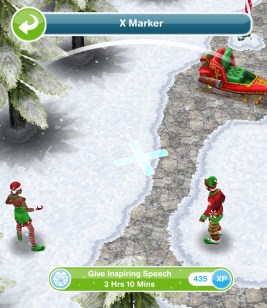
- Give the elves a ‘ho ho ho’- 4 hours (click on X)(only adult sims can do this)

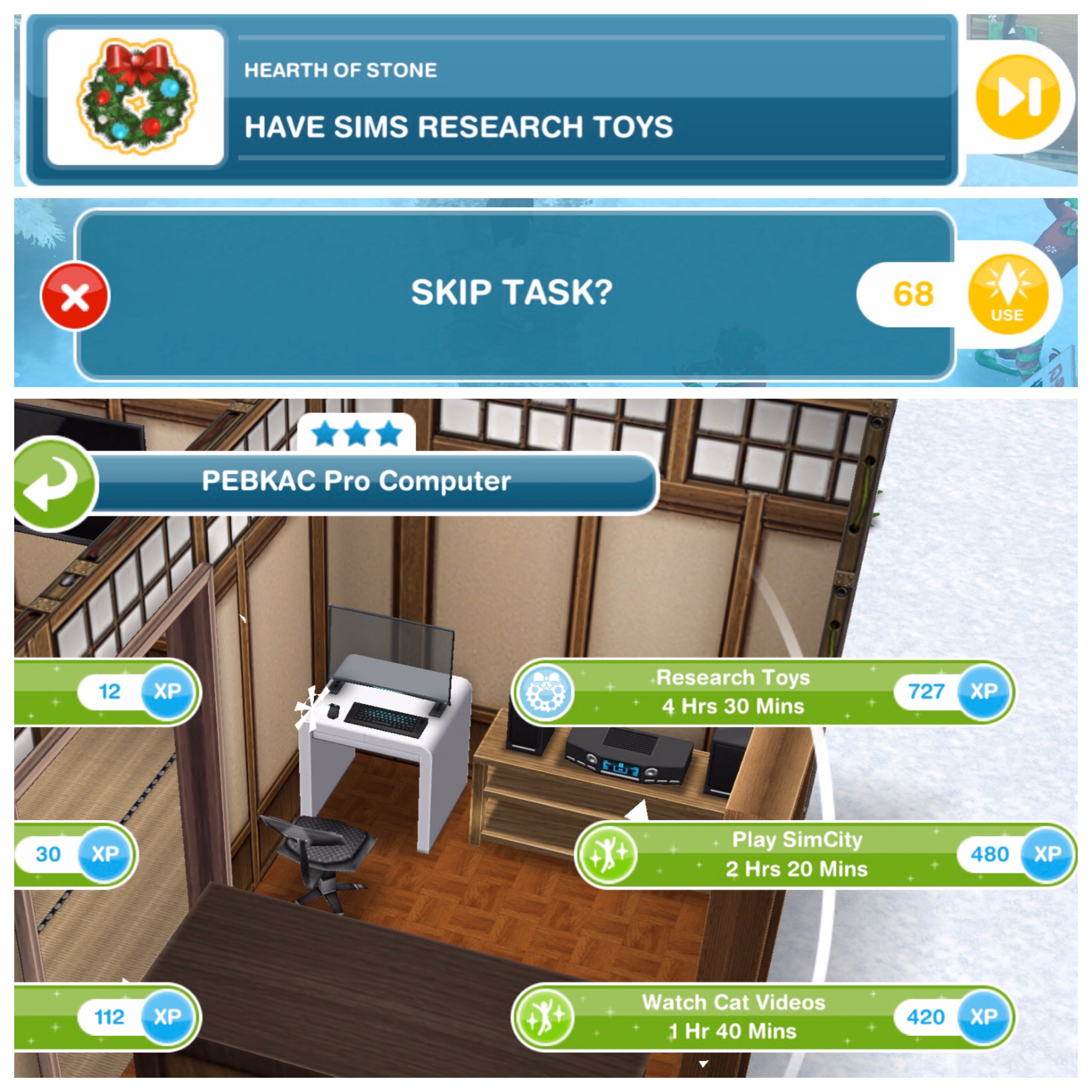
- Have 20 sims research toys- 4 hours 30 minutes (using a computer)(can skip all for 68LP- need to earn LP quickly?)
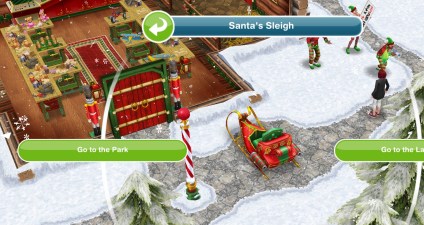
- Send all sims at the workshop home (use the sleigh to go to the park)
- Return to the Lake House (using the sleigh in the park)
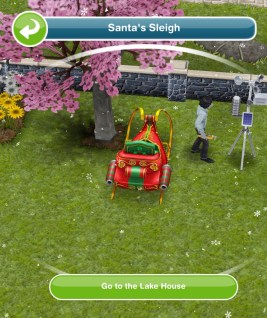
- Investigate strange smell- 5 minutes (click on X)

- Retrieve roast- 15 minutes (from Lake House stove)
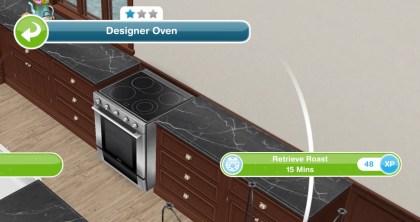
- Panic at the Lake House- 2 hours (on the stove)

- Fess up to Santa- 10 minutes
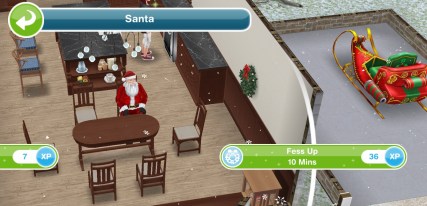
- Explain the situation to Santa- 20 minutes
- Investigate anomaly (the portal)- 15 minutes

- Listen to the Ice Queen- 1 hour 40 minutes

- Apologise to the Ice Queen- 2 hours
NINTH SET IS COMPLETE
- Wait for day 10 (come back tomorrow for the next set of goals, you need to wait a certain amount of time to start the next set, the time depends on when you completed the ninth set but you can start the next day early by skipping the day break for a large amount of social points) NOTE: you will not get this goal if you are behind in completing the goals, it will go straight to the next goal once you complete the ninth set)
Click here for information on this prize
Tenth set: Complete the tenth set of goals to unlock the Heritage Windows pack
- Beg Ice Queen for forgiveness- 2 hours 15 minutes
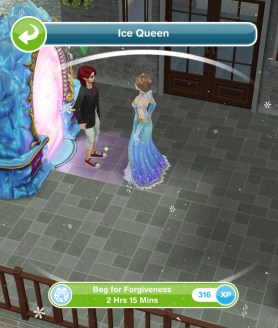
- Go to the park (using the sleigh)

- Kick the sleigh- 3 hours

- Set weather machine to regular snow- 1 hour 10 minutes

- Have 22 sims make defrosting coffee- 3 hours (using a coffee machine)(can skip for 37LP- need to earn LP quickly?)

- Have steaming hot shower- 1 hour 8 minutes

- Pour coffee on weather machine- 35 minutes

- Set weather machine to regular snow- 1 hour
- Connect backup power to weather machine- 10 minutes

- Celebrate at the sleigh- 3 hours 15 minutes
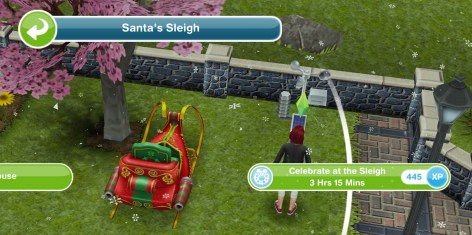
TENTH SET IS COMPLETE
- Wait for day 11 (come back tomorrow for the next set of goals, you need to wait a certain amount of time to start the next set, the time depends on when you completed the tenth set but you can start the next day early by skipping the day break for a large amount of social points) NOTE: you will not get this goal if you are behind in completing the goals, it will go straight to the next goal once you complete the tenth set)
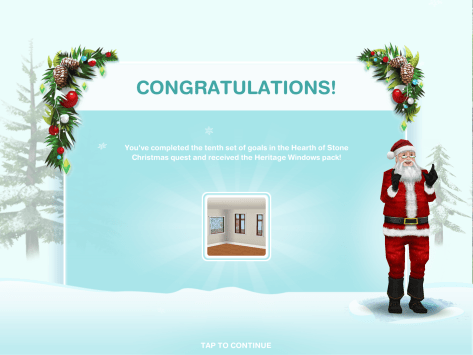
Click here for information on this prize
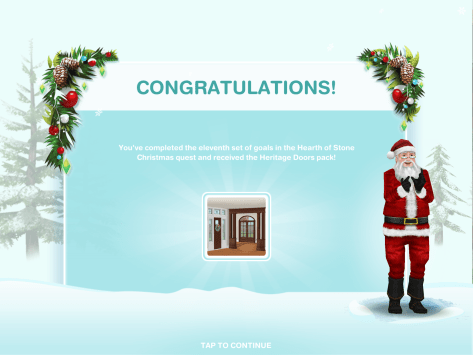
Eleventh set: Complete the eleventh set to unlock the Heritage Doors pack
- Go to the Ice Castle (using the sleigh)
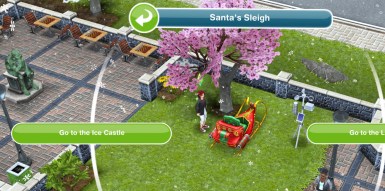
- Investigate Frost Blaster 5000- 1 hour 45 minutes

- Call Cirrus from the X- 3 hours 45 minutes

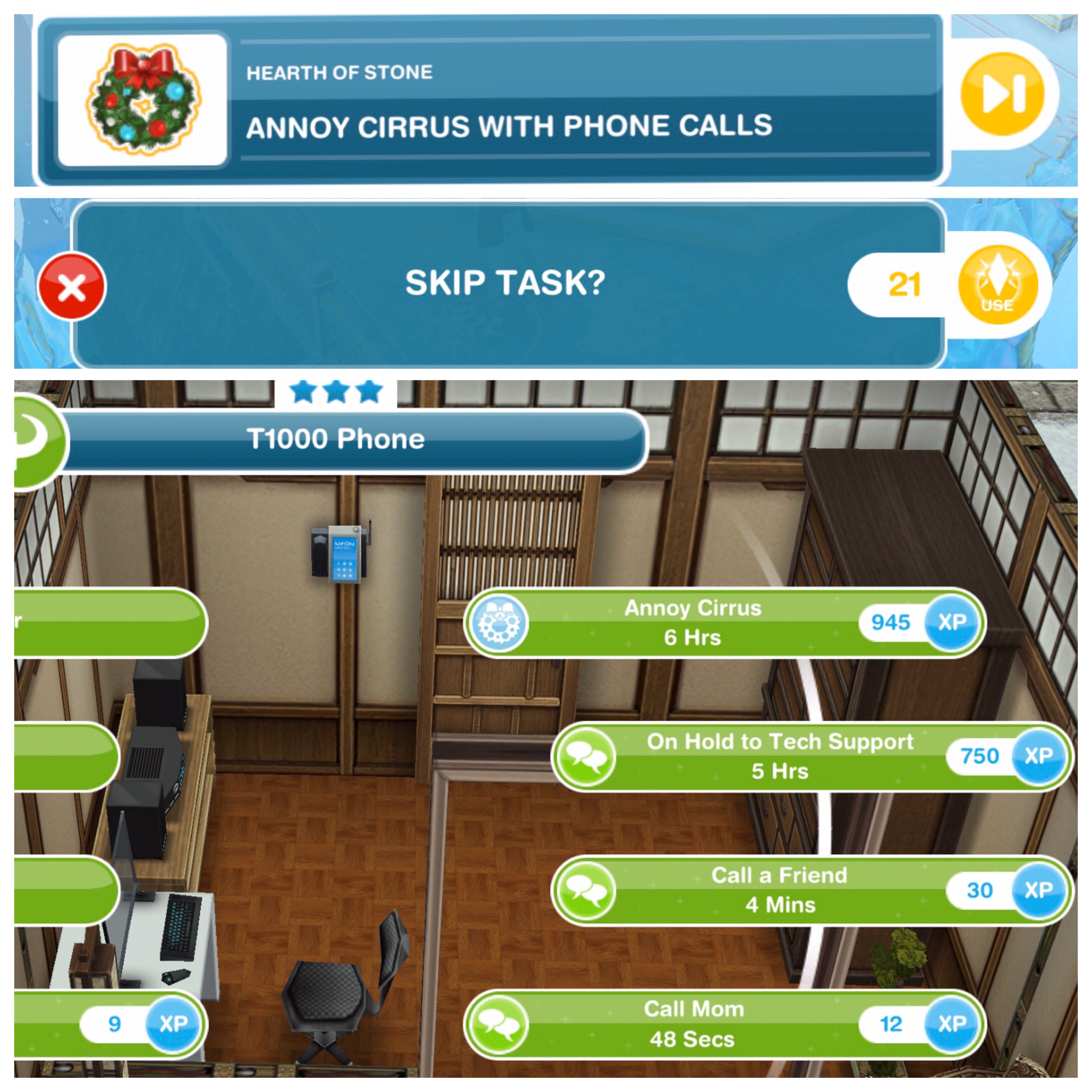
- Annoy Cirrus with 23 phone calls- 6 hours (using a phone)(can skip all for 34LP- need to earn LP quickly?)
- Run diagnostics on the Frost Blaster 5000- 2 hours 40 minutes

- Thank Cirrus- 15 minutes

- Go to the Lake House (using the sleigh)

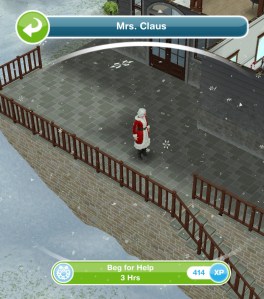
- Beg Mrs Claus for help- 3 hours
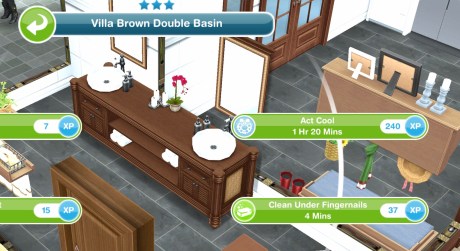
- Act cool in a mirror- 1 hour 20 minutes
ELEVENTH SET IS COMPLETE
- Wait for day 12 (come back tomorrow for the next set of goals, you need to wait a certain amount of time to start the next set, the time depends on when you completed the eleventh set but you can start the next day early by skipping the day break for a large amount of social points) NOTE: you will not get this goal if you are behind in completing the goals, it will go straight to the next goal once you complete the eleventh set)
Click here for information on this prize
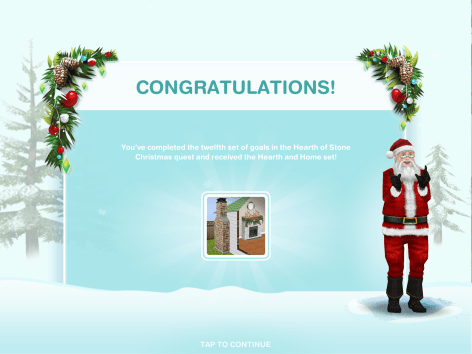
Twelfth set: Complete the twelfth set to unlock the Hearth and Home Set
- Enthuse to Mrs Claus- 45 minutes

- Apologise to Mrs Claus- 30 minutes
- Send 25 good apology examples from computers- 5 hours (can skip all for 85LP- need to earn LP quickly?)

- Teach Santa good apology skills- 1 hour (select interaction on Santa)

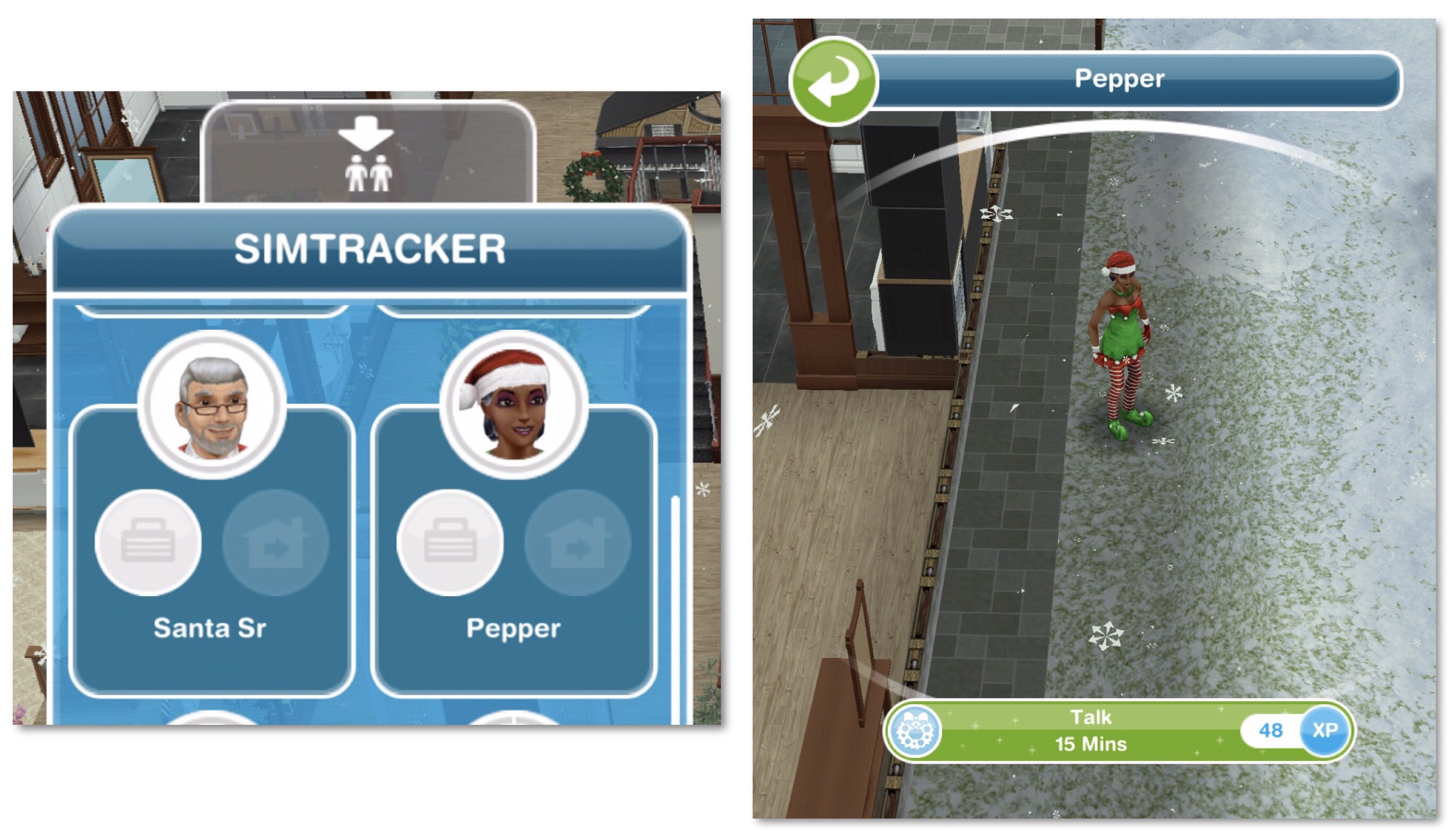
- Talk to Pepper- 15 minutes (if you can’t find Pepper at the Lake House click on them on the simtracker and they will return to the Lake House)
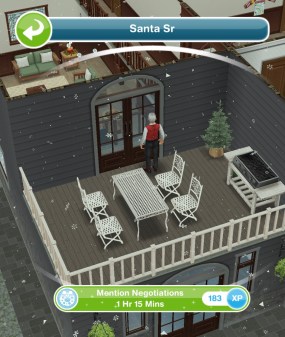
- Mention negotiations to Santa Senior- 1 hour 15 minutes
- Encourage Santa Senior- 50 minutes
- Suggest letter writing to Santa Senior- 45 minutes
- Watch Santa Senior deliver letter- 2 hours 20 minutes (select interaction on Santa Senior)

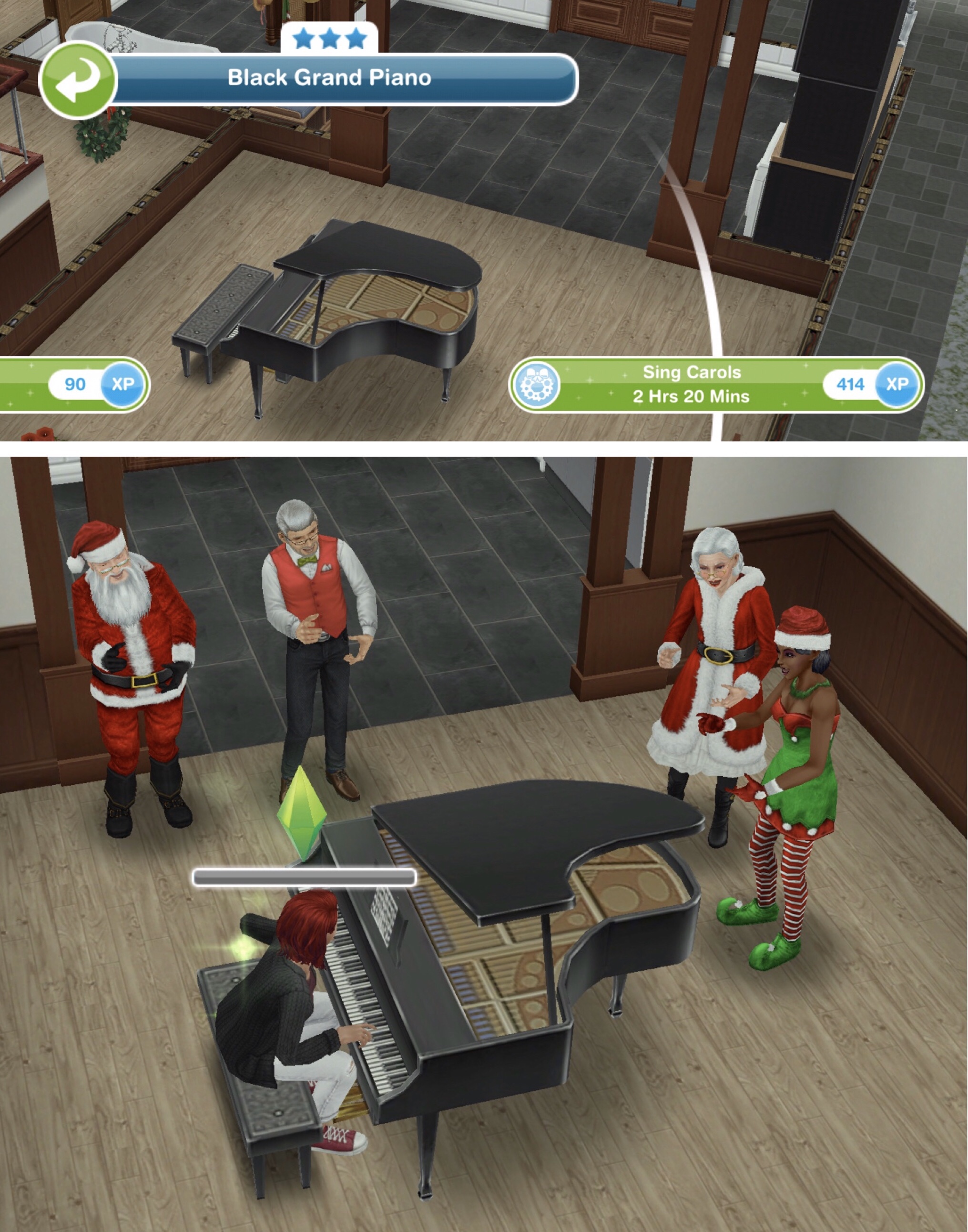
- Sing carols at the Lake House- 2 hours 20 minutes (using the piano)
TWELFTH SET IS COMPLETE
- Wait for day 13 (come back tomorrow for the final set of goals, you need to wait a certain amount of time to start the last set, the time depends on when you completed the twelfth set but you can start the next day early by skipping the day break for a large amount of social points) NOTE: you will not get this goal if you are behind in completing the goals, it will go straight to the next goal once you complete the twelfth set)
Click here for information on this prize
Thirteenth set: Complete the final set to unlock the Lake House and Bay Windows
- Go to the Ice Castle (using the sleigh)

- Write 28 Christmas letters- 4 hours 30 minutes (click on a dining chair at a table)(can skip all for 95LP- need to earn LP quickly?)(way too many sims needed for the final day!)

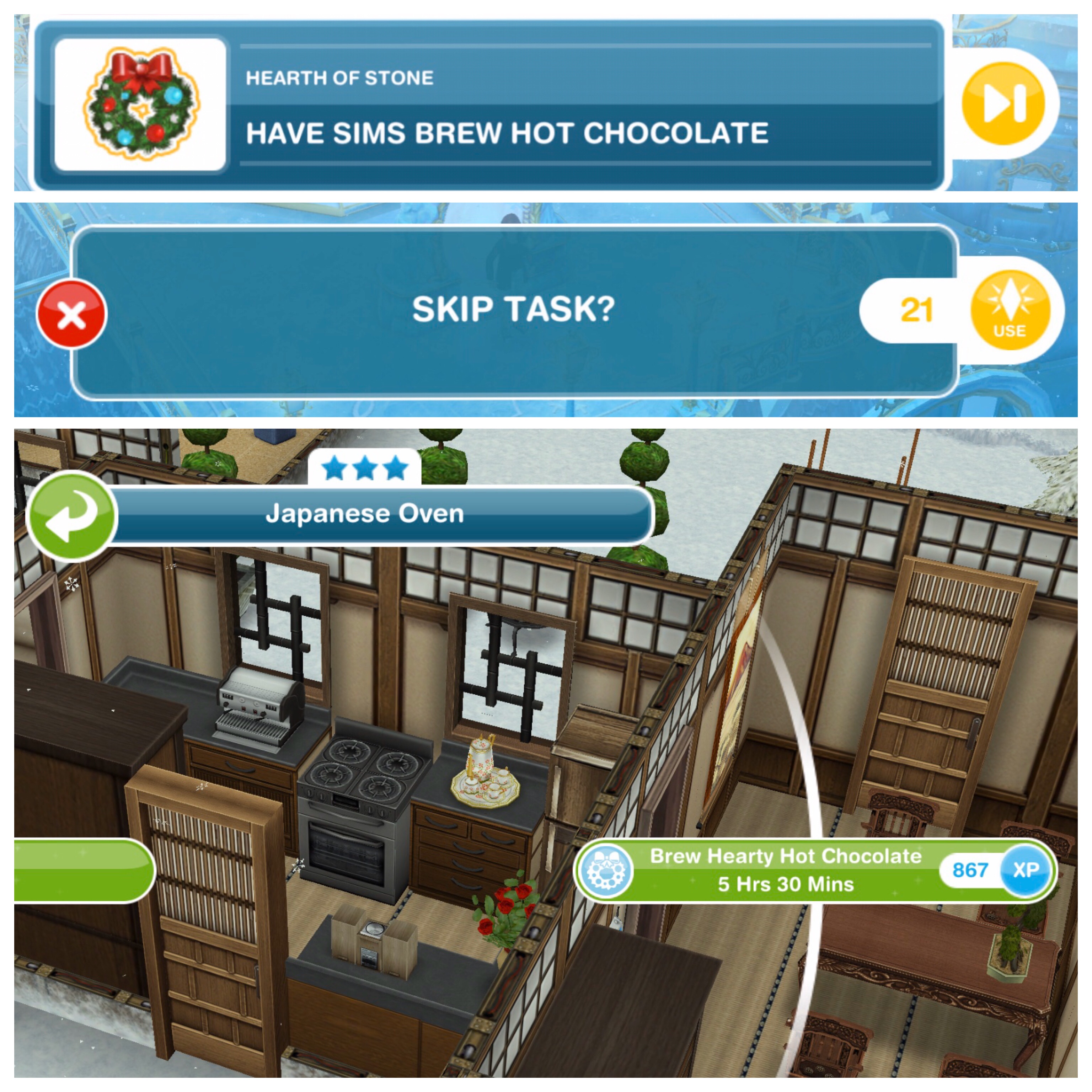
- Have 28 sims brew hot chocolate- 5 hours 30 minutes (using a stove)(can skip all for 43LP- need to earn LP quickly?)(28 sims again?!)
- Call Santa from the X at the Ice Castle- 2 hours
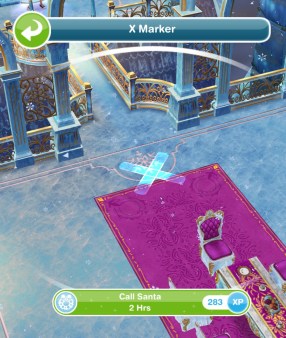
- Greet Santa at the Ice Castle- 1 hour 10 minutes
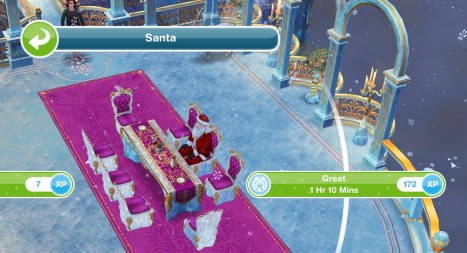
- Cheer on the Ice Queen- 3 hours 20 minutes (select the interaction on the Ice Queen)

- Celebrate with Santa- 2 hours 40 minutes
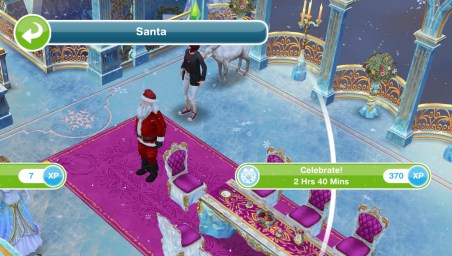
- Explain to Santa Senior- 1 hour (at Ice Castle)

- Appreciate the moment with the Ice Queen- 45 minutes (select the interaction on the Ice Queen)

- Say goodbye to Santa- 15 minutes

- Send all your sims home
QUEST IS COMPLETE!
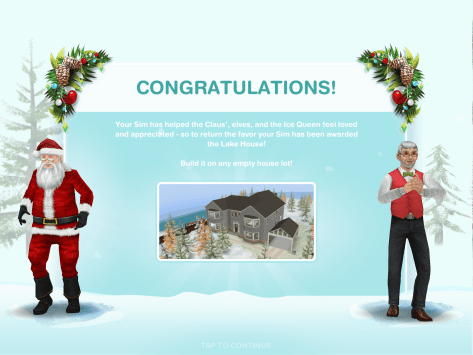
Click here for information on this prize
If you completed this quest in the time limit you will be able to build the Lakehouse in your Simtown, keep reading for information and pictures of all the prizes you unlock in this quest
You cannot complete this quest or earn the prizes once the quest is over
Watch my walkthrough of this quest here:
Prizes
THE FIRST ONE OF EACH PRIZE IS FREE
First Set: Beige Diamond Rug
Found in the rugs section, first one is free then they cost S40,000 each
↑
Second Set: Thin Black Chandelier
Found in the lighting section, first one is free then they cost S65,000 each

↑
Third Set: Oak Heritage Stool
Can be found in the living room section, first one is free then they cost S35,000 each
↑
Fourth Set: Green Xmas Wreath
Can be found in the decorations section, first one is free then they cost S70,000 each

↑
Fifth Set: Compact Walnut Coffee Table
Can be found in the living room section, first one is free then they cost S165,000 each
↑
Sixth Set: Lakehouse Hallway Pack
Living Room- Walnut Mirror Hall Table (S175,000)
Decorations- Red Wall Oars (S95,000)

↑
Seventh Set: Pine (actually Walnut) Heritage Dining Pack
Can be found in the dining room section
Walnut Heritage Chair (S42,000) and Walnut Heritage Table (S210,000)
↑
Eighth Set: Oak (actually Walnut) Heritage Sofa Pack
Can be found in the living room section
Walnut Heritage Single Sofa (S220,000) Walnut Heritage Double Sofa (S270,000) Walnut Heritage Triple Sofa (S320,000)

↑
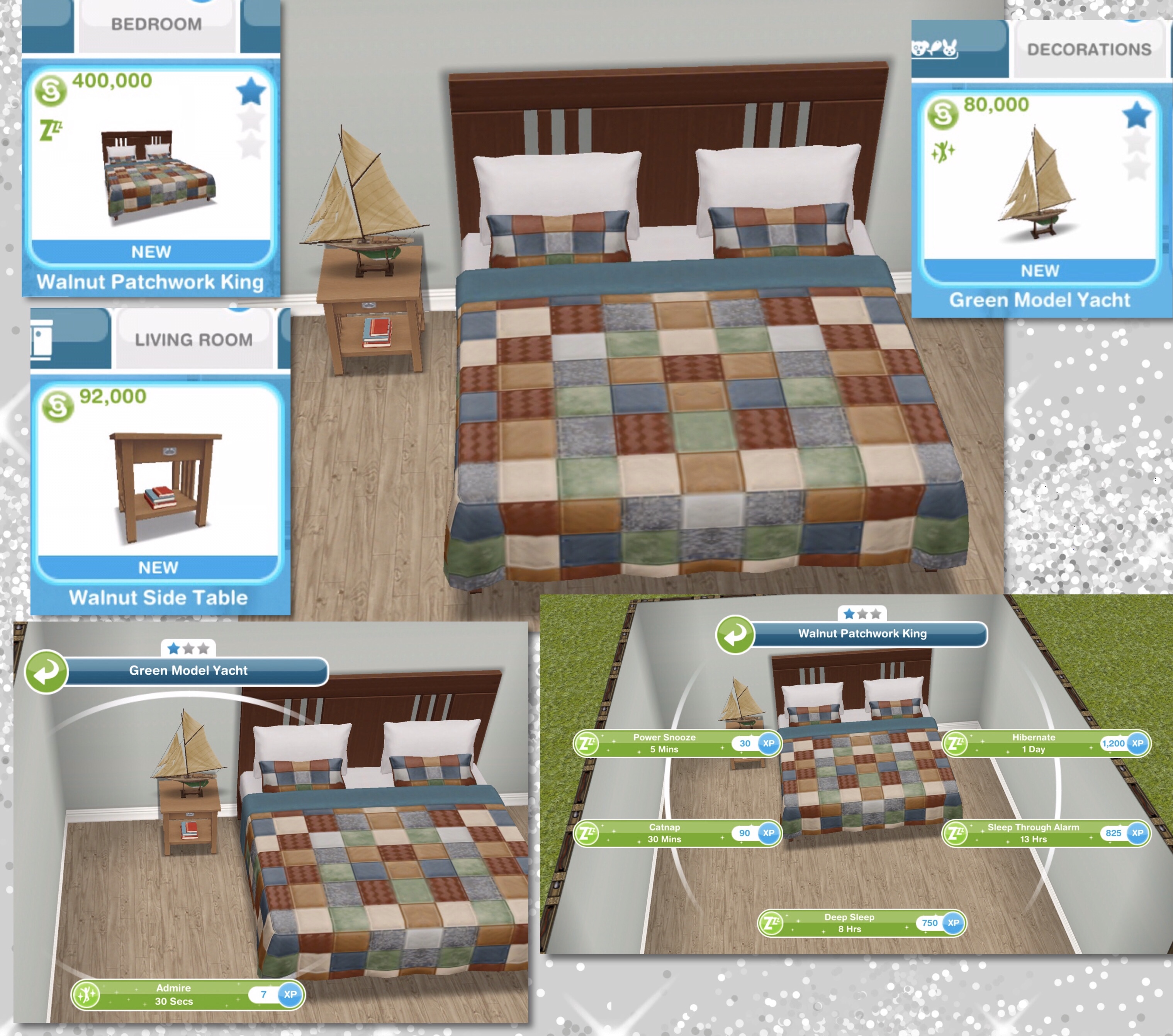
Ninth Set: Lakehouse Bedroom Pack
Bedroom- Walnut Patchwork King (S400,000)
Living Room- Walnut Side Table (S92,000)
Decorations- Green Model Yacht (S80,000)
↑
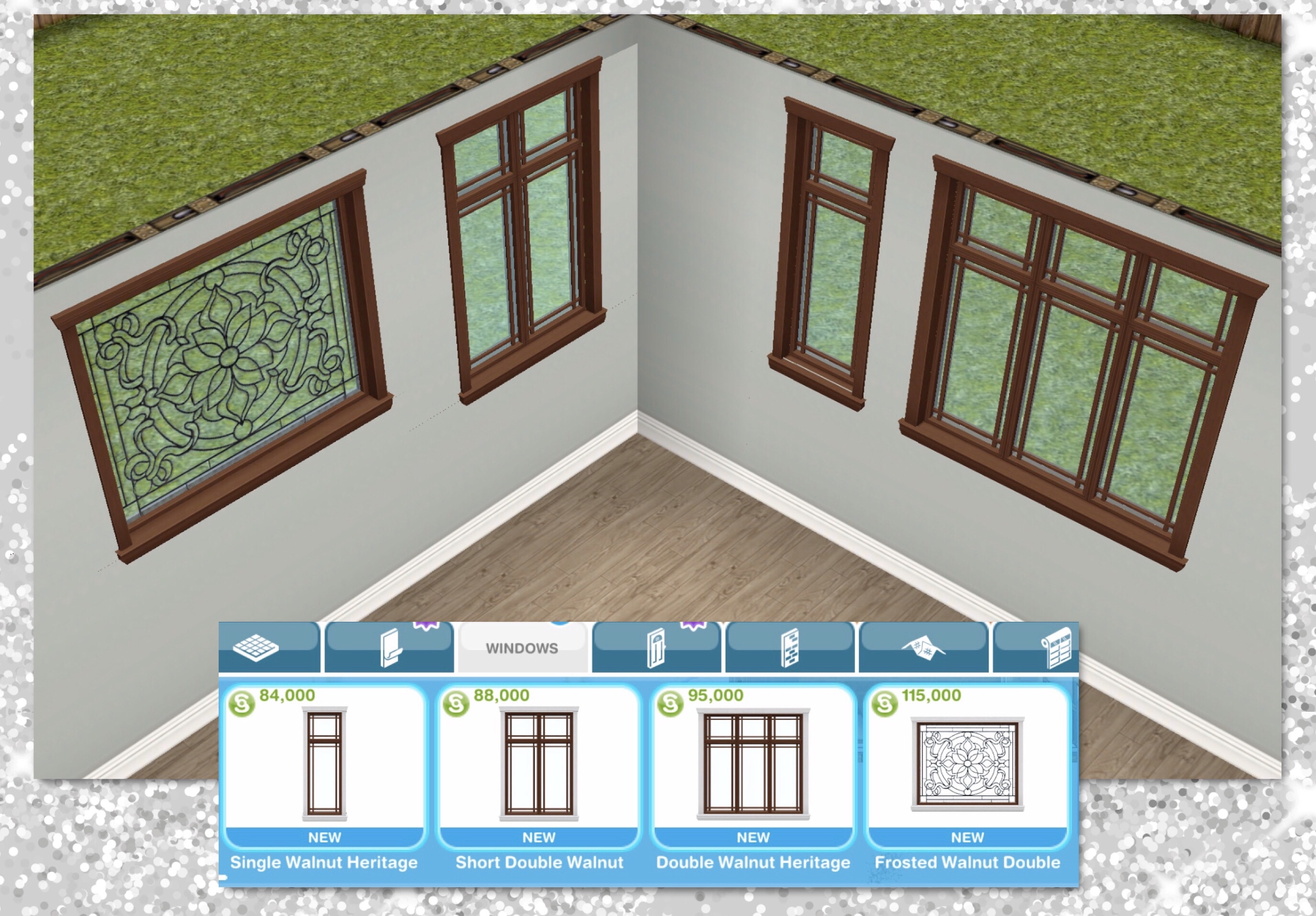
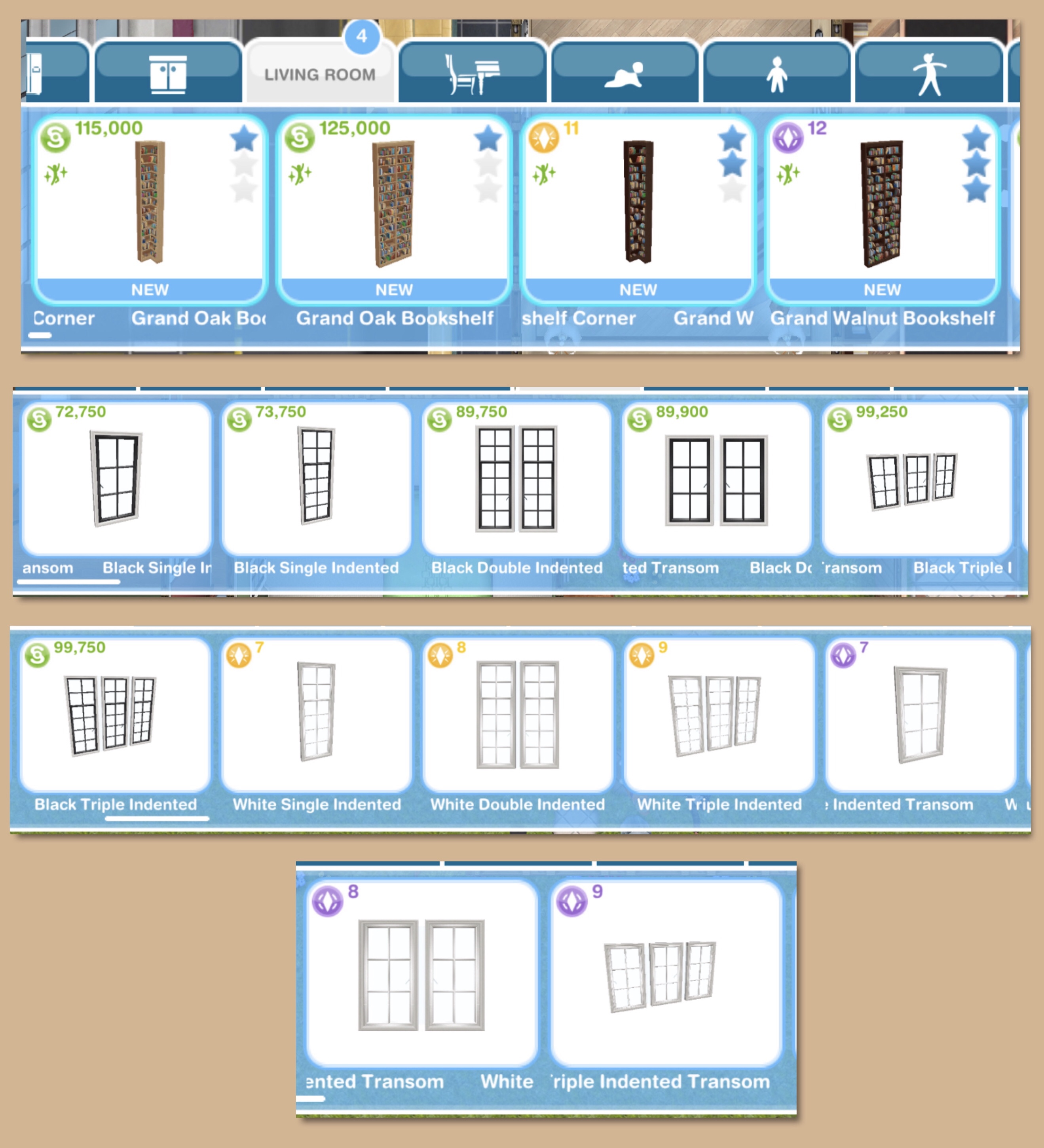
Tenth Set: Heritage Windows Pack
Can be found in the windows section
Single Walnut Heritage (S84,000) Short Double Walnut (S88,000) Double Walnut Heritage (S95,000) Frosted Walnut Double (S115,000)
↑
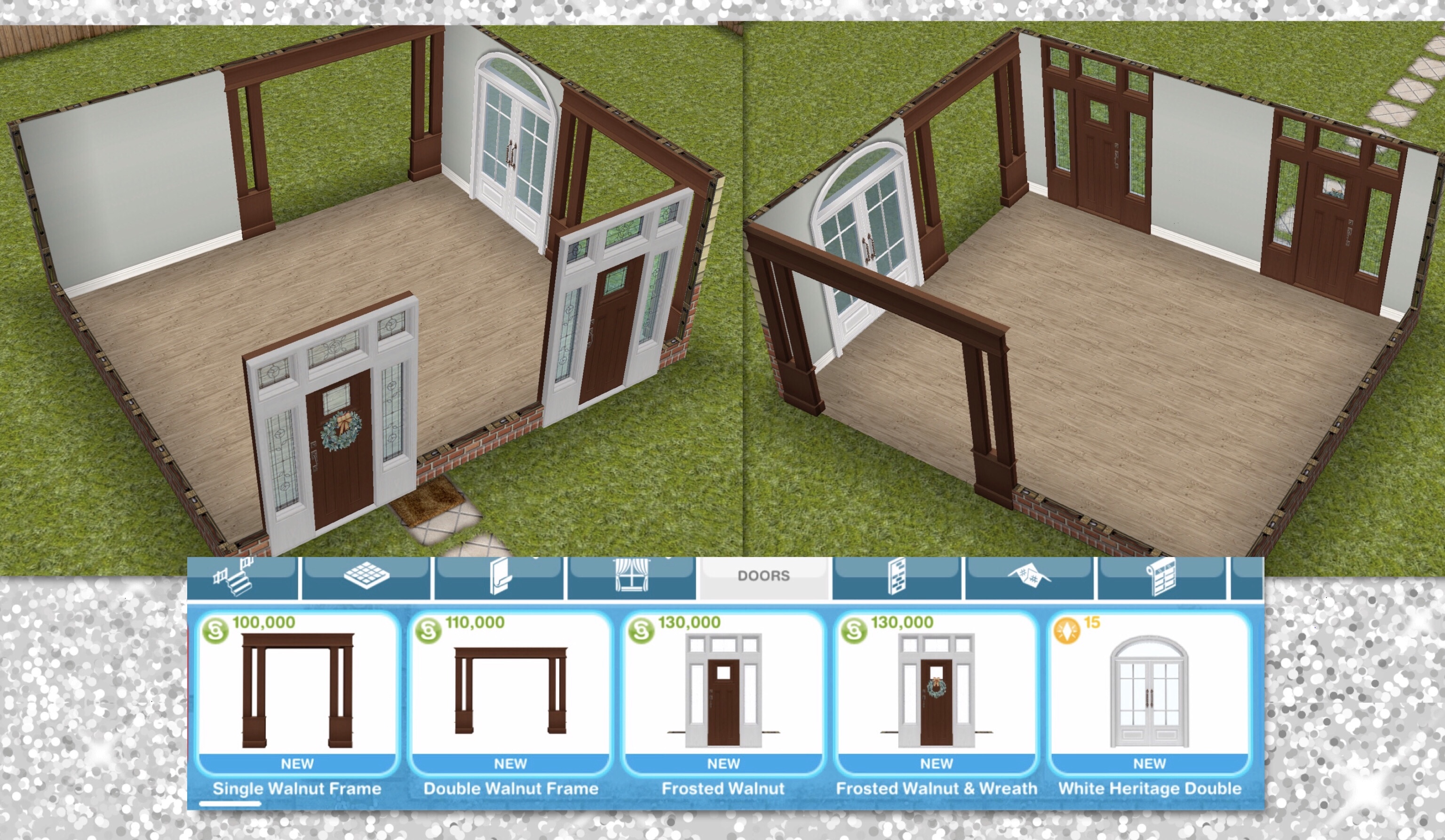
Eleventh Set: Heritage Doors Pack
Can be found in the doors section
Single Walnut Frame (S100,000) Double Walnut Frame (S110,000) Frosted Walnut (S130,000) Frosted Walnut and Wreath (S130,000) White Heritage Double (15LP)
↑
Twelfth Set: Hearth and Home Set
Can be found in the living room and chimneys and fireplaces sections
Brown Stone Chimney (S550,000) Walnut Stone Fireplace (S510,000) Xmas Walnut Fireplace (S510,000)
The chimney needs to be placed on the exterior (outside) of the house, you can only place the chimney on the ground floor (or on a balcony) and cannot place it if there is something in the way above where you want to place it (red squares will appear)

↑
Thirteenth Set: Lakehouse and Bay Windows
You will be able to build the Christmas Lakehouse on a standard or premium residence, the first one is free, after that the cost in simoleons depends on how many houses you have already built

Once unlocked you can also use the canoe, snow angel mounds and ice skates outside the lakehouse:

The only difference between the lakehouse on a standard and a premium residence is the patio area on the premium is longer, there is also a patio table and chairs and trees on the premium residence
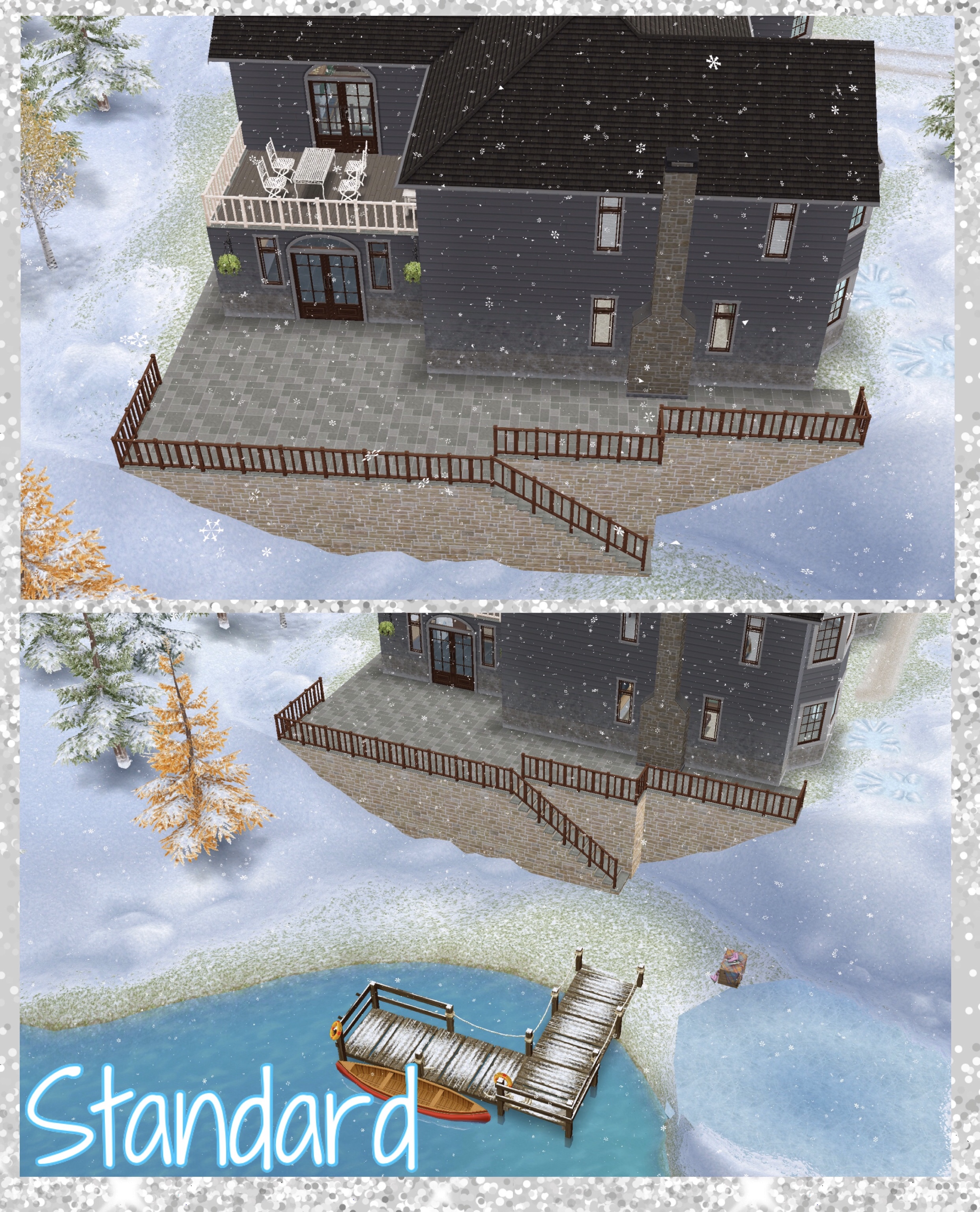
There is enough room on the premium to build a guest house, if I manage to unlock this house I think I will add a bed and breakfast or hotel in this area

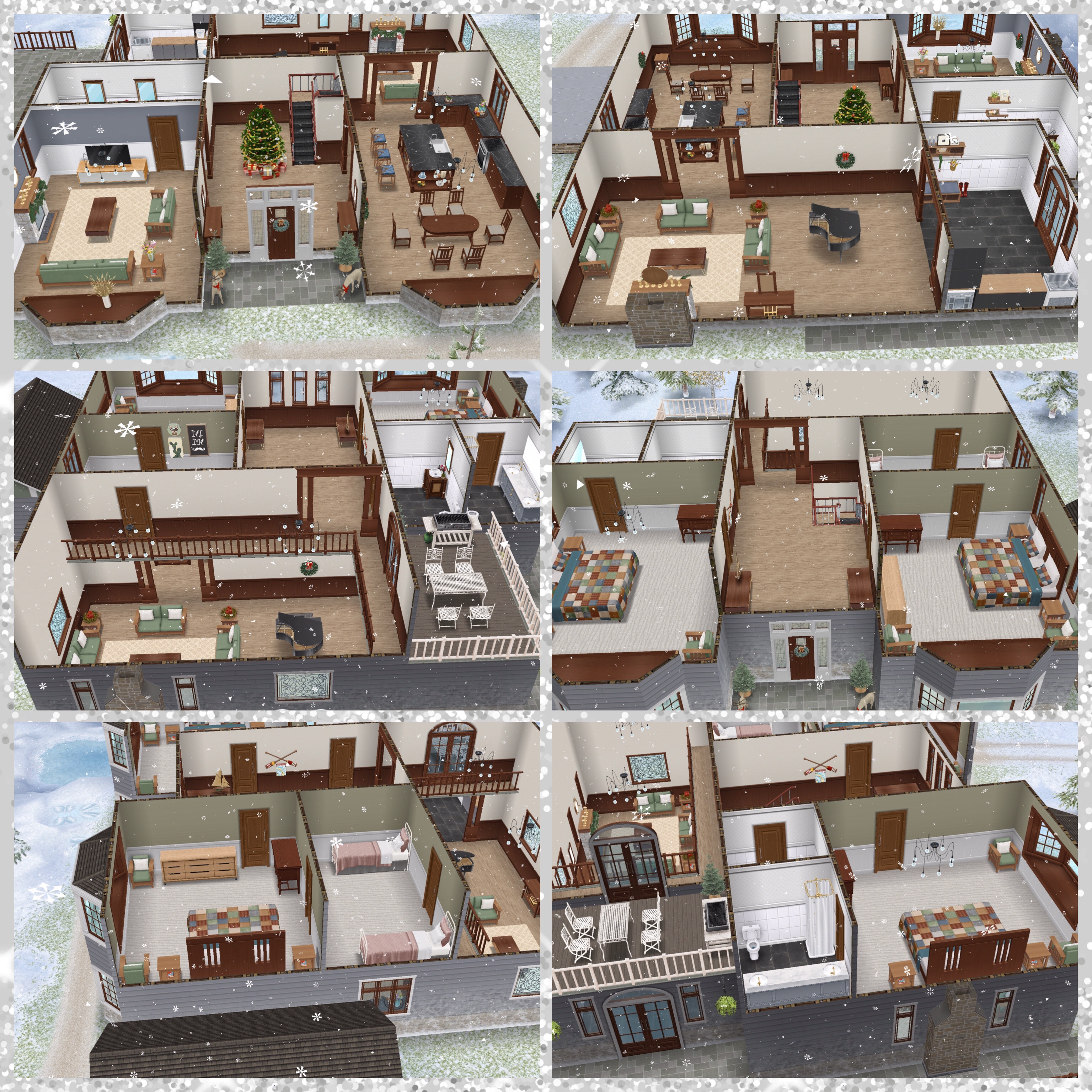
Watch my house tour of the Lakehouse here:
You also unlock:
Patio/Balcony Paving- Dark Ash Boards (S1,500)
Railings (for balconies and patios)- Walnut Railing (S6,000) Cream Railing (S6,200)
Exterior Walls- Gray Wood Accent (S1,000)
Walls- Light Gray and Walnut (S900) Warn Gray and White (S900) Light Gray (S900)
Floors- Weathered Pine (S680) Weathered Walnut (S690)
Bay Windows- Single Walnut Bench (S650,000) Double Walnut Bench (S675,000)
The bay windows look gorgeous and are so easy to add! All you need to do is place it on the outside of your sims house!

↑
Merry Christmas/ Happy Holidays Everyone!

FIND THIS POST HELPFUL?





















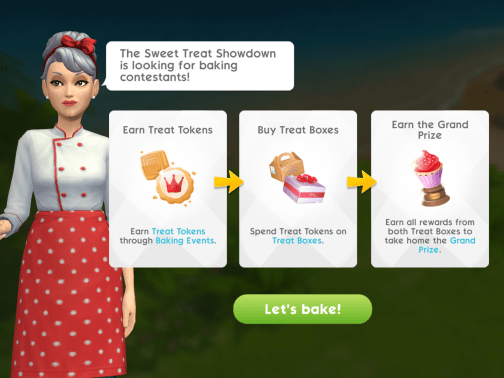
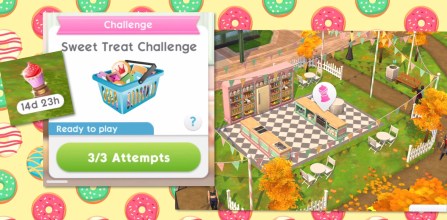
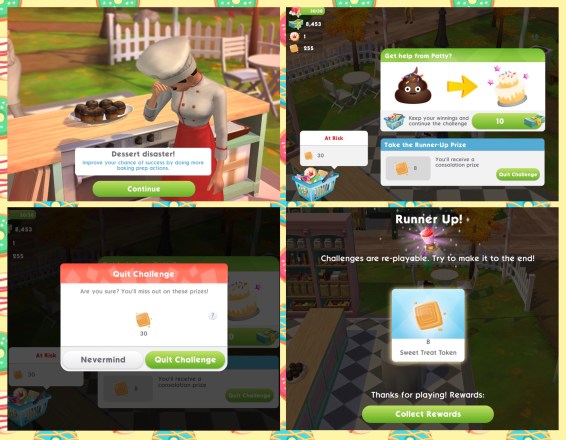
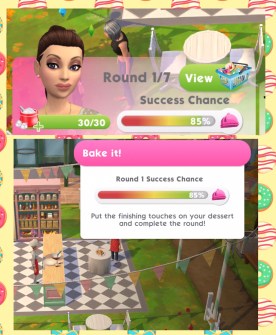
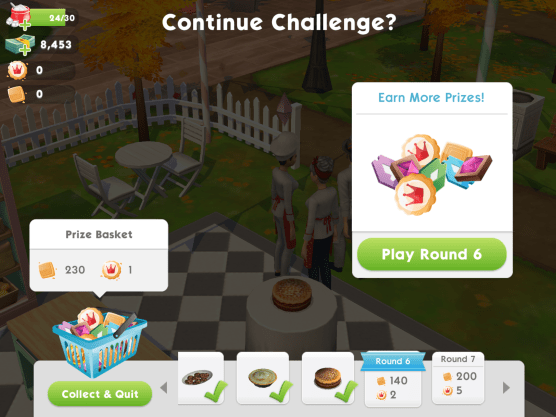
 If they succeed, the rewards from that round are added to their prize basket and the challenge continues or you can choose to collect the content of their prize basket and end their run (earning you the prizes)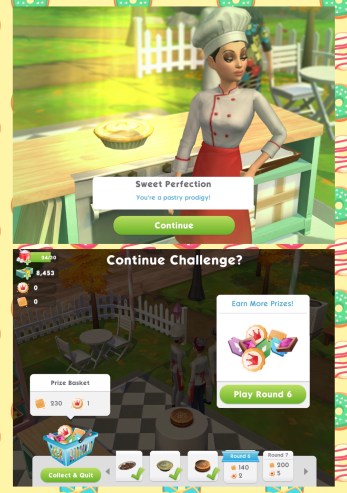
 If they fail, they get the option to either take a consolation prize or ask for Patty’s help to fix their dessert (which costs simcash, the amount varies depending on which round you fail on) If Patty fixes the dessert your sim can continue the challenge.