The Simpsons Tapped Out- Friend Points Update

The latest update from the simpsons tapped out is avaliable now and with that comes new stuff, this post will tell you about friends points, the latest change to the game.

What are friends points?

They are new points which when you level up they unlock new prizes and items!

How do you get friends points?

When you visit your neighbours and click on their buildings you receive a certain amount of points (that is indicated in the left hand bottom corner)

You can also get points when neighbours vandalise your properties.

How many points do you get when you visit your neighbours?

It depends what action it is

Actions 1-30= 10 points

Actions 31-60= 5 points

Actions 61-90= 4 points

Actions 91-120= 2 points

Actions 121-300= 1 points

What are the prizes?

Level 1- Olmec Head costs 1000FPs

Level 2- Singing Sirloin costs 2000FPs

Level 3- Snowball 2 costs 1500FPs

Level 4- Homer’s car costs 2000FPs

Level 5- Stampy costs 5000FPs

So if you would like to be helpful then it’s always best to vandalise their properties so they can get more points!

Hope this helps!

Thanks for reading!

The Sims Freeplay- Careers: Real Estate Agent

Real Estate Agent is one of 8 careers your adult sims can have (not including profession careers) and this post explains all you need to know about this career.

How do I start this career?

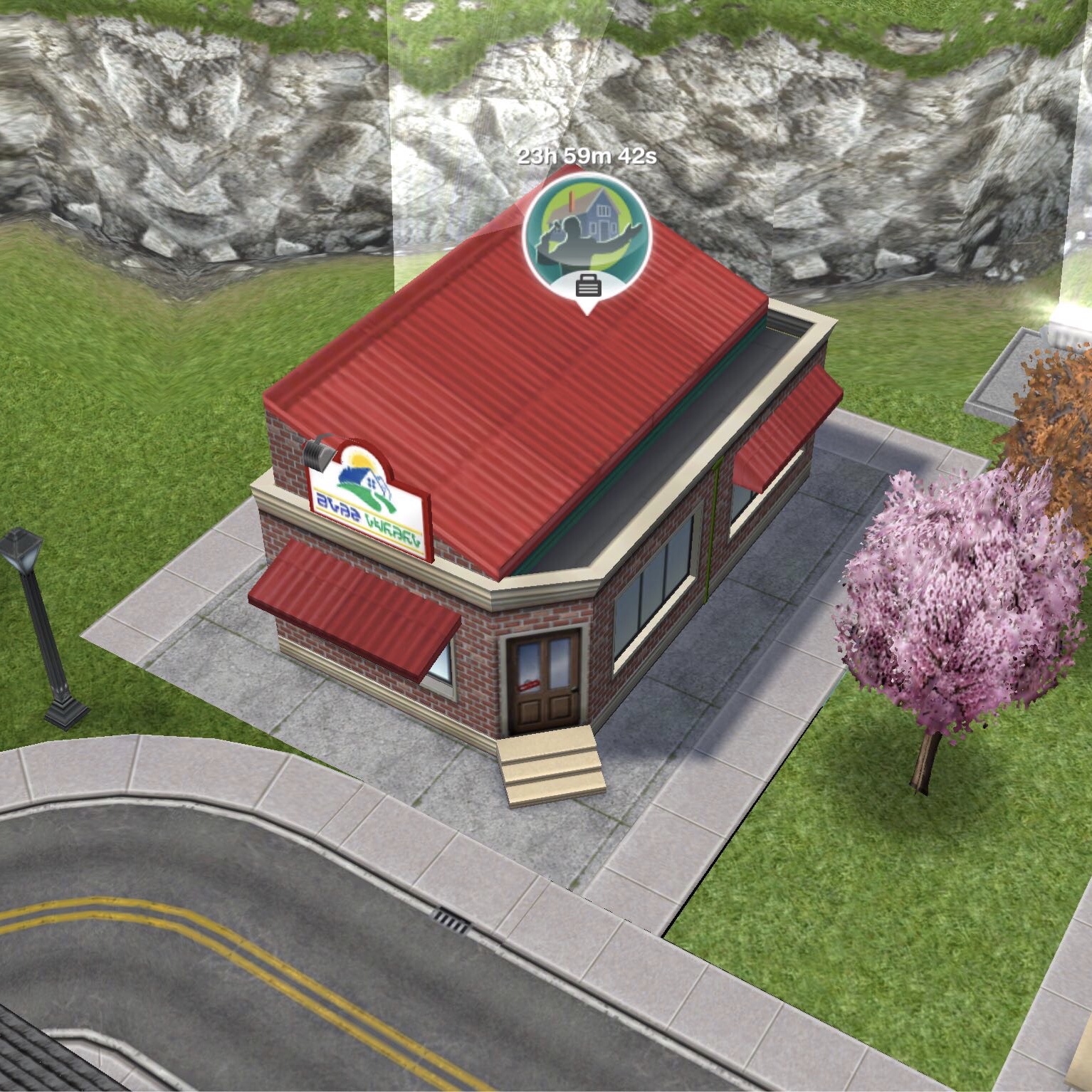
You firstly need to build the real estate agency which is one of the goals in the Ocean View Estate Quest. Then you will be able to select real estate agent from the list of careers.

Once your sim is a real estate agent you can click on the pulsing suitcase on the simtracker to send them to work once a day. During this time you won’t see them at work and you cannot go to the real estate agency, on the simtracker it will just say they are at work, once the time is up they will arrive back at home and be rewarded with the simoleons and XP they earned for that shift. The more they work, the higher level they will reach in that career and the more money they will earn.

You can then send your sims to work again at/after 12am as it is the start of a new day.

Still unsure? This post explains how to get a job, send your sims to work and how to quit

What hours do they work?

You can send your sims to work anytime of the day for 8 hours for levels 1-3 and 5 hours for levels 4 and 5 once they finish their shift you will receive the simoleons and XP they have earned. When they reach a new level in that career a pop up will appear to show you how much they will earn for the next shift.

What are the levels and how much money and XP do you earn for a day at work?

 Title Simoleons Experience Points (XP)
1 Intern (8 hour shift) 1,010 462
2 Apprentice Auctioneer (8 hour shift) 1,135 864
3 Senior Agent (8 hour shift) 1,270 1,085
4 Agent Manager (5 hour shift) 1,400 1,300
5 CEO (5 hour shift) 1,525 1,475

How do I find out what level my sim is on?

You can see this information in the occupations (career) tab. This tab is where you give your sims careers to begin with. Here you can see your sims career and the level they are on and if you click on the symbol of the career you will be able to see how much your sims earn and you can quit jobs from here too.

Which career earns the most money? Find out here


Can I increase my sims career level from home?

Yes you can buy the auction podium from the promotions r us store or hobby and career items tab of the home store. It costs S2,250 and once placed in your sims house you can practice auctioneering for 3 hours. During this time your career bar will increase like it does when they go to work (but slower)

Once you complete the Extreme Home Takeover Quest you can send your sim to work at the real estate agency and a sign will appear in front of your houses, click that to submit your house to give other players the chance to build it. Find out more about submitting a house here

Related: All Career Posts


FIND THIS POST HELPFUL?

Buy Me a Coffee at ko-fi.com

THE SIMS FREEPLAY
©THEGIRLWHOGAMES.BLOG

Bakery Story- Beginners Guide


If you have just started playing bakery story then this is the guide for you, with tips and help for the game you can learn how to make the most amazing bakery!

BAKERY NAME

Make sure you think of a good name when you first start, otherwise it will cost you 10 gems to change it at a later date.

You can create your name by going to main (at the bottom left) messages then profile and click change to change the name.

STORM8 ID

You will need to create a storm8 ID to play this game, this is how you add neighbours who can send you items you request, tip you and gift you.

You have to provide players with your ID to add you, there is no add me button and they can’t add you using your restaurant name!

To create the ID go to main, social then click invite friends and click the sign up button, it is best if it is short and easy to remember as other players will have to type it in to add you.

You can also connect to facebook to add your facebook friends! And if you play another teamlava game, for example, restaurant story you can use the same ID to make it easier!

ADDING PLAYERS

To be able to add neighbours you need to know their storm8 ID, the easiest way to find this out is from the visitors that write on your wall, they may leave a message saying ‘hey add me….’ or if you view someone’s wall they may have left a message saying ‘thanks for visiting, please add me….’ but you can get players to add you by writing your ID on their walls or your own wall too.

How do I write on my wall?

Go to main, then messages and the first tab is wall, there you can leave a message for other players to see when they visit!

How do I visit a player?

Go to main, then social and you have the choice of community (people who you aren’t friends with yet) and neighbours (players who you are friends with) click visit to visit someone

How do I write on a players wall?

When you visit a player, next to their name at the top is the wall button, click that to post a message!

How do I get to the top of the community list?

You may have noticed the stars next to the players name, the amount of stars is about how sociable you are in the game, when you visit and tip players your star level increases. The more stars you have the more likely you will make it to the top of the list and more people will add you!

GIFTS

You can gift your neighbours once a day, but there is a max on the amount of gifts you can recieve in a day! TIPPING

You can tip players by clicking on the tables in their bakery, you can tip 3 tables a day in a community players bakery and 6 in a neighbours

DESIGN  TAB

In this you will find the tabs for: tables, chairs, wall decor, floor decor, wallpaper, tiles, ovens, counters, chests/expansions

TABLES AND CHAIRS

There are loads of different tables and chairs to choose from, when you first start the game you should stick to the cheapest so you can get as many places to sit as possible. You need a table and a chair together to make a suitable place for a customer to sit. You may have noticed the heart at the top of your screen, that is about the happiness of the customers- you are trying to achieve 100 but this can decrease if there aren’t enough places to sit or any food avaliable to eat.

WALL DECOR

These are items that are hung on the wall of your bakery, they aren’t the most important thing to spend money on when you first start the game but as you increase the items will get better and more expensive.

FLOOR DECOR

These are items that stand on the floor, they again aren’t the most important thing to buy during the early stages of the game. Most of the items you get as prizes for completing goals are floor displays so can be found towards the end of the floor decor tab.

WALLPAPER

Wallpaper comes as individual strips so you can mix and match colours and the wall doesn’t have to be all the same colour!

TILES

These again come as individual tiles!

OVENS

With every level increase in the game you get the chance to add more ovens to your bakery, with different recipes to create.

How do I create a recipe?

Click on the oven, click on the recipe you want to make- they all have times when the recipe will be done by so pay attention to that and a price it will cost to make the recipe. For most of the ovens you need to prepare the ingredients, to do this you will see a picture of an ingredient in a circle you tap on it twice then another ingredient will appear and you do the same again. Now the recipe will be cooking.

How do I cancel a recipe?

After you have done the steps above if you no longer want the recipe to cook then click on the oven twice and a menu will come up, click start a new recipe to cancel it.

What happens if I leave an item cooking for too long?

It depends how long the item has been cooking, if it is an hour item and you have left it for 3 hours then it will be ruined and you will have to throw it away, you will lose the money it costs to make the recipe and will have to start again, but if an items cooking time is 5 hours and you leave it 9 hours it should be fine! But try not to leave it too much longer, it will be ruined after 10 hours.

There are loads of  different ovens that are unlocked as you level up, some require you to build them so you have to collect parts (there is a symbol of a hammer in the corner of these items pictures)

How do I build an oven?

Once you have brought the oven it will appear as a box, click on this and it will open up the menu to show you what items you need, you can either buy for gems or ask neighbours for items- you can only request from a neighbour once a day so if it needs many different things and you have lots of neighbours you can spread out the requests to cover all of the items. Once you have all the pieces click the build it button and it will turn into the oven! COUNTERS

You need counters to place your food on so that customers can buy it, if you don’t have another counters then a pop up message will tell you that you can’t place the item, you really should have a counter per oven.

If you have 2 or more of the same food on different counters and you need a counter to place something, all of the same item will usually be placed on one counter.

CHESTS/EXPANSIONS

Chests cost gems to buy and contain special items that otherwise wouldn’t be avaliable, they come in many different themes- browse this tab to see them all.

Expansions are how you increase the size of your bakery, you can buy them with coins or gems and you can find them in this tab or by clicking on the arrows on the floor outside your bakery. They increase dramatically in price each time so it can take a long time to get a massive place!

COINS

Coins are what you use to buy most products and what customers will pay you in.

GEMS

Gems are what you use to buy premium items, you can get them from levelling up, making a recipe a certain number of times or you can buy them for real money. Both coins and gems can be purchased for real money, but if you play the game well it is possible to not spend a penny of real money on it!

I think that is most of the game covered, if I think of anything else I will update this post 🙂

If you have any questions- feel free to post them in the comment section below My storm8 ID is charlyisgr8, please add me

I hope this helps!

Thanks for reading!


© COPYRIGHT PROTECTED                                                                                                                                                        .stealing is illegal.

The Sims Freeplay- Careers: Fire Fighter


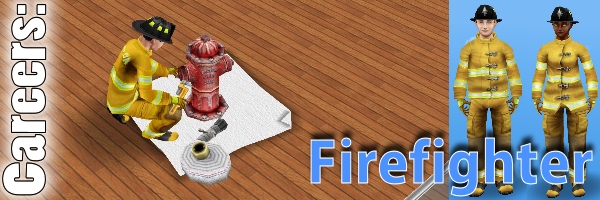
Firefighter is one of 8 careers your adult sims can have (not including profession careers) and this post explains all you need to know about this career.

How do I start this career?

You firstly need to build the firestation and then you will be able to select firefighter from the list of careers.

Once your sim is a firefighter you can click on the pulsing suitcase on the simtracker to send them to work once a day. During this time you won’t see them at work and you cannot go to the firestation, on the simtracker it will just say they are at work, once the time is up they will arrive back at home and be rewarded with the simoleons and XP they earned for that shift. The more they work, the higher level they will reach in that career and the more money they will earn.

You can then send your sims to work again at/after 12am as it is the start of a new day.

Still unsure? This post explains how to get a job, send your sims to work and how to quit

What hours do they work?

You can send your sims to work anytime of the day for 9 hours, once they finish their shift you will receive the simoleons and XP they have earned. When they reach a new level in that career a pop up will appear to show you how much they will earn for the next shift.

What are the levels and how much money and XP do you earn for a day at work?

 Title Simoleons Experience Points (XP)
1 Fire Bug 1,020 480
2 Firefighter 1,120 820
3 Firefighter Instructor 1,230 1,170
4 Fire Captain 1,360 1,340
5 Fire Chief 1,500 1,500

How do I find out what level my sim is on?

You can see this information in the occupations (career) tab. This tab is where you give your sims careers to begin with. Here you can see your sims career and the level they are on and if you click on the symbol of the career you will be able to see how much your sims earn and you can quit jobs from here too.

Which career earns the most money? Find out here


Can I increase my sims career level from home?

Yes you can buy the fire hydrant from the promotions r us store or hobby and career items tab of the home store. It costs S1,800 and once placed in your sims house you can practice firefighting for 3 hours. During this time your career bar will increase like it does when they go to work (but slower)

Related: All Career Posts


FIND THIS POST HELPFUL?

Buy Me a Coffee at ko-fi.com

THE SIMS FREEPLAY
©THEGIRLWHOGAMES.BLOG

The Sims Freeplay- 15 Ways To Make Money and LPs!

I always get asked “how do I make money and LPs quickly?” so I have come up with a list of the main ways you can make money and LPs!

  1. Buy them– you could always buy them if you are struggling, if you were to buy one of them I would go for LPs over simoleons as LPs are harder to make!
  2. Level up– when you level up you get LPs. You can level up quicker by reaching relationship milestones that give you 100+XPs and by completing rows in hobby collections
  3. Complete goals– each goal you complete gives you a reward, whether it’s money, LPs or XPs and when you complete a selection of the weekly goals you receive more money and LPs.
  4. Increase town value– you receive LPs when you reach certain values!
  5. Garden and bake– if all of your sims are gardening you can earn loads of simoleons. If you are busy put your sims on gardening and baking tasks for that length of time, e.g. While you are sleeping make all your sims plant beans for 9 hours. Or if you have a spare hour or so you could set up a plant growing plot for lots of your sims as shown below and grow some carrots or corn over and over to make even more money! Remember if sims are inspired they earn more money!
    Thanks Nige for the picture!
    Thanks Nige for the picture!

    Thanks Nige for the picture!
    Thanks again Nige!
  6. Pets finding treasure– the more expensive the pet the more likely they will find LPs but they mostly find simoleons
  7. Go to work– the more they go to work the more money they will make as they get promoted
  8. Party boat– the more neighbours you have the more prizes you get, you mostly get simoleons from this but it is possible to get LPs
  9. Competition center– this will give you a certain hobby and you enter a sim who has the highest level in that hobby for 24 hours and it will give you a position and a reward, if you are first you will get 3 LPs! You still get a reward wherever you are placed in the competition.
  10. Bingo hall– you can enter your seniors in this for a day, I have never won at bingo yet though!
  11. Hobbies– you get simoleons for finding a new piece and once you’ve completed the collections to collect the main prizes, complete it again for an LP reward! The cooking hobby is my favourite because you can make lots of money and LPs relatively quickly with several of your sims working on it at once! How Do I Have So Many LPs explains this in more detail.
  12. Collect revenue from car drives– if you buy the 1 story mansion you get a free car with it, you can use that to drive about town, click on the music notes and collect the money- the more expensive the car the more likely you will find LPs
  13. Daily reward– the mailbox gives you simoleons every 24 hours, the amount is based on your town value, the higher your value the more money you get but there is a limit on this
  14. Money from houses (house revenue)- click on the money and XPs signs on the town map for simoleons
  15. Free Simoleons/ LPs/ SPs from the paperboy- a paperboy appears in your town with a film reel in a bubble above his head, click on this to watch an advert, once you have watched it you will earn either furniture, simoleons, LPs or SPs! 

Don’t cheat! Using the time cheat is more trouble than it is worth, if you use it other things will go wrong with your game, for example:

  • Buildings take longer to build
  • Daily rewards don’t arrive
  • Babies take longer to arrive

It is possible to get lots of money and LPs without cheating, you just have to work hard.


Need Social Points? Watch this video: 

This method still works but they have unhelpfully made the social point flower cost 20LPs now instead of 5 so a bit more cooking is needed!

Thanks for reading!


© COPYRIGHT PROTECTED

http://smarturl.it/sfpggwg